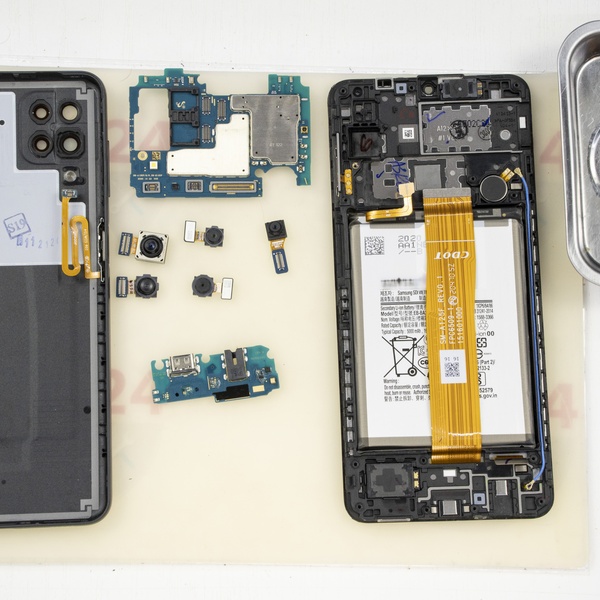
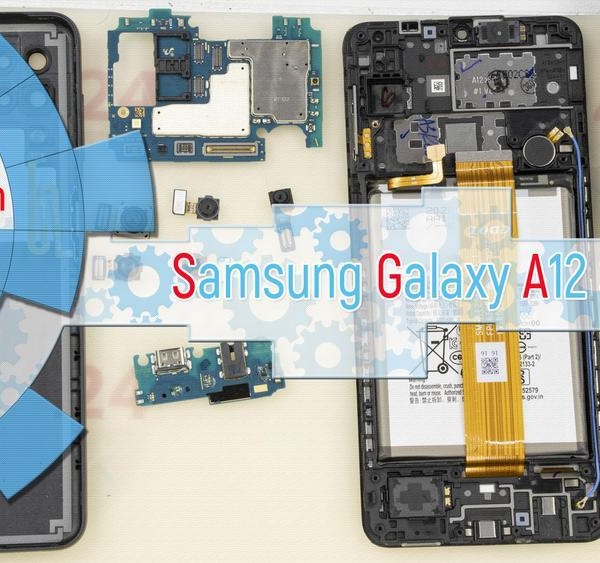
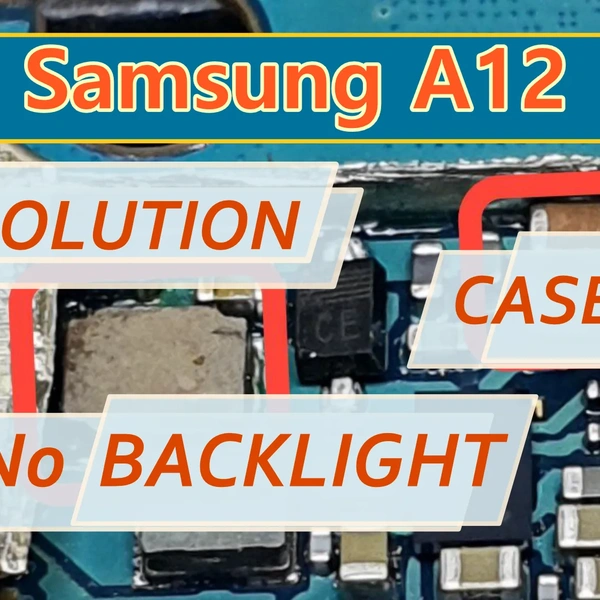


We received a Samsung Galaxy A12 for repair. According to the owner, the issue was no backlight and no display image.
However, when shining a light on the screen while the phone was powered on, the image was visible—meaning only the backlight was missing!
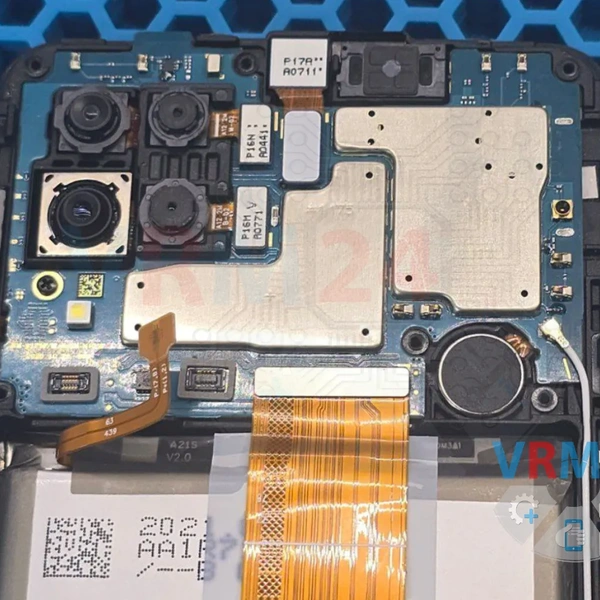
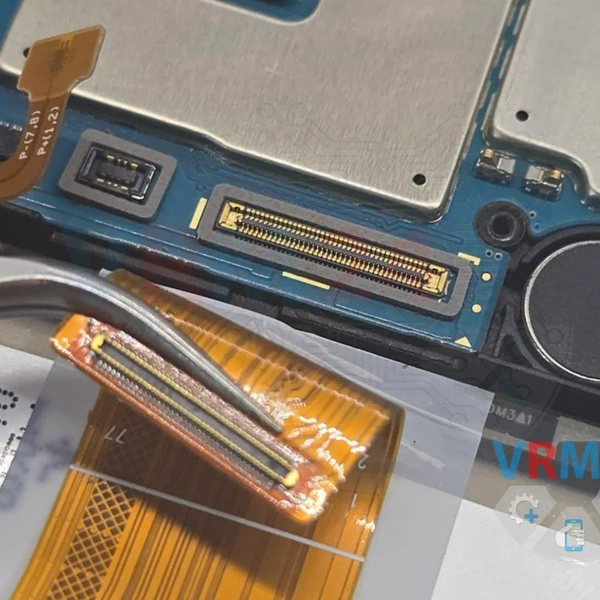
1️⃣ First, we checked the connectors since they’re the weakest point in this model.
But upon inspection, everything looked fine.
2️⃣ Next, we examined the components directly responsible for the backlight.
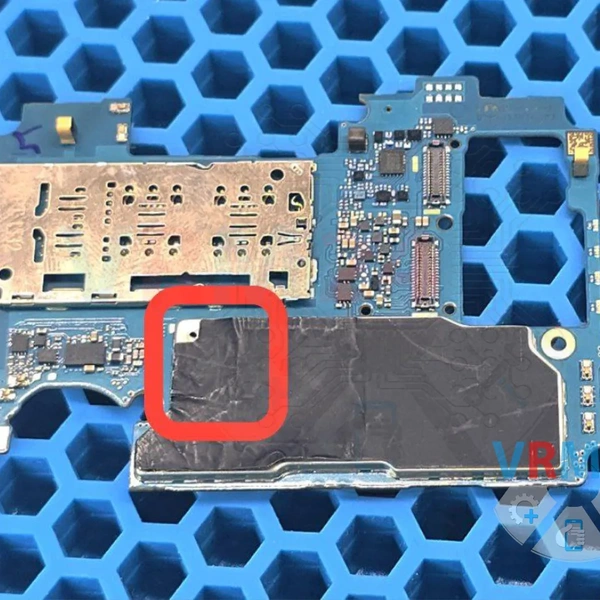
On this model, the backlight circuit is located under a metal shield, to the left of the processor.
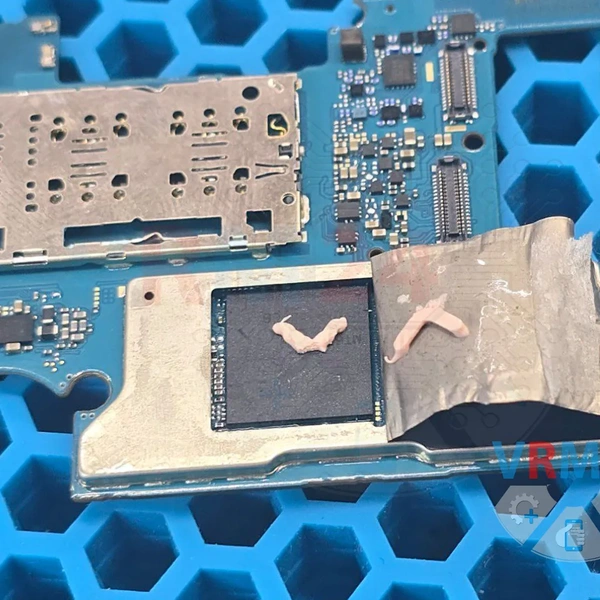
3️⃣ Carefully cutting away a small section of the shield, we found a burnt coil and a visible heat mark on the inside of the metal cover—clear signs of overheating. 🙂
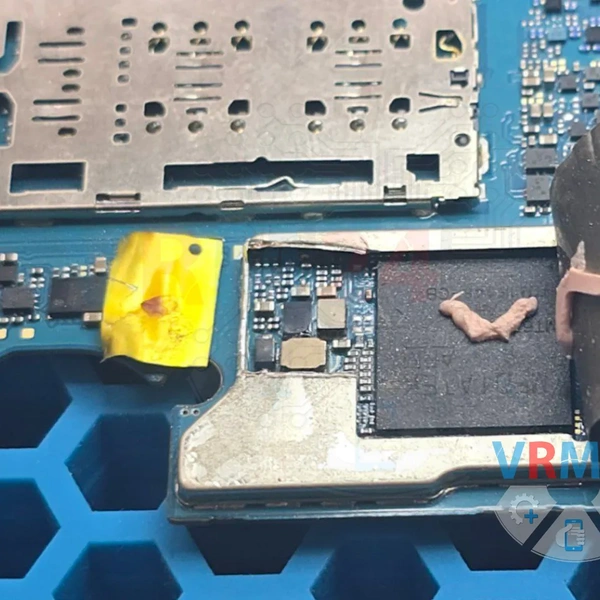
4️⃣ We replaced the burnt component with a working one. In most cases, only the coil fails, while the IC itself remains functional.
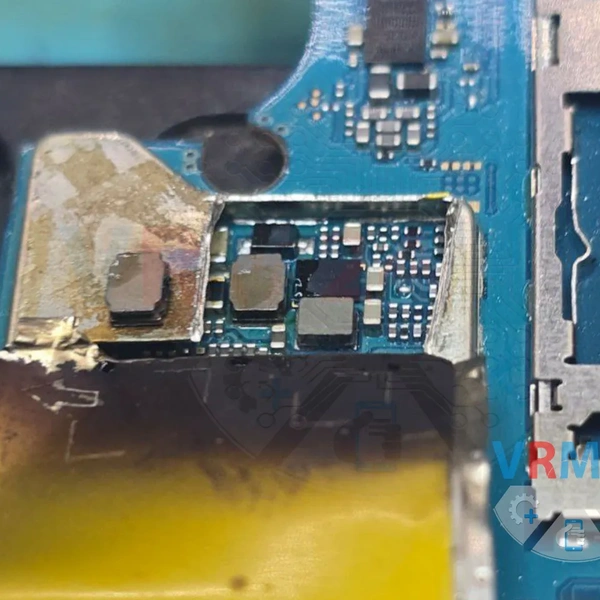
5️⃣ The most crucial step is fixing the root cause of the component failure. Otherwise, when reconnecting the display and powering on the device, the new coil will smoke and burn out again. 😢
The culprit? A short in one of the paired capacitors on the back of the board.
We also cut away a small piece of the shield to access and replace the faulty components.
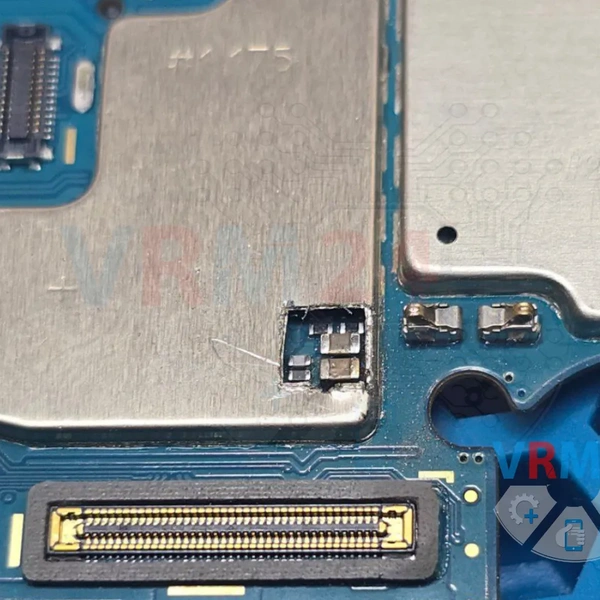
6️⃣ We salvaged matching components from a donor board and installed them.
☝️ By the way, the donor was a Huawei Honor 10 Lite—its backlight circuit is identical to the Samsung A12’s.
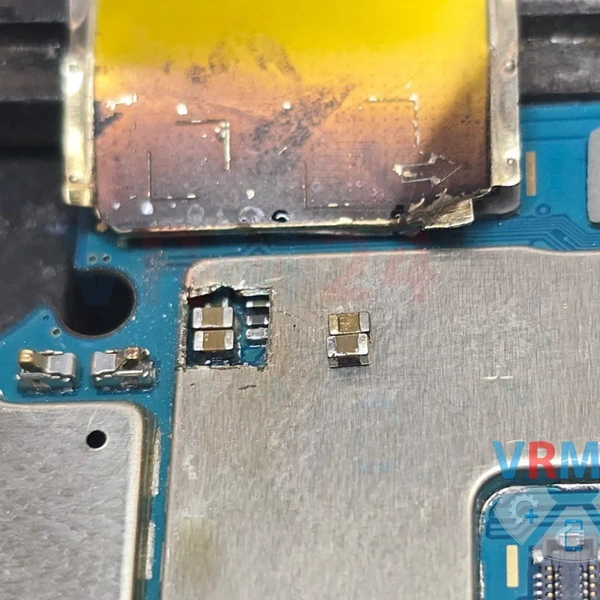
We reassembled the board into the case and tested it—everything worked!
After booting, we made sure to adjust the brightness slider and checked the display at maximum brightness for any flickering or dimming issues. 😉