
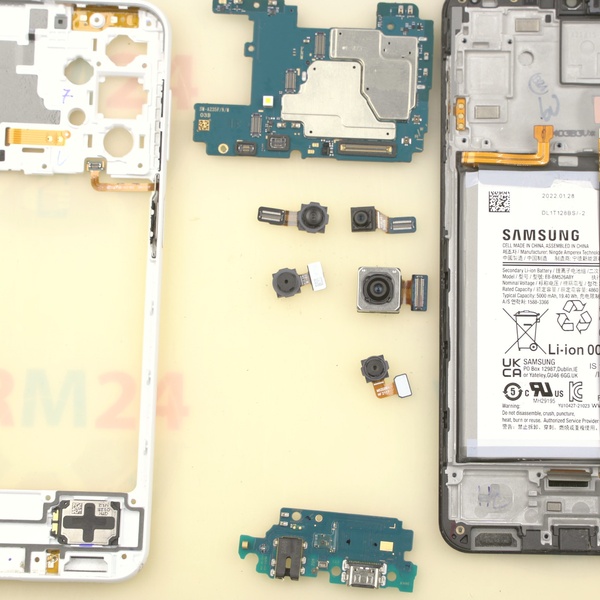
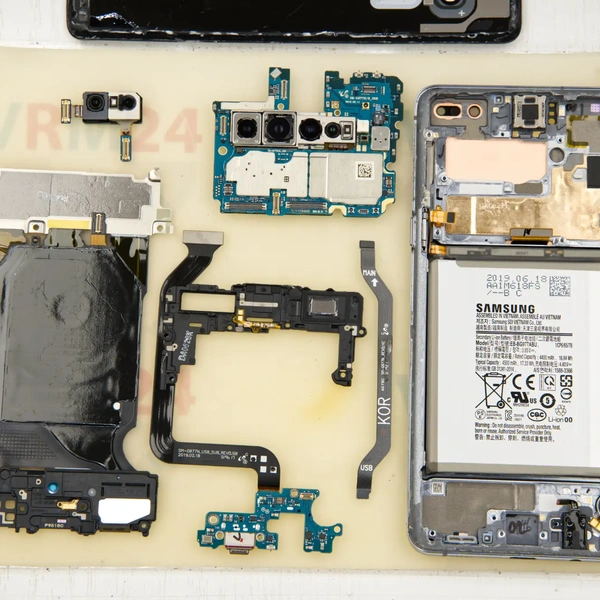
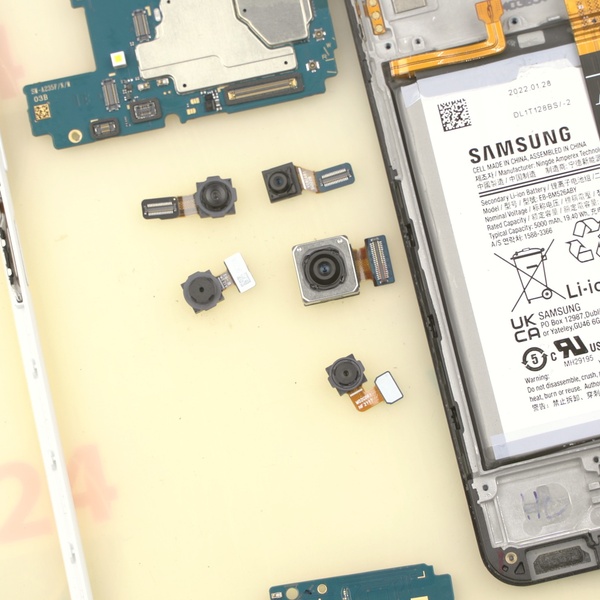
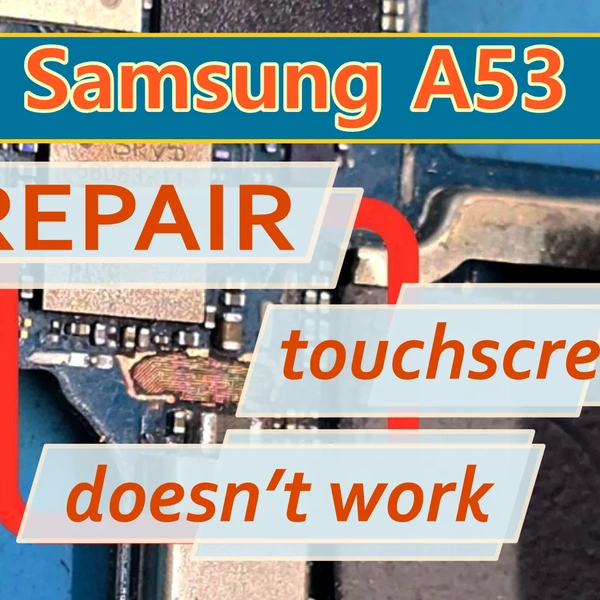

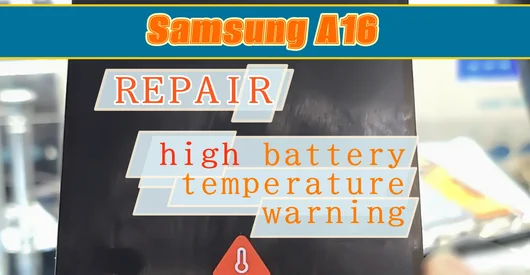
Disassemble the smartphone and inspect the motherboard.
If possible, it's better to connect a known-good display first to make sure the problem is with the motherboard.
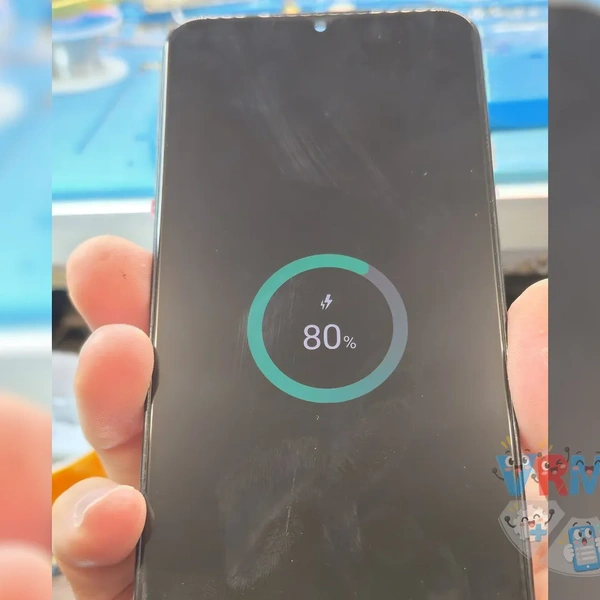
In this case, if we shine a bright light on the screen, we can see an image. Only the backlight is not working.
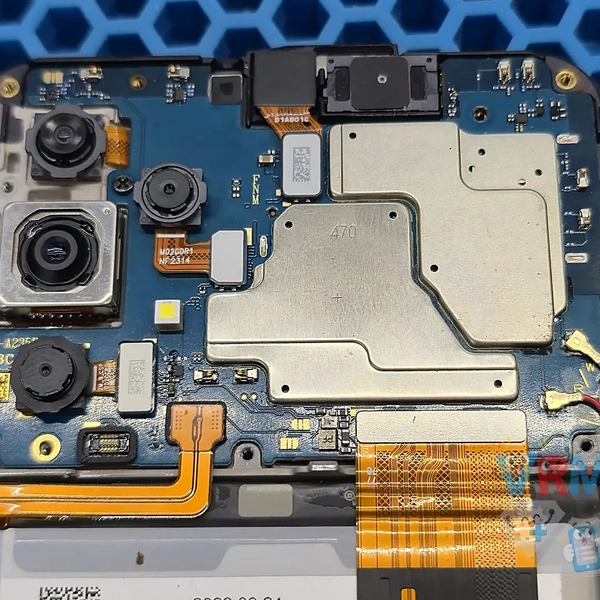
Just in case, check the display flex cable connectors on both the motherboard and the display module.
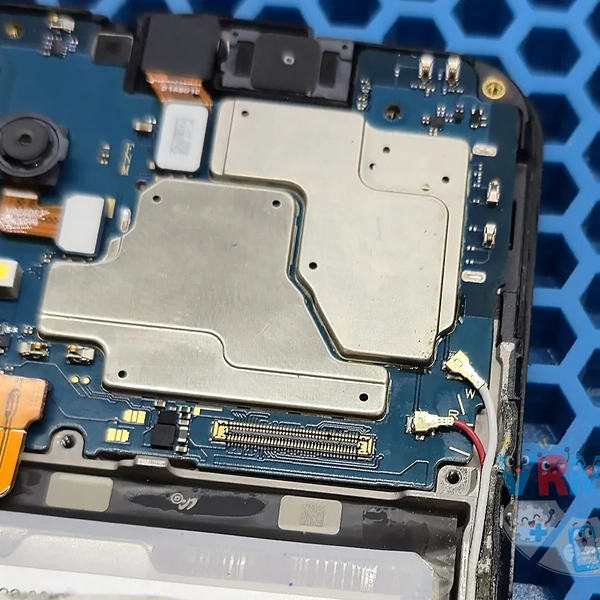
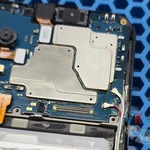
Remove the main board and disconnect the cameras.
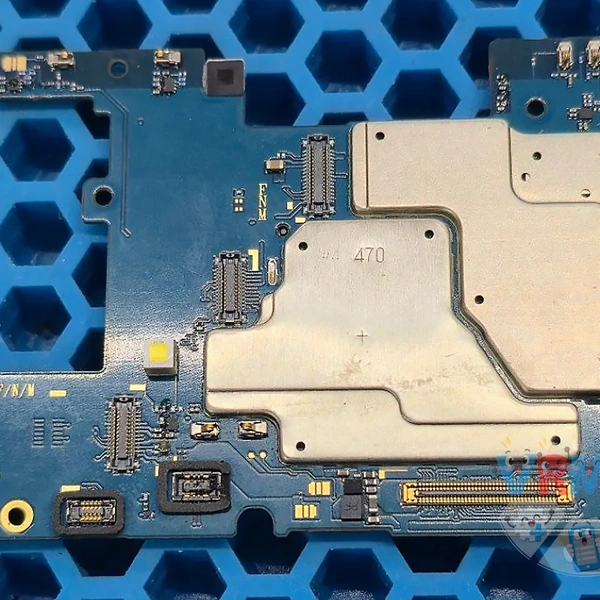
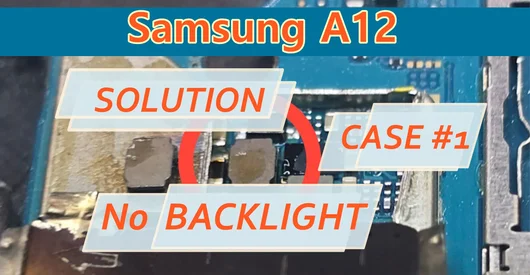
The backlight circuit components are located on the back of the motherboard, under a metal shield.
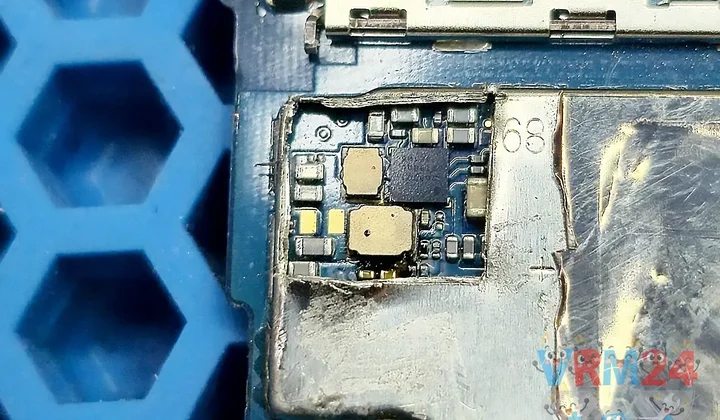
Carefully cut out a small section of the metal shield.
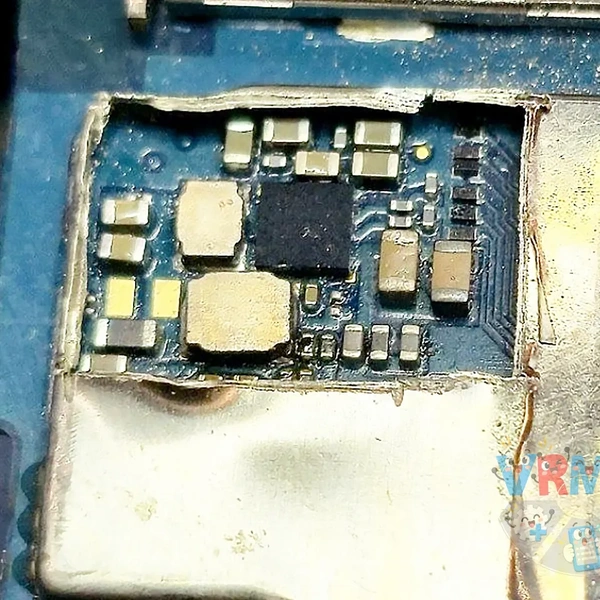
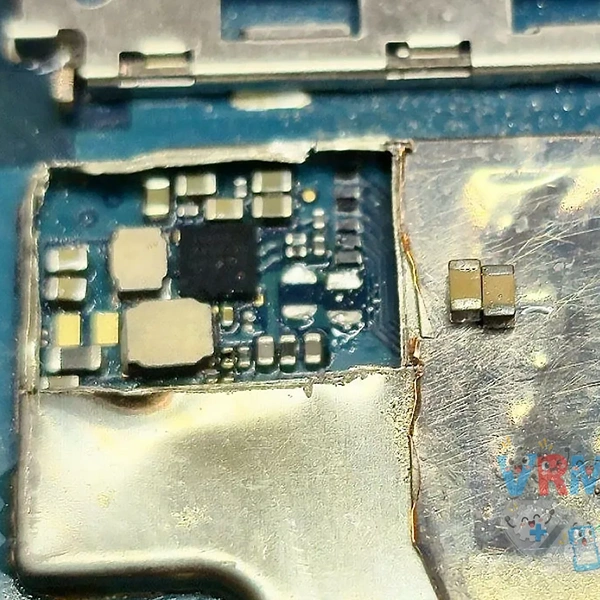
Now we can see what's causing the backlight failure. The coil is charred, and one corner of the backlight driver IC has also turned black.
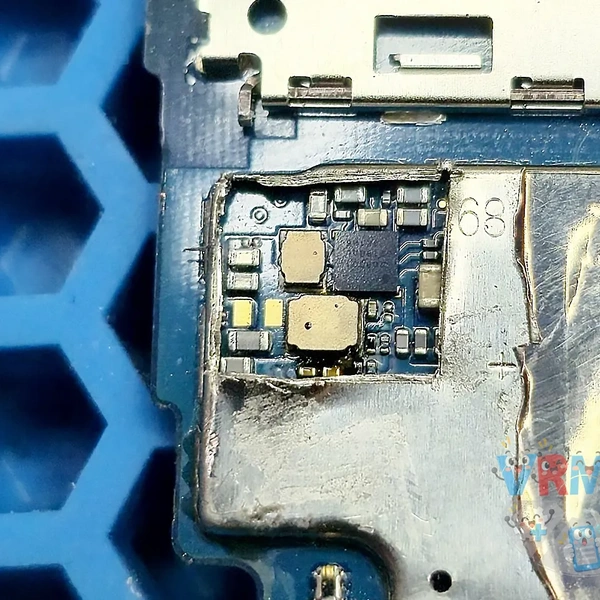
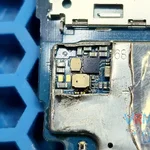
Desolder all the components that appear to be damaged.
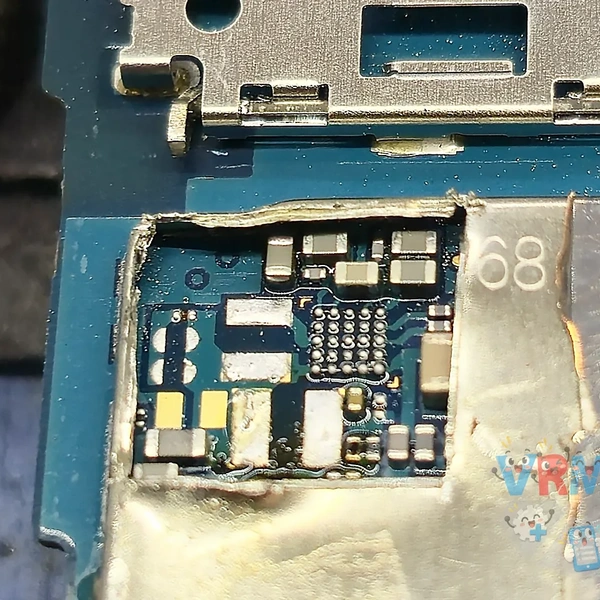
Install the corresponding components from a donor board. Use a multimeter to check the surrounding components for short circuits.
Temporarily connect the motherboard to test it. The backlight still doesn't work, and the backlight coil gets extremely hot.
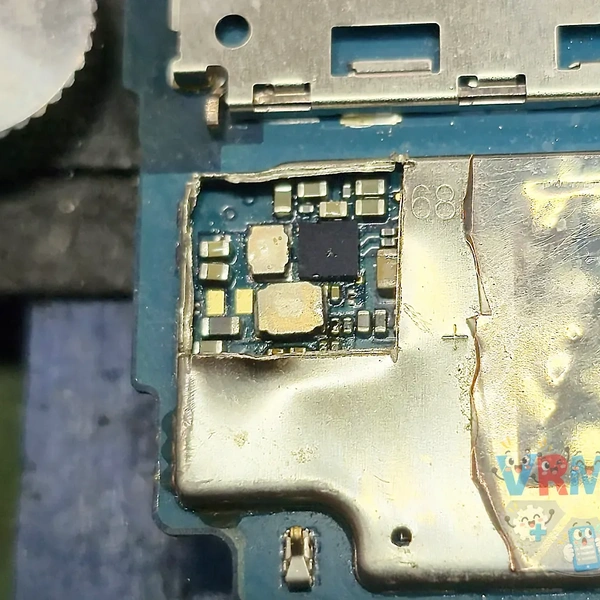
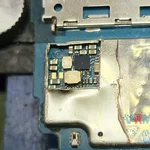
We can see that the capacitor on the far right is darker than the others.
Most likely, it's causing a short circuit in the backlight circuit, which caused the other components to burn out.
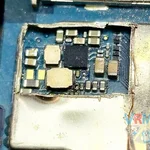
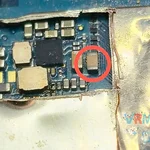
Desolder both components and replace them with identical ones from a donor board.
Temporarily install the motherboard in the phone housing for testing.
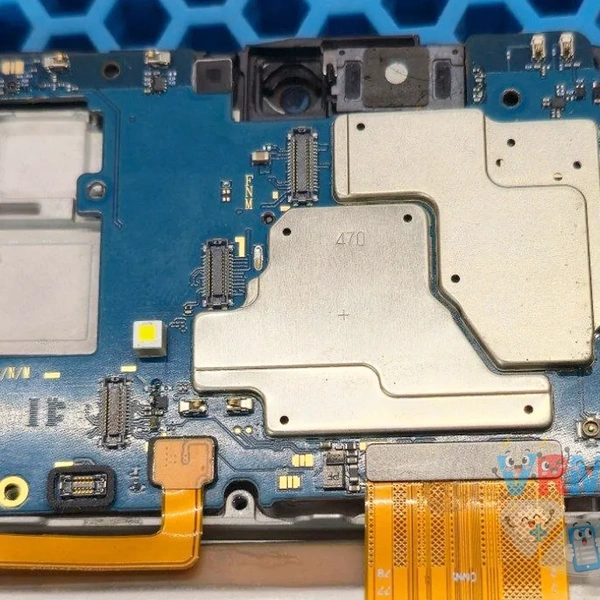
The display backlight is working again. Nothing is overheating, the display brightness adjusts normally, and there's no flickering.