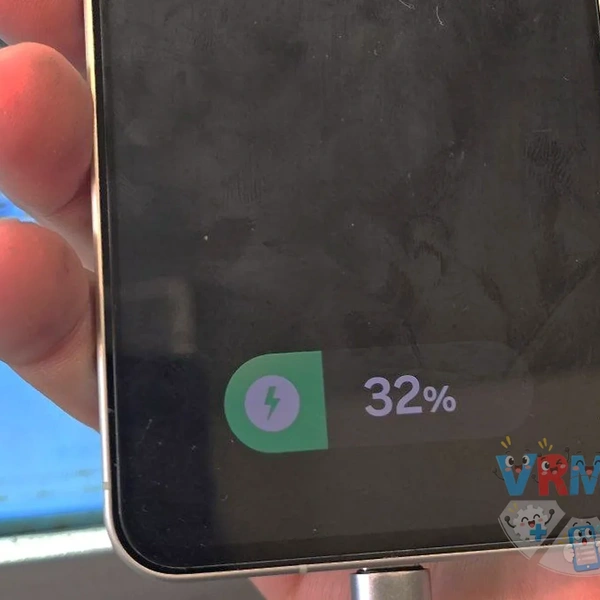

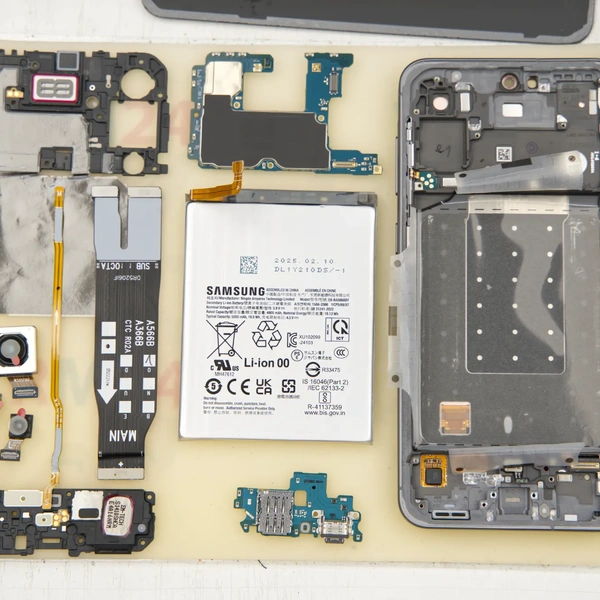
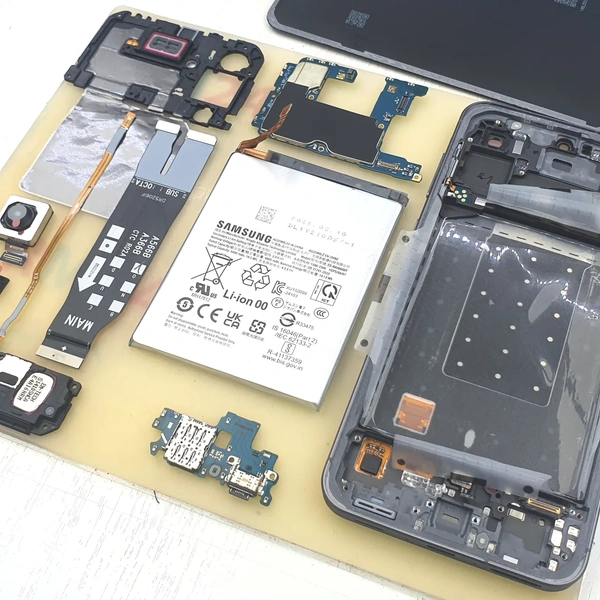
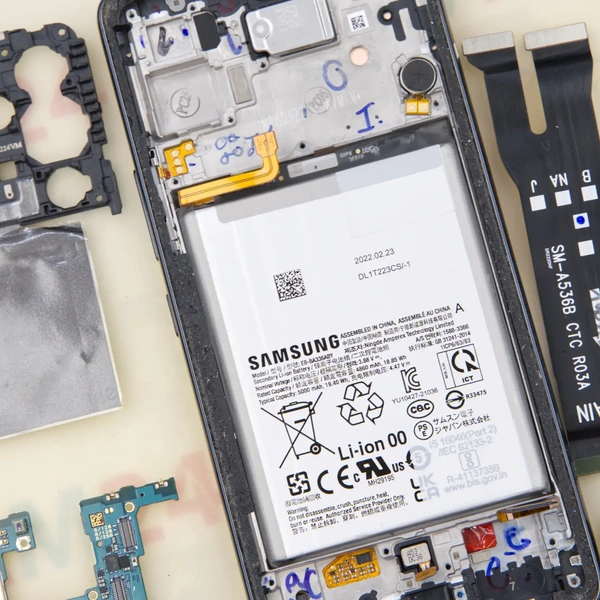
We received a Samsung Galaxy A56 for repair after it stopped charging when connected to a car charger.
According to the customer, the phone continued working normally but would no longer charge. Eventually, the battery ran out, and the phone shut down.
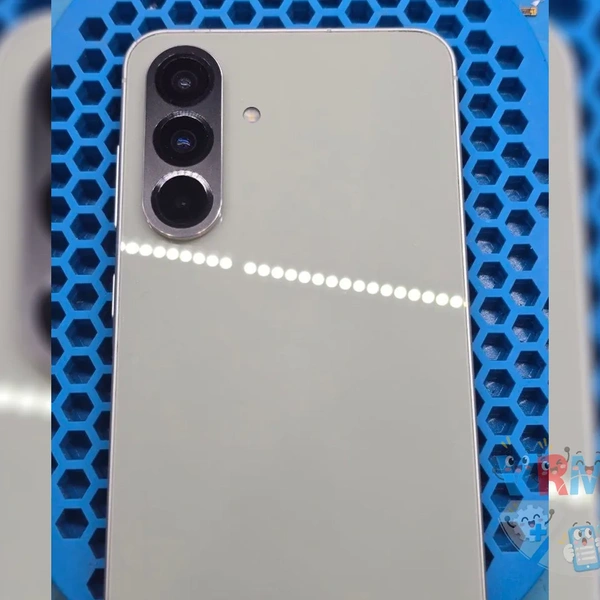
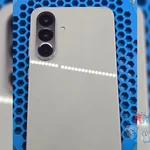
Heat the back cover to soften the adhesive, then carefully remove it.
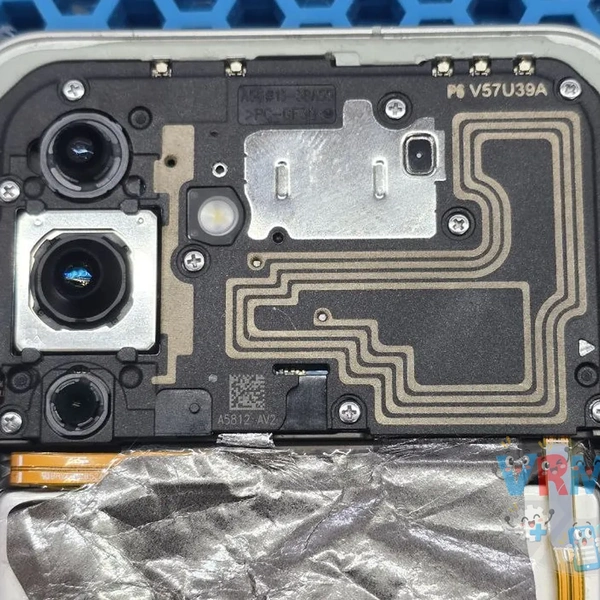
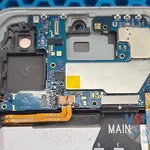
Disassemble the phone.
To test the phone, we charge the battery separately using a bench power supply.
The phone powers on normally, but it doesn't respond at all when a charger is connected.
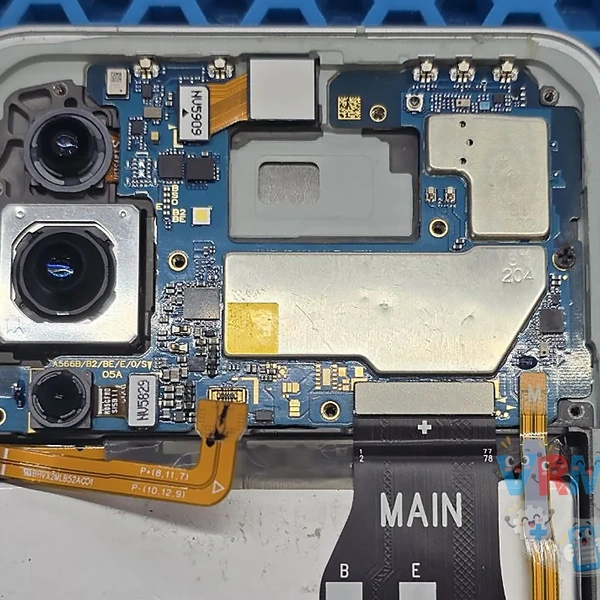
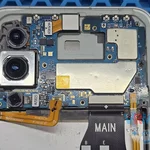
Remove the motherboard and disconnect the cameras.
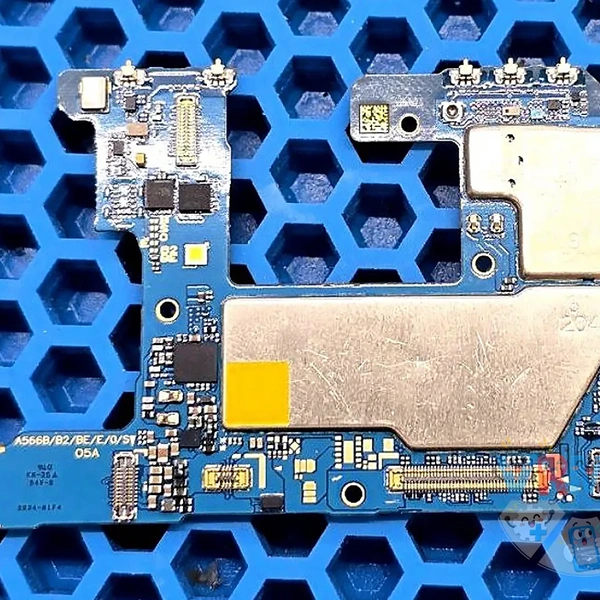
Based on our experience, the first component to check in cases like this is the Overvoltage Protection (OVP) IC, located on the back of the motherboard.
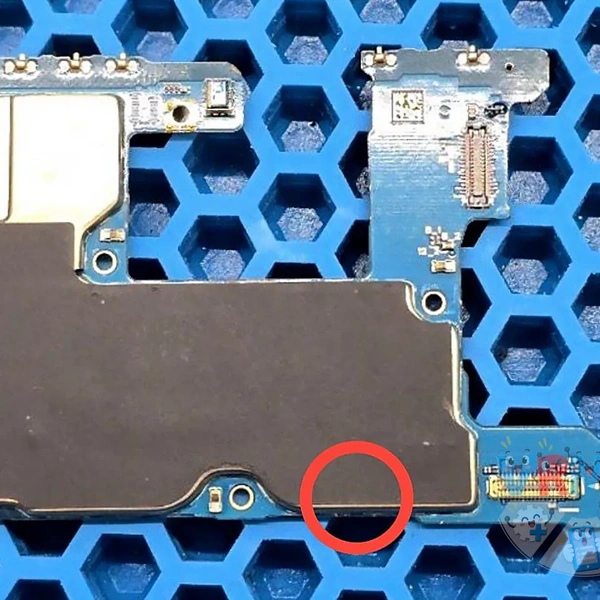
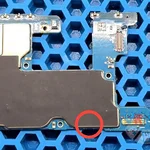
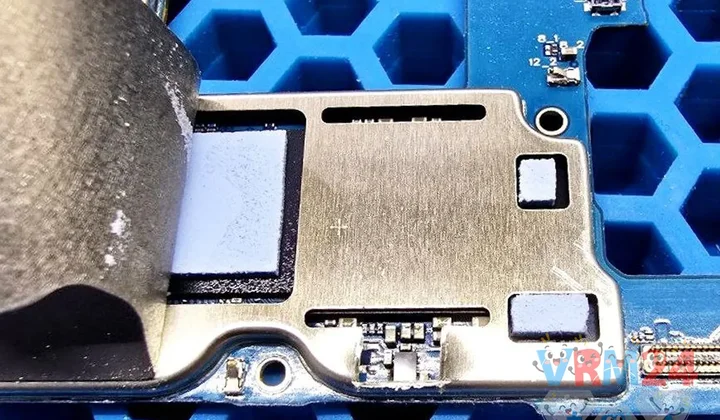
Carefully peel back the thermal covering.
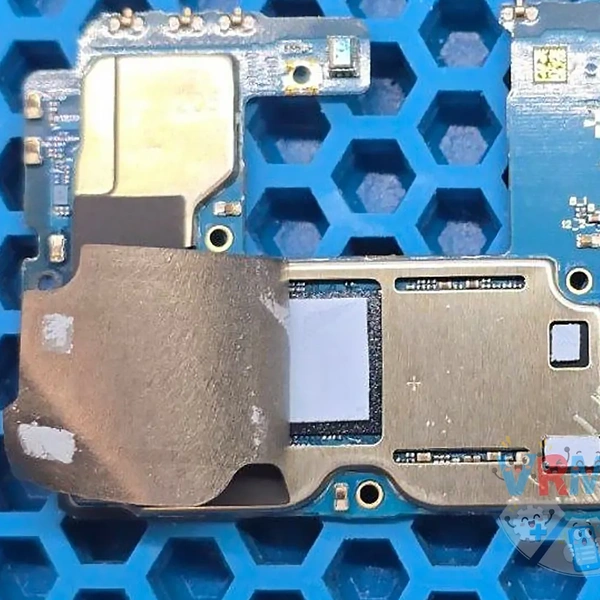
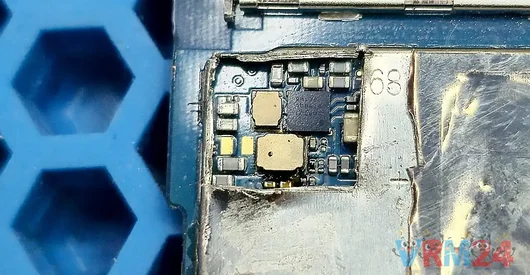
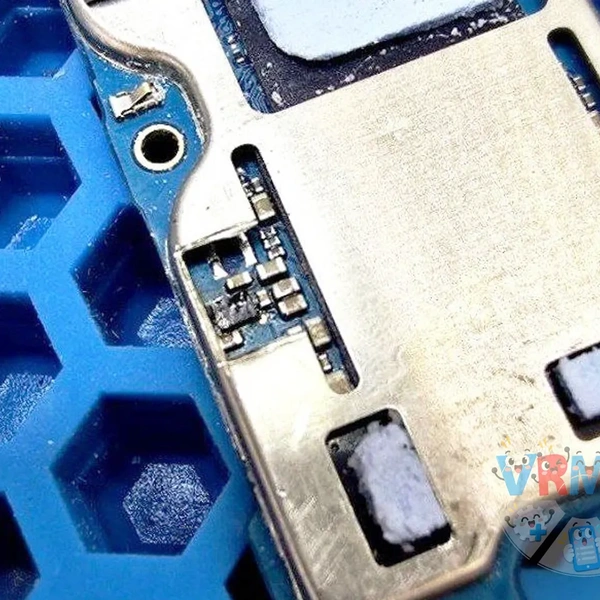
Cut out a small section of the metal shield to access the IC.
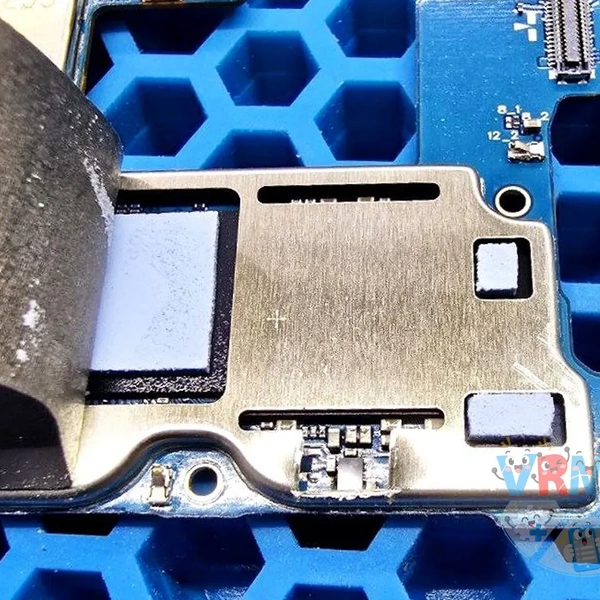
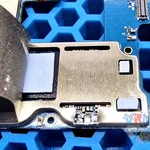
We can clearly see that a voltage spike burned the IC.
Some of the contact pads underneath it have also been damaged and burned away.
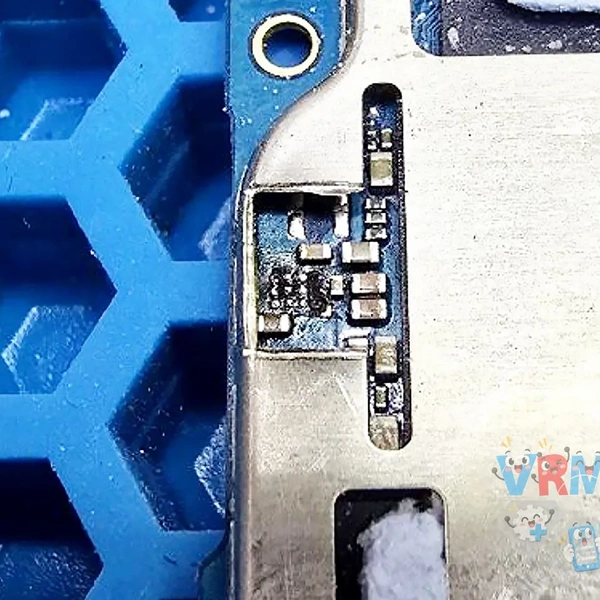
Clean the area and repair the damaged connections using thin copper wire, routing them to nearby components.
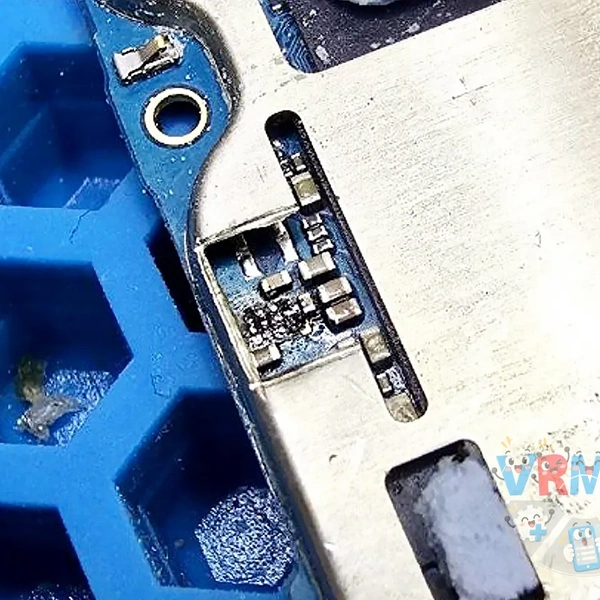
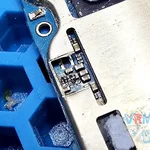
Install a new OVP IC.
Temporarily place the motherboard back into the phone's housing for testing.
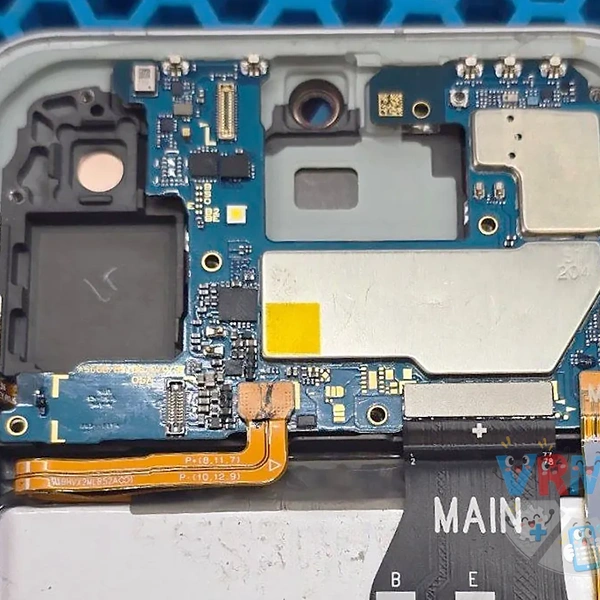
Test charging in different modes.
Everything works as expected, and the phone charges normally again. We can now reassemble the smartphone.