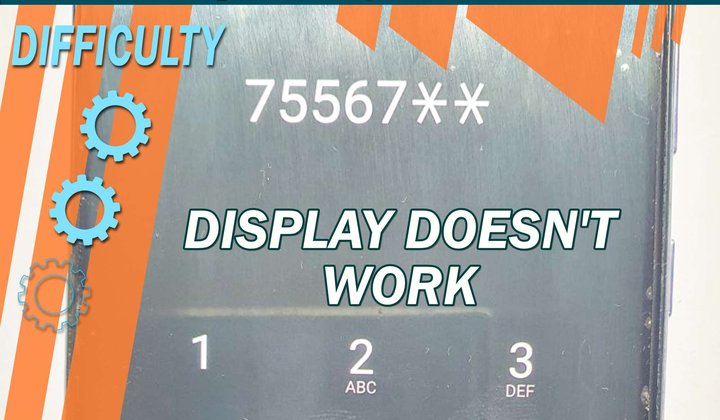

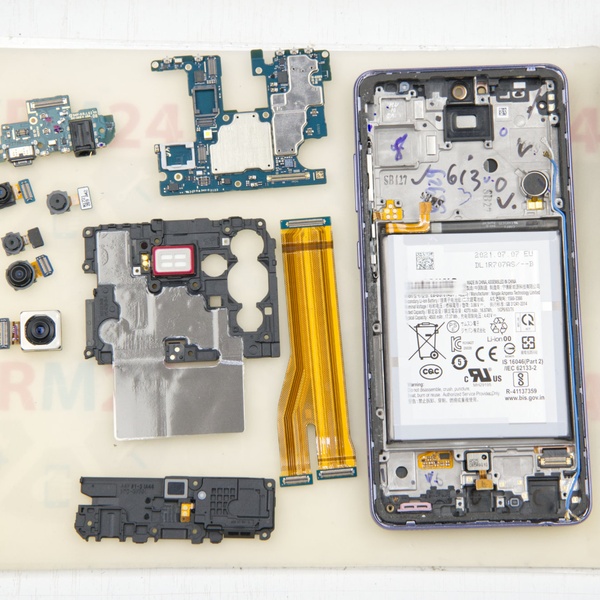
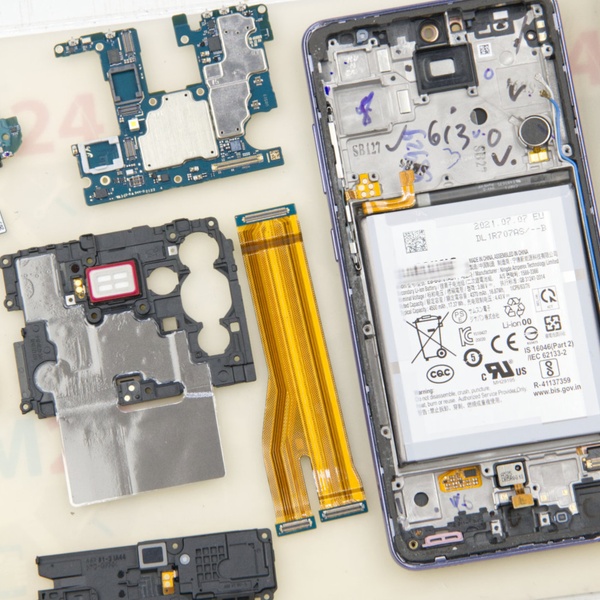
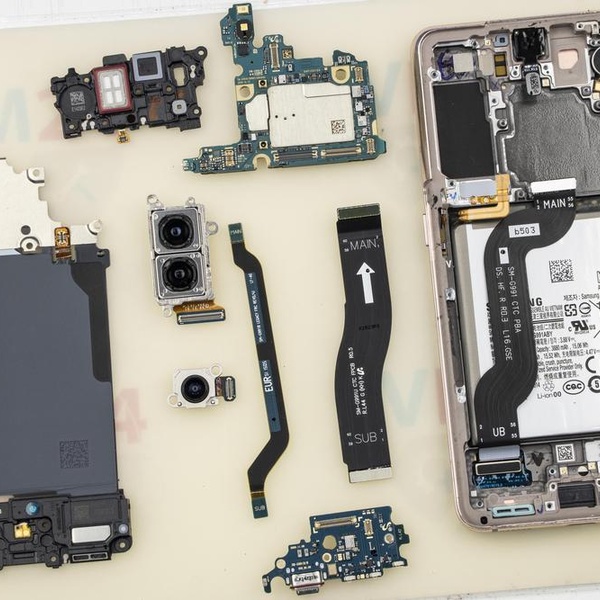

Recently, we received a Samsung Galaxy A52 for repair with a very common malfunction for such a model, as a result of which the display partially or completely stops working or the touchscreen does not work at all.
The cause of the malfunction is almost always a fall, tension of the display cable and damage to the display cable connector, as a result of which, as I said, the display does not work.
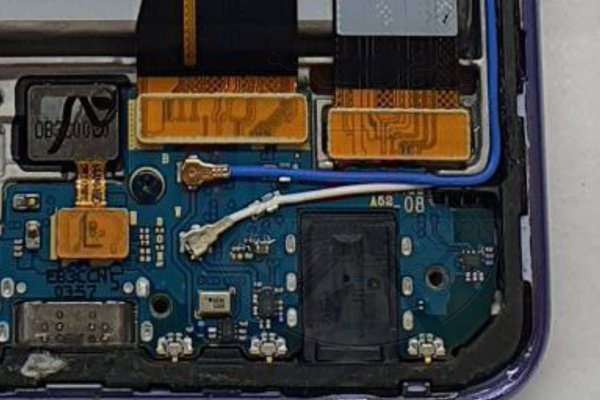
In our case, as a result of a fall, the display module connector was partially damaged and the connector pins were torn off.
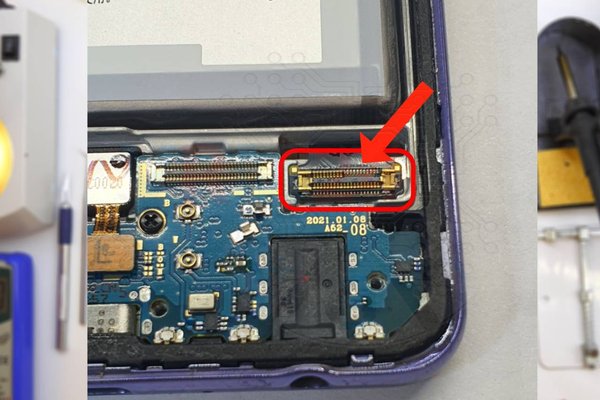
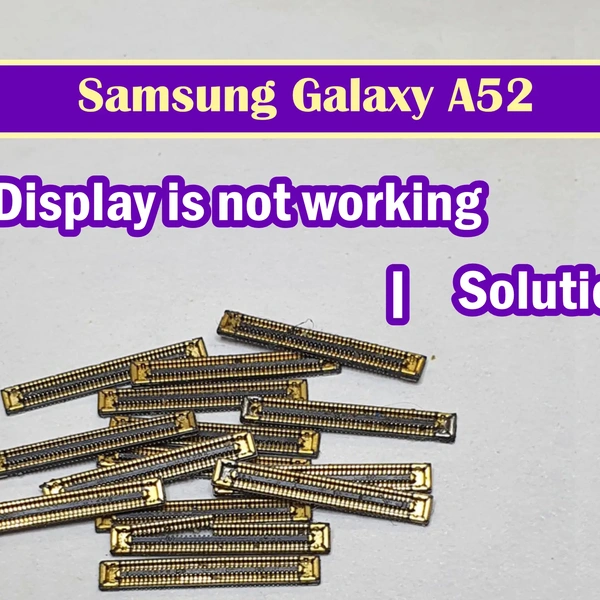
We can fix the problem without resorting to replacing the display, for example, if we replace the connector itself with a new one or the same connector, we can unsolder the damaged Samsung M21 or M31 display.
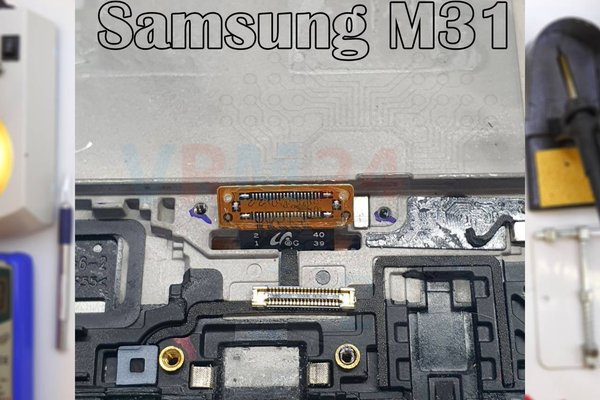
Let's do this and move on to the repairs.
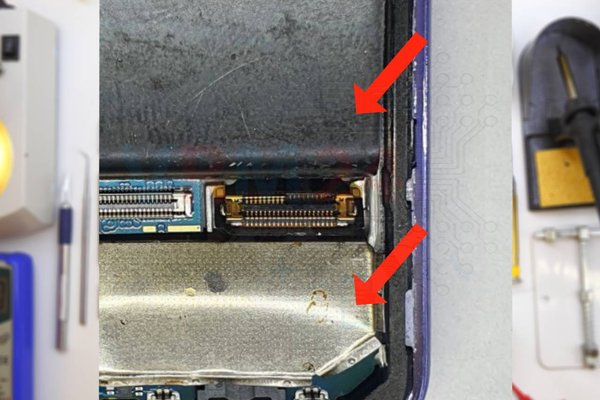
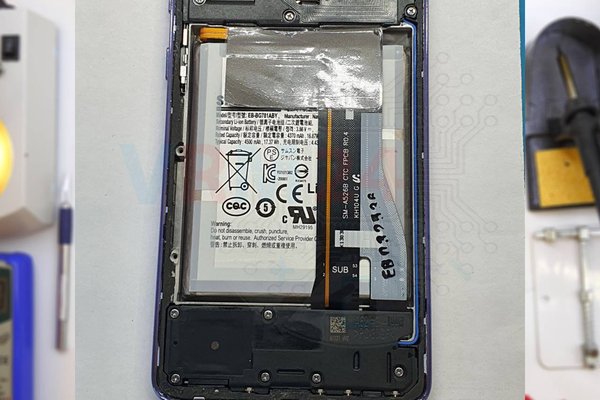
We detach the inter-board cable, peel off the display cable from the display frame and enclose this cable on both sides with metal shields to avoid overheating of the battery and the display module itself.
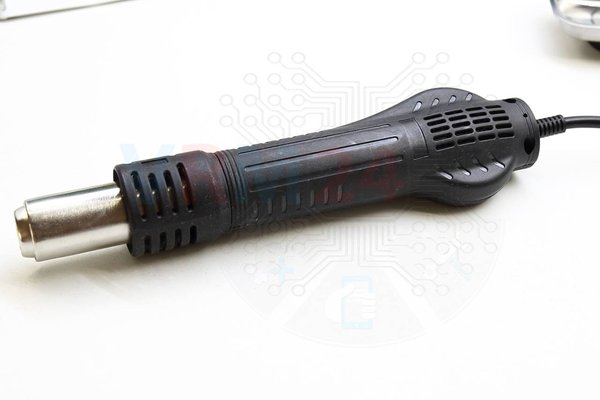
Unsolder the damaged connector from the cable using a soldering heat gun.
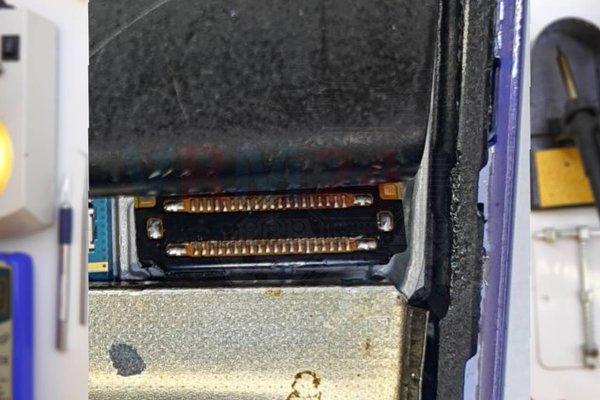
We prepare a new or serviceable connector.
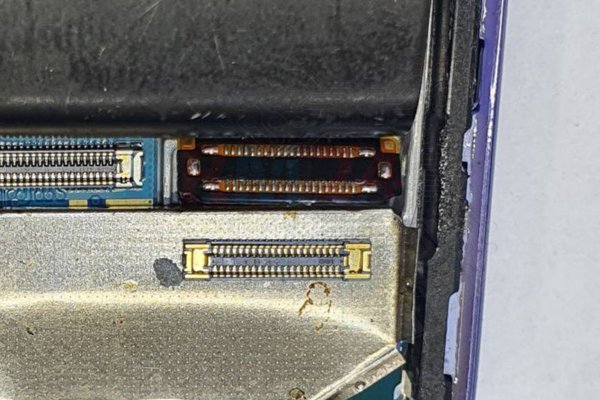
We install and solder with a soldering heat gun on the cable.
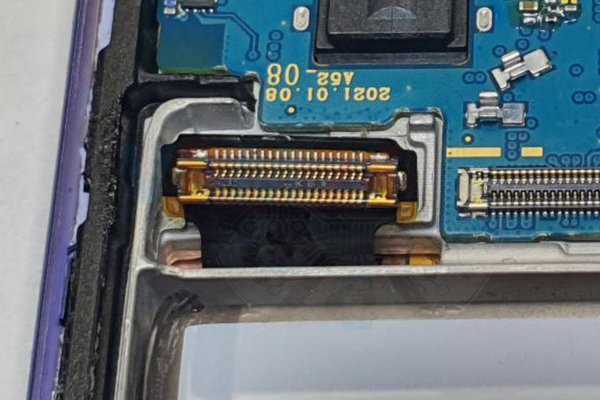
Then we connect the inter-board cable and assemble the smartphone back.
We check the display, then we check the touchscreen operation.
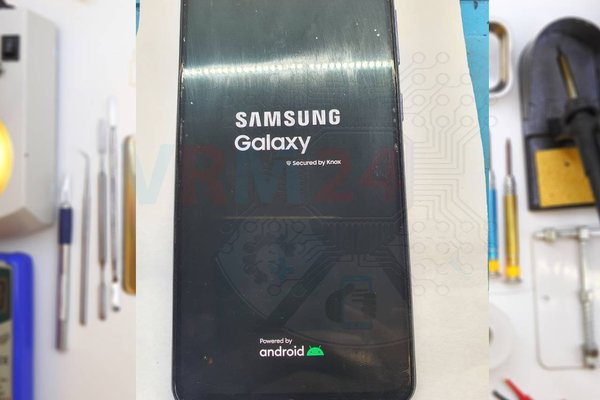
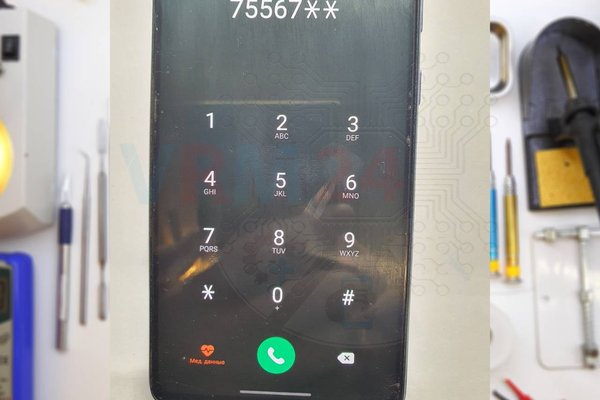
If the repair was successful, you will see the display working and the touch screen will respond to touch.