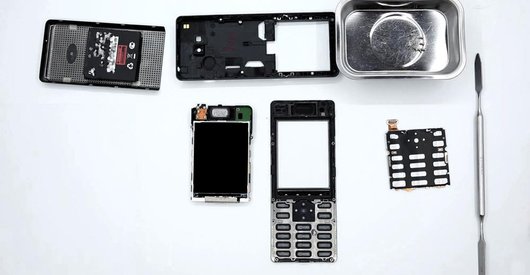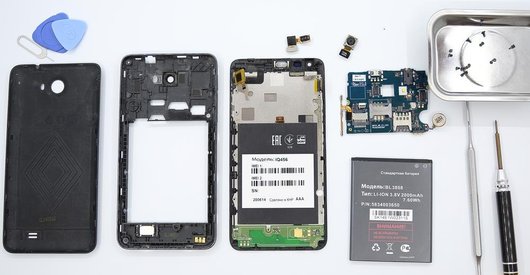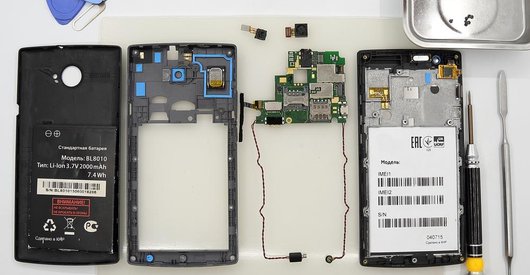


Recommended tools
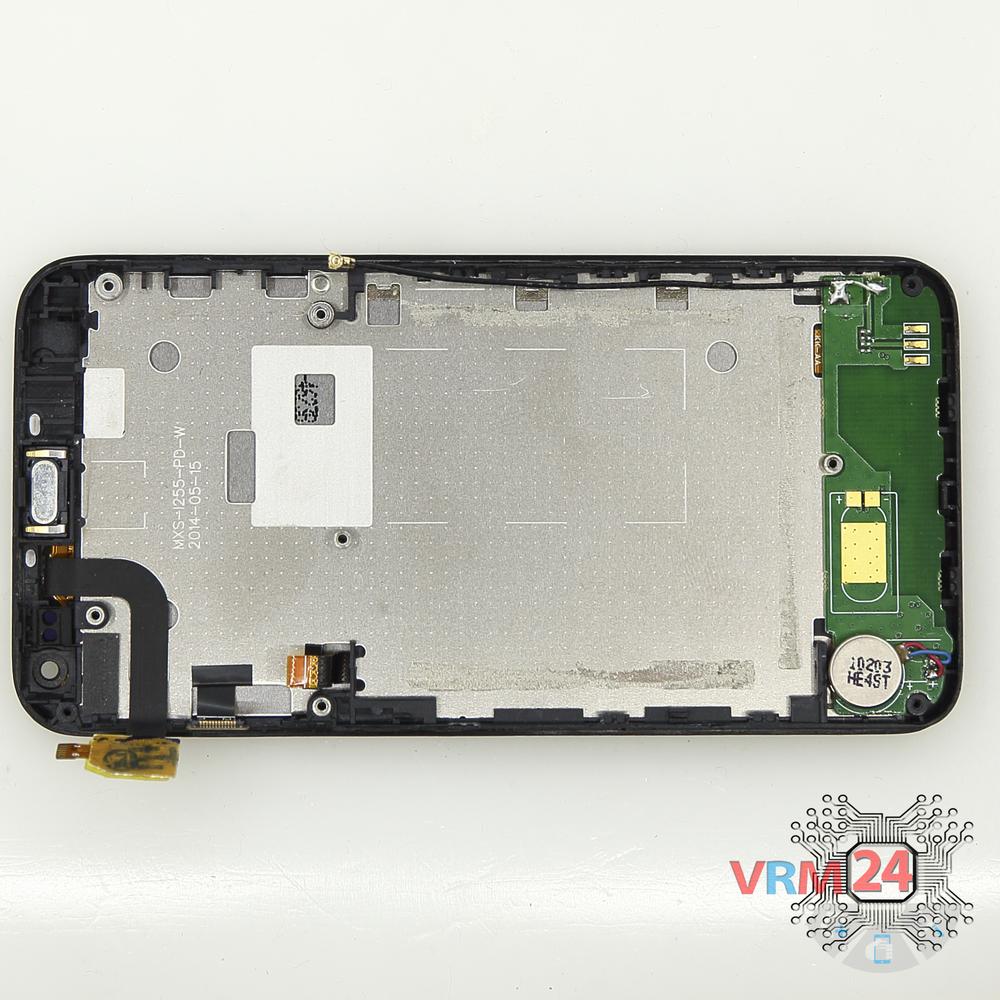
Screwdriver Phillips #000

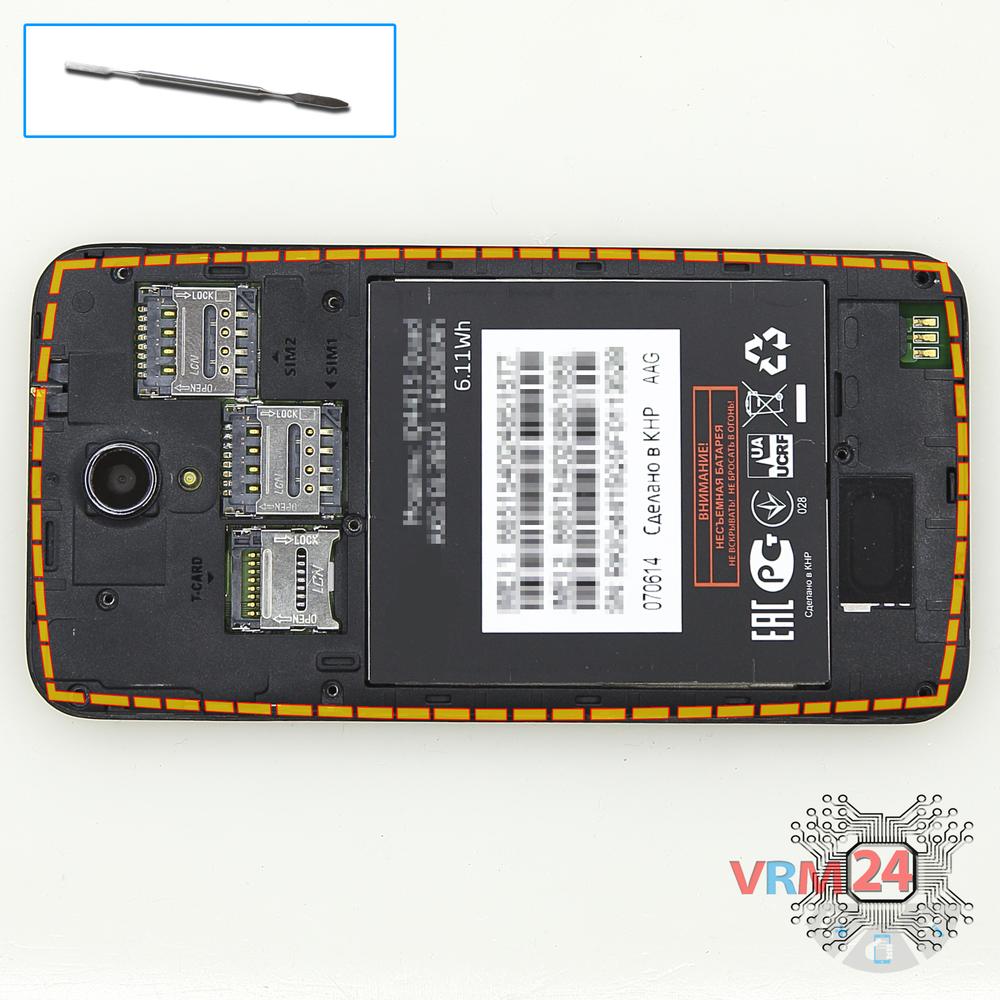
Opening tool / Spudger

Tweezers

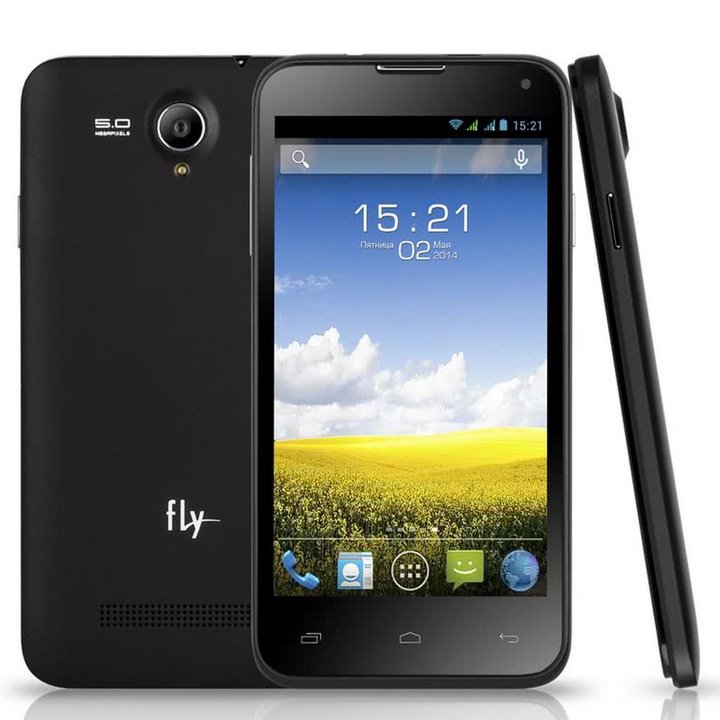
Disassembly/Repair of the mobile device Fly IQ4415 Quad ERA Style 3 with each step description and the required set of tools.
4802
Views
0
Likes
—
Share
3
Questions

Step 1.
Open the back cover
Open the back cover.
Step 2.
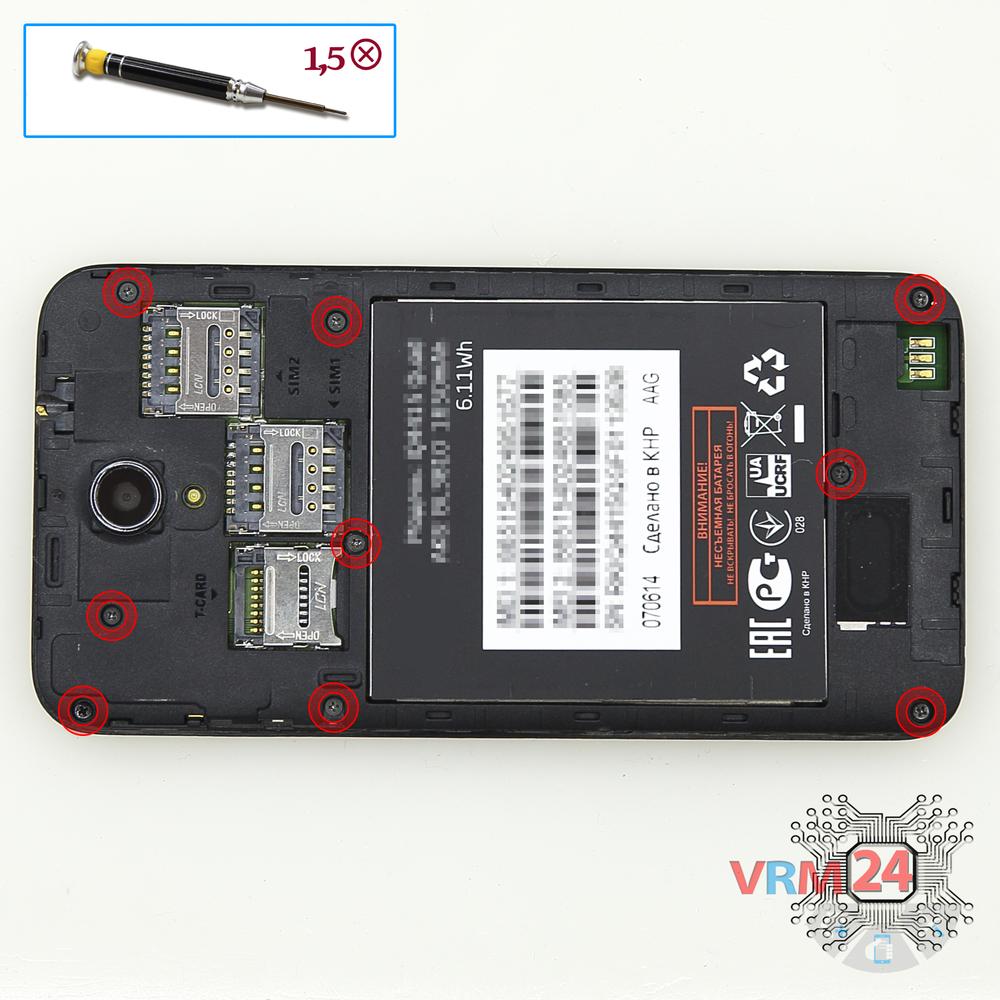
Unscrew the screws
Using a screwdriver (Phillips 1.5 mm PH000), unscrew 9 bolts in the frame of the phone.
Step 3.
Open the mid-frame
Pry and remove the middle frame.
Step 4.
Remove the battery
Disconnect connector on the PCB and remove the battery.
Step 5.
Disconnect the connectors
Disconnect connectors on the PCB.
Step 6.
Remove the motherboard
Turn over PCB, disconnect the connector of the coaxial cable from the inside and remove the board.
Step 7.
In the display frame remained
Parts in the frame of the display module.

If you have a question, ask us, and we will try to answer in as much detail as possible. If this article was helpful for you, please rate it.

4802
Views
0
Likes
—
Share
3
Questions
Related Instructions
Related Reviews

Related Blog
Popular Questions
B
Fly IQ4516 Tornado Slim Octa
hi any shops in dubai/qatar or india that l can take my phones in for repairs?
Blessing Sanderson2Fly IQ458 Quad EVO Tech 2
do you have for sale , lcd and dogotizer for this model ?
paraskevas
L
Asus ZenFone 3 ZE520KL
The battery of my 64GB Zenfone 3 drains very fast, this without even using it properly 10h already asks for charge. How can I get your number. To get…
Lucas Miguel20
Lenovo A319 RocStar
Good Day to anyone reading this. I watched the video of vrm24.com about How to disassemble Lenovo A319 Take apart, Tutorial https://www.youtube.com/w…
jason
L
Xiaomi RedMi Note 4X
new style.. open the usb mini board below, then battery, then mainboard... really useful... some tutorial they open battery first... which if first t…
Laa Mawjuud3Top instructions
Check our
Top Fly instructions most liked by readers
New instructions
Check our
New Fly brand instructions on vrm24.com