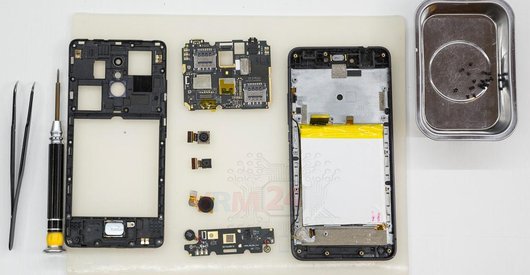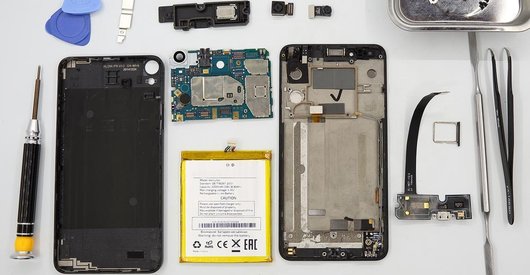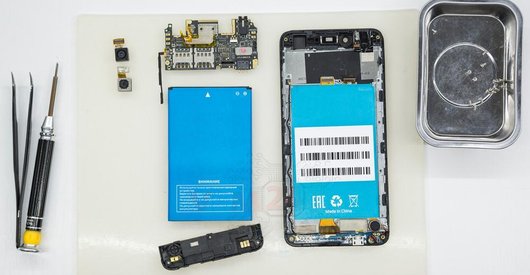



Recommended tools
Screwdriver Phillips #000

Opening tool / Spudger

Tweezers

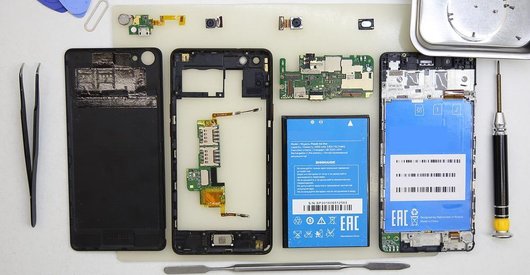
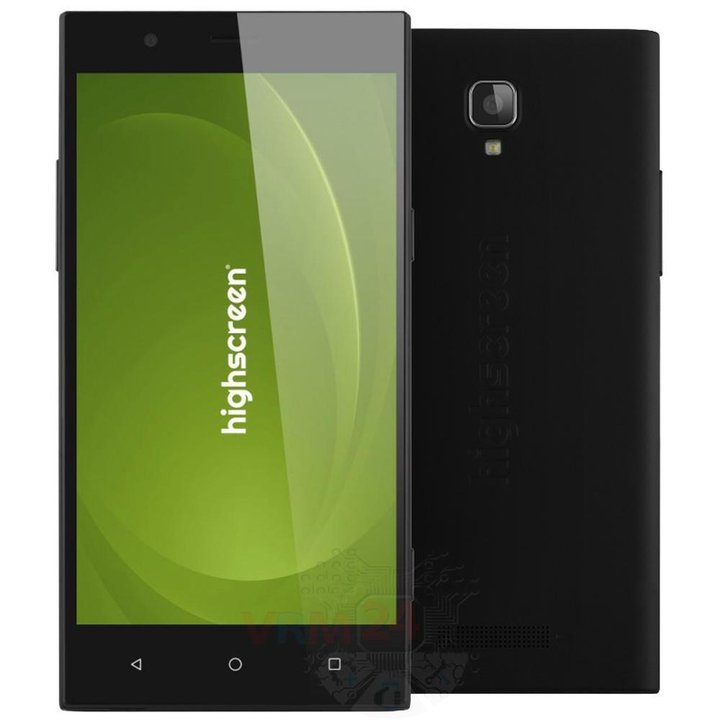
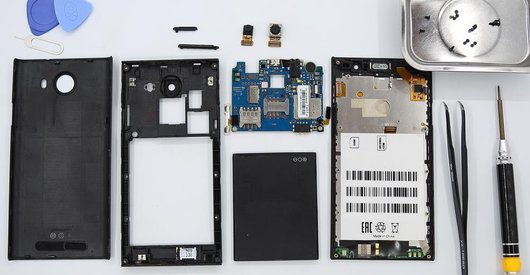
Disassembly/Repair of the mobile device Highscreen Boost 3 with each step description and the required set of tools.
4171
Views
0
Likes
—
Share
4
Questions

Step 1.
Open the back cover
Open the back cover.
Step 2.
Remove the battery
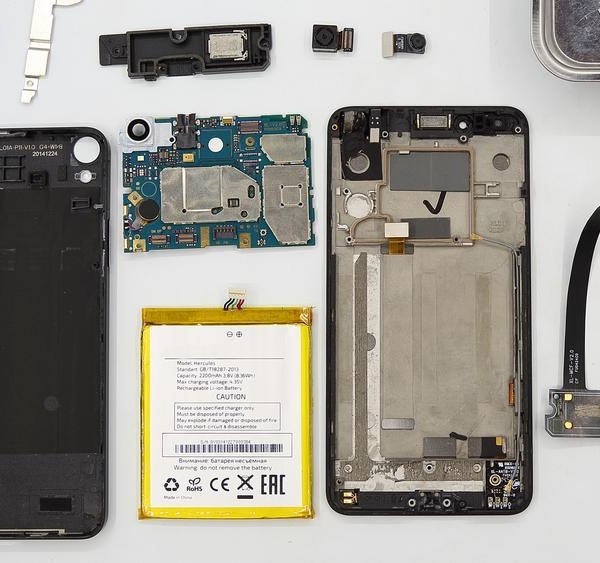
Remove the battery. The battery model of Highscreen Boost 3 is the same as the phone model.
Step 3.
Unscrew the screws
Using a screwdriver (Phillips 1.5 mm PH000), unscrew 11 screws.
Step 4.
Open the mid-frame
Pry and remove the middle frame.
Step 5.
Remove the buttons
Disconnect the connectors and pry up the volume buttons as and the power and camera buttons too.
Step 6.
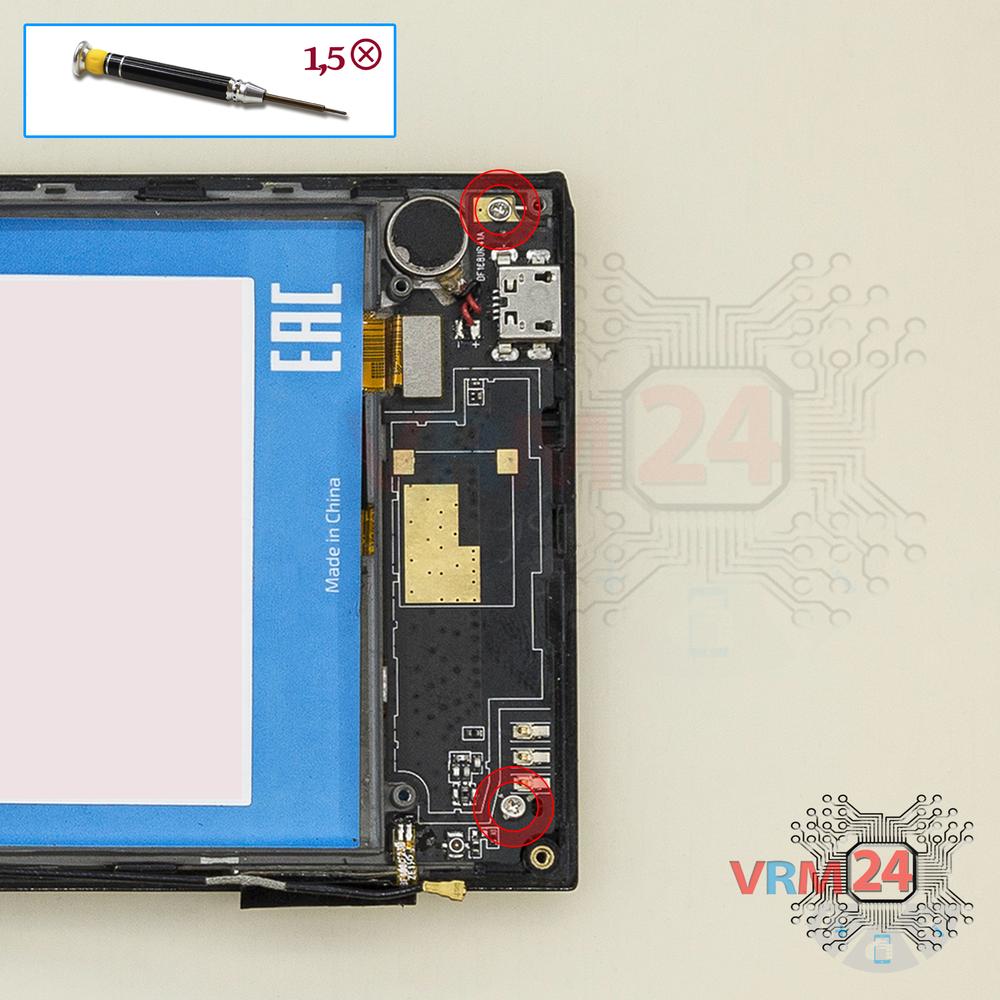
Unscrew the screws
Using a screwdriver (Phillips 1.5 mm PH000), unscrew 2 screws in the daughterboard.
Step 7.
Remove the sub-board
Remove the daughterboard, also known as sub-board.
Step 8.
Disconnect the connectors
Disconnect connectors on the PCB.
Step 9.
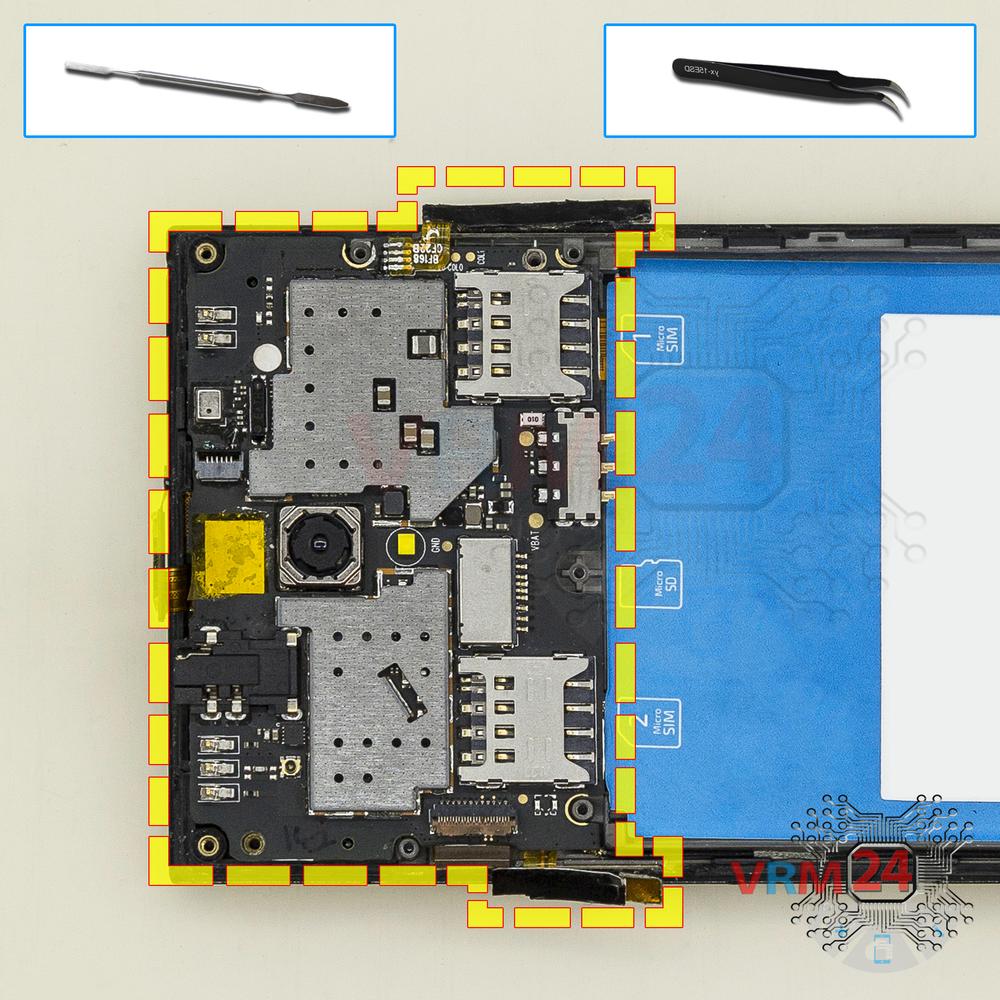
Remove the motherboard
Remove the PCB.
Step 10.
Remove the cameras
Disconnect connectors on PCB and remove the main and front (selfie) cameras.

If you have a question, ask us, and we will try to answer in as much detail as possible. If this article was helpful for you, please rate it.

4171
Views
0
Likes
—
Share
4
Questions
Related Instructions
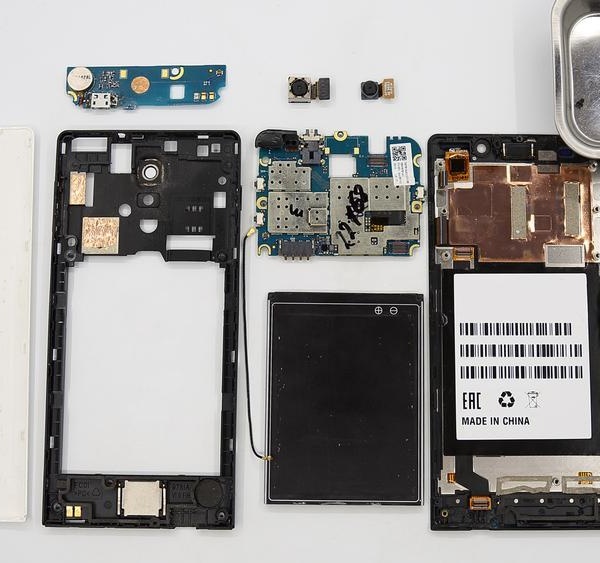
Related Reviews
Related Blog
Popular Questions
S
Samsung Galaxy Tab 3 8.0'' SM-T311
What doe the plug in side of battery plug work for? Please tell
Saleem Ansari18
Asus ZenFone 2 ZE550ML
I wanted to ask if you guys know why I can’t turn on WiFi or use Bluetooth after replacing my zenfone 2e screen. I don’t know if it was because of th…
raining_96
Samsung Galaxy A22 SM-A225
I need Samsung A22 4g 128 gb motherboard
atheek
R
HTC Desire 626
Will this work on my 626? I have the metro PCs version which is the 626s
Red11
J
Samsung Galaxy A5 (2016) SM-A510
is it also possible to make it transparent, i.e. peel off the film and then stick it back on so that you can see the inside
Jonas_beginn18Top instructions
Check our
Top Highscreen instructions most liked by readers
New instructions
Check our
New Highscreen brand instructions on vrm24.com