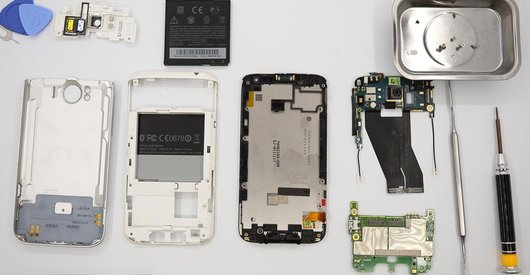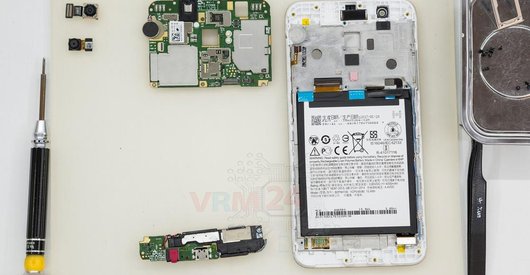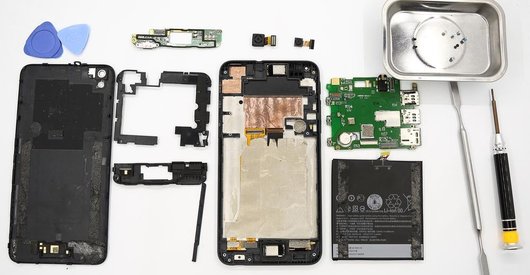




Recommended tools
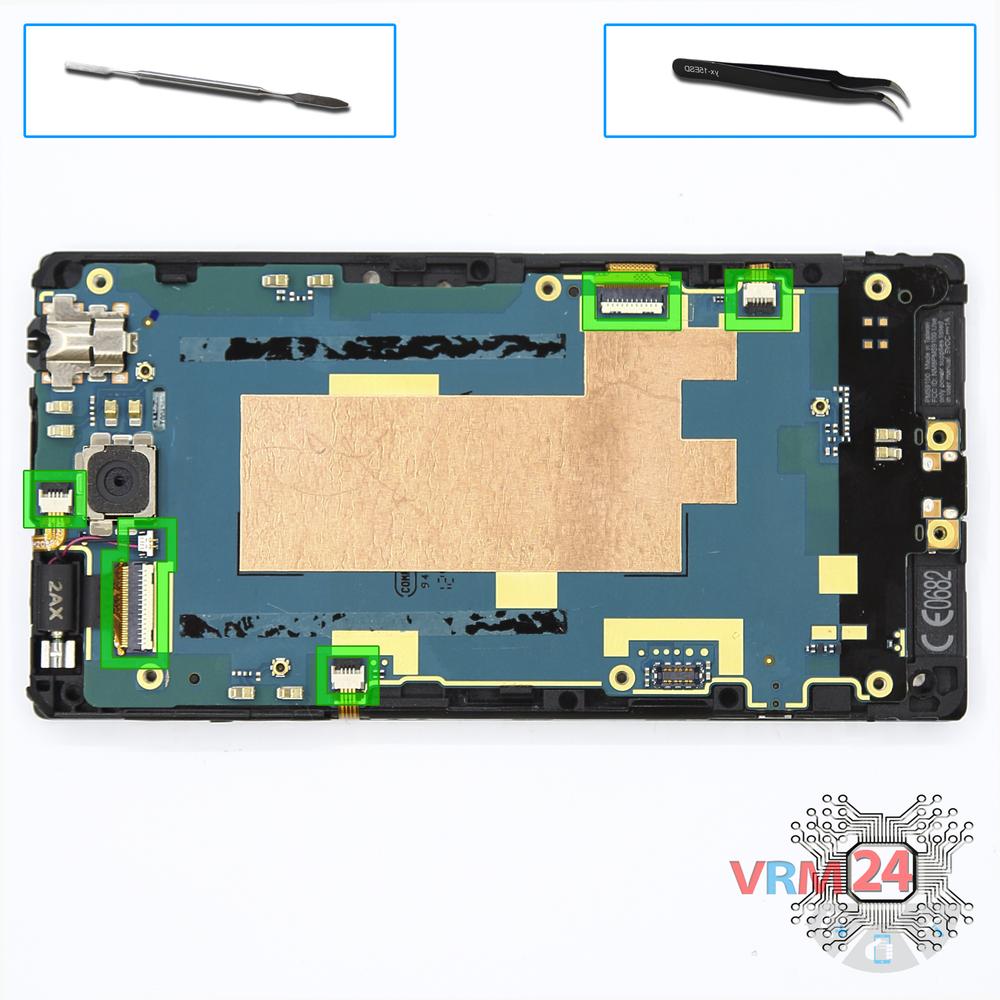
Screwdriver Torx T5

Screwdriver Phillips #000

Opening tool / Spudger

Tweezers

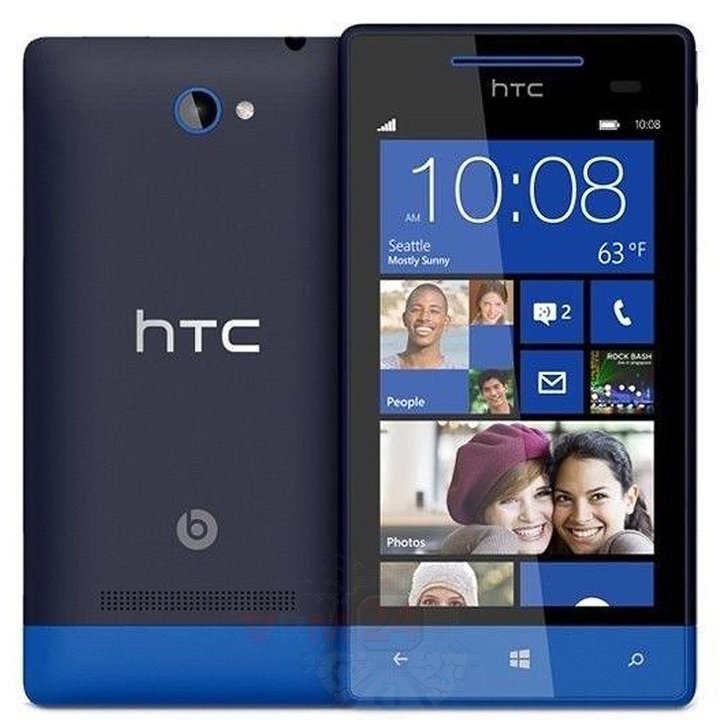
Disassembly/Repair of the mobile device HTC Windows Phone 8S (HTC Windows Phone 8S PM59100) with each step description and the required set of tools.
4461
Views
0
Likes
—
Share
4
Questions

Step 1.
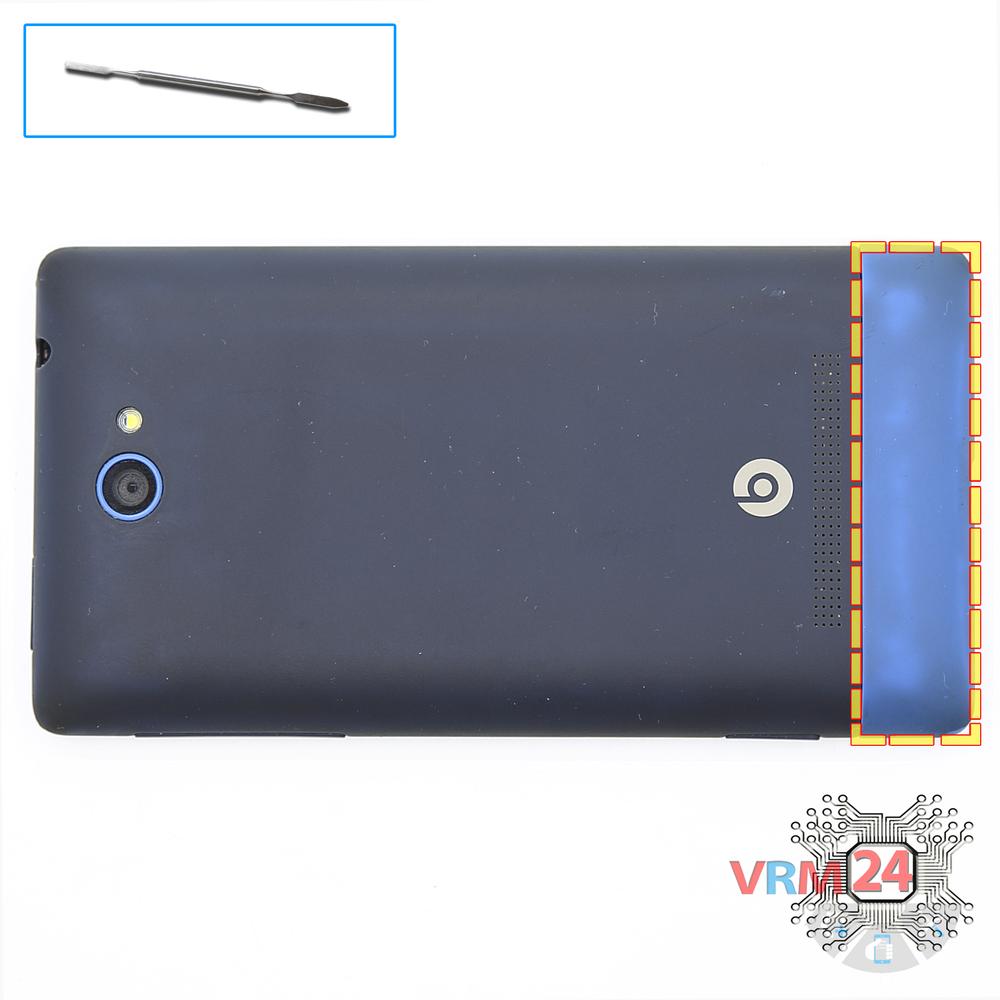
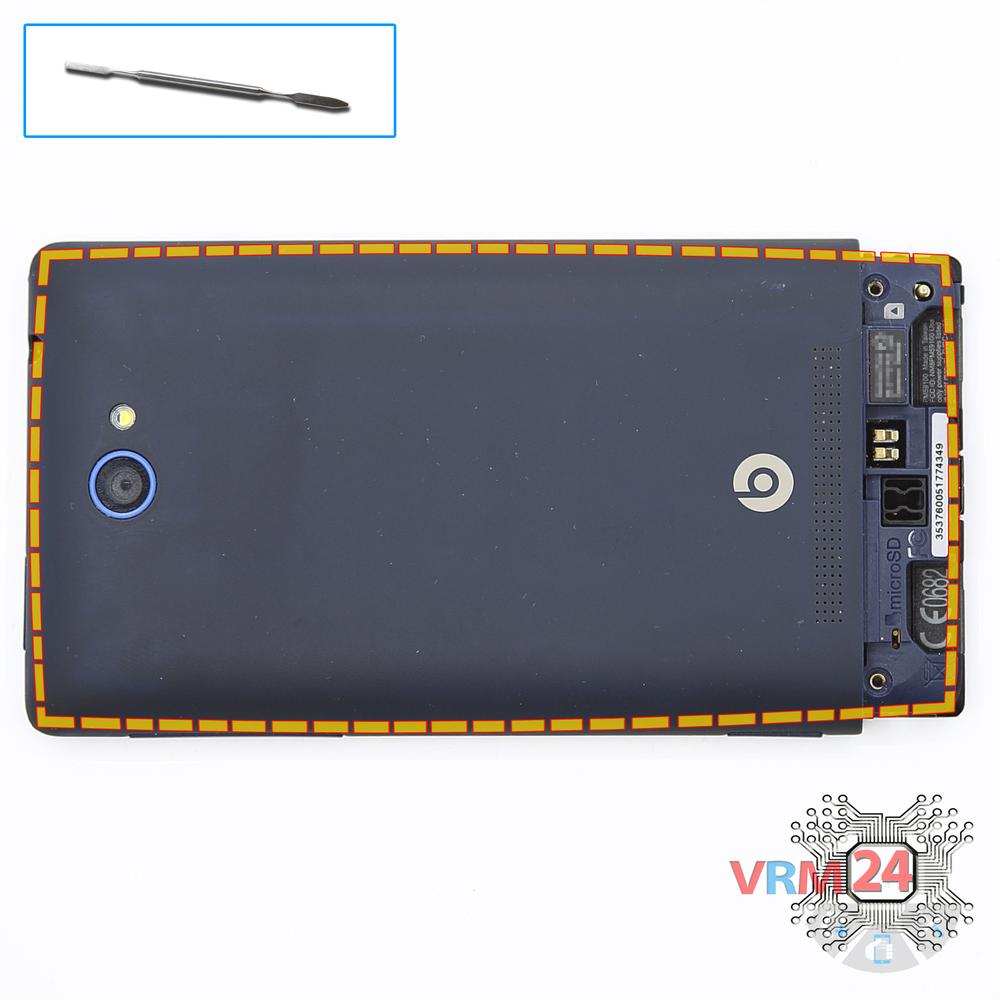
Open the cover
Open the cover in the bottom hiding the bolts.
Step 2.
Unscrew the screws
Using a screwdriver (hex T5), unscrew the 2 bolts securing the back cover.
Step 3.
Open the back cover
Open the back cover.
Step 4.
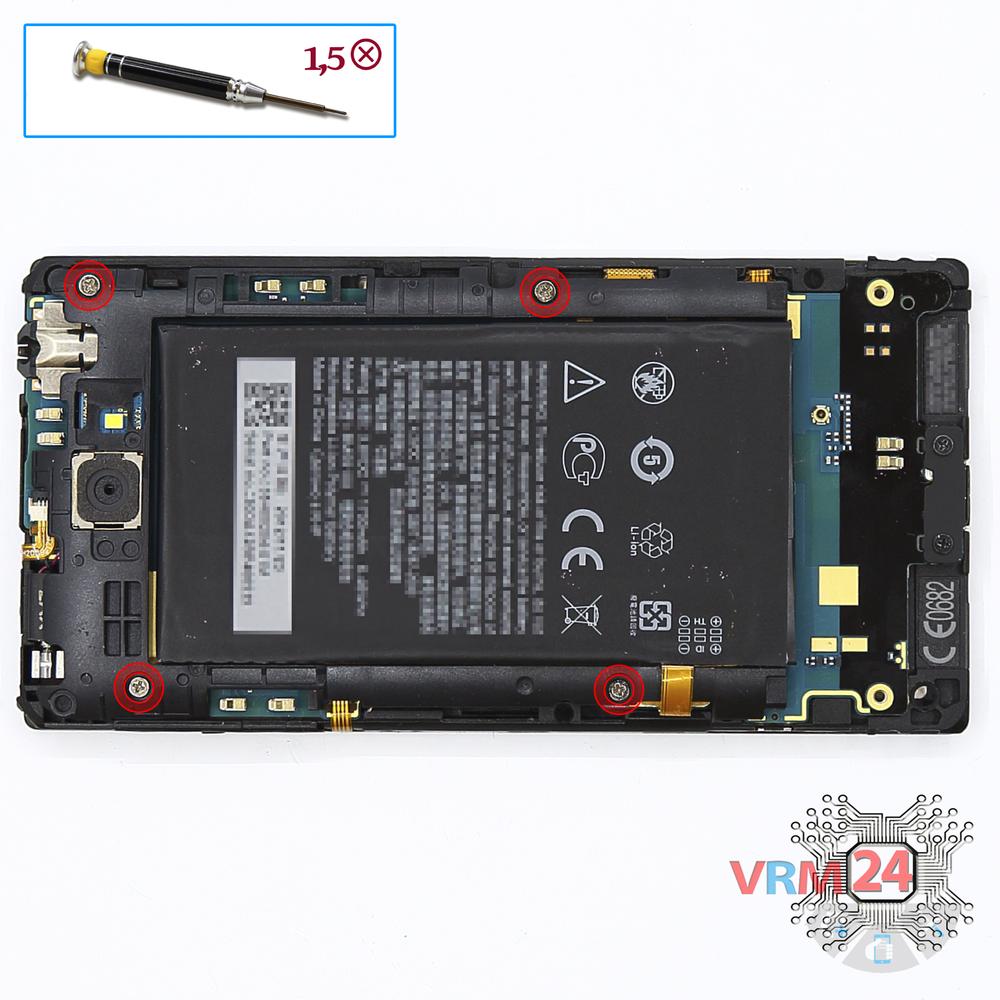
Unscrew the screws
Using a screwdriver (Phillips 1.5 mm PH000), unscrew 4 bolts in the frame of the phone.
Step 5.
Remove the frame
Turn over the battery and remove the frame.
Step 6.
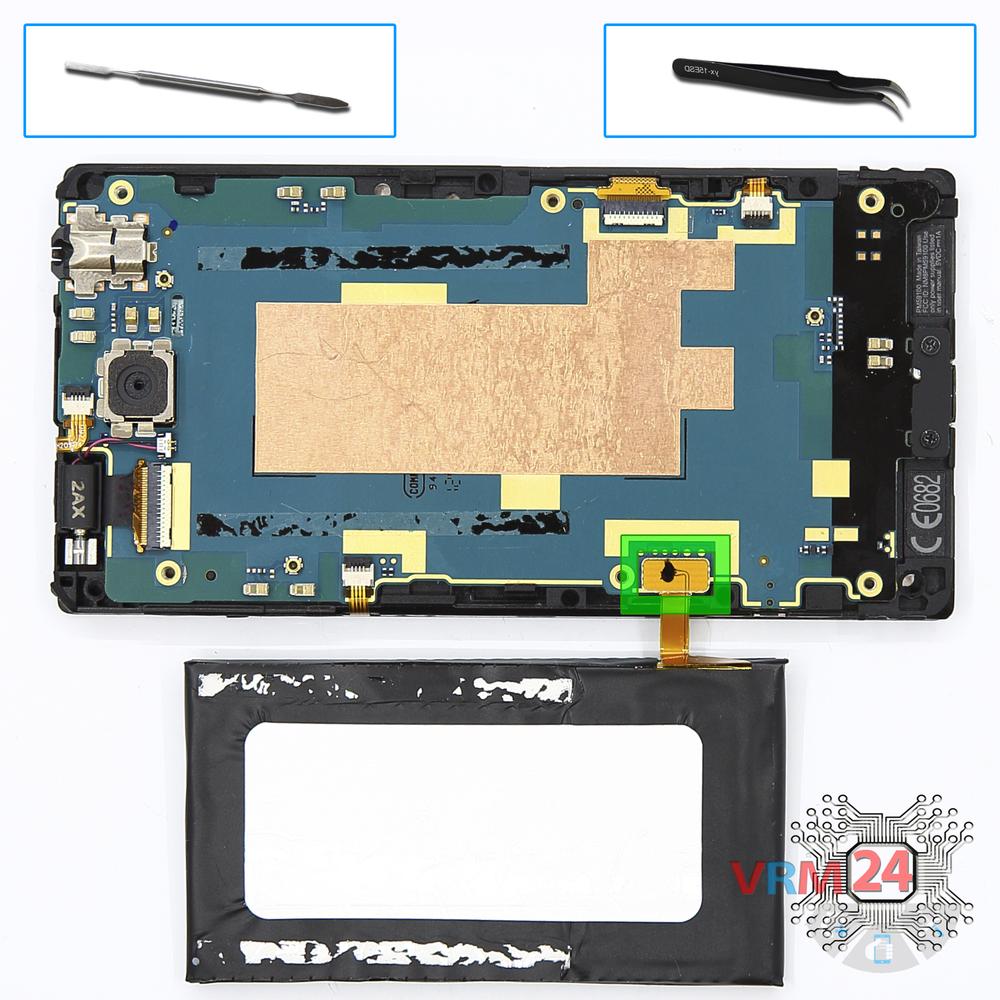
Remove the battery
Disconnect connector on the PCB and remove the battery.
Step 7.
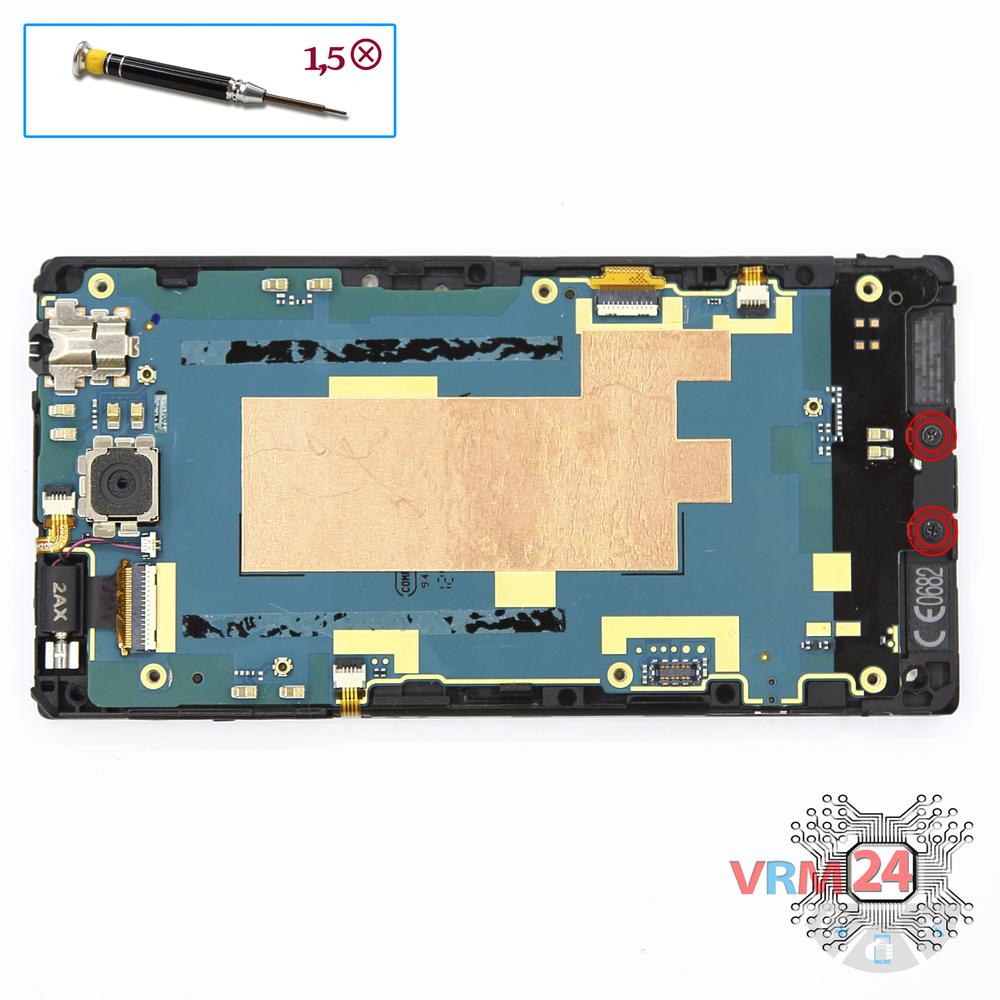
Unscrew the screws
Using a screwdriver (Phillips 1.5 mm PH000), unscrew 2 bolts securing the charging port.
Step 8.
Disconnect the connectors
Disconnect connectors on the PCB.
Step 9.
Remove the motherboard
Remove the PCB.
Step 10.
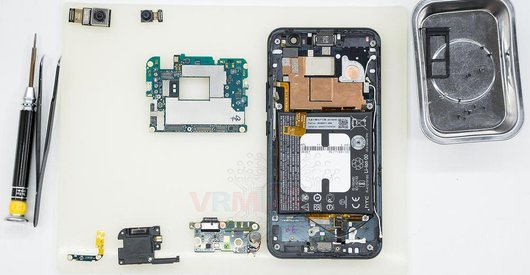
In the display frame remained
Parts in the frame of the display module.

If you have a question, ask us, and we will try to answer in as much detail as possible. If this article was helpful for you, please rate it.

4461
Views
0
Likes
—
Share
4
Questions
Related Instructions
Related Reviews
Related Blog
Popular Questions
J
HTC Desire 626
does anyone know what can I fix inside for the speakers to work I can't hear anything but I can't find anywhere to tell me what's the speaker to fix
Jaycie Garcia19
S
HTC Desire 600
816d loudspeaker replacement
SUNDHABOYS13
S
HTC Desire 626
Which part contains the GPS antenna, I'm lookingto replace mine as it has failed.
Stuart Rayner20
N
HTC Desire 816
What kind of screw driver do we need... Star shaped 1.5 right !!!! My screw had 6 lines in it not 4 as you shown in video
NIHAL 301
HTC Desire 320
1. Please remove my email from being spammed. 2. Do you have a simpler instruction? All I want to do is remove the guts and still have it working. I…
daveTop instructions
Check our
Top HTC instructions most liked by readers
New instructions
Check our
New HTC brand instructions on vrm24.com