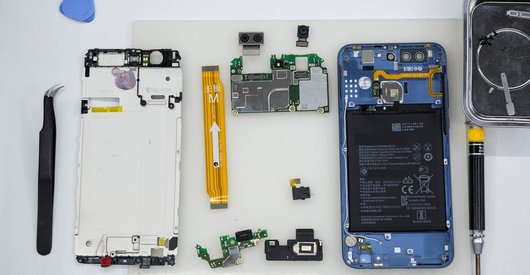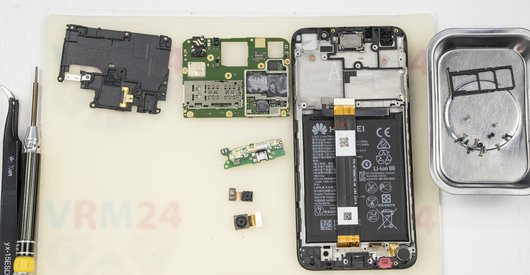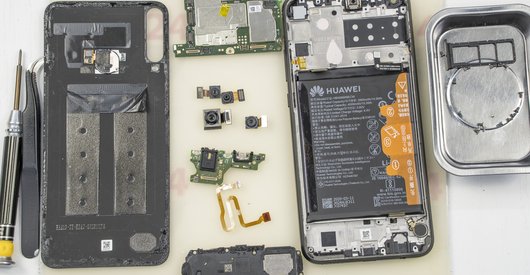


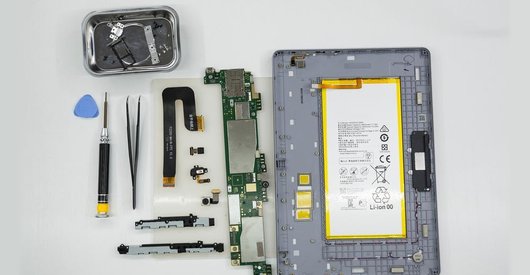
Recommended tools
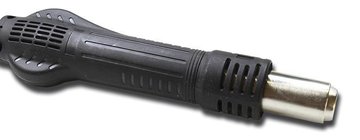
Heat gun
Screwdriver Phillips #000

Opening tool / Spudger

Tweezers

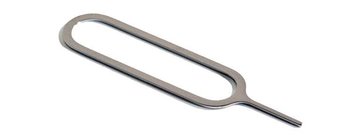
Eject tool
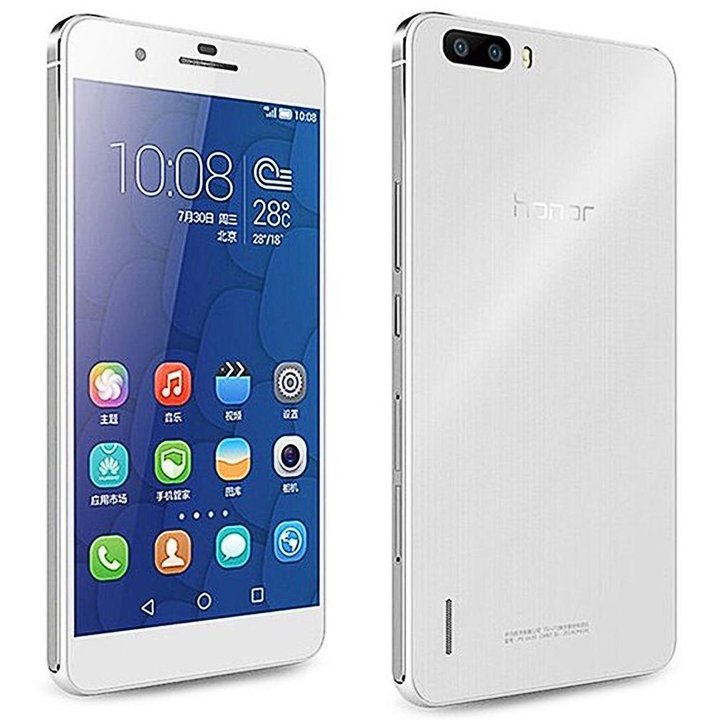
Disassembly/Repair of the mobile device Huawei Honor 6 Plus (Huawei Honor 6 Plus PE-UL00) with each step description and the required set of tools.
5410
Views
0
Likes
—
Share
11
Questions

Step 1.
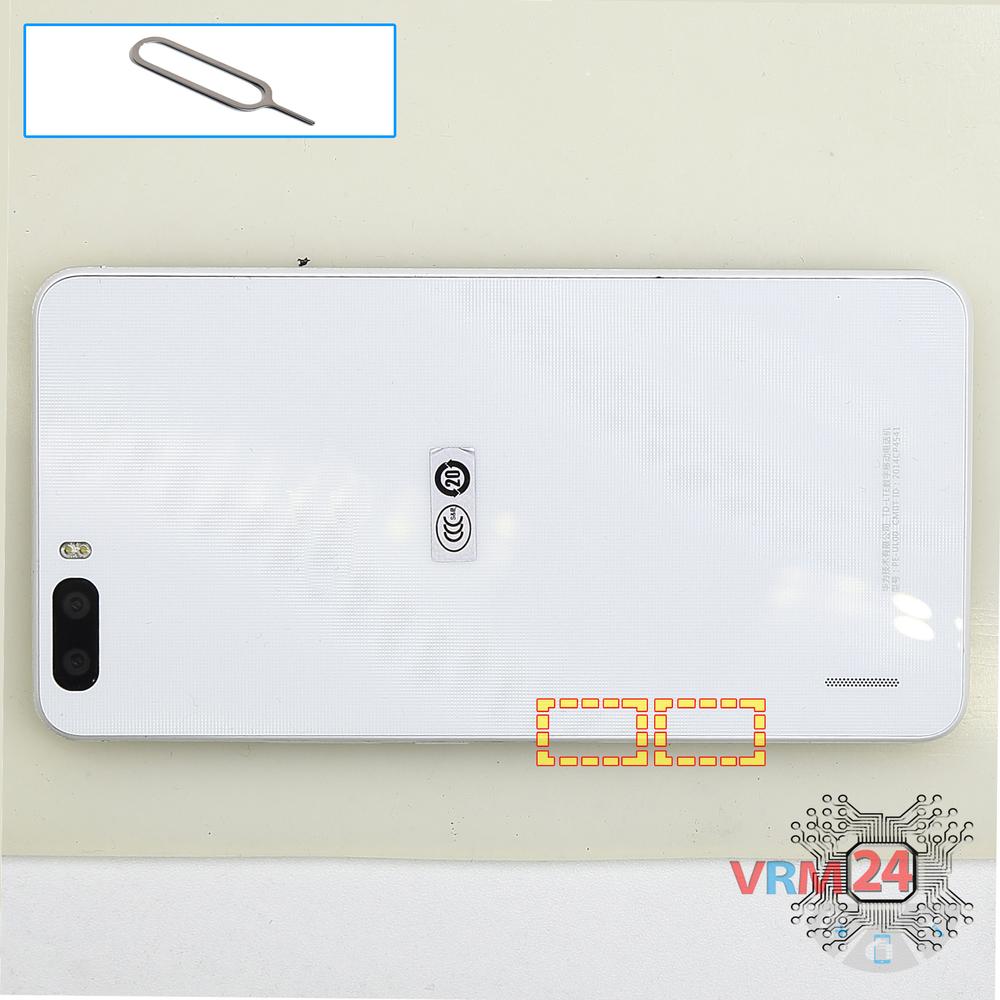
Remove the trays
Using the key tool, open the SIM card and MMC card trays and remove them.
⚠ Warning!
Do not push too hard this may cause damage.
Step 2.
Open the back cover
Open the back cover.
Step 3.
Unscrew the screws
Using a screwdriver (Phillips 1.5 mm PH000), unscrew 17 bolts in the frame of the phone.
Step 4.
Remove the loudspeaker
Pry and remove the buzzer (speaker) assembly.
Step 5.
Disconnect the battery connector
Disconnect the battery connector.
⚠ Warning!
We strongly recommend disconnecting the connector to avoid a possible short circuit during disassembly.
Step 6.
Open the mid-frame
Peel back the protective layer & pry and remove the middle cover.
Step 7.
Remove the battery
Pry and remove the battery.
Step 8.
Unscrew one screw
Using a screwdriver (Phillips 1.5 mm PH000), unscrew 1 bolt in the PCB.
Step 9.
Remove the rear camera
Disconnect connector on the PCB and remove the main camera.
Step 10.
Disconnect the connectors
Disconnect connectors on the PCB.
Step 11.
Remove the motherboard
Remove the PCB.
Step 12.
Remove the headphone port
Disconnect connector on the PCB and remove the headphone jack/socket & earpiece (speaker).
Step 13.
In the display frame remained
Parts in the frame of the display module.

If you have a question, ask us, and we will try to answer in as much detail as possible. If this article was helpful for you, please rate it.

5410
Views
0
Likes
—
Share
11
Questions
Related Instructions
Related Reviews
Related Blog
Popular Questions
C
Huawei Ascend Mate 7
Ils not buzzer !! Is speaker !! Wargning
cenlah6277 au top13
S
Huawei MediaPad T3 (10'')
Do you know that I realized we have the first tablet surgeon
SAMUEL FREE FIRE3
T
Huawei Honor 20
Bro are you Russian bro I'm from kerela india bro...thanks for video
Tencent Gamer 腾讯3
Huawei Honor View 20
I am absolutely not heard at all during speakerphone conversations and in video calls, is the problem in the top microphone?
m.belyj18
P
Huawei Honor 4X
My mobile fell in water but it worked for 20 minutes after my display is not working but remaining is good
prem kumar20Top instructions
Check our
Top Huawei instructions most liked by readers
New instructions
Check our
New Huawei brand instructions on vrm24.com