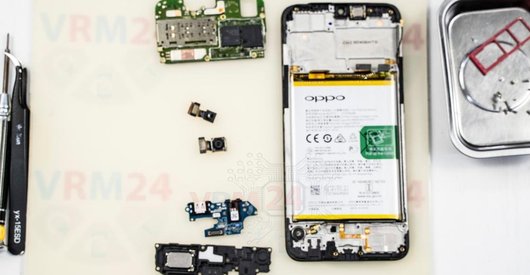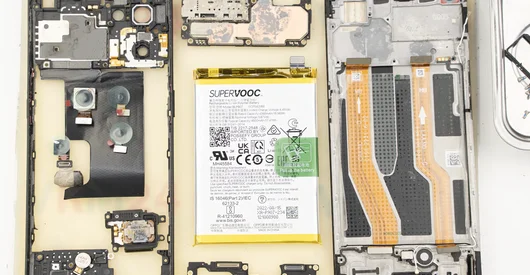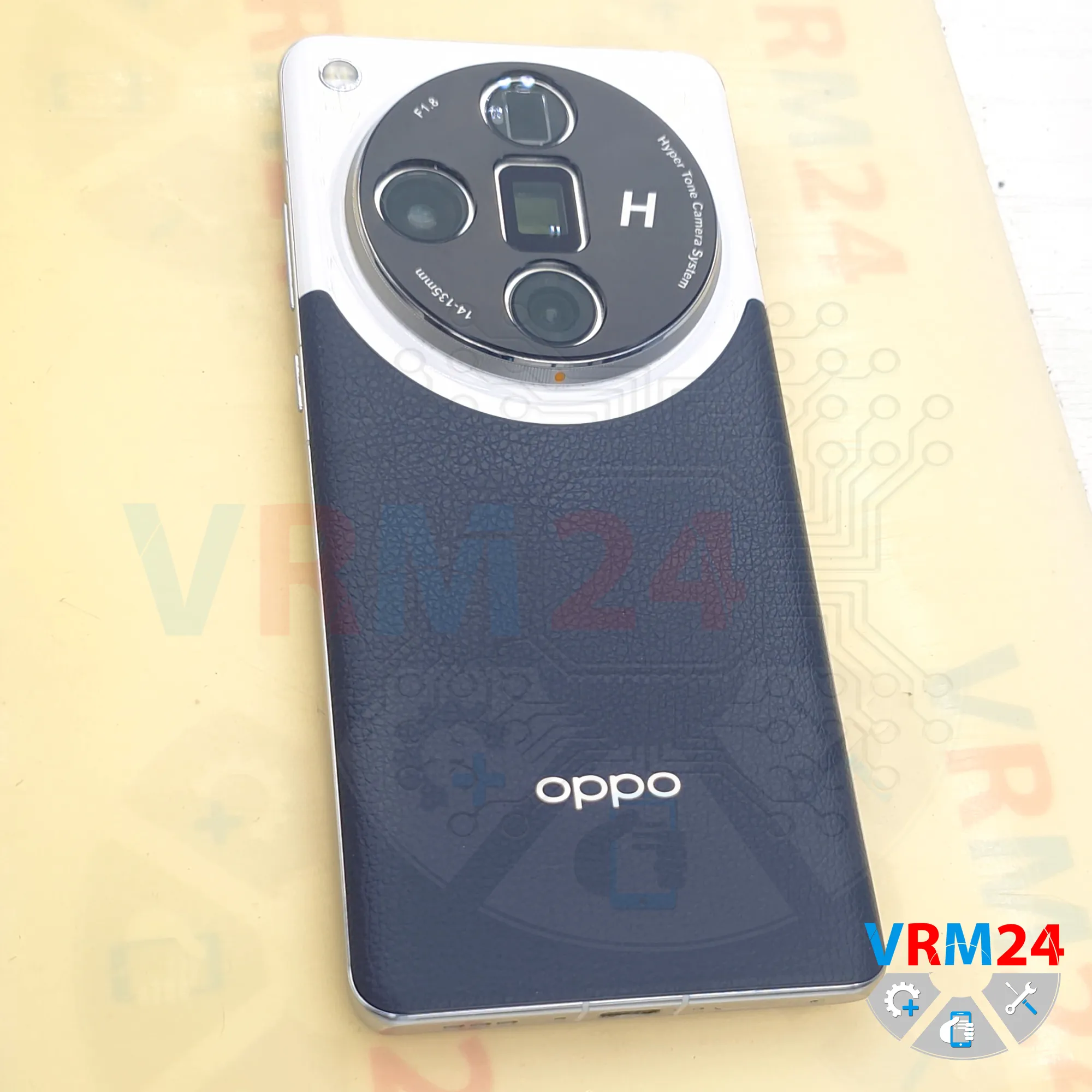
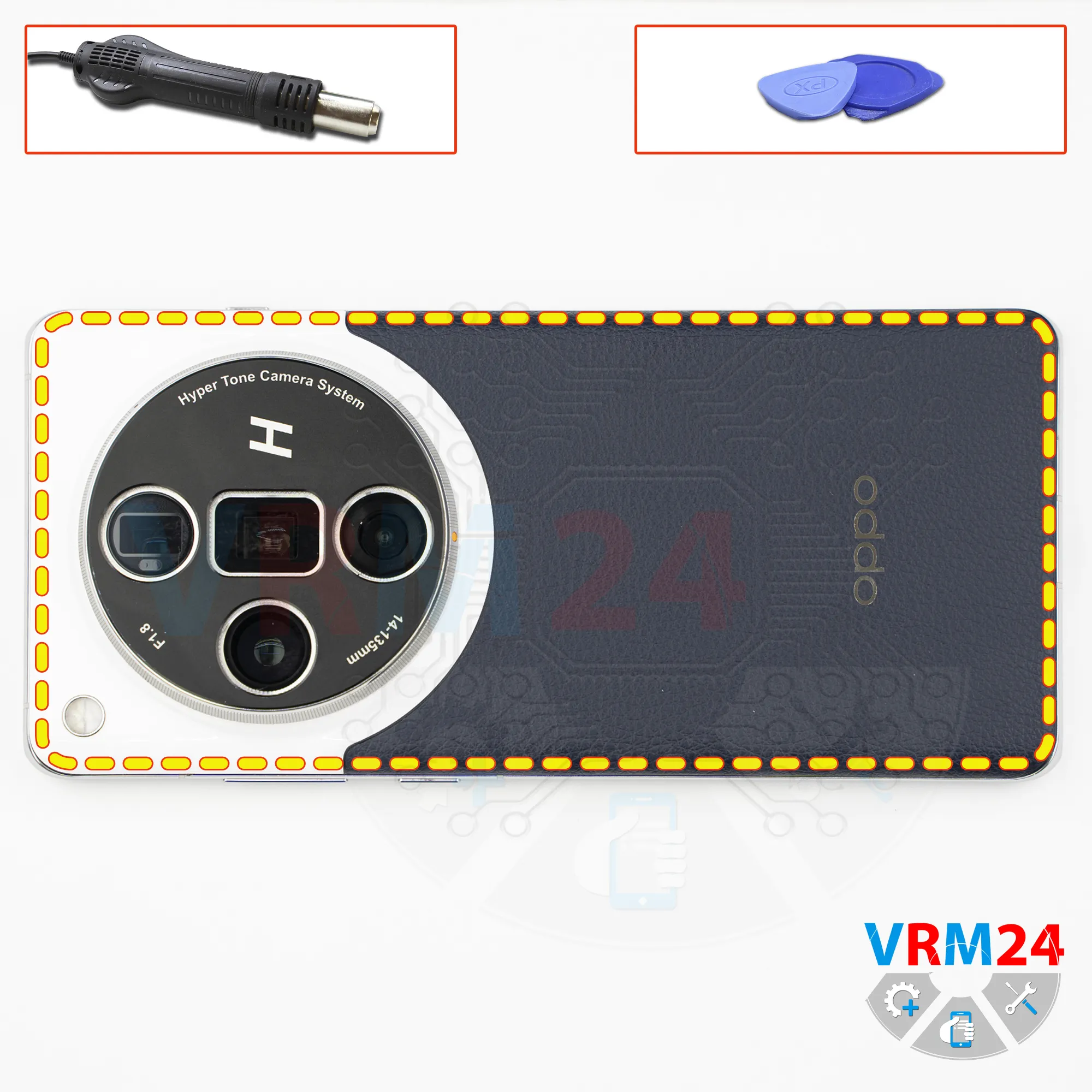
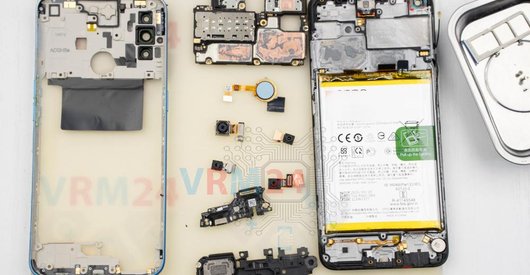
Recommended tools
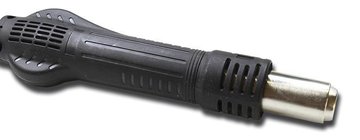
Heat gun
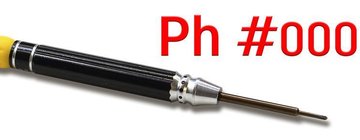
Screwdriver Phillips #000
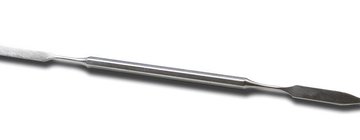
Opening tool / Spudger
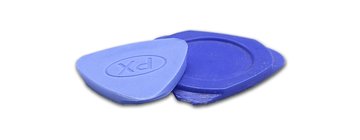
Non-metallic tool
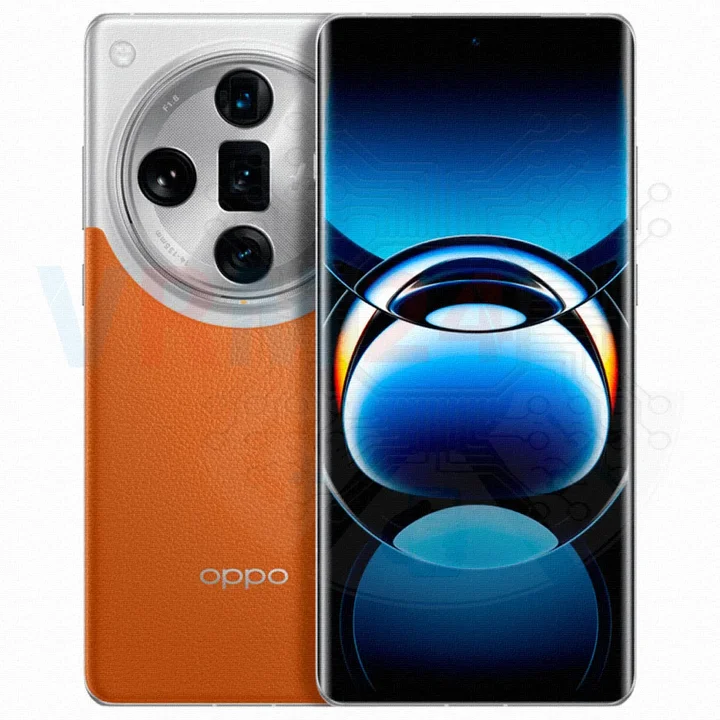
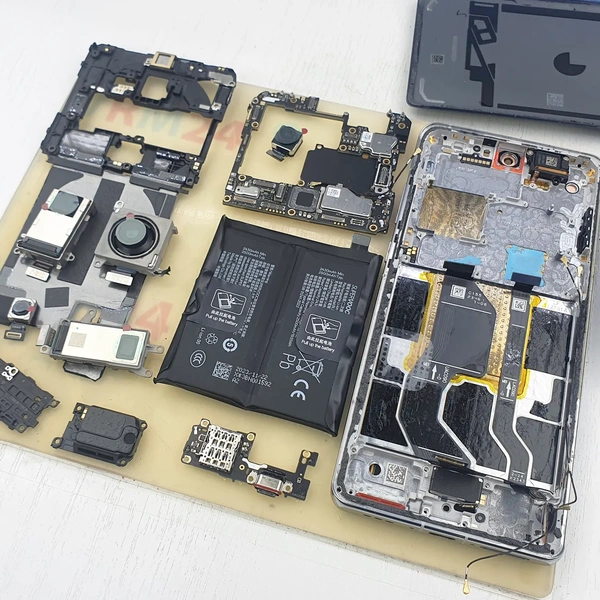
Disassembly/Repair of the mobile device Oppo Find X7 Ultra with each step description and the required set of tools.
2706
Views
1
Likes
—
Share
0
Questions

Step 1.
Before disassembling!
⚠️ Before disassembling, do not forget to turn your phone off.
Step 2.
Remove the tray
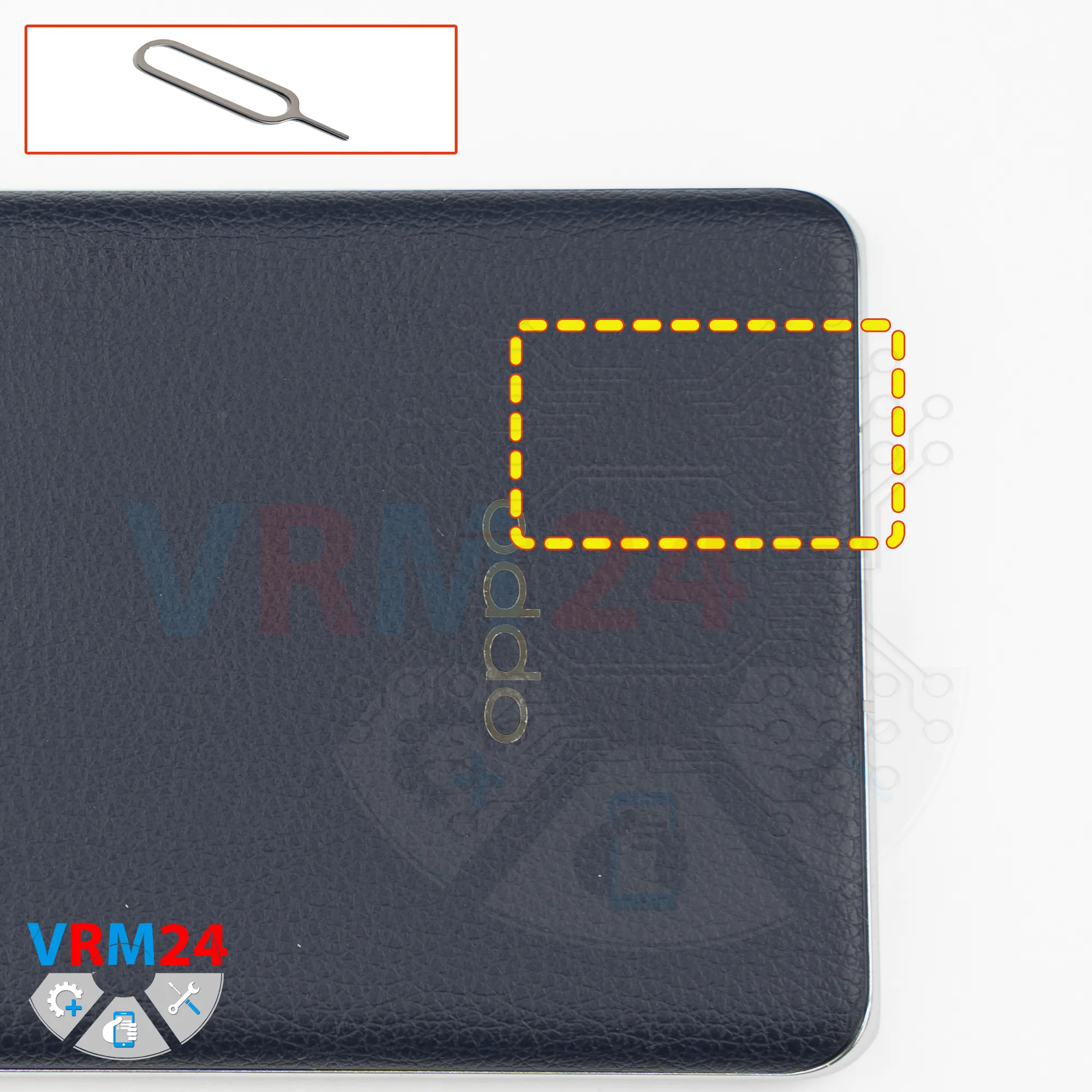
First, we need to remove the SIM card tray.
To do this, we use a SIM eject tool, insert it into the hole, and carefully push the tray out.
Step 3.
Open the back cover
Next, we need to heat the surface of the back cover to a temperature of approximately 70°C or approximately 160°F. We use a heating mat for this, but you can also use a hair dryer.
After about 10 minutes, we can proceed with removing the back cover.
To detach or unglue the back cover, we usually use a thin plastic film. We insert it into the gap between the back cover and the midframe, and carefully slide it along the edge, cutting through the adhesive layer.
As always, be careful around the side buttons, since flex cables may be located there.
Also, be careful around the camera area to avoid damaging the lenses.
Step 4.
Unscrew the screws
Now we need to cover the camera lenses.
We use special protective film for this. Please note that we apply the film not on the lenses themselves, but on the frame around them.
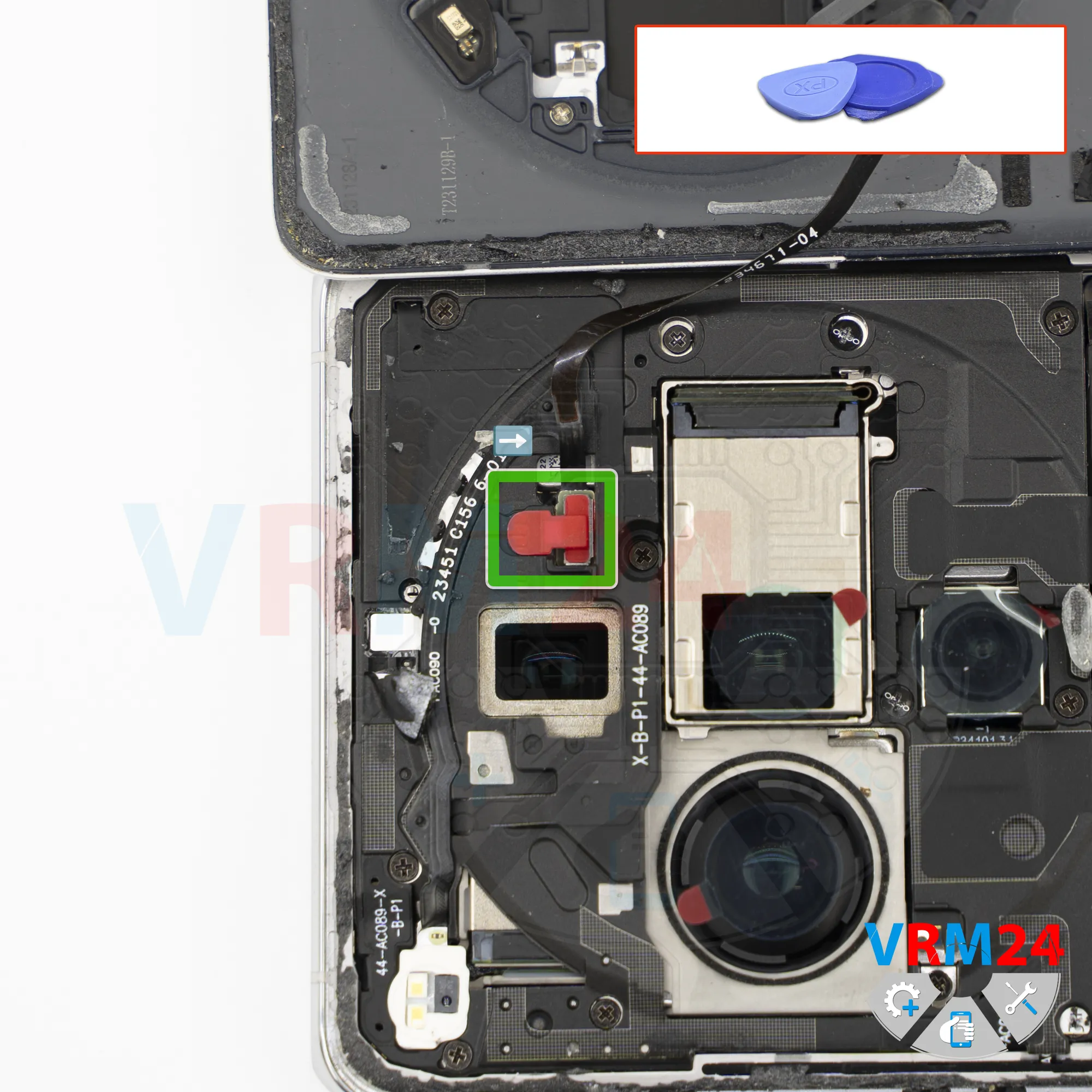
After that, we need to remove the rubber plug. Set it aside, preferably not using a metal tool.
Then we unscrew one screw using a 1.5 mm Phillips #000 screwdriver.
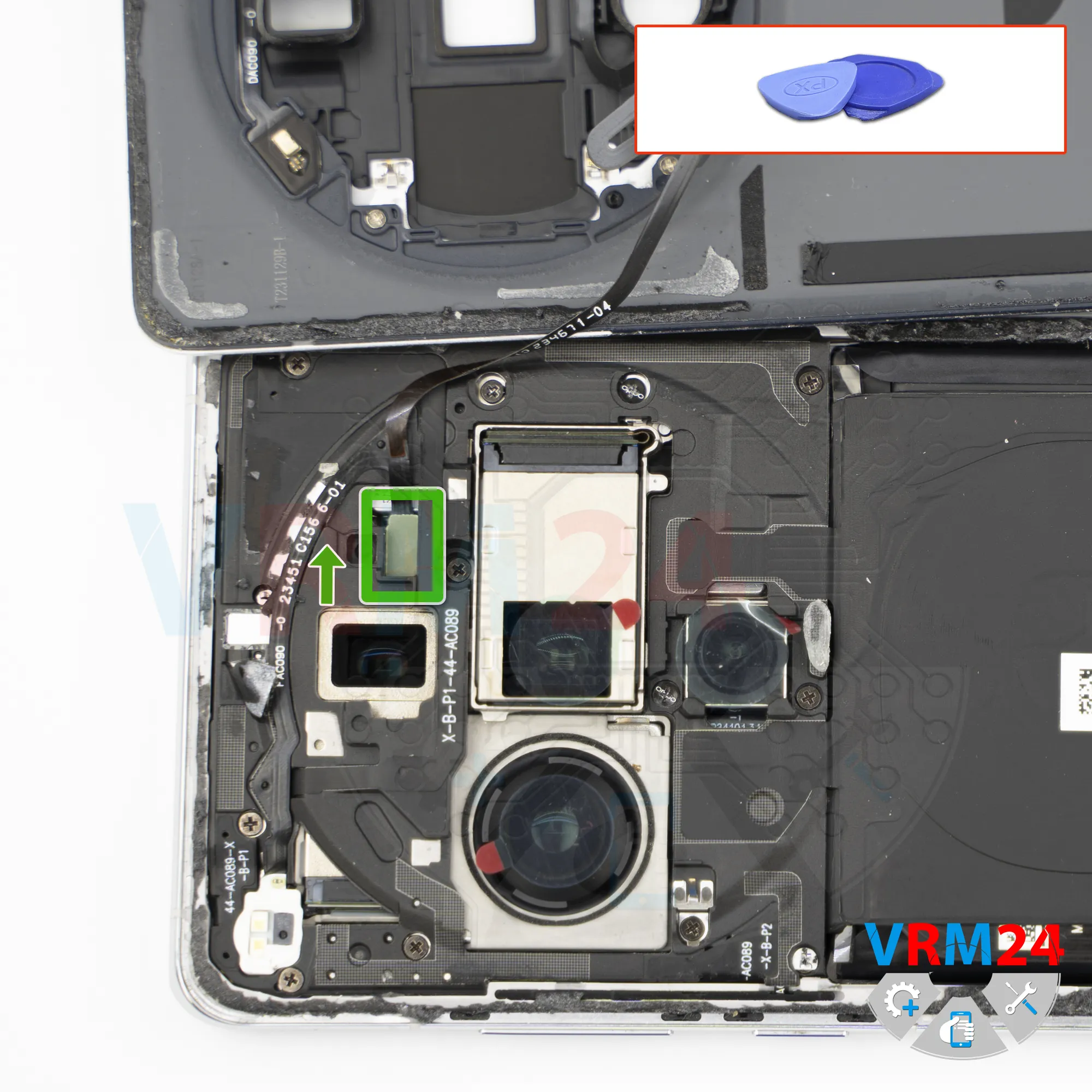
And, then we detach the bracket that secures the connector.
Step 5.
Disconnect the connector
Disconnect the connector that goes to the back cover. Now we can remove the back cover completely.
Step 6.
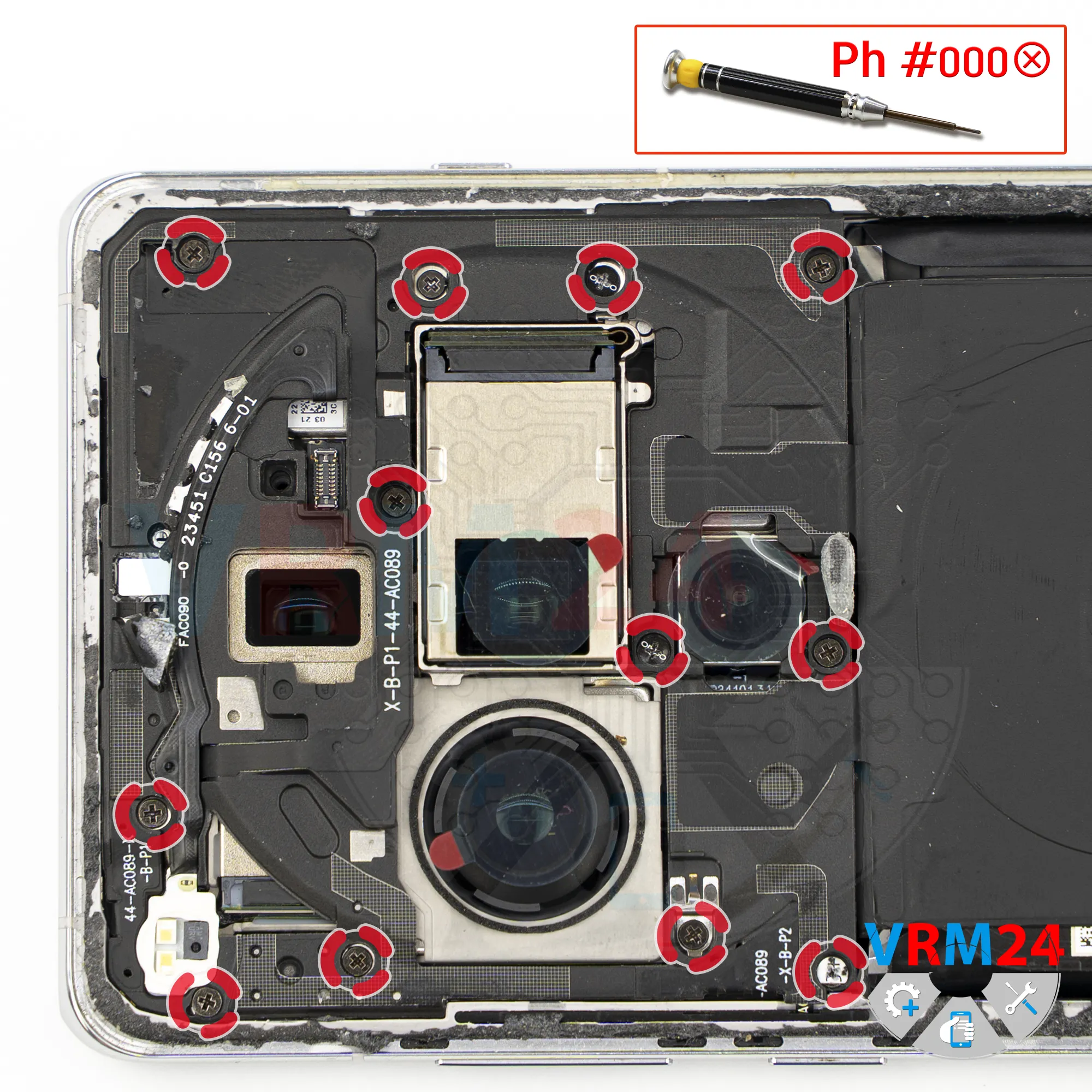
Unscrew the screws
Next, we move on to unscrewing the screws. We use a 1.5 mm Phillips #000 screwdriver.
The screws are difficult to pick up, so we use tweezers to remove them carefully.
We unscrew the screws and arrange them in a specific order, since they may differ from each other.
Also, make sure not to miss any screws.
Please note that some screws are covered with warranty stickers, and some are recessed.
Step 7.
Open the cover
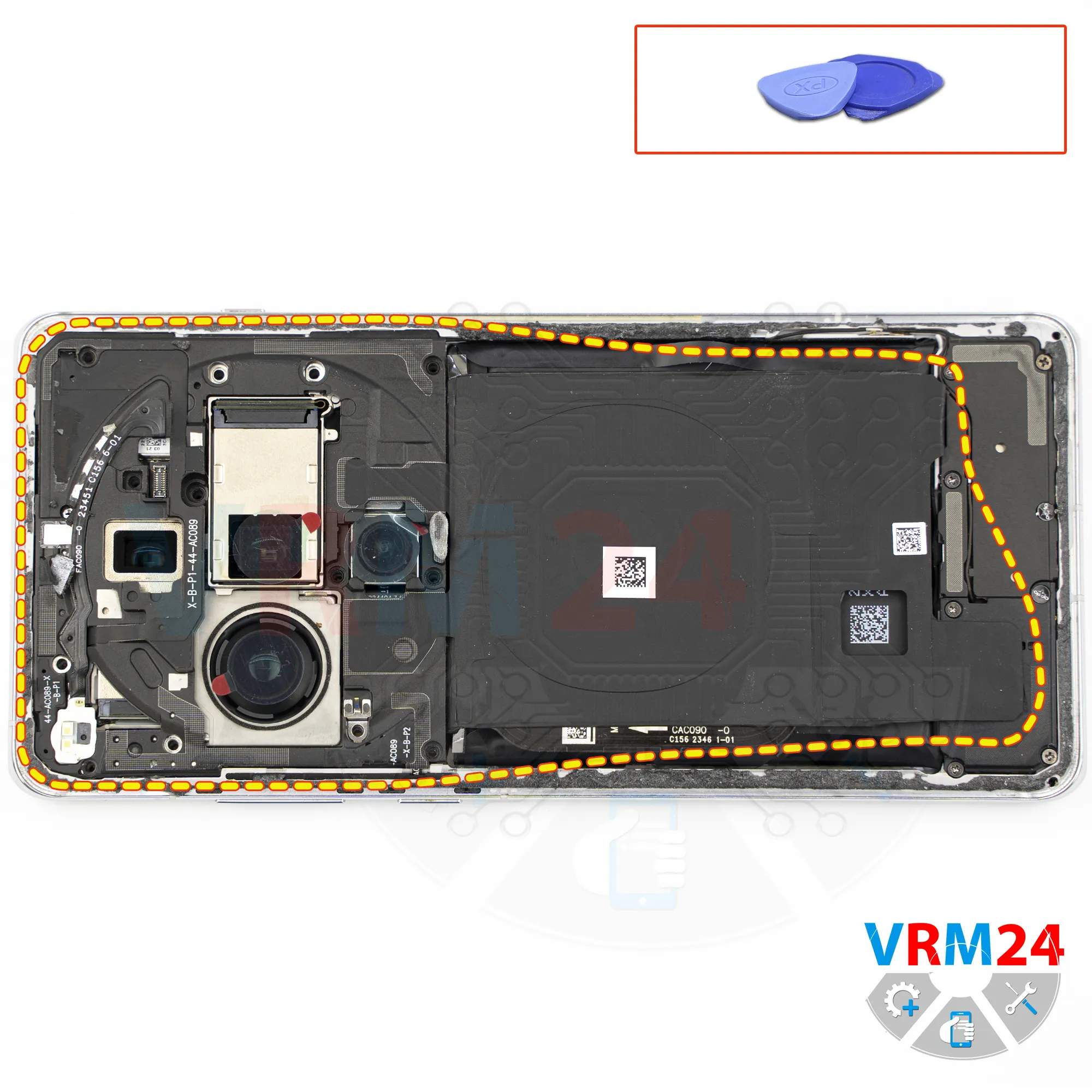
After removing the screws, we can detach the upper cover.
For this, we use a non-metallic tool.
Carefully pry it up from the edge and gently lift it.
Do not use force.
And we remove the upper cover with the NFC module and wireless charging coil, and set it aside.
Step 8.
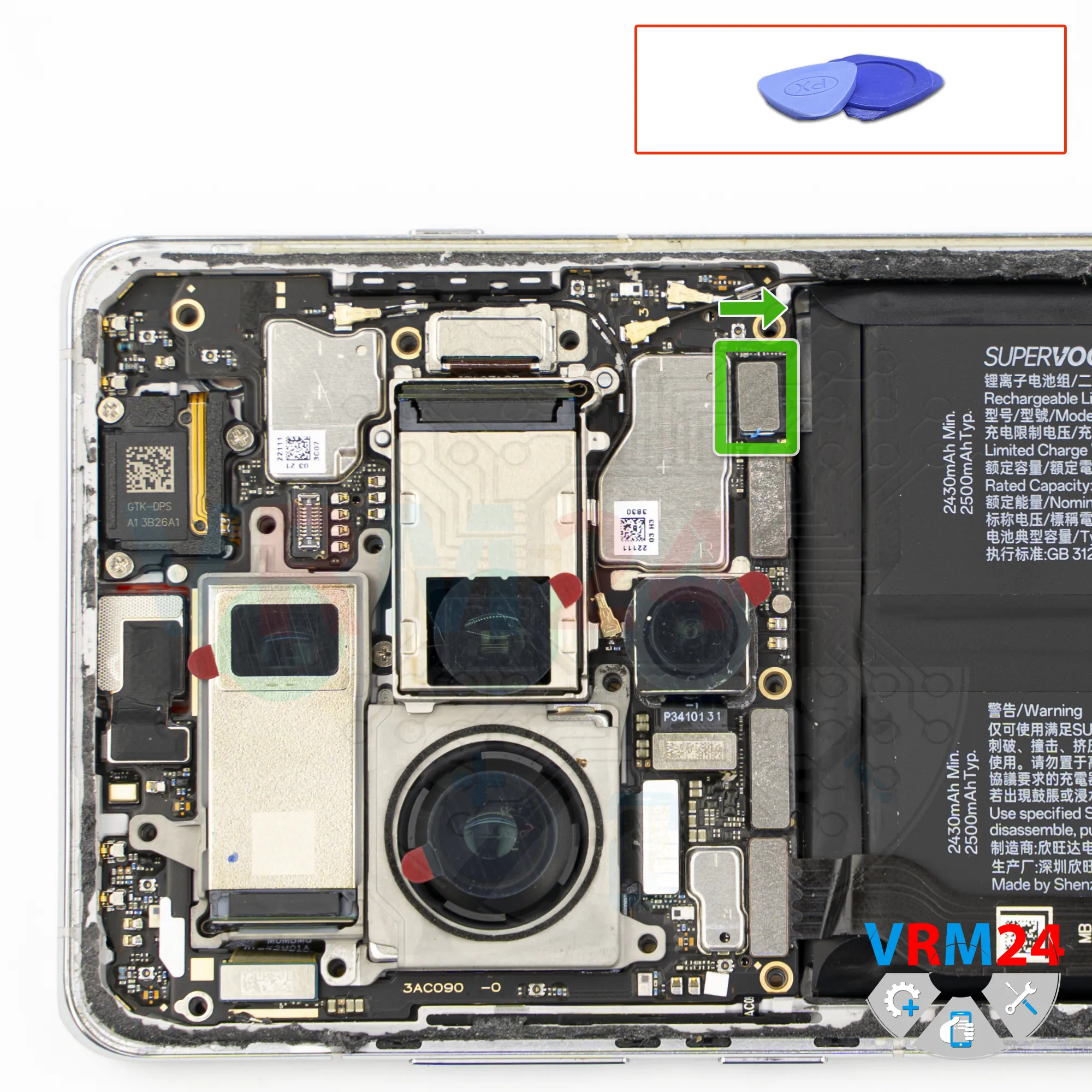
Disconnect the battery connector
Using a non-metallic tool, disconnect the battery connector. There is only one here.
ℹ️ The Oppo Find X7 Ultra uses a BLPA37 rechargeable battery with a capacity of 2500*2 mAh.
Step 9.
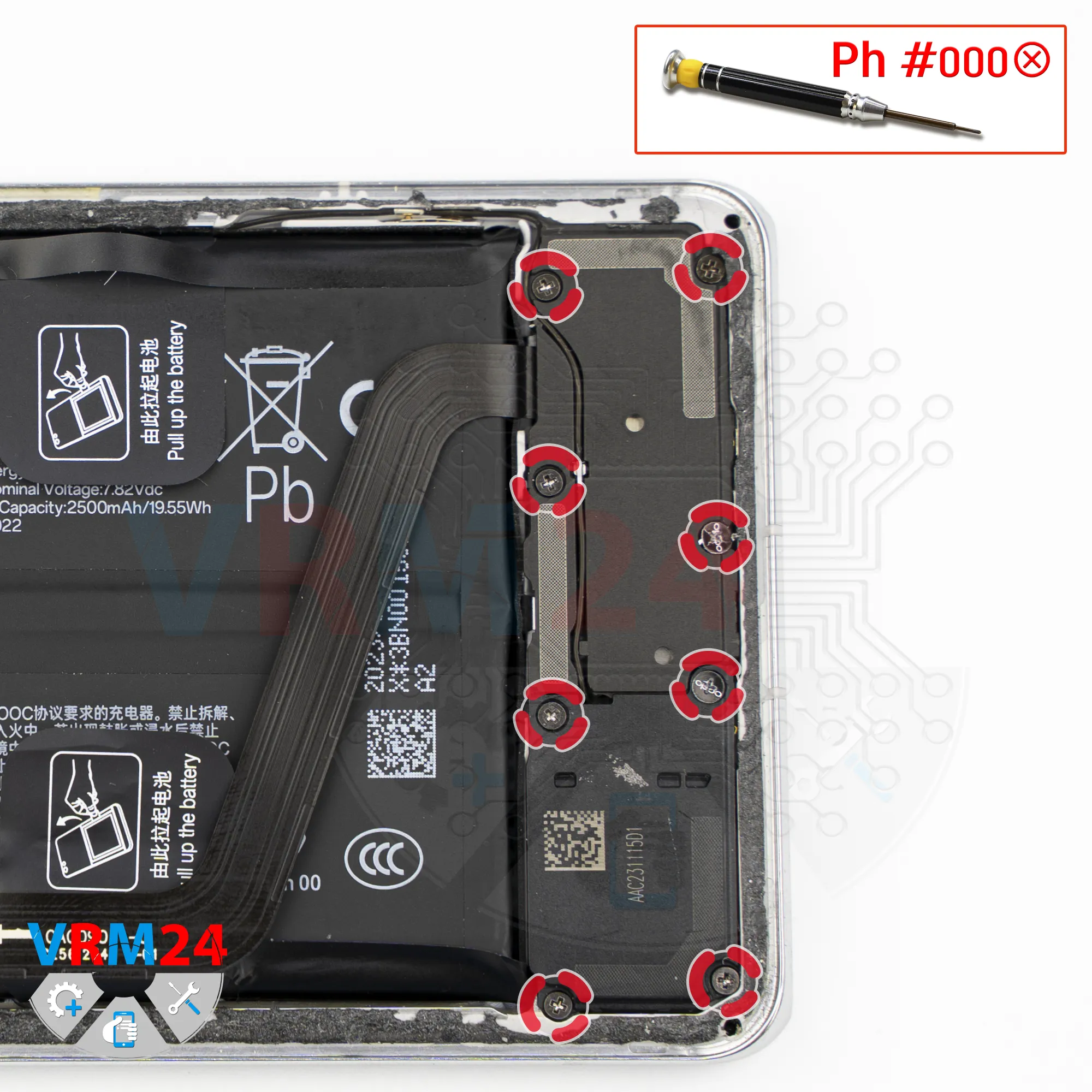
Unscrew the screws
In the lower part, we need to unscrew the screws. Again, we use a 1.5 mm Phillips screwdriver.
It’s better to keep these screws separate from the previous ones. They may also be difficult to remove.
By the way, in the lower section the screws are more or less magnetized.
Step 10.
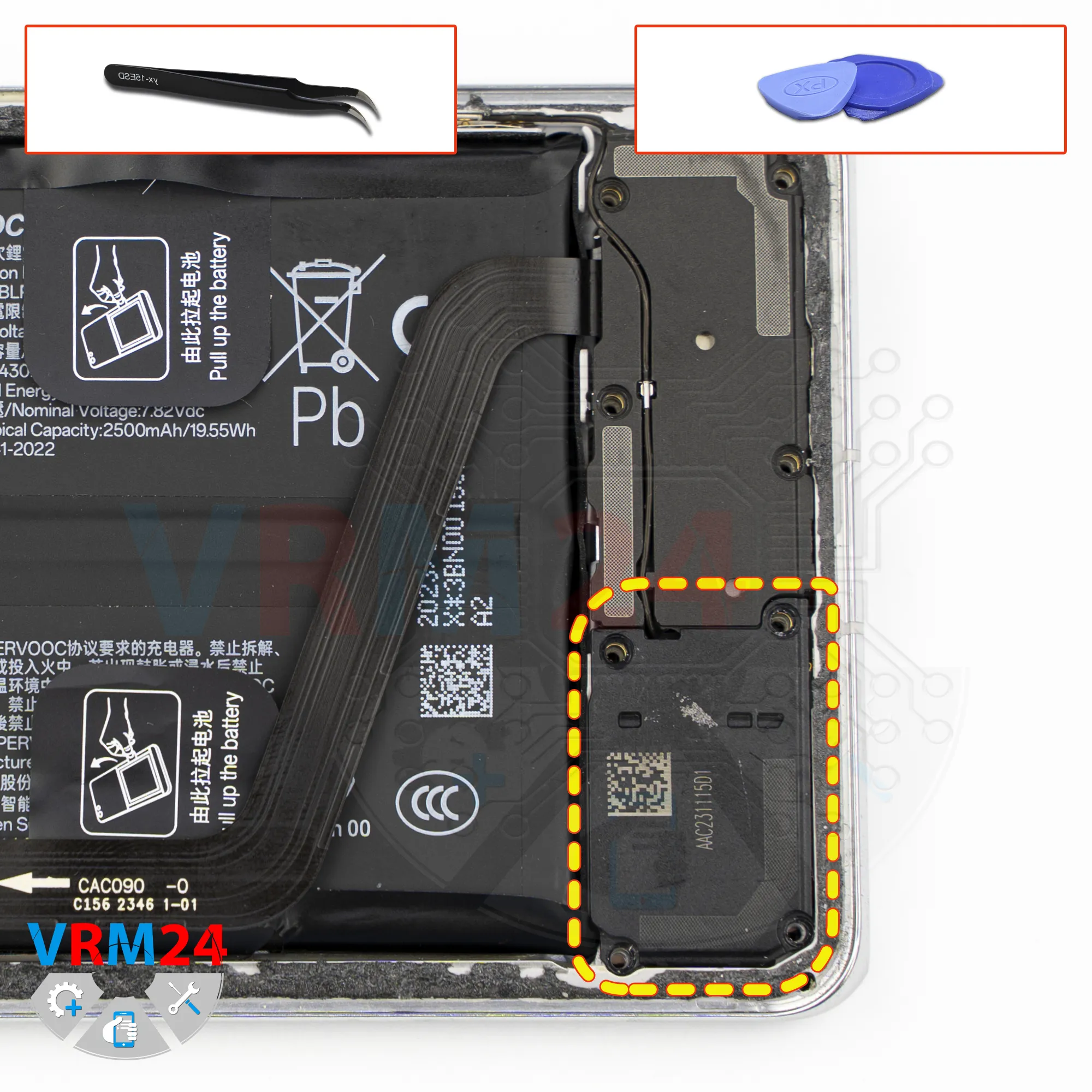
Remove the loudspeaker
After that, we need to remove the loudspeaker.
As before, pry it up in the correct place to remove it.
Do not rush and do not use force, as you may damage something.
Step 11.
Disconnect the connector
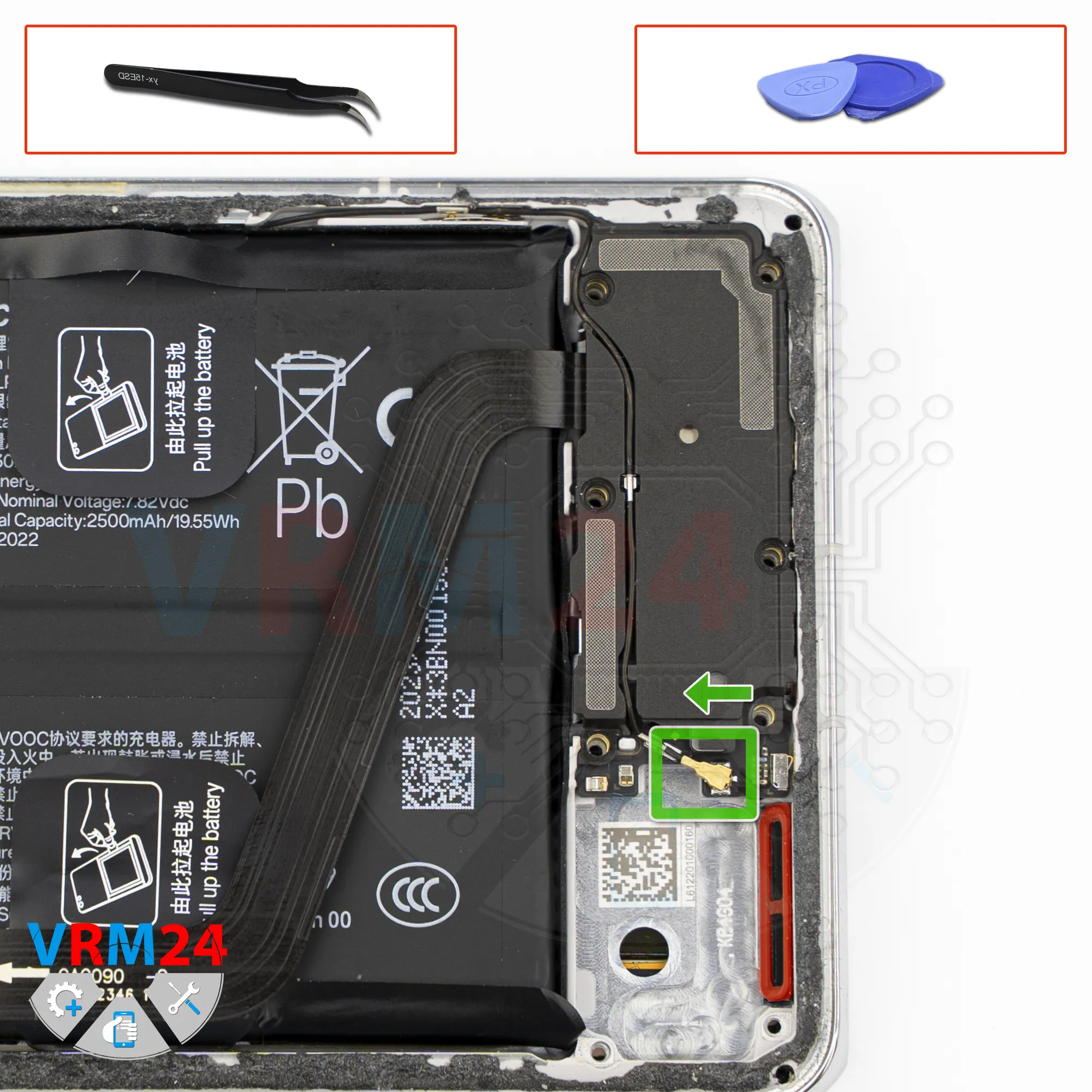
Disconnect the coaxial cable, which is routed or seated in a channel in the cover.
Step 12.
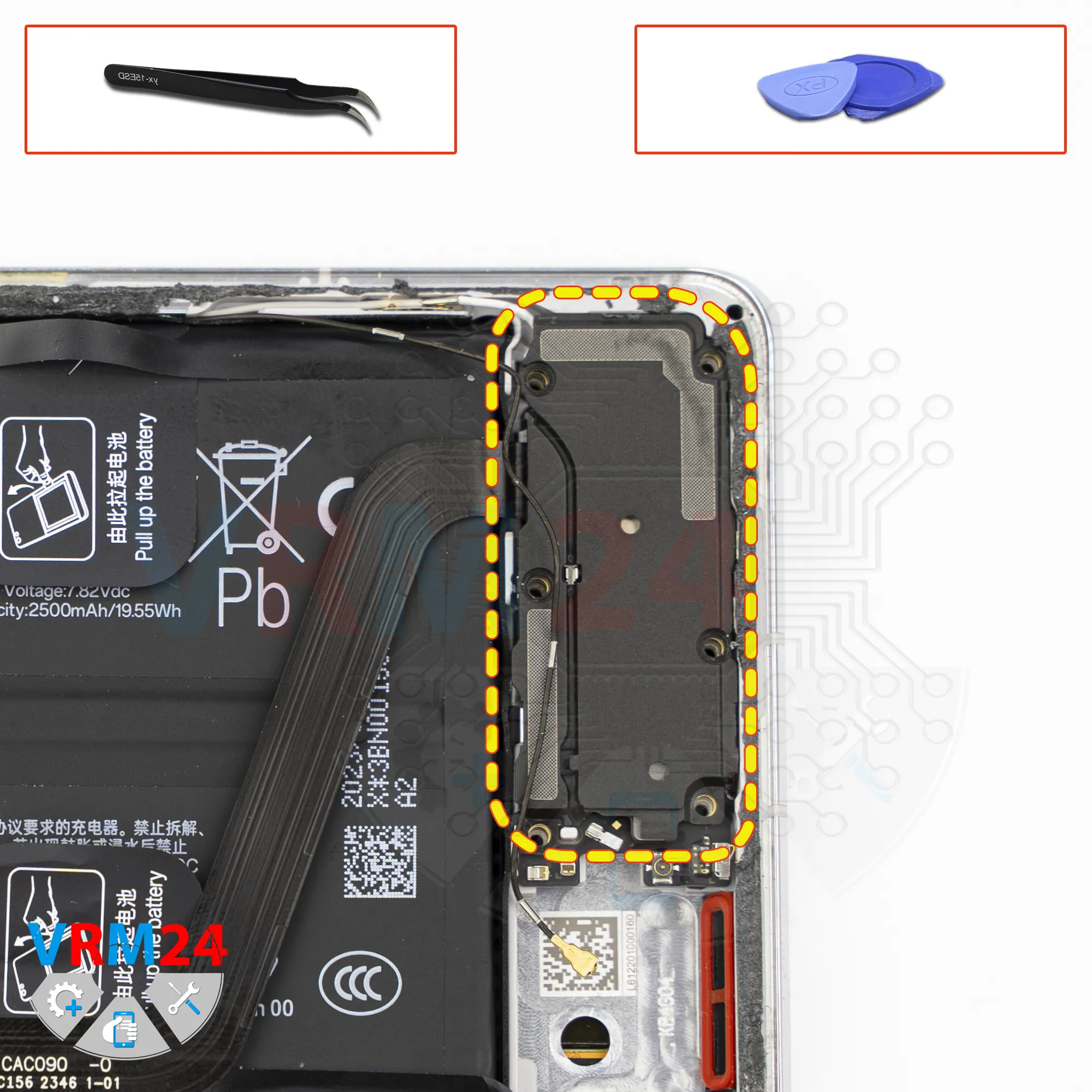
Open the cover
Carefully remove the cover. There is one contact pad on the cover; set it aside.
Step 13.
Remove the interconnect cable
We can also disconnect the interconnect flex cable from the both boards and set it aside.
By the way, the flex cable has an arrow indicating the direction toward the motherboard.
Step 14.
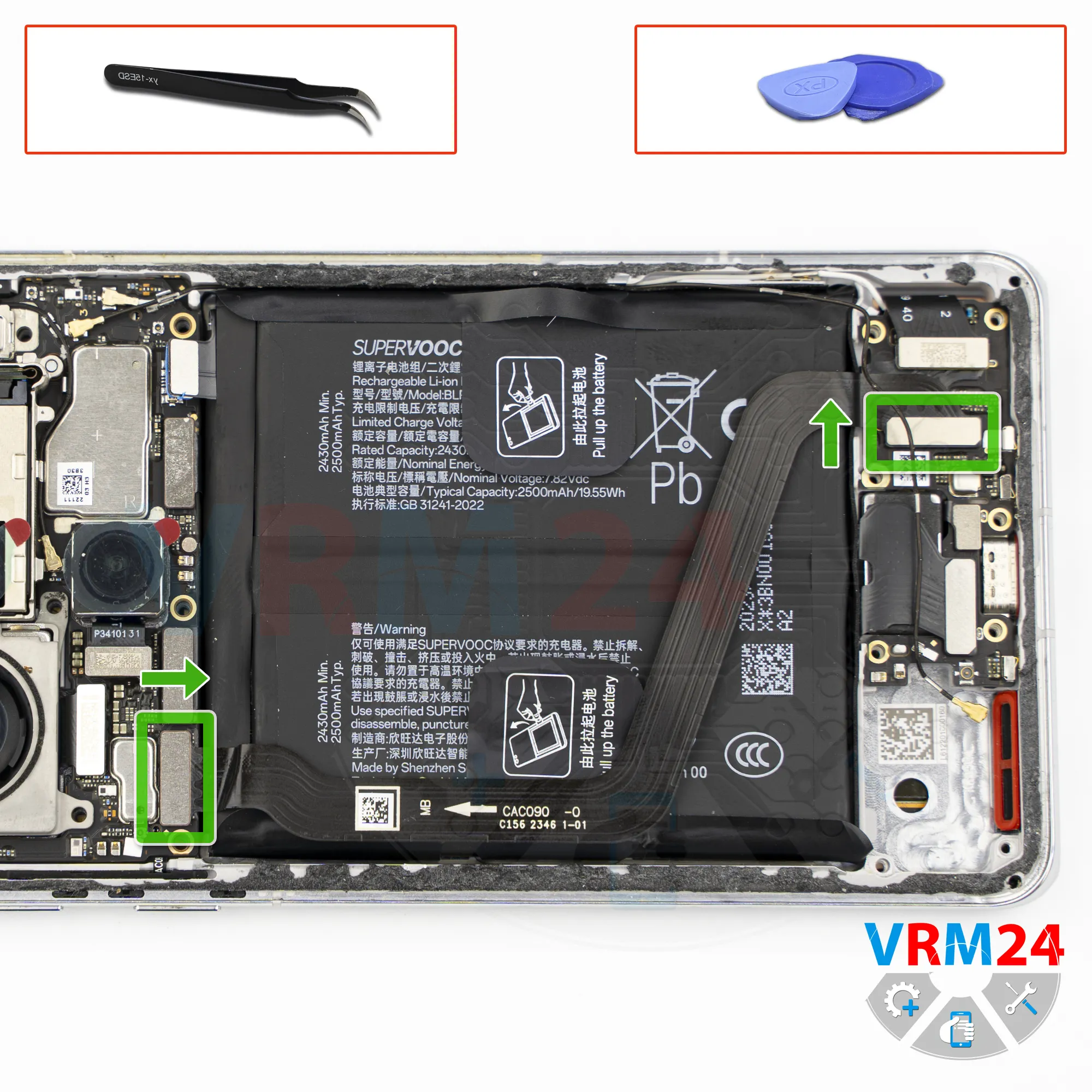
Disconnect the connectors
After that, we disconnect the connectors.
Disconnect the interconnect flex cable connector, and disconnect the display flex cable connector.
After that, we need to carefully unglue the other interconnect flex cable.
Carefully lift it, preferably from the connector side, not from the cable side, so as not to accidentally damage the flex cable.
We also need to remember to disconnect the fingerprint sensor connector.
Step 15.
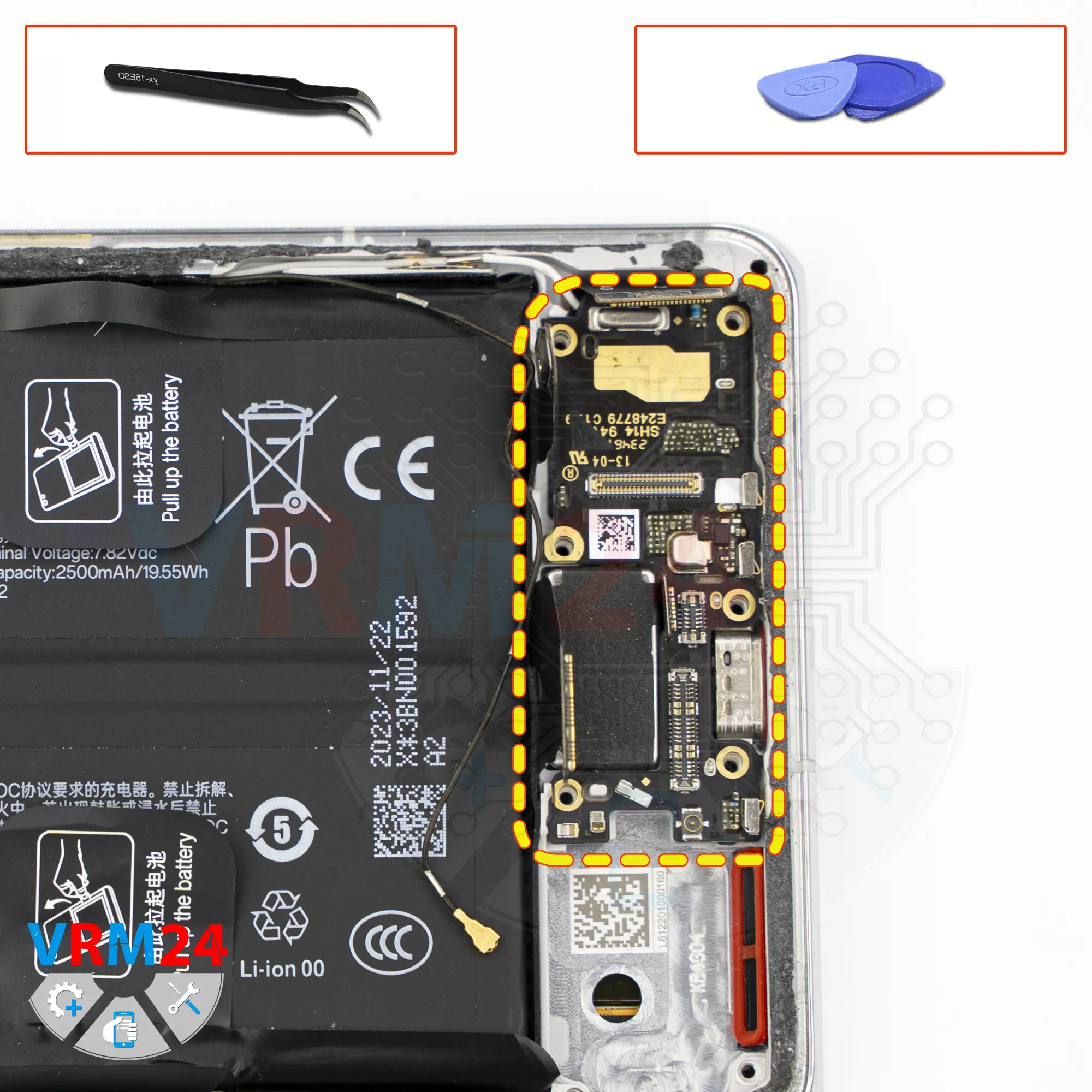
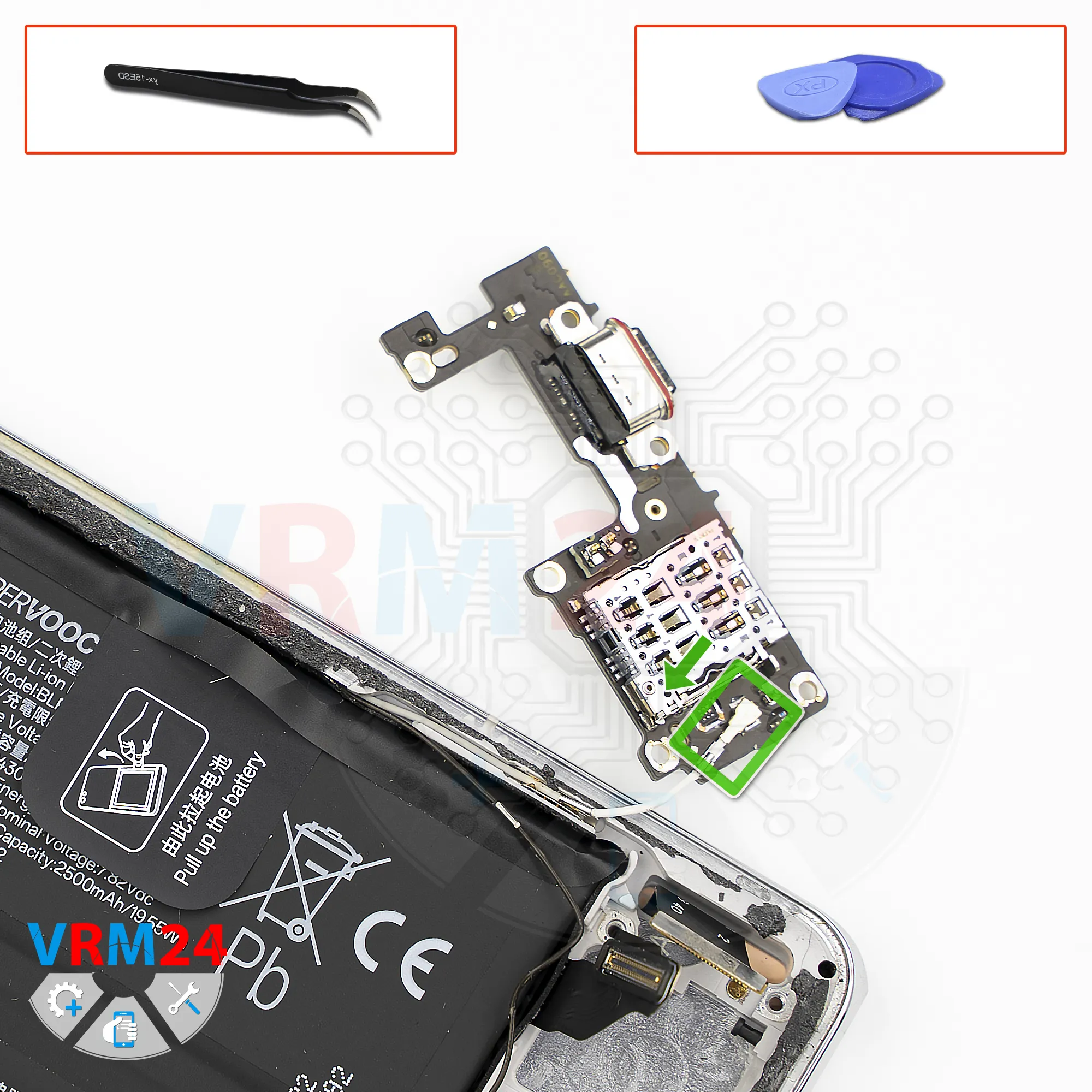
Remove the sub-board
And now we can carefully lift and flip over the sub-board.
Step 16.
Disconnect the connector
On the back side, there is a second coaxial cable connector. Disconnect it and remove the sub-board.
Step 17.
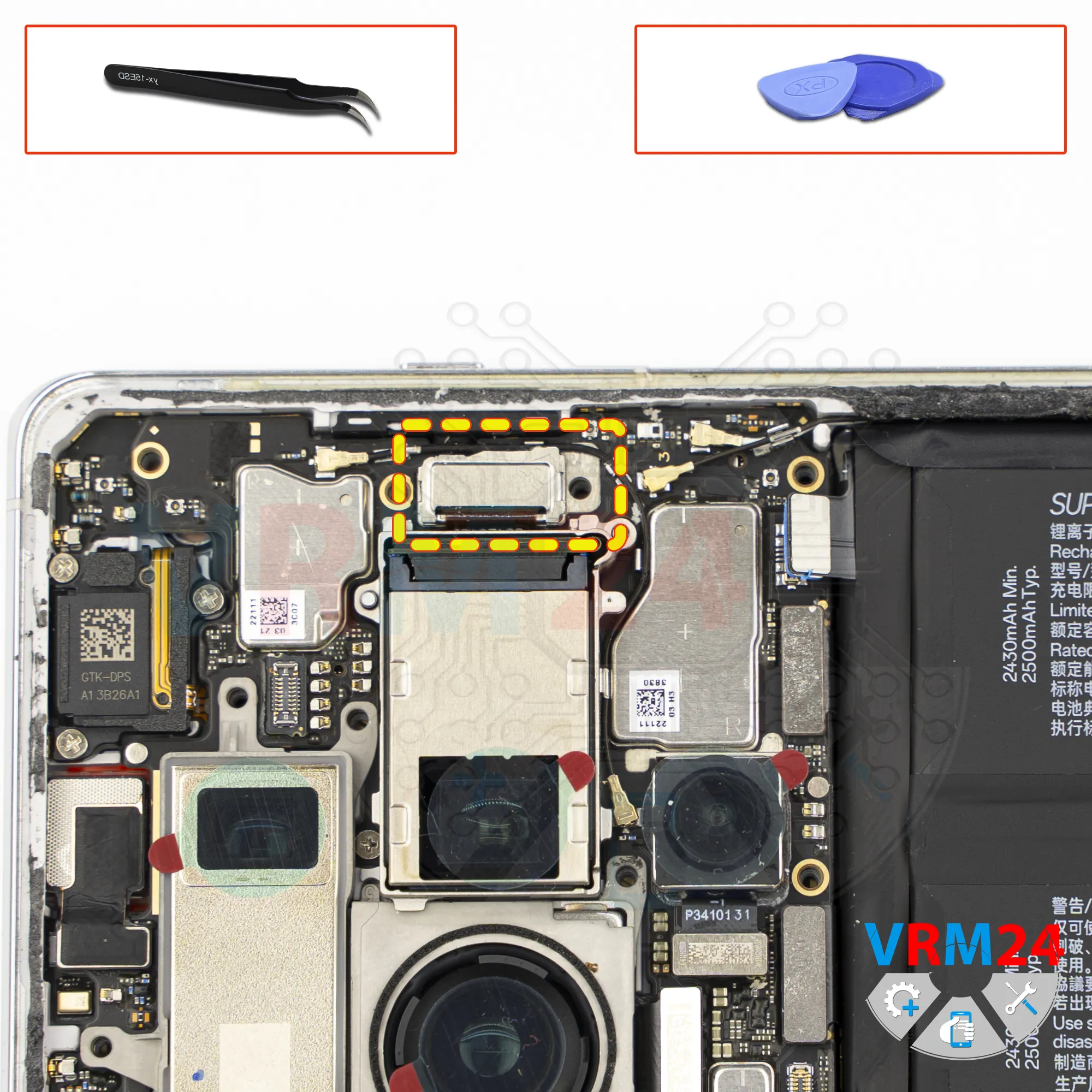
Remove the bracket
We need to remove the bracket that secures the connector of the camera first.
Step 18.
Remove the cameras
And we move on to disconnecting the cameras in the upper section. Carefully pry up the connectors and try lifting them.
The cameras are disconnected in a specific sequence.
We also need to unglue the last small rear camera. It is glued to the motherboard.
Carefully pry it up at the base, lift it, remove it, and set it aside.
And it’s best to disconnect the front camera as well.
Carefully disconnect the connector, pry it up, and remove the front camera.
It’s also better to cover the camera lens with protective film to prevent debris or dust from getting on it.
Step 19.
Unscrew the screws
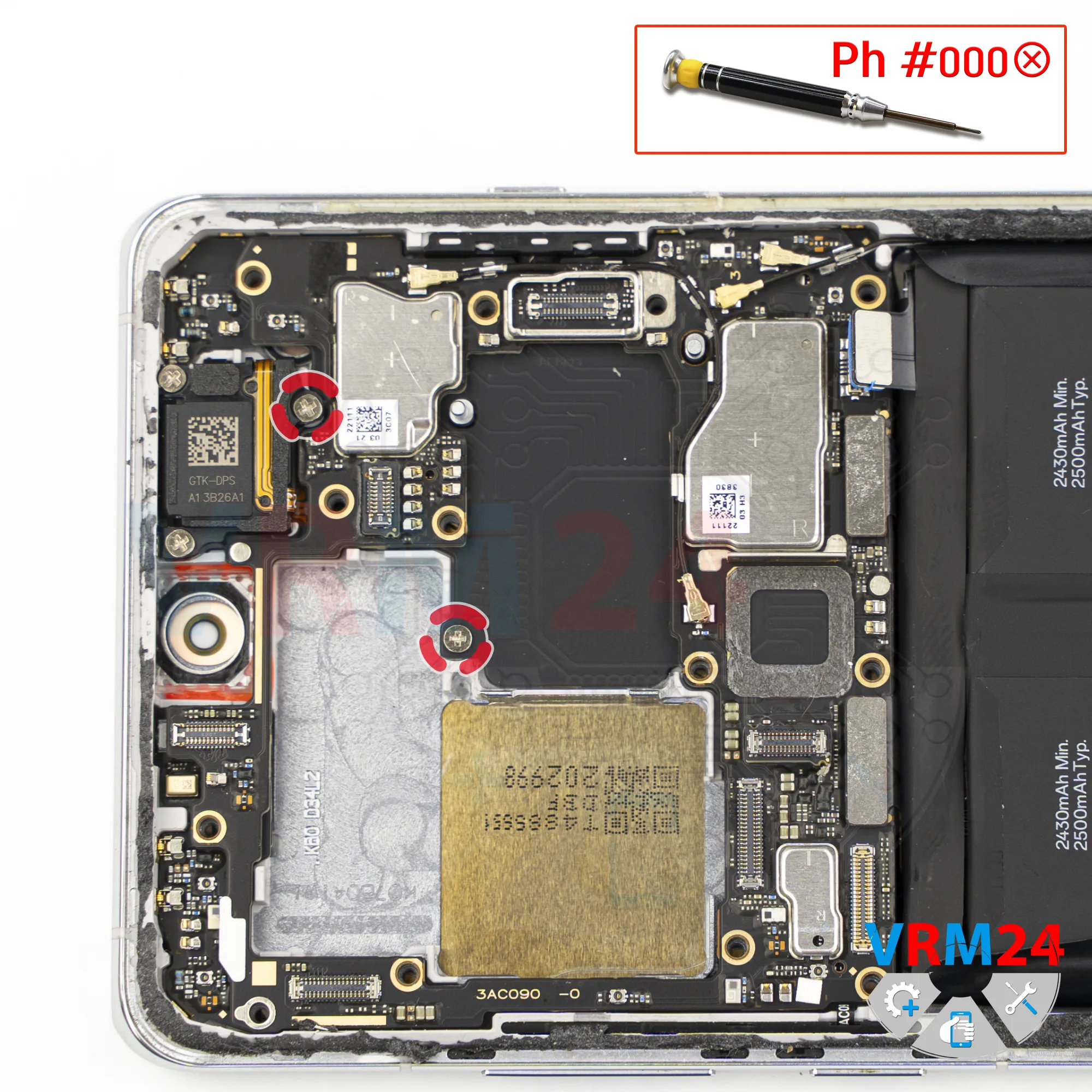
Then we need to unscrew the screws that may be securing the motherboard.
For this, we use a 1.5 mm Phillips #000 screwdriver.
These screws are definitely different from the previous ones, so be careful and keep them separate.
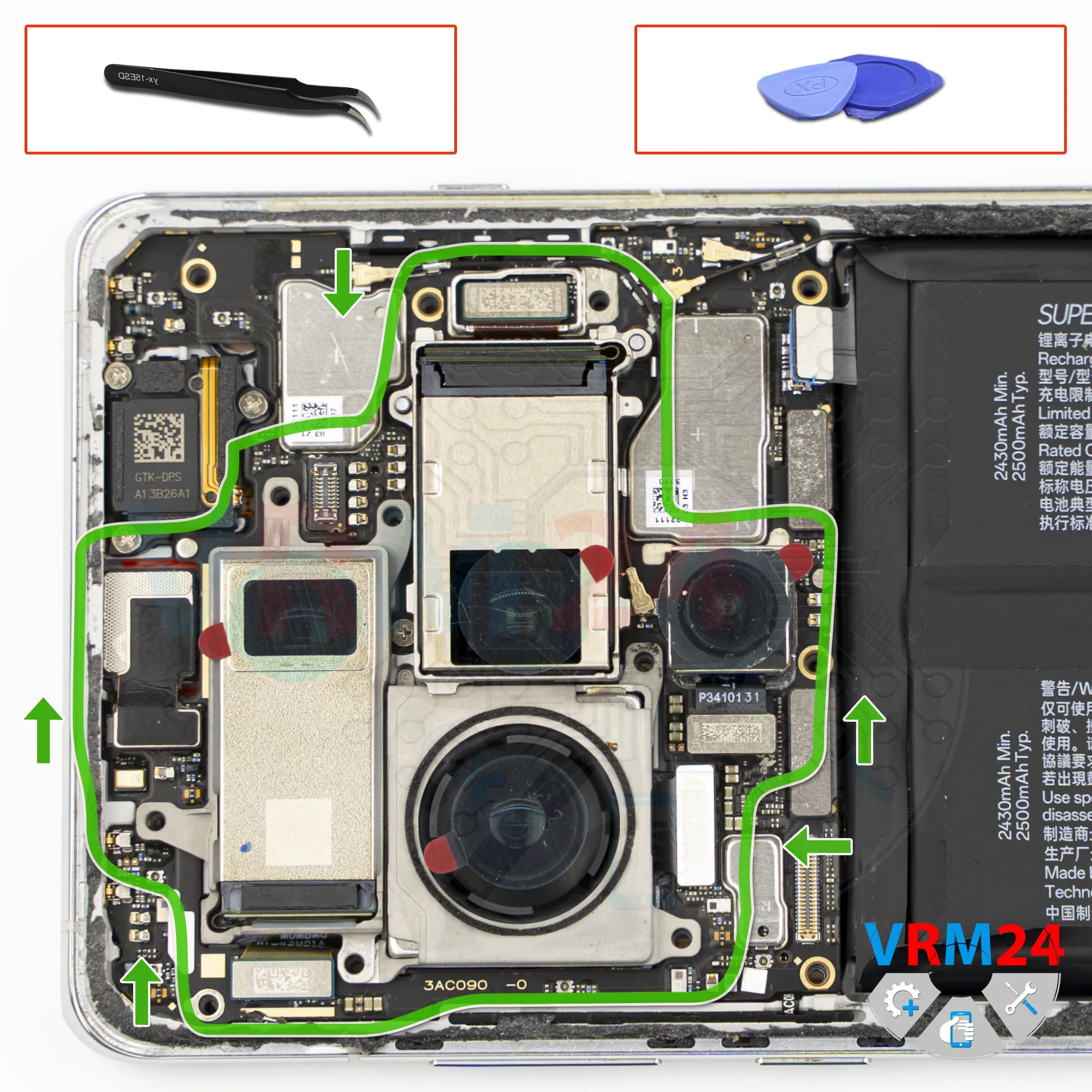
Step 20.
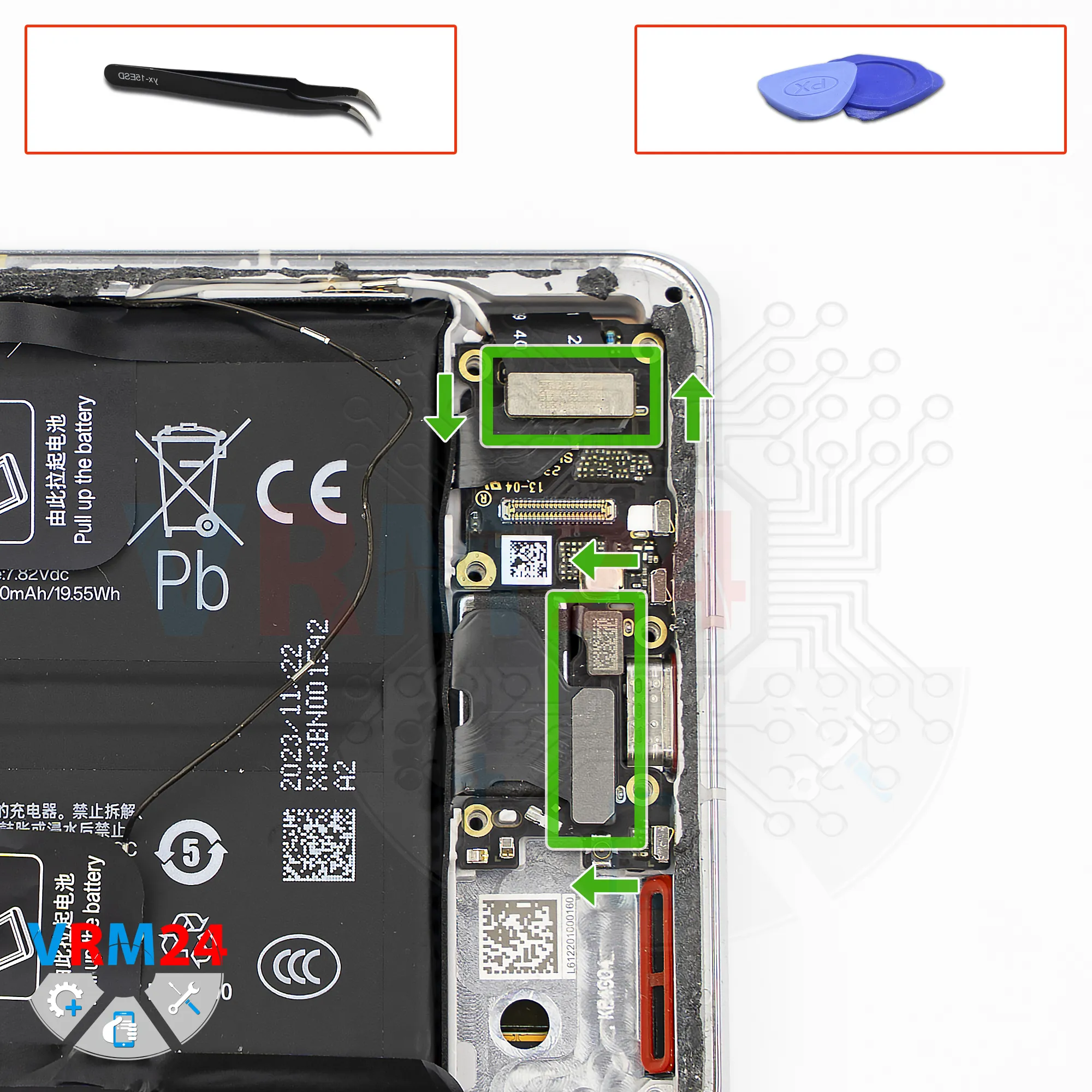
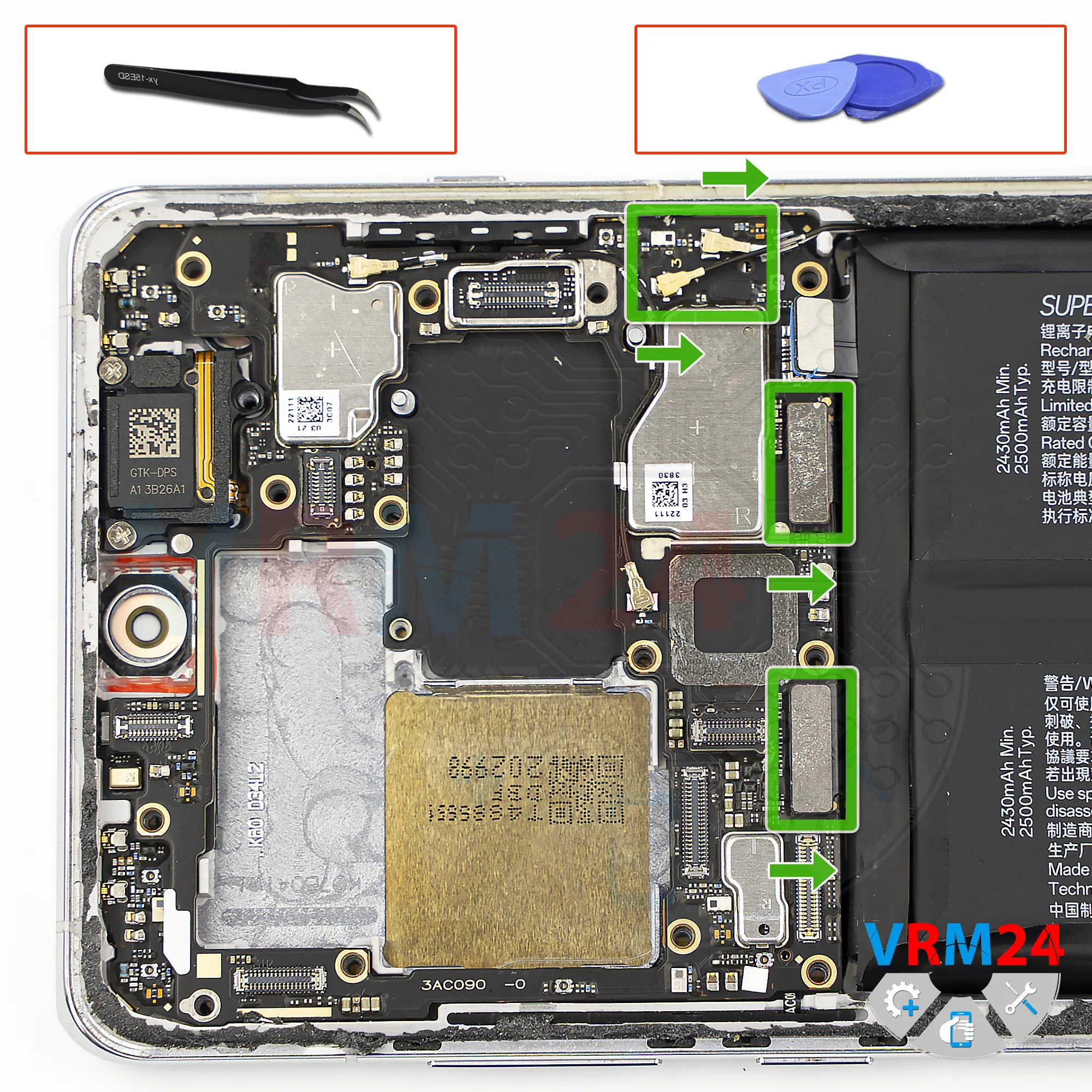
Disconnect the connectors
After that, we disconnect the connectors.
Disconnect the coaxial cable connectors and bend the cables aside so they don’t interfere.
Disconnect the interconnect flex cable connector and the display flex cable connector.
Step 21.
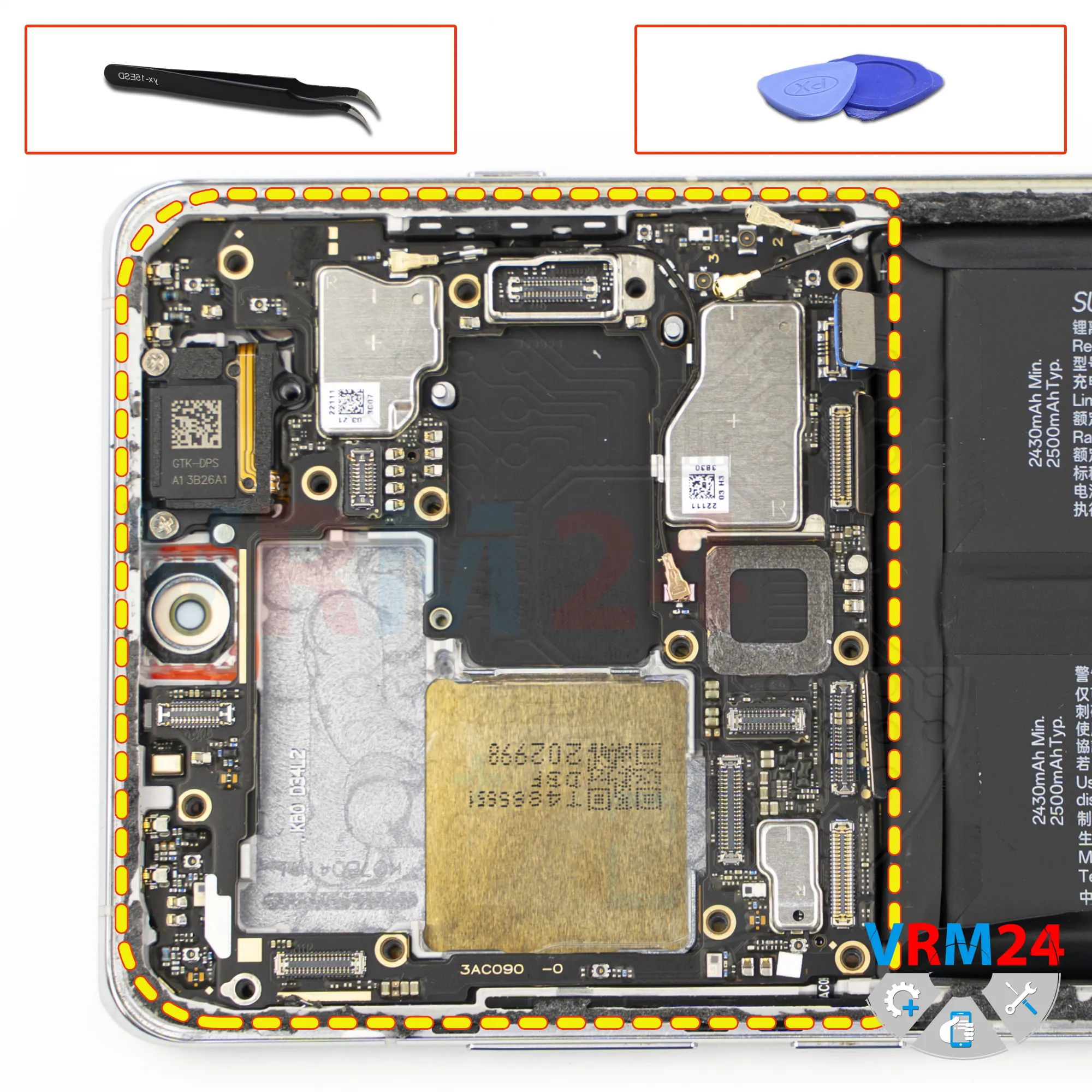
Remove the motherboard
Now we can safely remove the motherboard.
Pry it up at the correct edge, lift it carefully, and try to remove it.
It may be held in place on the back side by thermal paste.
Do not use force to avoid damaging anything.
Carefully remove the motherboard and set it aside.
Step 22.
Remove the battery
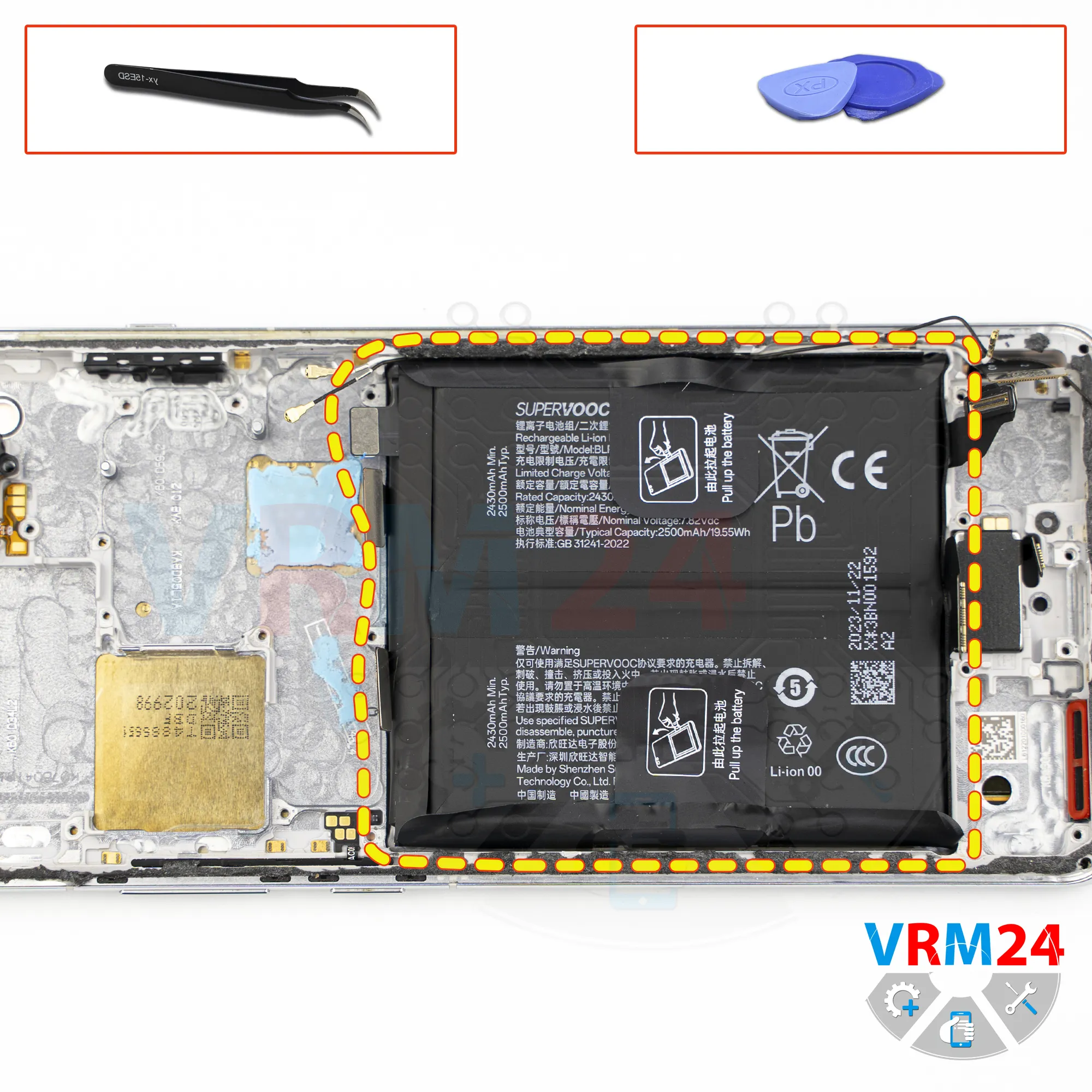
Finally, we move on to removing the battery.
There are two black pull tabs that need to be peeled back, as well as a black protective layer that also needs to be folded aside so it doesn’t interfere.
After that, we pull on one of the tabs to detach the battery.
Under the battery, there is a transparent protective layer that protects the interconnect flex cables.
Step 23.
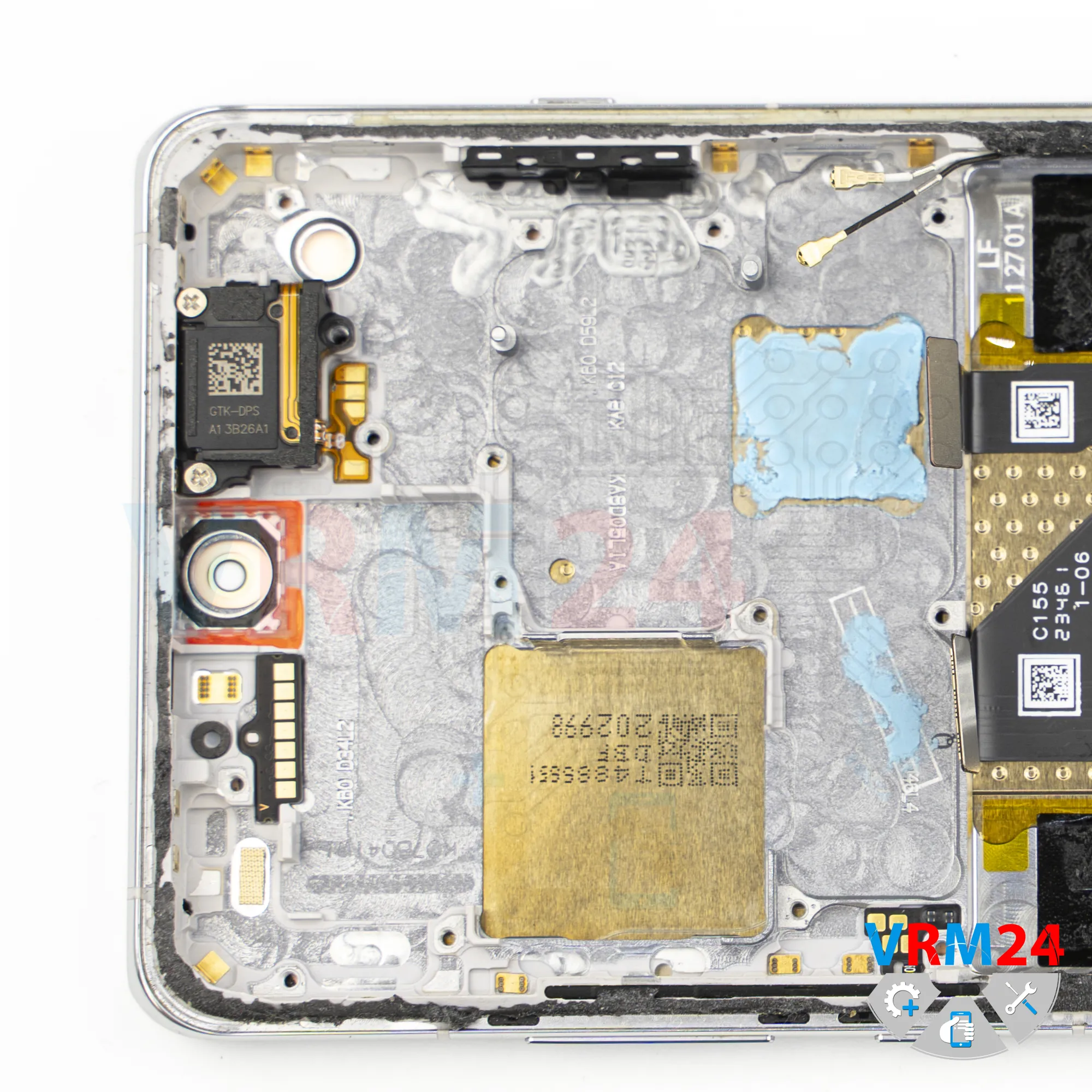
In the display frame remained
ℹ️ In the display frame remained: the earpiece speaker, vibration motor, and cables.

If you have a question, ask us, and we will try to answer in as much detail as possible. If this article was helpful for you, please rate it.

2706
Views
1
Likes
—
Share
0
Questions
Related Instructions
Related Reviews
Related Blog
Popular Questions

Oppo A9 (2020)
where is wifi ic on oppo f11
d33p
B
Sony Xperia Z3 Tablet Compact
Thank you very much, the video helped me a lot....
Bernd Recknagel9
A
Alcatel One 5033D
can exchange Cel's camera for another camera brand ❓
Alabyí Lammeda19
L
HTC Desire 628
Brother, what is the reason the HTC 628 mobile keeps shutting down? Now it has shut down completely and the mobile won't turn on anymore, brother.
l l8
V
Microsoft Lumia 650 DS RM-1152
Where can I find screen with digitizer cheapest?
Vuk Vukmirovic11Top instructions
Check our
Top Oppo instructions most liked by readers
New instructions
Check our
New Oppo brand instructions on vrm24.com