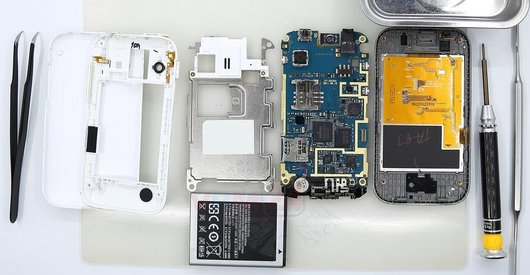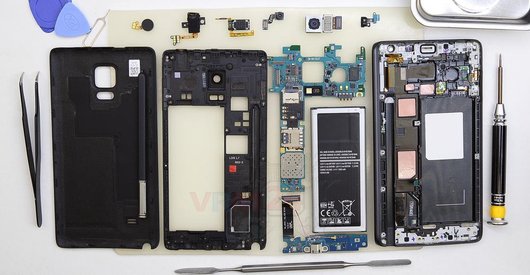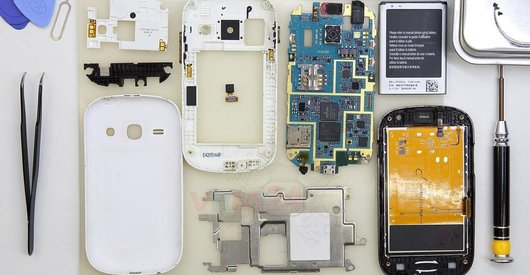


Recommended tools
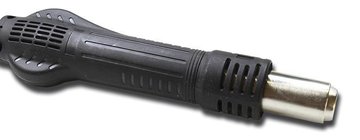
Heat gun
Screwdriver Phillips #000

Opening tool / Spudger

Tweezers

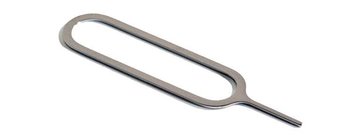
Eject tool
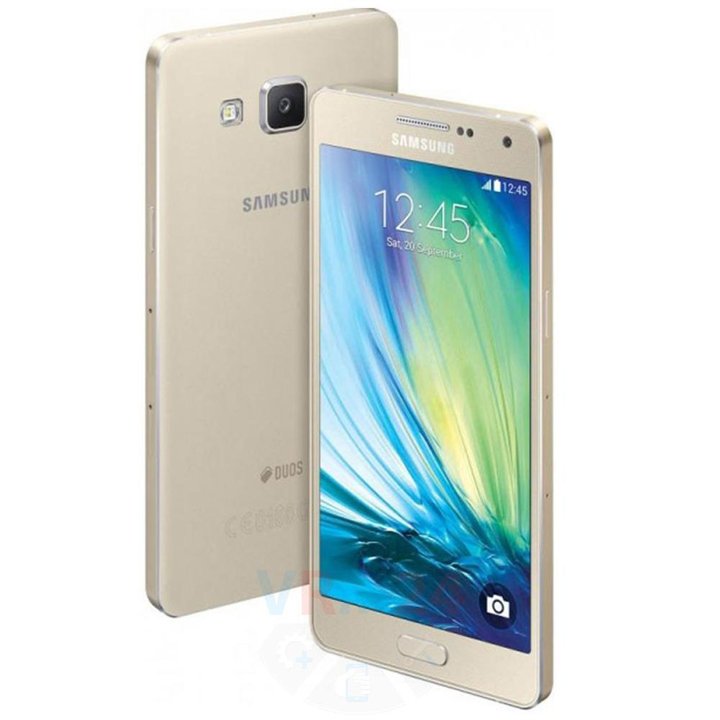
Disassembly/Repair of the mobile device Samsung Galaxy A7 (2015) SM-A700 (Samsung A700F (EMEA), A700FD (Malaysia, Pakistan), A700K/A700S/A700L (Korea)) with each step description and the required set of tools.
11133
Views
2
Likes
—
Share
14
Questions

Step 1.
Open the display module
⚠ Warning!
Before the disassembly, it is necessary! Separate the display module, in more detail in our video link
Step 2.
Remove the trays
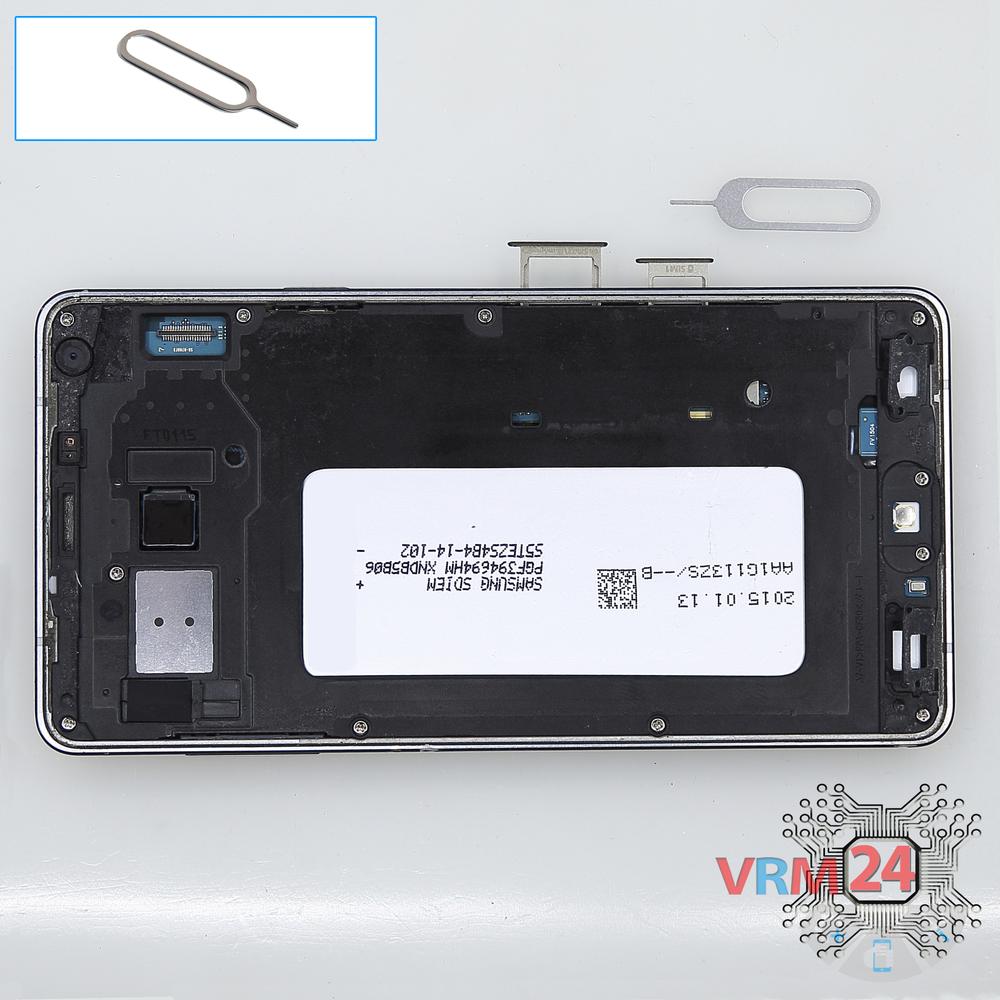
Using the key tool, open the SIM card and Micro SD card trays and remove them.
⚠ Warning!
Do not push too hard this may cause damage.
Step 3.
Unscrew the screws
Using a screwdriver (Phillips 1.5 mm PH000), unscrew 13 bolts in the frame of the phone.
Step 4.
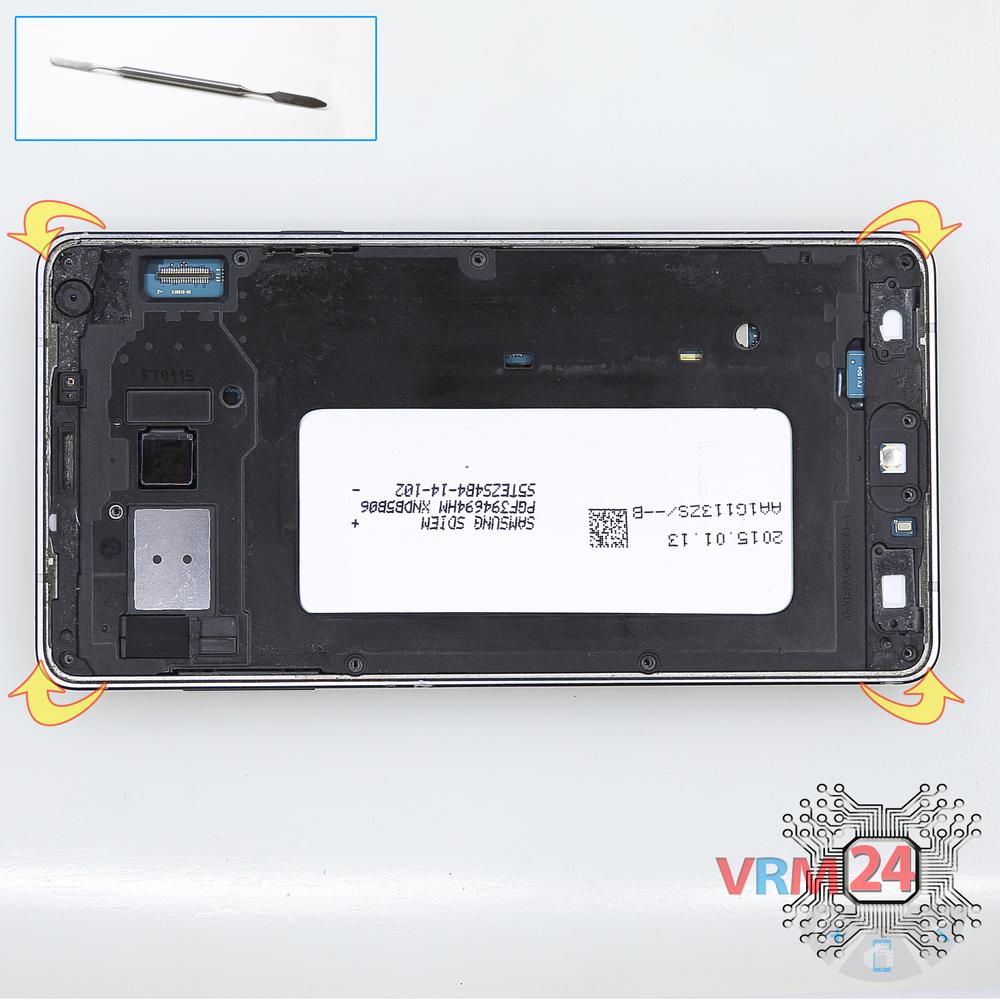
Open the cover
Pry & remove the cover.
Step 5.
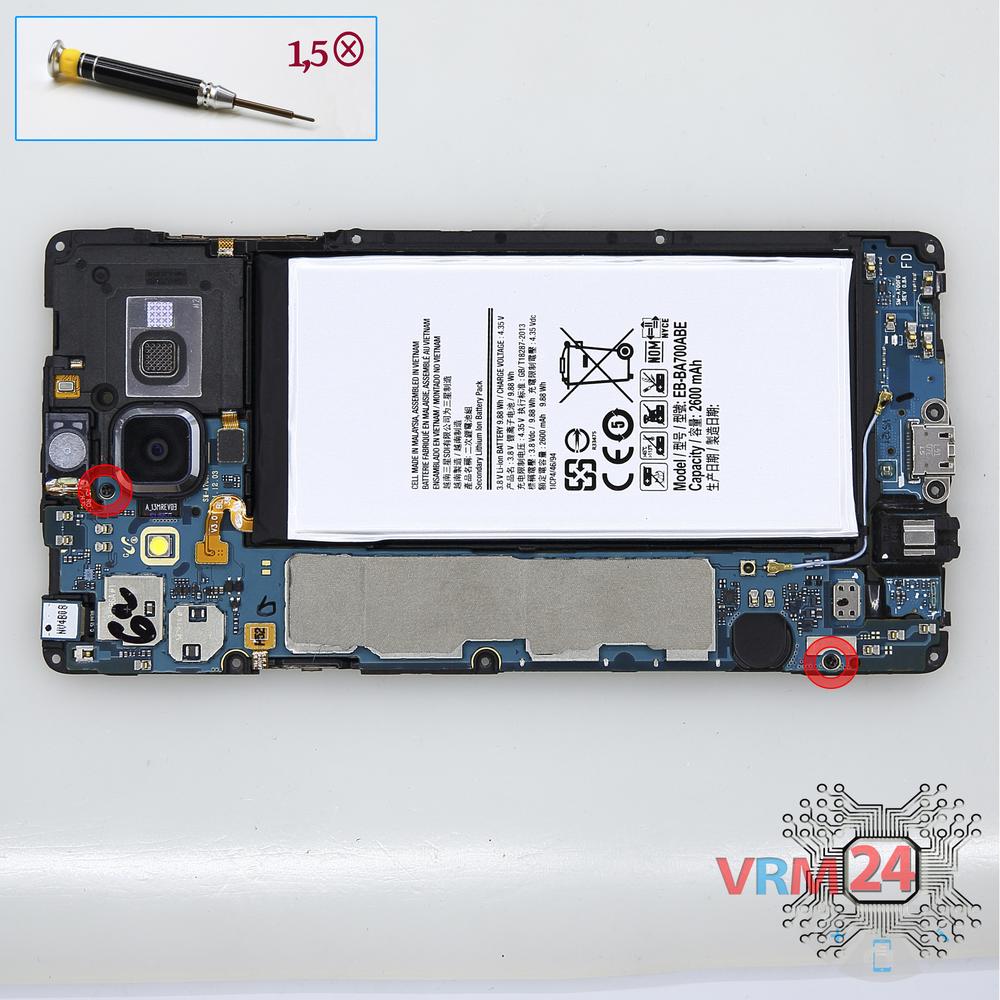
Unscrew the screws
Using a screwdriver (Phillips 1.5 mm PH000), unscrew 2 bolts in the PCB.
Step 6.
Remove the battery
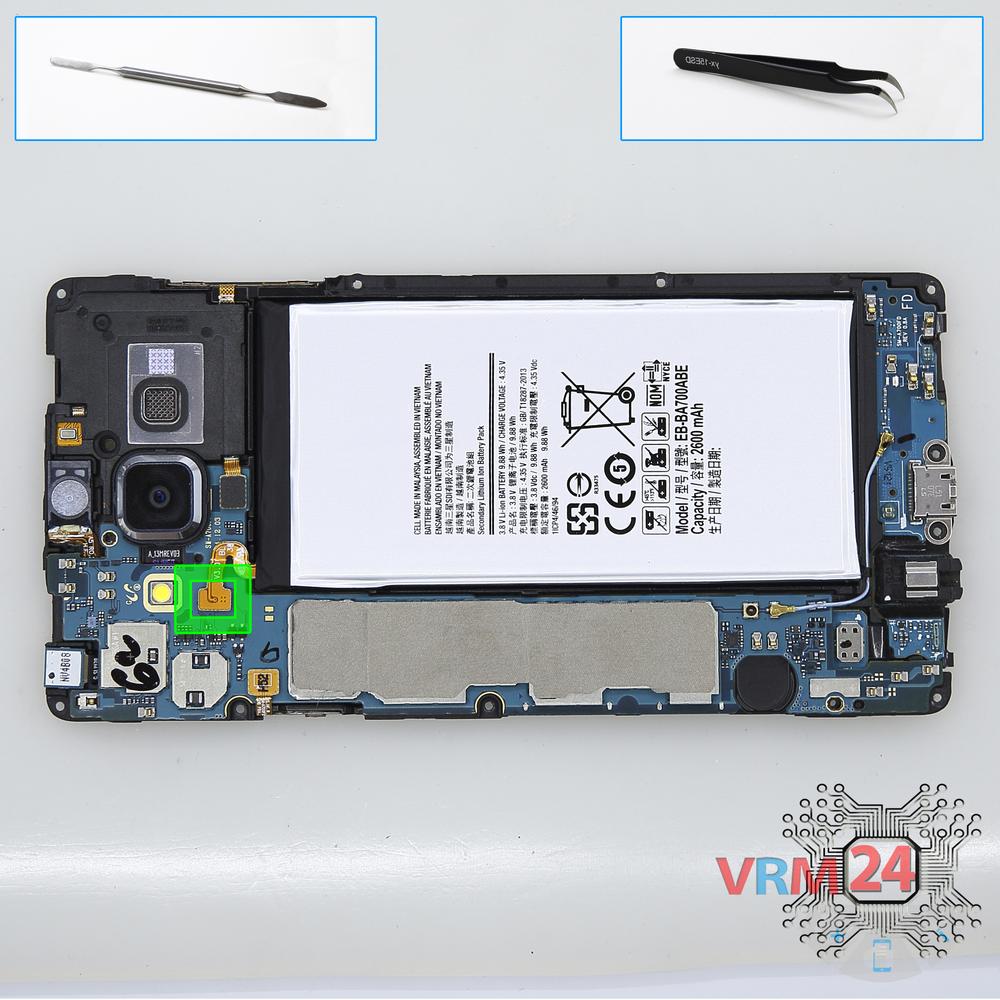
Disconnect the connector on PCB and remove the battery.
⚠ Warning!
For careful separation, we recommend using a heat gun. At the same time, it is necessary to heat carefully in order, not to damage the surface of the device.
Step 7.
Remove the loudspeaker
Remove the assembly with buzzer (speaker), microphone and volume buttons cable.
Step 8.
Remove the motherboard
Pry up the connectors and remove the main PCB.
⚠ Warning!
The main board connects to the lower PCB with a connector on the inside.
Step 9.
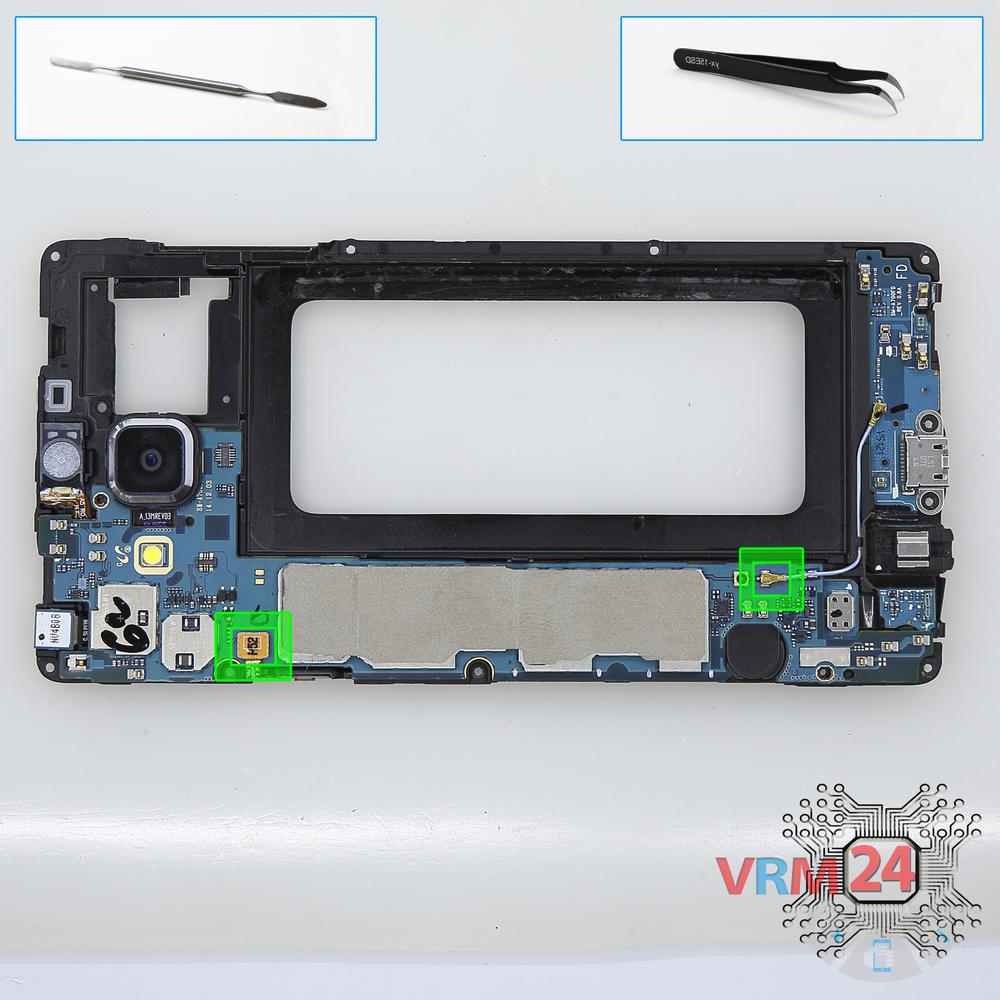
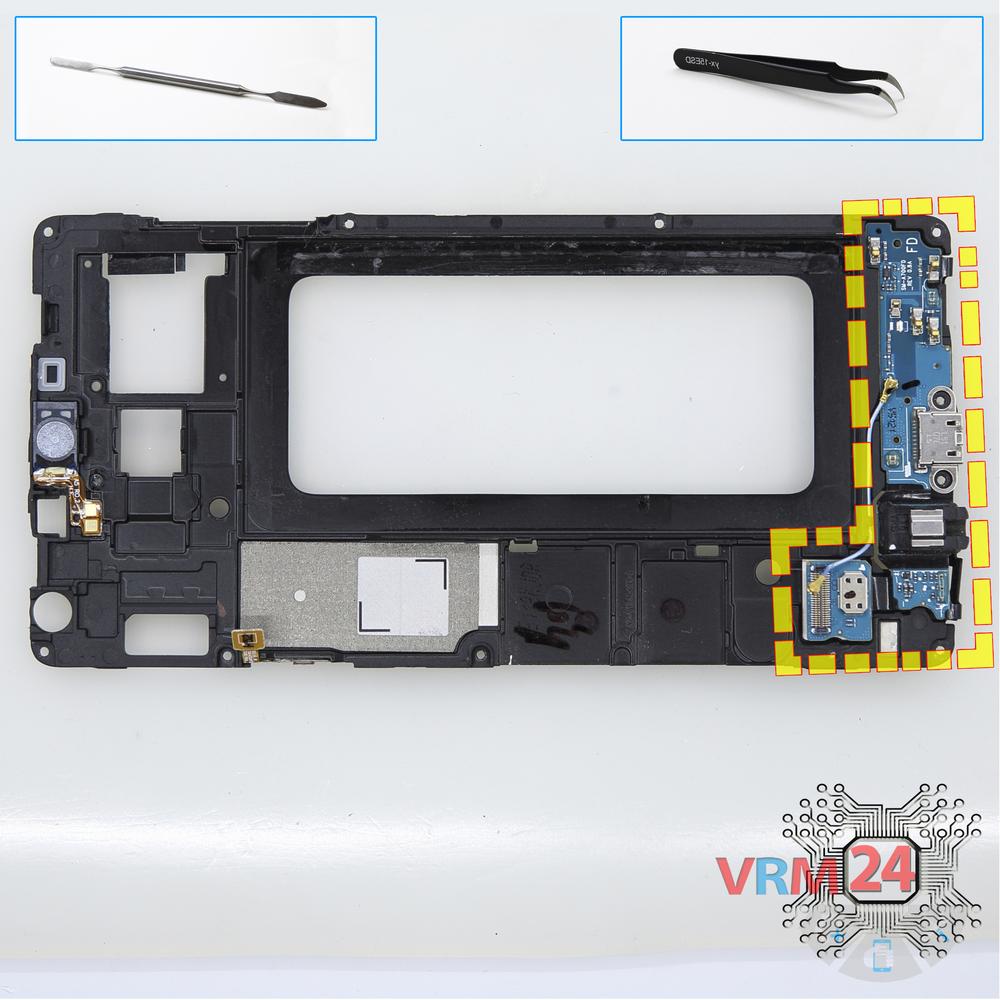
Remove the sub-board
Remove the lower PCB.
Step 10.
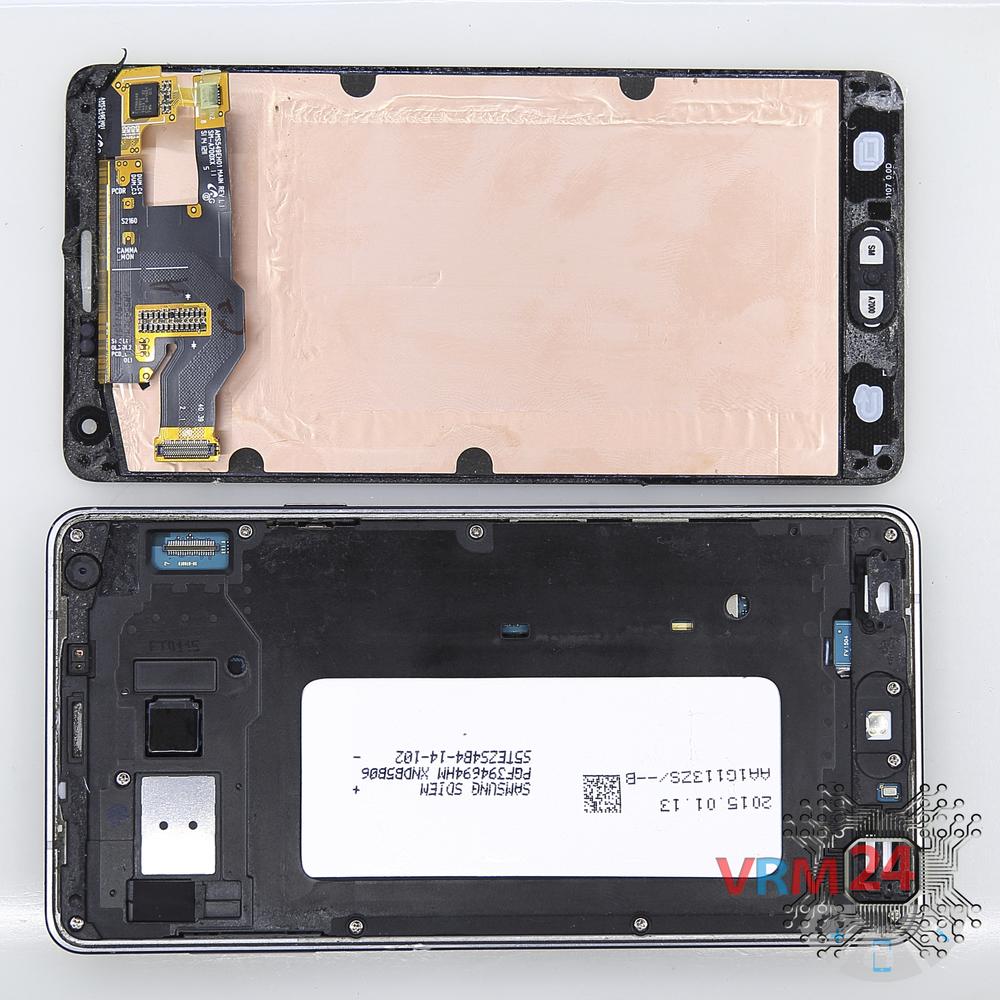
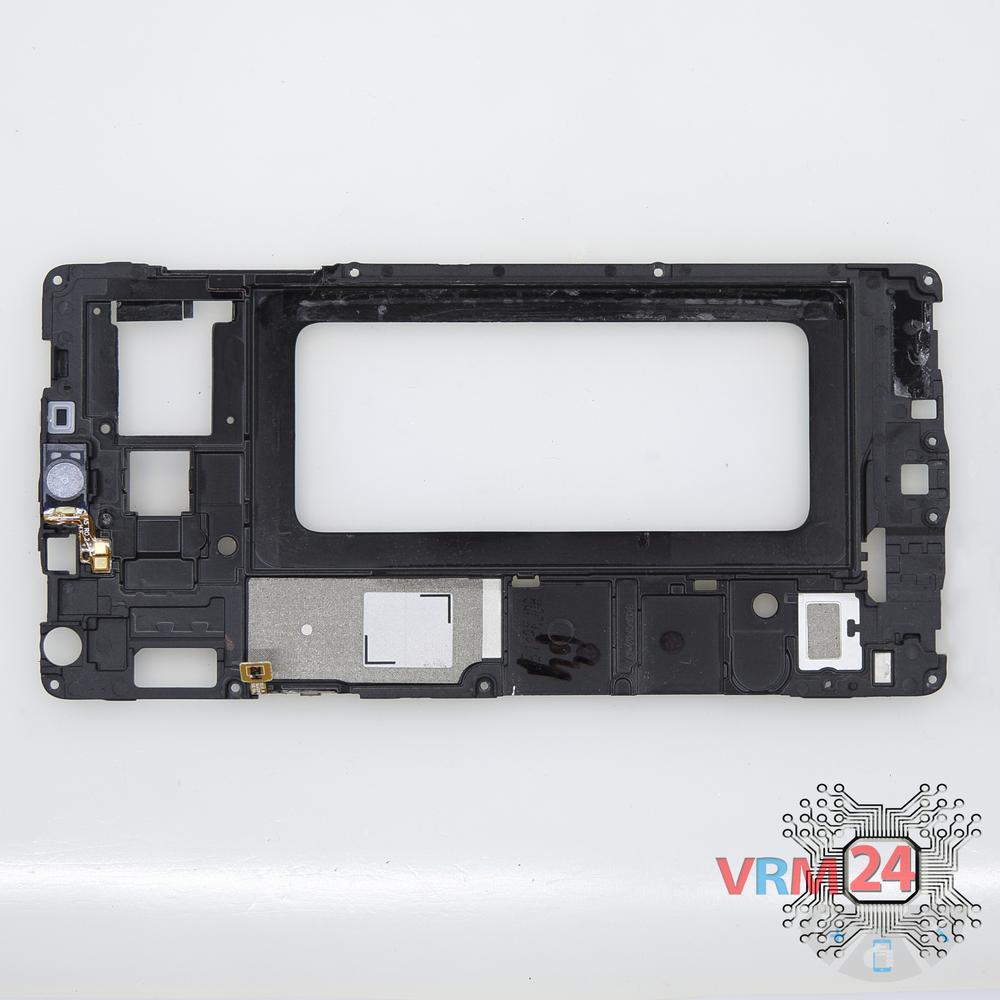
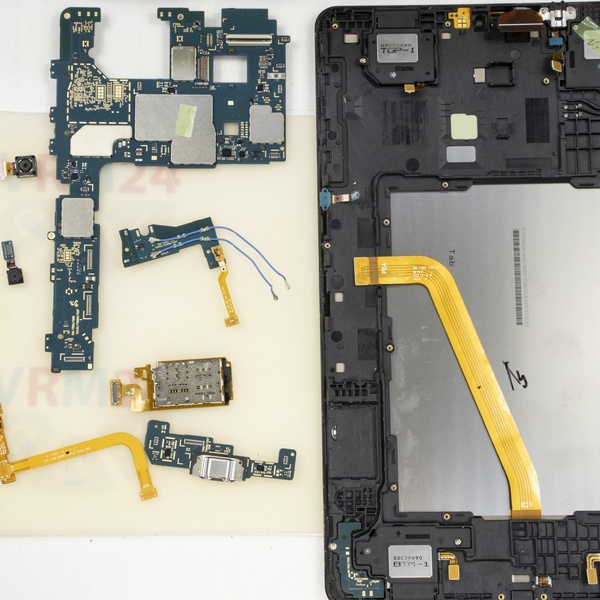
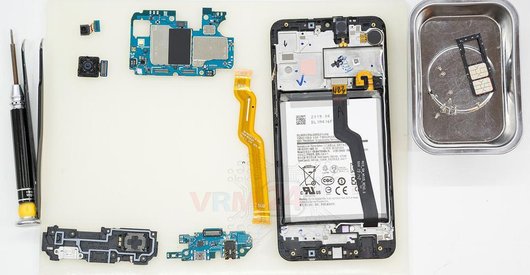
In the display frame remained
The frame with parts.

If you have a question, ask us, and we will try to answer in as much detail as possible. If this article was helpful for you, please rate it.

11133
Views
2
Likes
—
Share
14
Questions
Related Instructions
Related Reviews
Related Blog
Popular Questions
S
Samsung Galaxy A7 (2015) SM-A700
please help my a7 produce electric spark type voice during call its really annoying i can change any part if needed
Swapnil zambare18
J
Samsung Galaxy J3 (2016) SM-J320
I have been looking for a string video and I keep finding people who have every interest to take the time and showcase this item as if it's not get s…
josh viles20
Samsung Galaxy A31 SM-A315
There are no screws and it's not opening, only black screen
deathlok
A
Samsung Galaxy On7 SM-G6000
I fried myphone becz not had heat gum Iused microvave oven
abu abu9
S
Samsung Galaxy A3 (2016) SM-A310
can we pull the battery off without removing screen and the mother-card ?
Seymour Duncan15Top instructions
Check our
Top Samsung instructions most liked by readers
New instructions
Check our
New Samsung brand instructions on vrm24.com