
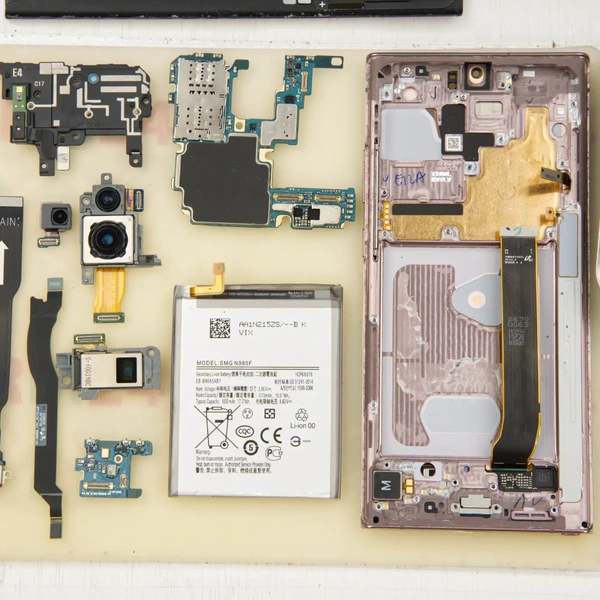
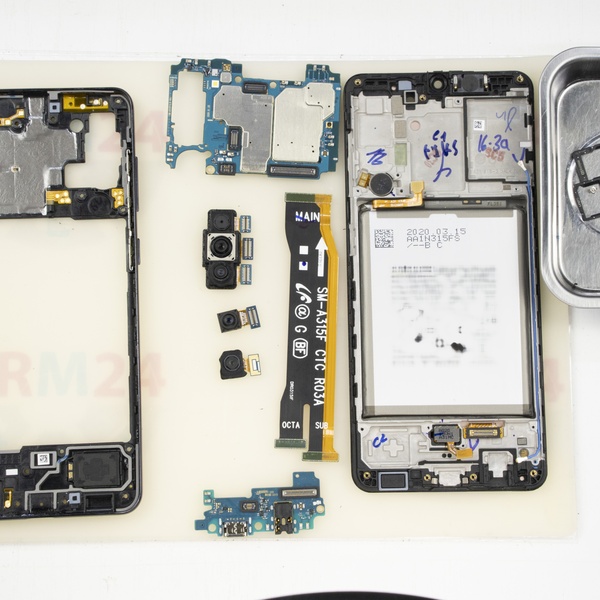
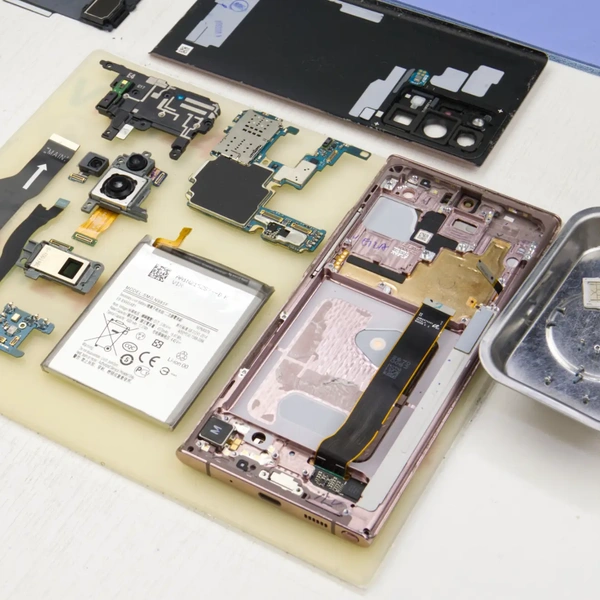
Before starting the repair, it is important to familiarize yourself with the process of disassembling your device.
Detailed instructions on how to disassemble the Samsung Galaxy Note 20 Ultra (SM-N985) are available at: [How to Disassemble Samsung Galaxy Note 20 Ultra]
⚠️ It is important to remind you to turn off the device completely before disassembly.
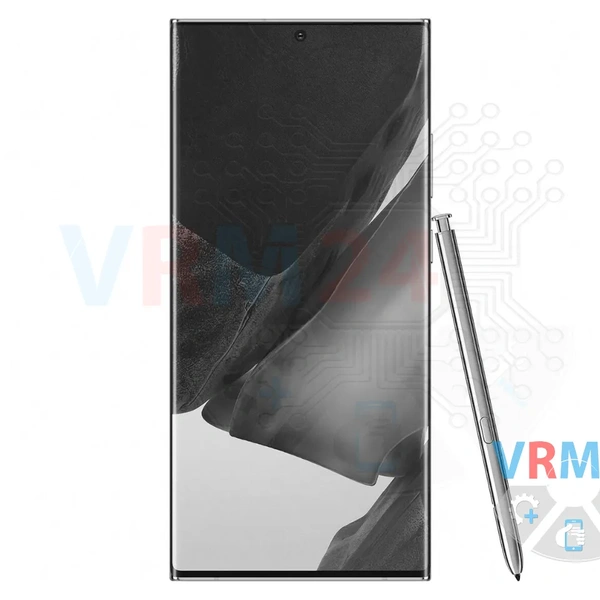
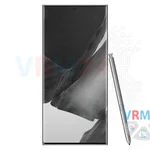
1️⃣ Once the phone is disassembled, we perform a thorough inspection of the internal components.
⚠️ All Samsung smartphones, from several generations, use unreliable daisy-chain connectors or daisy-chains that are too short. Even slight bends in the case during everyday use can lead to broken contact. Therefore, it is recommended to check the condition of the stubs and their connectors first.
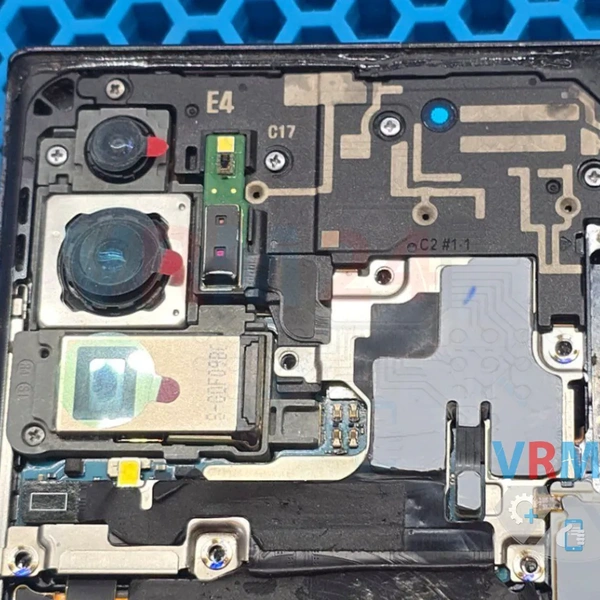
2️⃣ After removing the wireless charging cable, it is obvious that the main board of the device has been exposed to moisture. This made the repair process much more difficult as the corrosion may have affected the operation of several components.
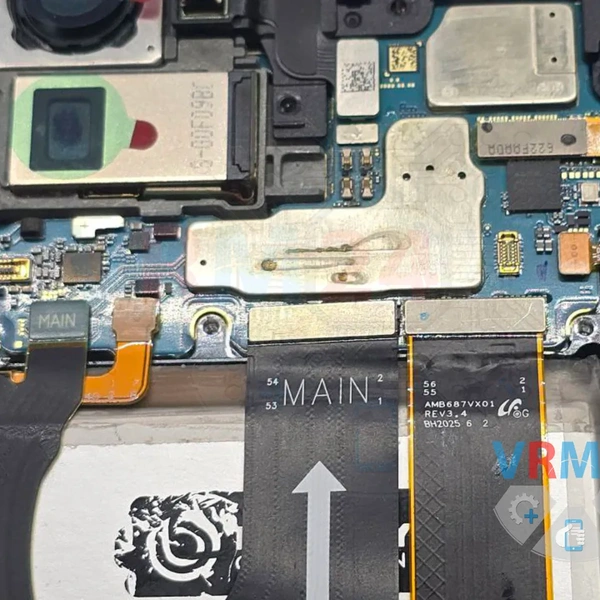
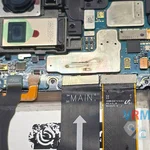
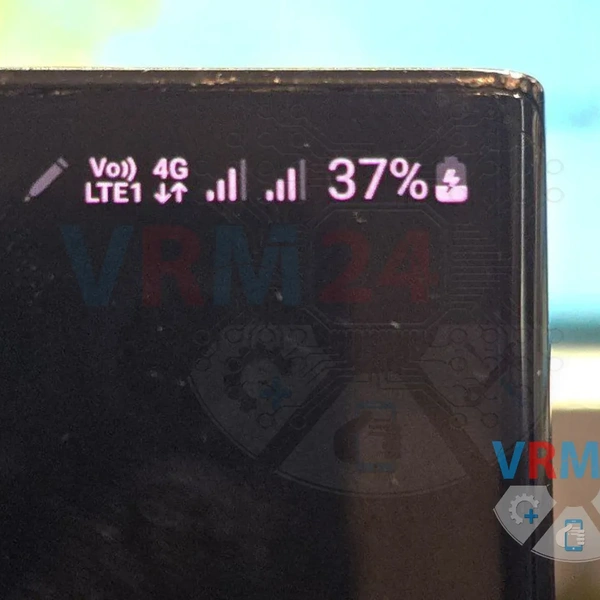
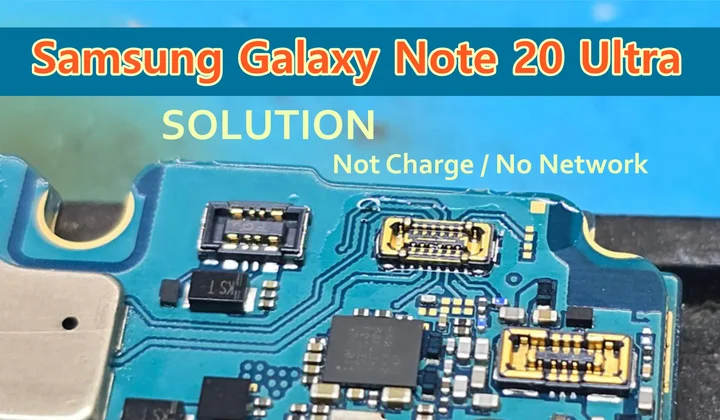
3️⃣ The main problem is with damaged connectors. The connector for the antenna loop was also faulty, which explains the lack of networking.
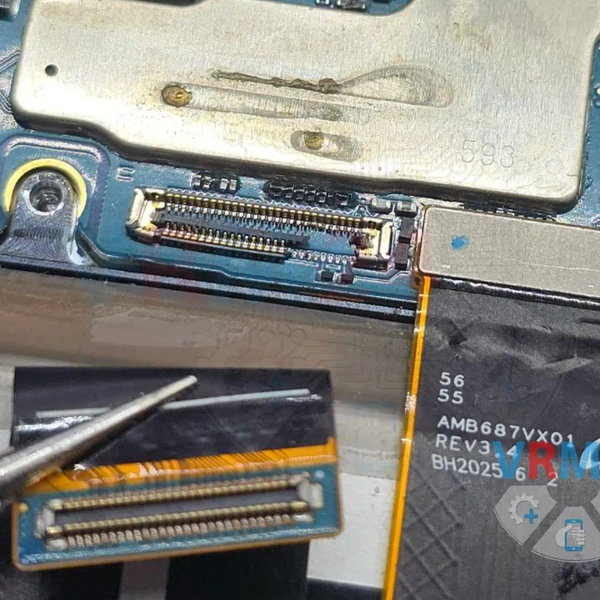
4️⃣ We found a suitable donor unit to replace the damaged connectors.
Interestingly, the Samsung S20 Ultra and Samsung Note 20 Ultra boards turned out to be almost identical, except for the absence of some components on one of them.
This suggests that the camera units of these models may also be interchangeable. This hypothesis requires additional testing in the future.
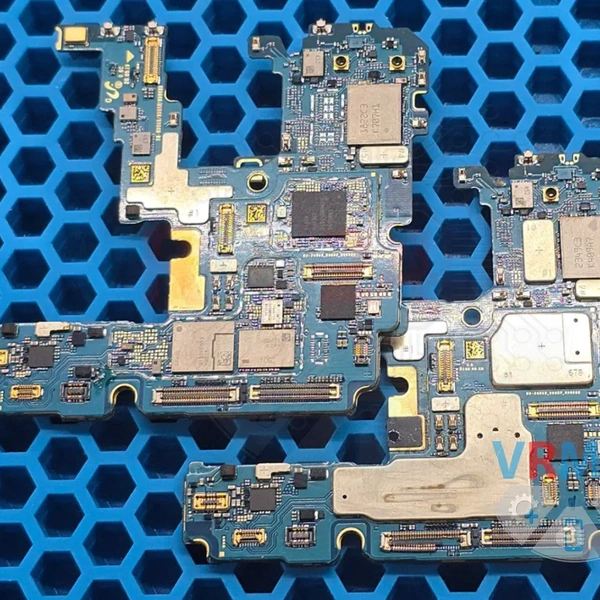
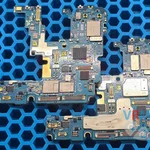
5️⃣ Clamp the board in the mounting table, solder the damaged connectors to the loop to the bottom board and the connector to the antenna loop.
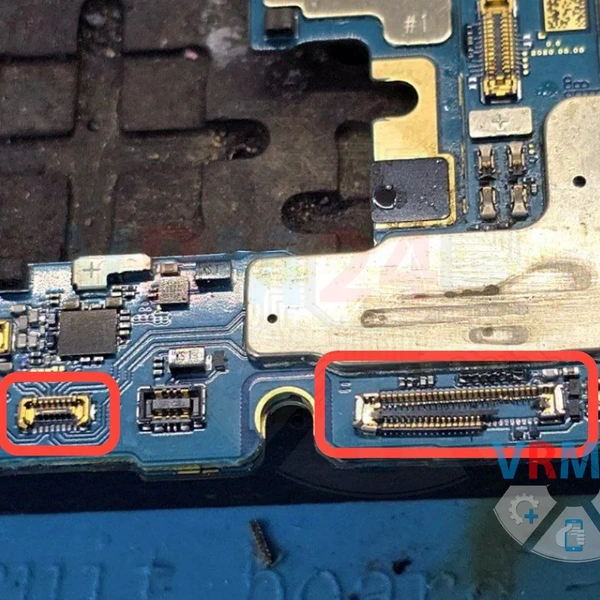
6️⃣ Using a soldering station, we install the whole connectors into their places.
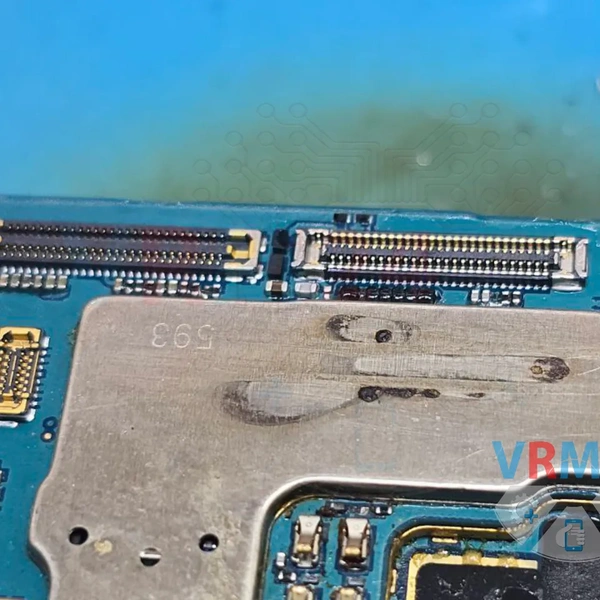
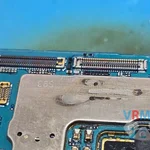
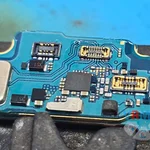
7️⃣ Reinstall the board back into the case, and connect the wireless charging cable.
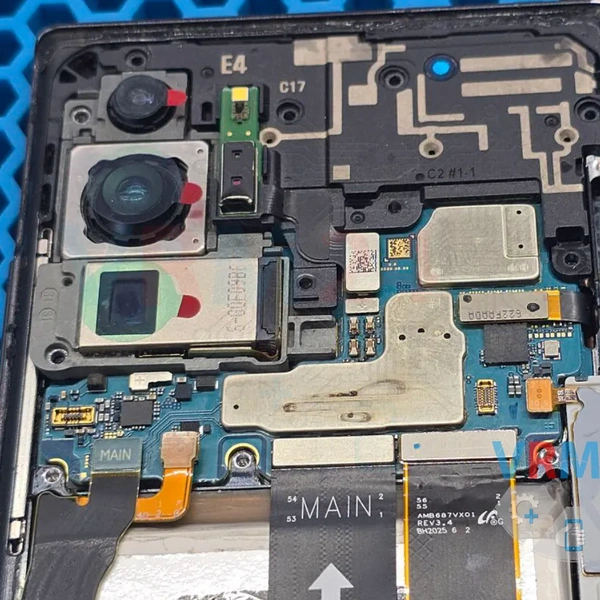
8️⃣ Plug in the charging cable and check for charging.
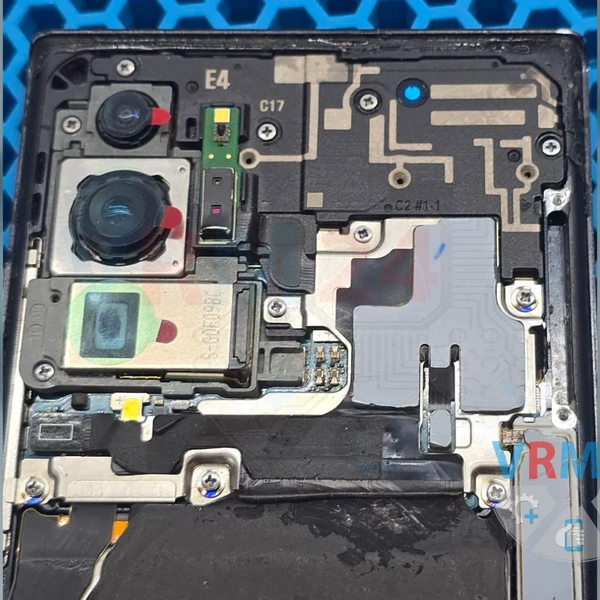
9️⃣ Install the two SIM cards, and check the network. Also check the rest of the phone's features.
Result:
All phone features are working correctly. The device is ready for reassembly and further use. 👍