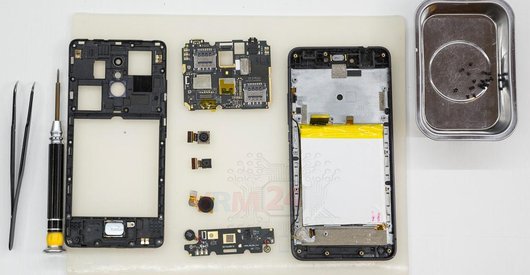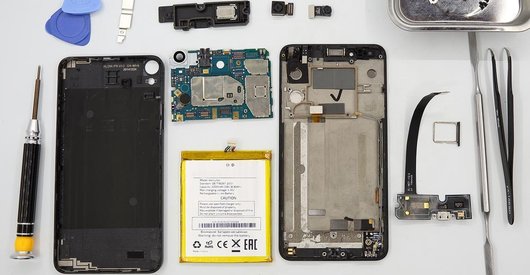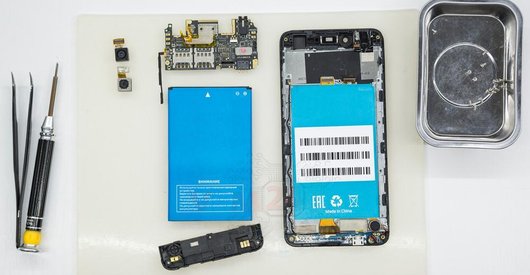
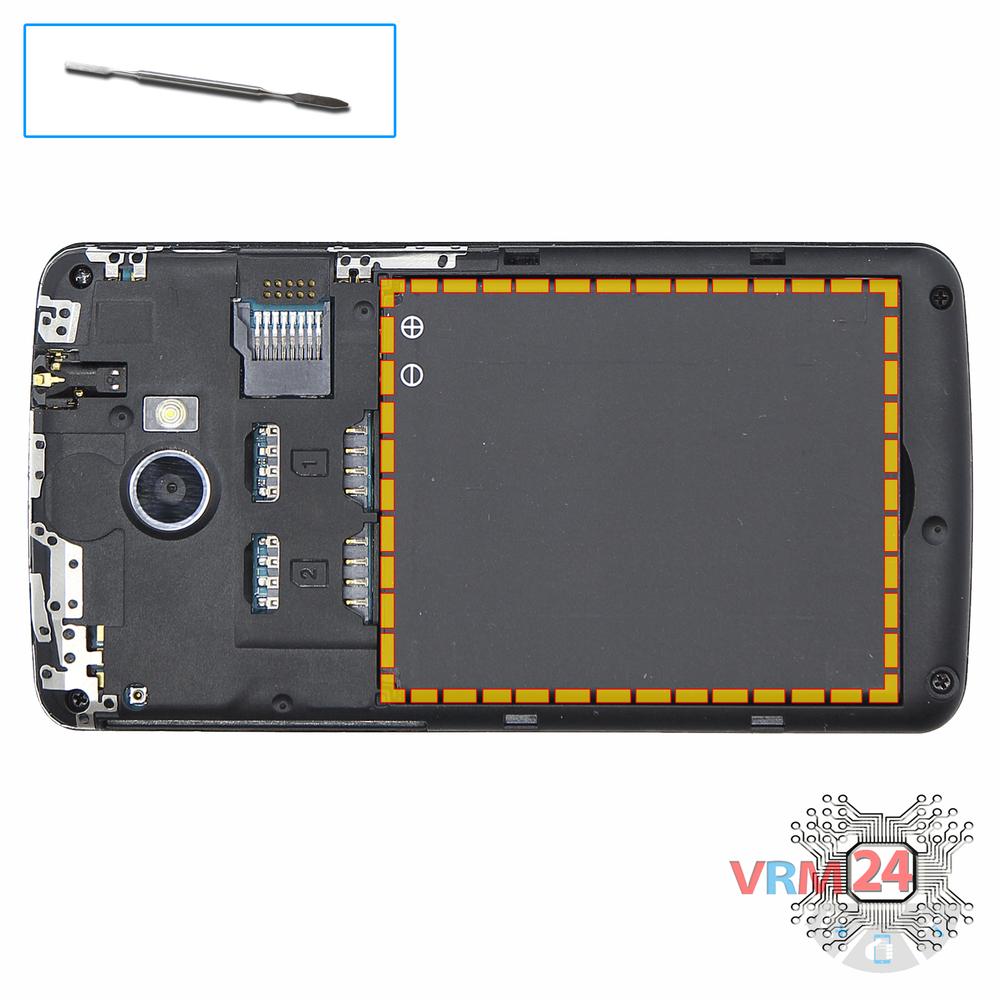
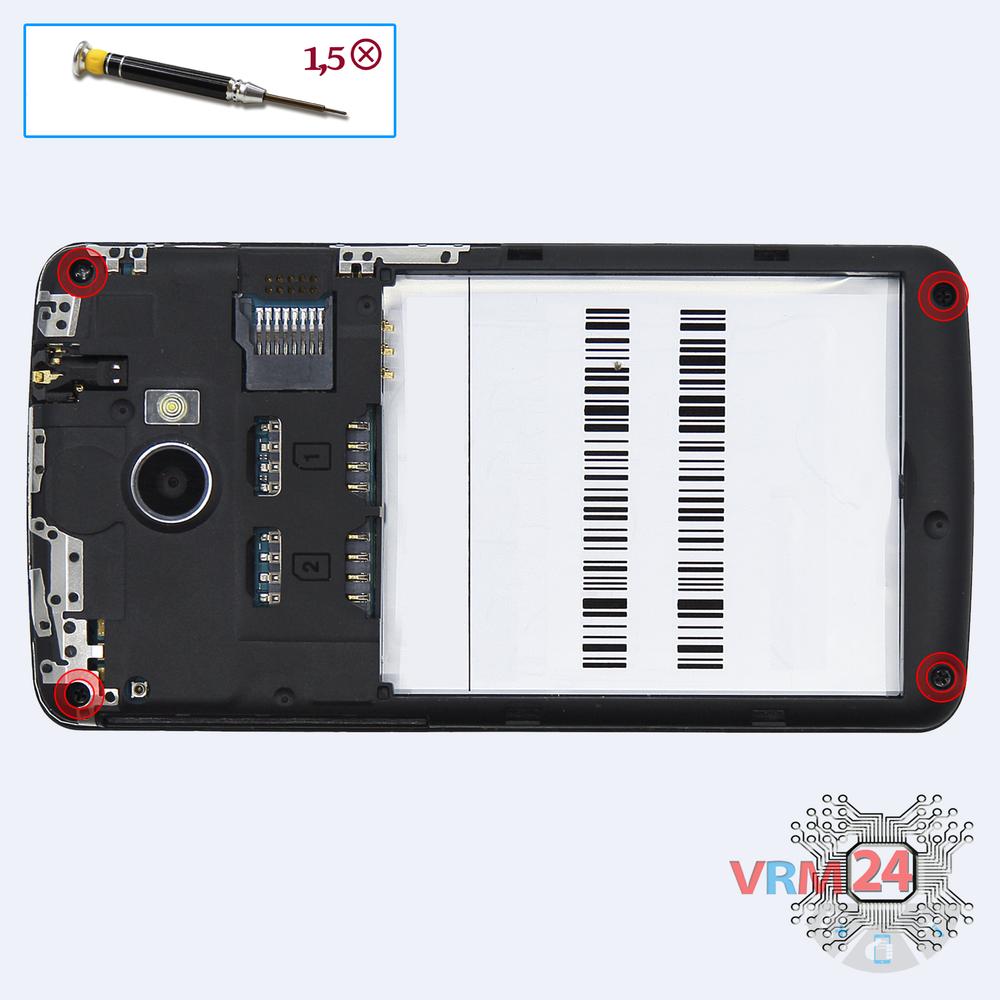
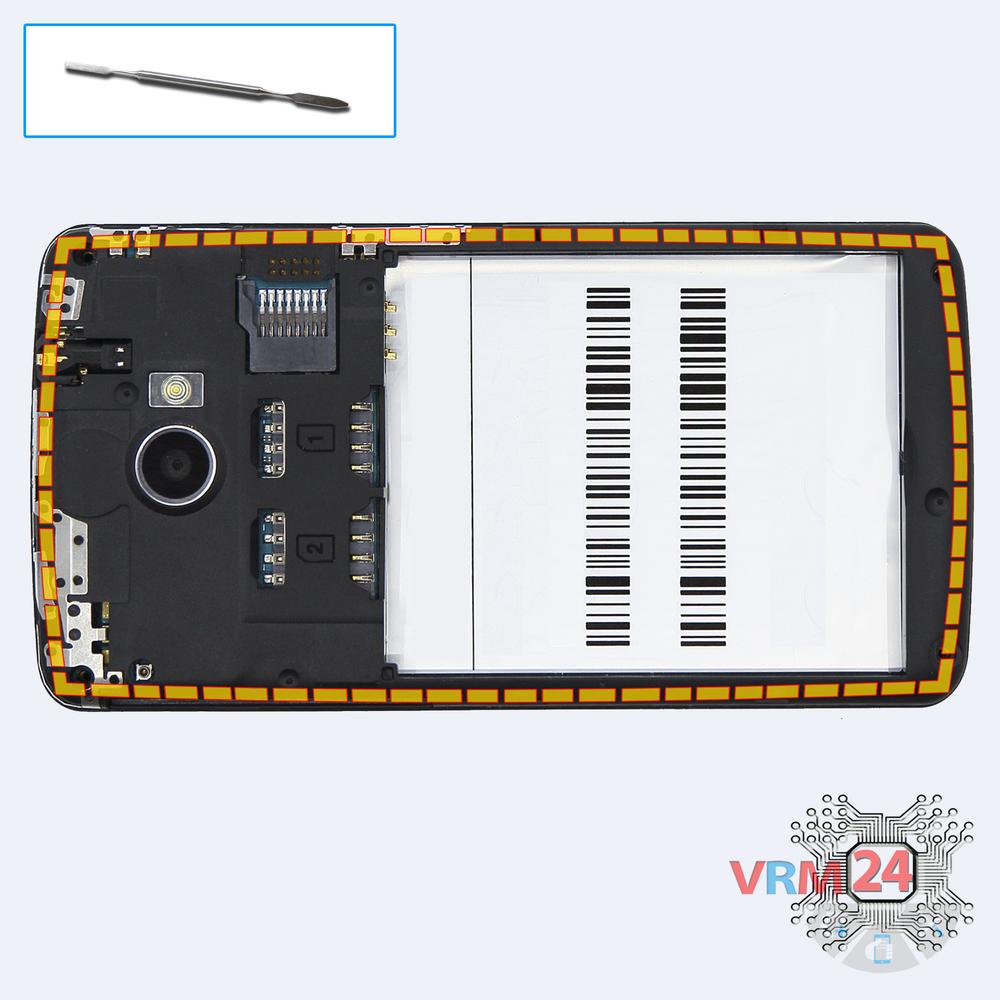
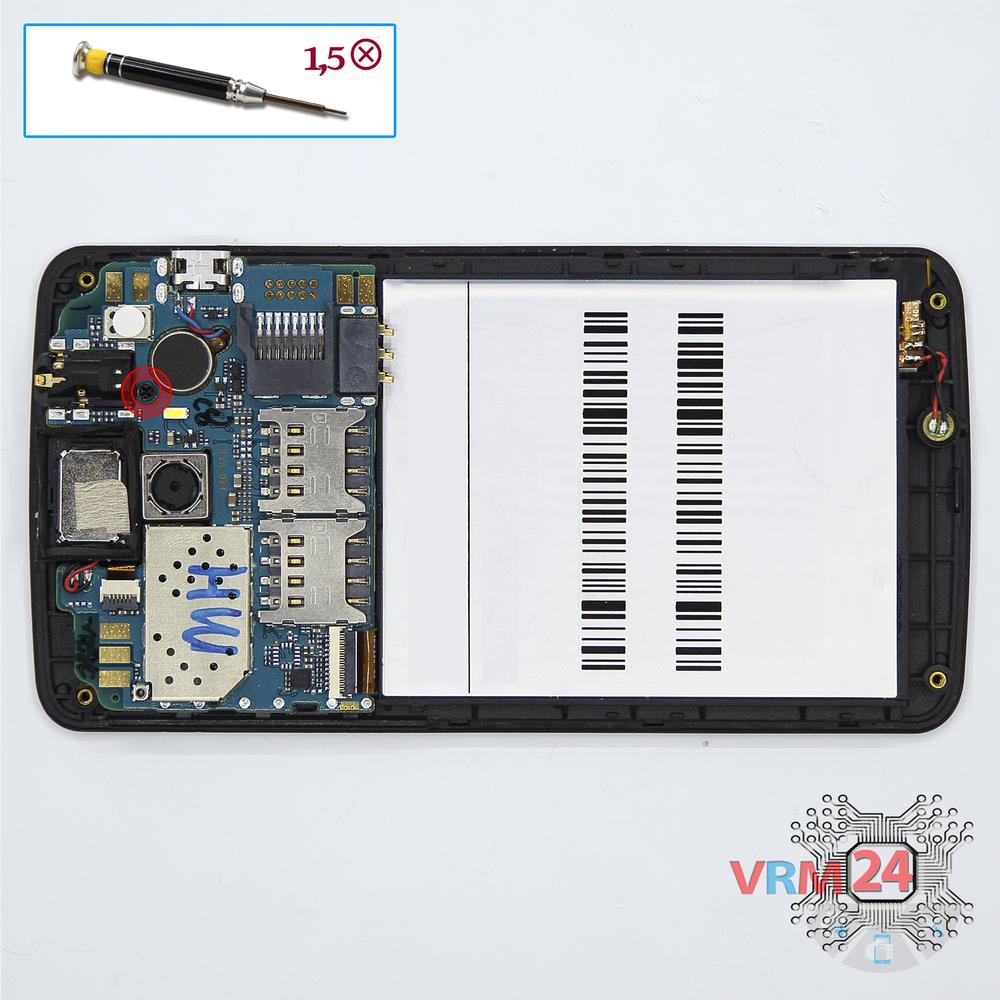
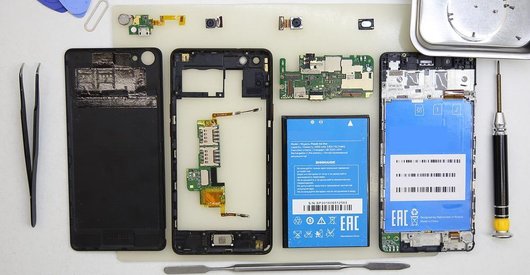
Recommended tools
Screwdriver Phillips #000

Opening tool / Spudger

Tweezers

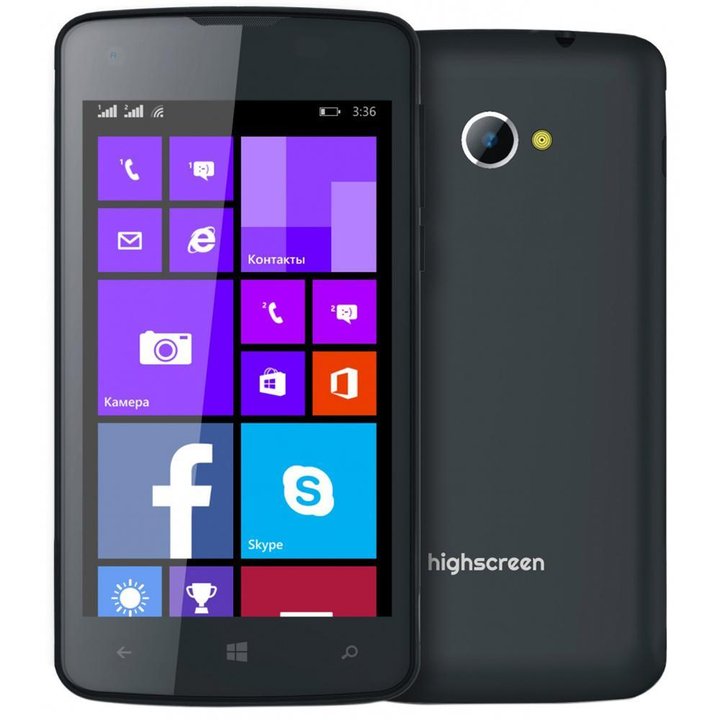
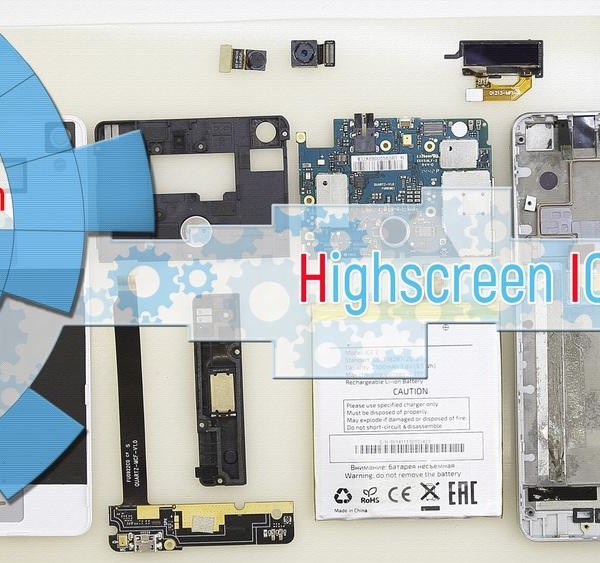
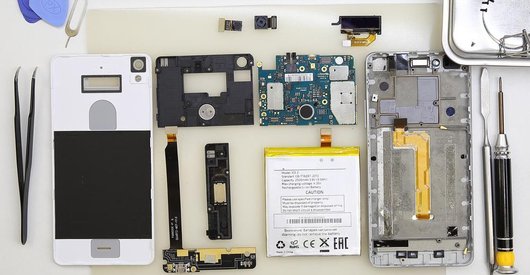
Disassembly/Repair of the mobile device Highscreen WinJoy with each step description and the required set of tools.
3757
Views
1
Likes
—
Share
6
Questions

Step 1.
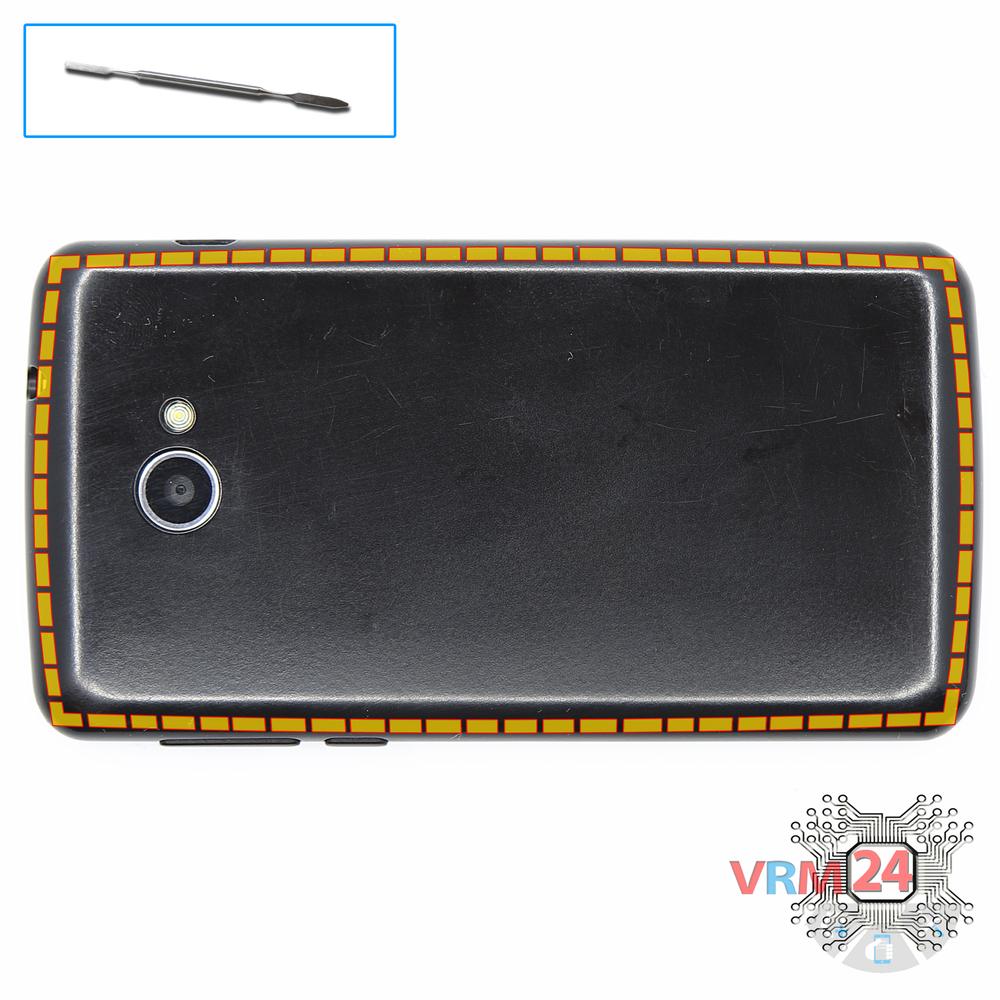
Open the back cover
Open the back cover.
Step 2.
Remove the battery
Lift and remove the battery.
Step 3.
Unscrew the screws
Using a screwdriver (Phillips 1.5 mm PH000), unscrew 4 bolts in the frame of the phone.
Step 4.
Open the mid-frame
Pry and remove the middle frame.
Step 5.
Unscrew one screw
Using a screwdriver (Phillips 1.5 mm PH000), unscrew 1 bolt in the PCB.
Step 6.
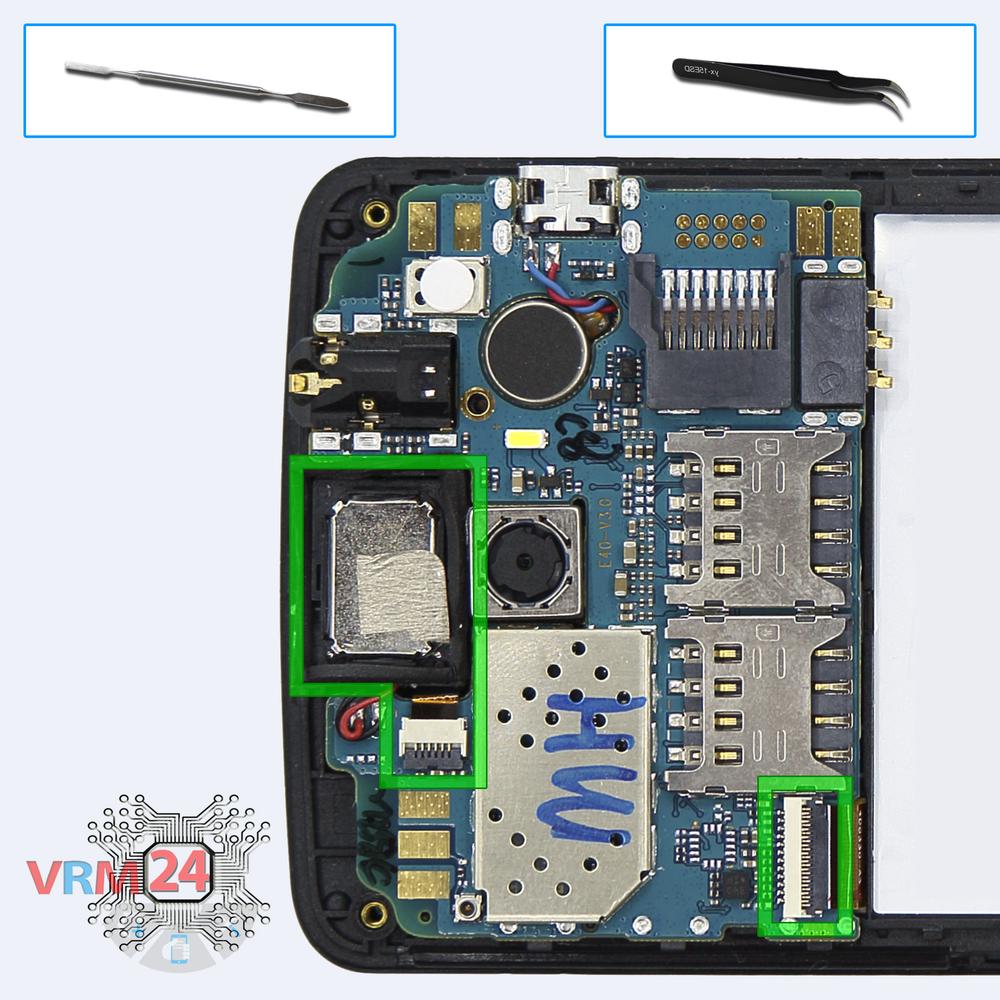
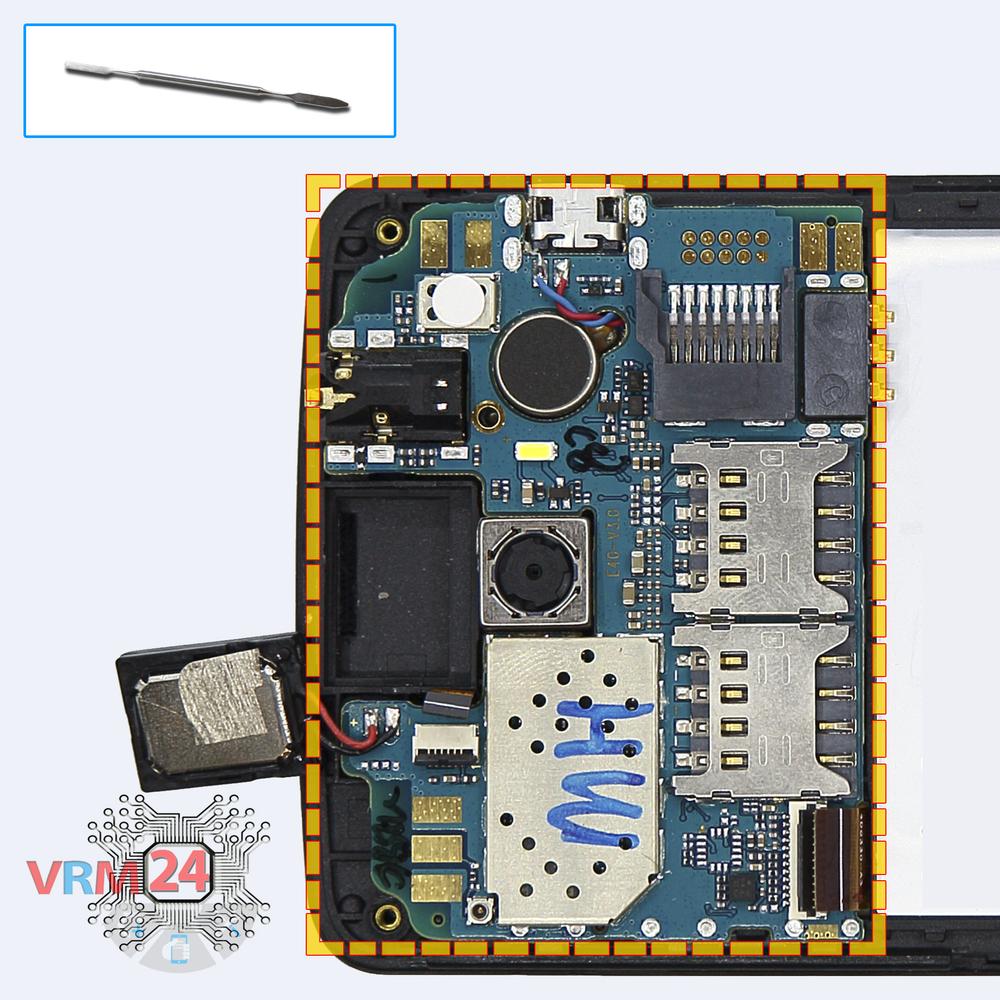
Remove the earpiece speaker
Disconnect connectors on the PCB and pry up the earpiece (speaker).
Step 7.
Remove the motherboard
Remove the PCB.
Step 8.
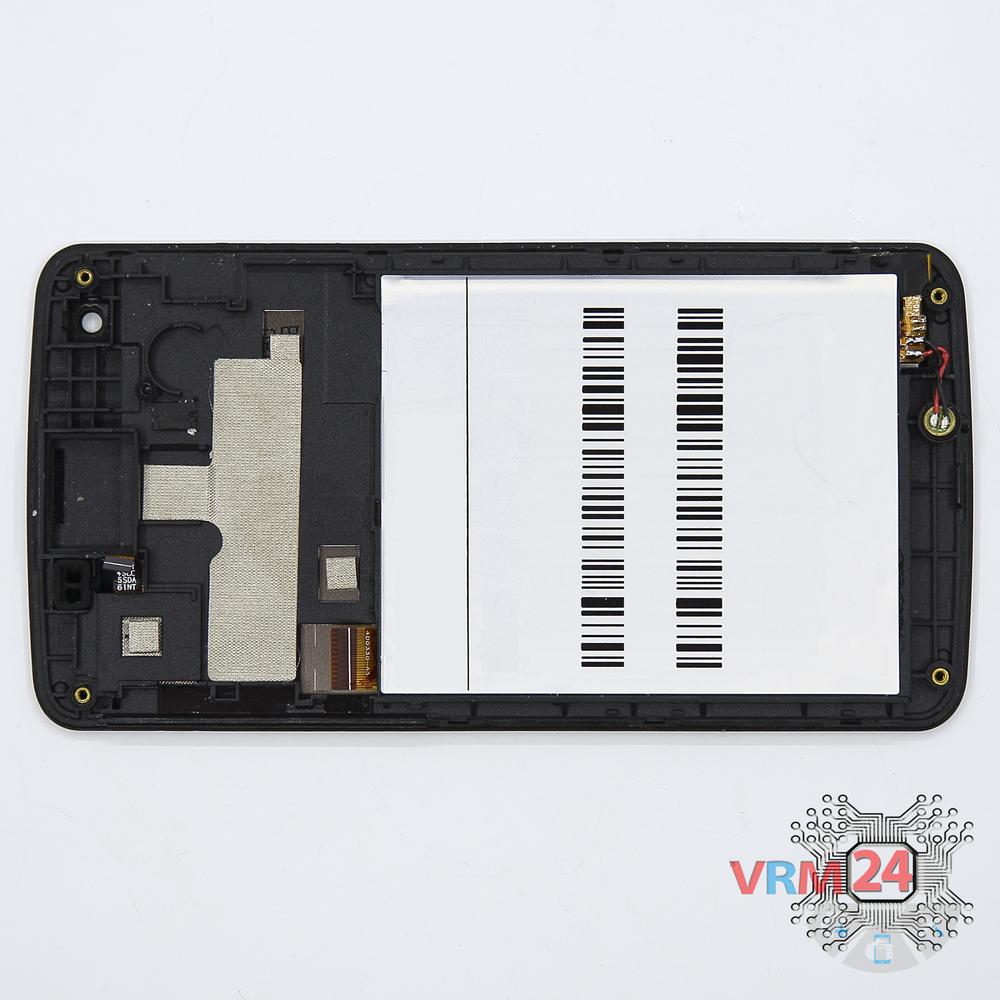
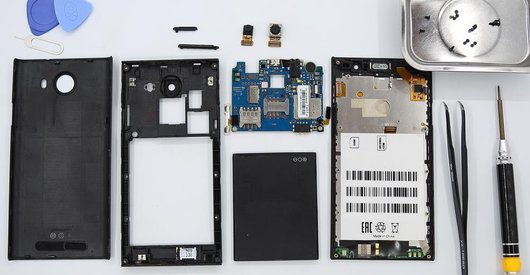
In the display frame remained
Parts in the frame of the display module.

If you have a question, ask us, and we will try to answer in as much detail as possible. If this article was helpful for you, please rate it.

3757
Views
1
Likes
—
Share
6
Questions
Related Instructions
Related Reviews
Related Blog
Popular Questions
P
Xiaomi RedMi Note 3
Hey... Can you please do a video on fingerprint sensor flex cable replacement. Also tell me from where I can buy it... Plz...
Pradhuman Kumar10
Lenovo ZUK Z2 Pro
Hello, On a ZUK Z2 PRO, For a replacement, how can i disassembly completely the touch fingerprint sanner ? Thanks
julien
B
Acer Liquid E3 E380
i have this phone after press power button appear acer logo and image is freezing and nothing happen. what can i do ? i tried Hard Reset but doesnt a…
Bestia12
C
ZTE Blade L8
Could you help me my zte blade l7 turns on and when I turn it off it doesn't turn on again, after a few days it turns on again
Christian Garcia17
J
Meizu Pro 7 M792H
how to disassemple archos 50b neon
John Mokbel9Top instructions
Check our
Top Highscreen instructions most liked by readers
New instructions
Check our
New Highscreen brand instructions on vrm24.com