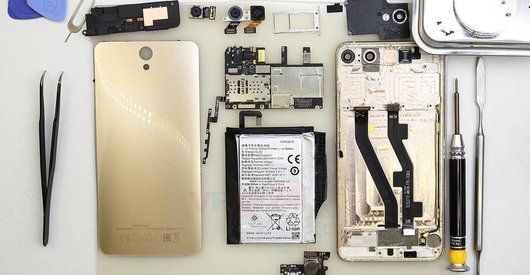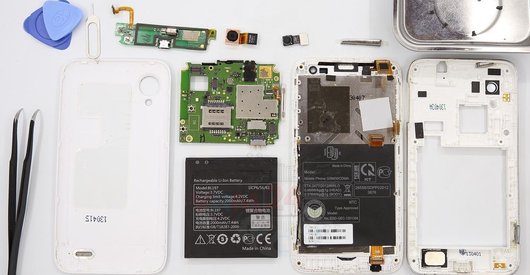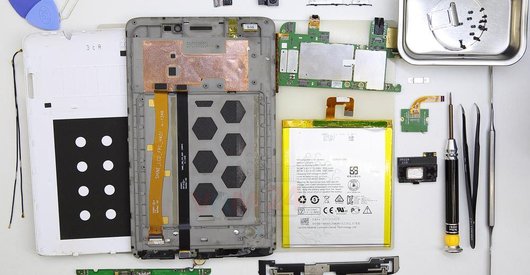





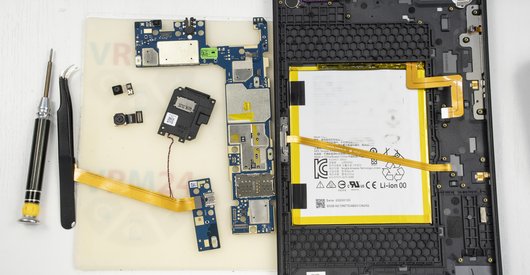
Recommended tools
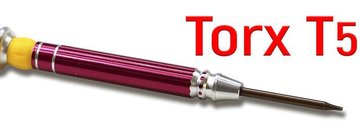
Screwdriver Torx T5
Opening tool / Spudger

Tweezers

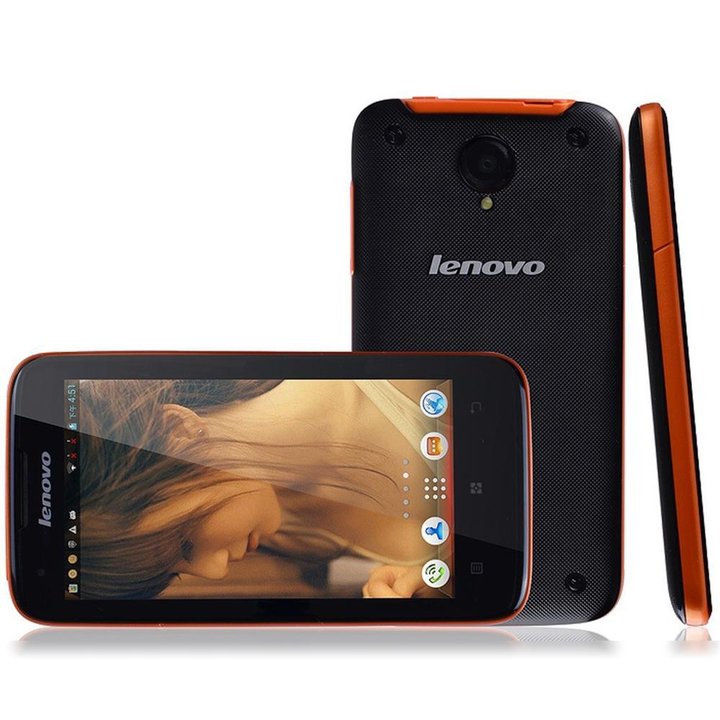
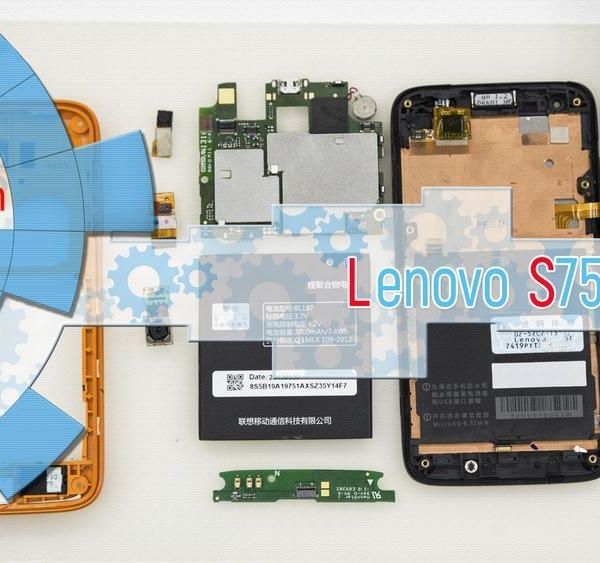
Disassembly/Repair of the mobile device Lenovo S750 with each step description and the required set of tools.
3300
Views
0
Likes
—
Share
3
Questions

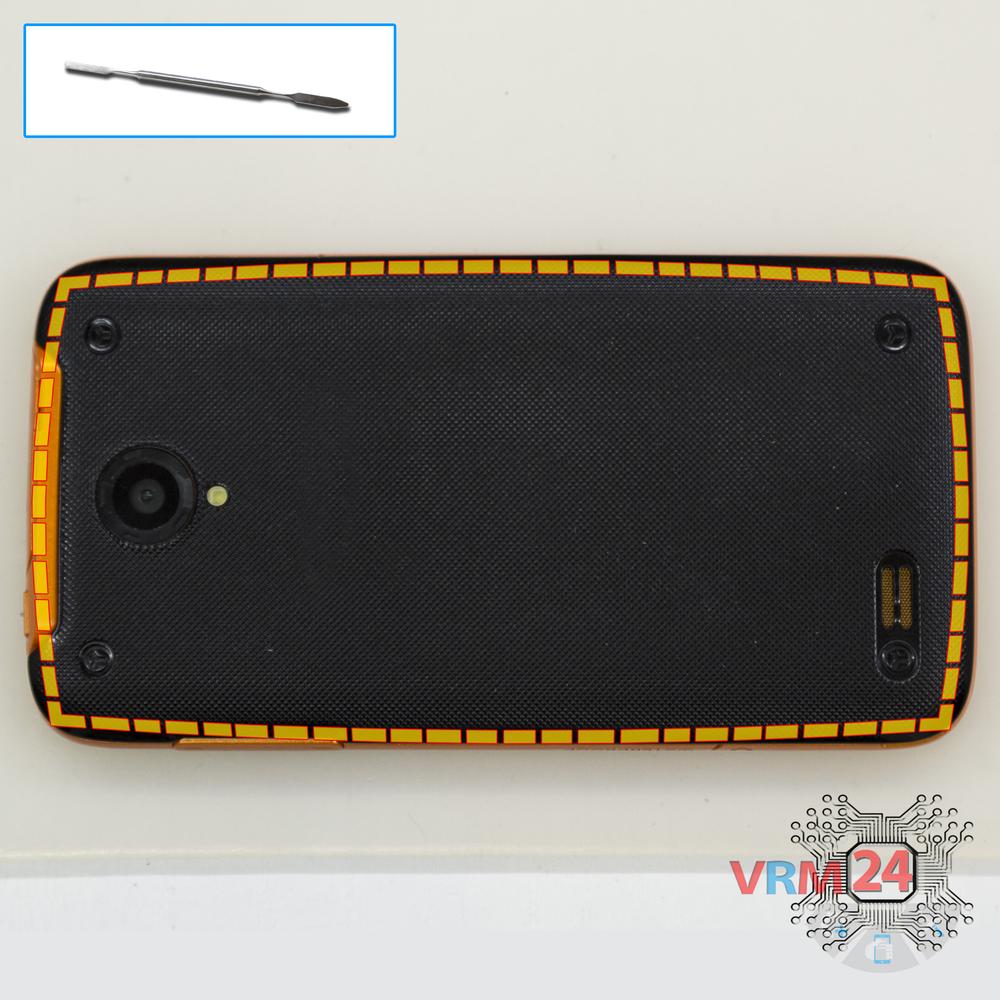
Step 1.
Open the back cover
Open the back cover.
Step 2.
Disconnect the battery connector
Disconnect the battery.
Step 3.
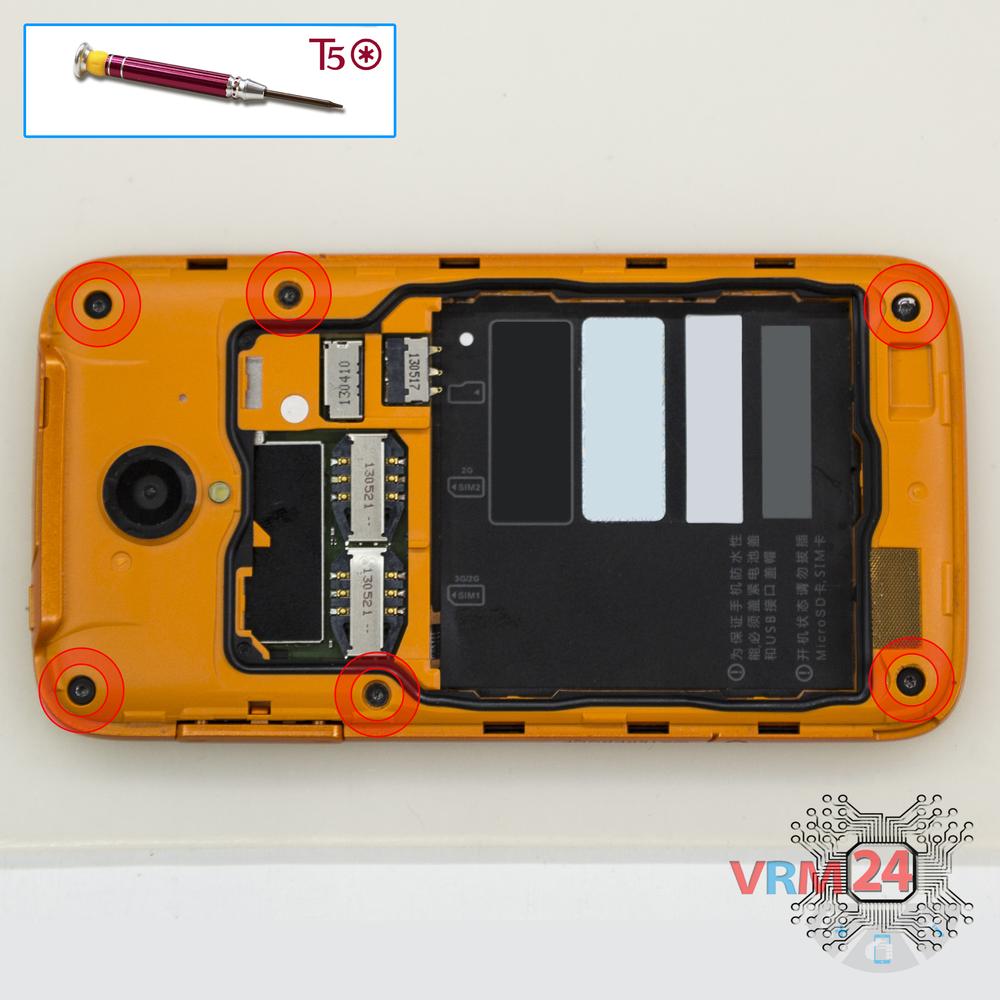
Unscrew the screws
Using a screwdriver (hex T5), unscrew 6 bolts in the frame of the phone.
Step 4.
Open the mid-frame
Pry and remove the middle frame.
Step 5.
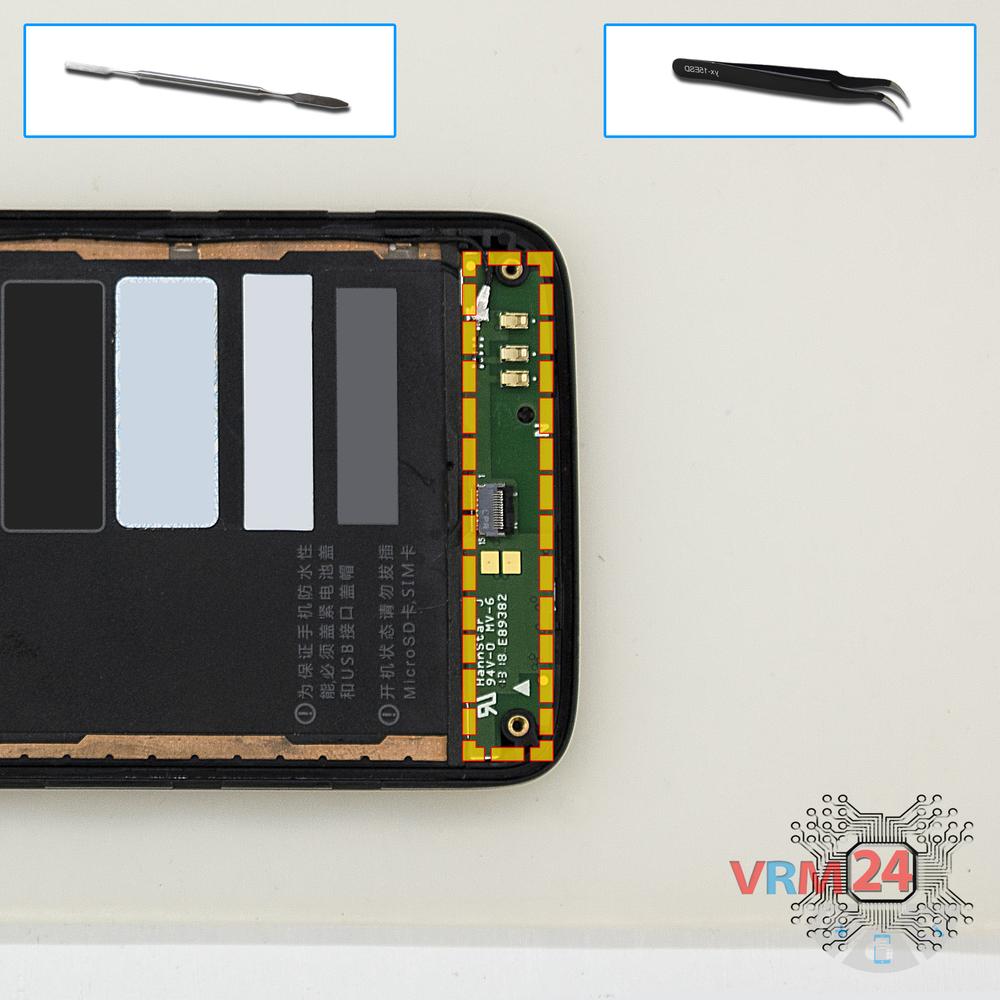
Disconnect the connectors
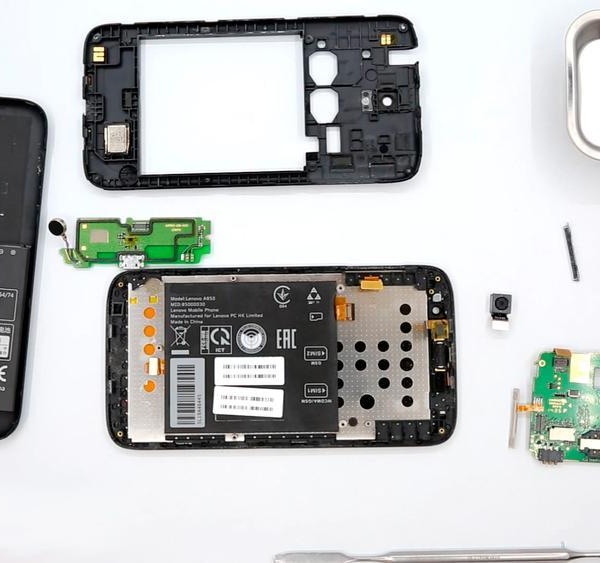
Disconnect the connectors on the lower PCB.
Step 6.
Remove the sub-board
Remove the lower PCB
Step 7.
Remove the rear camera
Disconnect the connector on PCB and remove the main camera.
Step 8.
Disconnect the connectors
Disconnect the connectors on the PCB.
⚠ Warning!
Three connectors located on the inside.
Step 9.
Remove the motherboard
Remove the PCB.
Step 10.
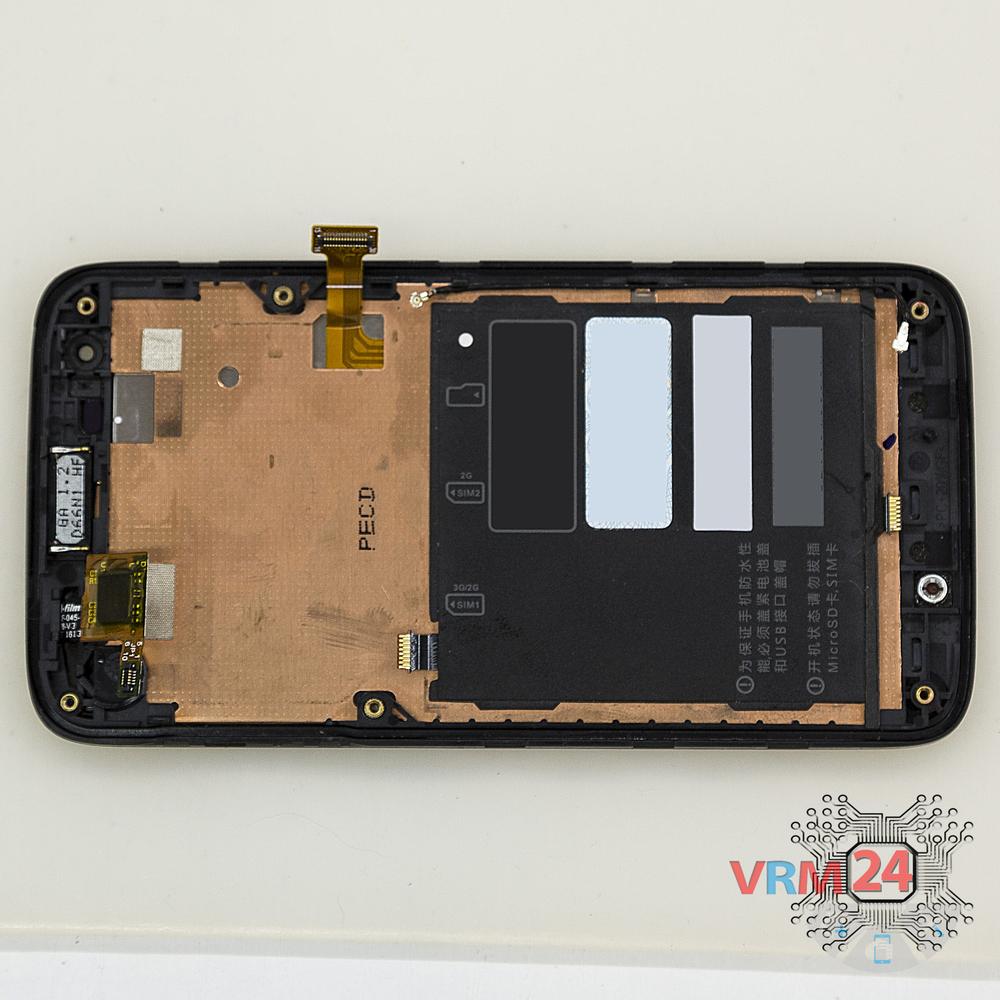
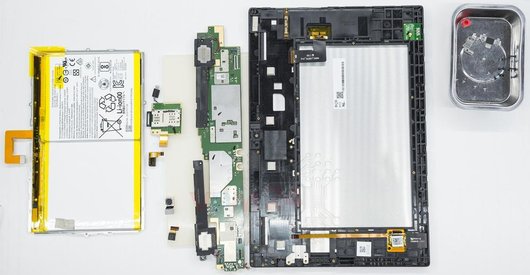
In the display frame remained
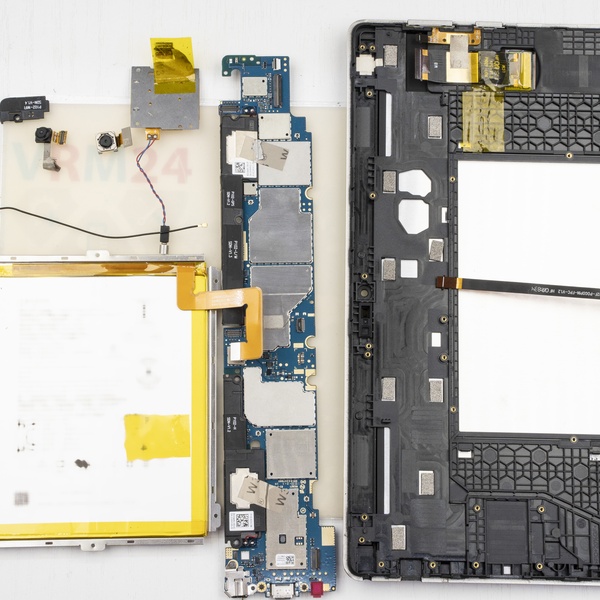
Parts in the frame of the display module.

If you have a question, ask us, and we will try to answer in as much detail as possible. If this article was helpful for you, please rate it.

3300
Views
0
Likes
—
Share
3
Questions
Related Instructions
Related Reviews
Related Blog

Popular Questions
P
Lenovo Vibe S1
Hello sir i did change display gor this device then i fix every thing but display is not it showing total black screen. Can you tell me what was the…
prem kumar reyya5
Lenovo ZUK Z1
Can anyone please tell me what screw size is used in this device? Also if all screws are of same size or different ones?
yash
S
Lenovo Tab 2 A10-70
What would we do without the Russians? 👌
sykoteddy14
E
Lenovo Vibe P1m
Is the usb flexible connector pcb detachable? Because there are sellers selling it, I want to buy but I don't know how to assemble it. If that is abl…
edoasetyawan16
H
Lenovo S90 Sisley
sir how can i turn off my s90 without pressing anything on the screen? (only using the buttons at the side)
harvey79412Top instructions
Check our
Top Lenovo instructions most liked by readers
New instructions
Check our
New Lenovo brand instructions on vrm24.com