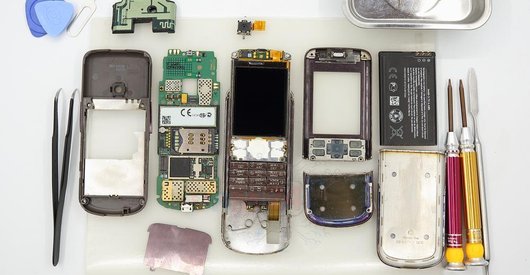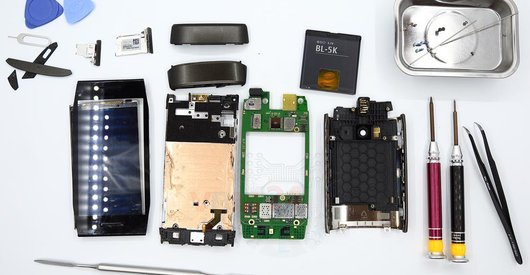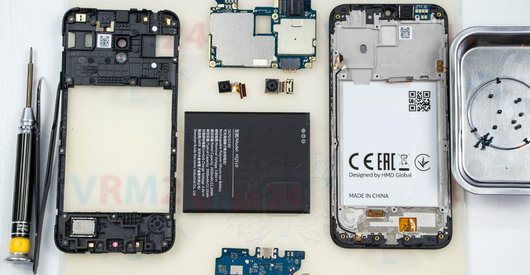


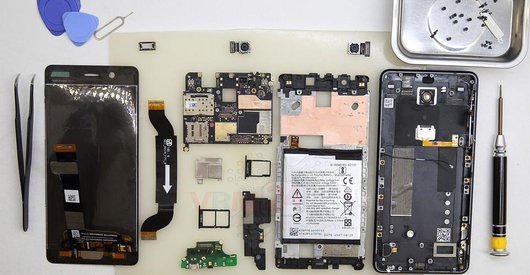
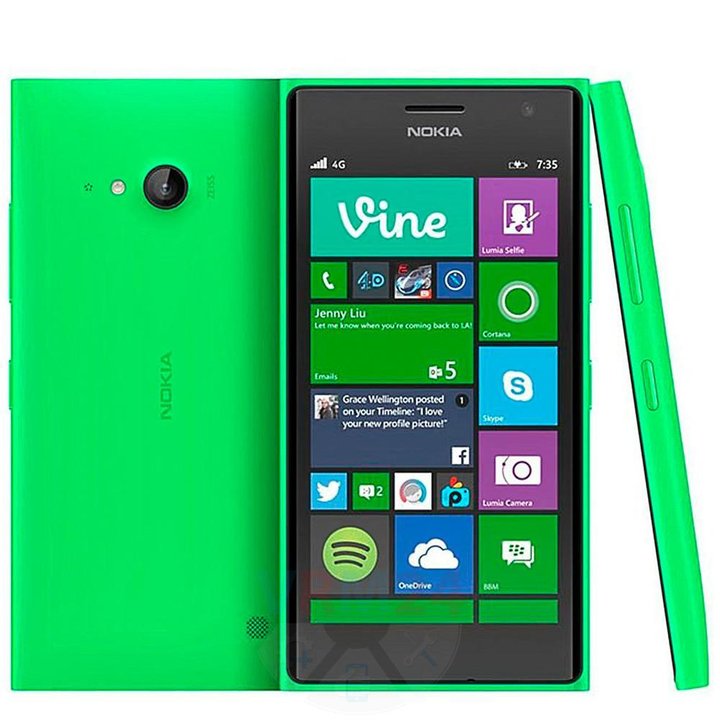
Recommended tools
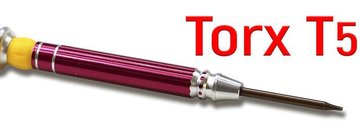
Screwdriver Torx T5
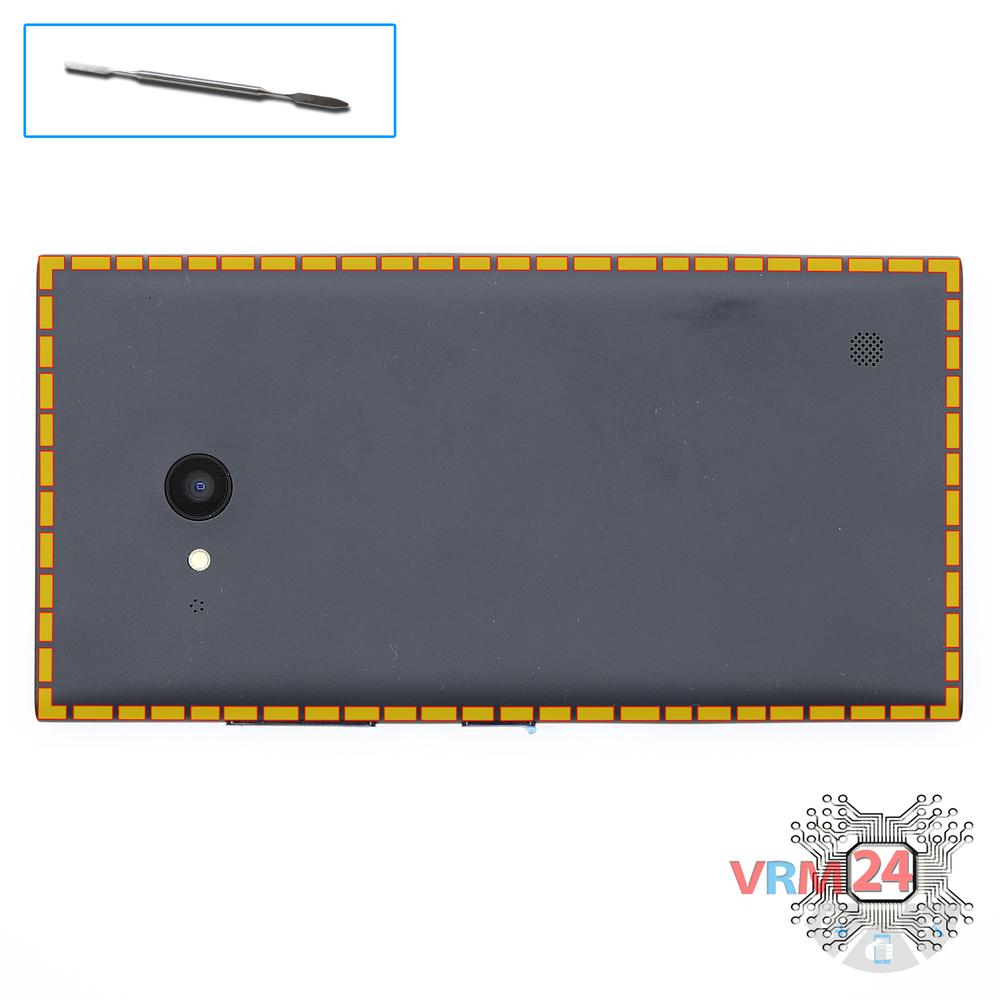
Opening tool / Spudger

Tweezers

Disassembly/Repair of the mobile device Nokia Lumia 735 RM-1038 (Microsoft RM-1038) with each step description and the required set of tools.
5642
Views
0
Likes
—
Share
3
Questions

Step 1.
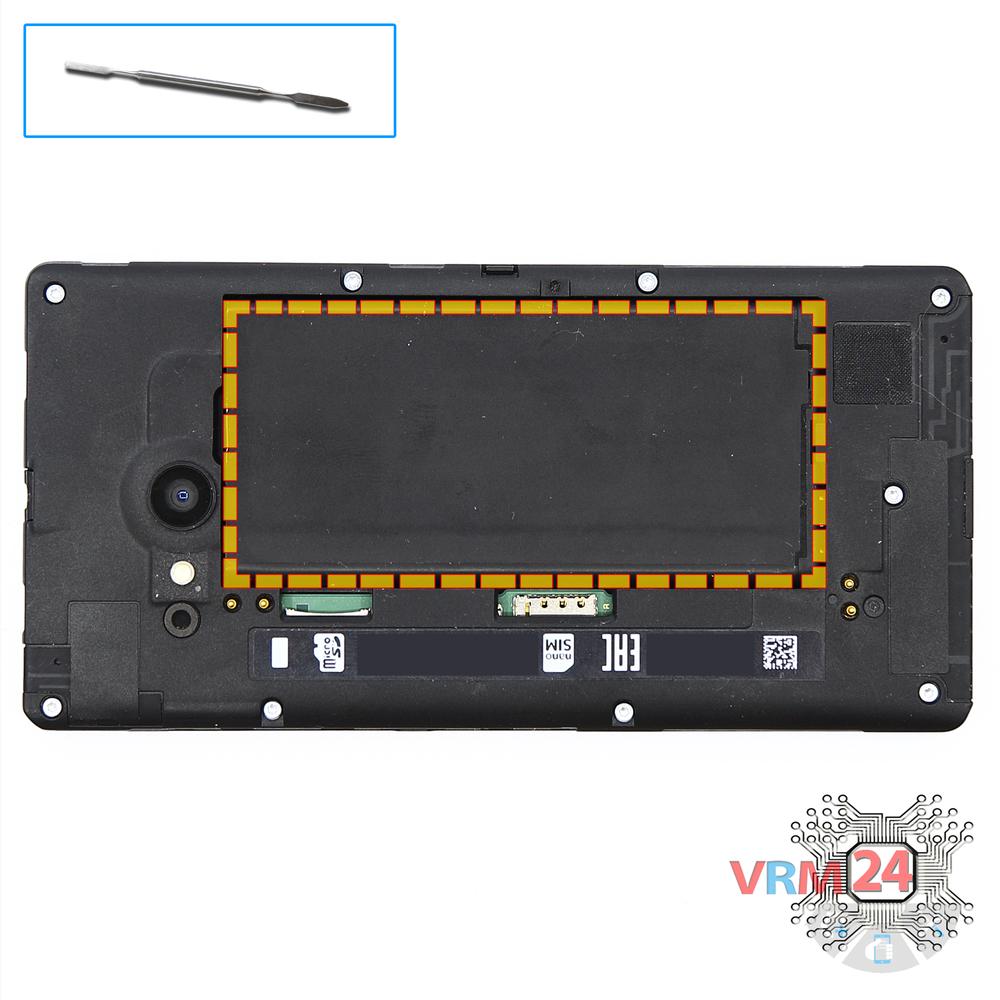
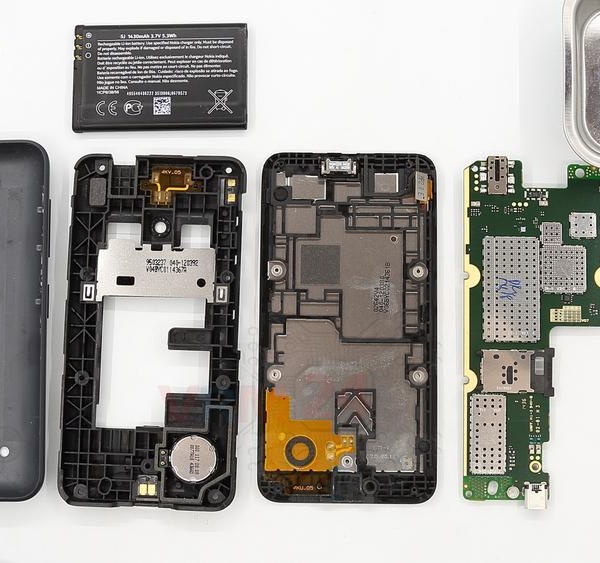
Open the back cover
Open the back cover.
Step 2.
Remove the battery
Lift and remove the battery.
Step 3.
Unscrew the screws
Using a screwdriver (hex T5), unscrew 9 bolts in the frame of the phone.
Step 4.
Open the mid-frame
Lift up the middle frame. Disconnect the connector on the PCB. Separate the middle frame from the frame with a display module.
Step 5.
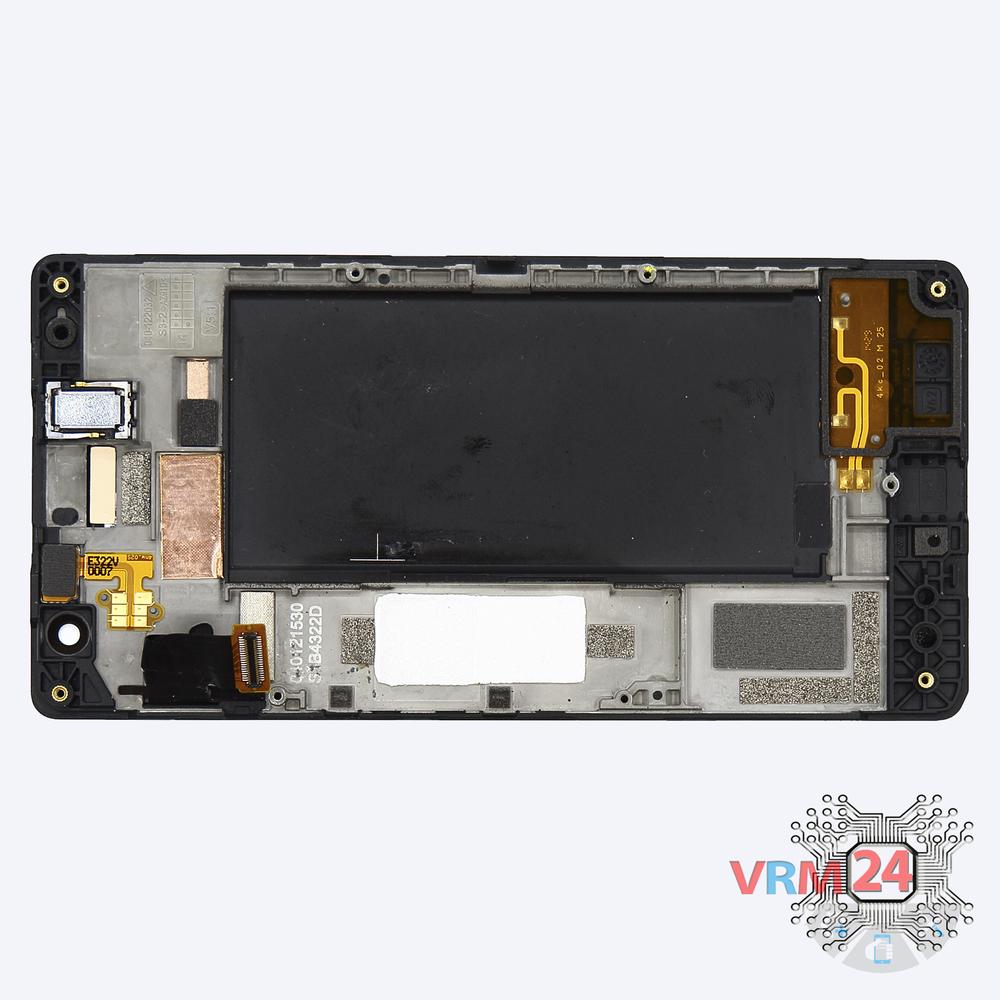
In the display frame remained
The display module.
Step 6.
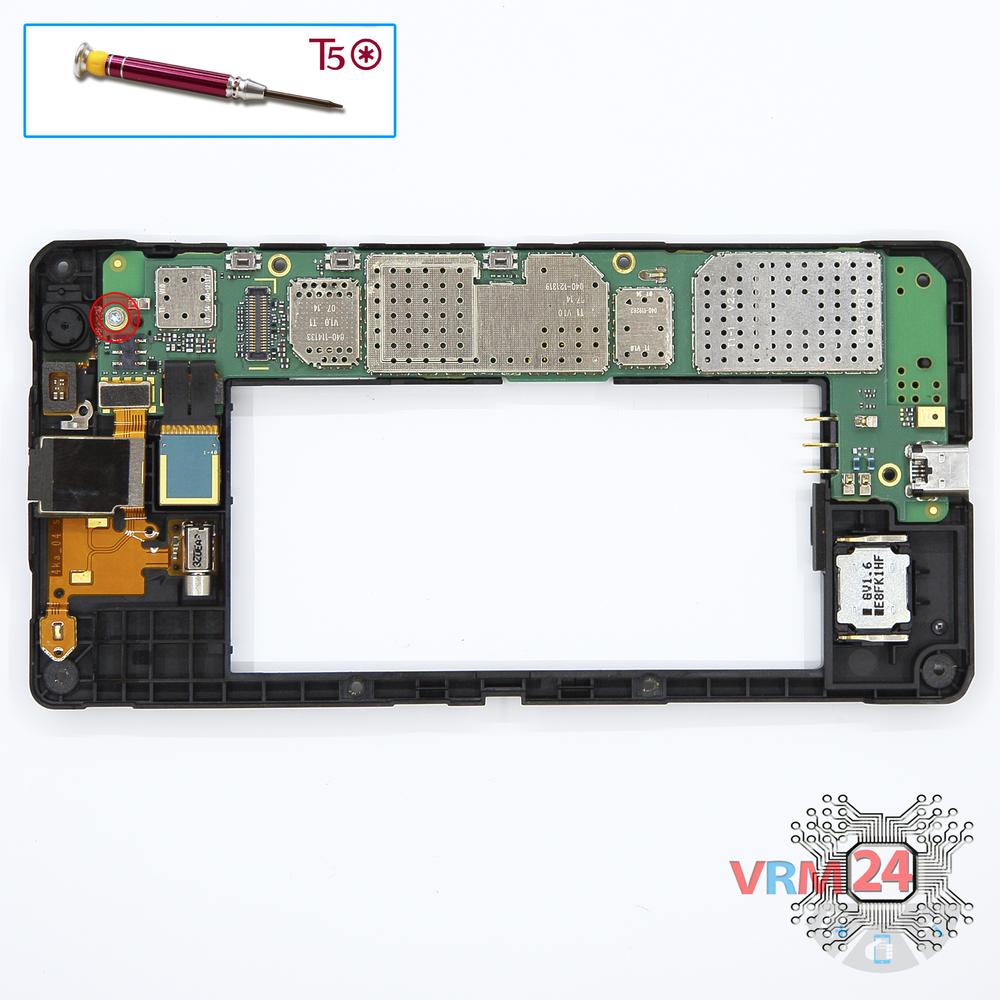
Unscrew one screw
Using a screwdriver (hex T5), unscrew 1 bolt in the PCB.
Step 7.
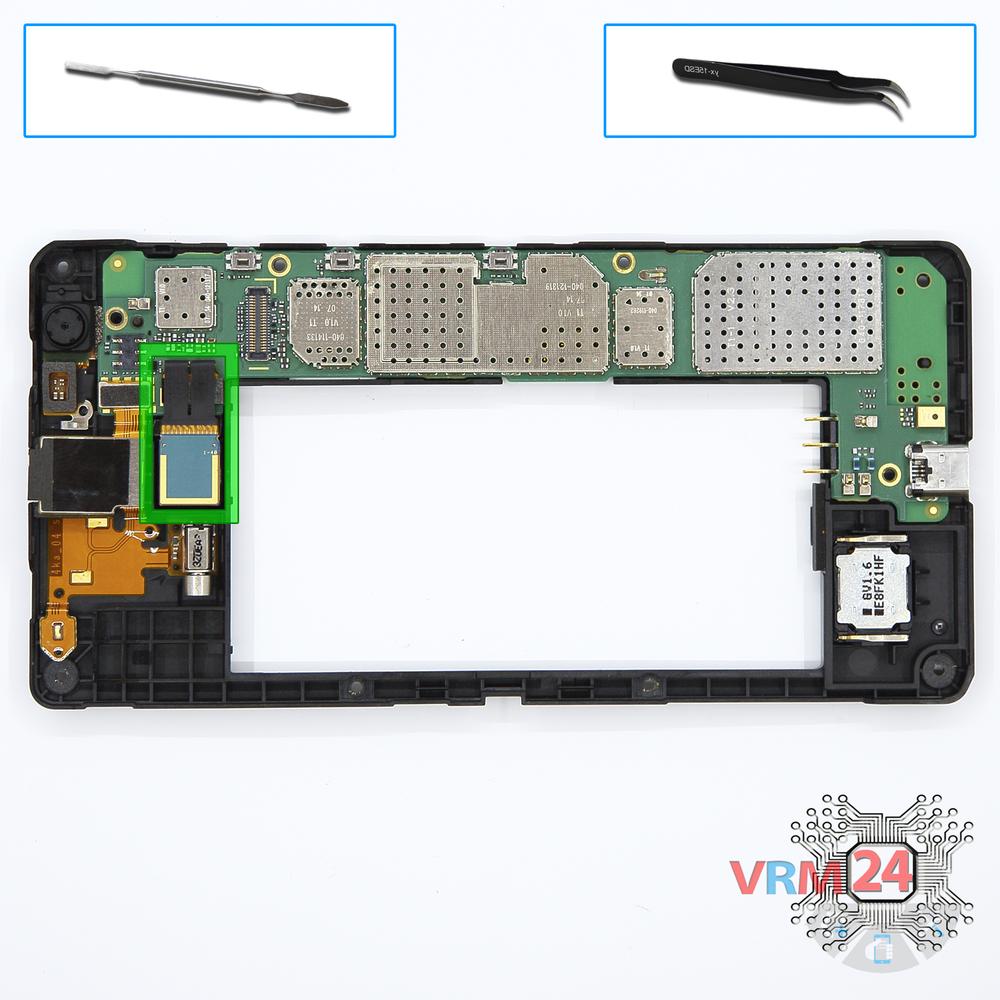
Remove the rear camera
Disconnect the connector on PCB, and remove the main camera.
Step 8.
Disconnect the connector
Disconnect the connector on the PCB.
Step 9.
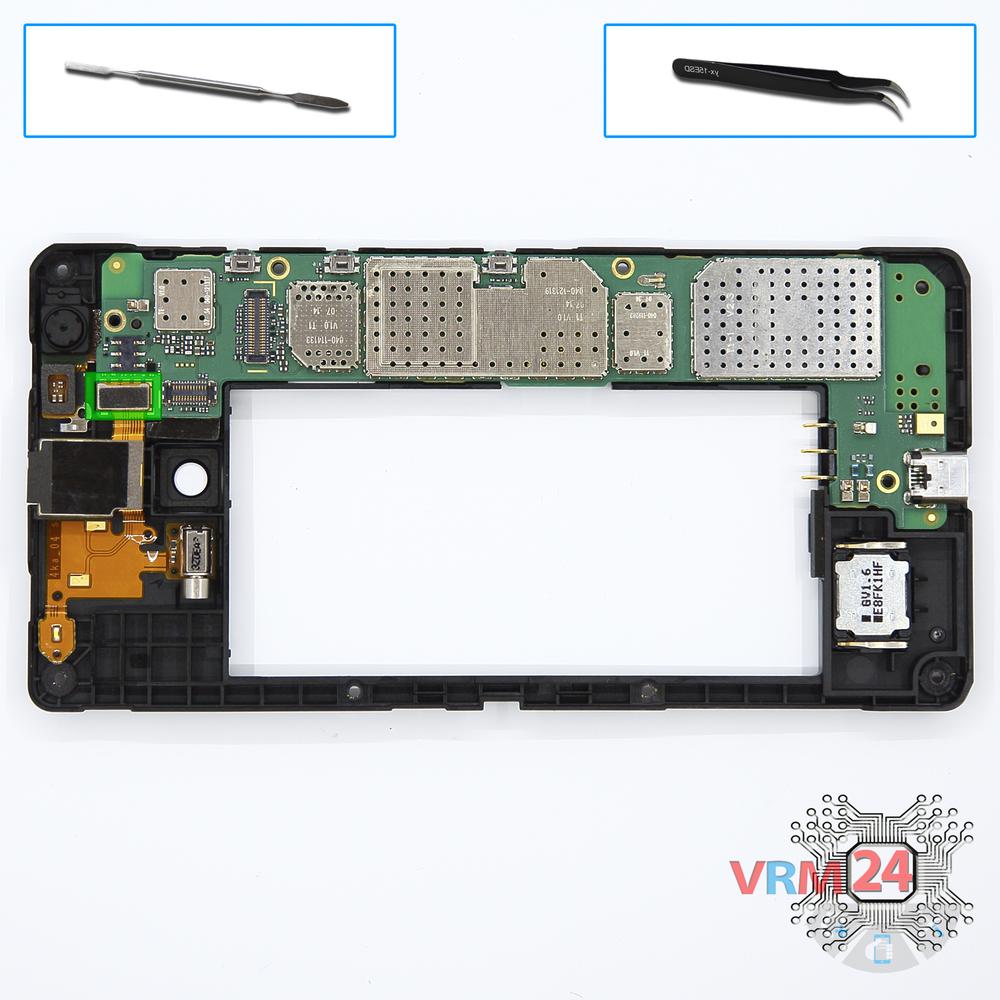
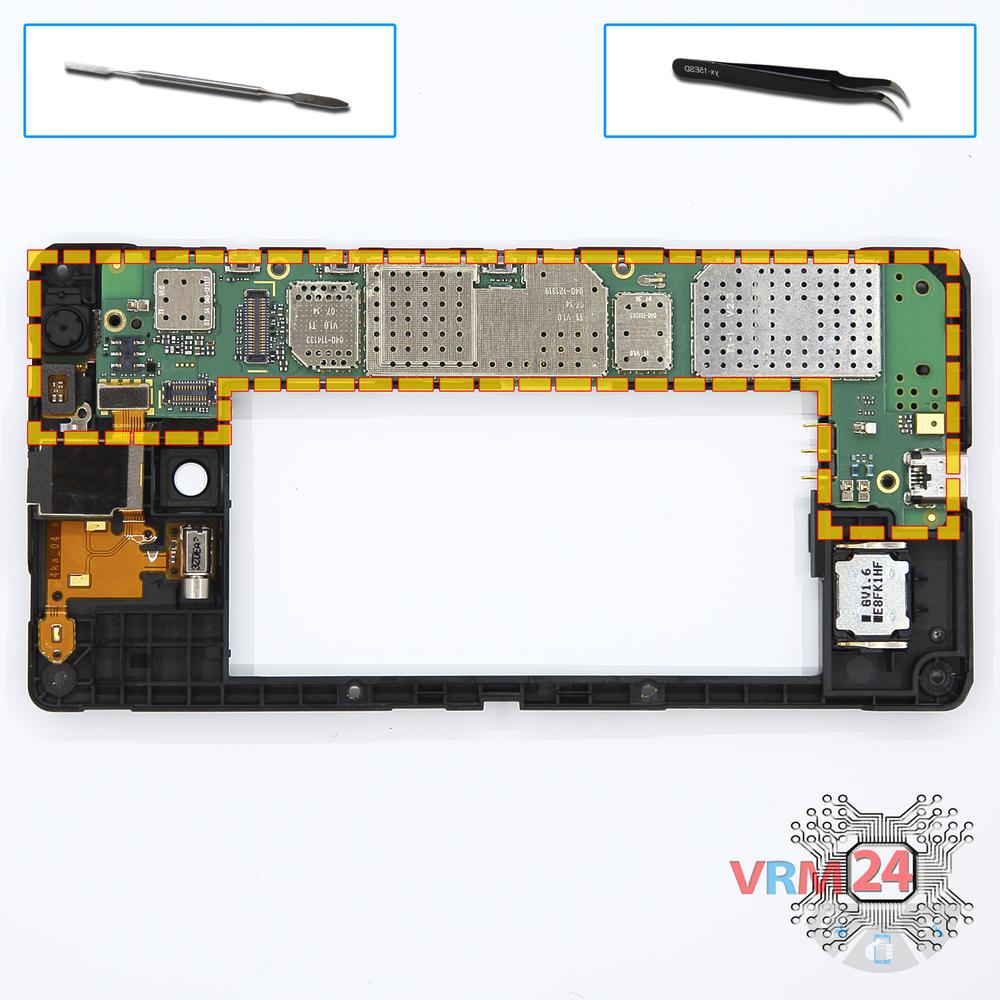
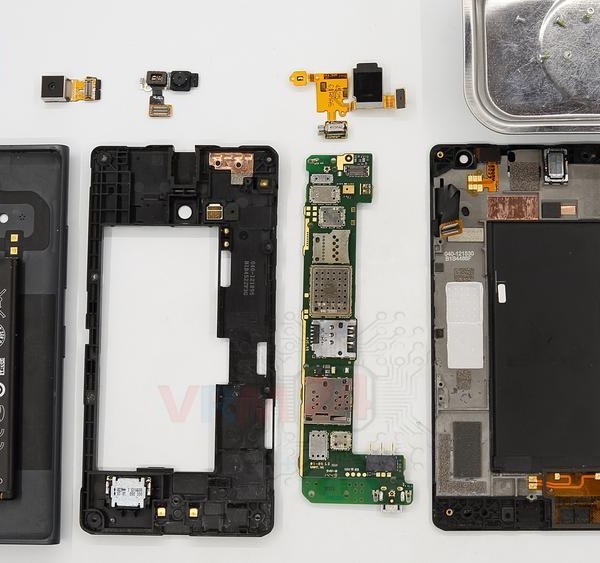
Remove the motherboard
Remove the PCB.
Step 10.
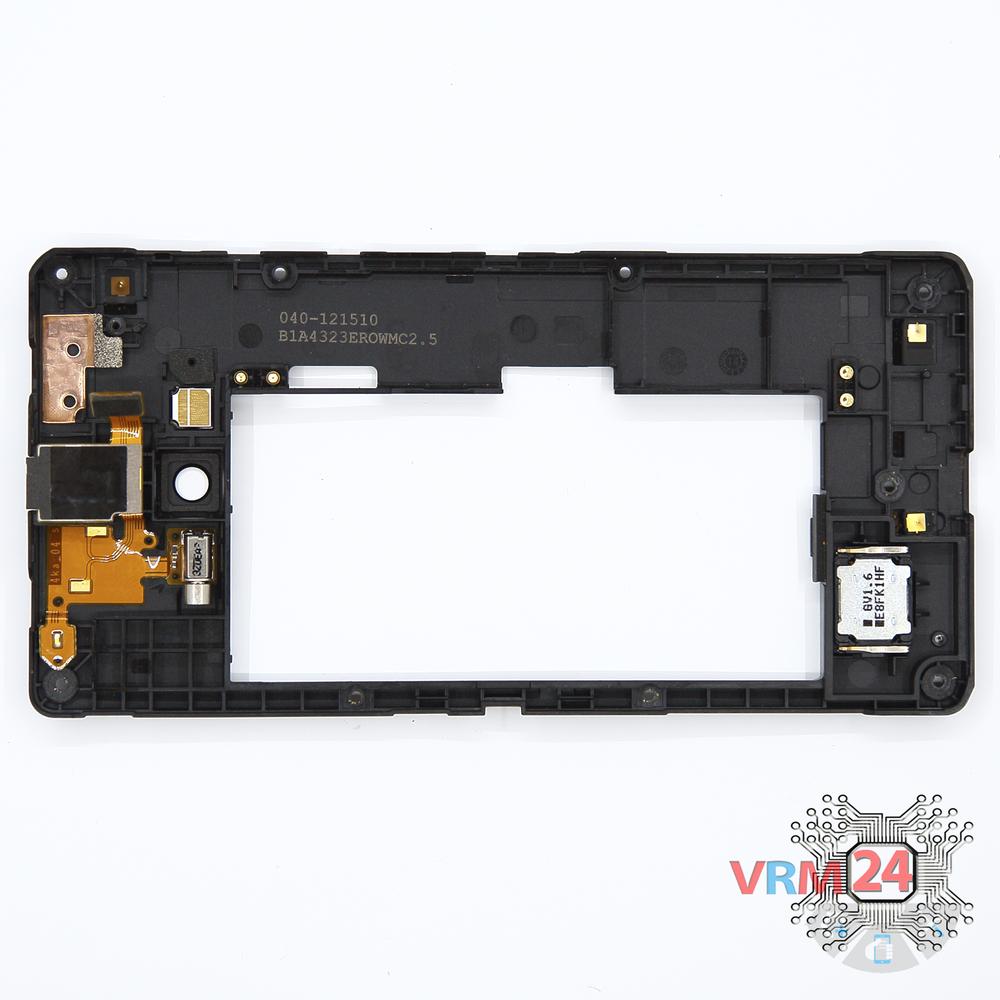
In the middle cover
The middle frame.
Step 11.
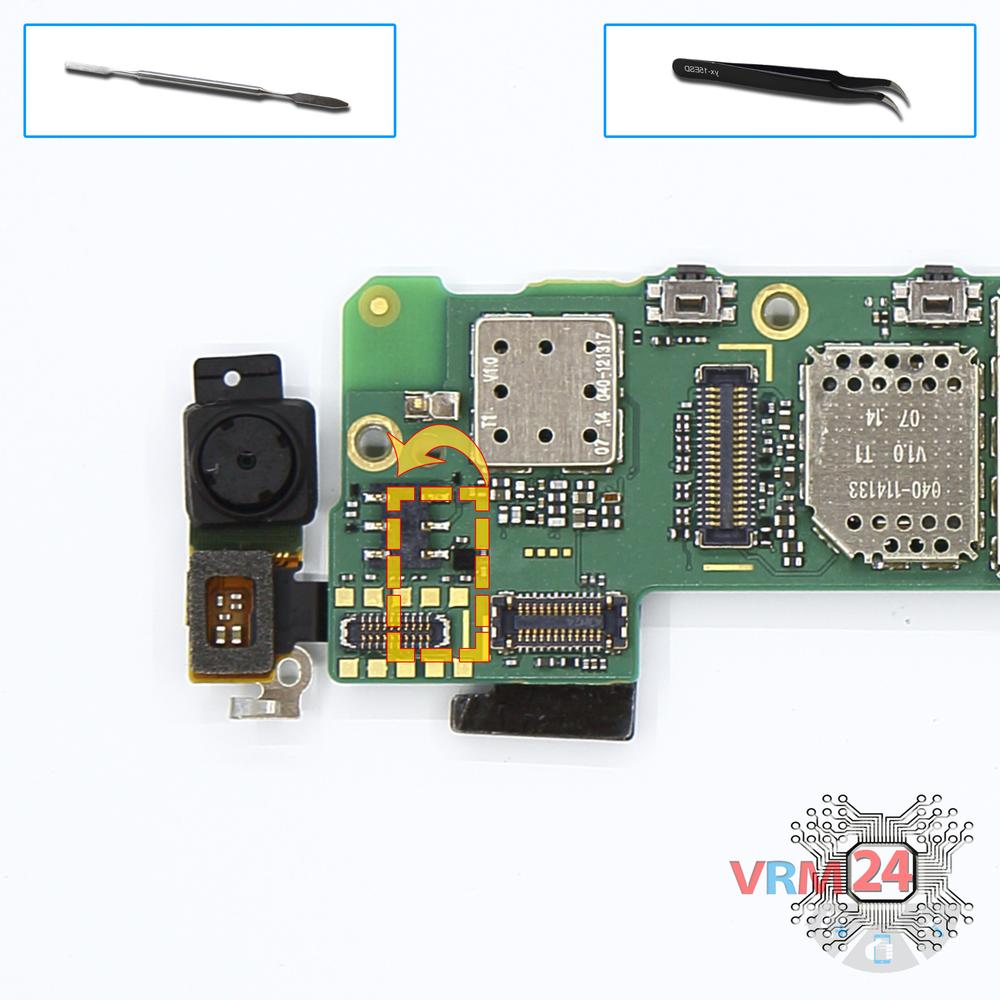
Remove the front camera
Disconnect the connector on PCB, and remove the front (selfie) camera camera with proximity sensor.

If you have a question, ask us, and we will try to answer in as much detail as possible. If this article was helpful for you, please rate it.

5642
Views
0
Likes
—
Share
3
Questions
Related Instructions
Related Reviews
Related Blog
Popular Questions
J
Nokia 5 (2017) TA-1053
Is there any difference between HE321 and HE336 batteries? Are both compatible with N5 DS TA-1044?
josefrancklin8
M
Nokia 7 Plus TA-1046
Cool Video,Is the back camera glass can be replace? Thank you.
Mad Calim3
M
Nokia 5 (2017) TA-1053
Good afternoon. When I opened the SIM card tray with a needle, it broke off inside. Now the tray does not open. Can I fix this by disassembling it in…
Mona_L
Nokia 7.2 TA-1196
To replace the power button, do I need to replace the entire display assembly? Thank you.
vladimirkalinin2015
I
Nokia 6 (2017) TA-1021
My mobile's light IC is also damaged, how much will it cost
IT'S DJ AMAN9Top instructions
Check our
Top Nokia instructions most liked by readers
New instructions
Check our
New Nokia brand instructions on vrm24.com