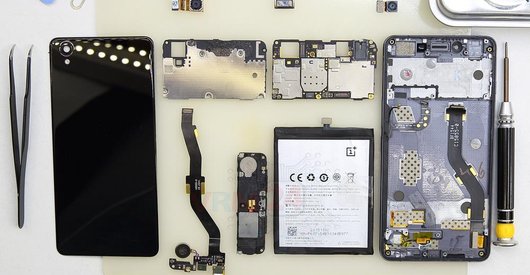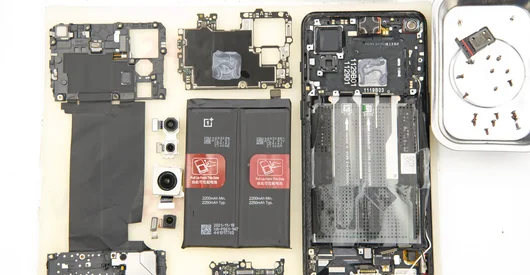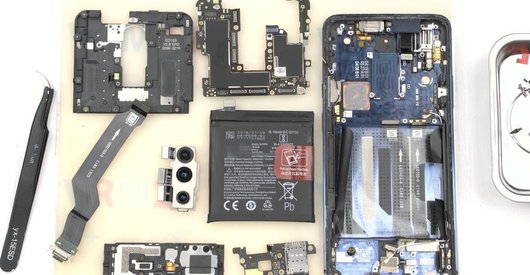

Recommended tools
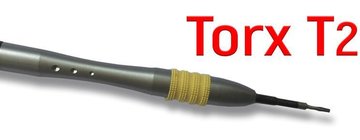
Screwdriver Torx Т2
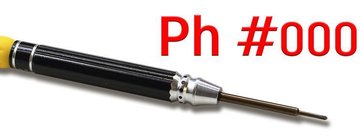
Screwdriver Phillips #000
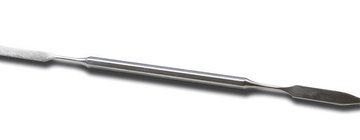
Opening tool / Spudger
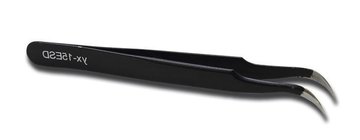
Tweezers
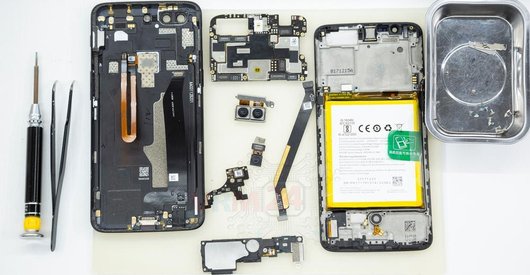
Disassembly/Repair of the mobile device OnePlus 3 A3003 (One Plus 3 A3003 / A3000) with each step description and the required set of tools.
9567
Views
0
Likes
—
Share
29
Questions

Step 1.
Remove the tray
Using the key tool, open the SIM card tray and remove it.
⚠ Warning!
Do not push too hard this may cause damage.
Step 2.
Unscrew the screws
Using a screwdriver (hex T2), unscrew the 2 bolts on the end of the phone.
Step 3.
Open the back cover
Open the back cover.
Step 4.
Disconnect the battery connector
Disconnect the battery connector.
⚠ Warning!
We strongly recommend disconnecting the connector to avoid a possible short circuit during disassembly.
Step 5.
Remove the bracket
Using a screwdriver (Phillips 1.5 mm PH000), unscrew 1 bolt and remove the bracket holds the connectors.
Step 6.
Remove the interconnect cables
Disconnect connectors and remove the inter-board and coaxial cables.
Step 7.
Unscrew the screws
Using a screwdriver (Phillips 1.5 mm PH000), unscrew 7 bolts.
Step 8.
Remove the sub-board
Disconnect connectors and remove the lower PCB with inter-board cable.
Step 9.
Remove the battery
Lift and remove the battery.
Step 10.
Unscrew the screws
Using a screwdriver (Phillips 1.5 mm PH000), unscrew 6 bolts in the PCB.
Step 11.
Disconnect the connector
Disconnect connector on the PCB.
Step 12.
Remove the motherboard
Remove the PCB.
Step 13.
Remove the earpiece speaker
Pry and remove the earpiece (speaker).
Step 14.
In the display frame remained
Parts are in the frame of the display module.

If you have a question, ask us, and we will try to answer in as much detail as possible. If this article was helpful for you, please rate it.

9567
Views
0
Likes
—
Share
29
Questions
Related Instructions
Related Reviews
Related Blog
Popular Questions
S
OnePlus 3 A3003
What about the screen?
Stefan Hoffmann1
E
OnePlus 3 A3003
Is the friend Brazilian? If so, I'd like to get in touch with you, because I have my OP3T with a cracked display needing replacement. I'd appreciate …
Eduardo Nascimento2
R
OnePlus X E1001
Total work and video quality. Success!
Rod Damacela4
OnePlus 7 Pro
Where do I find the sensor board as I feel my gyro is not working. When I move at least the arrow changes location which may mean accelerometer is fi…
vivekanand
OnePlus 9RT 5G
My OnePlus 9rt wifi and hotspot Stop working. I visited OnePlus care they say my motherboard have problem it's need to change and it's so expensive …
gauravTop instructions
Check our
Top OnePlus instructions most liked by readers
New instructions
Check our
New OnePlus brand instructions on vrm24.com