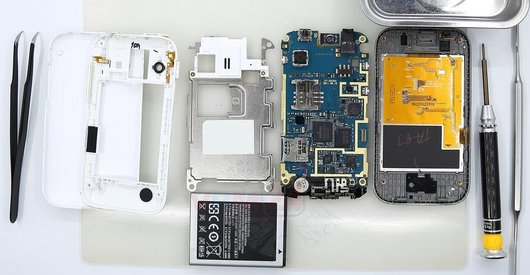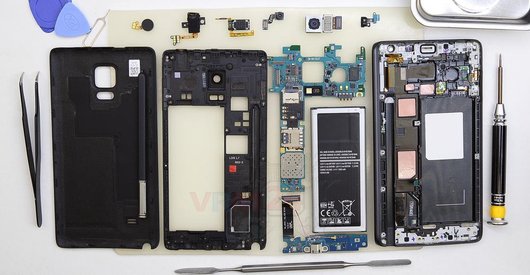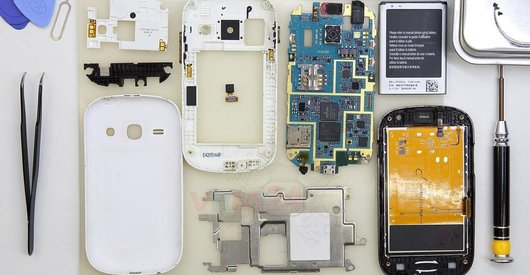




Recommended tools
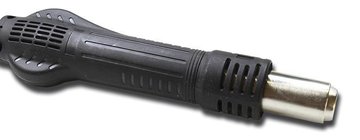
Heat gun
Screwdriver Phillips #000

Opening tool / Spudger

Tweezers

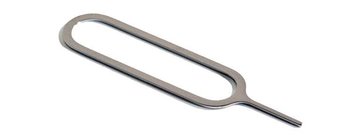
Eject tool
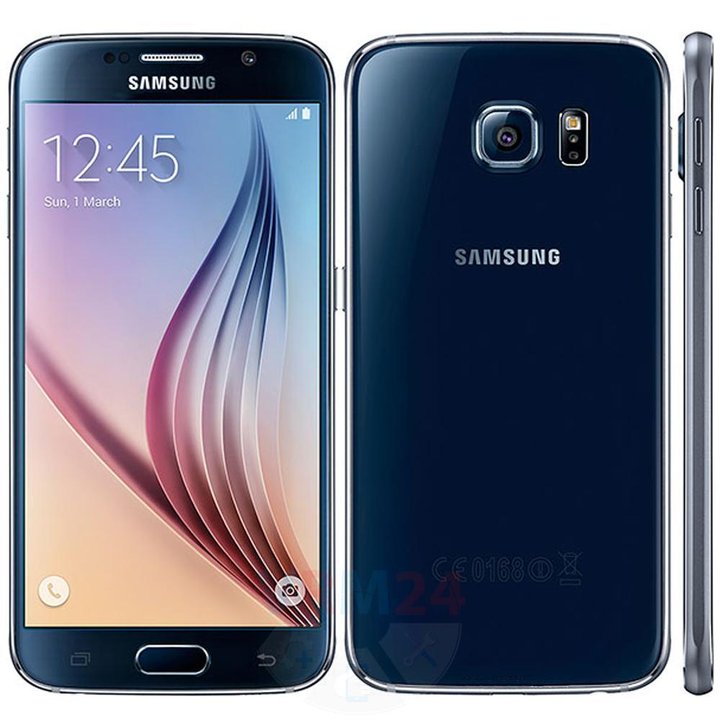
Disassembly/Repair of the mobile device Samsung Galaxy S6 SM-G920 (Samsung G920F; G920FD (Philippines, Pakistan, Russia, Ukraine); G920FQ (Turkey); G920I (LATAM, Singapore, India, Australia, New Zealand); G920A (AT&T); G920T (T-Mobile); G920S/K (Korea); G9200 (Hong Kong); G9208 (China); G9208/SS (China); G9209 (China)) with each step description and the required set of tools.
11696
Views
1
Likes
—
Share
24
Questions

Step 1.
Open the back cover
Open the back cover.
⚠ Warning!
For careful separation, we recommend using a heat gun. At the same time, it is necessary to heat carefully in order, not to damage the surface of the device.
Step 2.
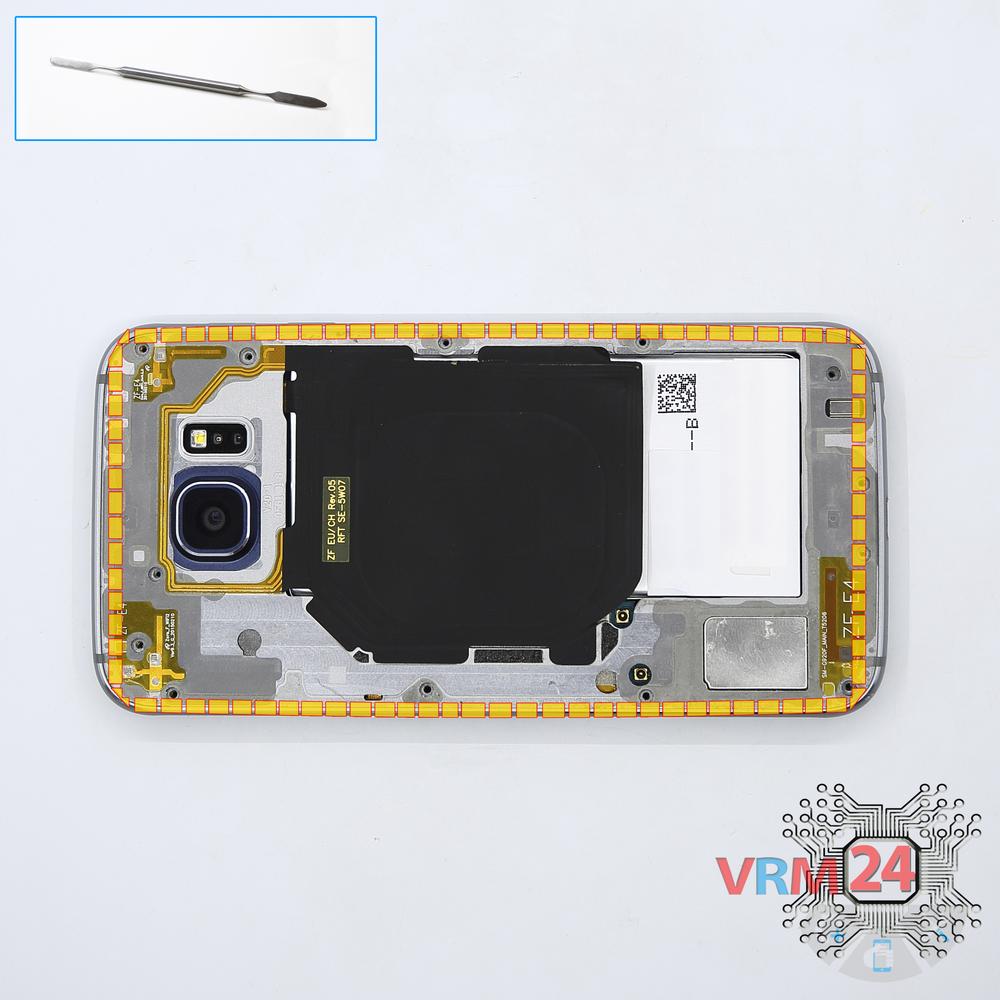
Unscrew the screws
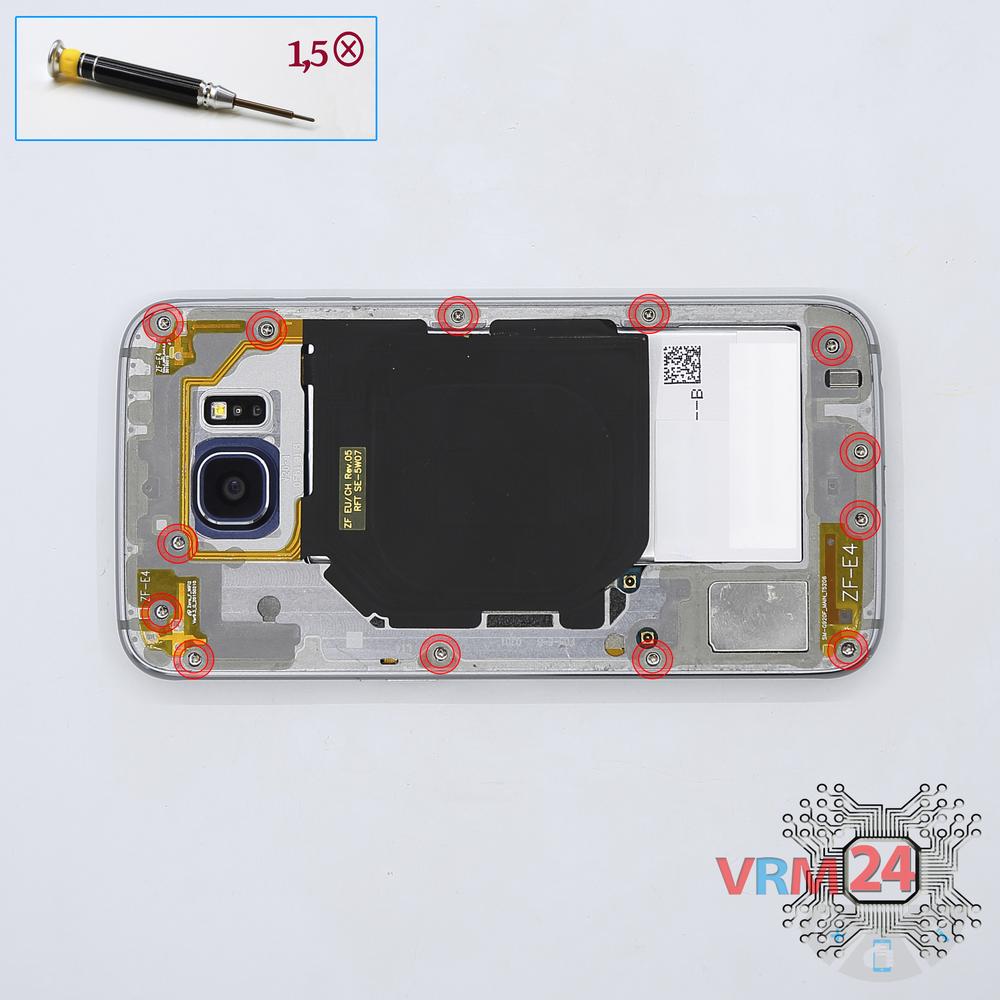
Using a screwdriver (Phillips 1.5 mm PH000), unscrew 13 bolts in the frame of the phone.
Step 3.
Remove the tray
Using the key tool, open the SIM card tray and remove it.
⚠ Warning!
Do not push too hard this may cause damage.
Step 4.
Open the mid-frame
Pry and remove the middle frame.
Step 5.
Remove the front camera
Disconnect the connector on PCB, and remove the front (selfie) camera.
Step 6.
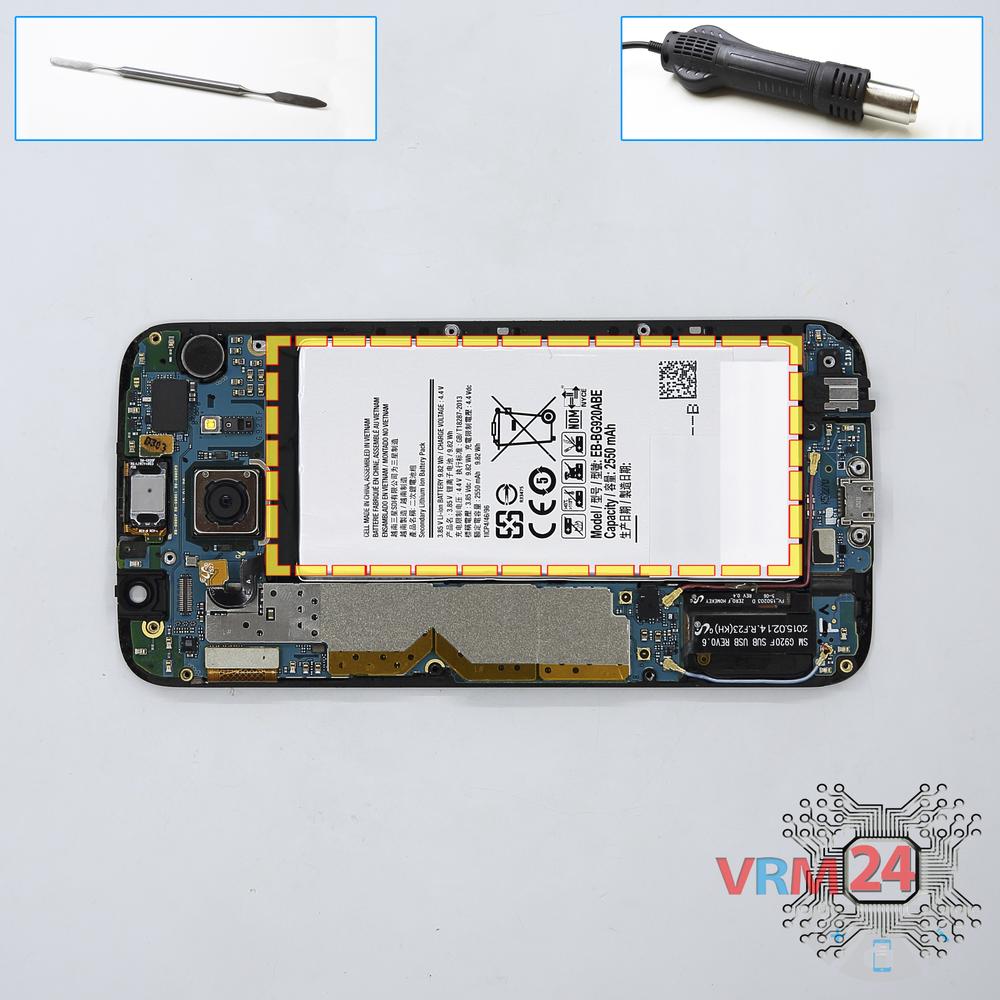
Remove the battery
Separate the battery from the frame.
⚠ Warning!
For careful separation, we recommend using a heat gun. At the same time, it is necessary to heat carefully in order, not to damage the surface of the device.
Step 7.
Remove the motherboard
Disconnect connectors on the PCB and remove it.
⚠ Warning!
The main PCB connects to the lower board from the inside. Need to separate it carefully.
Step 8.
Remove the earpiece speaker
Pry and remove the earpiece (speaker).
Step 9.
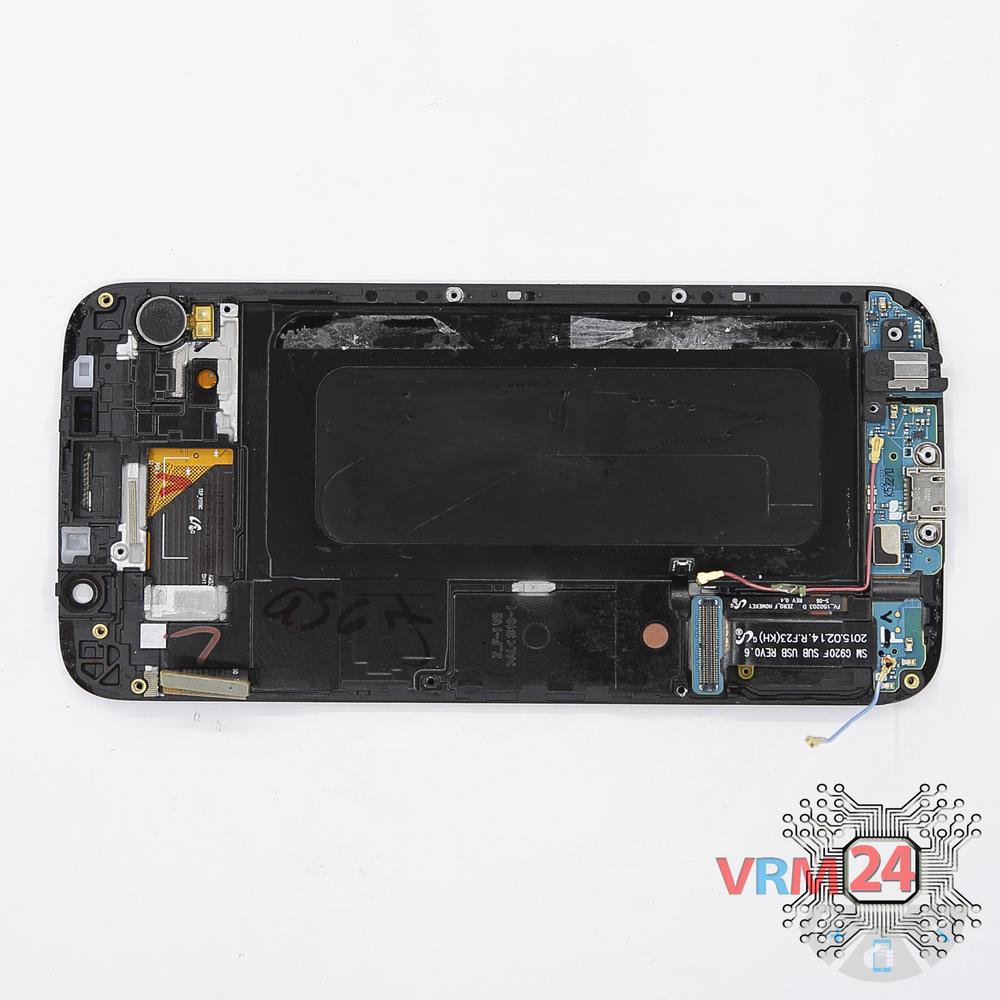
In the display frame remained
Parts are in the frame of the display module.

If you have a question, ask us, and we will try to answer in as much detail as possible. If this article was helpful for you, please rate it.

11696
Views
1
Likes
—
Share
24
Questions
Related Instructions
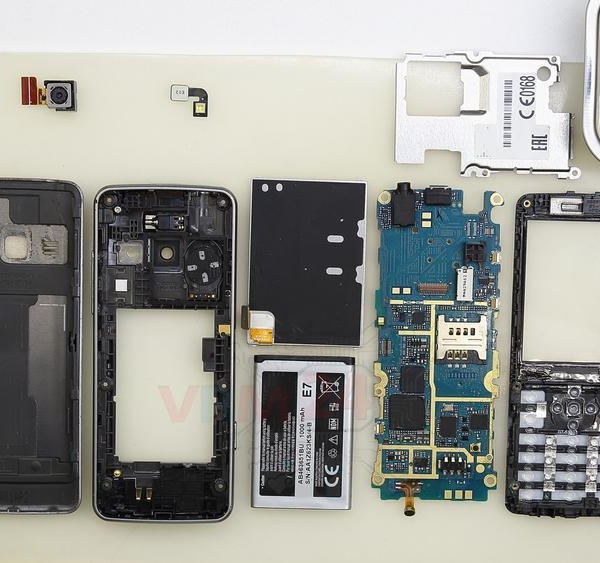
Related Reviews
Related Blog
Popular Questions
M
Samsung Galaxy S6 SM-G920
Nice. Power works. Does data connection also? I thought USB C needed different chip, not only shape of the socket.
MGL9
V
Samsung Galaxy S6 SM-G920
This is the best video with high quality details shown. Thank you for your help. Just a quick question. Where about is located the wi fi and Blue…
Visinoae Andrei20
P
Samsung Galaxy S6 SM-G920
Hi, can you please give the degree of the airflow you used to remove the connector? As there is the "home" button under, I guess it can be important.…
phil2424
Samsung Galaxy A50 SM-A505
how to fix Samsung a50 not charging?
noel
D
Samsung Galaxy A7 (2016) SM-A710
how to change the battery
Dhankumar Yadav17Top instructions
Check our
Top Samsung instructions most liked by readers
New instructions
Check our
New Samsung brand instructions on vrm24.com