Recommended tools
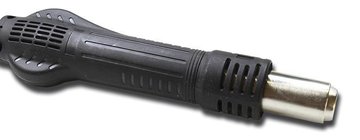
Heat gun
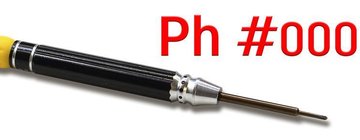
Screwdriver Phillips #000
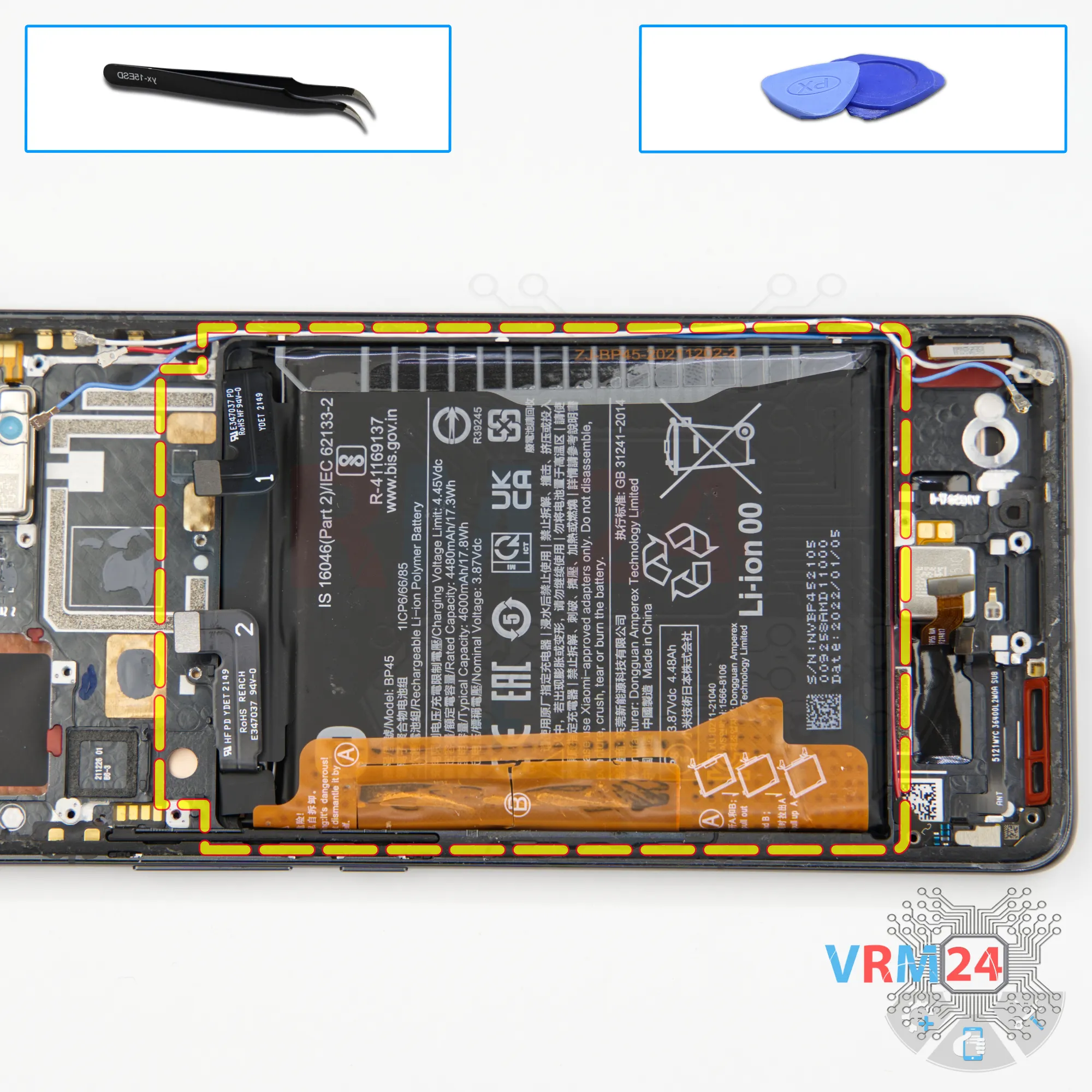
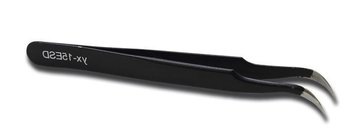
Tweezers
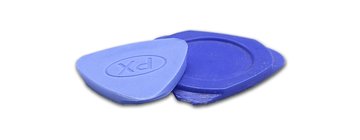
Non-metallic tool
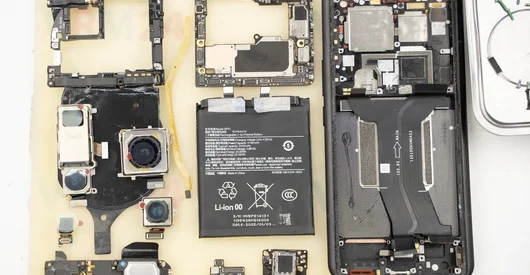
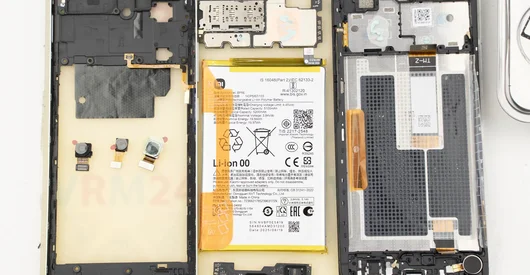
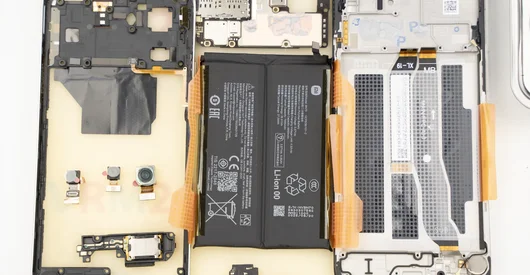
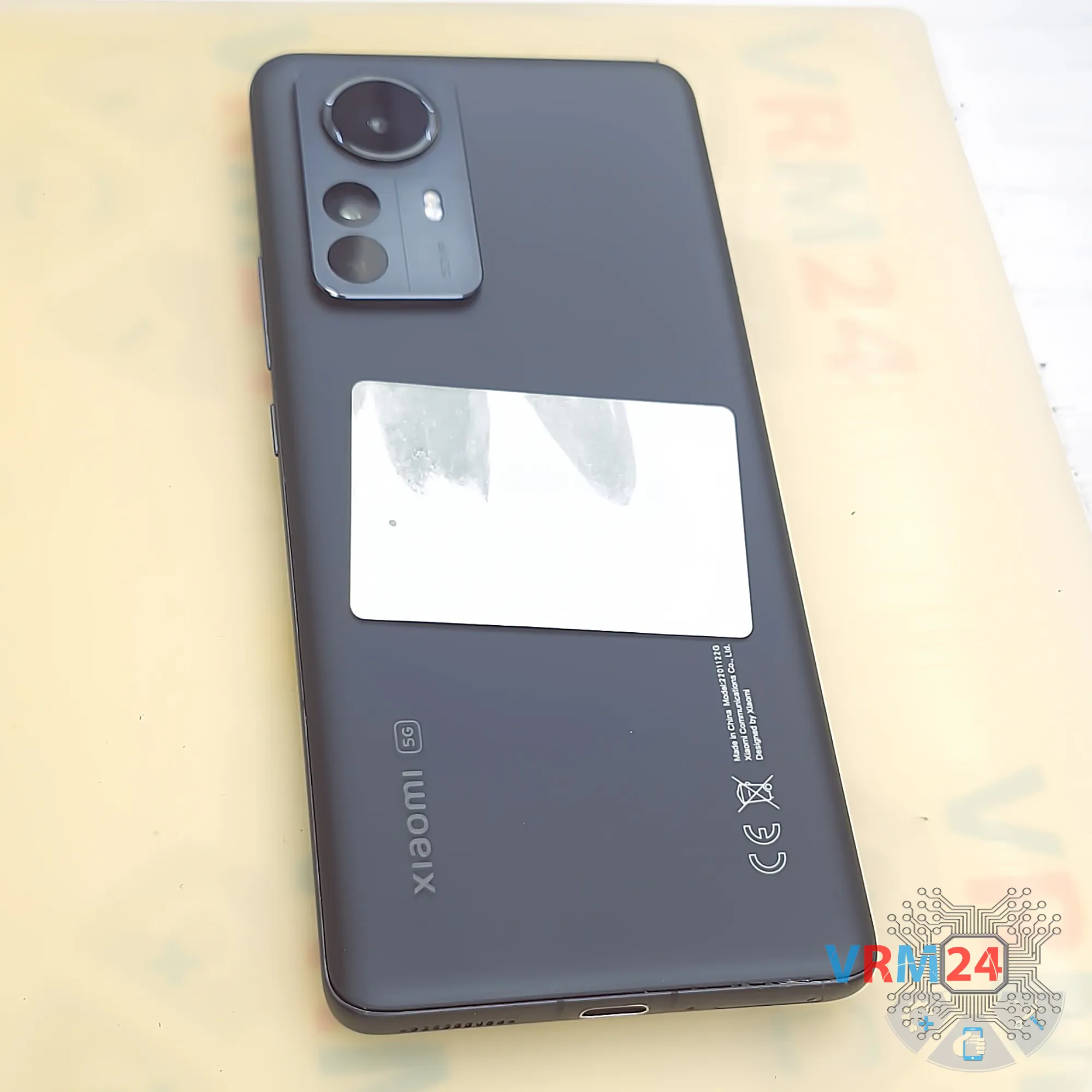
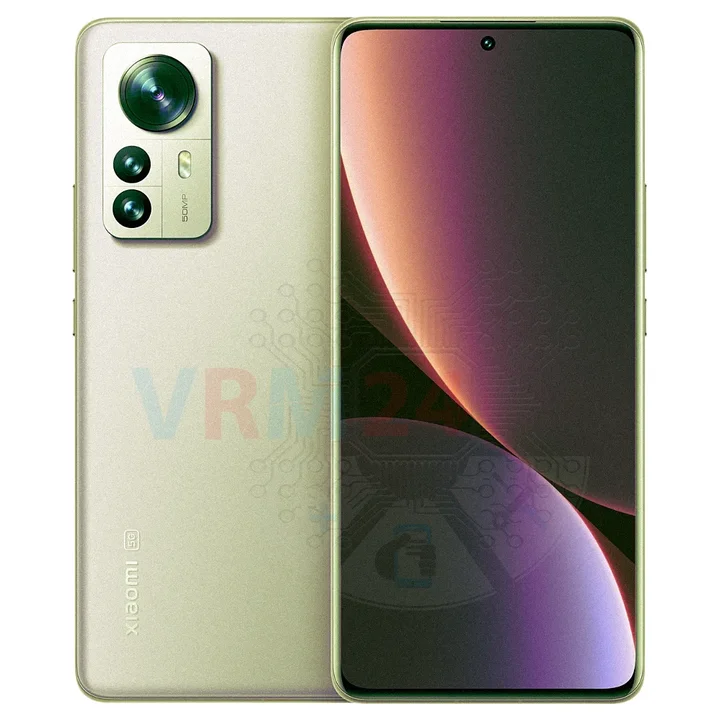
Disassembly/Repair of the mobile device Xiaomi 12 Pro (Xiaomi 12 Pro 2201122G) with each step description and the required set of tools.
4039
Views
3
Likes
—
Share
0
Questions

Step 1.
Before disassembling!
⚠️ Before disassembling, do not forget to turn your phone off.
Step 2.
Remove the tray
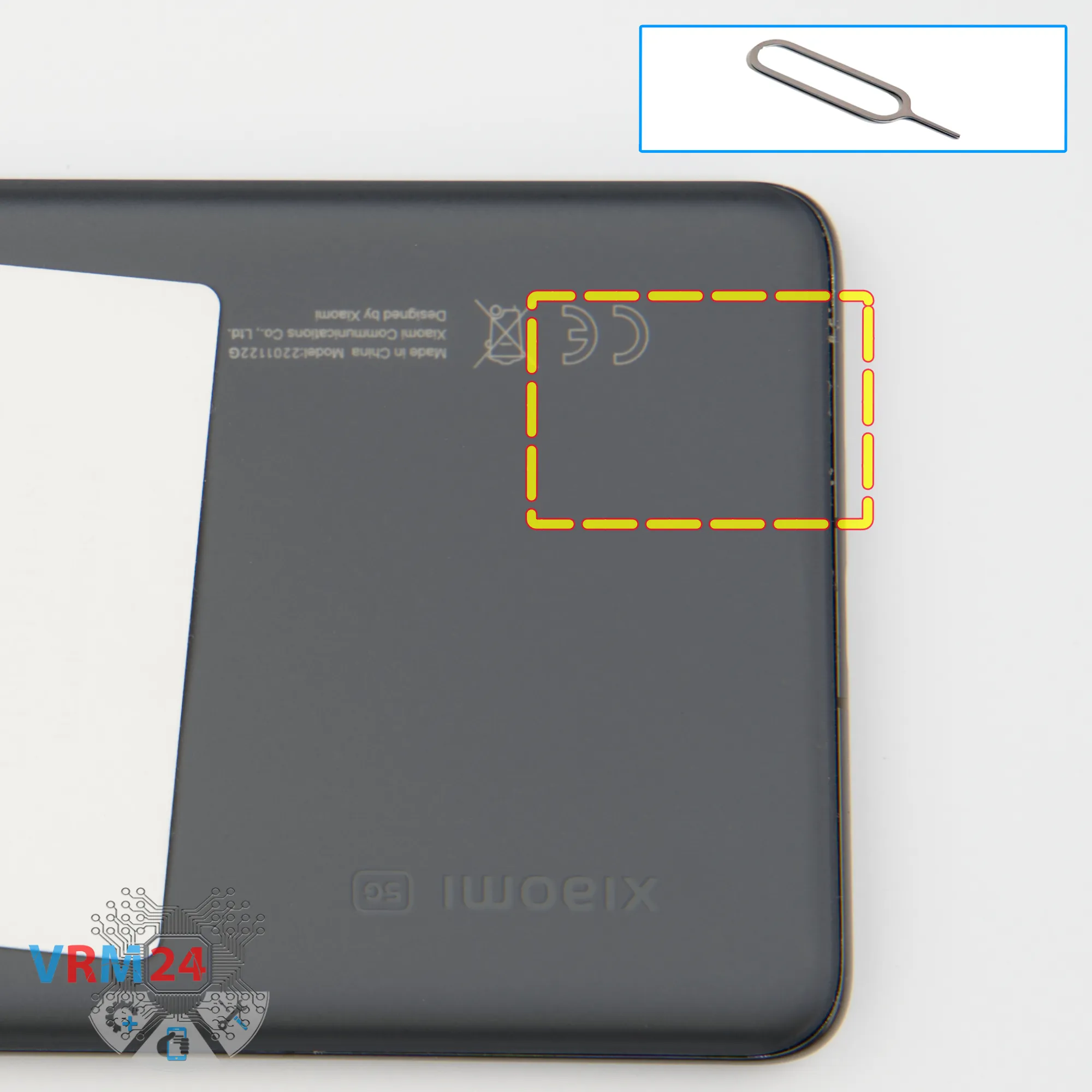
First of all, we need to remove the SIM card tray.
For this, we use a special tool - gently push out the SIM tray and set it aside.
Step 3.
Open the back cover
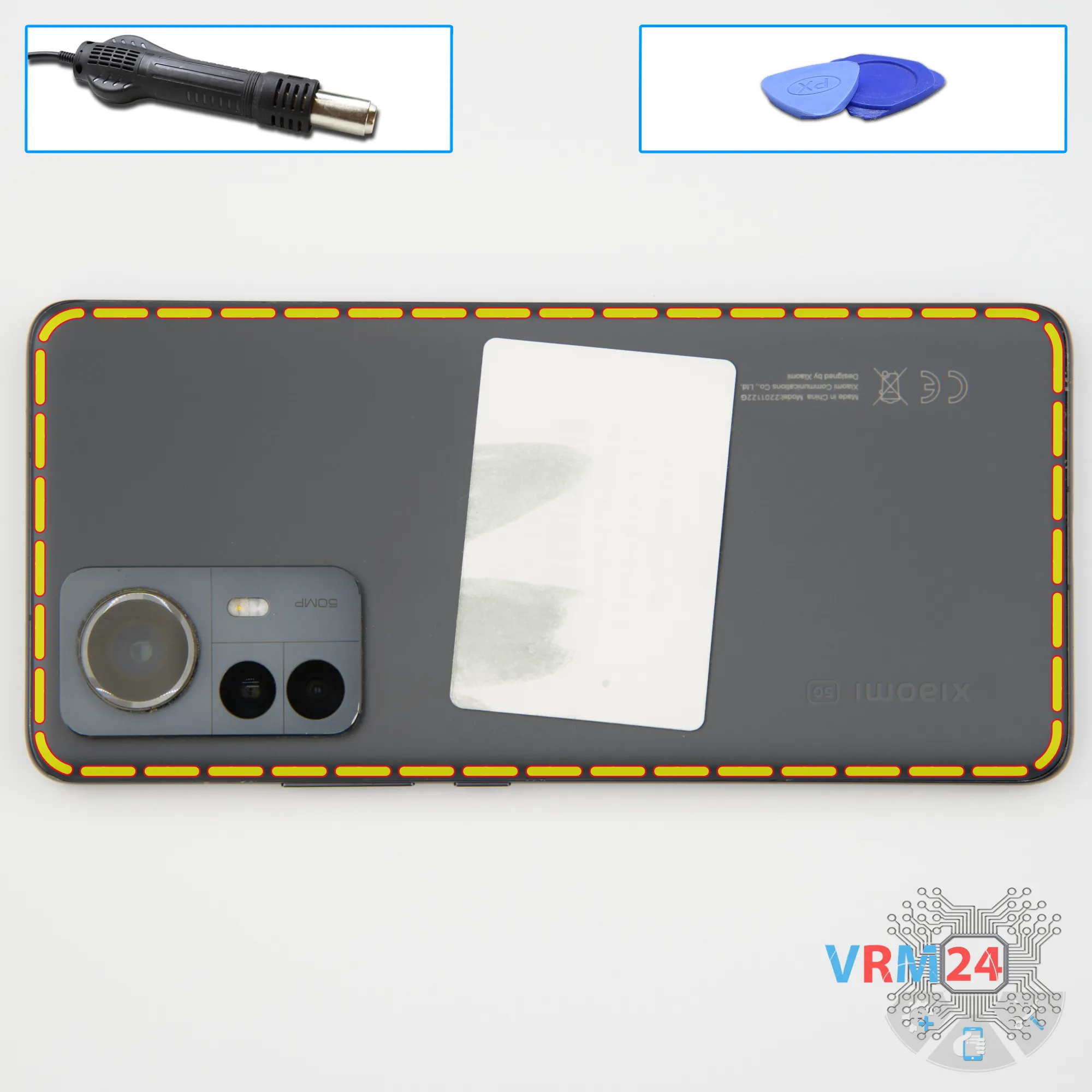
Next, we need to heat the back cover surface to approximately 70°C (160°F).
To do this, we use a heating mat, but you can also use a hair dryer.
After about 10 minutes, we can start separating the back cover.
For this, we use a thin plastic film — insert it into the gap between the back cover and the middle frame, and gently slide it along the edge, cutting through the adhesive layer.
This film can be a protective film from a new display or any thin plastic sheet from an office supply store.
Please note that the back cover may have additional adhesive around the camera area, so be extra careful there.
Also, do not insert the film too deep, since we don’t know what components are located underneath.
Step 4.
Unscrew the screws
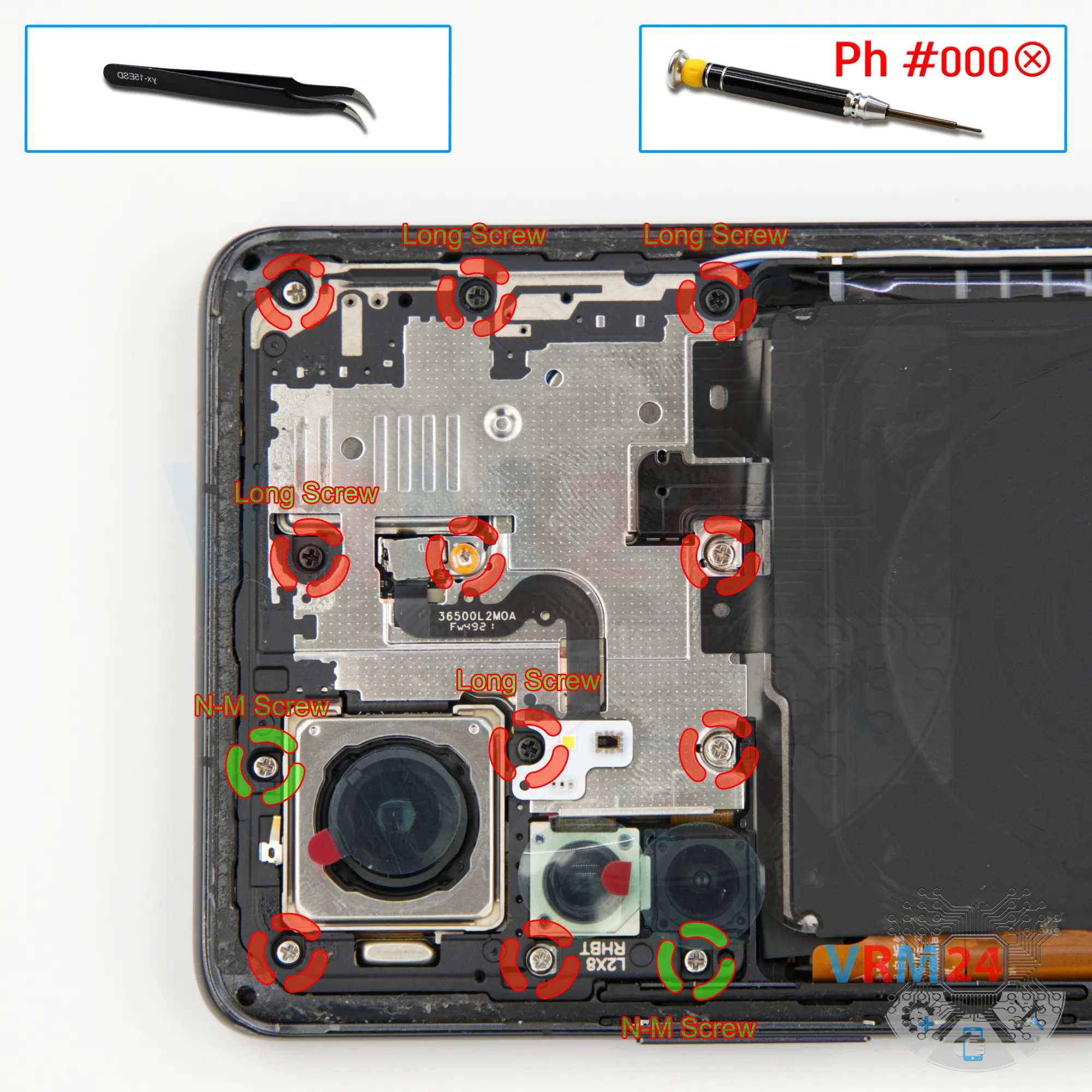
Next, it’s best to cover the camera lenses. For this, we use a special protective film.
Note that we apply the film around the rim, not on the lenses themselves.
After that, we move on to unscrewing the silver screws at the top section. For this, we use a 1.5 mm Phillips screwdriver (PH#000).
It’s very important to place the screws on a dedicated surface in a specific order, since they differ in size and color.
Also, note that there are two non-magnetic screws located near the camera area — we remove them with tweezers.
Step 5.
Unscrew the screws
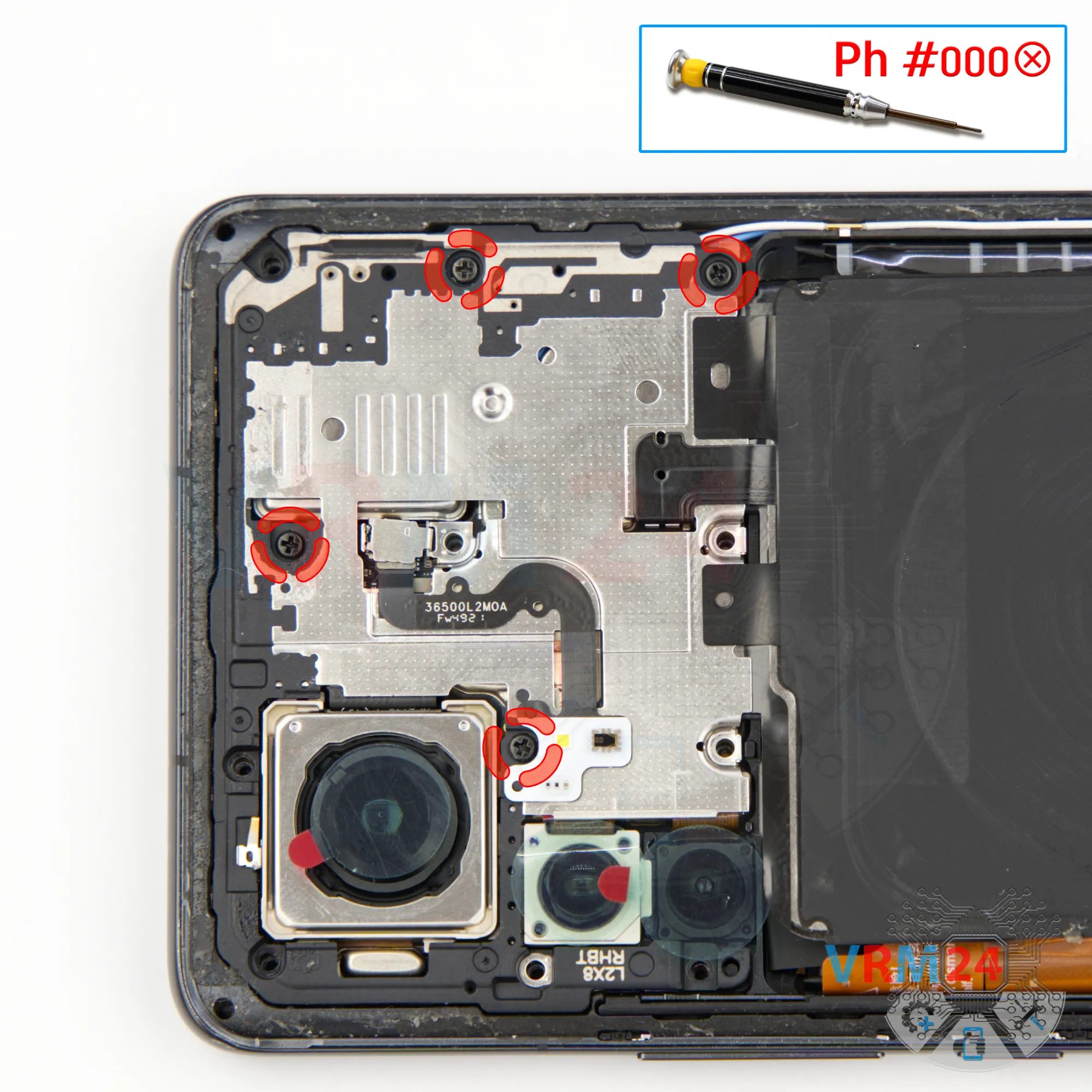
And we also unscrewing the four long black screws at the top section.
For this, we also use a 1.5 mm Phillips screwdriver (PH#000).
It’s a good idea to take photos of the screw layout at every stage of disassembly.
Also, note that the black screws are longer. If you insert a long screw into the wrong hole, you can damage the motherboard or other components.
Step 6.
Remove the bracket
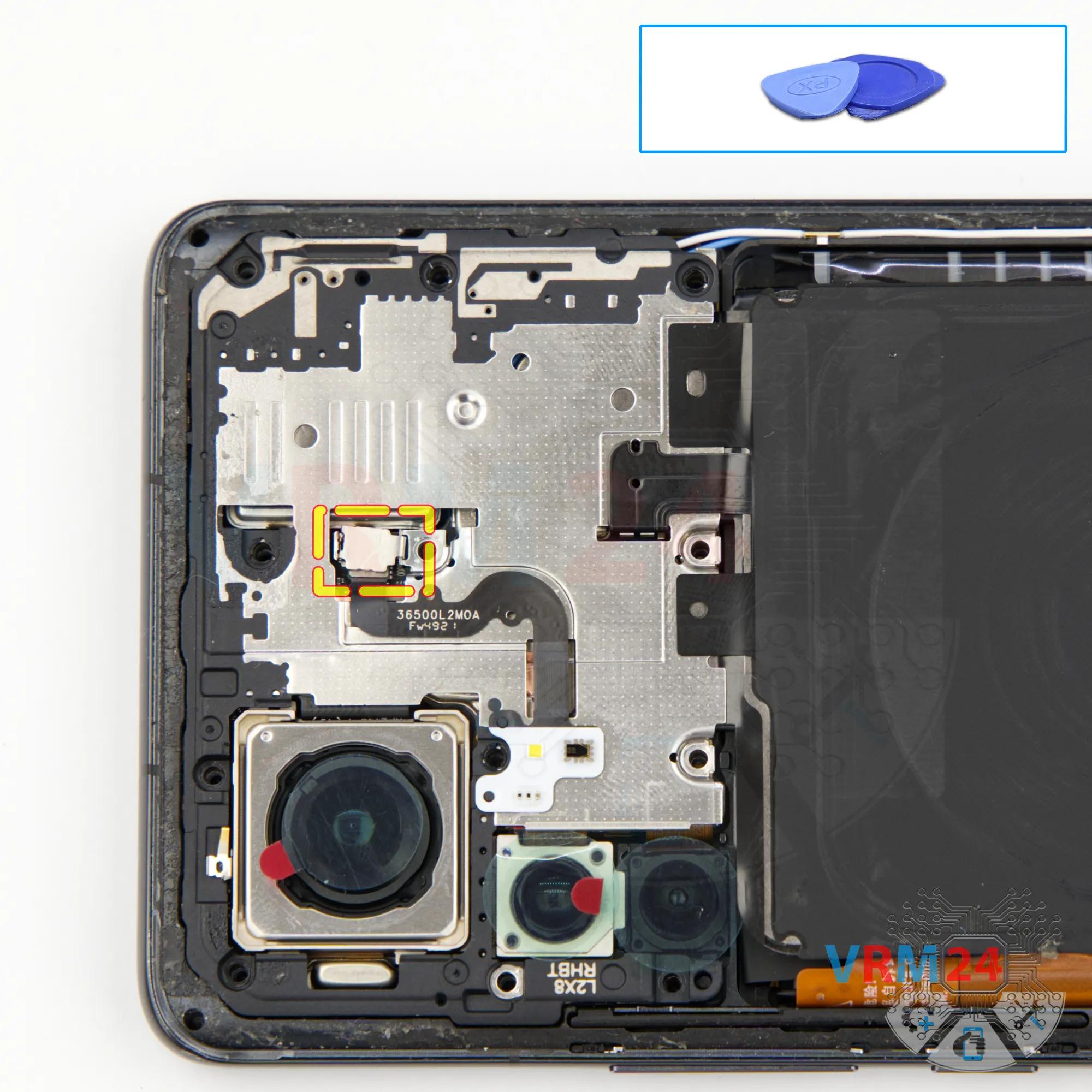
After removing the screws, we need to disconnect the bracket or connector lock.
Most likely, this bracket holds the flash connector.
Gently lift the bracket with a non-metal tool and disconnect the flash connector.
Step 7.
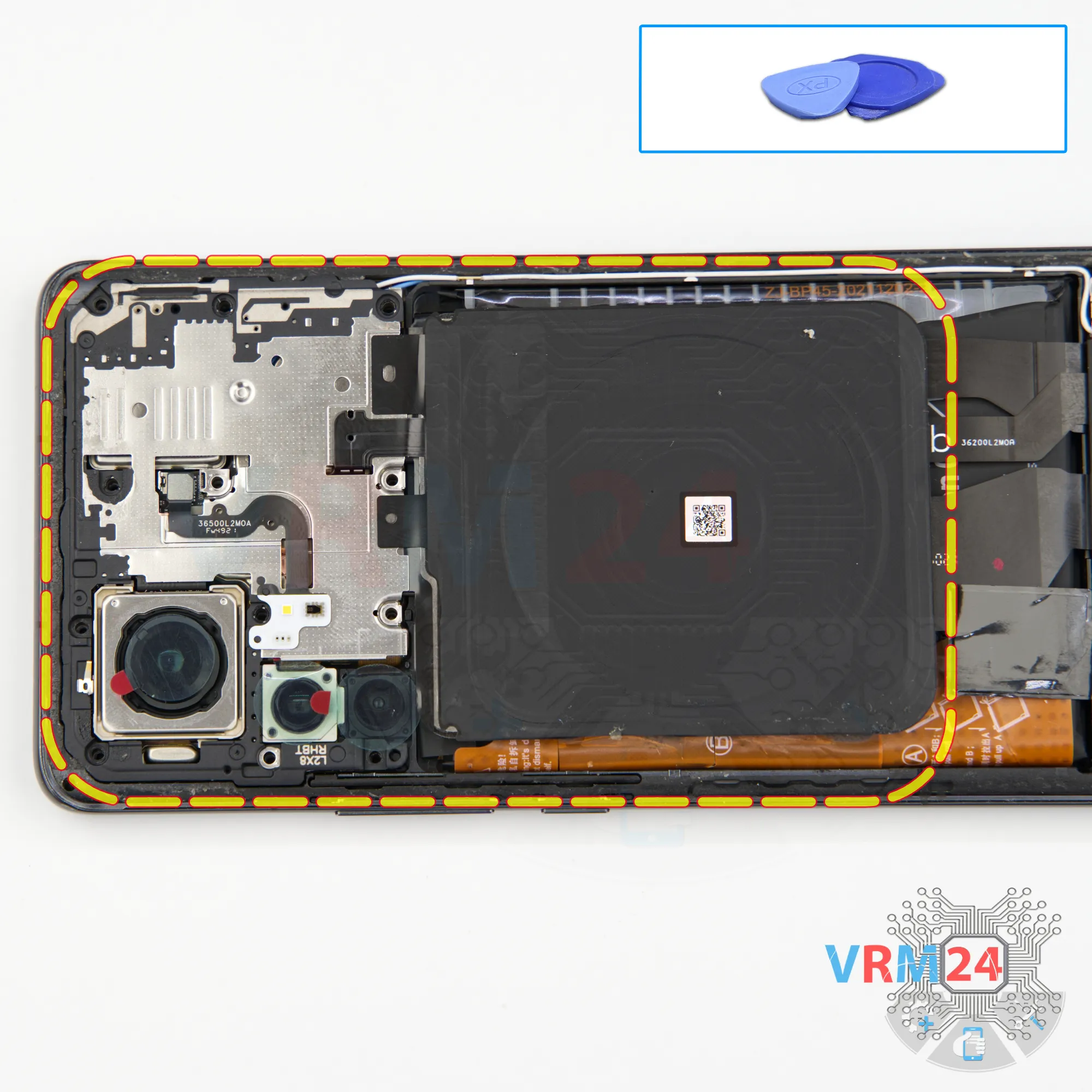
Open the cover
Next, we can remove the cover with the antennas and NFC.
Carefully lift the edge, disconnect the cover, and set it aside, along with the bracket.
Step 8.
Disconnect the battery connector
After that, use a non-metal tool to disconnect the two battery connectors.
It’s best to also disconnect the inter-board flex cable connector and place it under the battery connector, so it doesn’t accidentally reconnect.
ℹ️ The Xiaomi 12 Pro model 2201122G uses a BP45 rechargeable battery with a capacity of 4600 mAh.
Step 9.
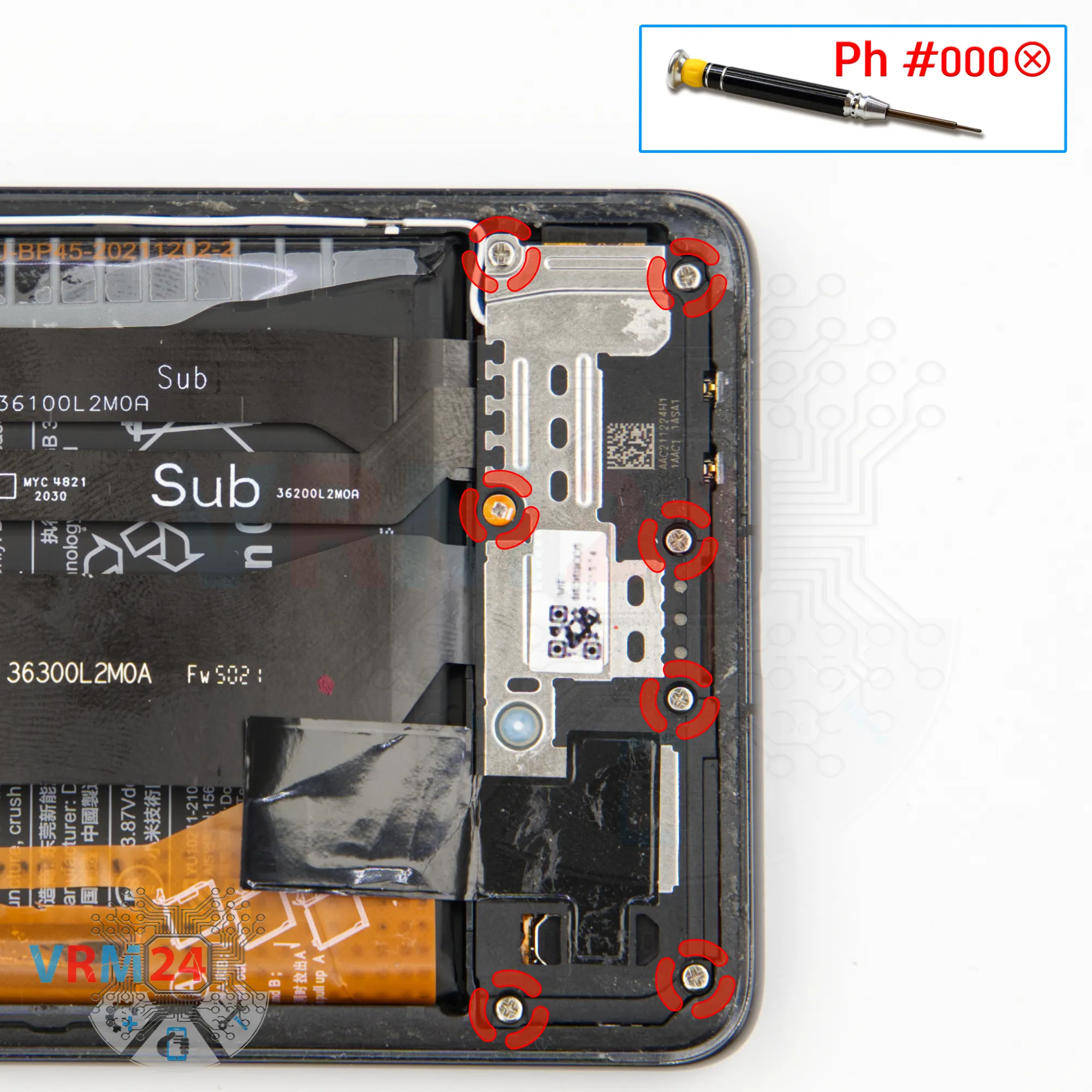
Unscrew the screws
Now we move on to unscrewing the bottom section screws.
Again, we use a 1.5 mm Phillips screwdriver.
Make sure to keep these screws separate from the upper ones, since they may differ.
Step 10.
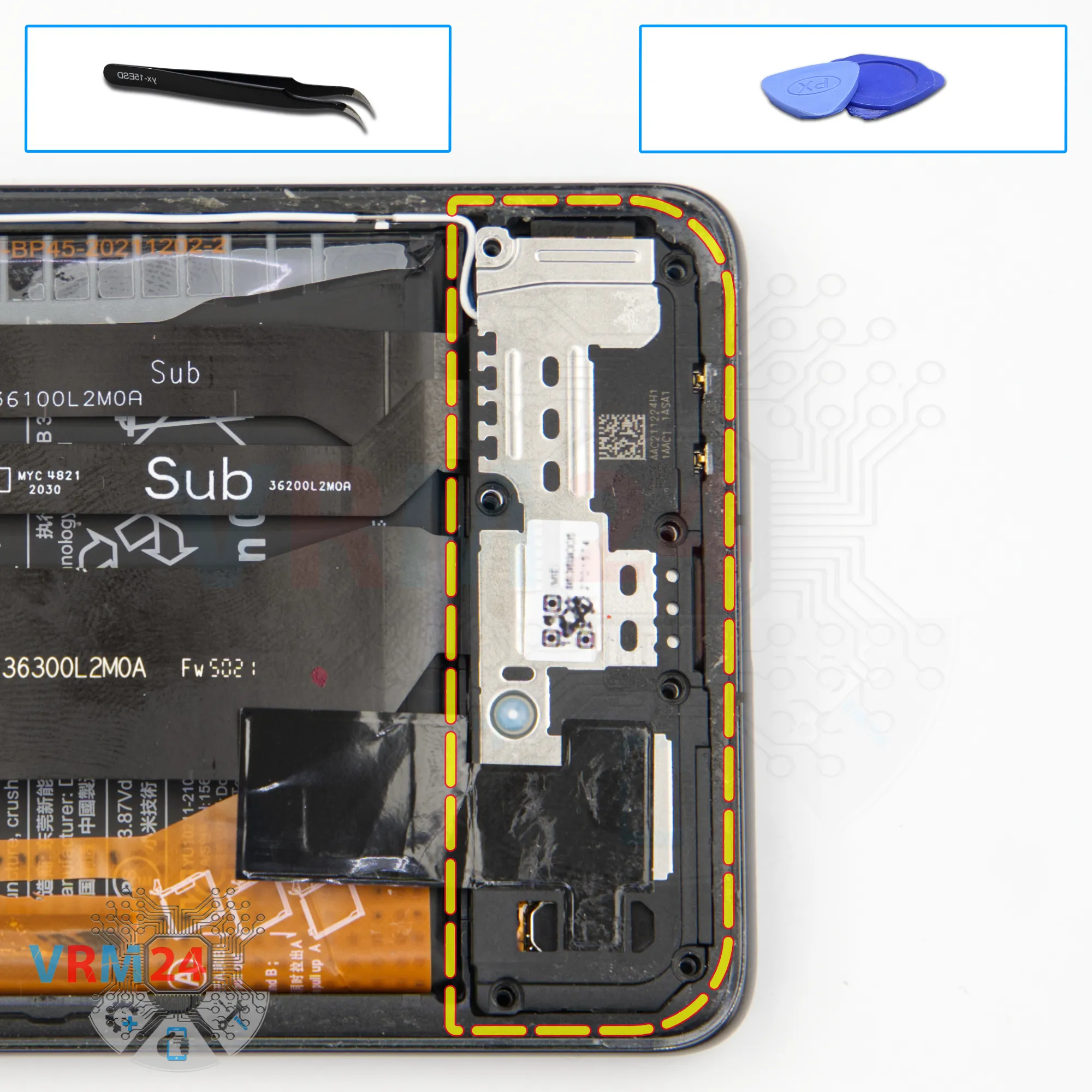
Remove the loudspeaker
Then, we remove the bottom cover with the speaker.
Gently lift it from the edge, raise it slightly, and remove it.
As we can see, the speaker is mounted on this cover.
Step 11.
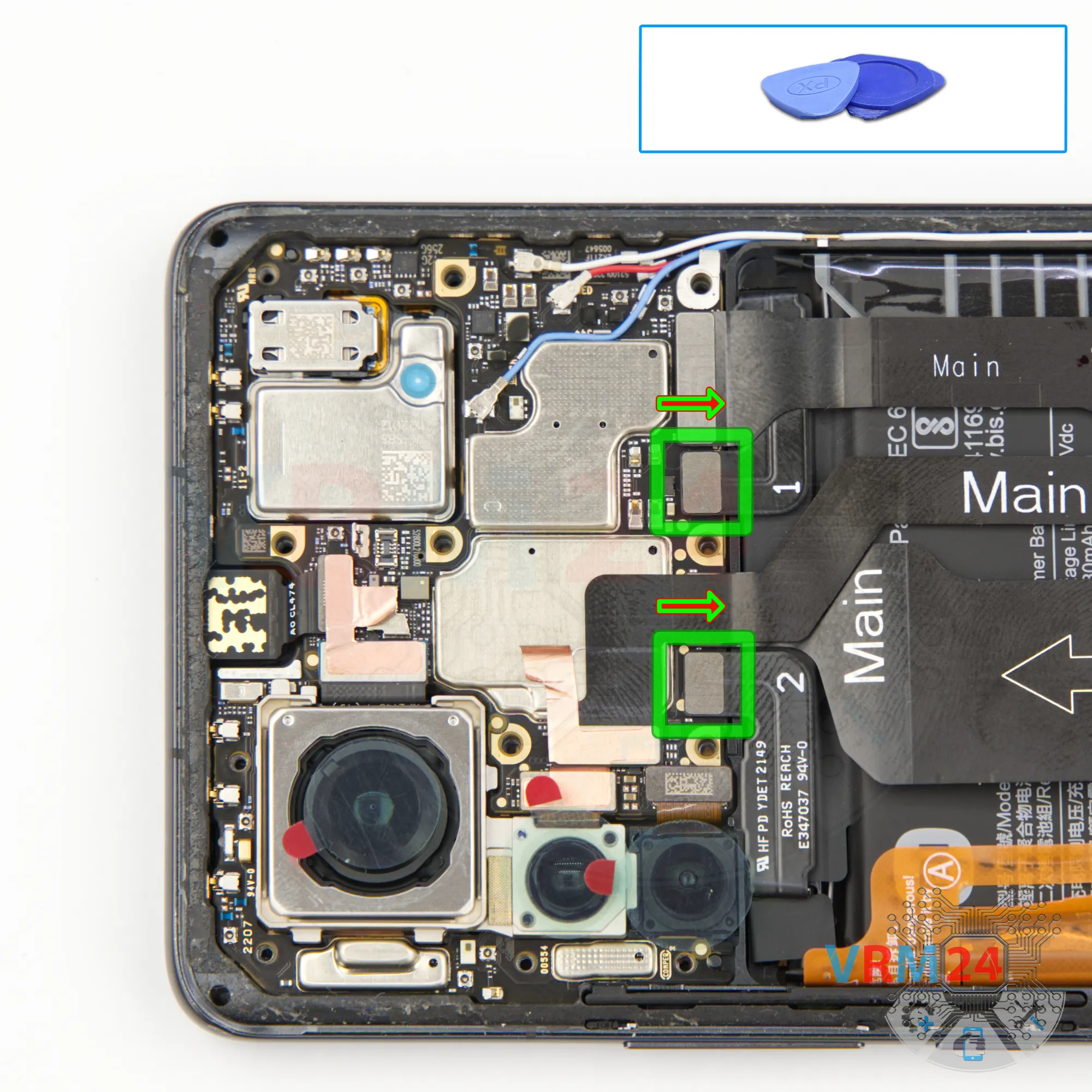
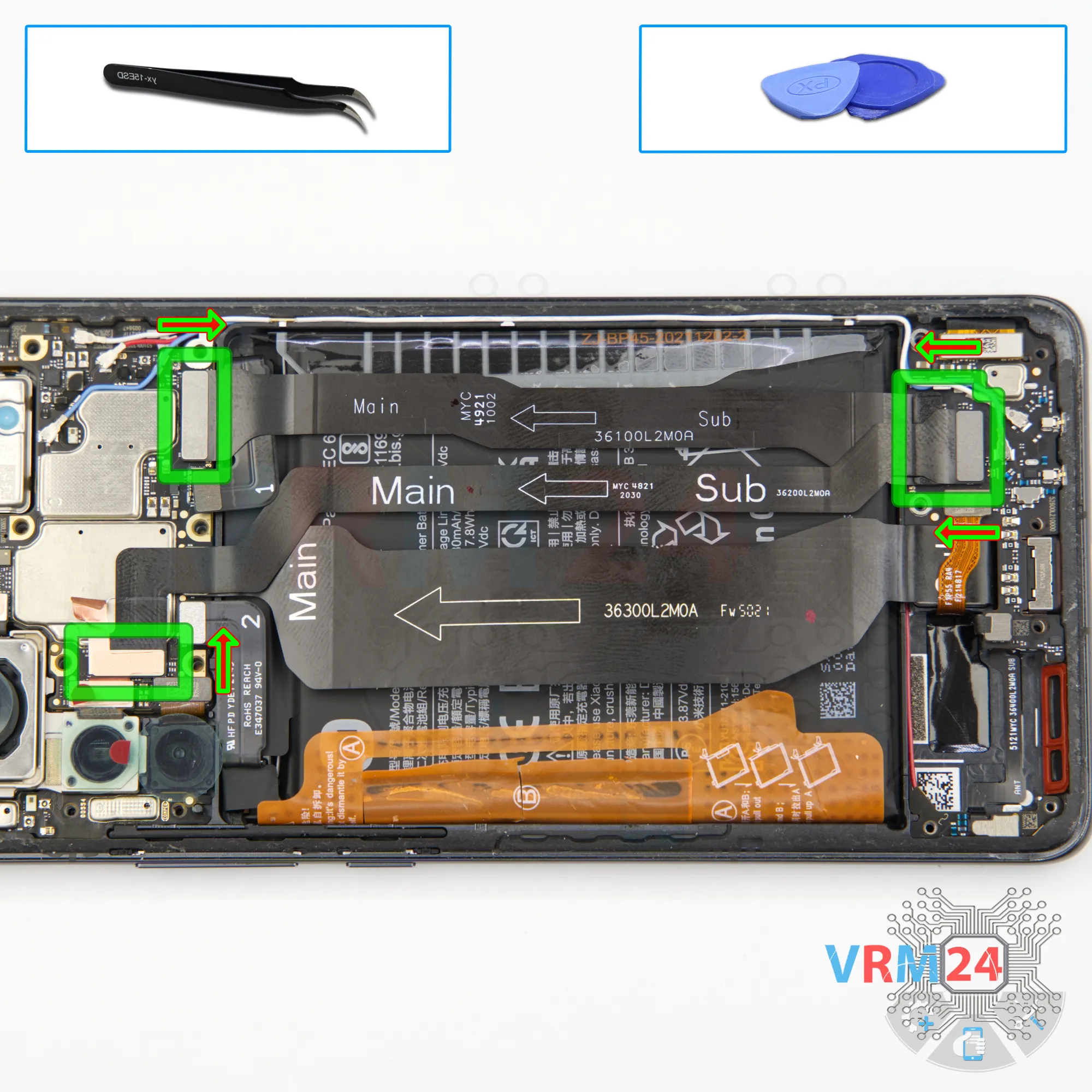
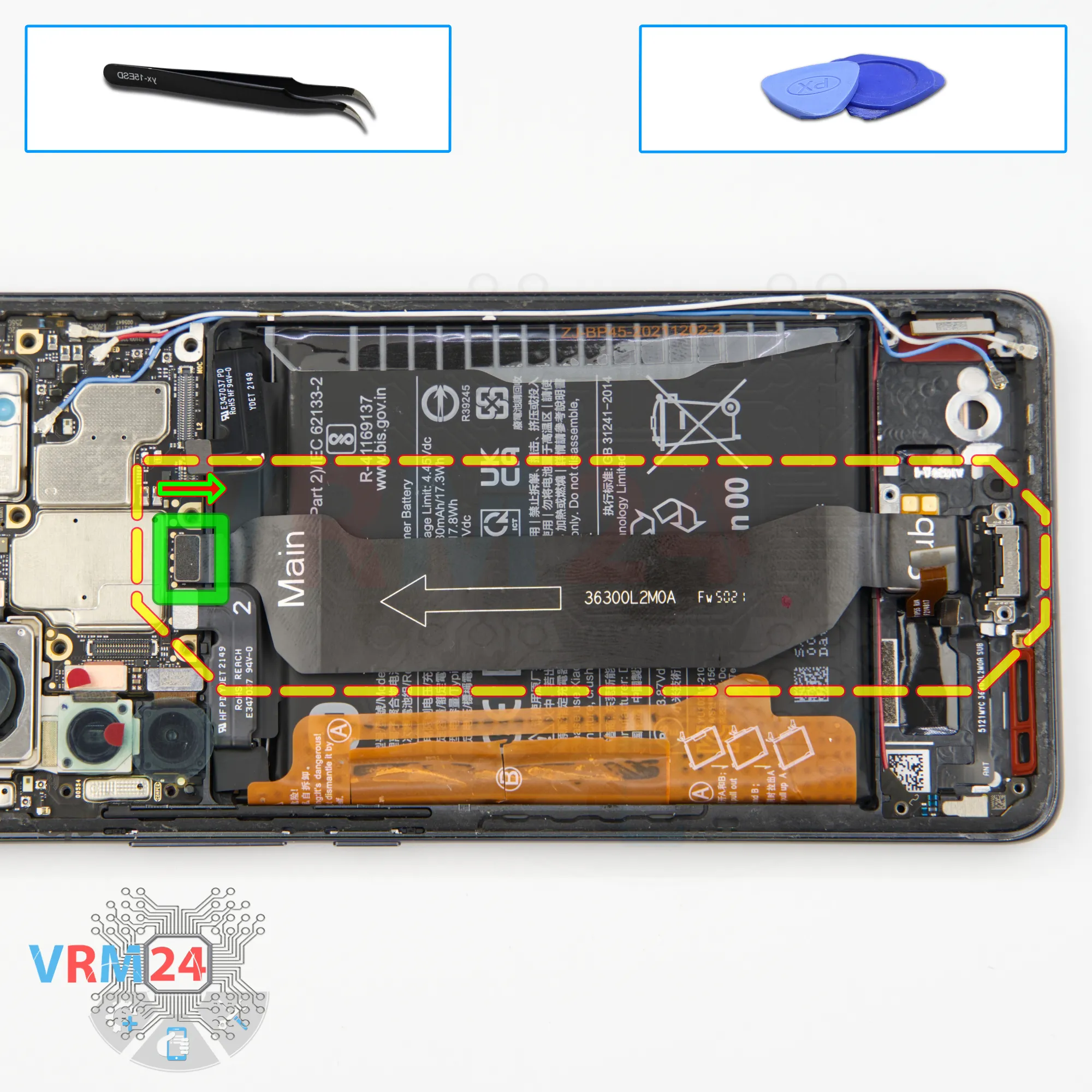
Remove the interconnect cables
Next, we disconnect the connectors on the both circuit boards and remove the two interconnect cables.
Pay attention — the arrows on the flex cables indicate the direction toward the motherboard.
Step 12.
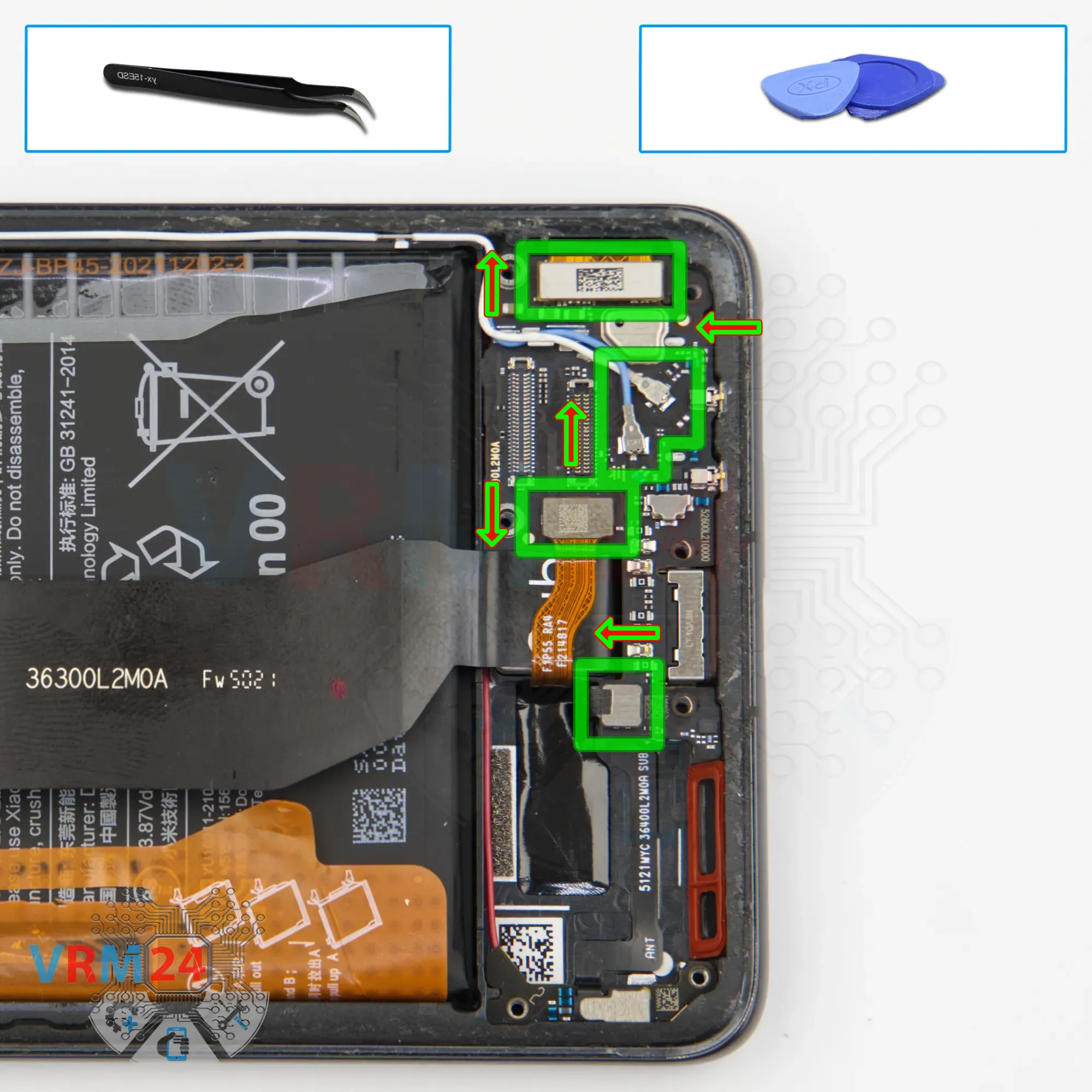
Disconnect the connectors
And, we disconnect the connectors — the fingerprint sensor connector, vibration motor connector, display connector, and the two coaxial cable connectors.
We also need to release the coaxial cables themselves.
Step 13.
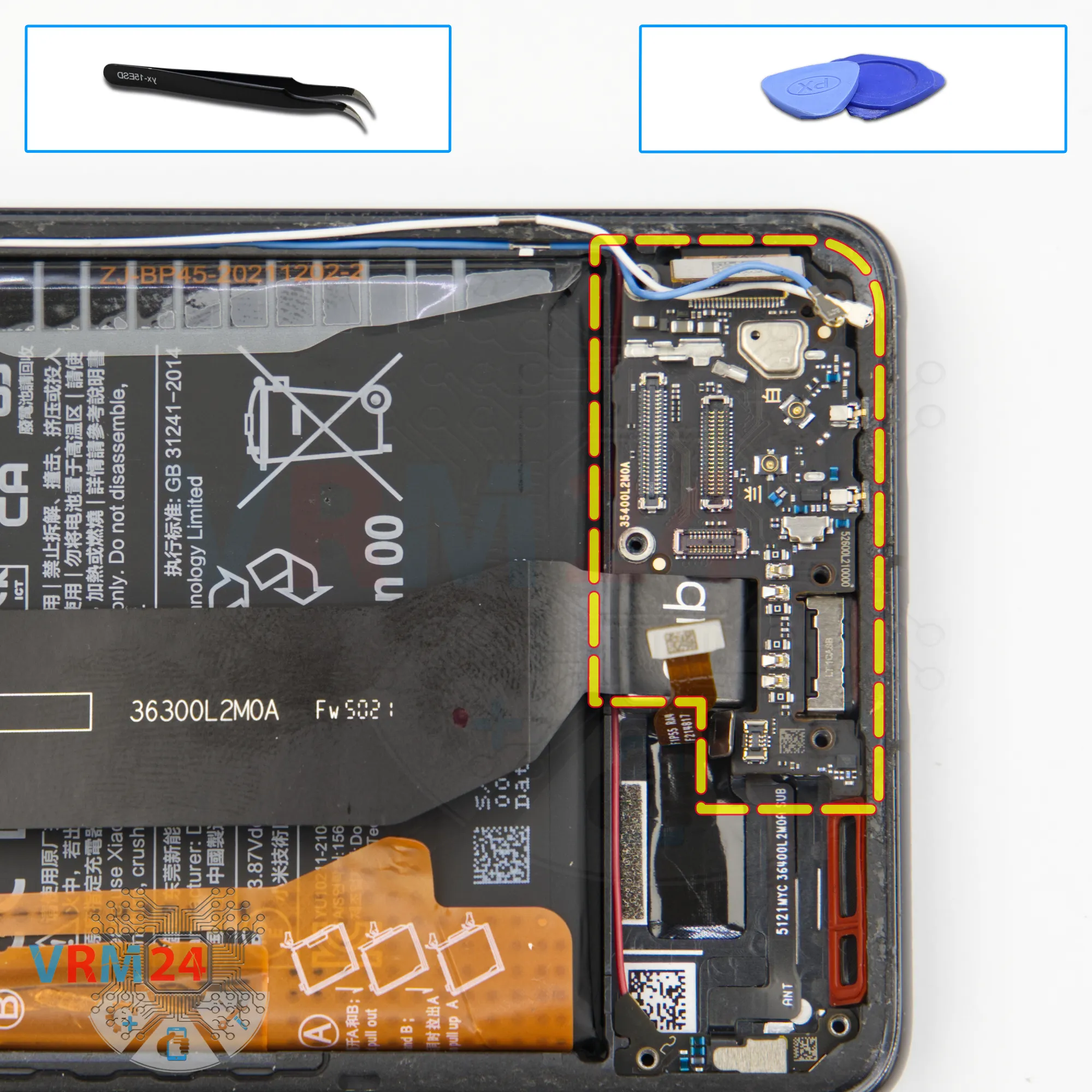
Remove the sub-board
And we remove the sub-board.
On the sub-board, the SIM connector is located on the inner side, and the microphone is under the shield.
In the display frame, we can see the vibration motor, and underneath it is likely the fingerprint sensor.
Step 14.
Remove the charging port
Now we can disconnect the charging port flex cable.
Gently lift it from the edge — do not pull by the flex itself to avoid damaging the traces.
Step 15.
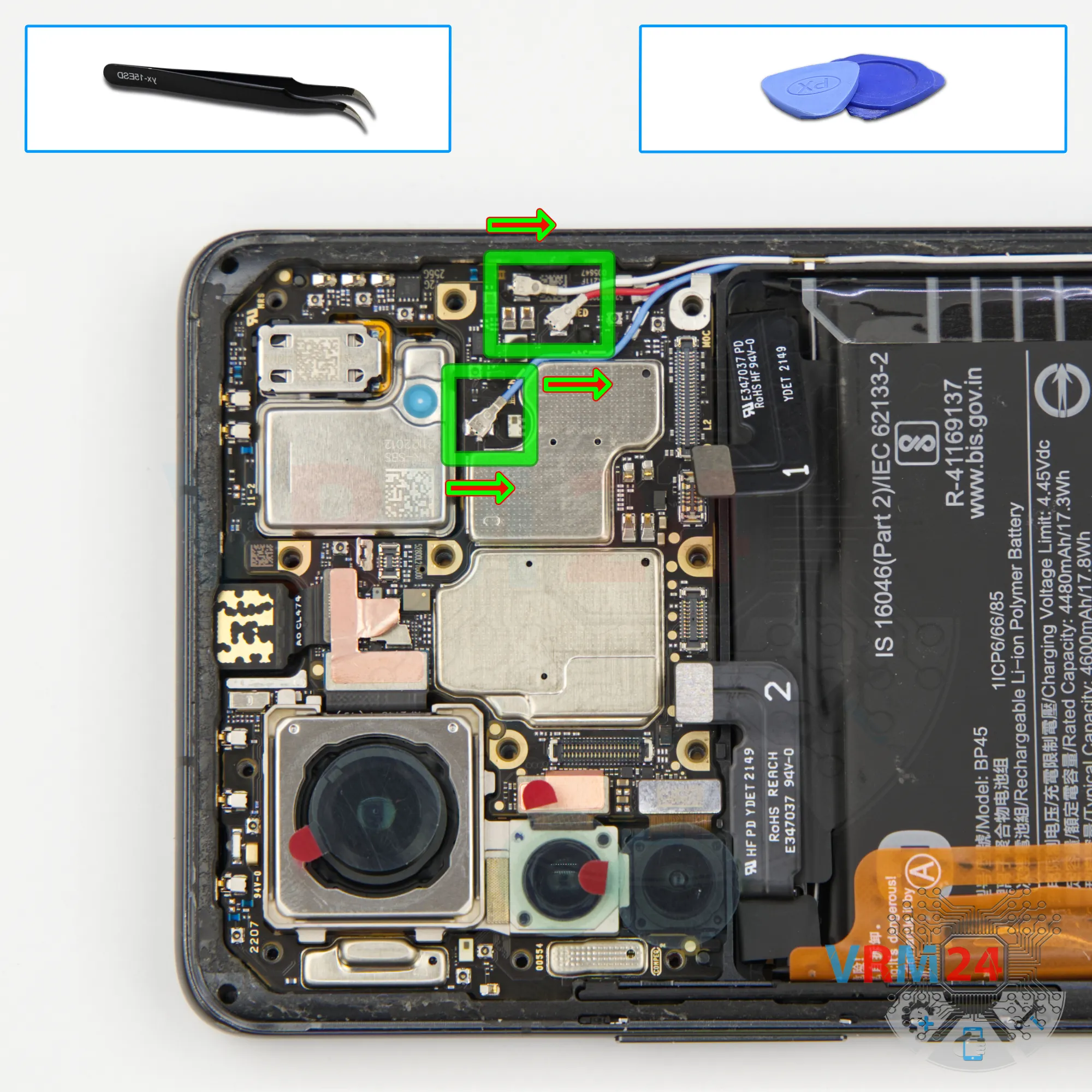
Disconnect the connectors
Next, disconnect the coaxial cable connectors, release the cables from their clips on the motherboard, and move them aside.
Step 16.
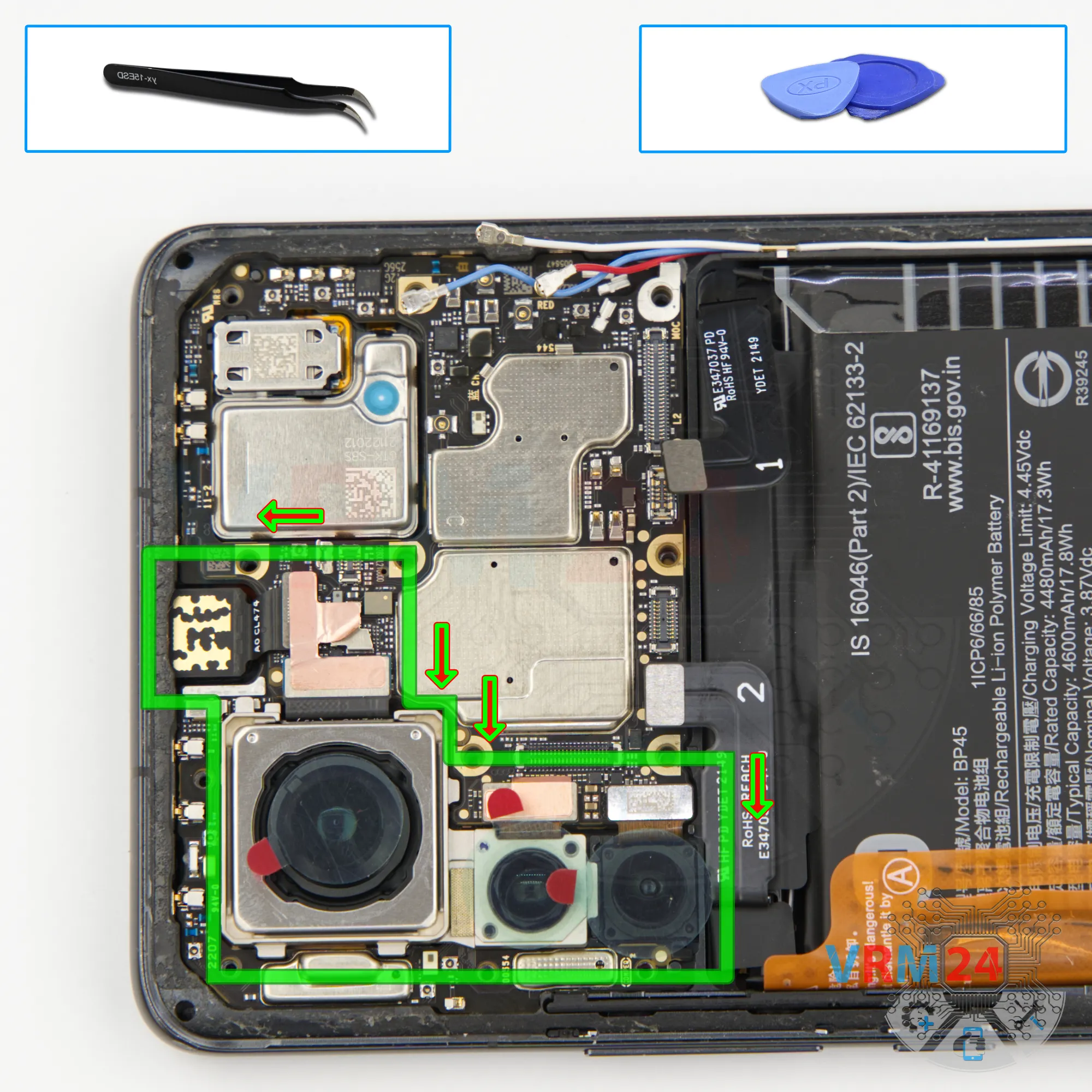
Remove the cameras
And, we disconnect the camera connectors.
As you can see, the cameras are connected by heat-dissipating foil, so it’s better to preserve it.
Disconnect the front camera, the rear camera module, and remove them together.
The front camera should also be covered with a film to prevent dust from getting on the lens.
Step 17.
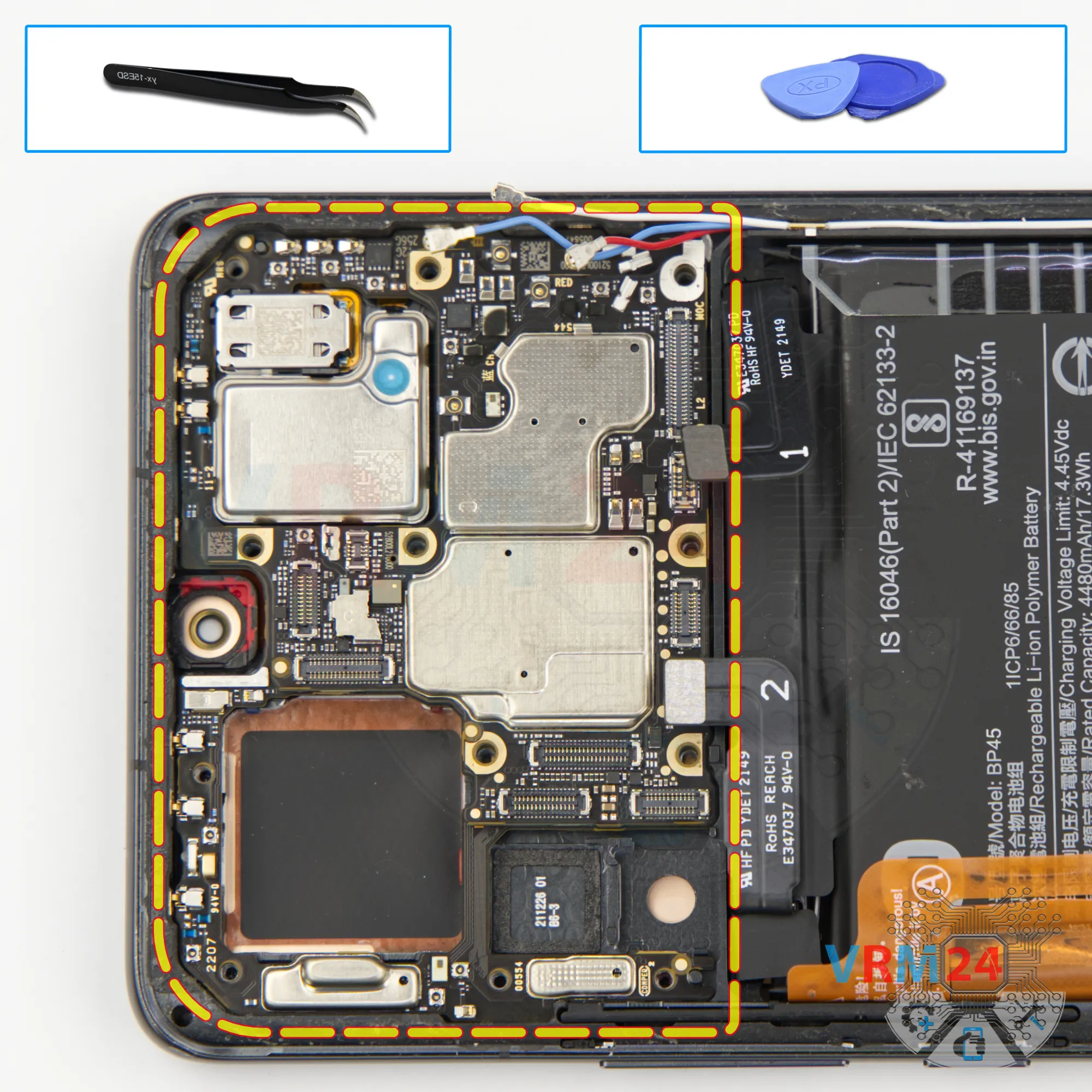
Remove the motherboard
Carefully remove the printed circuit board. There is no need to use a lever or try to reach the circuit board by force. Make sure that nothing is getting in the way or holding the circuit board.
The motherboard, also, may be attached with attachments like latches or hooks, be careful.
⚠️ Do not bend the circuit board when removing it or push tools under it. Unbeknownst to yourself, you can damage components or cables from the inside.
Step 18.
Remove the battery
Finally, we move on to removing the battery.
As usual with Xiaomi devices, there are two brown pull tabs.
Fold them to the sides and read the printed instructions carefully — according to them, we need to pull the outer tabs upward to detach the battery.
Under the battery, there’s a transparent adhesive protective layer.
Step 19.
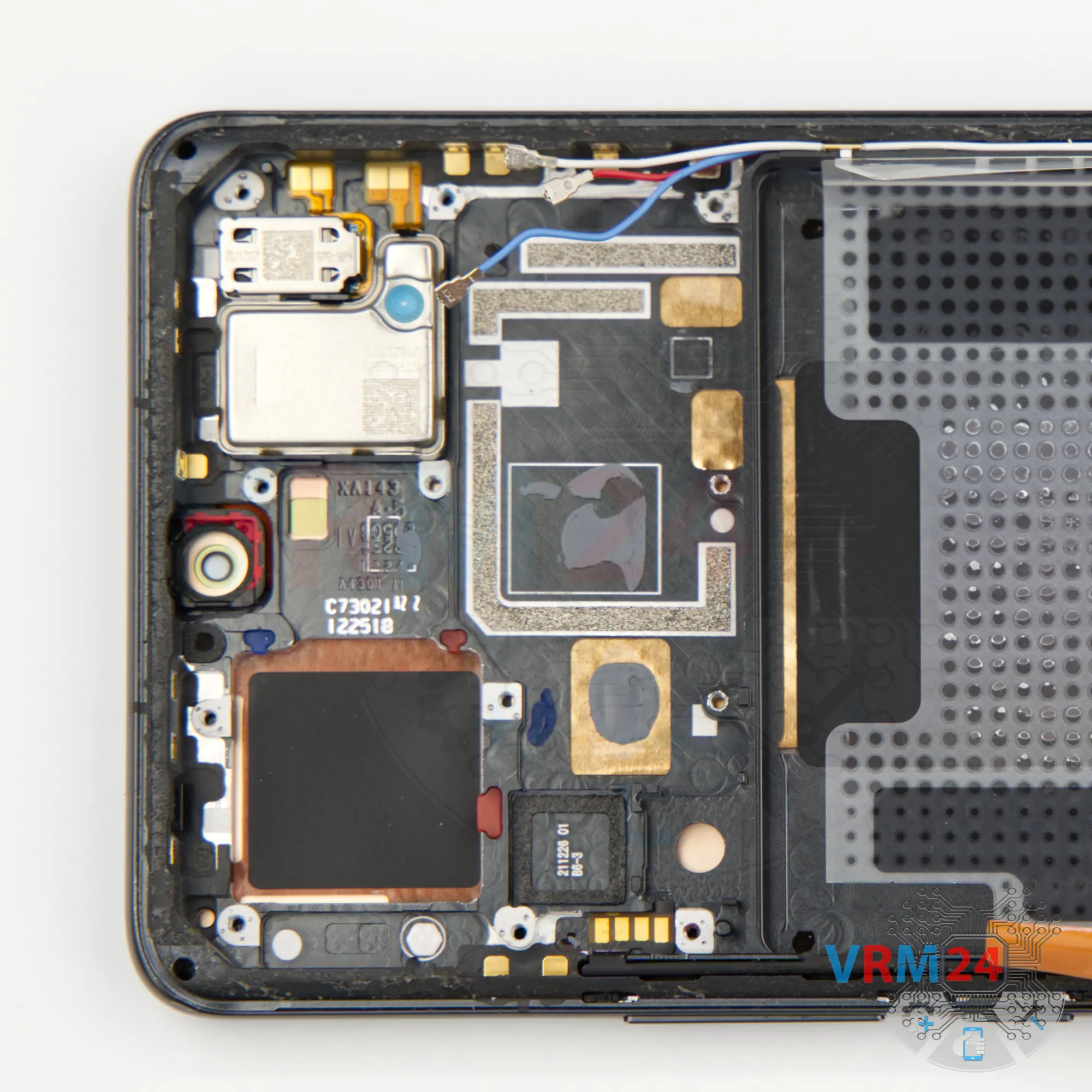
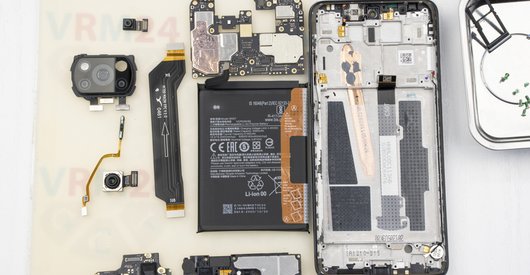
In the display frame remained
ℹ️ In the display frame remained: the earpiece speaker, fingerprint sensor, vibration motor, and cables.

If you have a question, ask us, and we will try to answer in as much detail as possible. If this article was helpful for you, please rate it.

4039
Views
3
Likes
—
Share
0
Questions
Related Instructions
Related Reviews
Related Blog
Top instructions
Check our
Top Xiaomi instructions most liked by readers
New instructions
Check our
New Xiaomi brand instructions on vrm24.com