



⚠️ Before disassembling, make sure to power off the phone.
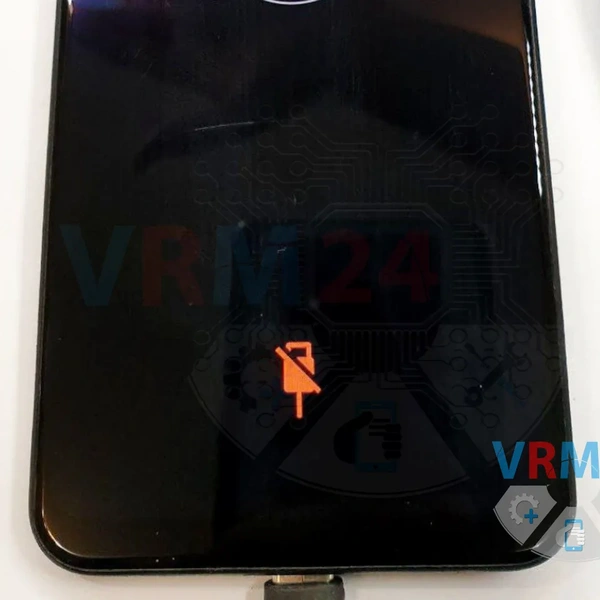
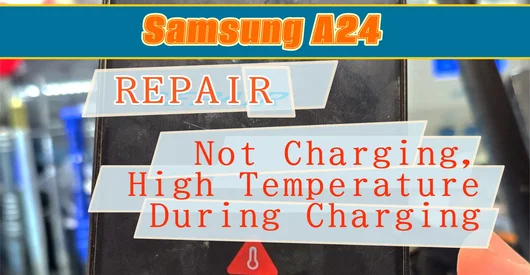
A common issue with this smartphone model is that it stops charging after moisture exposure on the lower circuit board.
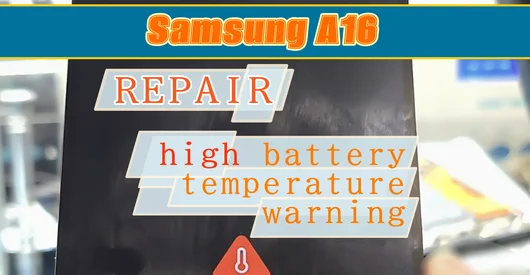
⚠️ The device displays a warning: "Temperature too low" or "Temperature too high," and the charging process is halted!
In most cases, this can be resolved by replacing the lower circuit board with a new one.
However, you can also restore the connection to the thermistor 😊
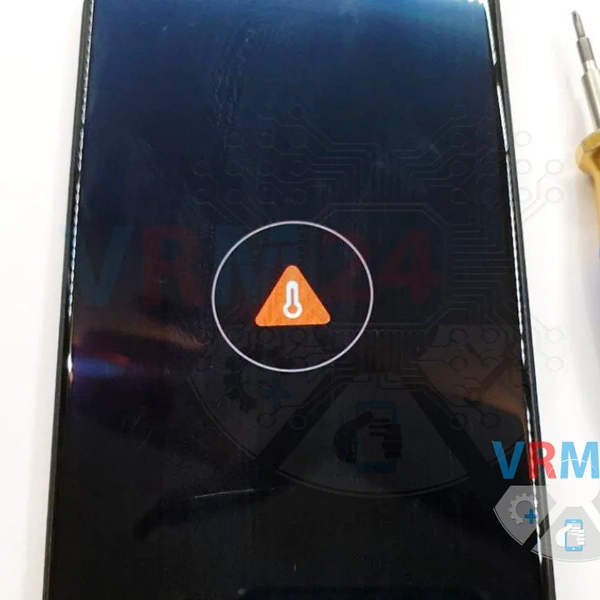
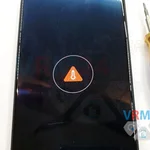
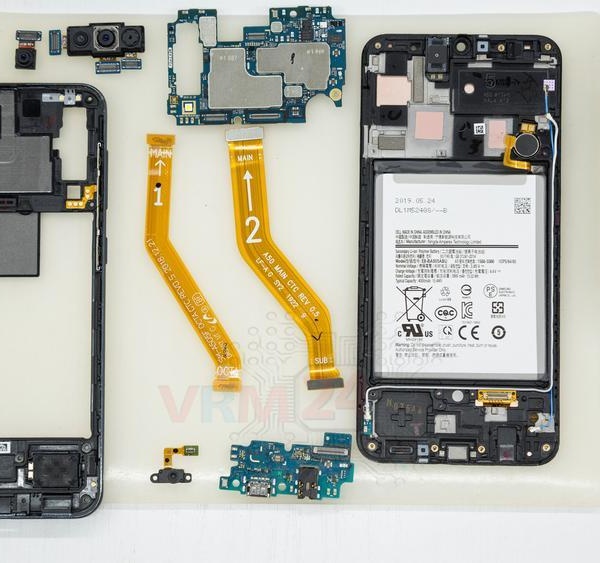
1️⃣ Carefully unglue and disassemble the phone.
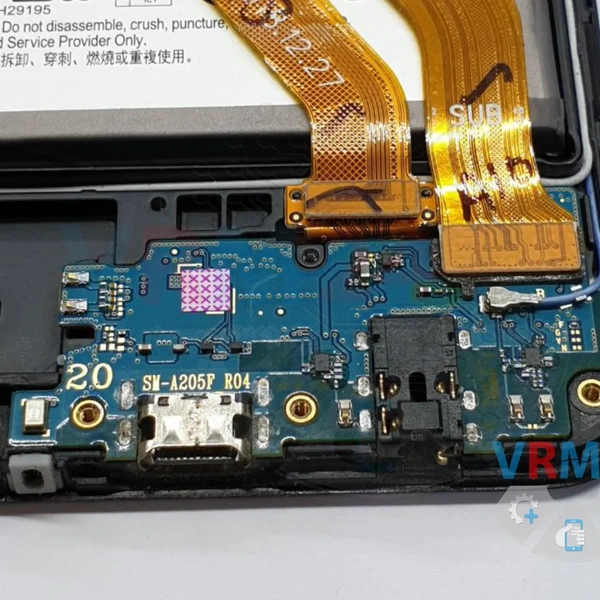
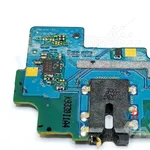
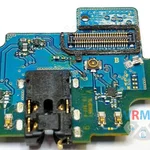
2️⃣ Remove the sub-board. Upon inspection, you’ll notice that the contact trace leading to the other side of the board has oxidized due to moisture exposure, resulting in a lost connection.
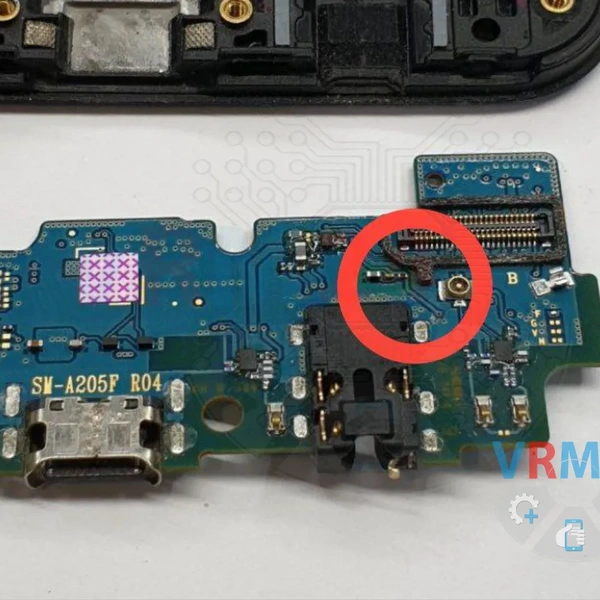
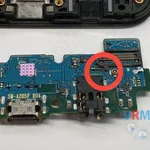
The same contact point viewed from the other side of the cirrcuit board.
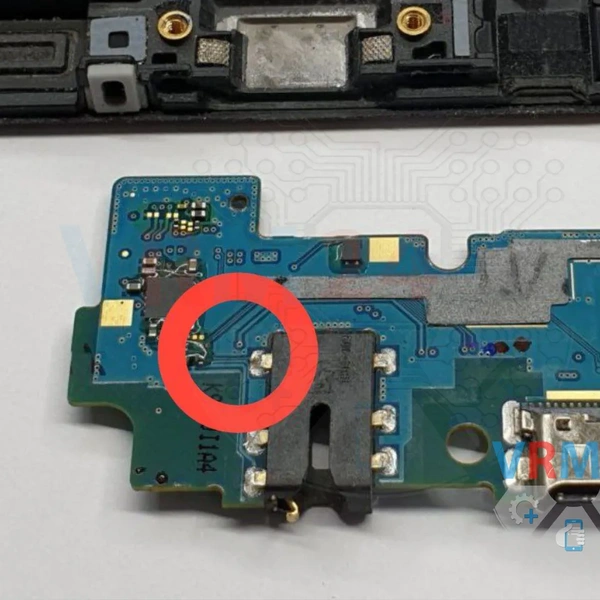
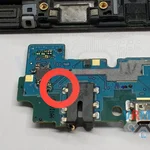
3️⃣ Clean the oxidized trace on one side and apply solder to it.
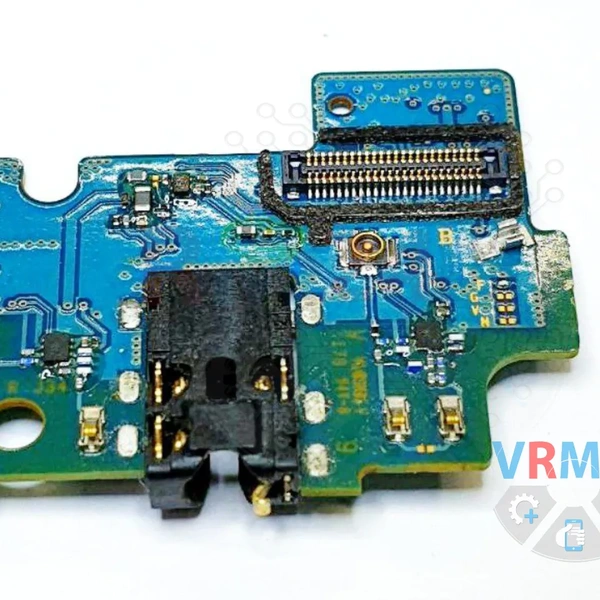
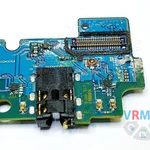
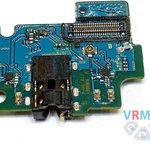
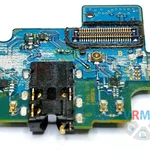
4️⃣ Repeat the same process on the other side of the sub-board.
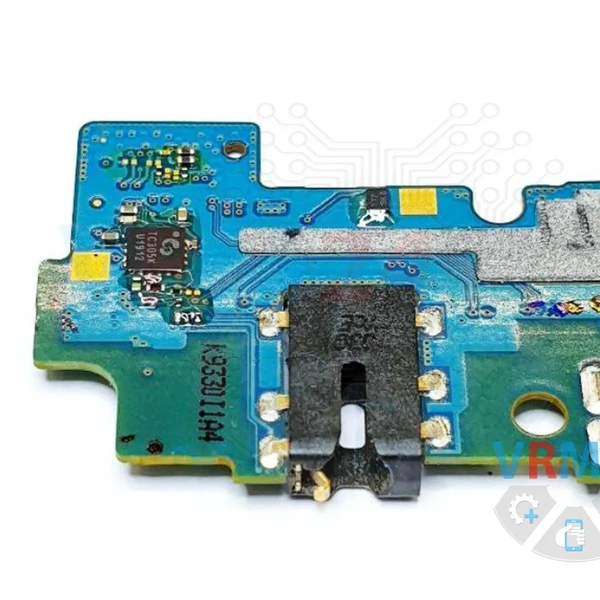
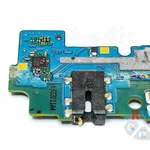
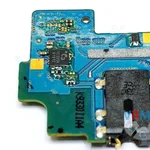
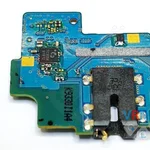
5️⃣ Restore the lost connection by soldering a thin copper wire to the traces on both sides.
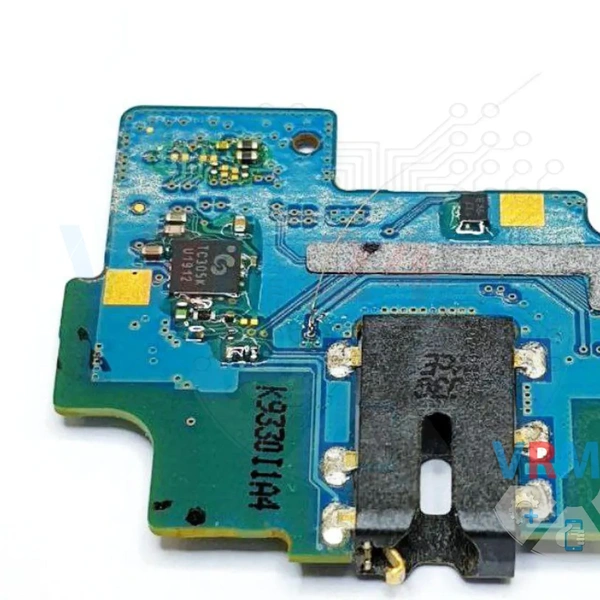
6️⃣ Reinstall the lower circuit board back into the smartphone and test it.
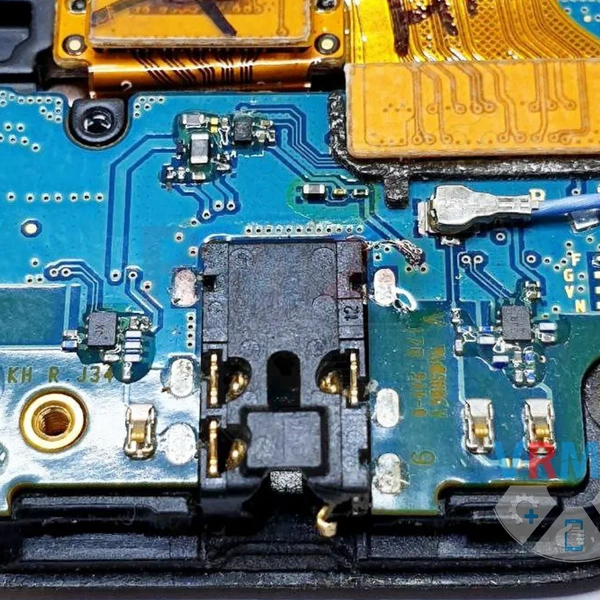
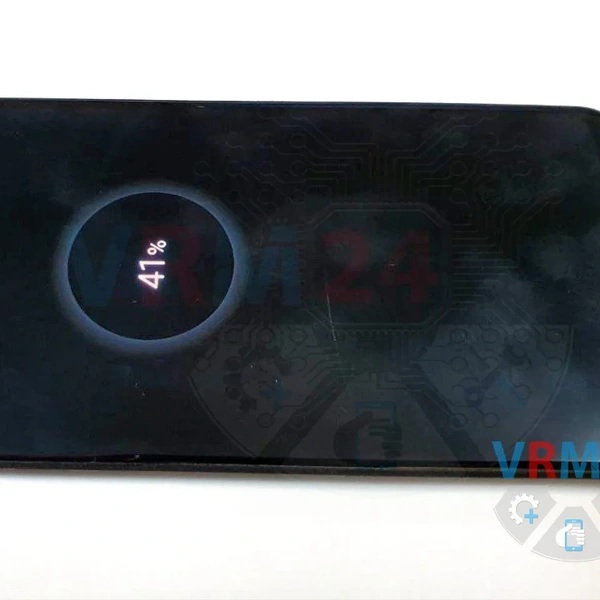
Charging now works normally, and no warnings are displayed!