




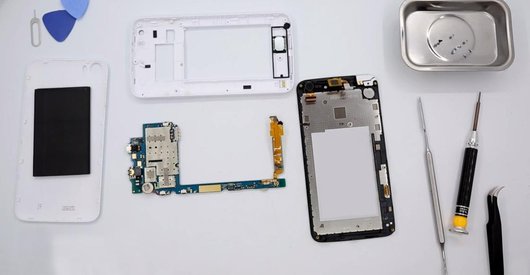
Recommended tools
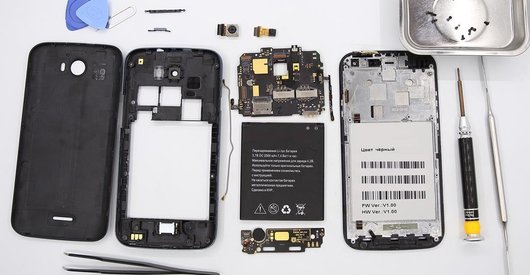
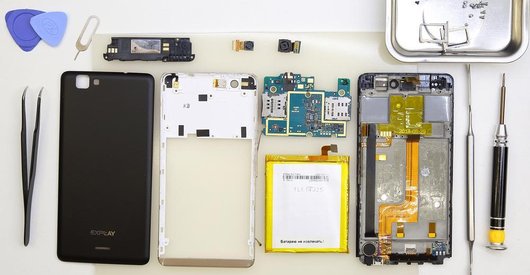
Screwdriver Phillips #000

Opening tool / Spudger

Tweezers

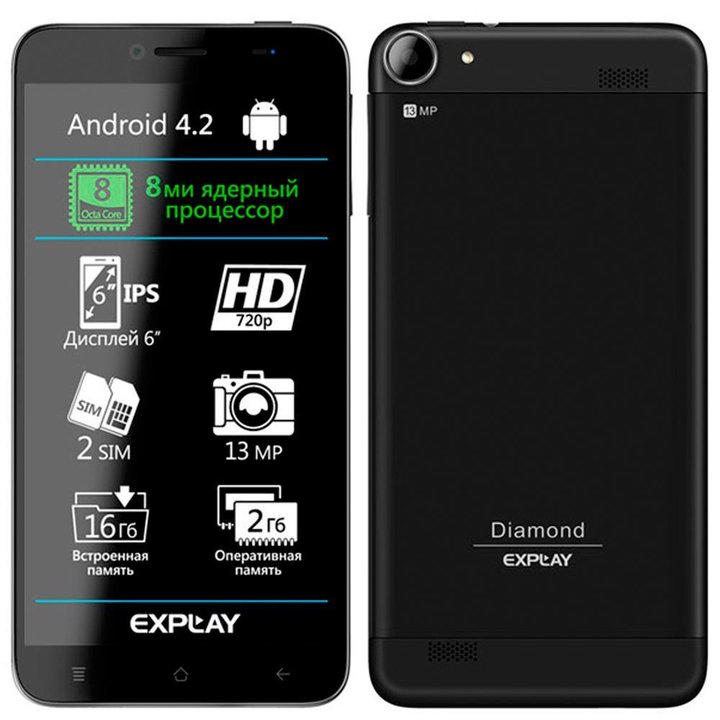
Disassembly/Repair of the mobile device Explay Diamond with each step description and the required set of tools.
4427
Views
4
Likes
—
Share
4
Questions

Step 1.
Open the cover
Open the cover in the lower part.
Step 2.
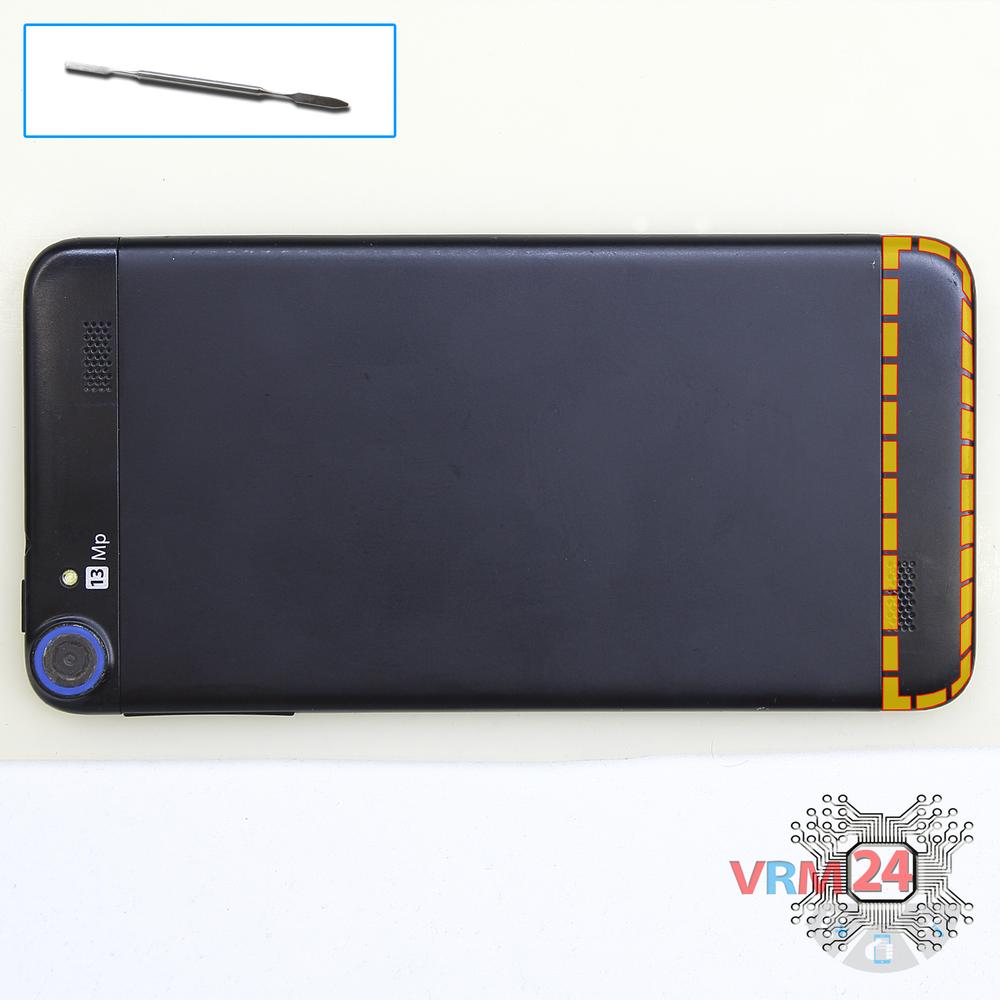
Open the back cover
Open the back cover.
Step 3.
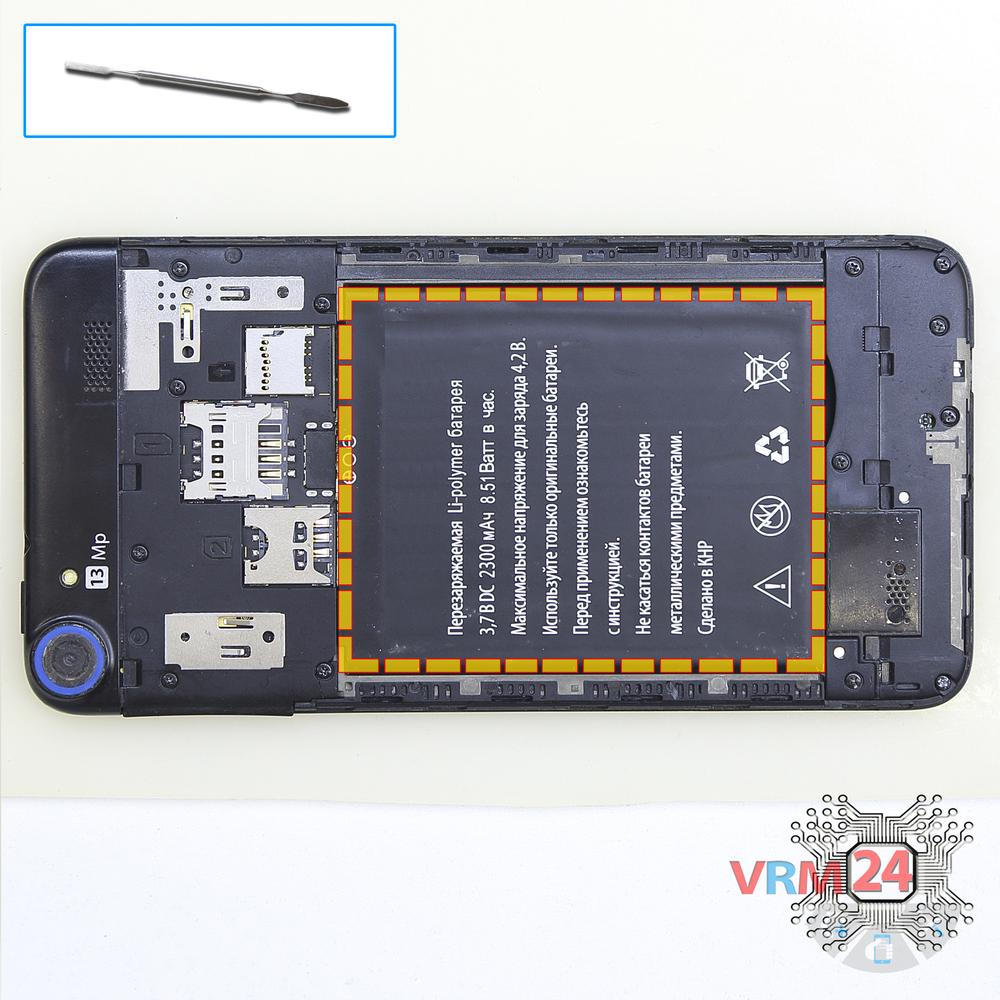
Remove the battery
Lift and remove the battery.
Step 4.
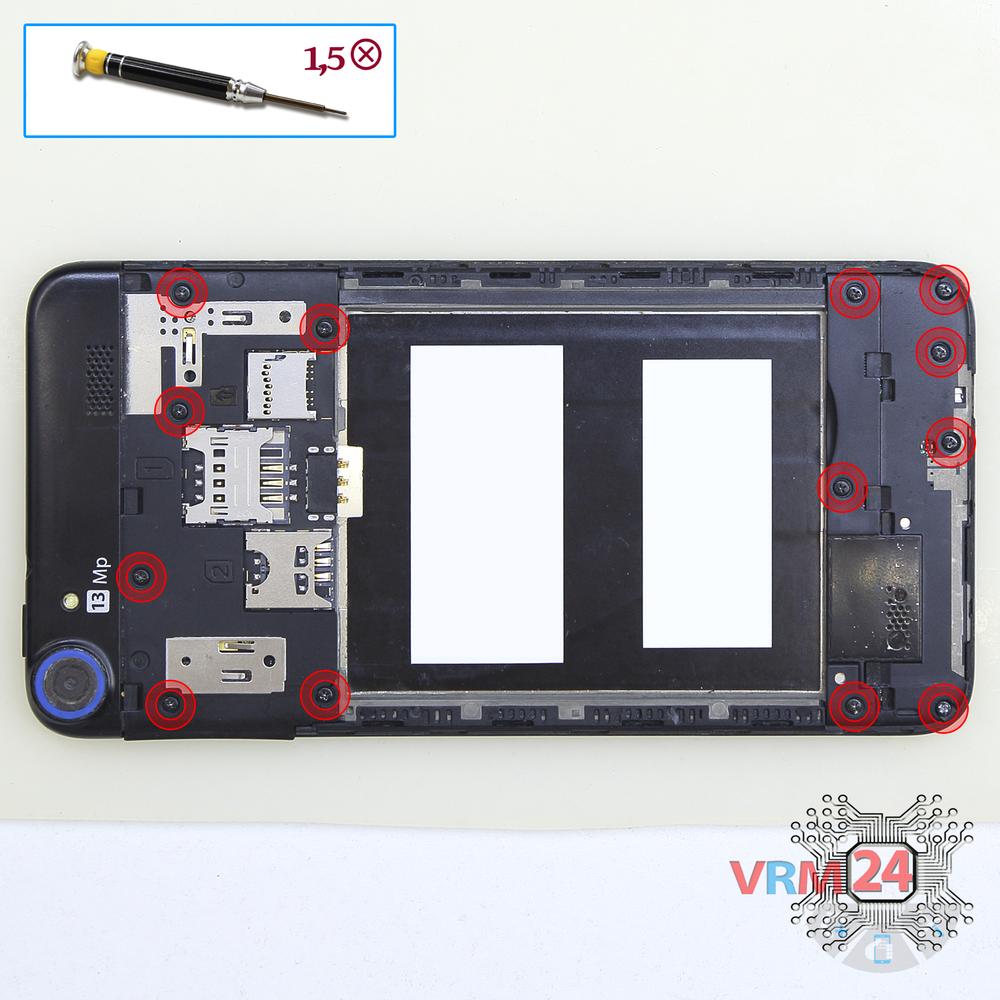
Unscrew the screws
Using a screwdriver (Phillips 1.5 mm PH000), unscrew 13 bolts in the frame of the phone.
Step 5.
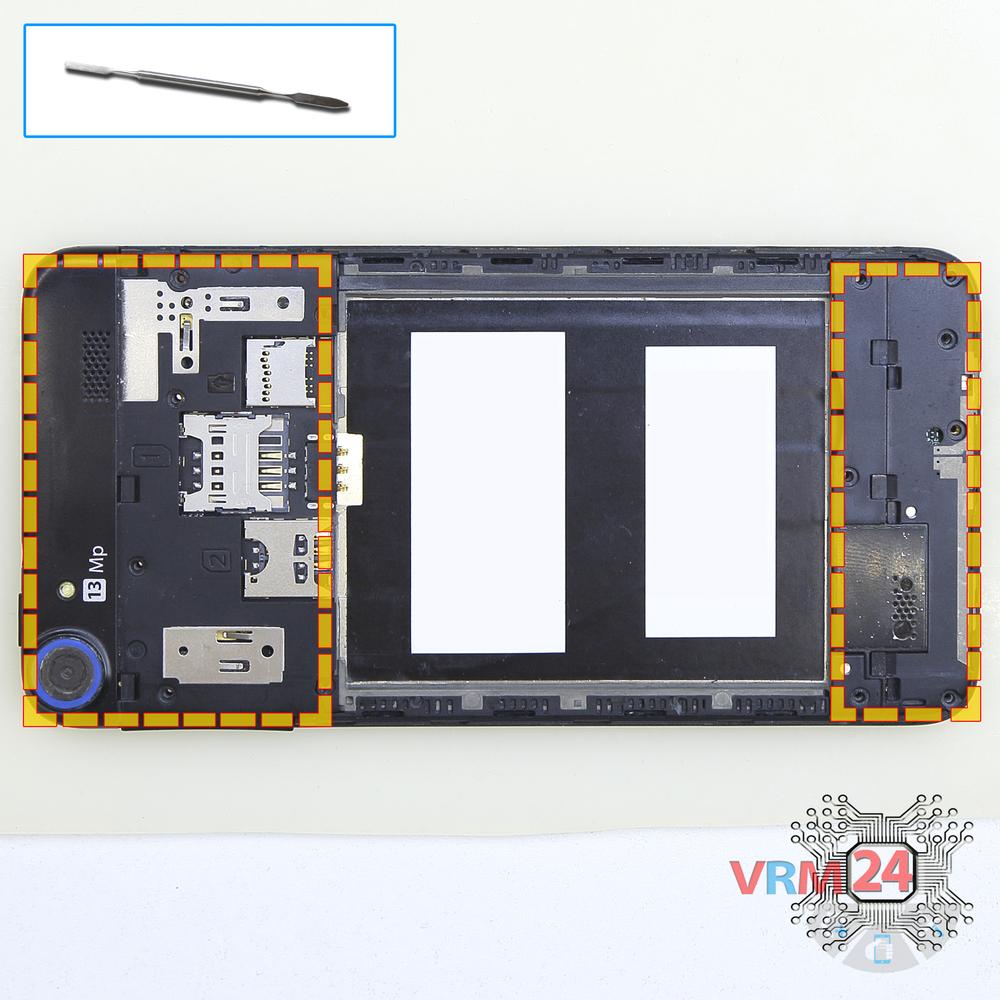
Open the covers
Pry and remove the covers with speakers in the upper and lower parts.
Step 6.
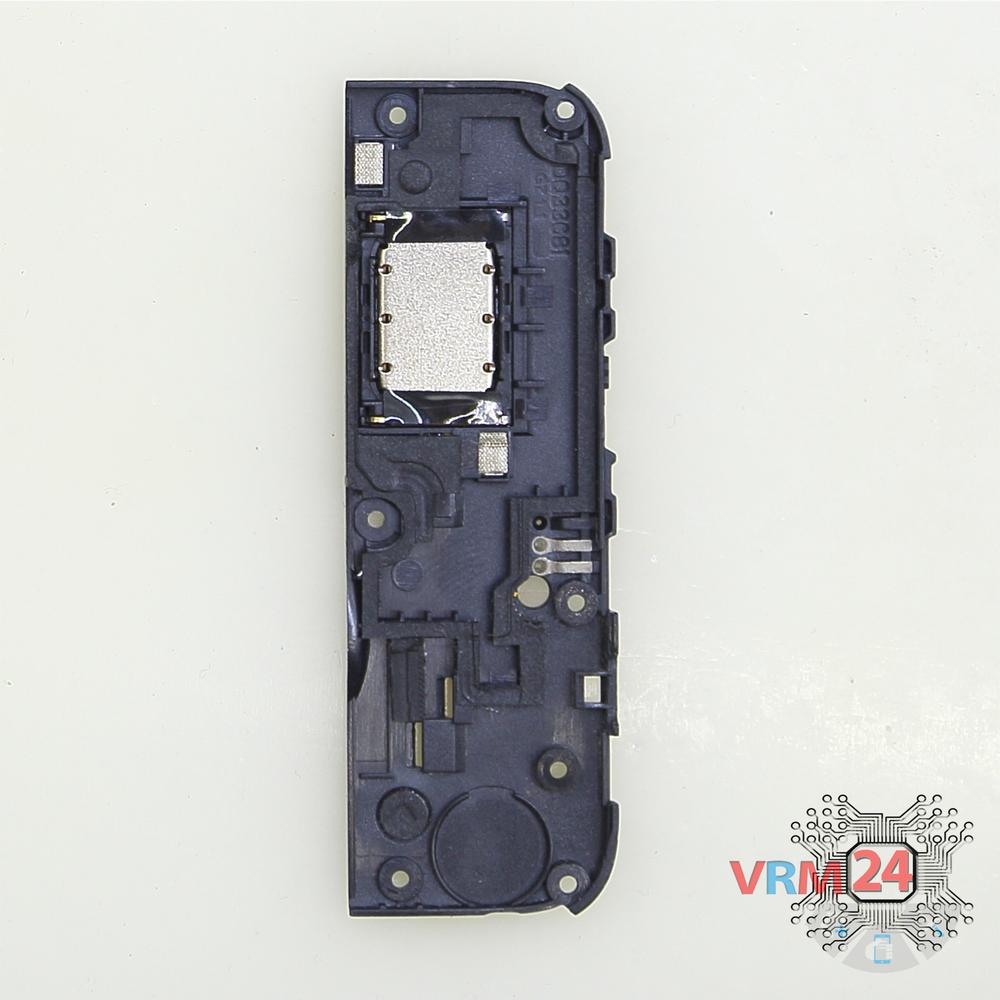
Remove the loudspeaker
The speaker (buzzer) assembly
Step 7.
Remove the earpiece speaker
The upper part with speaker.
Step 8.
Remove the buttons
Remove the keys of the volume and power buttons.
Step 9.
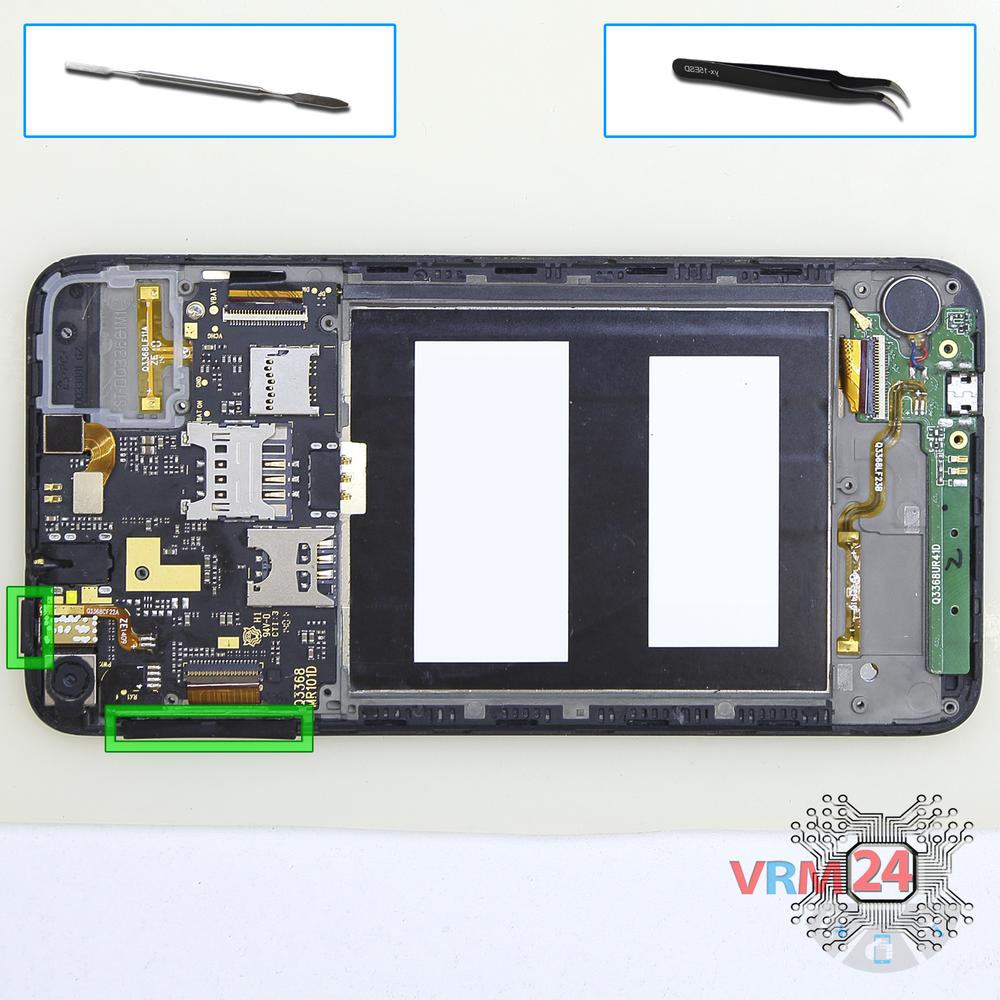
Remove the sub-board
Disconnect connectors on the lower PCB and remove it.
Step 10.
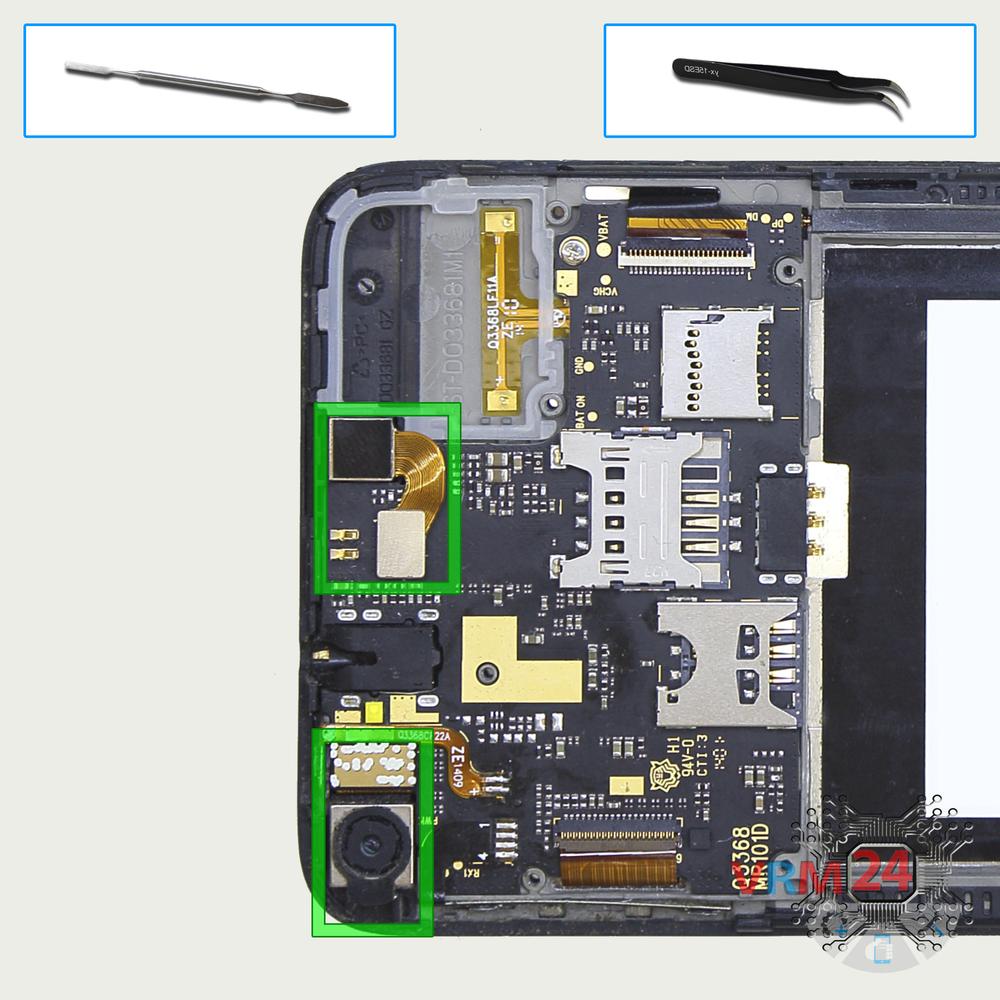
Remove the cameras
Disconnect connectors on the PCB and remove the main and front (selfie) cameras.
Step 11.
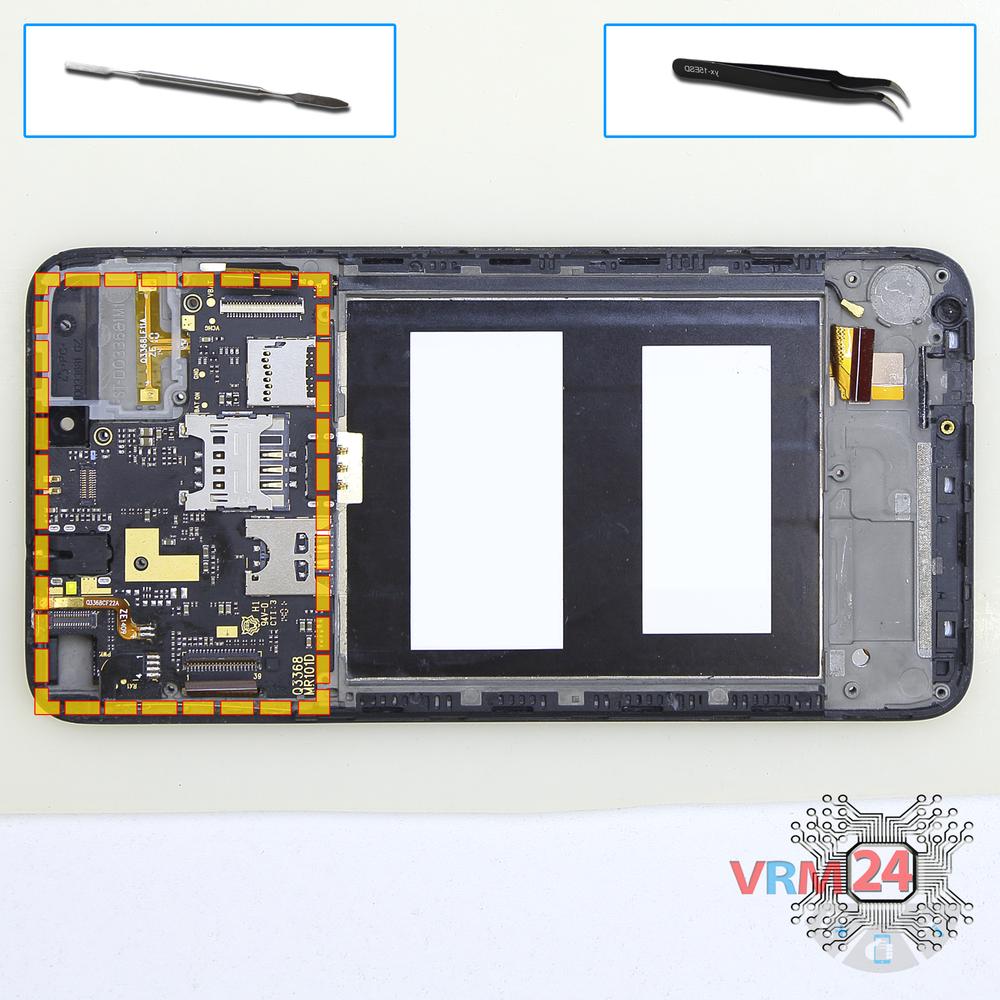
Disconnect the connectors
Disconnect connectors on the PCB.
Step 12.
Unscrew the screws
Using a screwdriver (Phillips 1.5 mm PH000), unscrew 2 bolts in the PCB.
Step 13.
Remove the motherboard
Turn over the main PCB, disconnect the coaxial cable connector from the inside and remove the board.
Step 14.
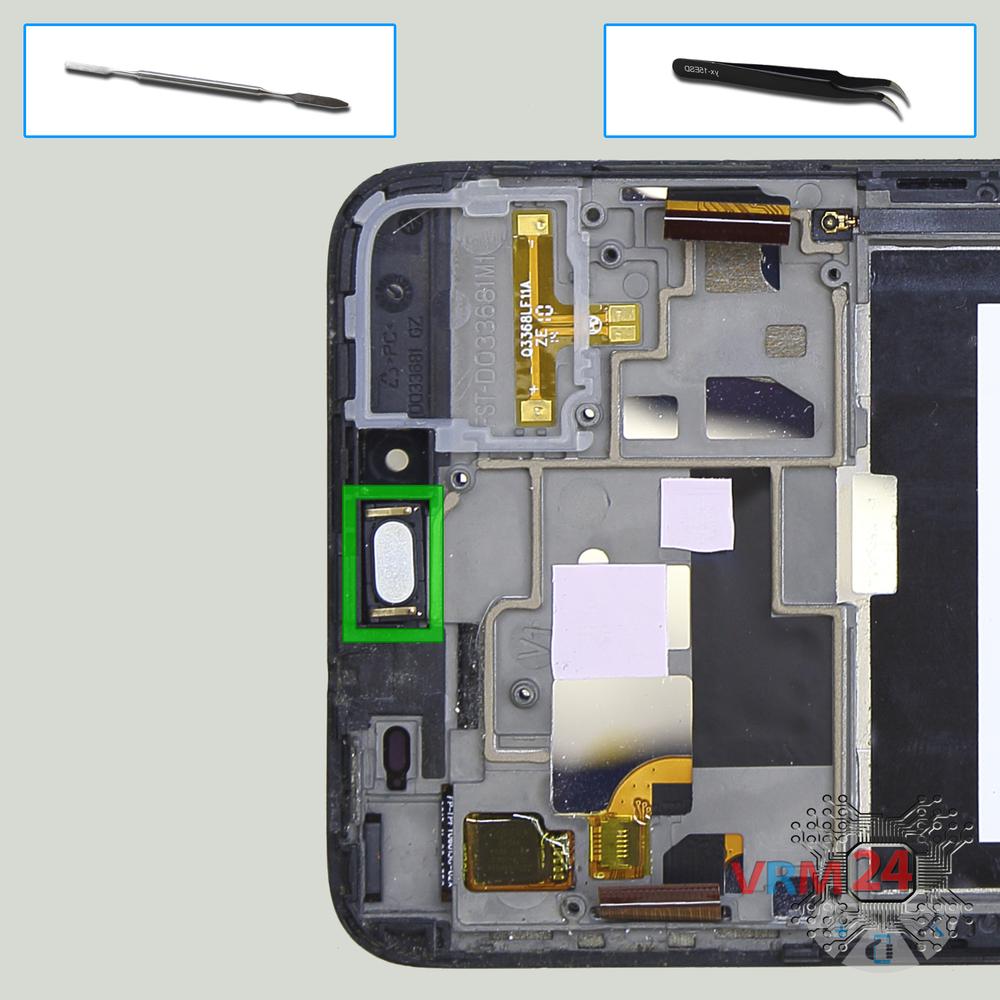
Remove the earpiece speaker
Pry and remove the earpiece (speaker).
Step 15.
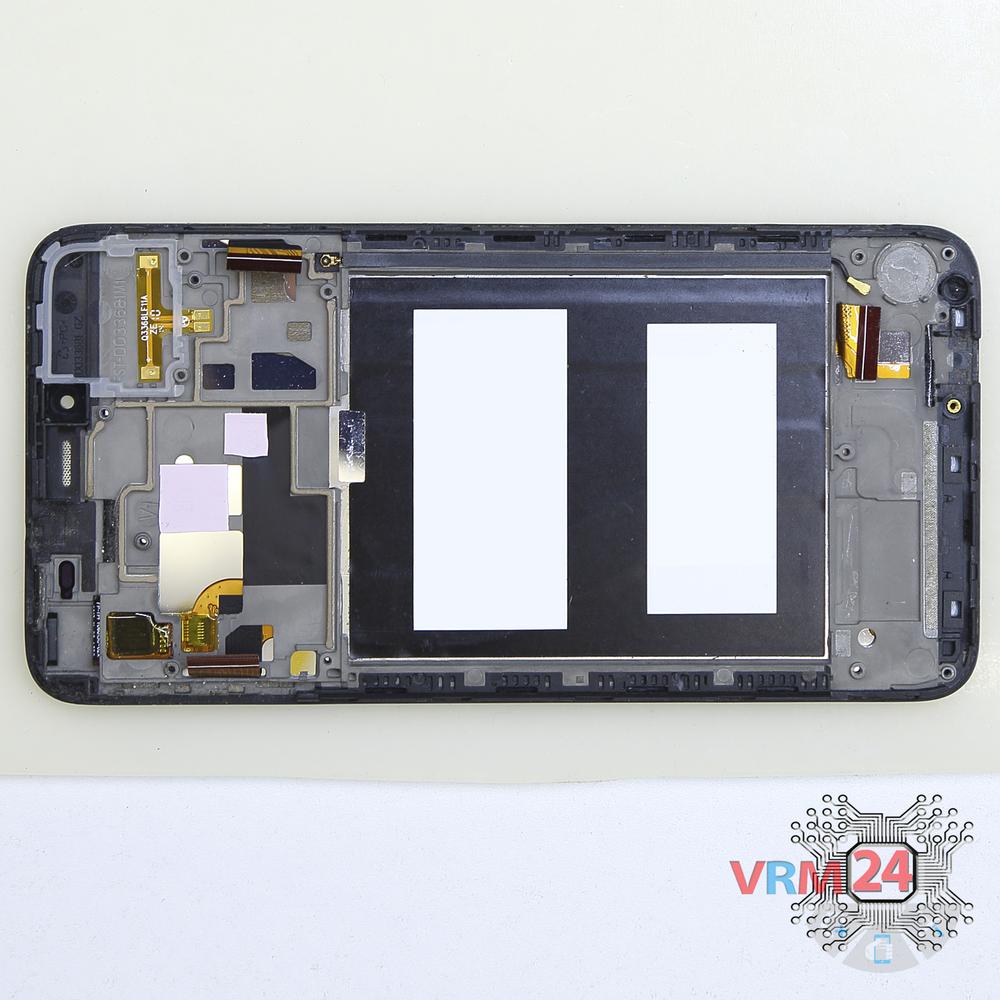
In the display frame remained
Parts in the frame of the display module.

If you have a question, ask us, and we will try to answer in as much detail as possible. If this article was helpful for you, please rate it.

4427
Views
4
Likes
—
Share
4
Questions
Related Instructions
Related Reviews


Related Blog
Popular Questions
U
ZTE Nubia Z11
My power and volume buttons stopped working I don't know why maybe they need cleaning what do you think do you have any idea what could be the reason…
Utube Aandh8
B
Asus ZenFone 4 Max ZC520KL
I don't know how to download Rom 9.0 , please
baquan ho7
Xiaomi Mi Note 10 Lite
When I used my phone it got stuck. I try everything to unstuck it but it does not happen finally press power button once and screen got off after th…
chamika
R
Samsung Galaxy A3 (2017) SM-A320
I will already have several questions for you. You are 10 pow.
Ricardo Ribeiro16
P
Meizu MX4 PRO M462
The touchscreen doesn't respond, the screen looks fine but the touch doesn't work, it asks me for the PIN and I can't enter anything because it doesn…
Pedro Fernandez7Top instructions
Check our
Top Explay instructions most liked by readers
New instructions
Check our
New Explay brand instructions on vrm24.com