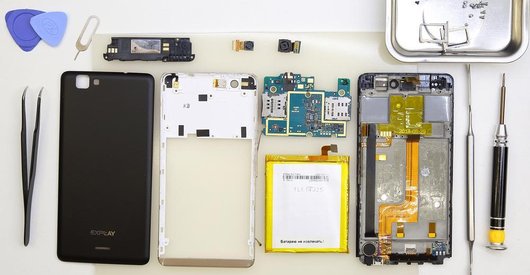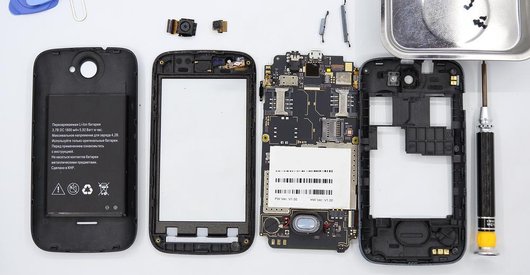

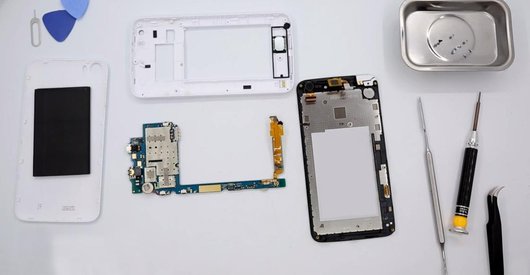
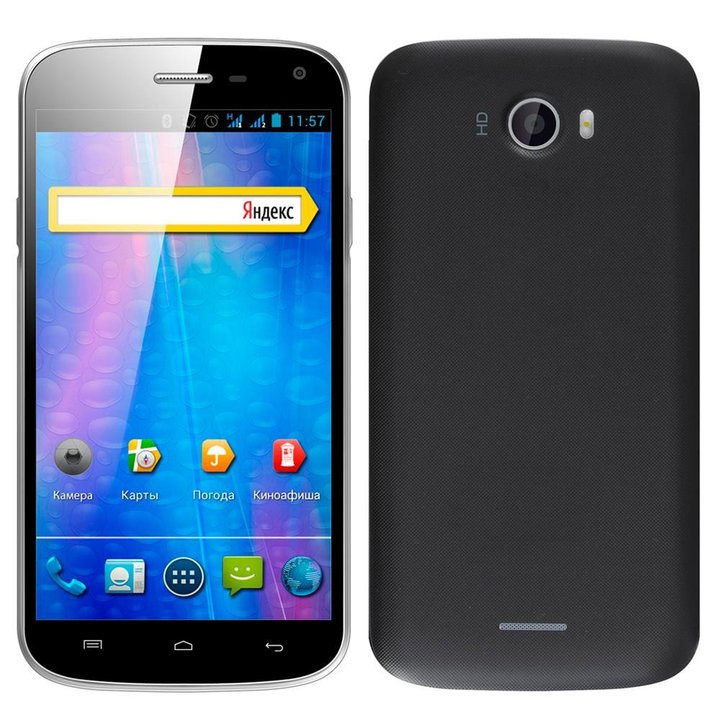
Recommended tools
Screwdriver Phillips #000

Opening tool / Spudger

Tweezers

Disassembly/Repair of the mobile device Explay A500 with each step description and the required set of tools.
4382
Views
3
Likes
—
Share
3
Questions

Step 1.
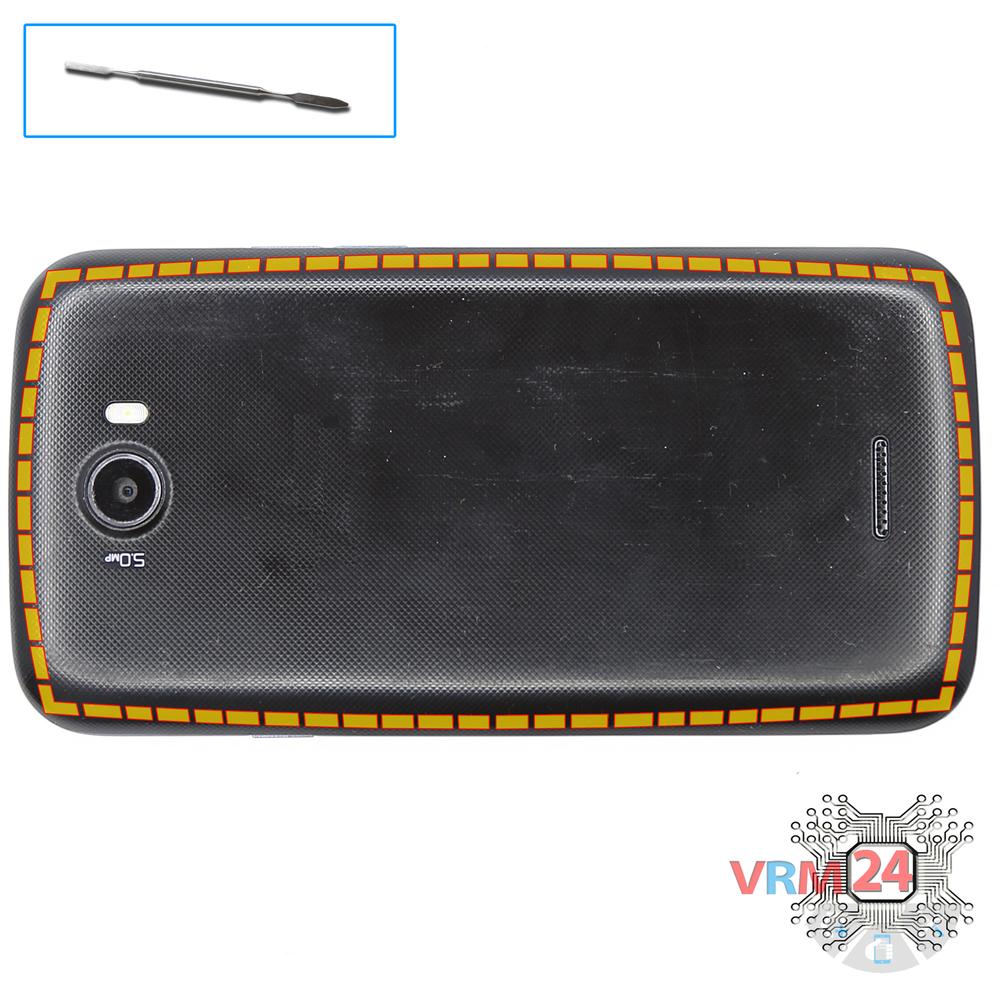
Open the back cover
Open the back cover.
Step 2.
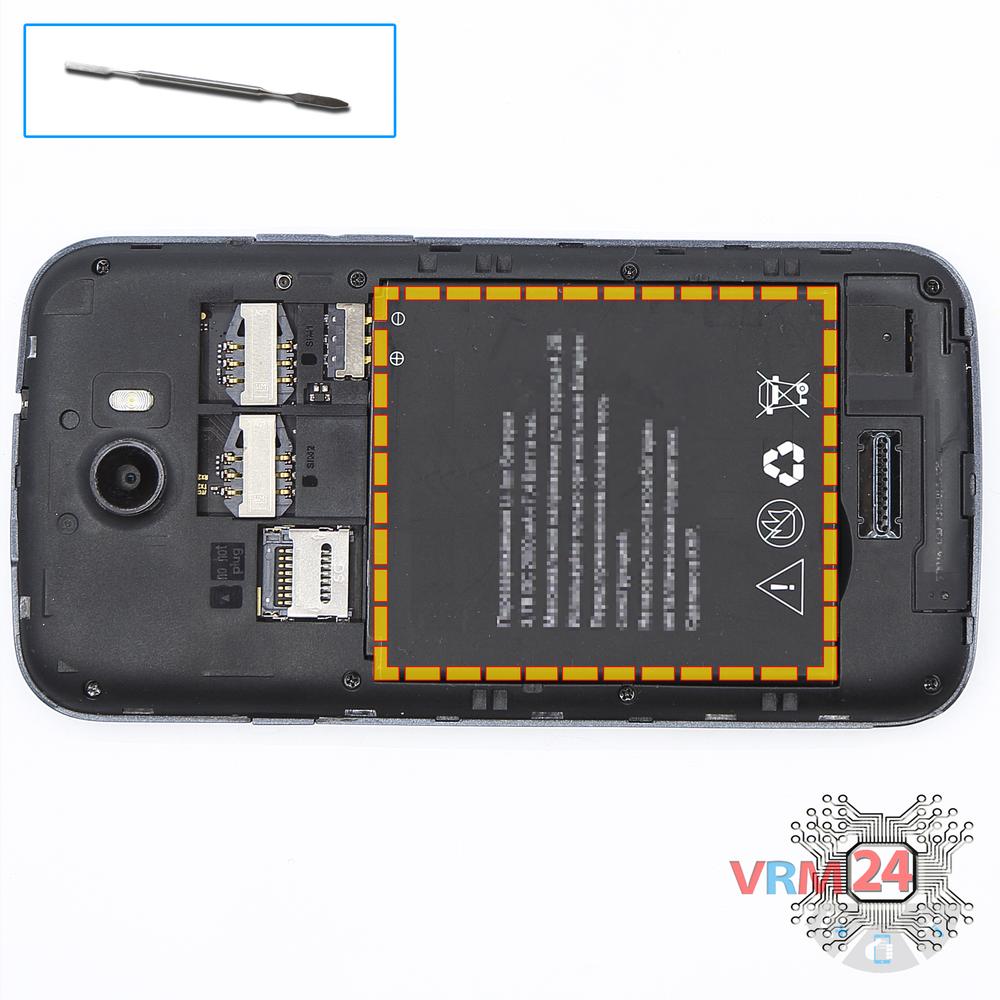
Remove the battery
Lift and remove the battery.
Step 3.
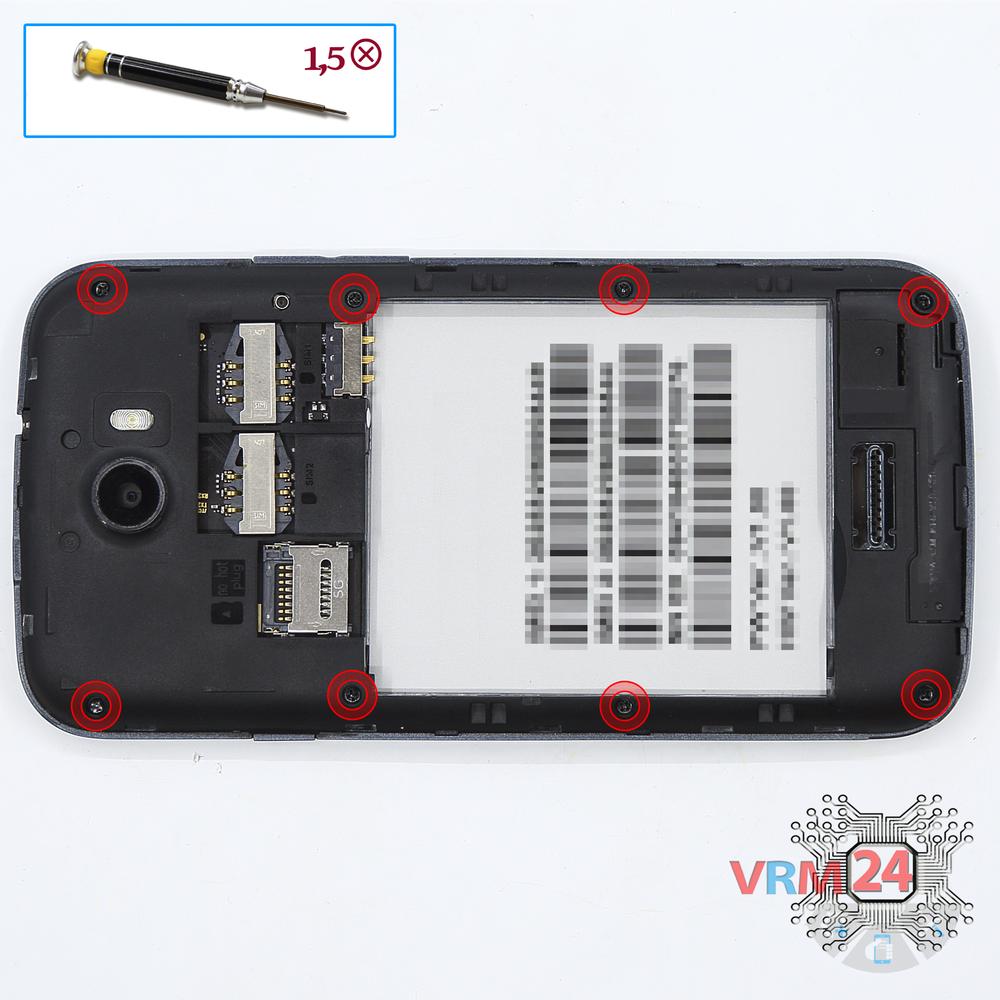
Unscrew the screws
Using a screwdriver (Phillips 1.5 mm PH000), unscrew 8 bolts in the frame of the phone.
Step 4.
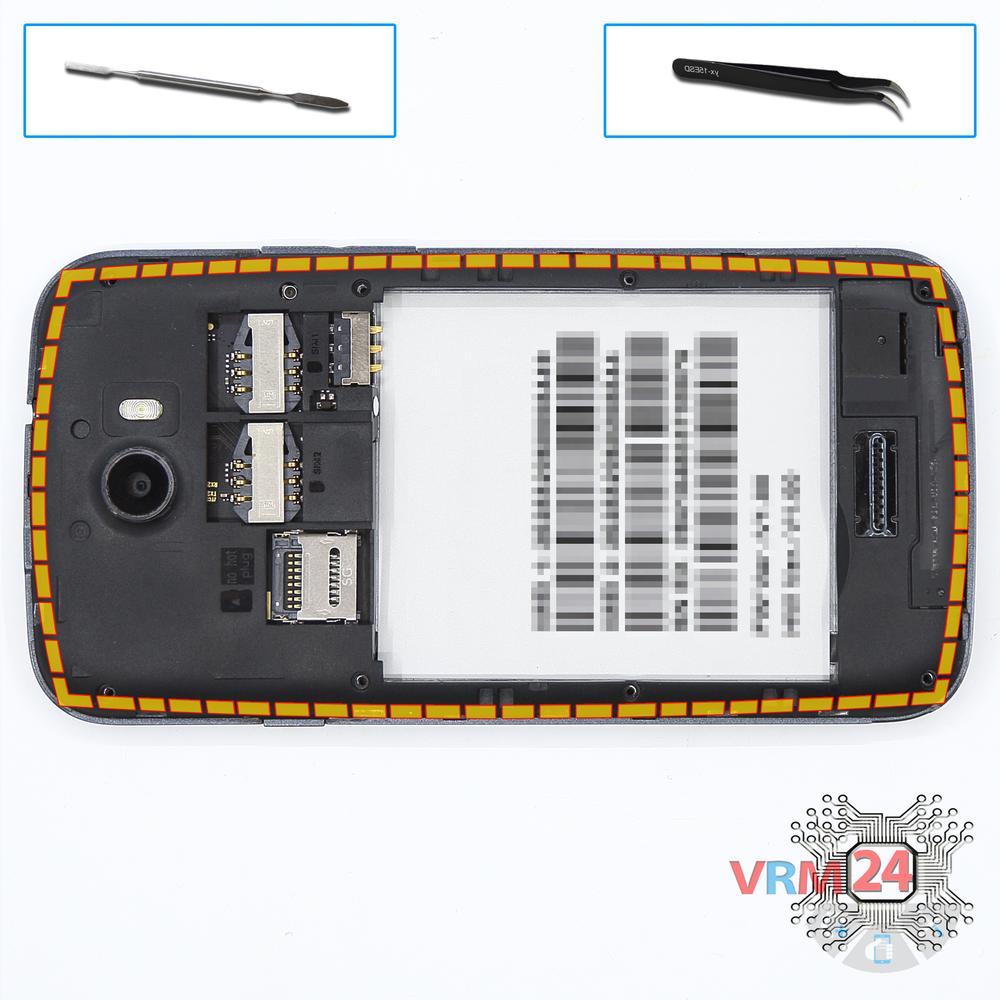
Open the mid-frame
Pry and remove the middle frame and the keys of the volume and power buttons.
Step 5.
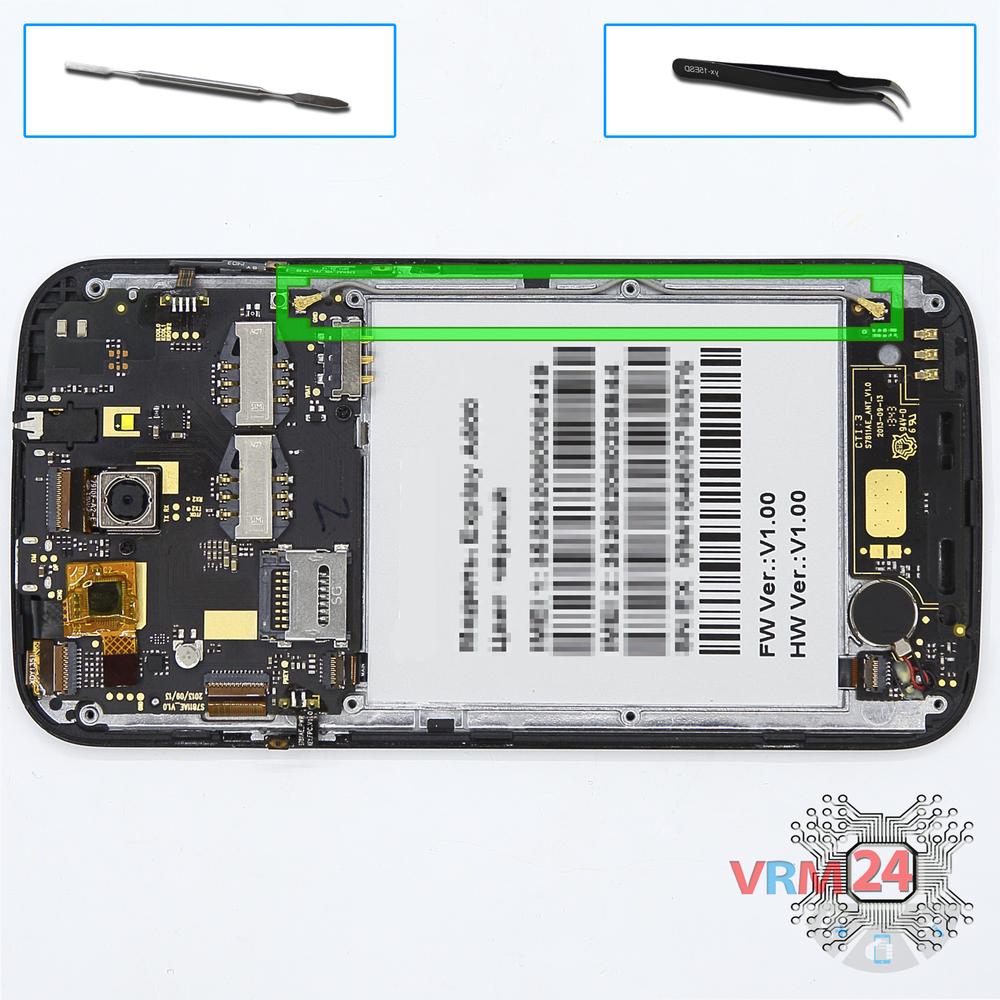
Remove the coaxial cable
Disconnect the coaxial cable connectors and remove the cable.
Step 6.
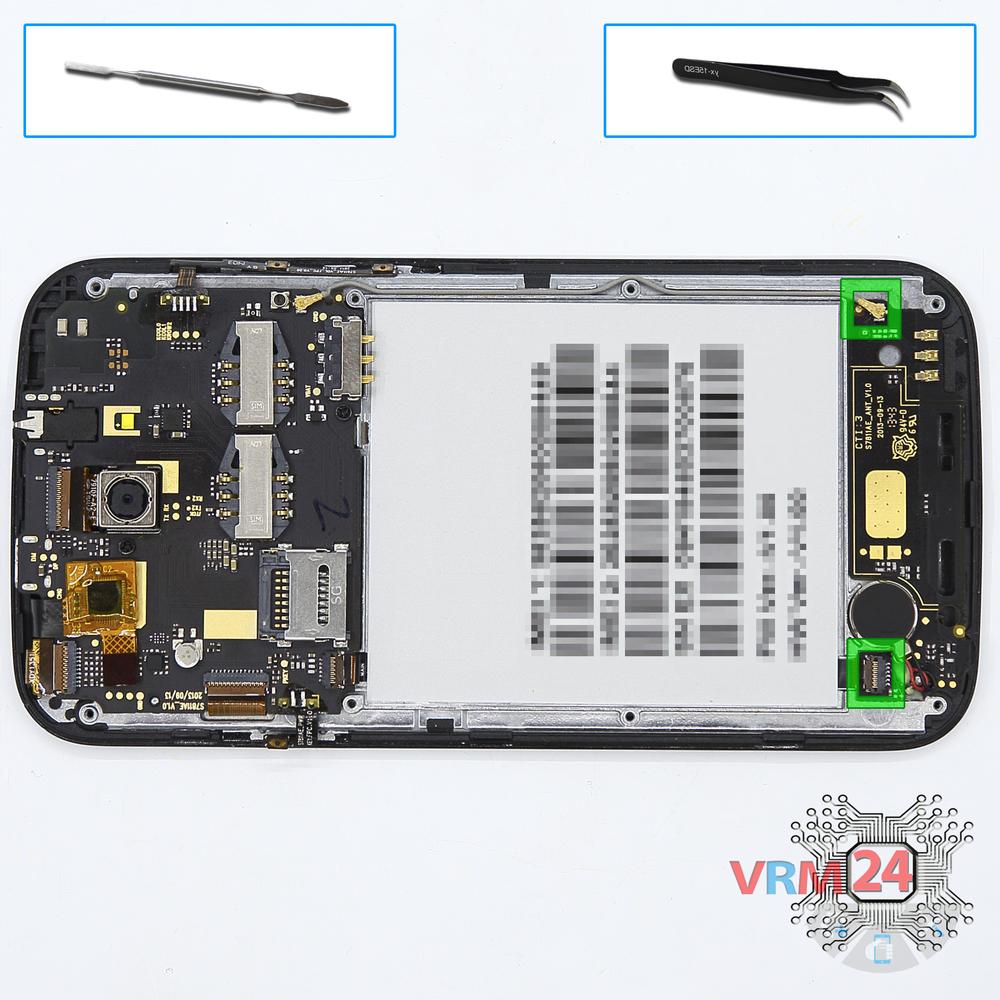
Remove the sub-board
Disconnect connectors on the lower PCB and remove it.
Step 7.
Disconnect the connector
Disconnect connector on the PCB and pry up the ffc cable with power & volume buttons.
Step 8.
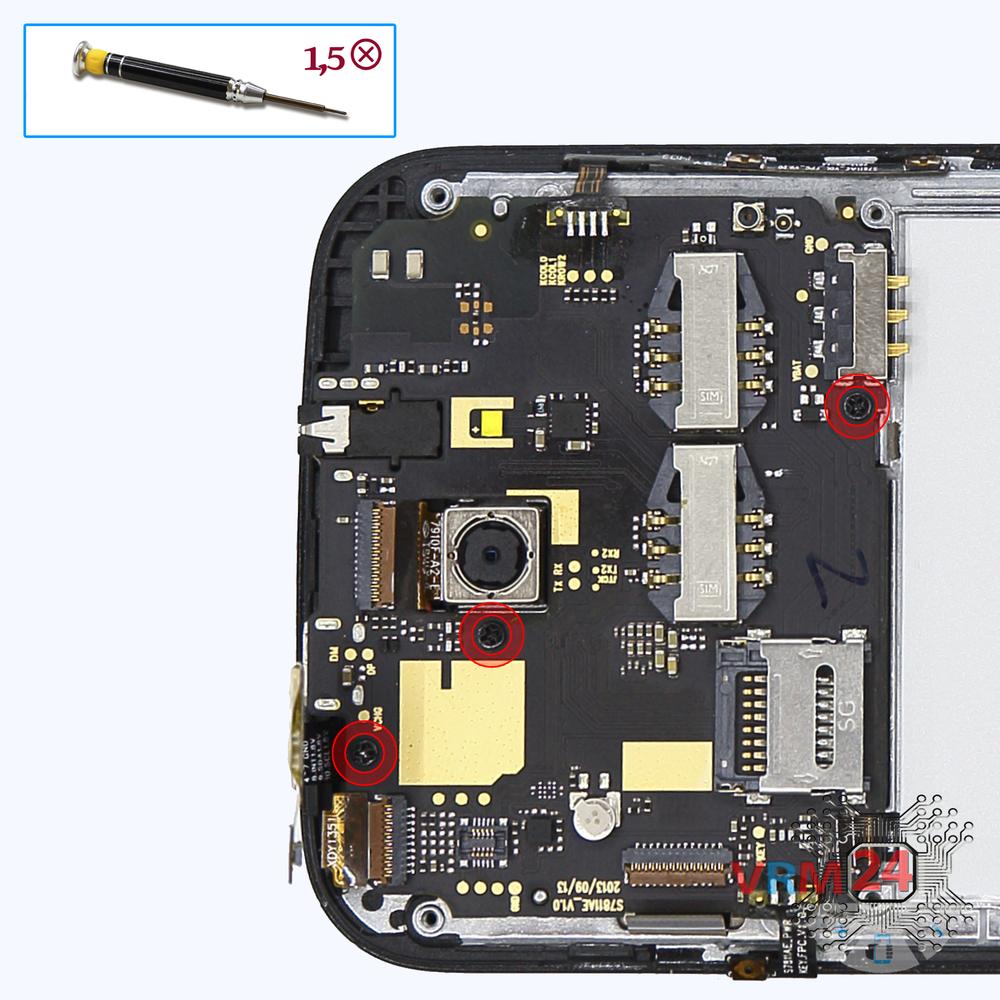
Unscrew the screws
Using a screwdriver (Phillips 1.5 mm PH000), unscrew 3 bolts in the PCB.
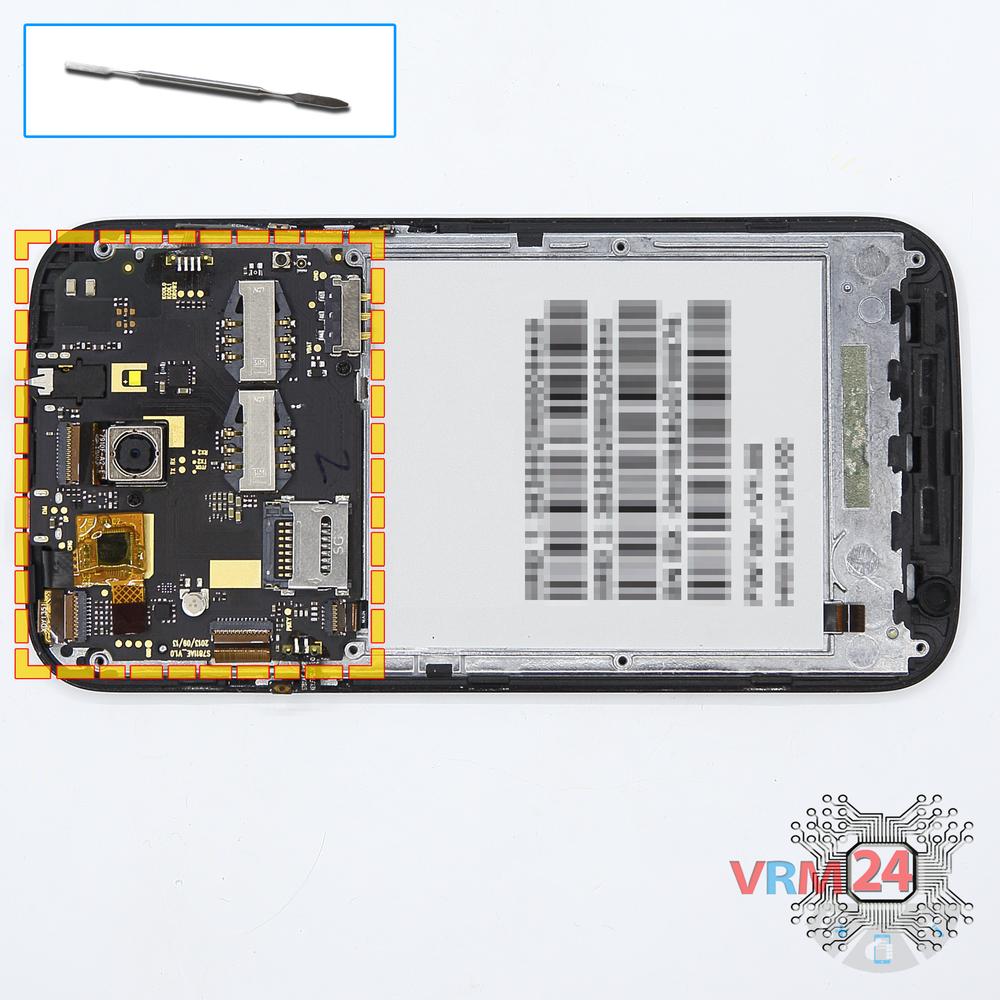
Step 9.
Remove the motherboard
Remove the PCB.
Step 10.
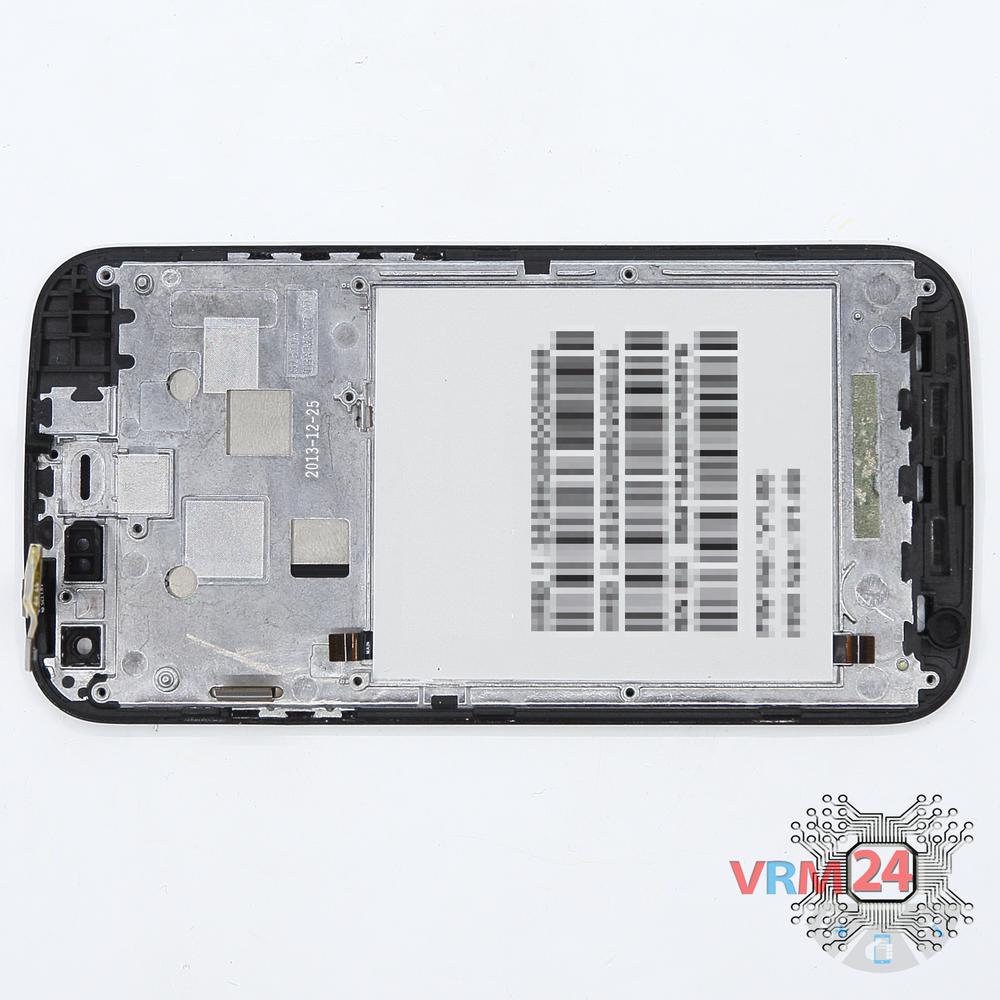
In the display frame remained
Parts in the frame of the display module.

If you have a question, ask us, and we will try to answer in as much detail as possible. If this article was helpful for you, please rate it.

4382
Views
3
Likes
—
Share
3
Questions
Related Instructions
Related Reviews


Related Blog
Popular Questions
A
Xiaomi Mi 5S
thanks. can i change battery and lcd screen (with frame) without the hitter ? i dont have hitter
Arteen18
A
ZTE Nubia Z9 Mini
My battery is swollen I belong from Kolkata city Can u suggest me solution or suggest me subsidiary battery on online? Please
ARKA CHAKRABORTY3
O
Samsung Galaxy J2 Prime SM-G532
Please help me, my phone's connector went in
oDroperBR12
Samsung Galaxy Watch SM-R800
Good evening! First of all, congratulations for the excellent video! I' d like to ask you the following: I have the samsung galaxy watch 42 mm (…
litsagatziola
А
Asus ZenFone 2 ZE550ML
Hello! ASUS z00ad, please tell me, the sound (external speaker) disappeared, vibration, the microphone doesn't work. Through the headset everything i…
Алексей14Top instructions
Check our
Top Explay instructions most liked by readers
New instructions
Check our
New Explay brand instructions on vrm24.com