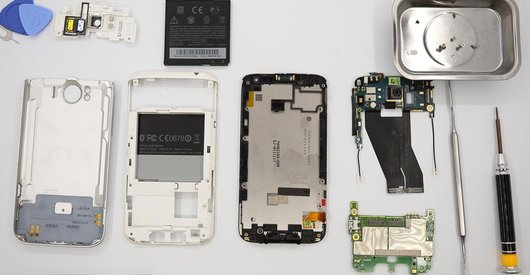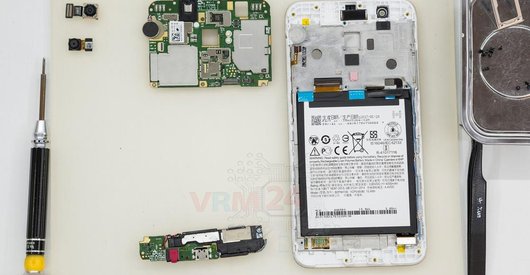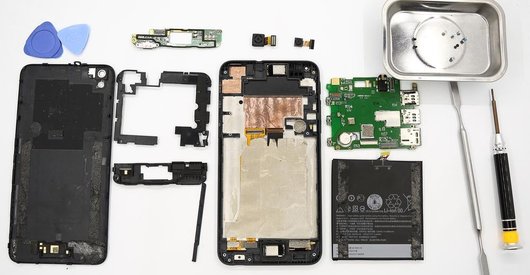



Recommended tools
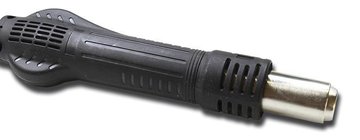
Heat gun
Screwdriver Phillips #000

Opening tool / Spudger

Tweezers

Disassembly/Repair of the mobile device HTC Desire 830 (HTC Desire 830 (2PVD100)) with each step description and the required set of tools.
5368
Views
0
Likes
—
Share
5
Questions

Step 1.
Remove the trays
Using the key tool, open the SIM card trays and remove them.
⚠ Warning!
Do not push too hard this may cause damage.
Step 2.
Open the back cover
Open the back cover.
Step 3.
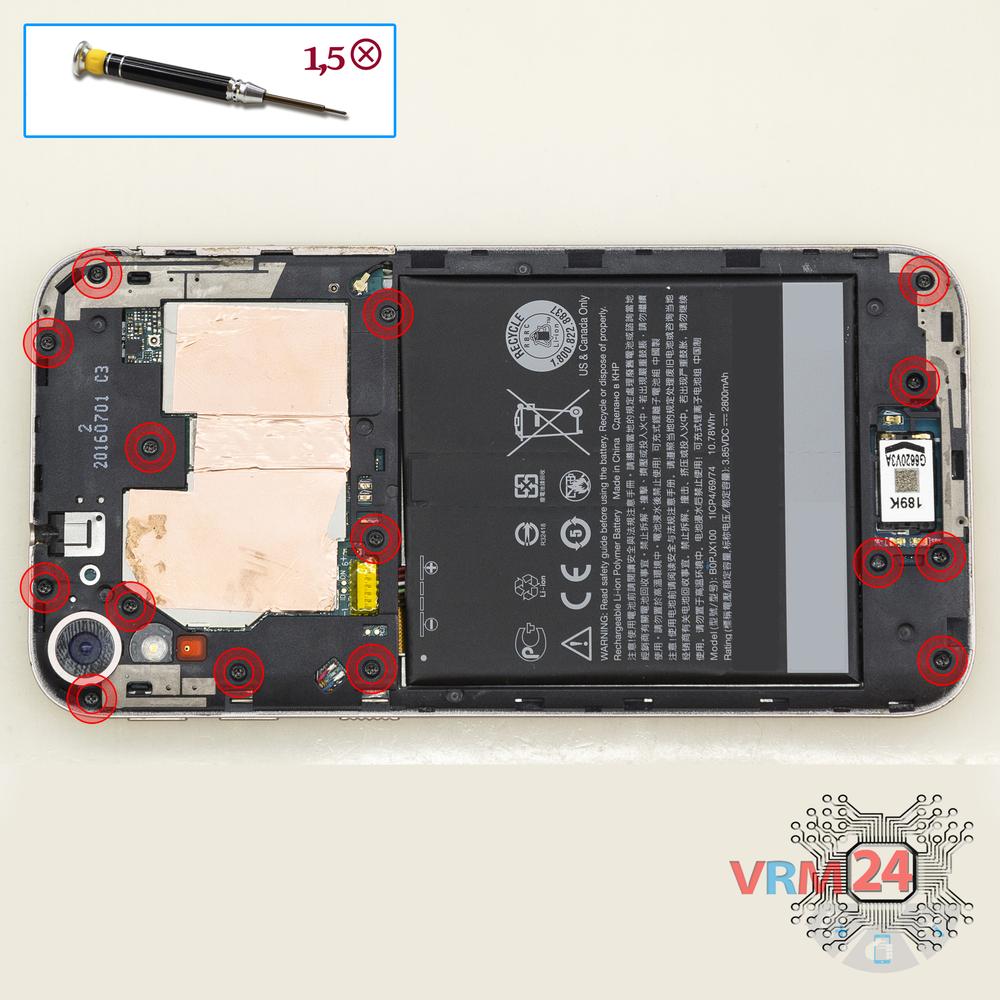
Unscrew the screws
Using a screwdriver (Phillips 1.5 mm PH000), unscrew 15 bolts in the frame of the phone.
Step 4.
Open the mid-frame
Pry and remove the middle frame.
Step 5.
Disconnect the connectors
Disconnect connectors on the lower PCB.
Step 6.
Remove the sub-board
Remove the lower PCB.
Step 7.
Unscrew the screws
Using a screwdriver (Phillips 1.5 mm PH000), unscrew 2 bolts in the PCB.
Step 8.
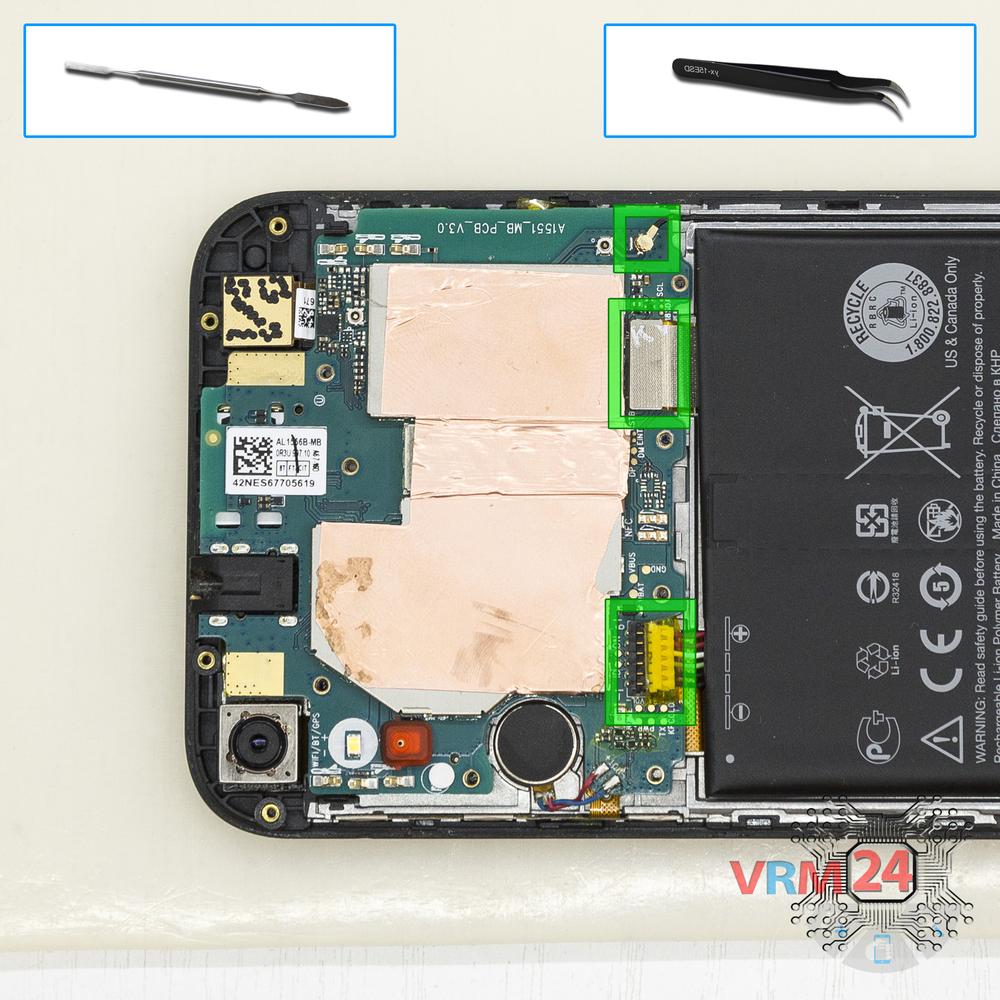
Disconnect the connectors
Disconnect connectors on the PCB.
Step 9.
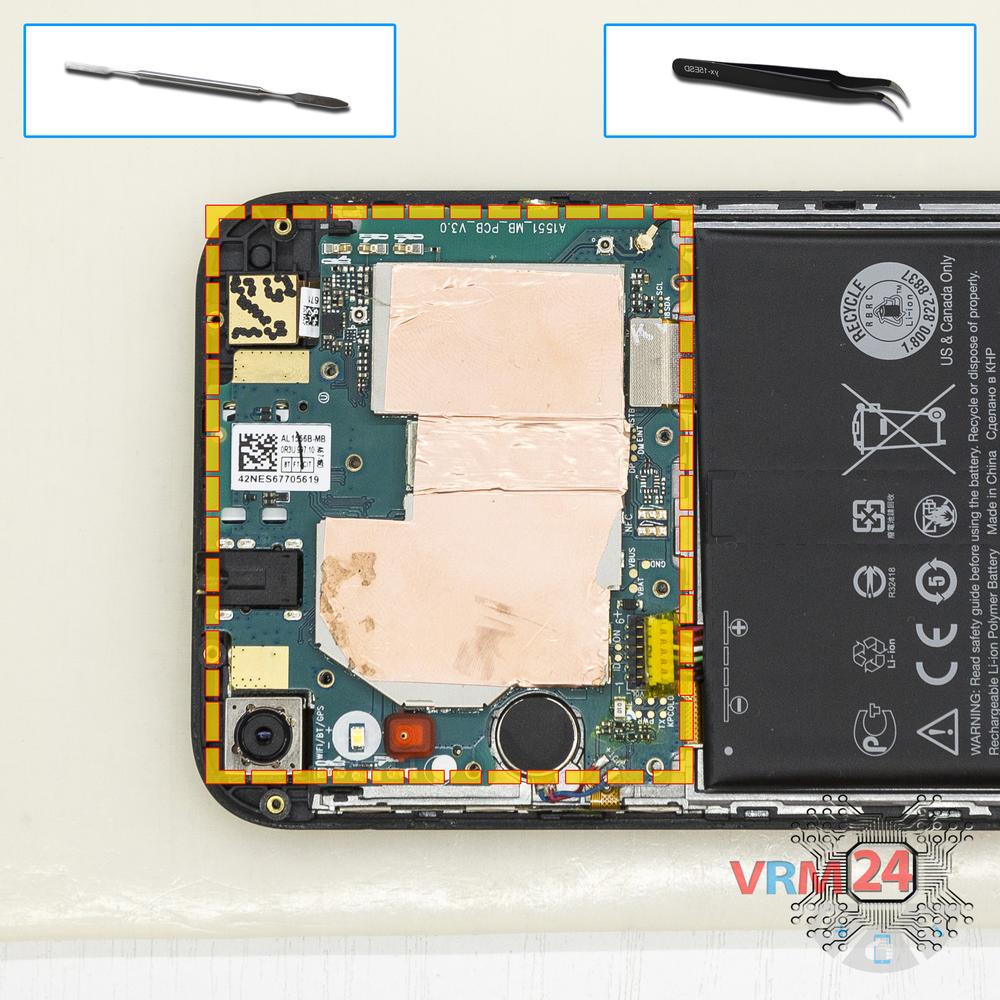
Remove the motherboard
Remove the PCB.
Step 10.
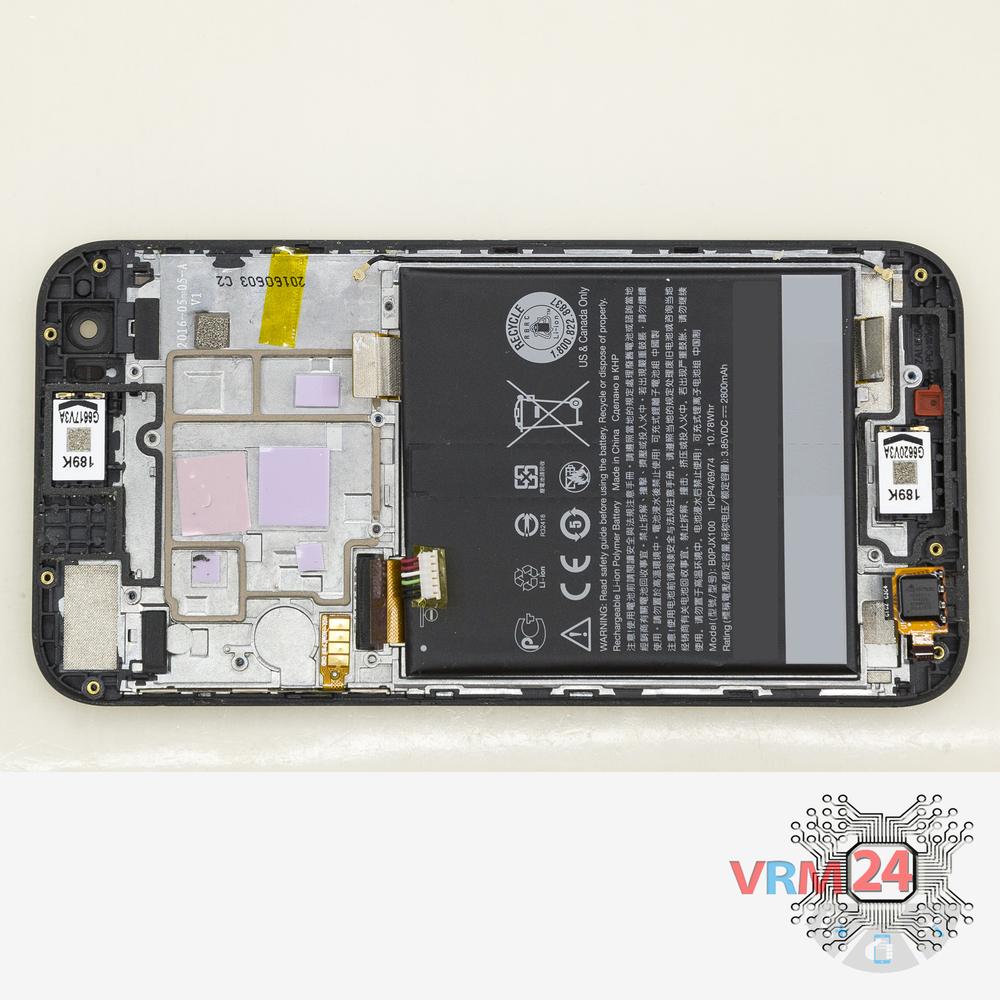
In the display frame remained
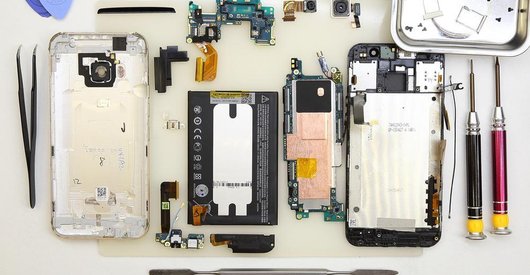
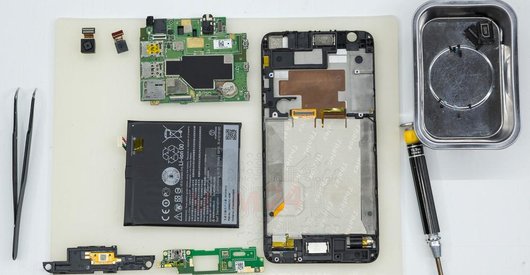
Parts are in the frame of the display module.

If you have a question, ask us, and we will try to answer in as much detail as possible. If this article was helpful for you, please rate it.

5368
Views
0
Likes
—
Share
5
Questions
Related Instructions
Related Reviews

Related Blog
Popular Questions
S
HTC Desire 628
Hello, thancks for the video, can you tell me where is located the cellular antenna?
Sergio Andrade17
M
HTC U Play
0:47 what kind of liquid did you spray in there? :D
Mr. Whoever12
N
HTC One M8
JESUS...which ever team of engineers/designers came up with the idea of having to go through so many steps just to open the back of the phone is a du…
Neon Rider5
ਰ
HTC Desire 526G
please post how to replace the lcd touch of htc 526g plus
ਰੁਡਿਆਣੇ ਆਲੇ13
HTC One X10
sir I wanna ask u a question. is their any difference between htc one x10 and htc one x10u. kindly reply me as soon as possible.thanks
nomanTop instructions
Check our
Top HTC instructions most liked by readers
New instructions
Check our
New HTC brand instructions on vrm24.com