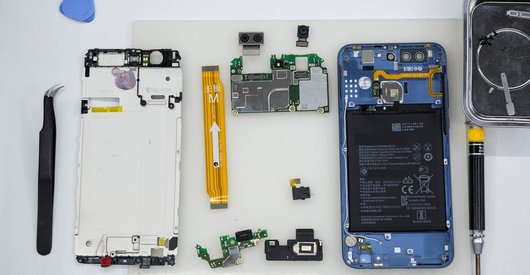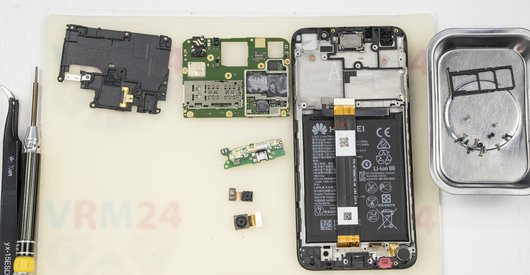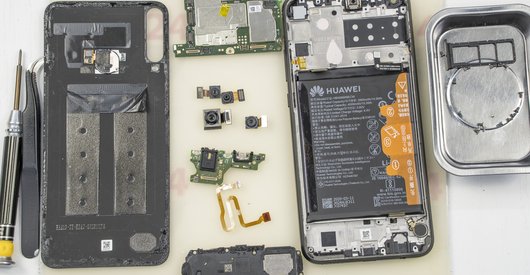



Recommended tools
Screwdriver Five-point P0.8 mm

Screwdriver Phillips #000

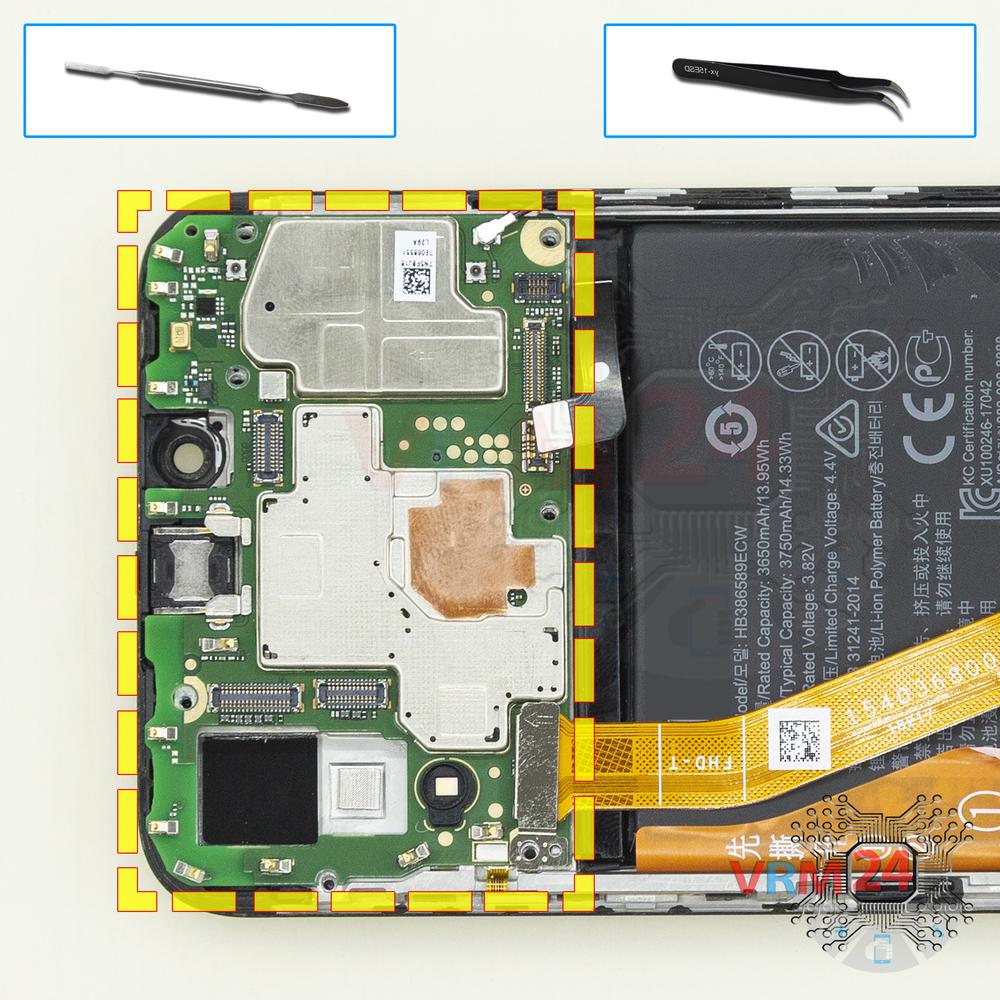
Opening tool / Spudger

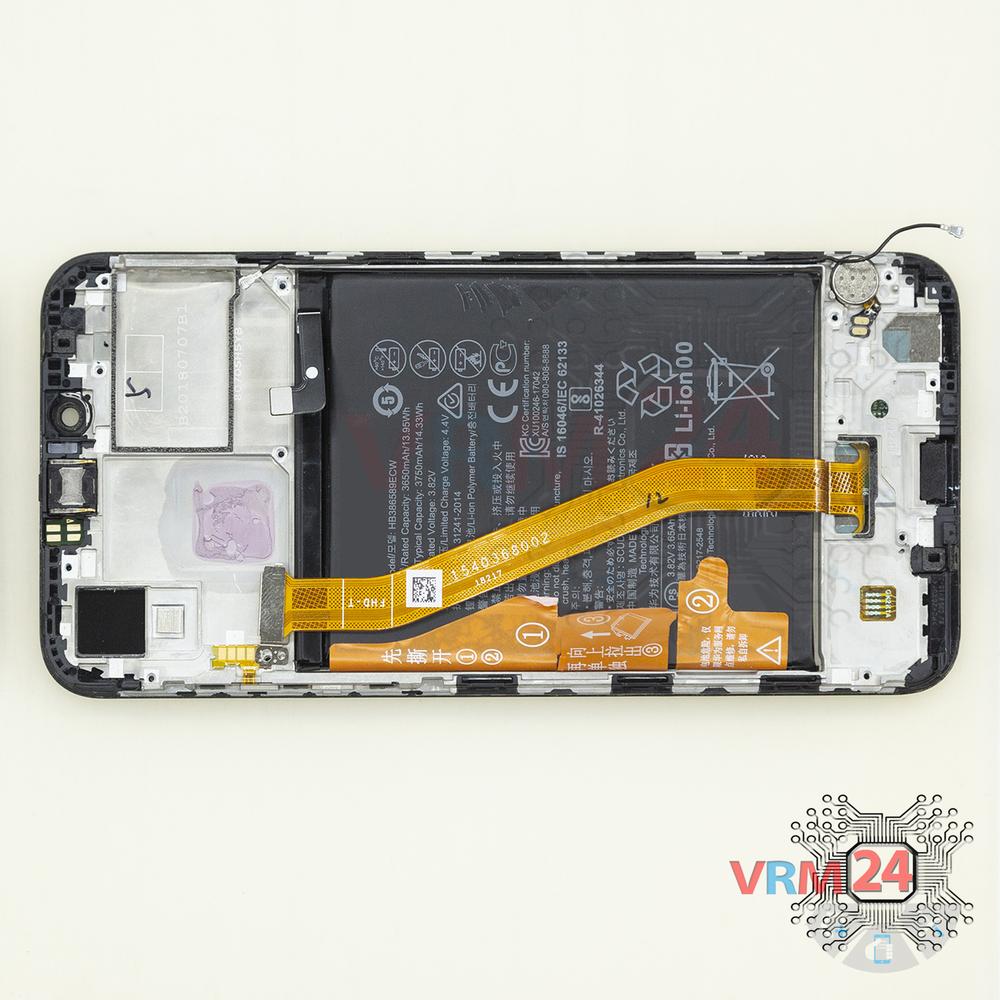
Tweezers

Disassembly/Repair of the mobile device Huawei Honor Play (Huawei Honor Play COR-AL00 (China); COR-AL10 (India); COR-L29, COR-L09 (Global)) with each step description and the required set of tools.
15202
Views
5
Likes
—
Share
29
Questions

Step 1.
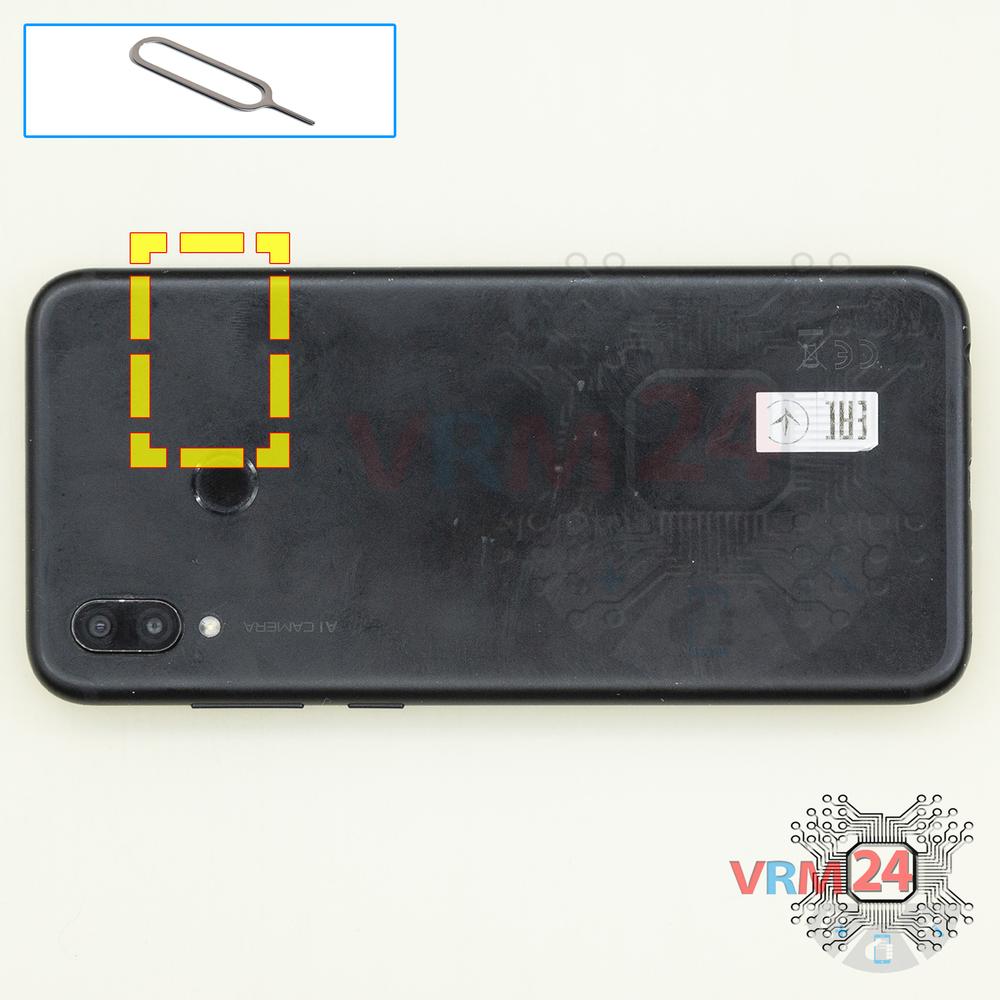
Remove the trays
Using the key tool, open the SIM and Micro SD cards tray and remove it.
⚠ Warning!
Do not push too hard this may cause damage.
Step 2.
Unscrew the screws
Using a screwdriver (Star Shape 0.8mm Pentalobe), unscrew 2 screws at the end of the phone.
Step 3.
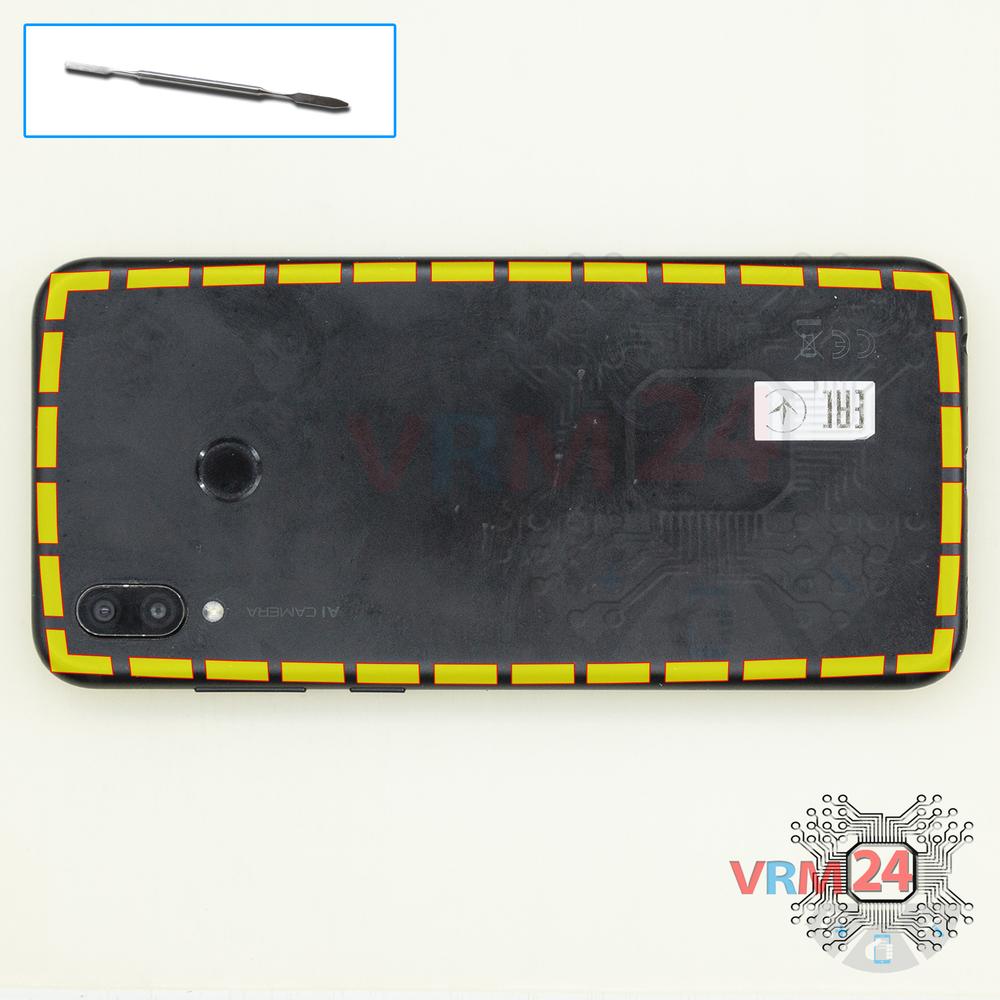
Open the back cover
Open the back cover and turn it over.
Step 4.
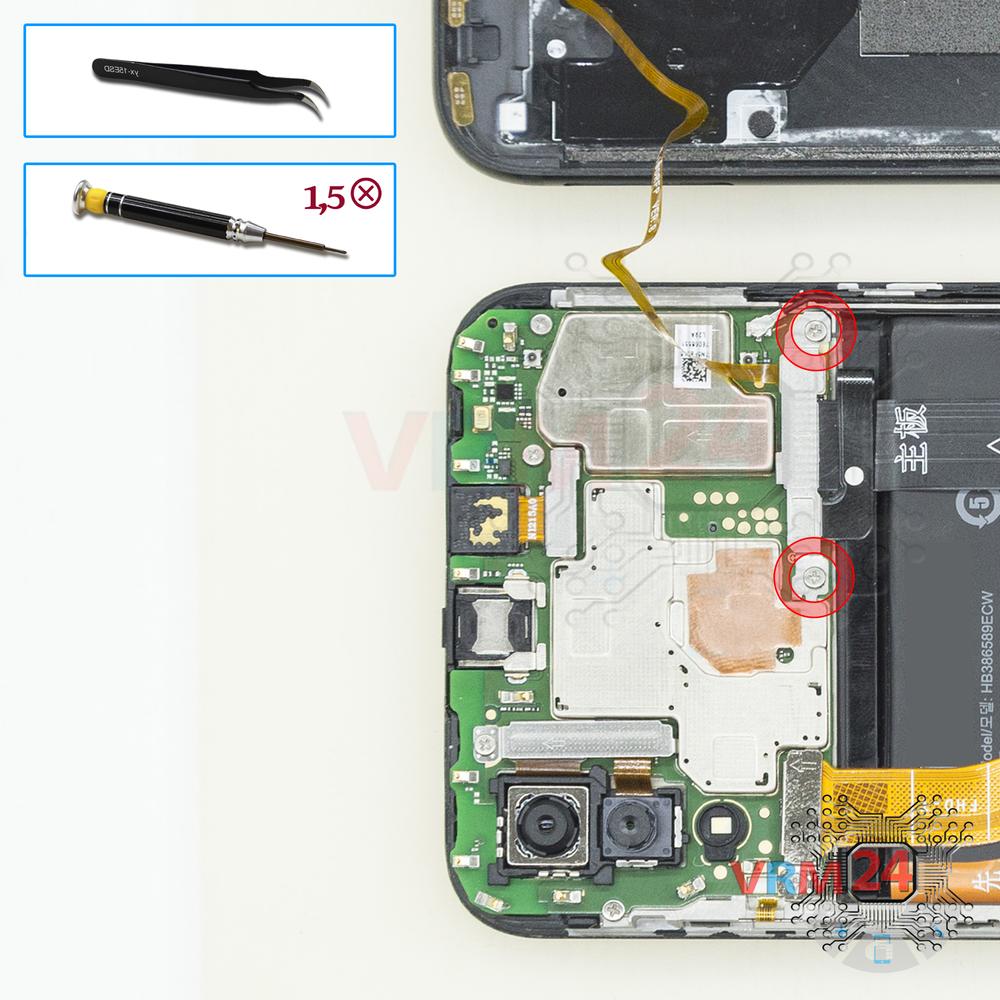
Remove the bracket
Using a screwdriver (Phillips 1.5 mm PH000), unscrew 2 screws and remove the bracket holding the connectors.
Step 5.
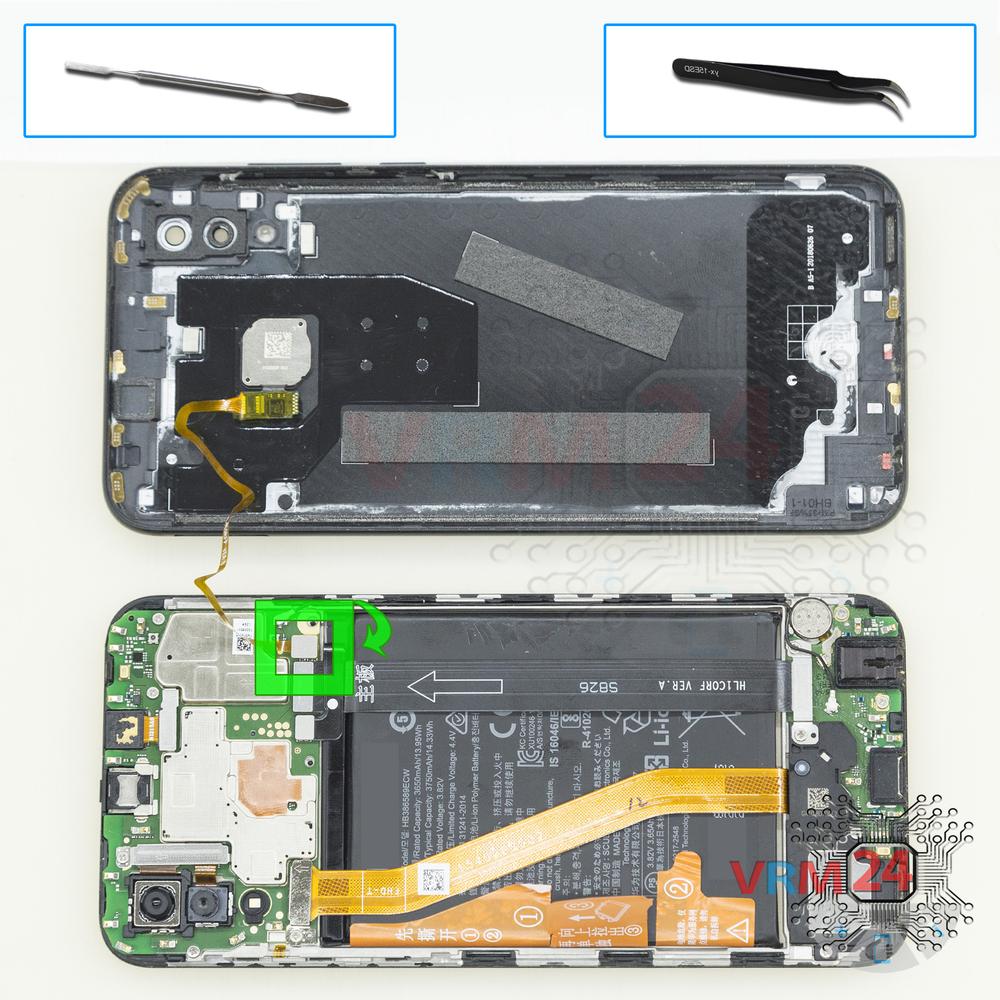
Open the cover
Pry up the fingerprint sensor connector and remove the cover.
Step 6.
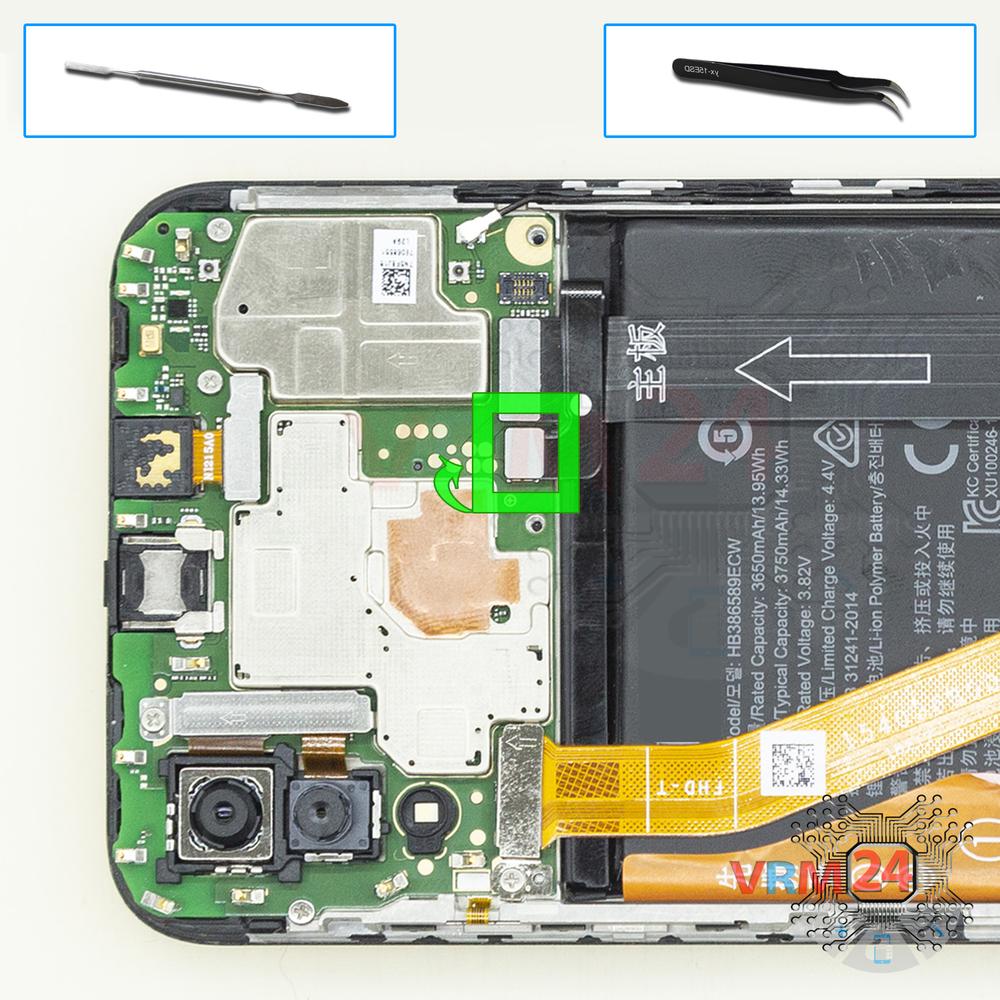
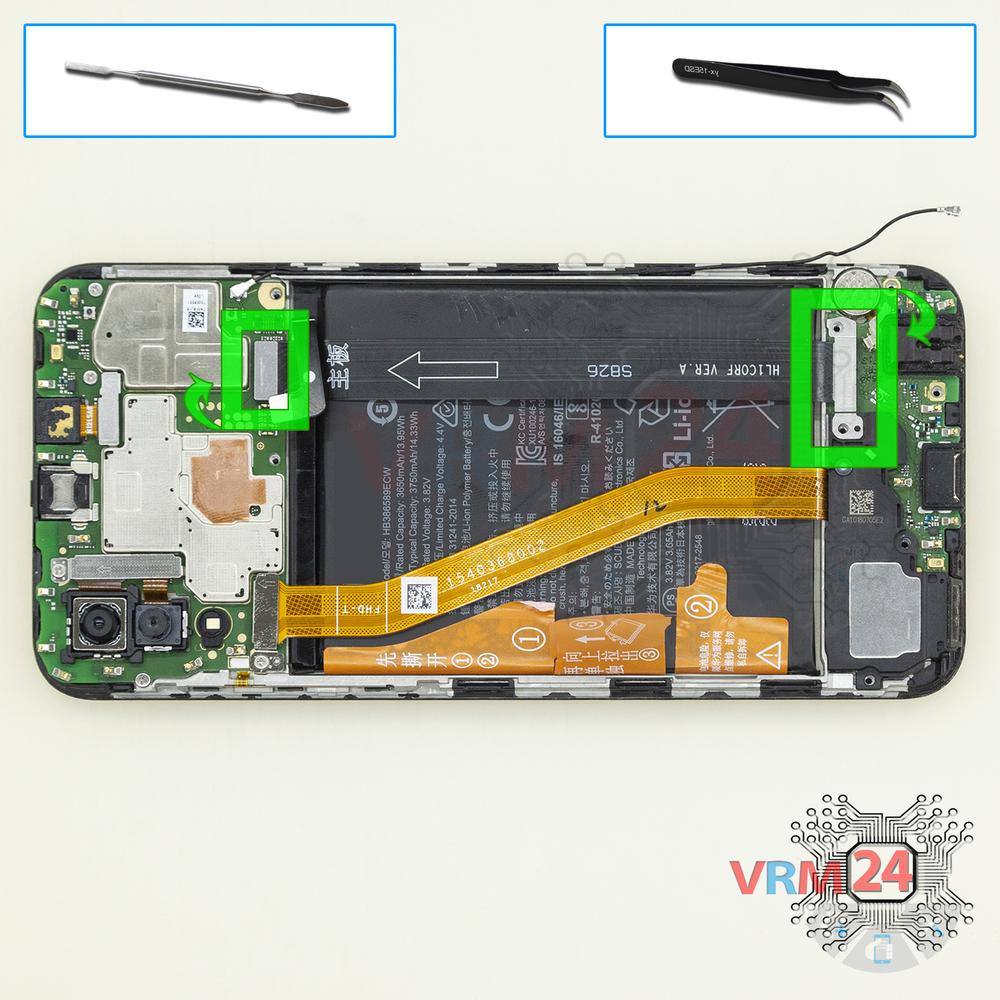
Disconnect the battery connector
Disconnect the battery connector. The battery model of Huawei Honor Play is HB386589ECW.
⚠ Warning!
We strongly recommend disconnecting the connector to avoid a possible short circuit during disassembly.
Step 7.
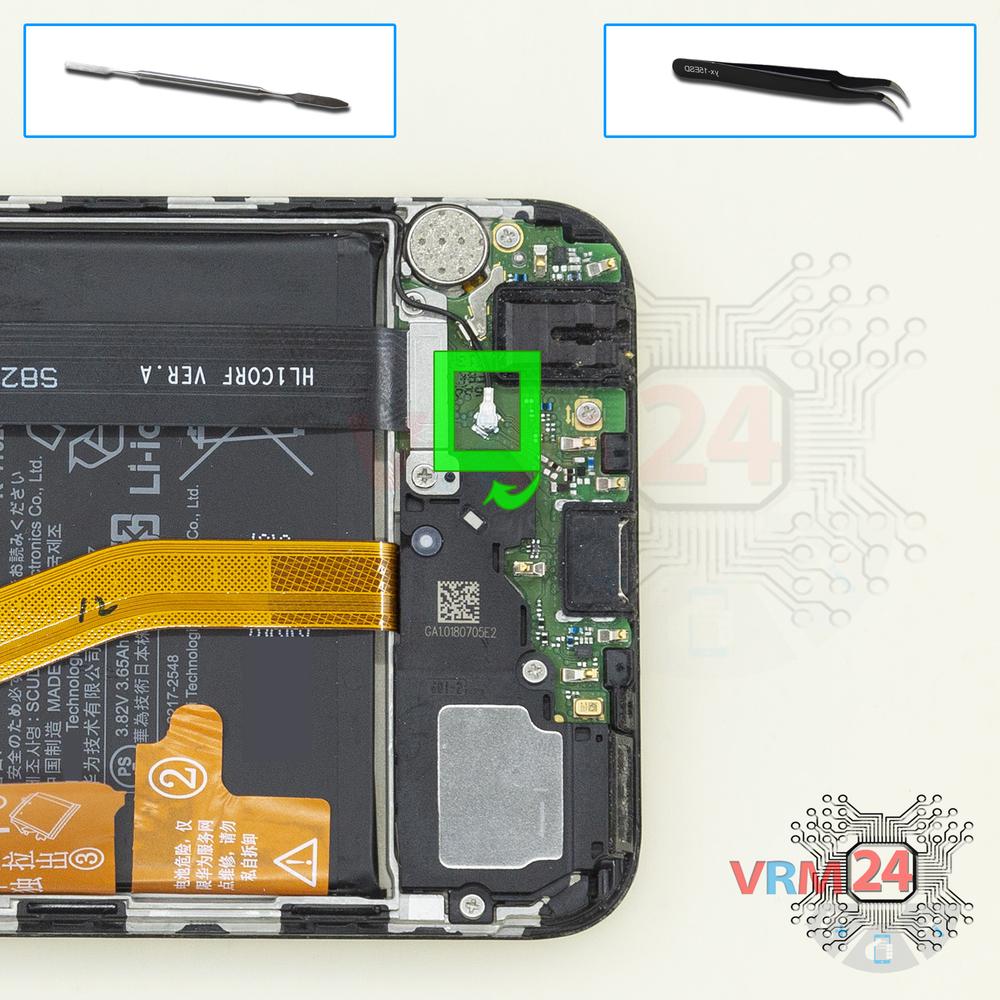
Remove the coaxial cable
Disconnect the coaxial cable connector.
Step 8.
Unscrew the screws
Using a screwdriver (Torx T5), unscrew 6 screws.
Step 9.
Remove the interconnect cable
Disconnect connectors and remove the inter-board cable.
Step 10.
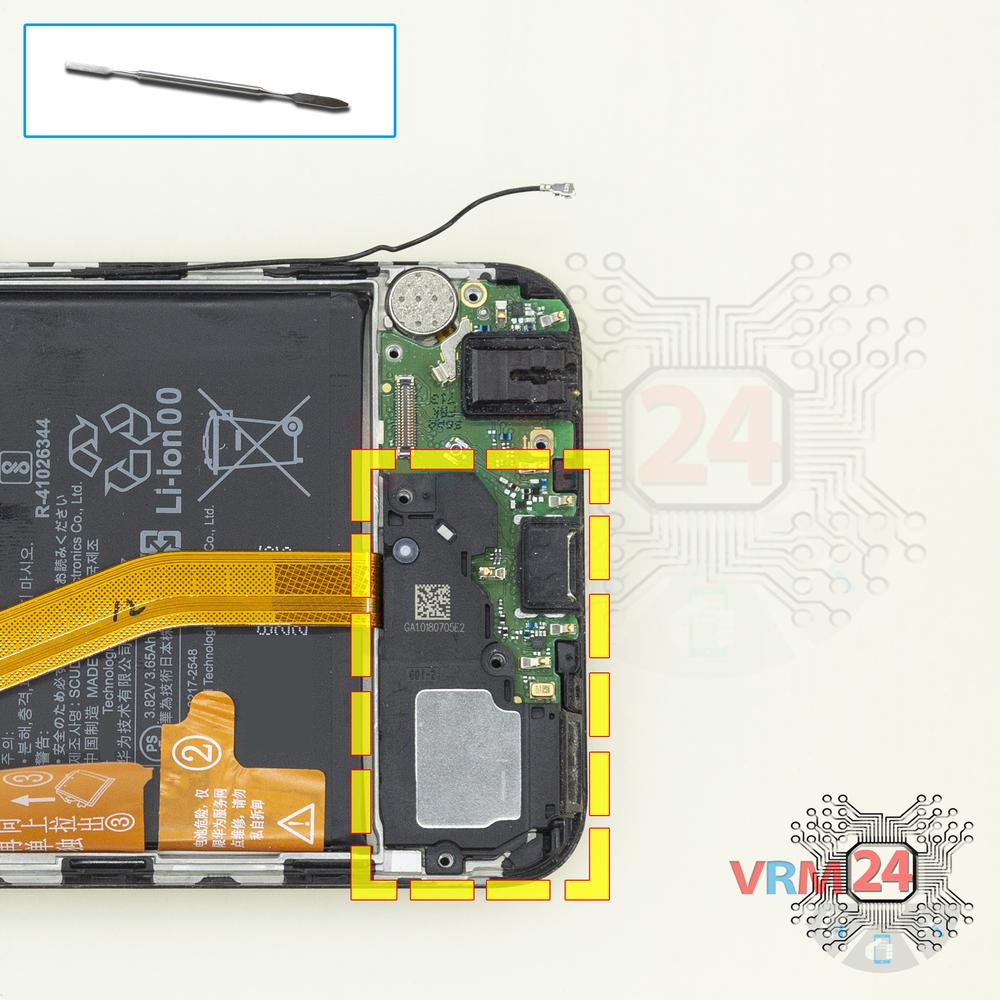
Remove the loudspeaker
Pry and remove the buzzer (loudspeaker) assembly.
Step 11.
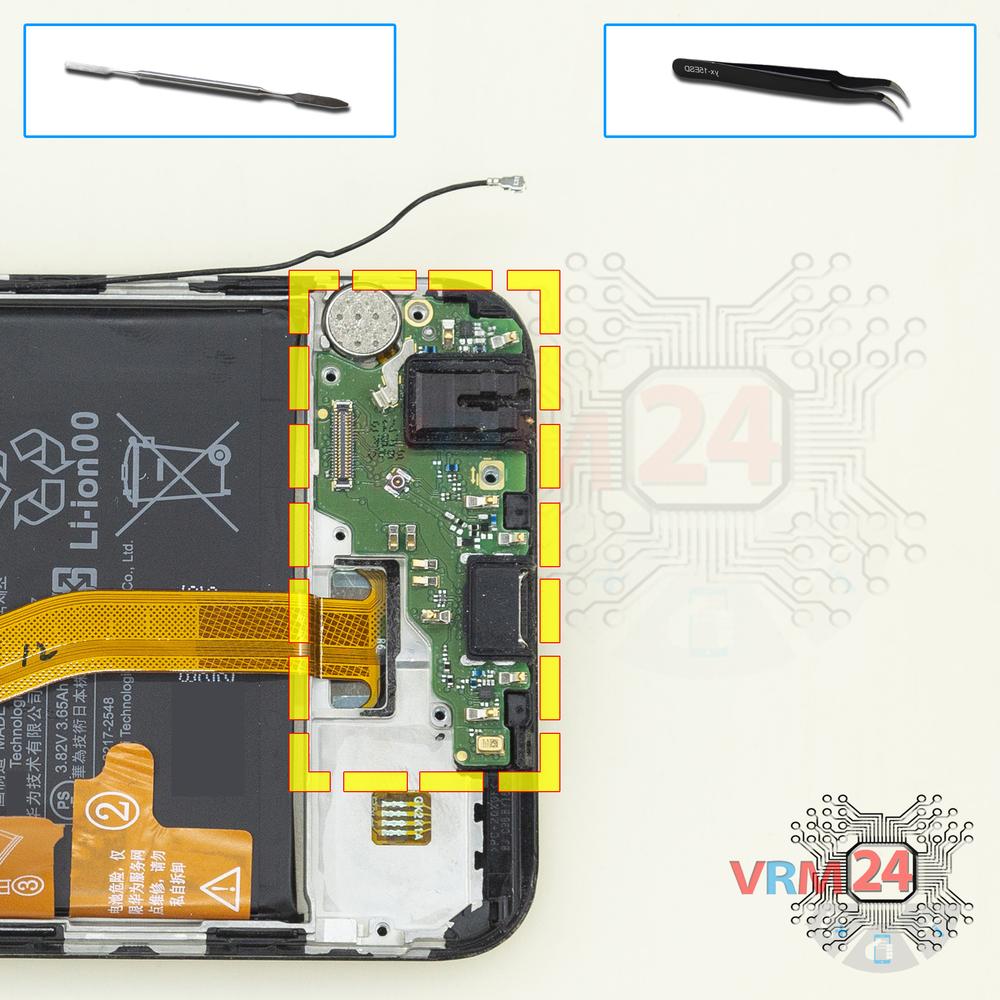
Remove the sub-board
Remove the daughterboard, also known as sub-board.
Step 12.
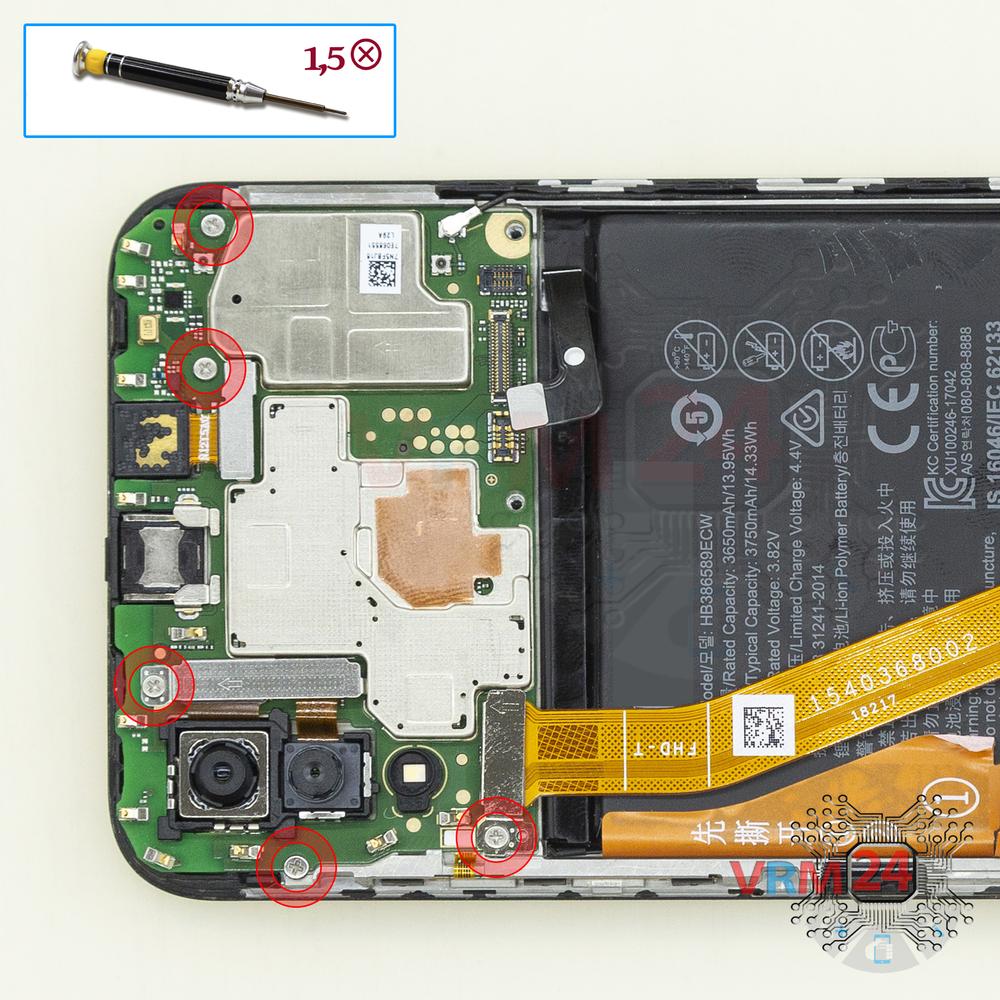
Unscrew the screws
Using a screwdriver (Phillips 1.5 mm PH000), unscrew 5 screws in the PCB.
Step 13.
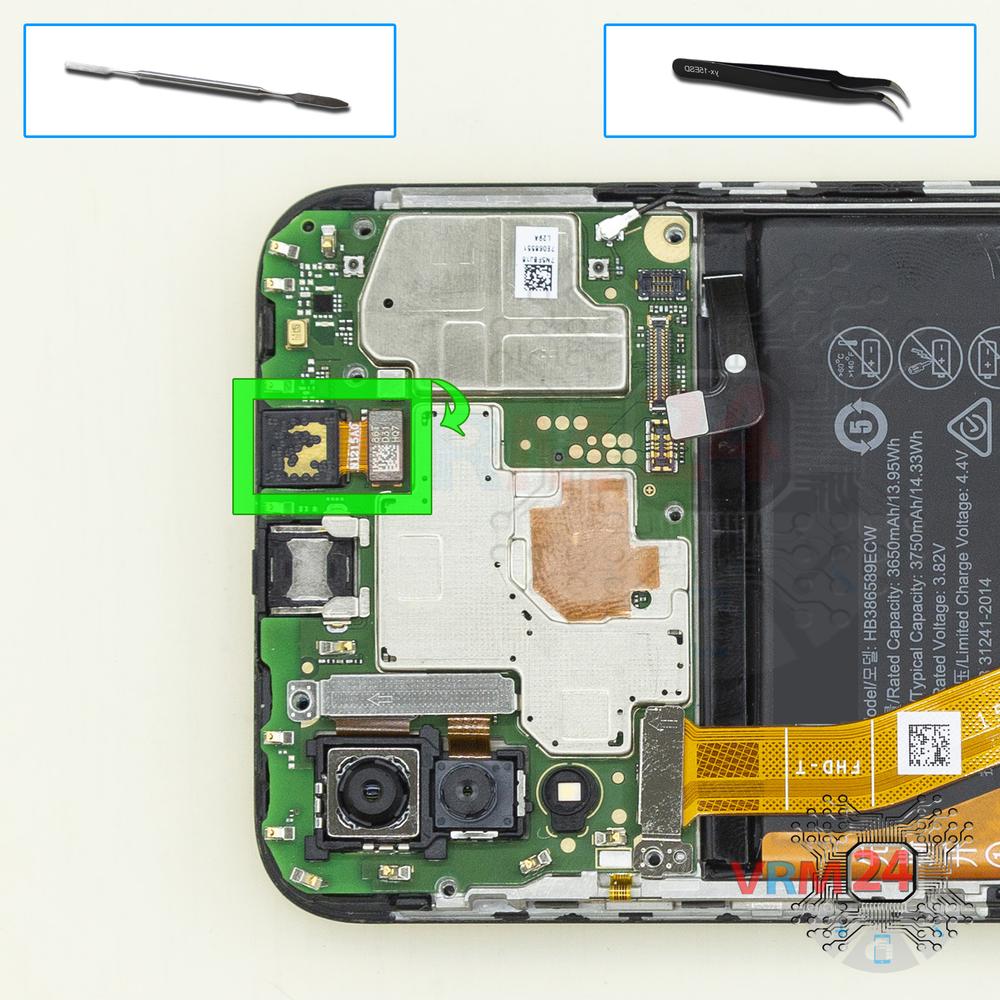
Remove the front camera
Disconnect the connector on PCB, and remove the front (selfie) camera.
Step 14.
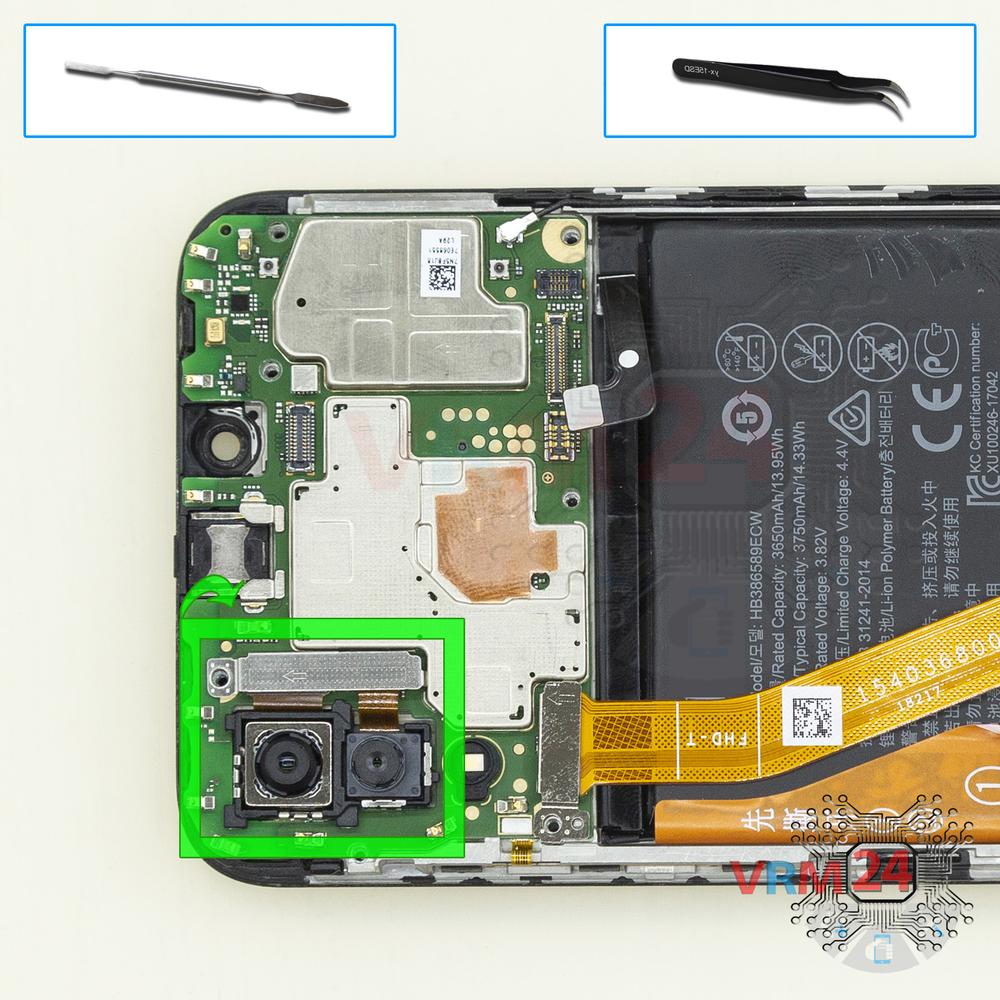
Remove the cameras
Disconnect the connectors on PCB, and remove the two rear cameras assembly.
Step 15.
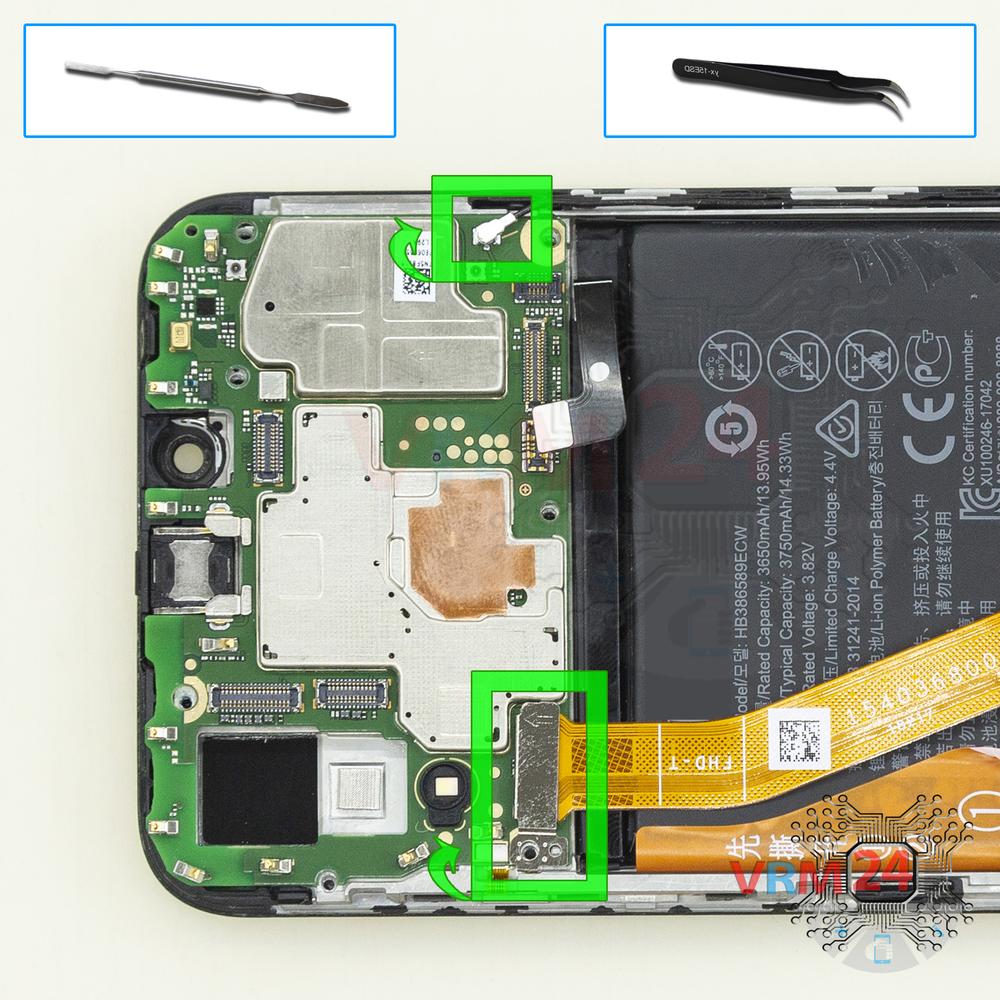
Disconnect the connectors
Disconnect connectors on the PCB.
Step 16.
Remove the motherboard
Remove the PCB.
Step 17.
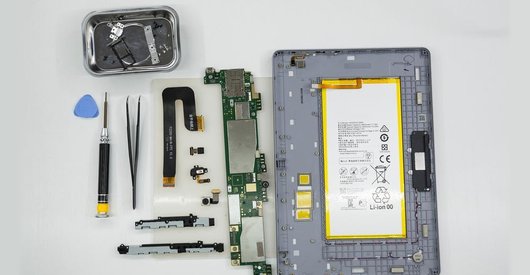
In the display frame remained
Parts are in the frame of the display module.

If you have a question, ask us, and we will try to answer in as much detail as possible. If this article was helpful for you, please rate it.

15202
Views
5
Likes
—
Share
29
Questions
Related Instructions
Related Reviews
Related Blog
Popular Questions
T
Huawei Honor Play
I learn how to disassemble a Samsung all unit on you thank you so much
TAKEN GAMING6
T
Huawei Honor Play
What is the name and size of the starting screw driver ???
TEJAS K VLOGS20
T
Huawei Honor Play
Hello yay I am 4commentor I am from Philippines and I like watching ur video u ins pired me I am a pilipino cp technician
TAKEN GAMING17
Huawei Honor Play
Hi, If I want to replace the buzzer, do I need to follow all step until step 10 then re-assemble back?
luqman_mhd_noor
Huawei Honor Play
where to buy the toolkit.
jillellaTop instructions
Check our
Top Huawei instructions most liked by readers
New instructions
Check our
New Huawei brand instructions on vrm24.com