






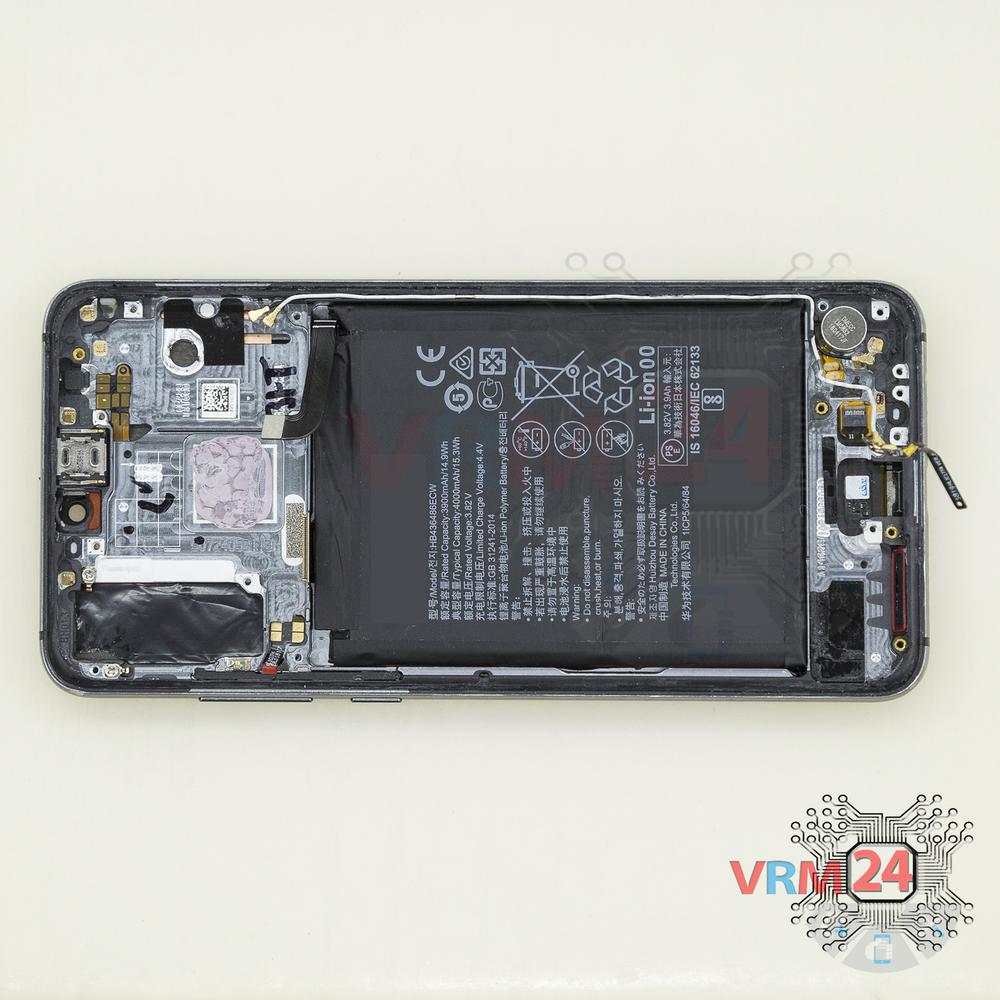
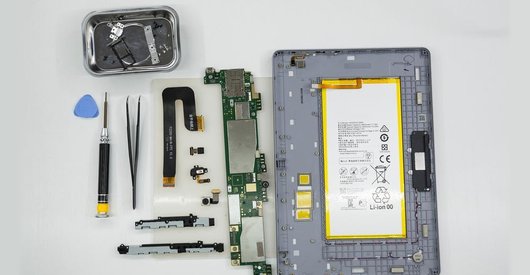

Recommended tools
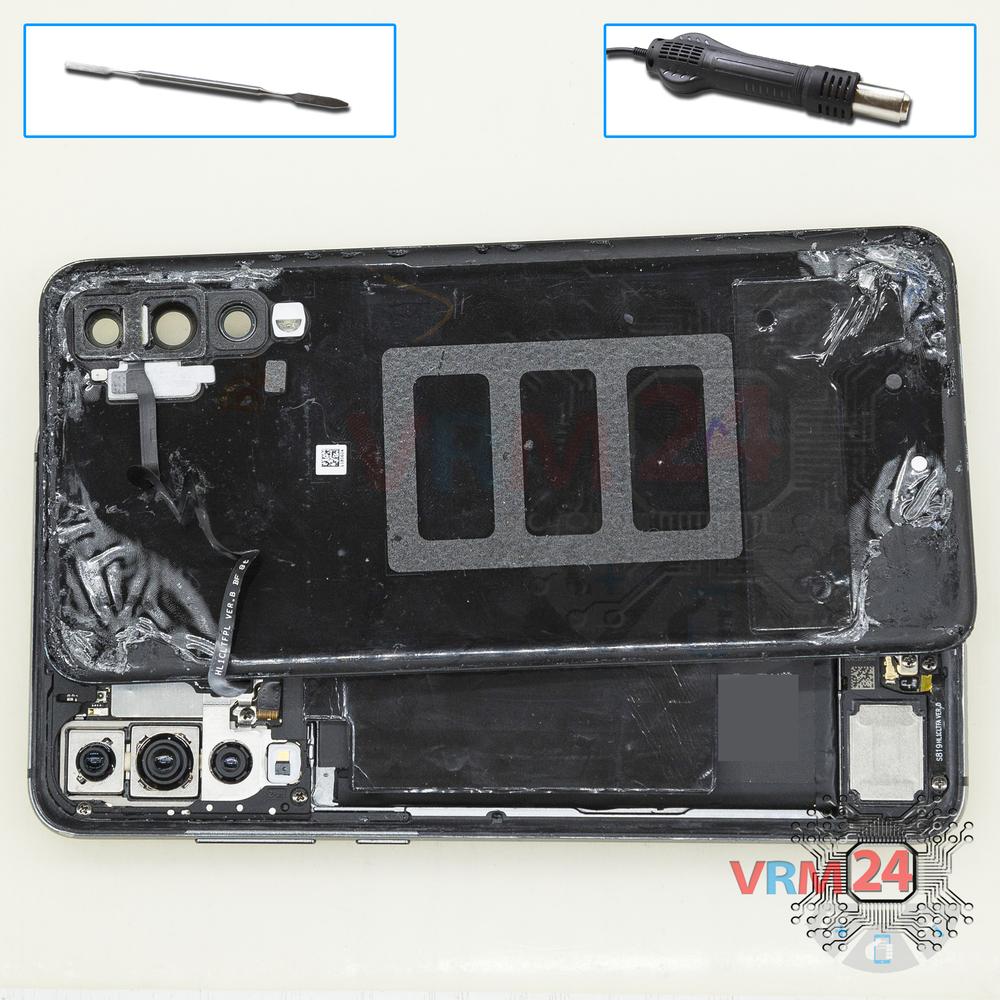
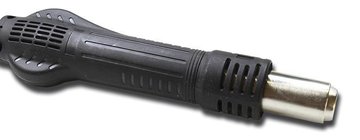
Heat gun
Screwdriver Phillips #000

Opening tool / Spudger

Tweezers

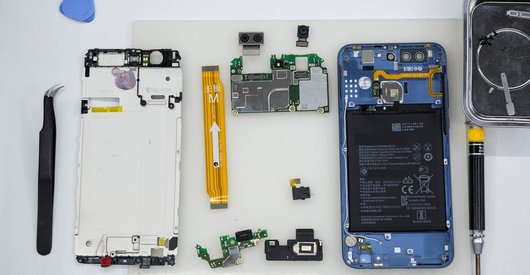
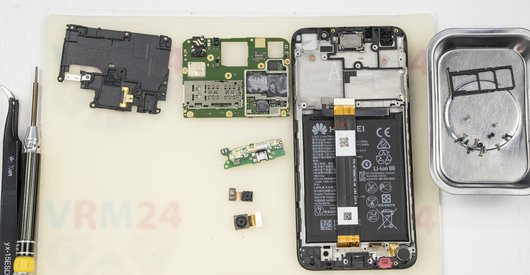
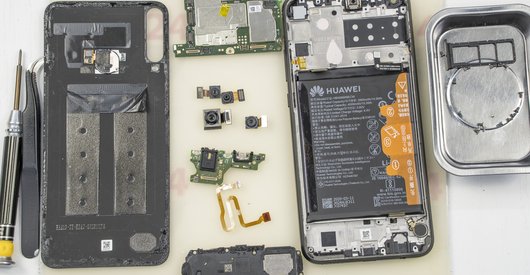
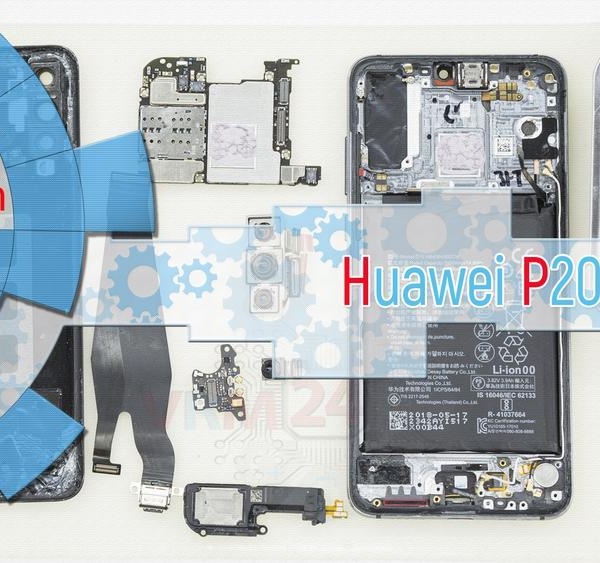
Disassembly/Repair of the mobile device Huawei P20 Pro (Huawei P20 Pro CLT-L29, CLT-L09, CLT-AL00, CLT-AL01, CLT-TL01 (China, Hong Kong), Leather Limited Edition CLT-AL00L (China)) with each step description and the required set of tools.
19239
Views
0
Likes
—
Share
9
Questions

Step 1.
Open the back cover
Open the back cover and turn it over.
⚠ Warning!
For careful separation, we recommend using a heat gun. At the same time, it is necessary to heat carefully in order, not to damage the surface of the device.
Step 2.
Open the cover
Pry up the connector and remove the cover.
Step 3.
Unscrew the screws
Using a screwdriver (Phillips 1.5 mm PH000), unscrew 8 bolts.
Step 4.
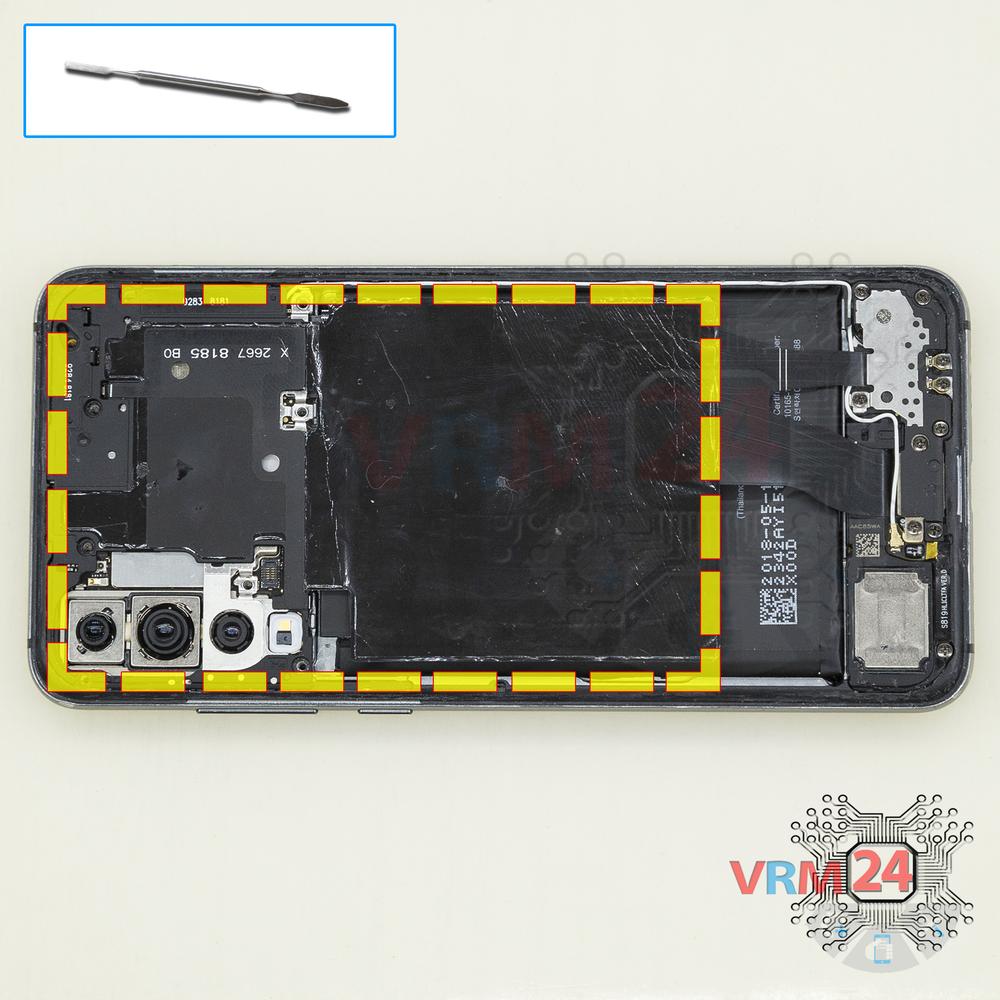
Open the cover
Pry and remove the PCB cover with a protective layer.
Step 5.
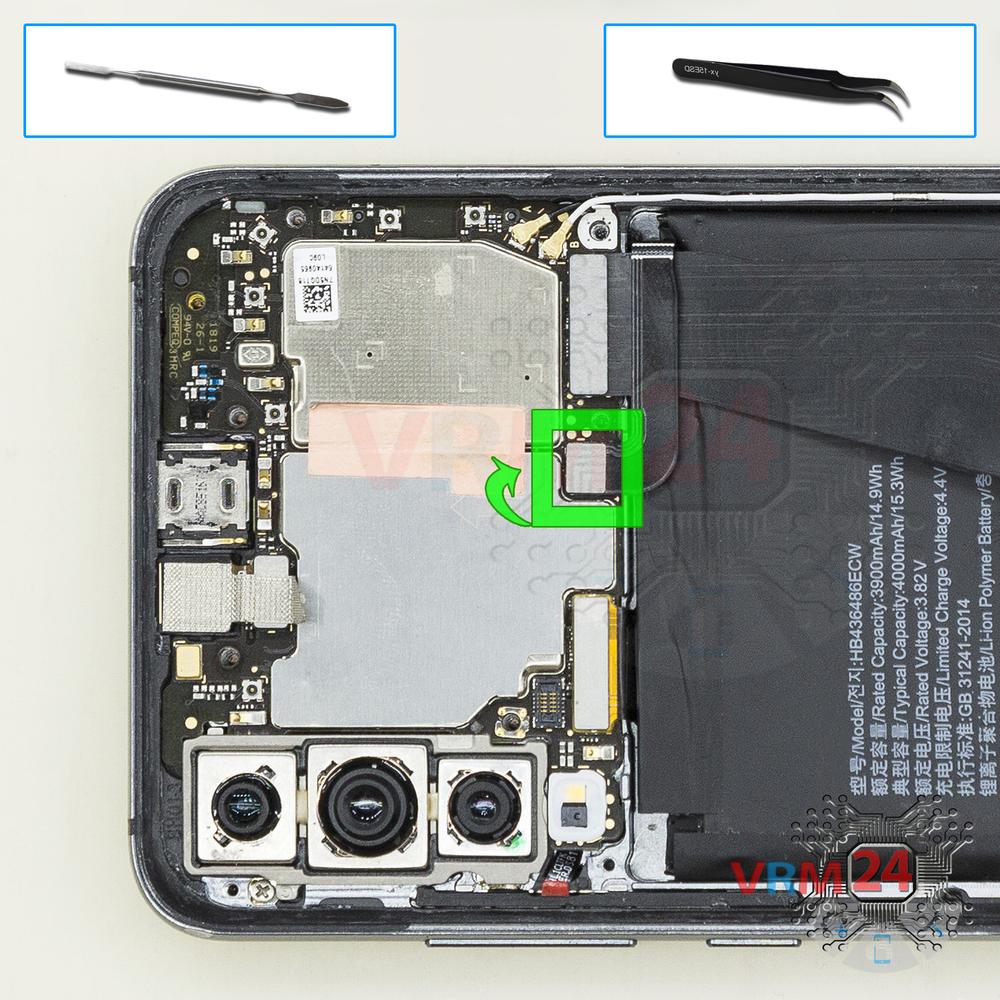
Disconnect the battery connector
Disconnect the battery connector. The battery model of Huawei P20 Pro is HB436486ECW.
⚠ Warning!
We strongly recommend disconnecting the connector to avoid a possible short circuit during disassembly.
Step 6.
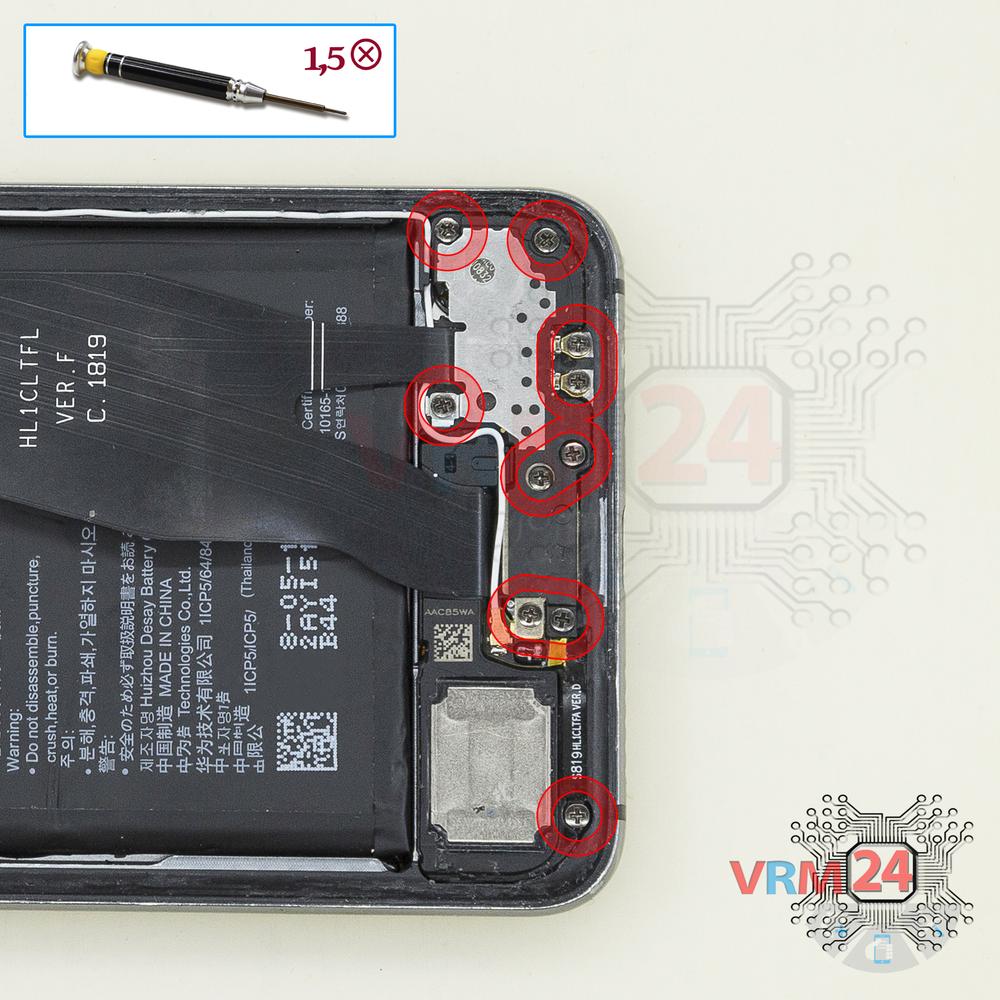
Unscrew the screws
Using a screwdriver (Phillips 1.5 mm PH000), unscrew 11 bolts at the bottom.
Step 7.
Open the cover
Pry and remove the cover hiding the daughterboard.
Step 8.
Remove the small board
Pry up the small bard with an antenna.
Step 9.
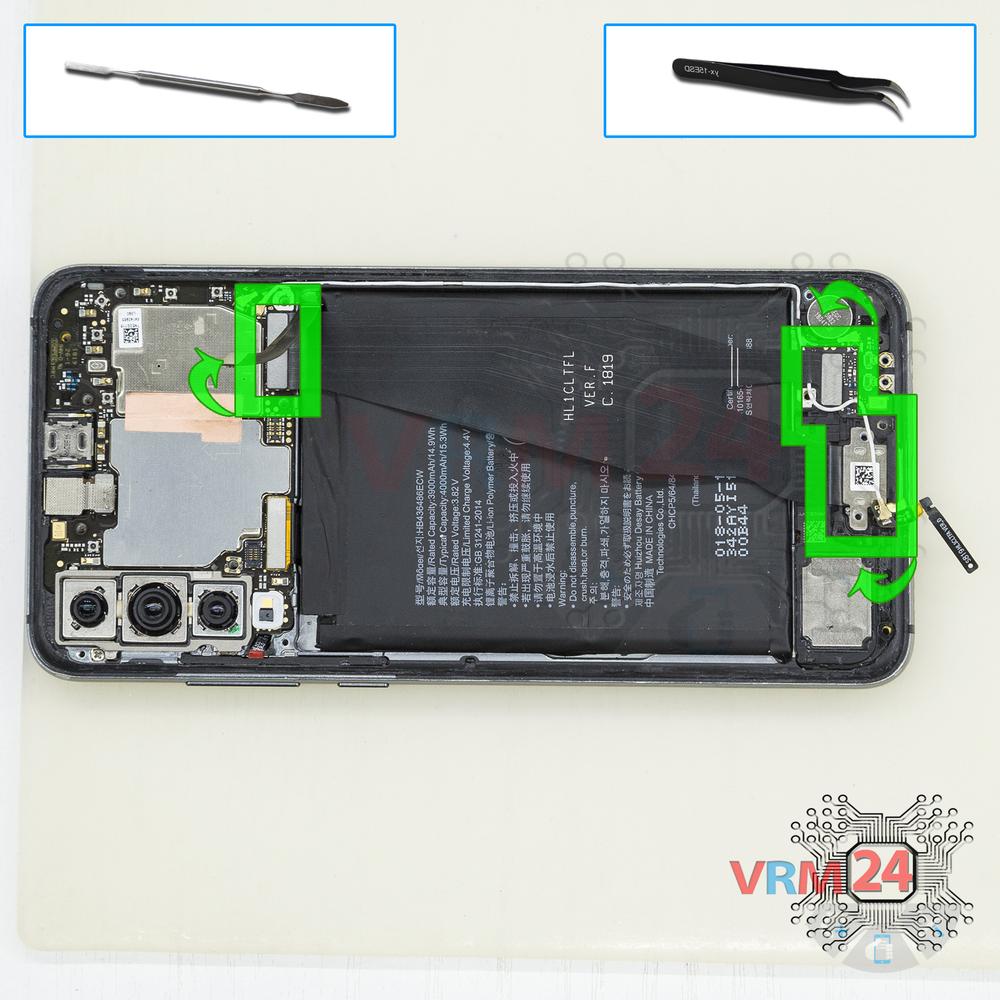
Remove the interconnect cable
Disconnect connectors and remove the inter-board cable with a charging port.
Step 10.
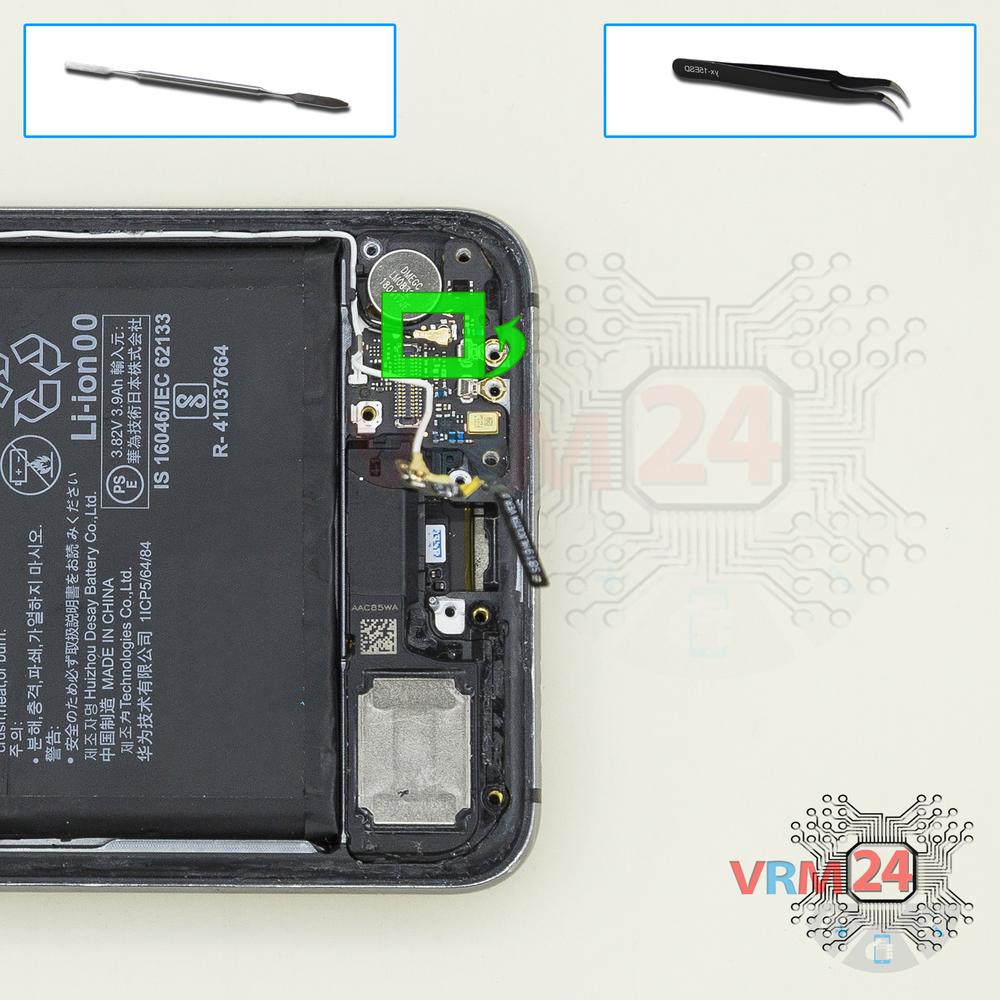
Remove the coaxial cable
Disconnect the coaxial cable connector on the daughterboard.
Step 11.
Remove the sub-board
Remove the daughterboard, also known as sub-board.
Step 12.
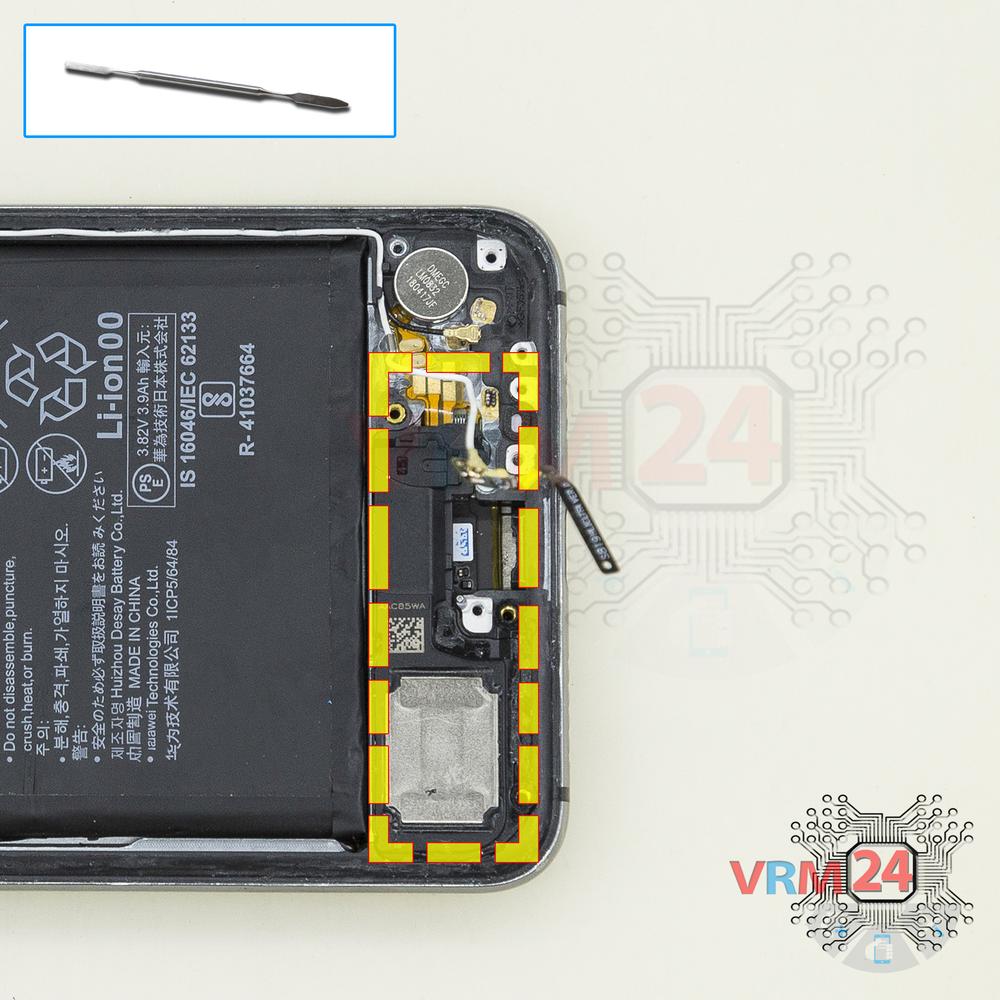
Remove the loudspeaker
Pry and remove the buzzer (loudspeaker) assembly.
Step 13.
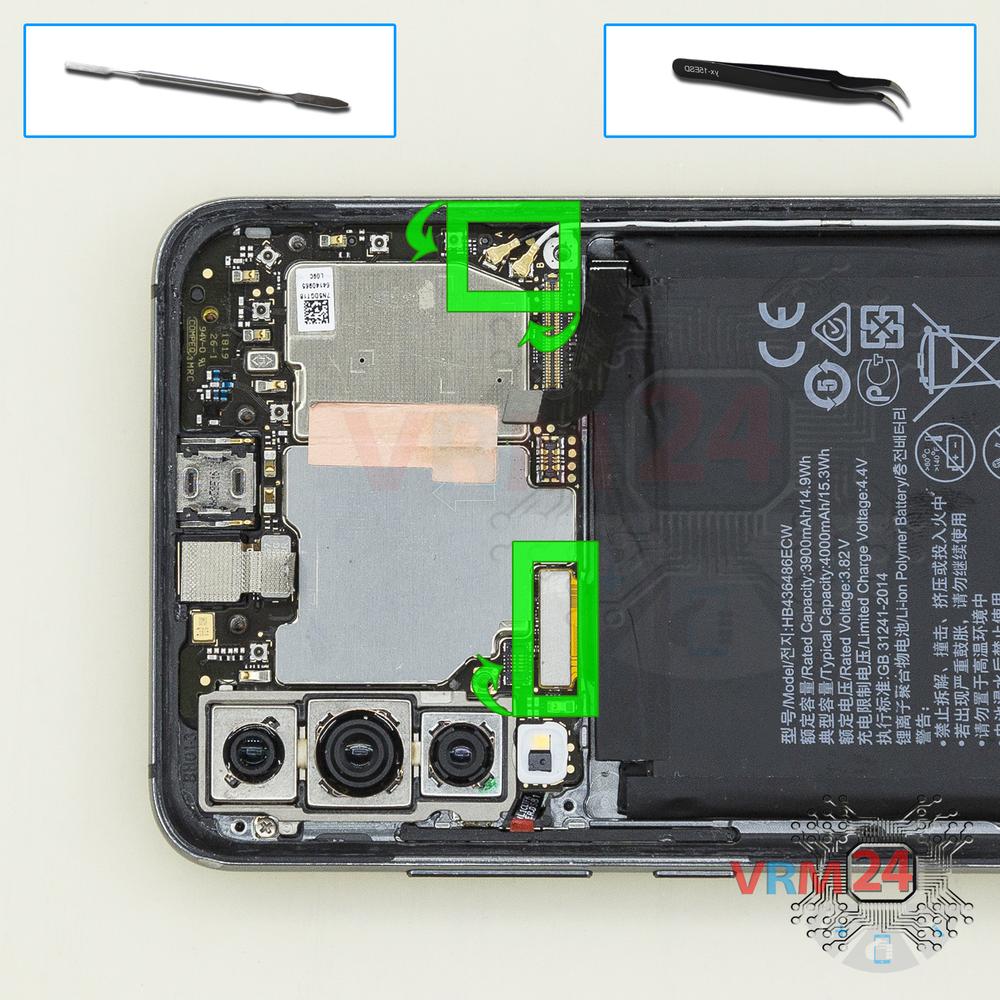
Disconnect the connectors
Disconnect connectors on the PCB.
Step 14.
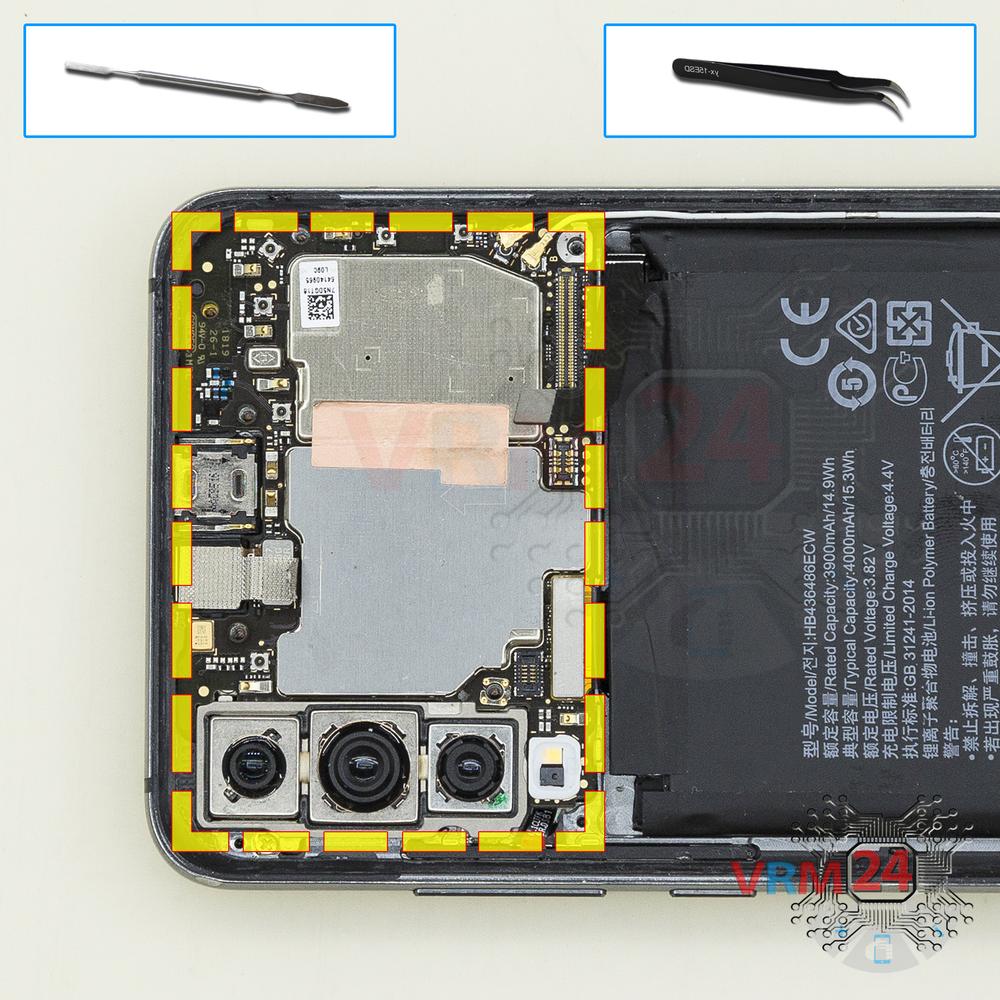
Remove the motherboard
Remove the PCB.
Step 15.
Remove the cameras
Pry up the connectors and remove the assembly of three rear cameras.
Step 16.
Remove the front camera
Disconnect the connector on PCB, and remove the front (selfie) camera.
Step 17.
In the display frame remained
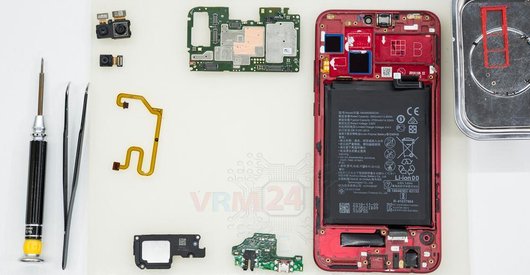
Parts are in the frame of the display module.

If you have a question, ask us, and we will try to answer in as much detail as possible. If this article was helpful for you, please rate it.

19239
Views
0
Likes
—
Share
9
Questions
Related Instructions
Related Reviews
Related Blog

Popular Questions

Huawei P20 Pro
Hello. There are two antenna cables in the p20 pro. What is the black one for? The one referred to in your diagram as the inter-board cable. What wil…
denver
D
Huawei P9 Lite (2017)
to remove the battery you first do it from the other side because you put the LCD flex at risk, it started badly
dixon torres3
M
Huawei P9 Lite (2017)
Hi can i change only touchpad if screen is working?sorry about the letnie but i dont speak english
Michal Elo17
E
Huawei Honor 7X
So after being dried out, my screen still has touch issues after being dropped in some water, will replacing the screen resolved that issue?
emily velasquez15
U
Huawei Honor 8A
Has a only one speaker?
Uriel M.J6Top instructions
Check our
Top Huawei instructions most liked by readers
New instructions
Check our
New Huawei brand instructions on vrm24.com