
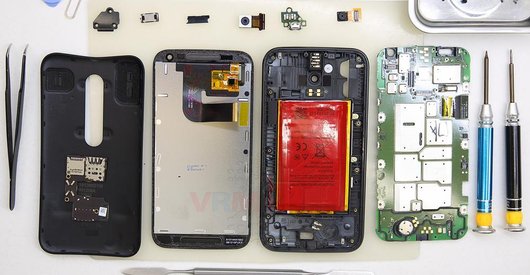
Recommended tools
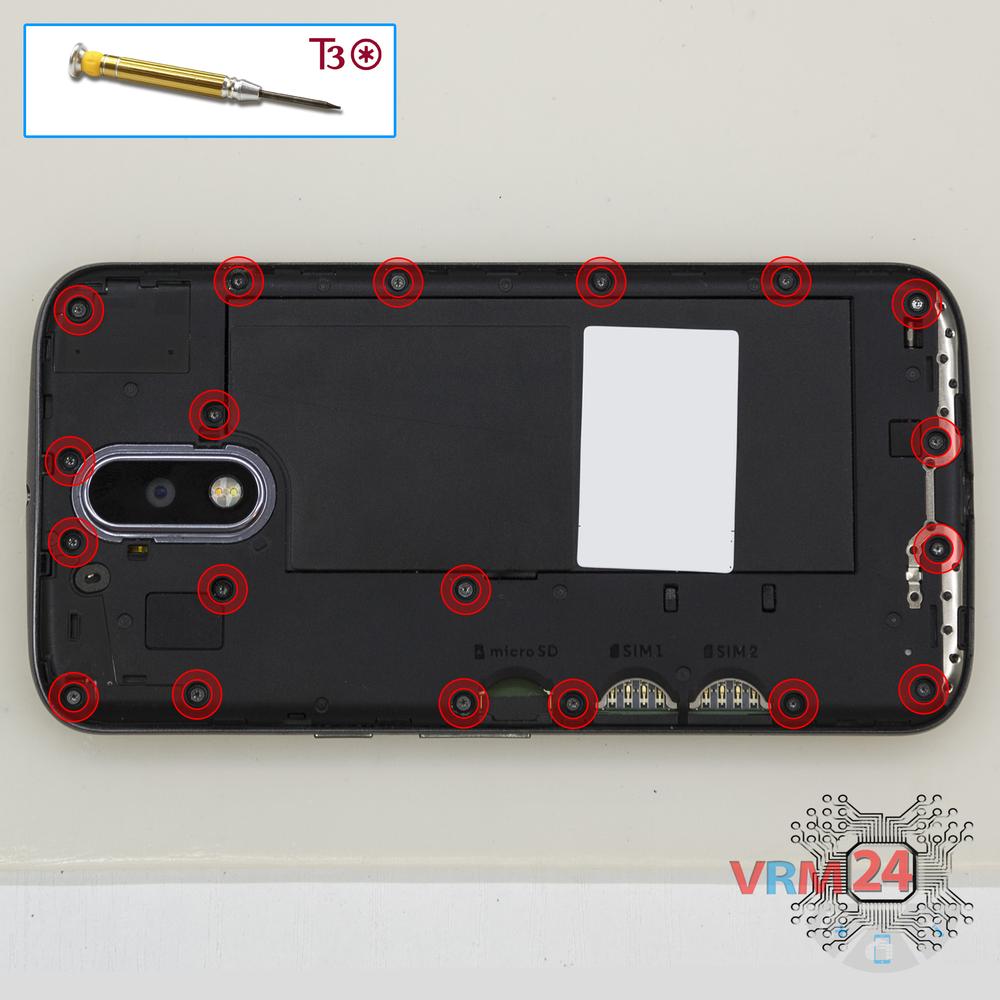
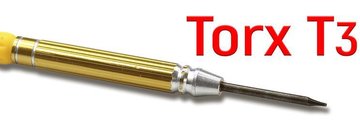
Screwdriver Torx T3
Opening tool / Spudger

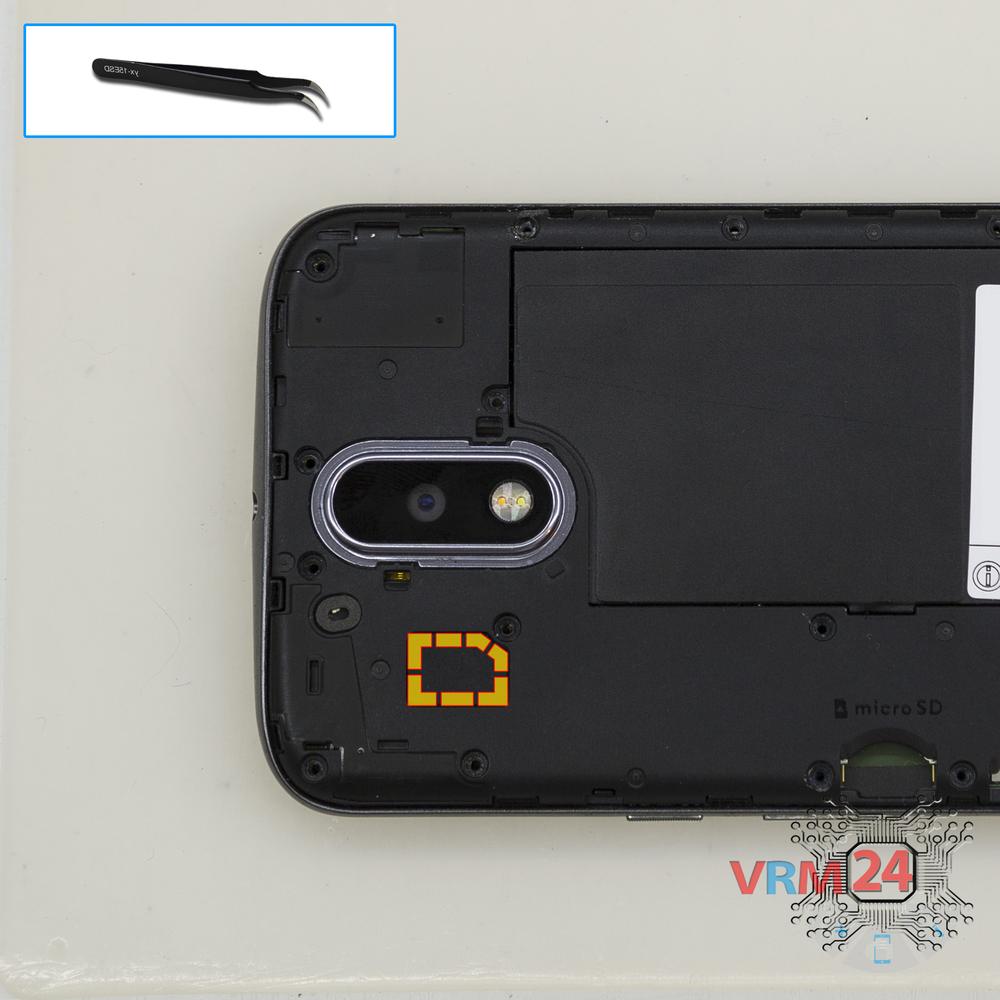
Tweezers

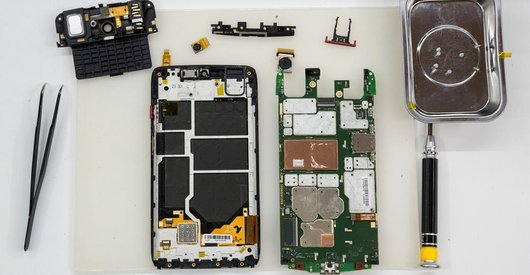
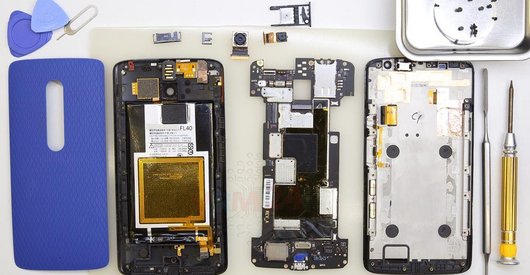
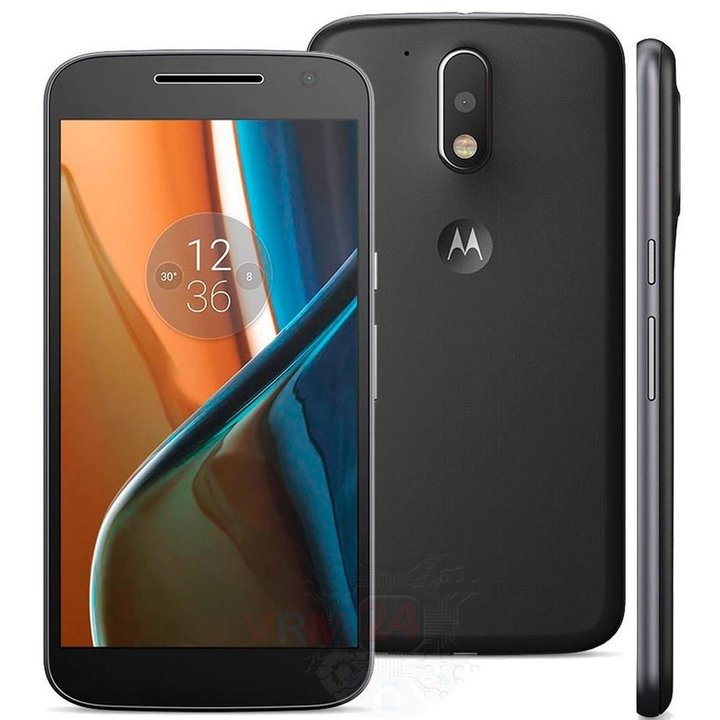
Disassembly/Repair of the mobile device Motorola Moto G4 XT1622 (Motorola XT1622) with each step description and the required set of tools.
7906
Views
1
Likes
—
Share
9
Questions

Step 1.
Open the back cover
Open the back cover.
Step 2.
Unscrew the screws
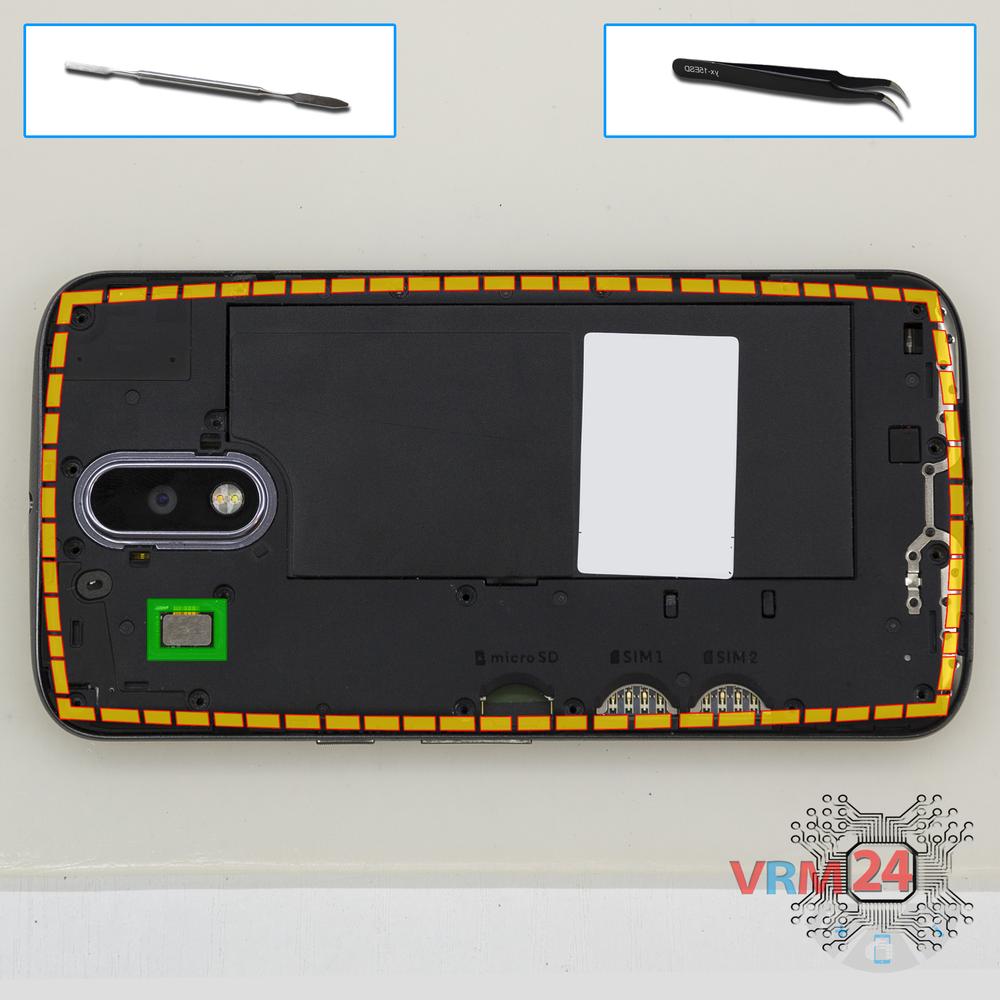
Using a screwdriver (hex T3), unscrew 18 bolts in the frame of the phone.
Step 3.
Open the cover
Open the cover hiding the battery connector.
Step 4.
Disconnect the connectors
Disconnect the proximity sensor connector, aso remove the middle cover.
Step 5.
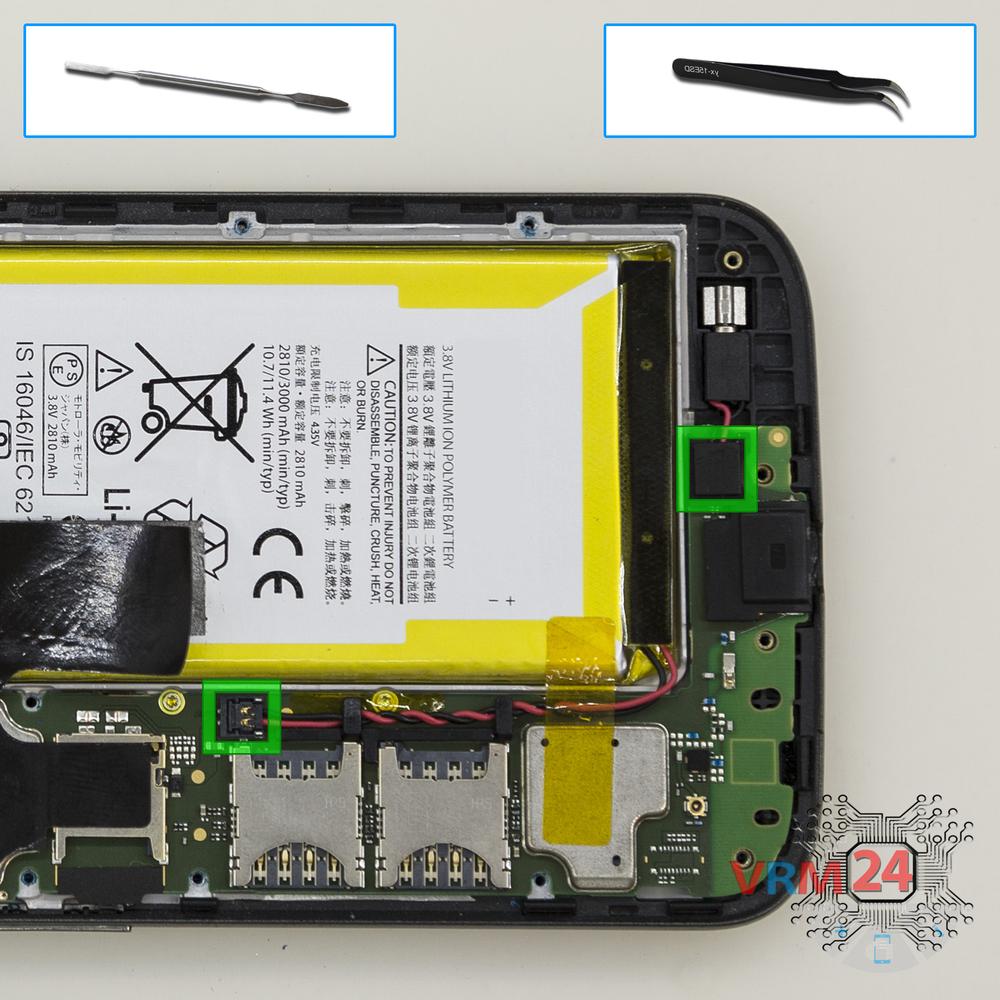
Disconnect the connectors
Disconnect connectors of the battery and vibration motor.
Step 6.
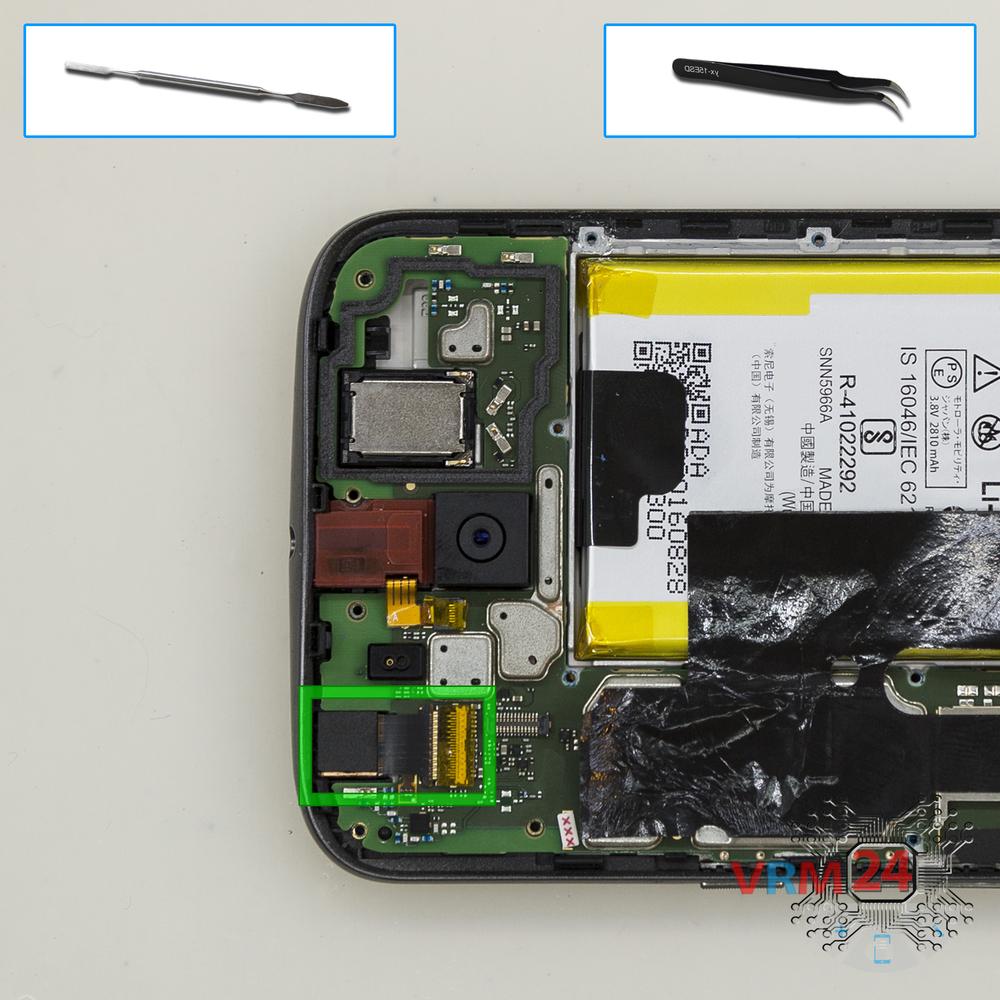
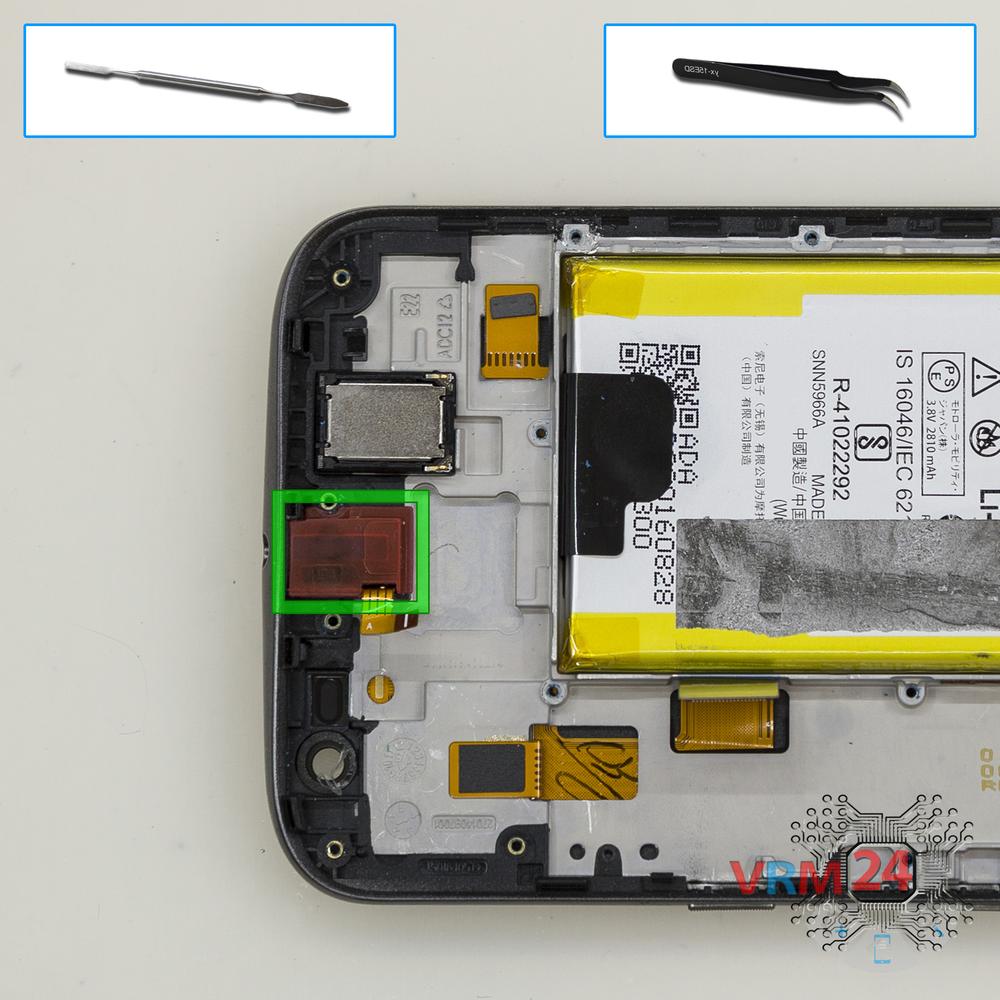
Remove the front camera
Disconnect connectors of the headphone jack/socket and front (selfie) camera and remove the camera.
Step 7.
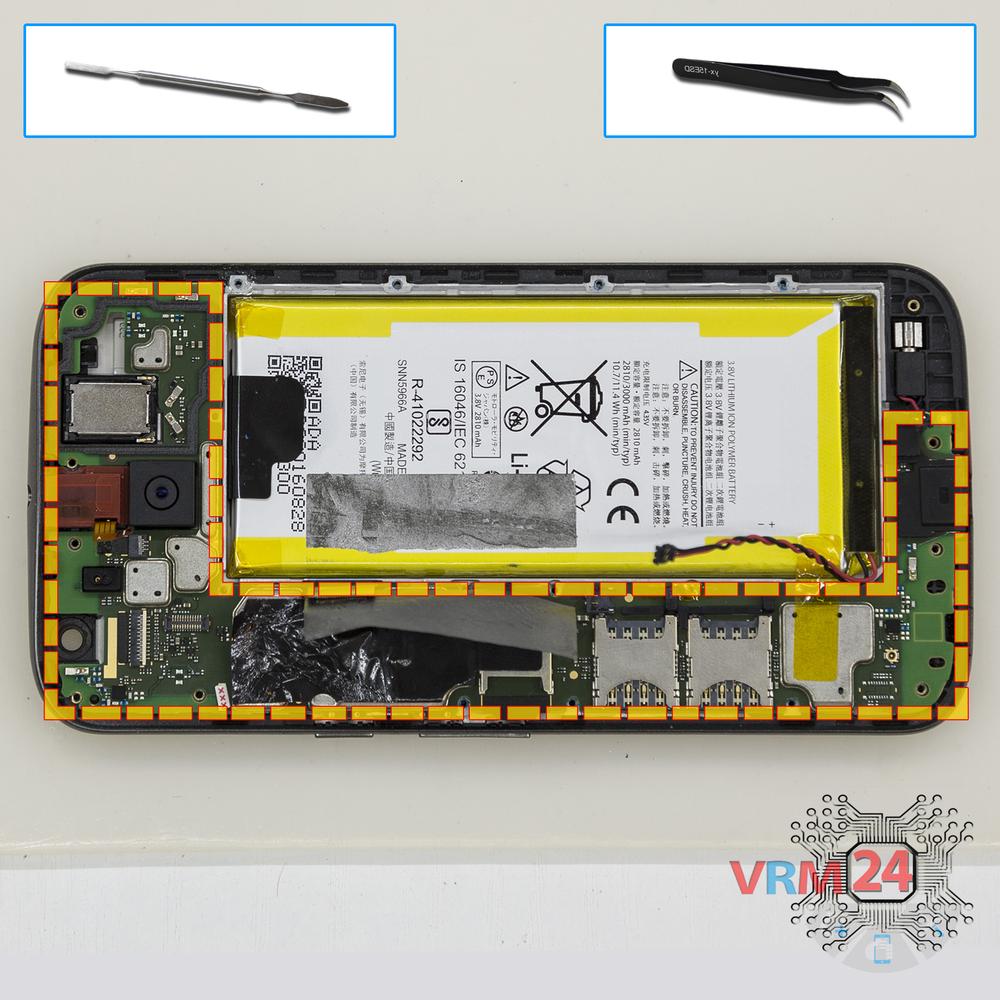
Unscrew the screws
Using a screwdriver (hex T3), unscrew 2 bolts in the PCB.
Step 8.
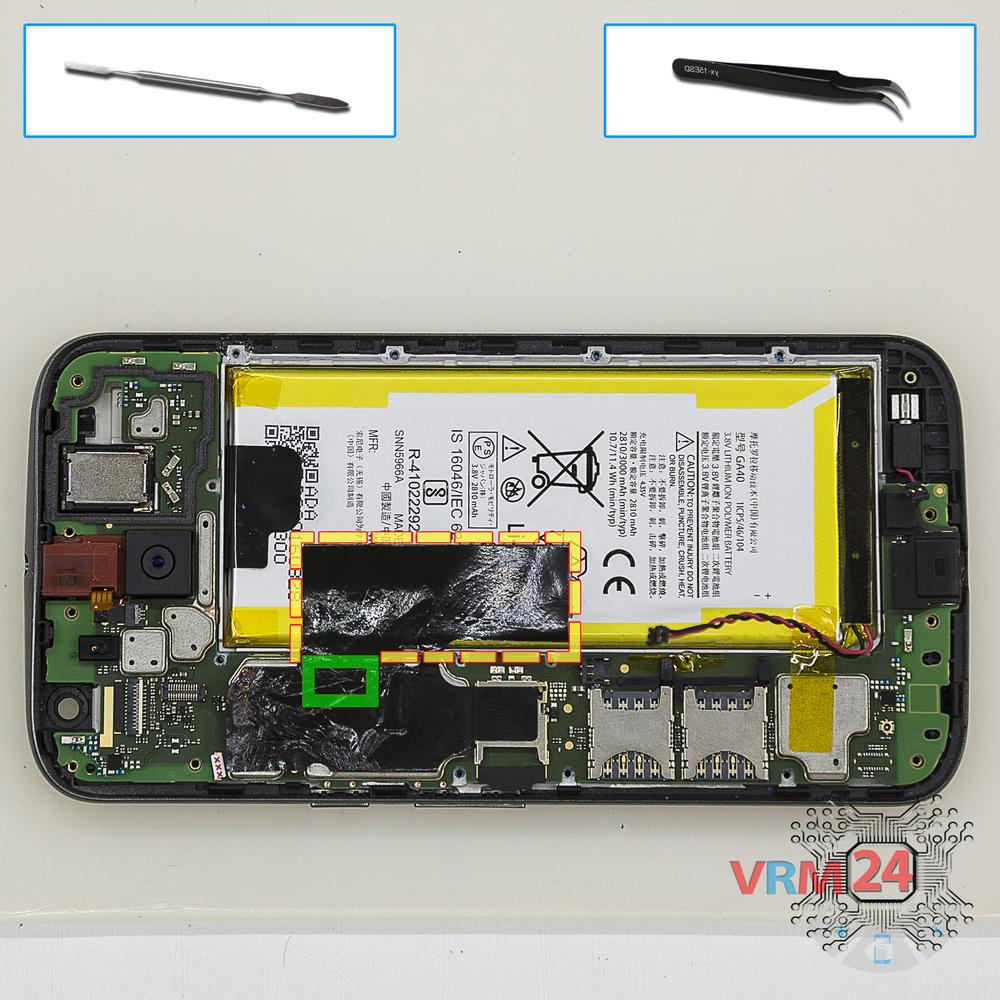
Disconnect the connector
Peel back the protective layer and disconnect the hidden connector.
Step 9.
Remove the motherboard
Remove the PCB.
Step 10.
Remove the headphone port
Pry and remove the headphone jack/socket.
Step 11.
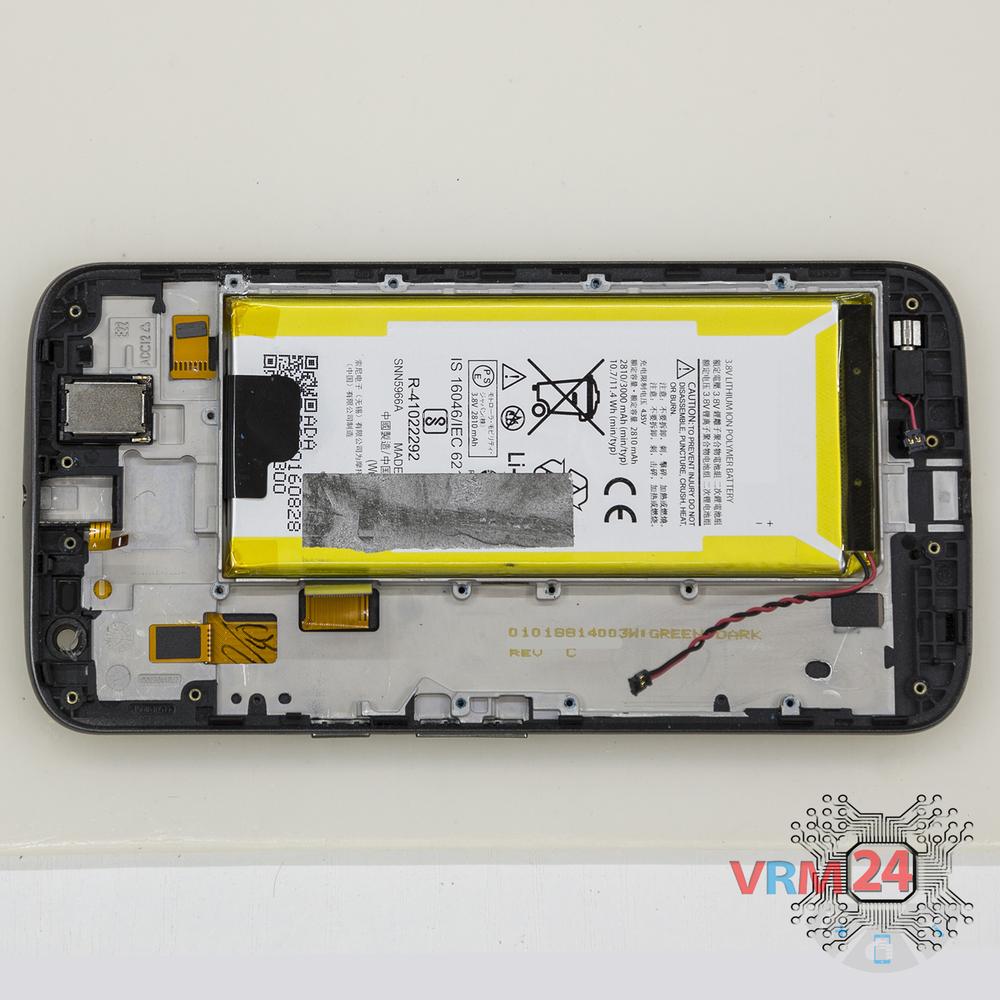
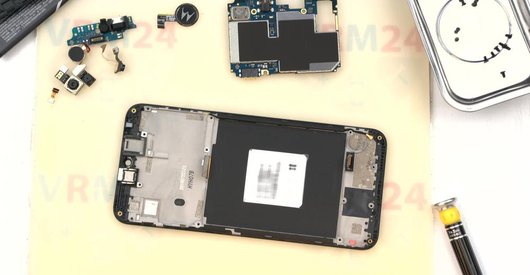
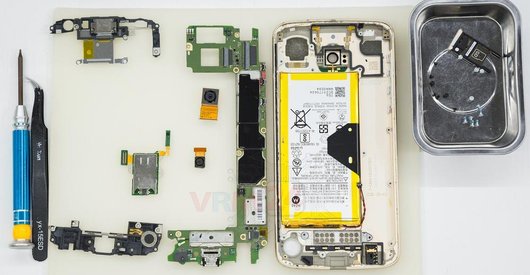
In the display frame remained
Parts are in the frame of the display module.

If you have a question, ask us, and we will try to answer in as much detail as possible. If this article was helpful for you, please rate it.

7906
Views
1
Likes
—
Share
9
Questions
Related Instructions
Related Reviews
Related Blog
Popular Questions

Motorola Moto C Plus XT1723
My android switched off unexpectedly whilke I was using it, now when I powers it back its just displaying the 'M' with no any other optrion. Now the …
yusuf_mbindyo
A
Motorola Moto X Play XT1563
It turns on and calls and sound can be heard, but the screen cannot be seen.
ALEXIS MARQUEZ VARGAS18
D
Motorola Moto Z2 Play XT1710
when reassembling this phone, what adhesive do you use? could you provide me a link to an example product? thank you for the video!
Discover Your World5
D
Motorola Moto X Play XT1563
Can a speaker from the Moto X2 be installed in the Moto X Play as a replacement?
Diego pichardi gomez5
G
Motorola Moto X Play XT1563
It seams that lifting that blck tab was usless but weird, now my battery doesn't work anymore, could there be a collation between removing the black …
GOOD-vs- EVIL8Top instructions
Check our
Top Motorola instructions most liked by readers
New instructions
Check our
New Motorola brand instructions on vrm24.com