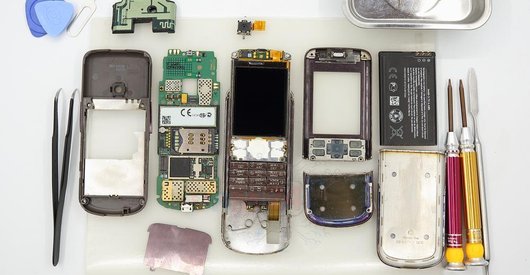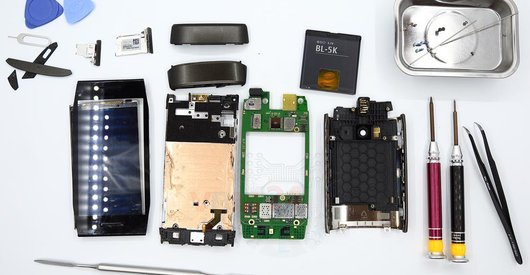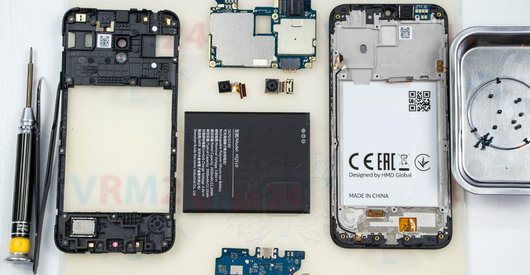


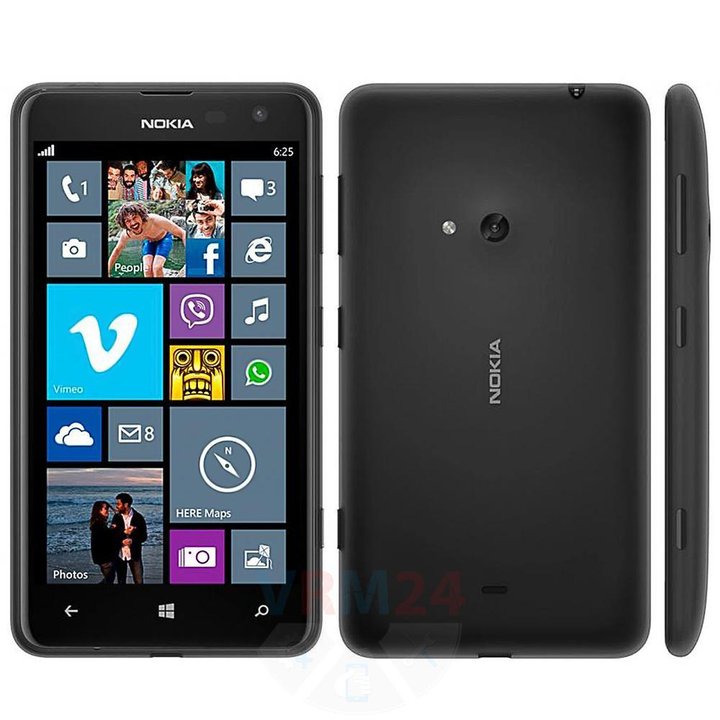
Recommended tools
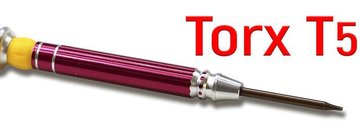
Screwdriver Torx T5
Opening tool / Spudger

Tweezers

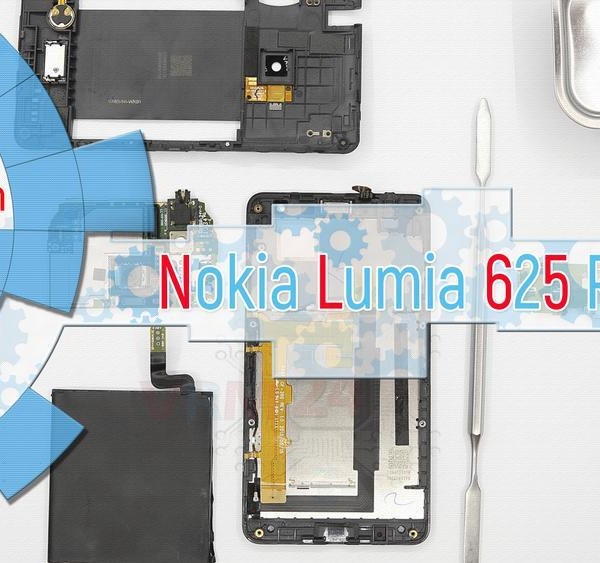
Disassembly/Repair of the mobile device Nokia Lumia 625 RM-941 with each step description and the required set of tools.
5392
Views
0
Likes
—
Share
18
Questions

Step 1.
Open the back cover
Open the back cover.
Step 2.
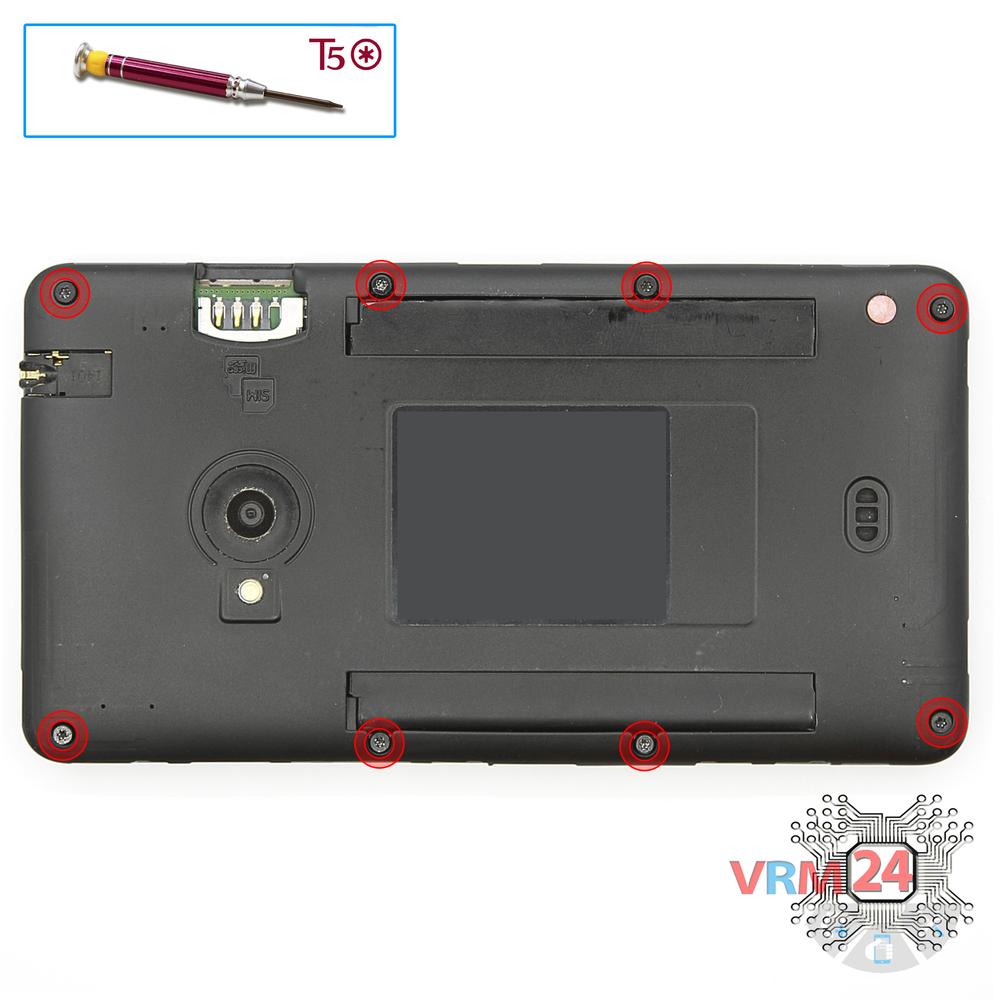
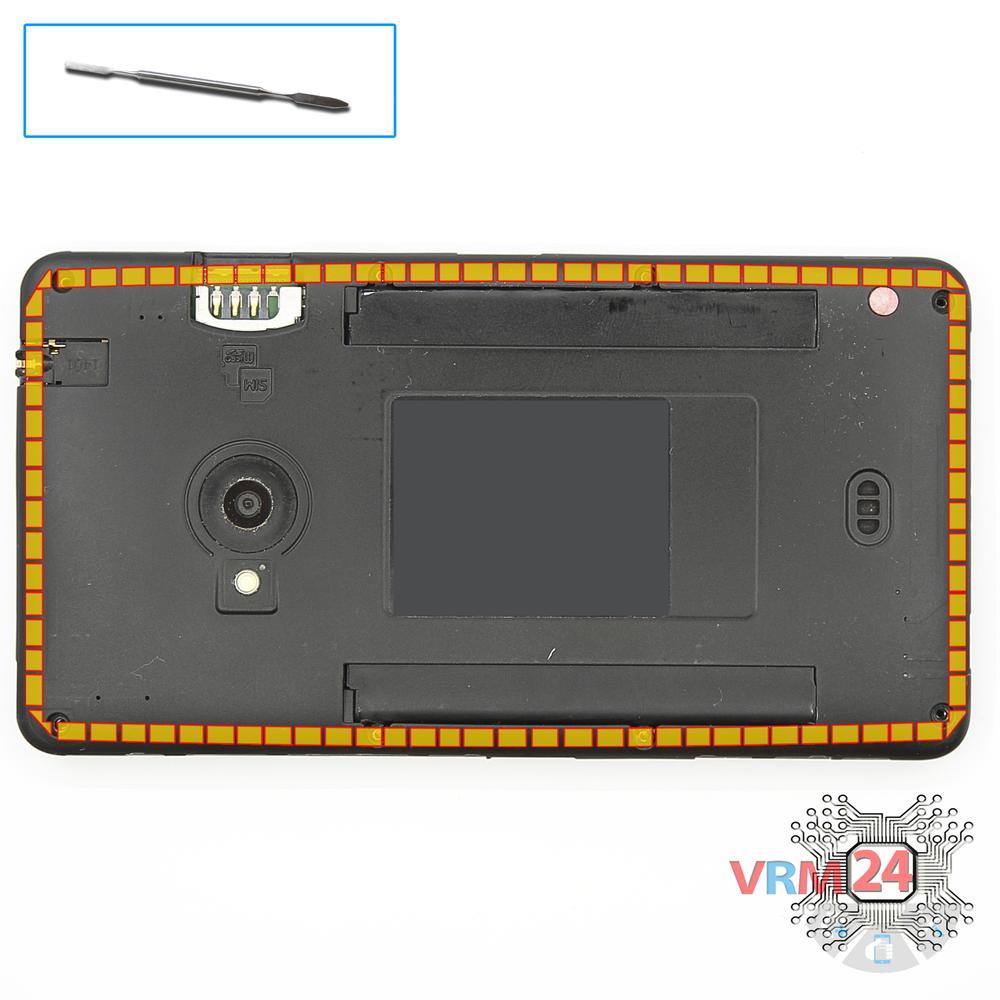
Unscrew the screws
Using a screwdriver (hex T5), unscrew 8 bolts in the frame of the phone.
Step 3.
Open the mid-frame
Pry and remove the middle frame.
Step 4.
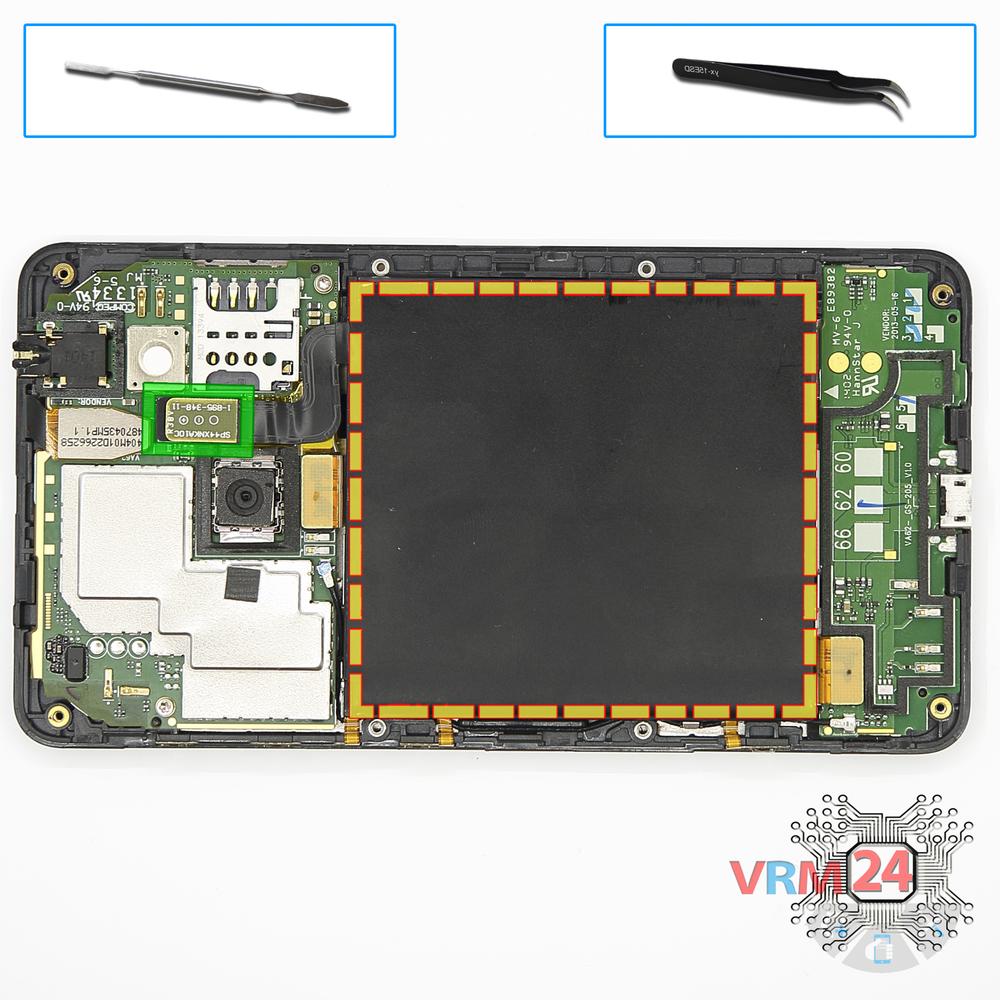
Remove the battery
Disconnect connector on the PCB and remove the battery.
Step 5.
Unscrew the screws
Using a screwdriver (hex T5), unscrew 2 bolts in the PCB.
Step 6.
Remove the sub-board
Disconnect the connector on the lower PCB and remove it.
Step 7.
Disconnect the connectors
Disconnect connectors on the PCB.
Step 8.
Remove the motherboard
Remove the PCB.
Step 9.
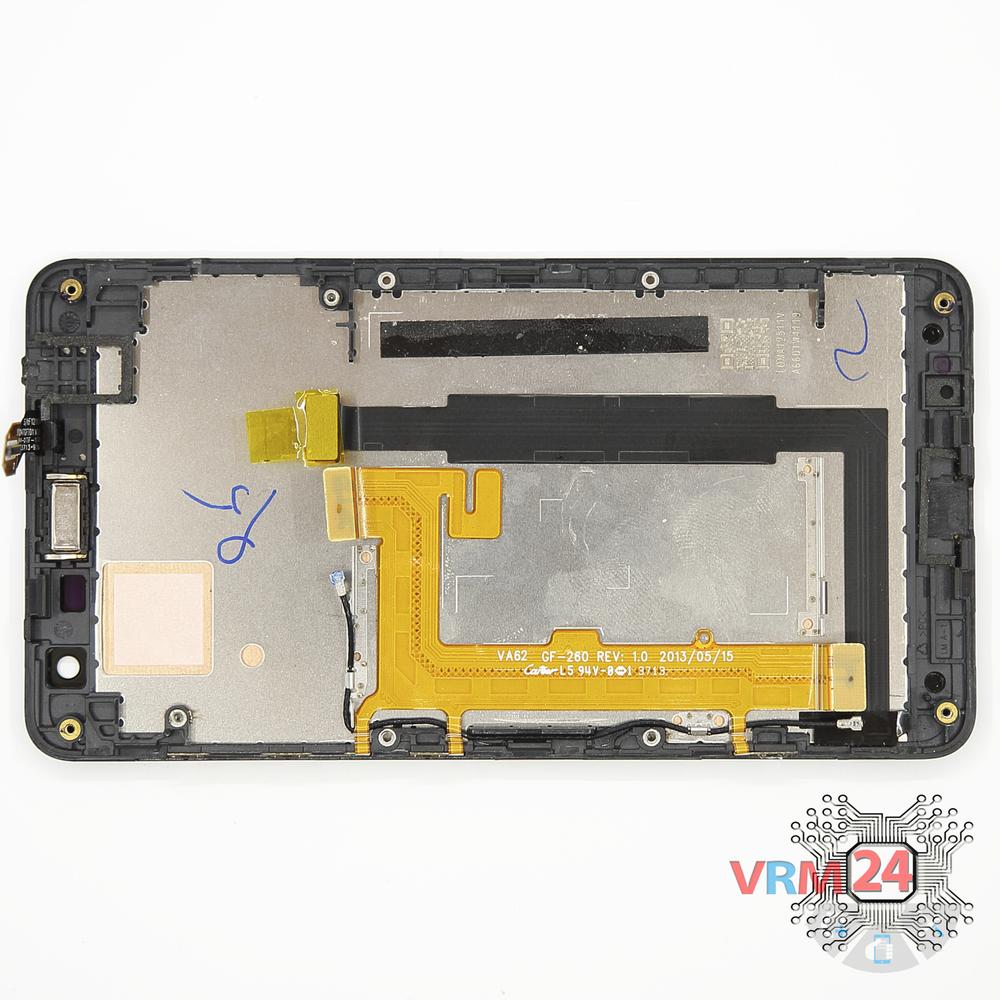
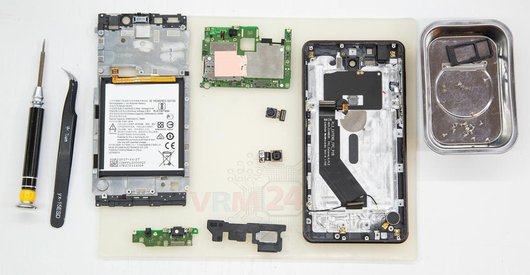
In the display frame remained
Parts are in the frame of the display module.

If you have a question, ask us, and we will try to answer in as much detail as possible. If this article was helpful for you, please rate it.

5392
Views
0
Likes
—
Share
18
Questions
Related Instructions
Related Reviews
Related Blog

Popular Questions

Nokia 6700 Classic RM-470
Please my screen has crush and spoil.. Need help urgently to repair and replace the screen for me
abdullah_banibila
A
Nokia 7 Plus TA-1046
Hello there again, Apparently when reassembling the LCD, the backlight stopped working for some reason? I can tell the LCD works fine because if i sh…
ALSETEMA19
H
Nokia 5 (2017) TA-1053
So they have basically just glued it together. It can easily fall apart after being in contact with moisture because moisture and warmth of a pocket …
Hardy Marty14
U
Nokia 5 (2017) TA-1053
Hello sir please help me. My nokia 5's lower speakers came loose recently because of which I cannot hear songs videos withou my earphones. I don't ha…
Unreal BOT12
P
Nokia 7 Plus TA-1046
What sort of plastic sheet did you use to take the screen off?
pockethook12Top instructions
Check our
Top Nokia instructions most liked by readers
New instructions
Check our
New Nokia brand instructions on vrm24.com