


Recommended tools
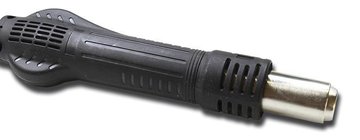
Heat gun
Screwdriver Phillips #000

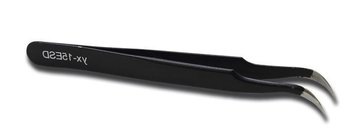
Tweezers
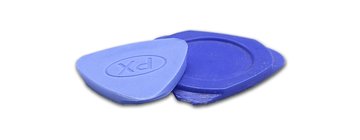
Non-metallic tool
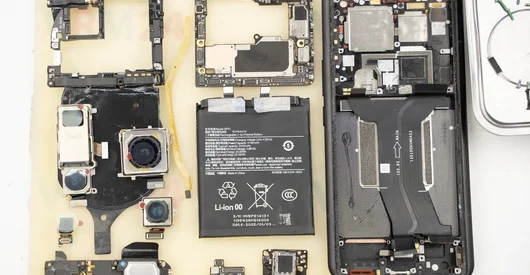
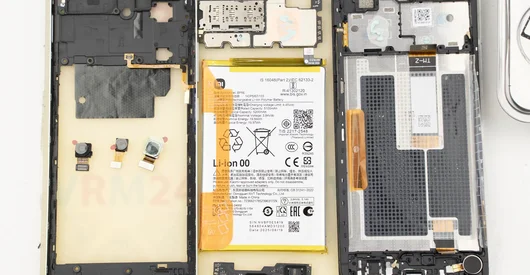
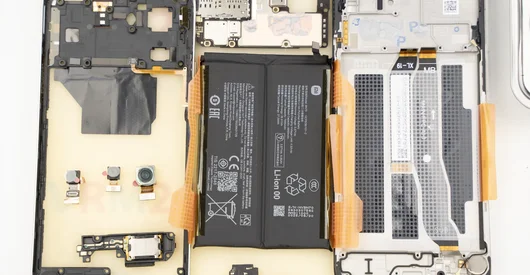
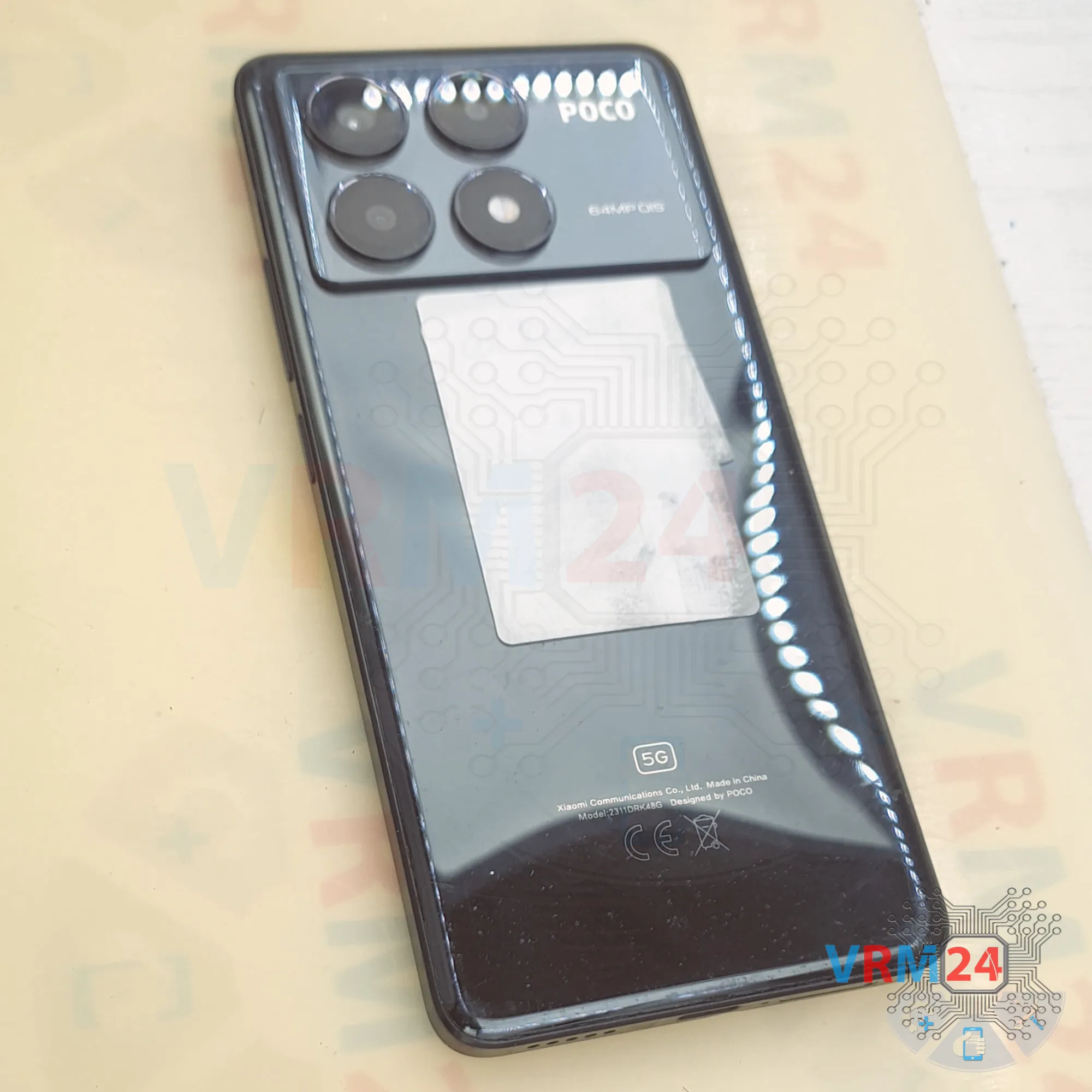
Disassembly/Repair of the mobile device Xiaomi Poco X6 Pro (Xiaomi Poco X6 Pro 5G 2311DRK48G) with each step description and the required set of tools.
13490
Views
3
Likes
—
Share
0
Questions

Step 1.
Before disassembling!
⚠️ Before disassembling, do not forget to turn your phone off.
Step 2.
Remove the tray
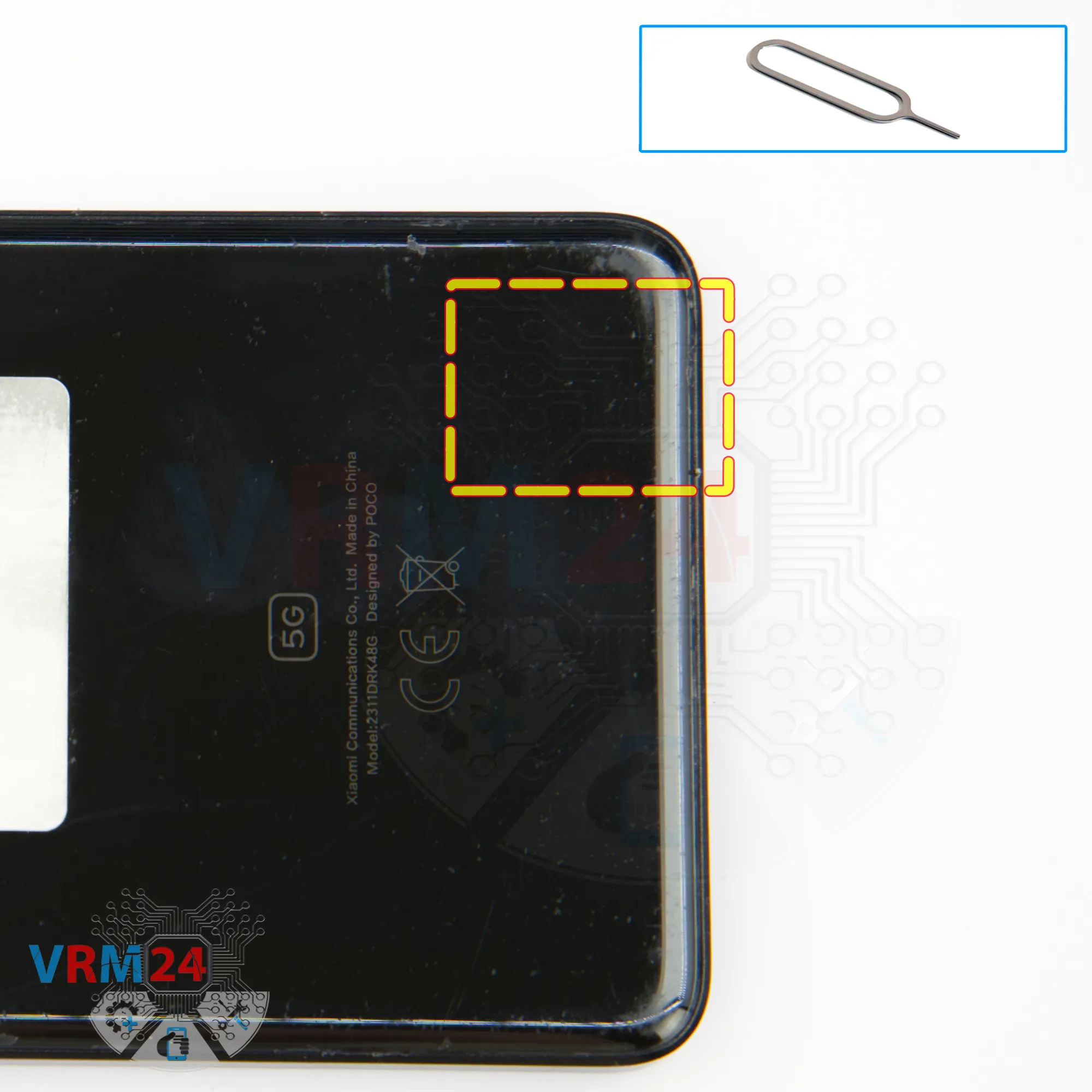
First of all, as usual, we need to remove the SIM card tray.
For this, we use the special tool.
Push the tray out and set it aside.
Step 3.
Open the back cover
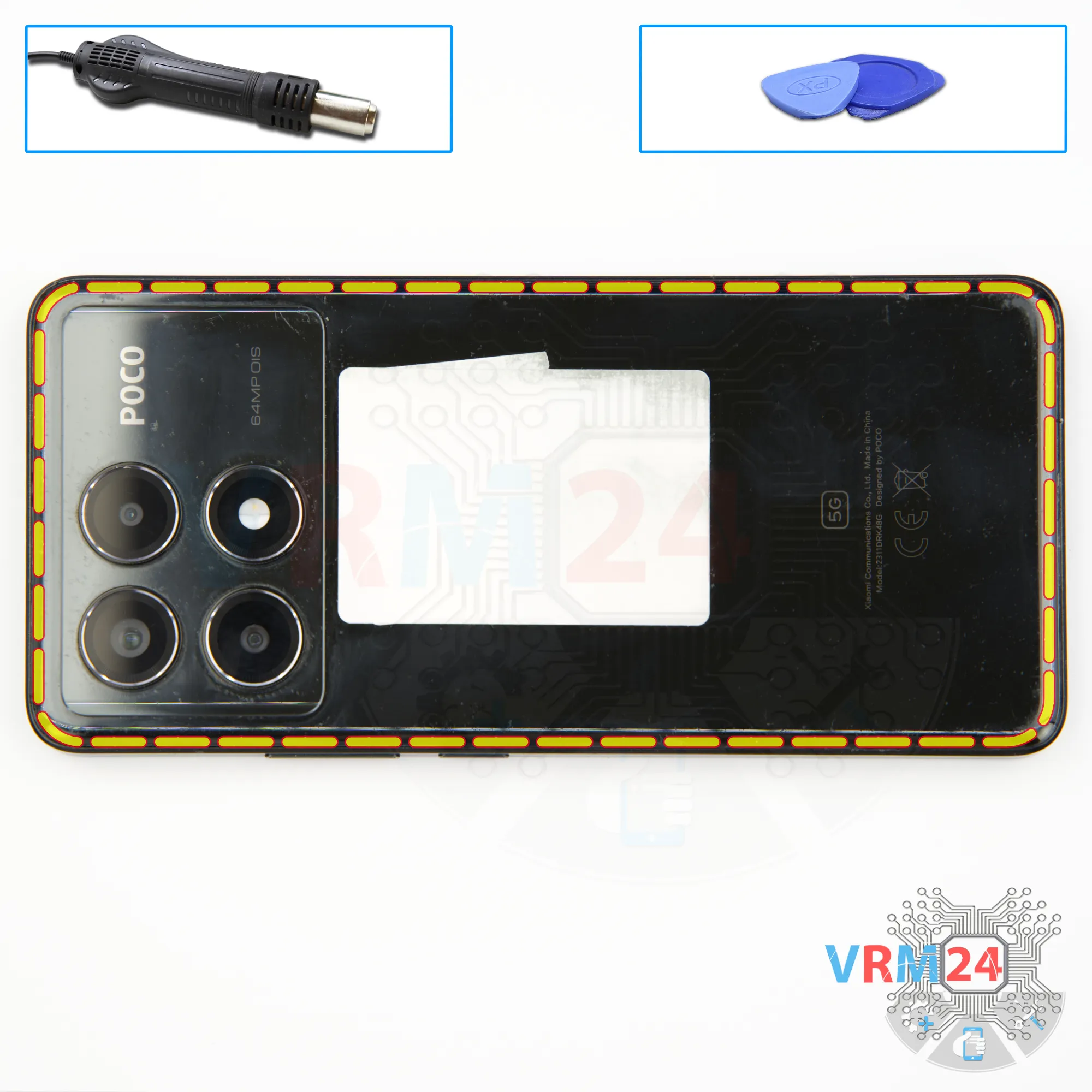
After that, we need to heat the surface of the back cover to approximately 70 degrees Celsius, or 160 degrees Fahrenheit. We use a heating pad for this, but you can also use a hair dryer.
After 5–10 minutes, we can move on to detaching the back cover.
To do this, we use a thin plastic film. This film can be from a stationery store or a protective film from a new display.
Insert it into the gap between the back cover and the midframe and carefully slide it along the edge to cut through the adhesive layer.
As always, be careful around the cameras so you don’t accidentally touch the lenses.
We carefully go around the edge, making sure not to insert the film too deep, since we don’t know what’s under the back cover.
There’s no need to rush or apply force, to avoid accidentally damaging anything.
Step 4.
Protecting camera lenses
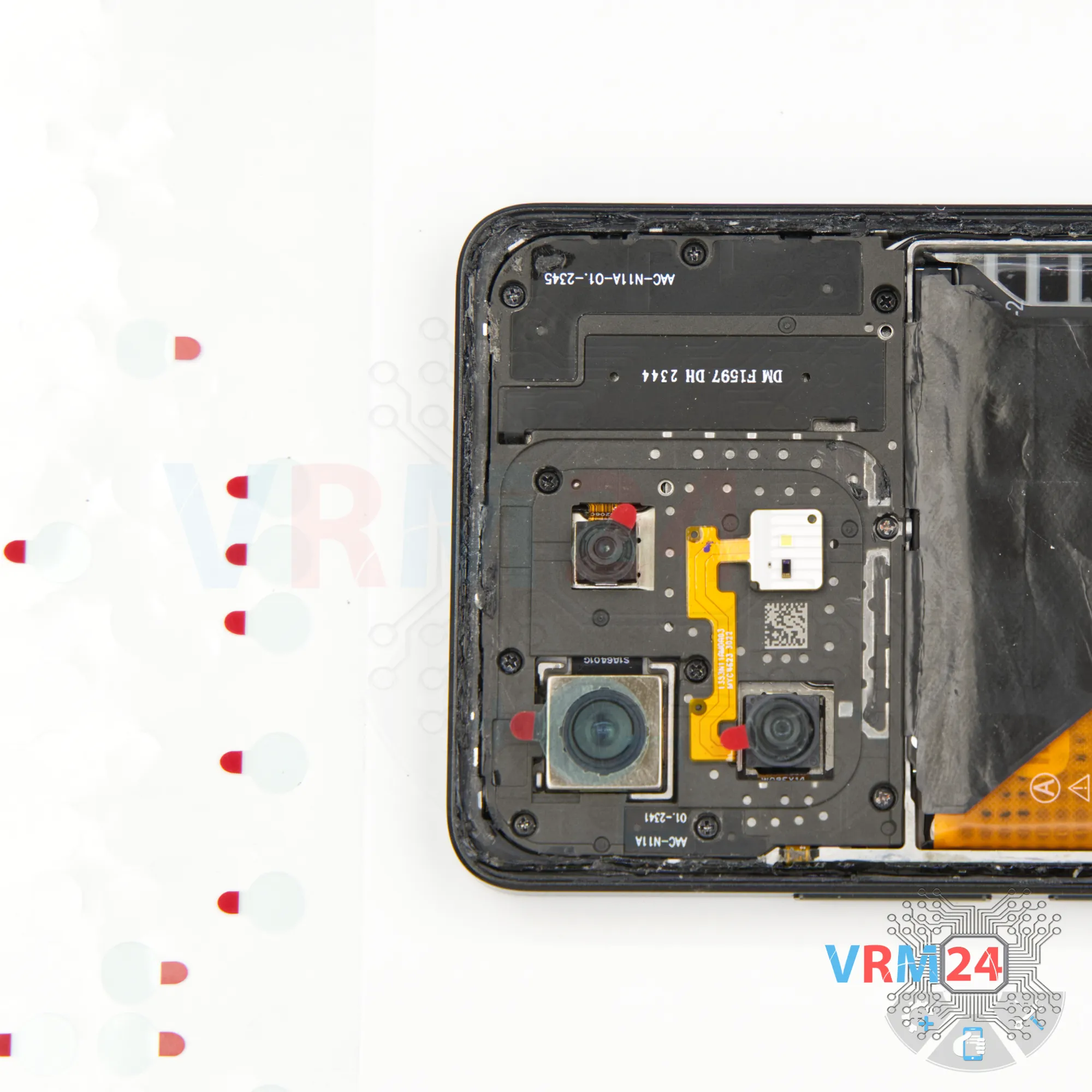
Next, we need to protect the camera lenses. We use a special film for this.
Note that we place the protective film not on the lenses themselves but on the rim around them.
Step 5.
Unscrew the screws
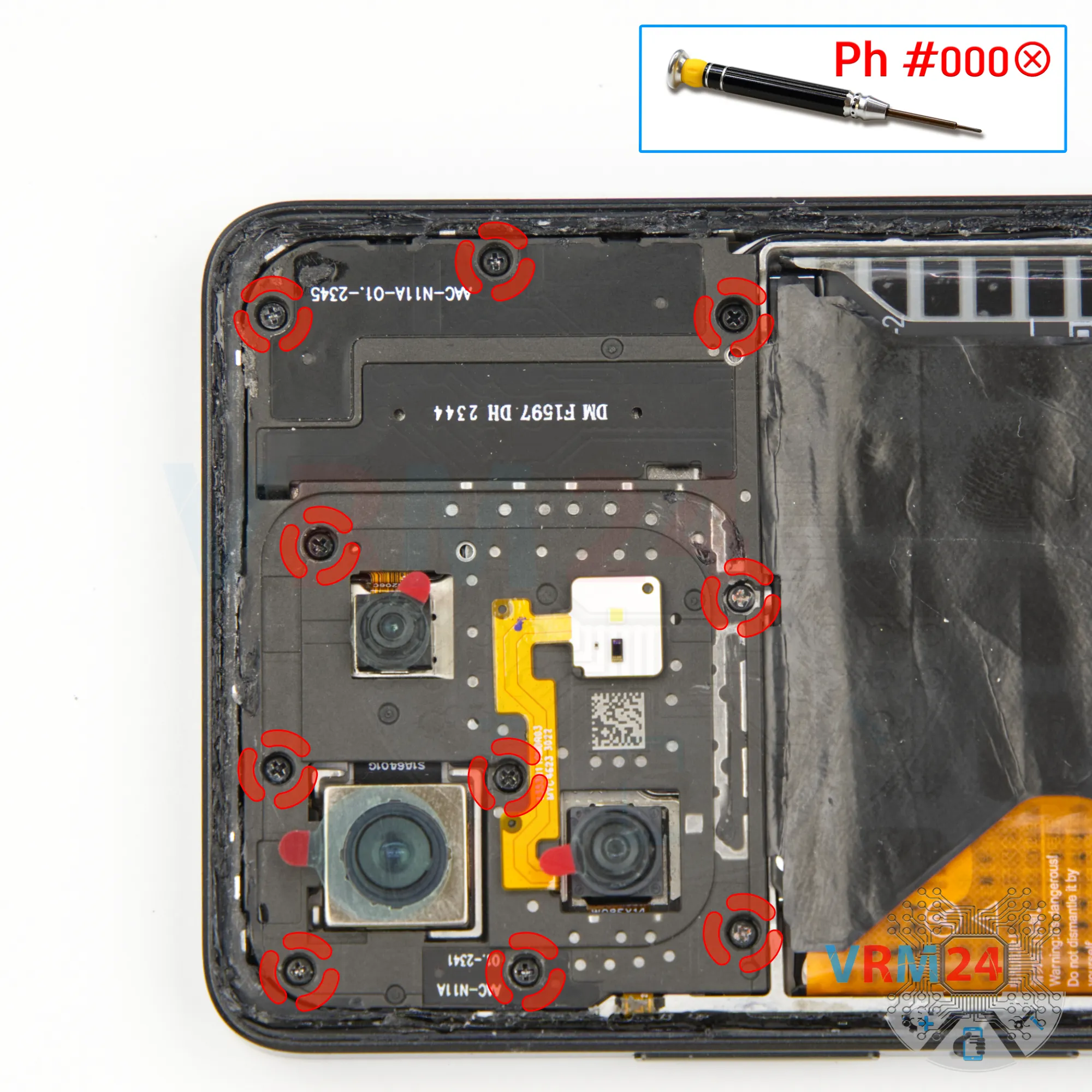
Then we move on to unscrewing the screws at the top.
For this, we use a 1.5 mm Phillips screwdriver, or a Philips #000.
We place the screws on a special surface in order, just in case.
If the screws are difficult to unscrew or remove, we use tweezers to take them out.
Step 6.
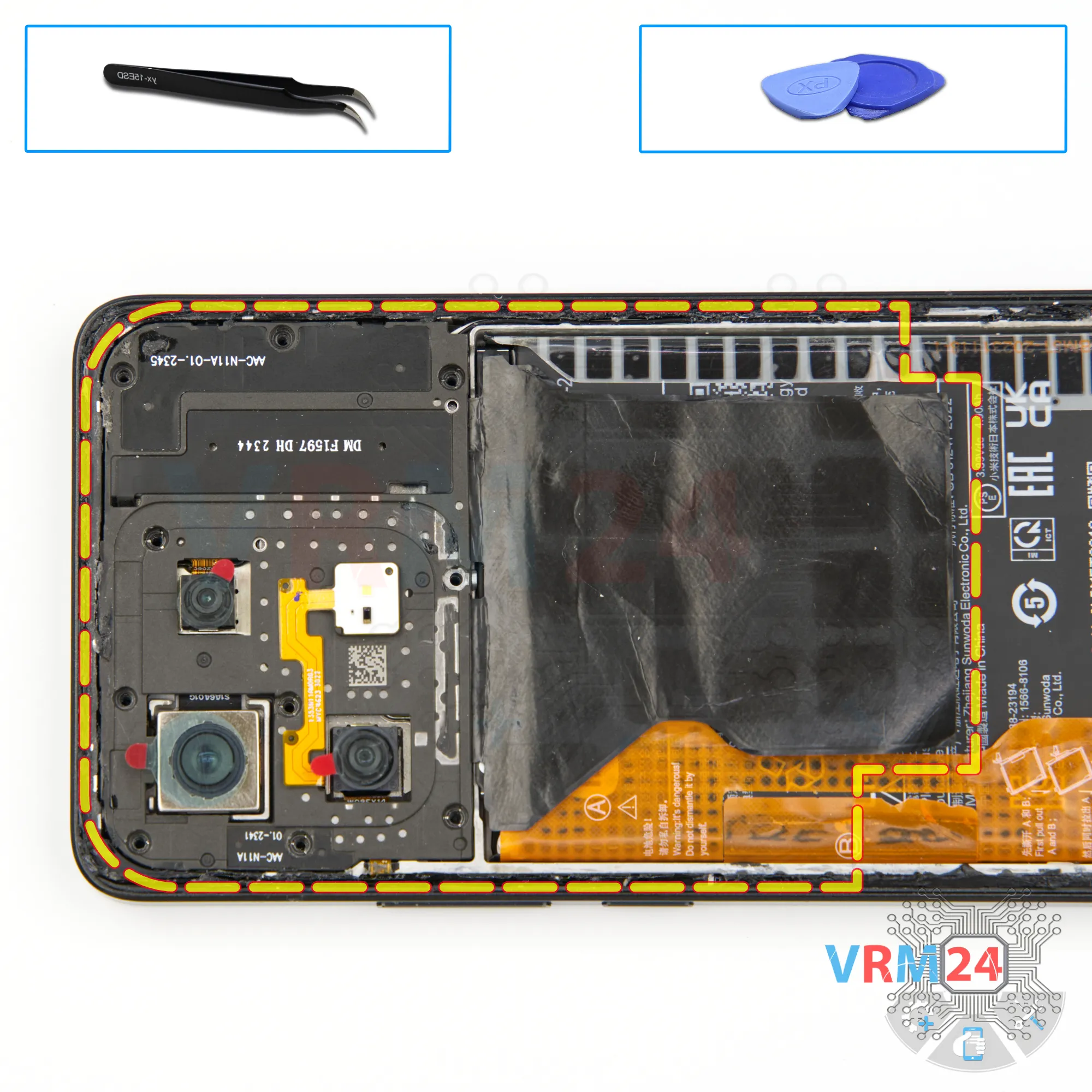
Open the cover
Also, note that sometimes one or two screws may be missed and you may try to lift the cover.
Don’t force it—if the cover doesn’t come off easily, double-check and remove any remaining screws first, then the cover will come off smoothly.
Step 7.
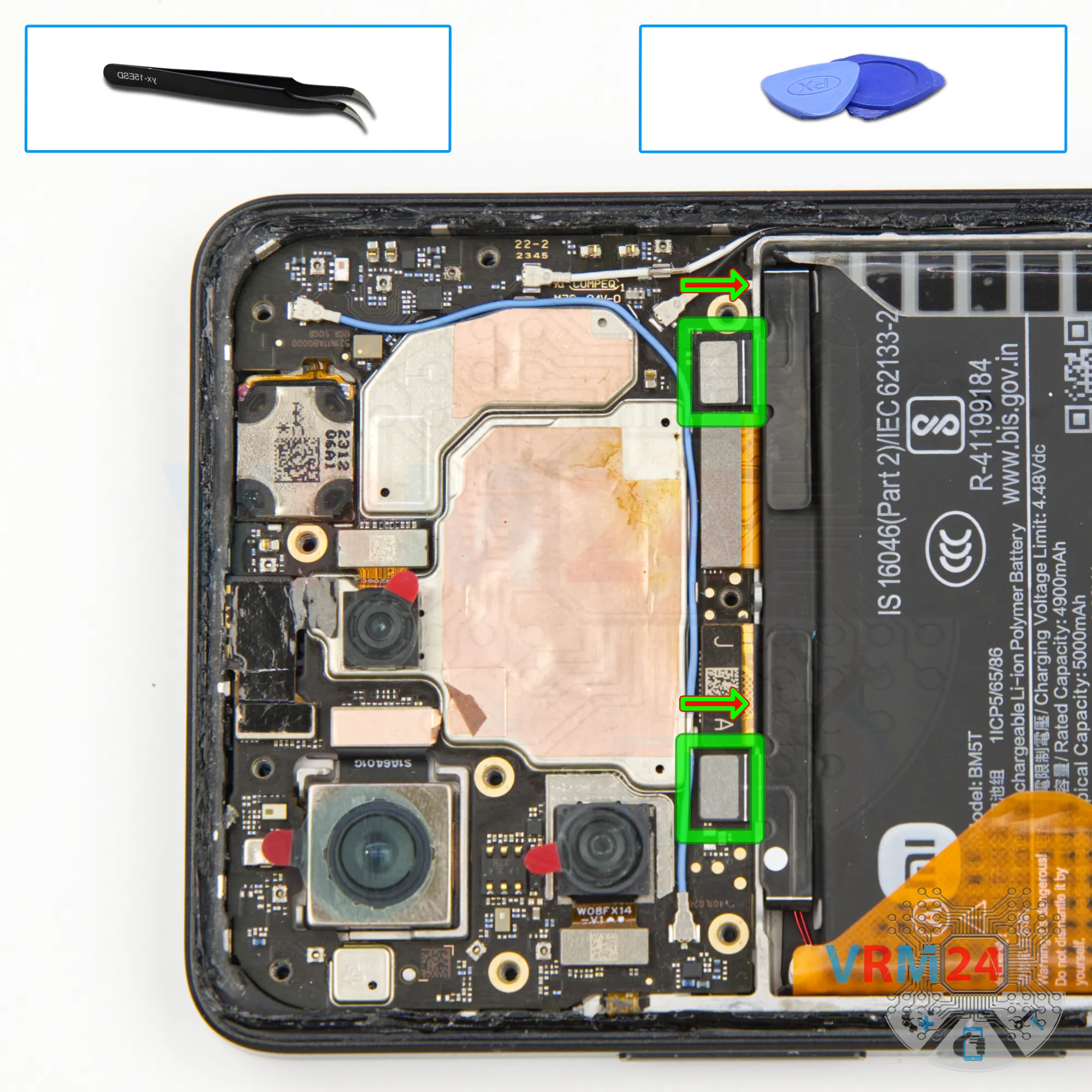
Disconnect the battery connector
Next, using a non-metallic tool, we disconnect the two battery connectors.
ℹ️ The Xiaomi Poco X6 Pro 5G model 2311DRK48G uses a BM5T rechargeable battery with a capacity of 5000 mAh.
Step 8.
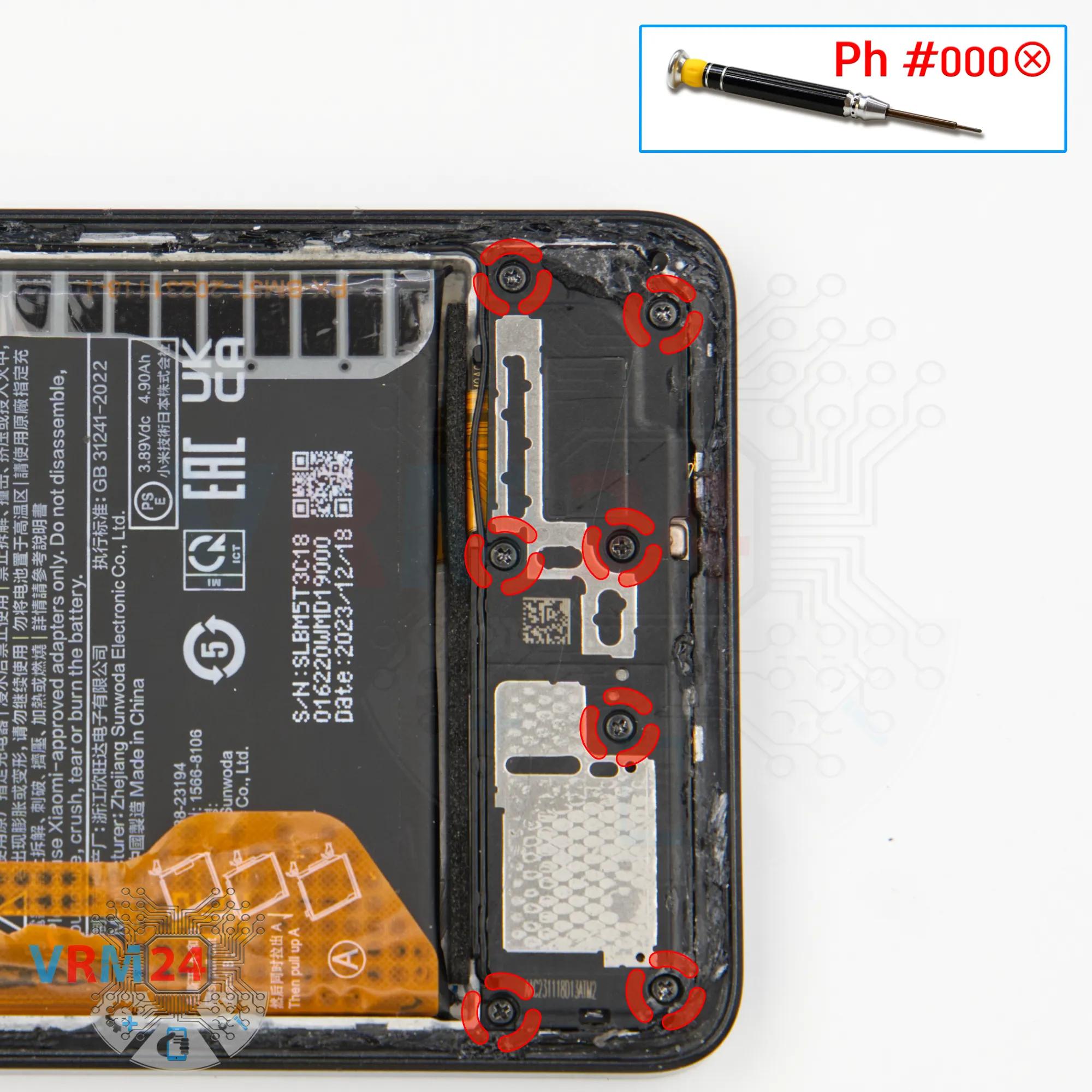
Unscrew the screws
At the bottom, we need to unscrew the screws using the same 1.5 mm Phillips screwdriver or Philips #000.
Place the screws on the special surface.
If the screws are hard to remove, tweezers can help.
Step 9.
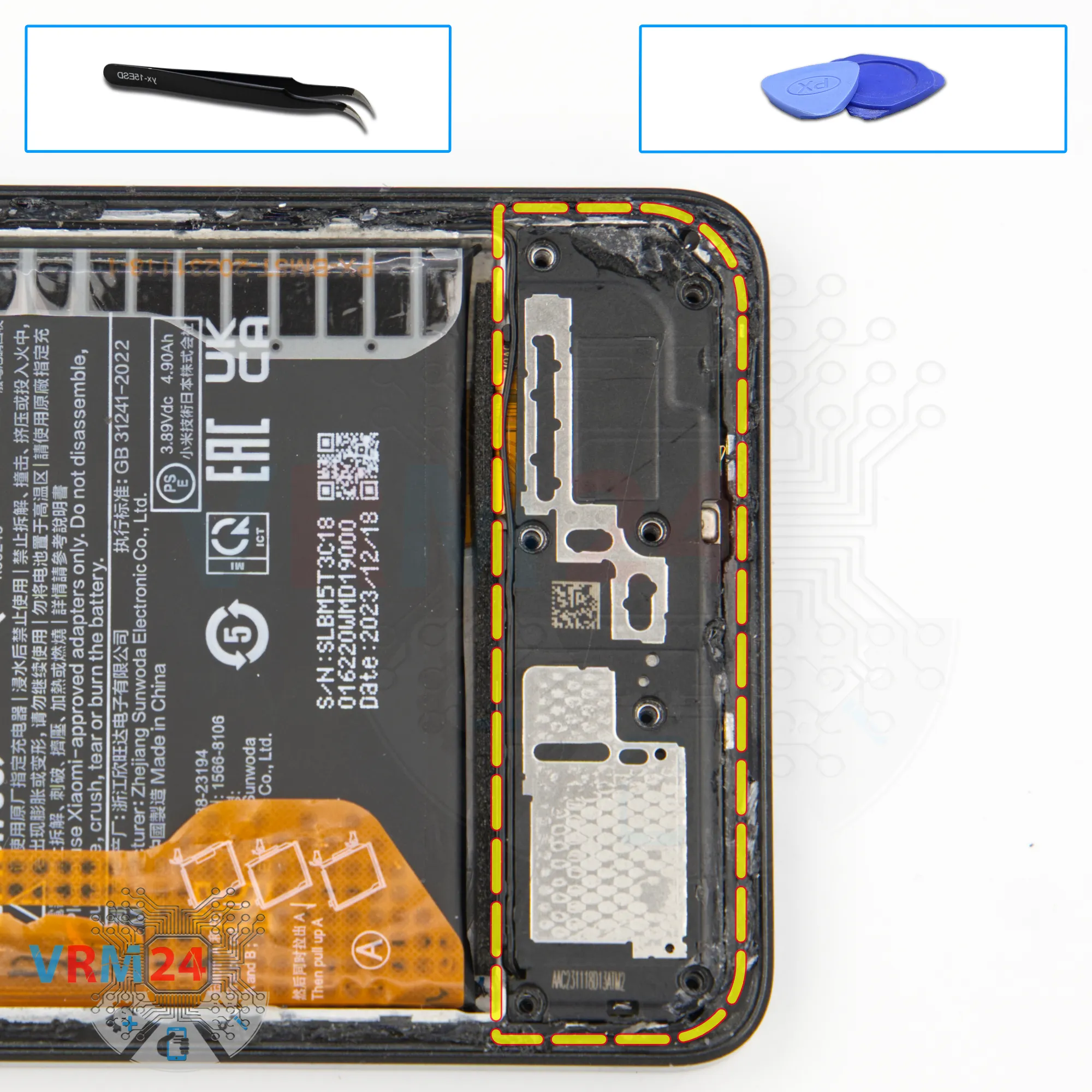
Remove the loudspeaker
After that, we move on to detaching the cover with the speaker.
Find the correct spot to lift it, gently pry it up, and remove the cover.
Step 10.
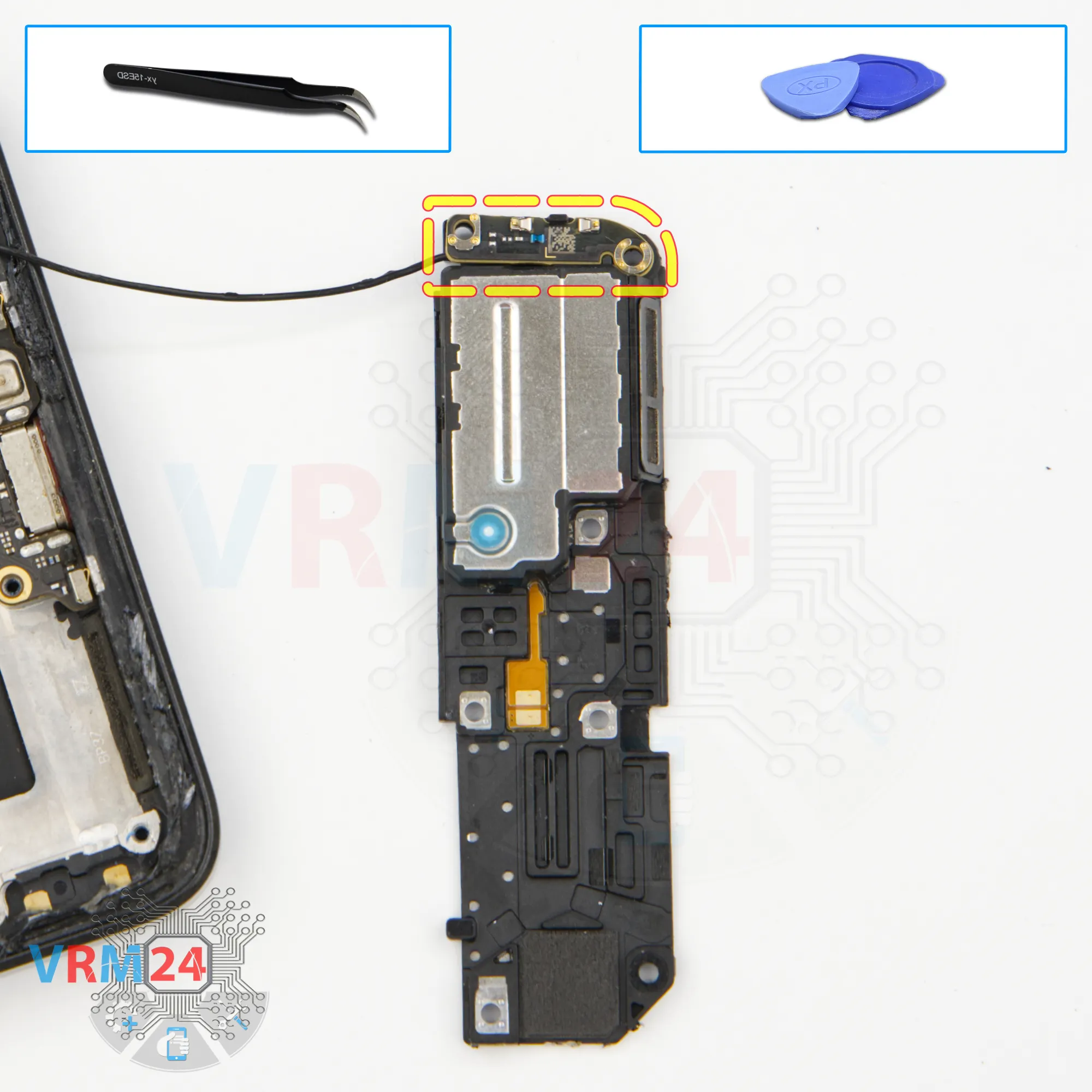
Remove the small board
We detach the small antenna board from the cover with the speaker.
Carefully pry at the edge - the board comes off easily.
Step 11.
Disconnect the connector
We disconnect the coaxial cable connector and set aside the small antenna board.
Step 12.
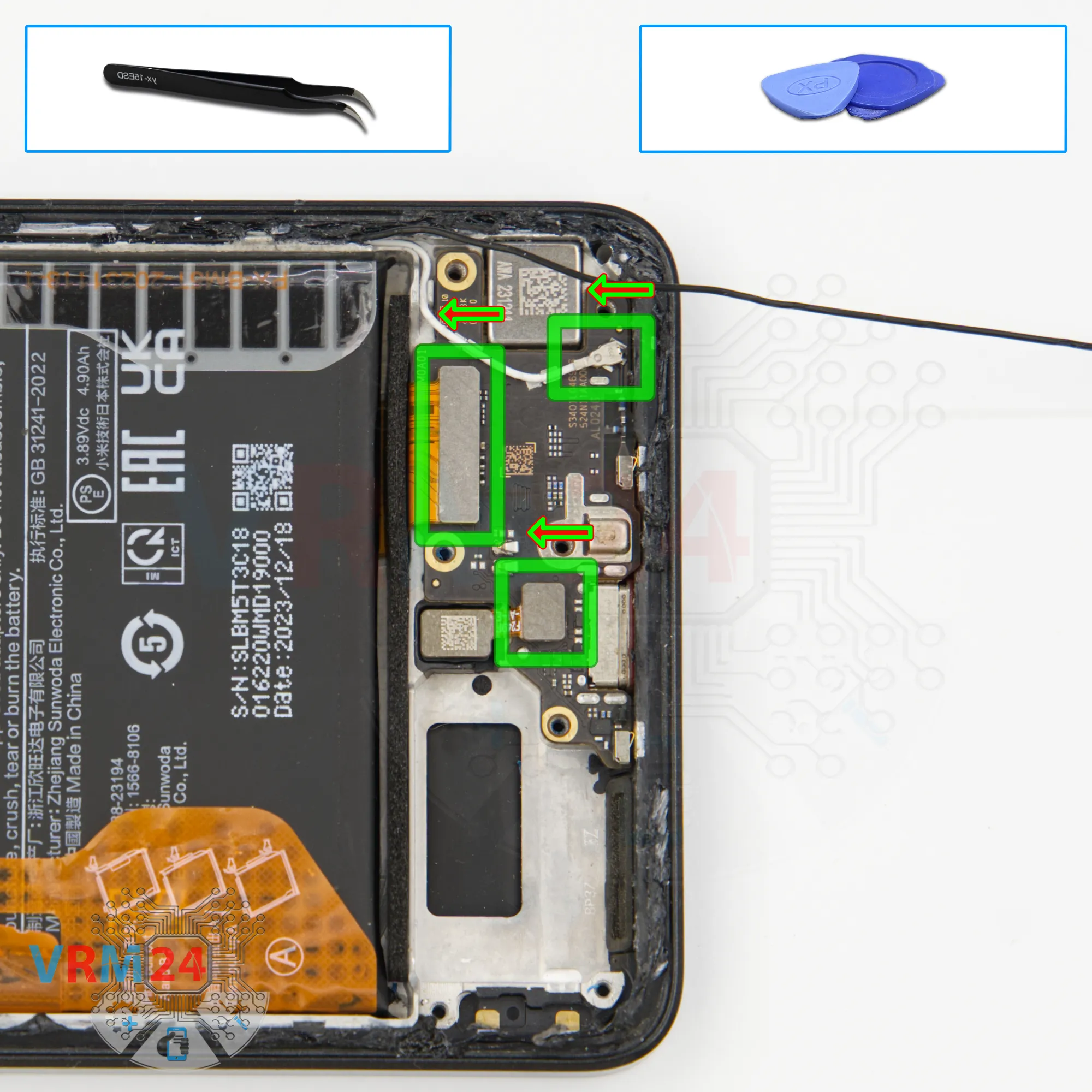
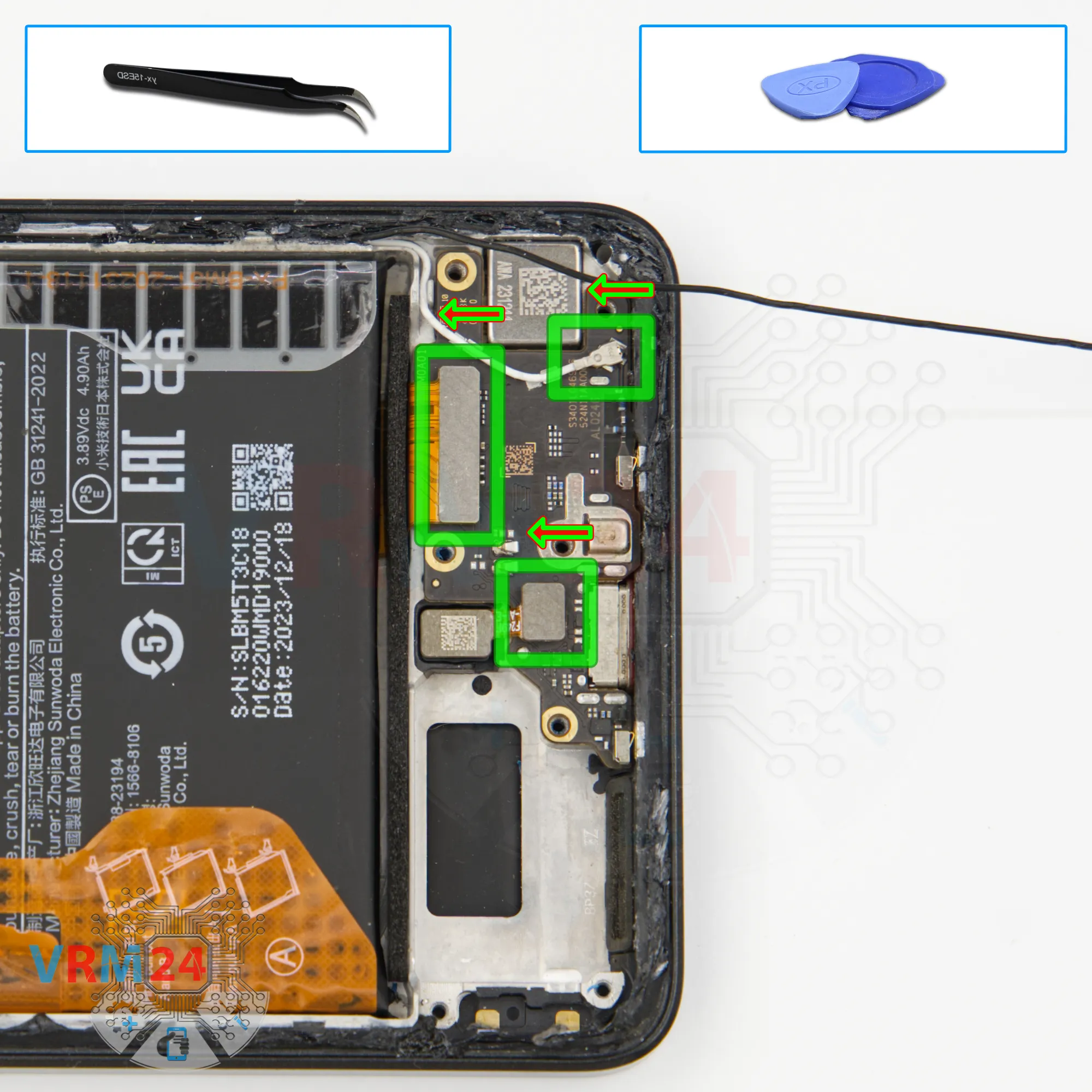
Disconnect the connectors
Next, we move on to disconnecting the connectors.
Disconnect the fingerprint sensor connector, the inter-board cable connector, and the second coaxial cable connector.
Step 13.
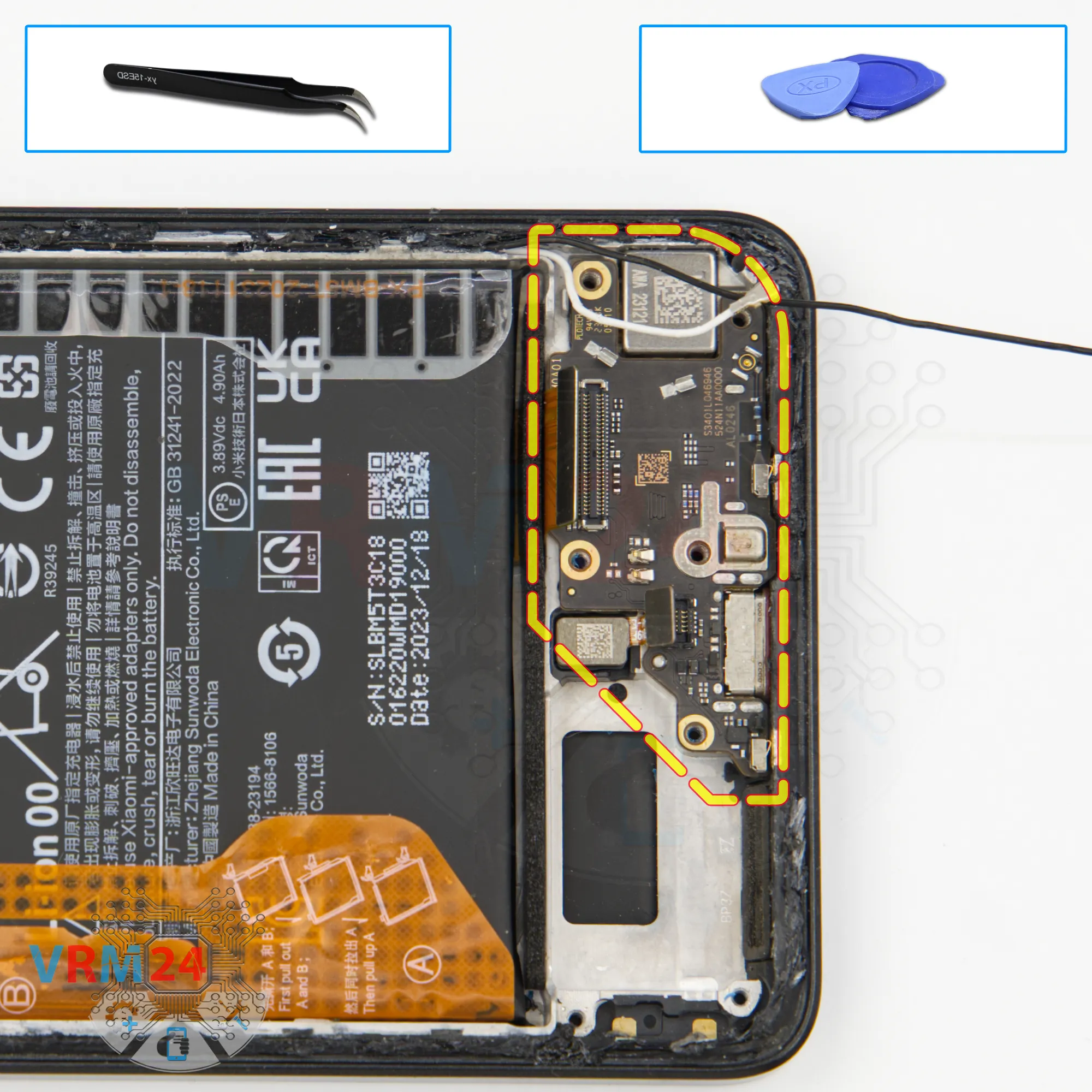
Remove the sub-board
We can now remove the sub-board.
It is slightly recessed, so check that nothing is obstructing it.
Carefully remove the sub-board.
On the sub-board, we have the microphone under a shield, the charging port, and the card connector on the back side.
In the display frame, the fingerprint sensor and vibration motor remain.
Step 14.
Disconnect the connectors
Next, we move on to the motherboard.
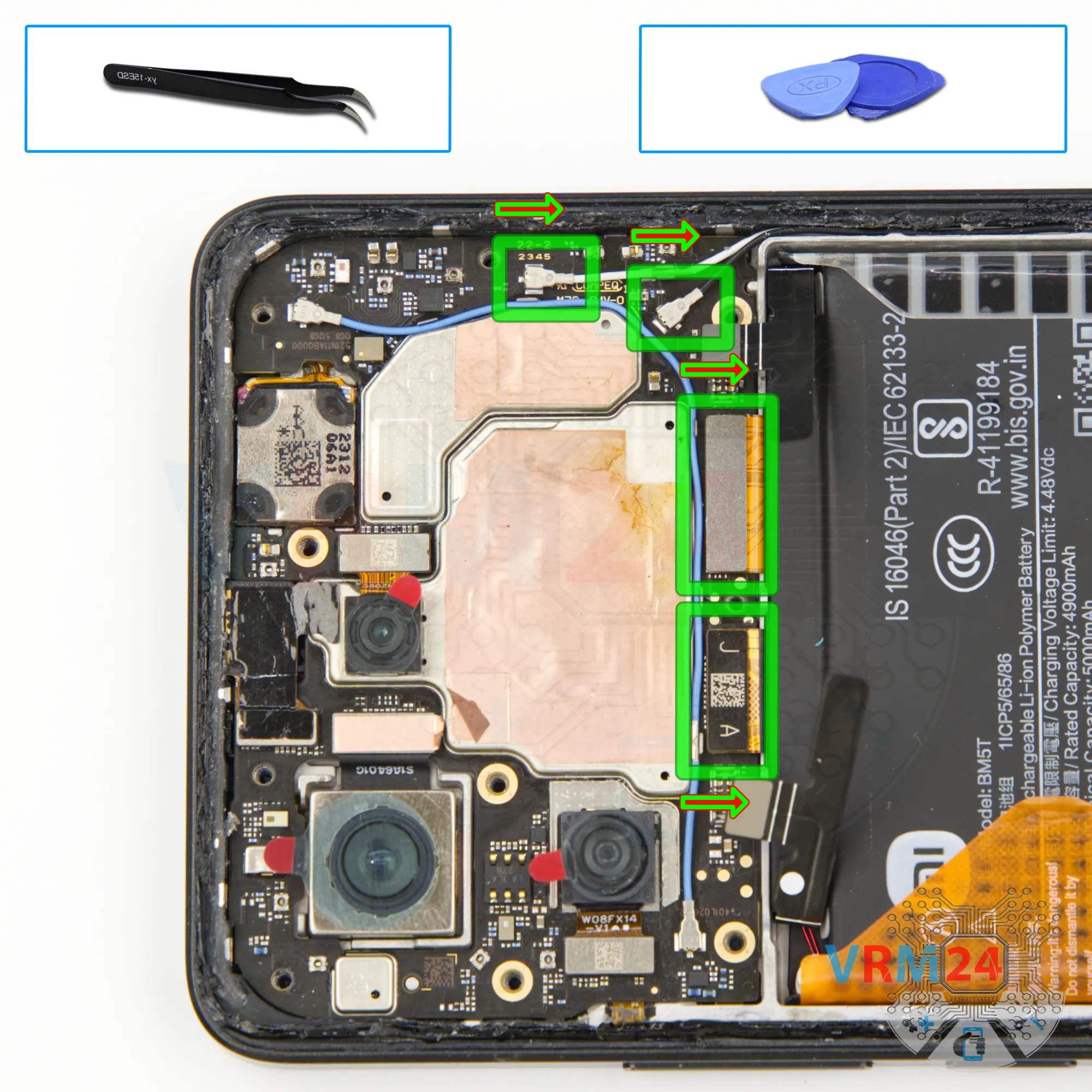
We disconnect the inter-board cable connector and the display cable connector.
We also need to disconnect the coaxial cable connectors and free the cables from the clips holding them on the motherboard.
Step 15.
Remove the cameras
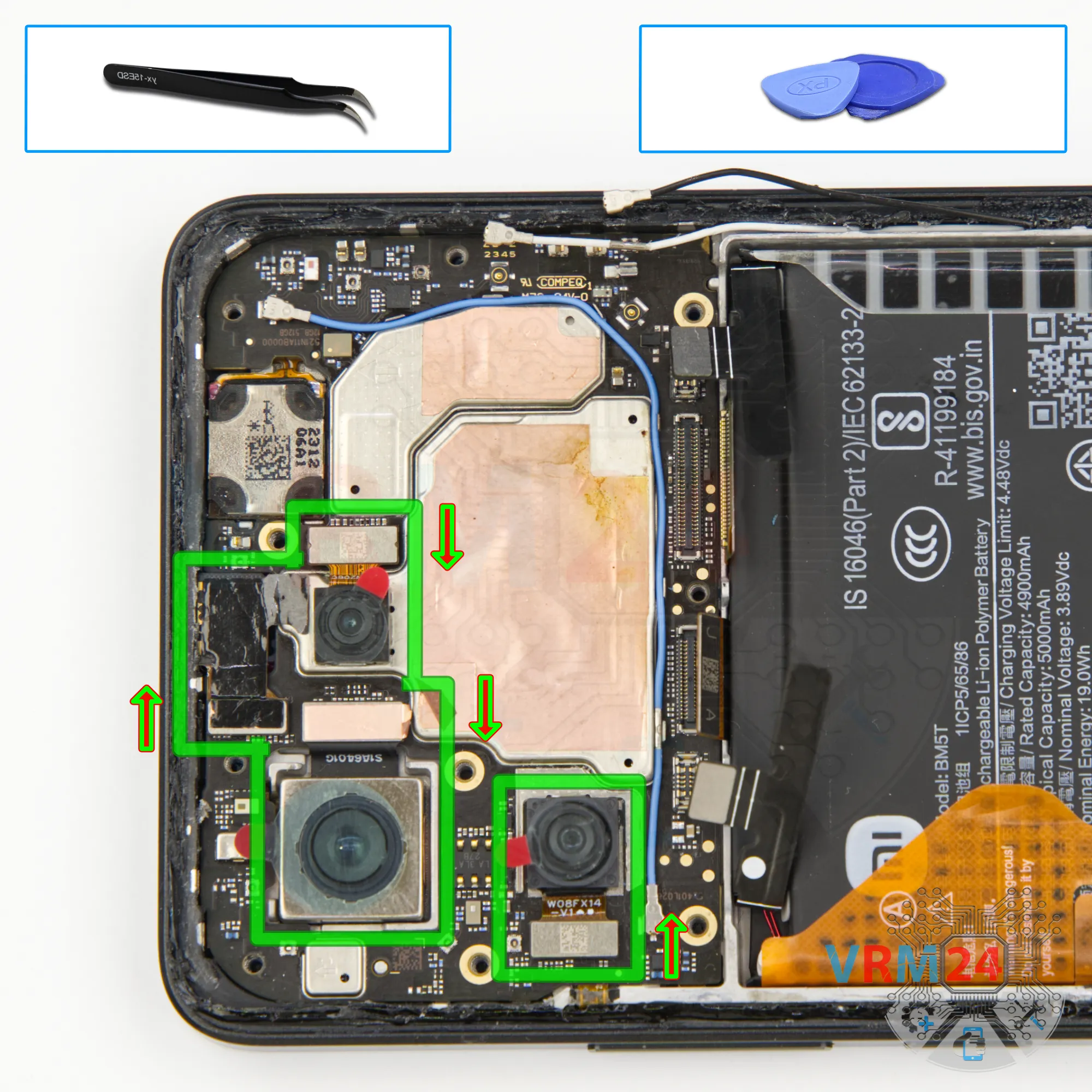
And we can disconnect the cameras.
Detach the rear cameras—they come off easily. Set them aside so they don’t get in the way.
Then we can disconnect the front camera.
It’s best to cover the front camera lens with special film to prevent dust or debris from getting on it. Set the front camera aside.
Step 16.
Remove the motherboard
We can then try to remove the motherboard, which comes off fairly easily.
Note that the back side of the motherboard may be held in place with thermal paste.
Step 17.
Remove the battery
And finally, we move on to detaching the battery.
Traditionally for Poco, there are two brown tabs that need to be peeled back.
Then read the description. Based on the description, we peel back the tab in the middle, and the tabs located at the edges should be carefully pulled upward.
Pull the tabs upward to detach the battery.
Under the battery is a transparent protective layer that protects the inter-board cables.
Step 18.
In the display frame remained
ℹ️ In the display frame remained: the earpiece speaker, fingerprint sensor, vibration motor, and cables.

If you have a question, ask us, and we will try to answer in as much detail as possible. If this article was helpful for you, please rate it.

13490
Views
3
Likes
—
Share
0
Questions
Related Instructions
Related Reviews
Related Blog
Popular Questions

Xiaomi Redmi 9T
The battery is fine, charging cable and adapter is fine but it won't charge. in the pic below i just opened the back cover
ahla
Xiaomi Redmi Note 11 Pro+
Hello, I have been one of your subscribers for quite a long time and I am very grateful for your disassembly videos but by the way on this model, I w…
andi
C
Xiaomi RedMi Note 3
I had RN3 Note as my 2nd phone and now it's dead. I want to find internal storage to somehow recover files. Where's it located and Is it possible?
Chkhito14
3
Xiaomi Mi 5
I know this video was old but still helps me replace my battery on my own. Thank you!
3dr14n G3
D
Xiaomi RedMi 5 Plus
What is the name of the glue?
danilo saitta10Top instructions
Check our
Top Xiaomi instructions most liked by readers
New instructions
Check our
New Xiaomi brand instructions on vrm24.com