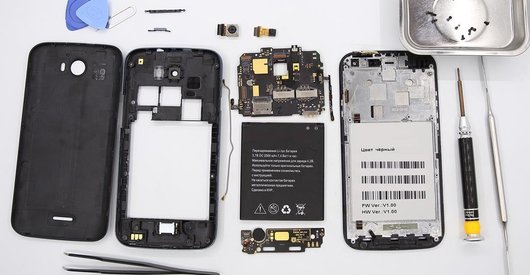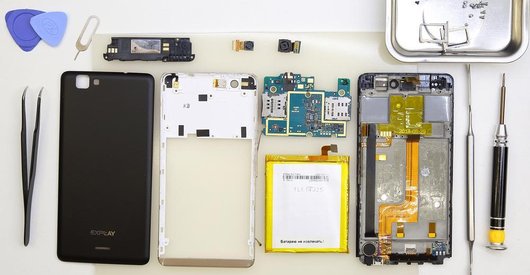


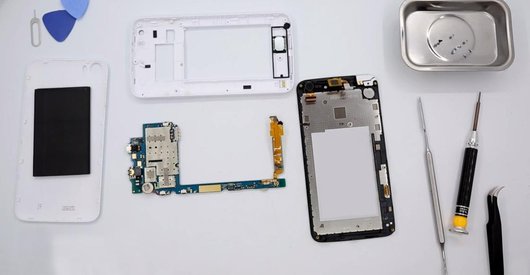

Recommended tools
Screwdriver Phillips #000

Opening tool / Spudger

Tweezers

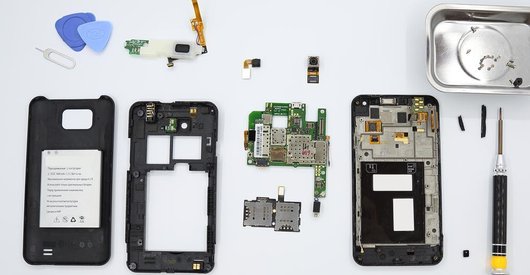
Disassembly/Repair of the mobile device Explay Dream with each step description and the required set of tools.
3660
Views
0
Likes
—
Share
4
Questions

Step 1.
Remove the trays
Using the key tool, open the SIM card and MMC card trays and remove it.
⚠ Warning!
Do not push too hard this may cause damage.
Step 2.
Open the covers
Pry & remove the covers at the upper and lower parts of the phone.
Step 3.
Unscrew the screws
Unscrew the 3 bolts in the lower part. In the upper part, remove the lens protecting the main camera.
Step 4.
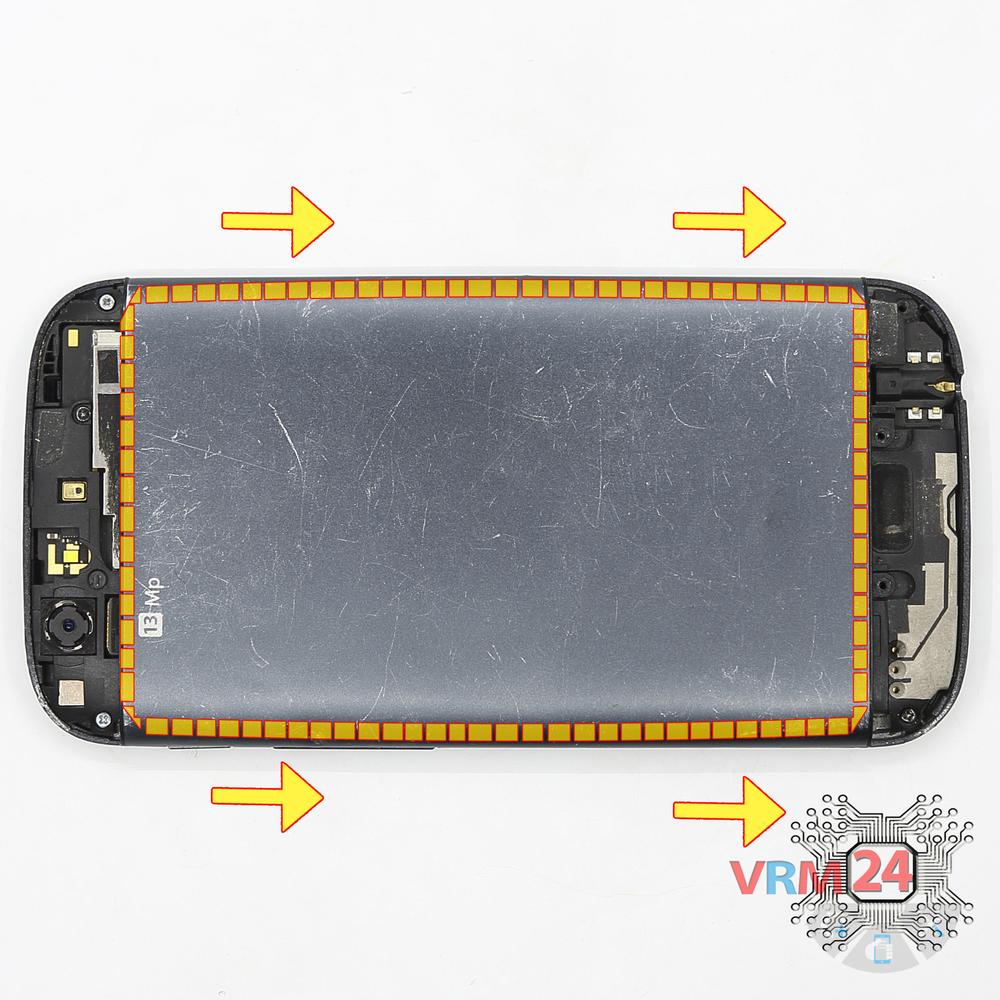
Open the back cover
Shift the back cover and remove it.
Step 5.
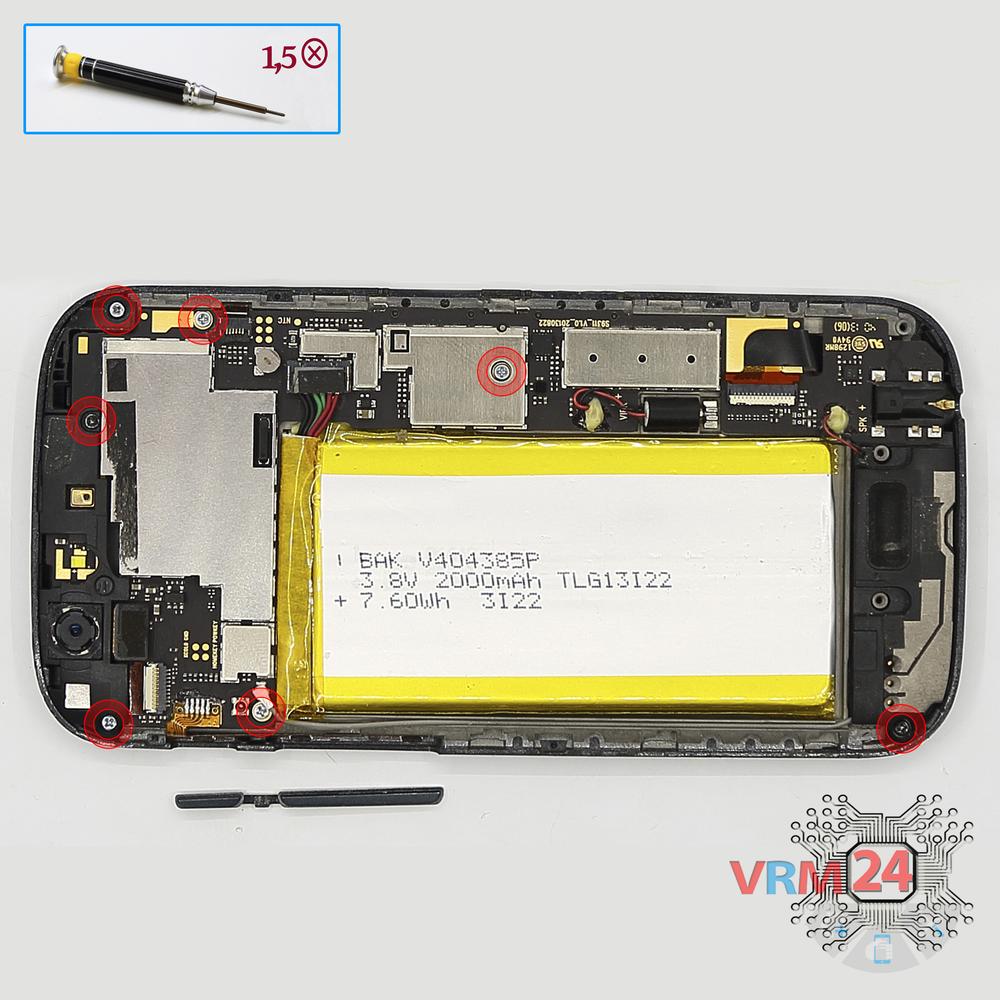
Unscrew the screws
Using a screwdriver (Phillips 1.5 mm PH000), unscrew 7 bolts in the frame of the phone.
Step 6.
Remove the frame
Pry and remove the frame.
Step 7.
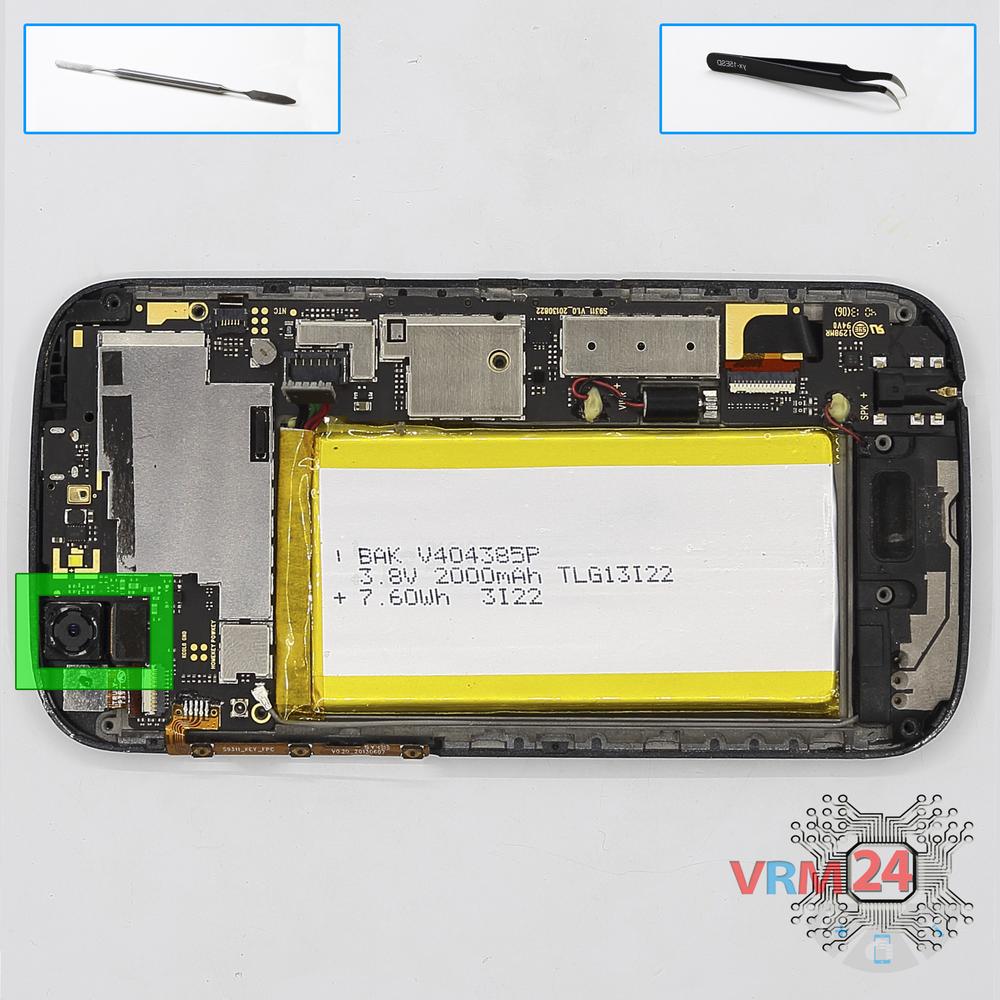
Remove the rear camera
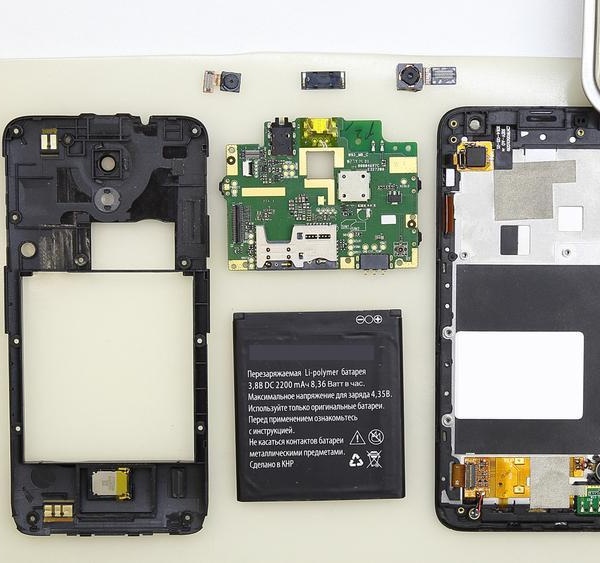
Disconnect connector on the PCB and remove the main camera.
Step 8.
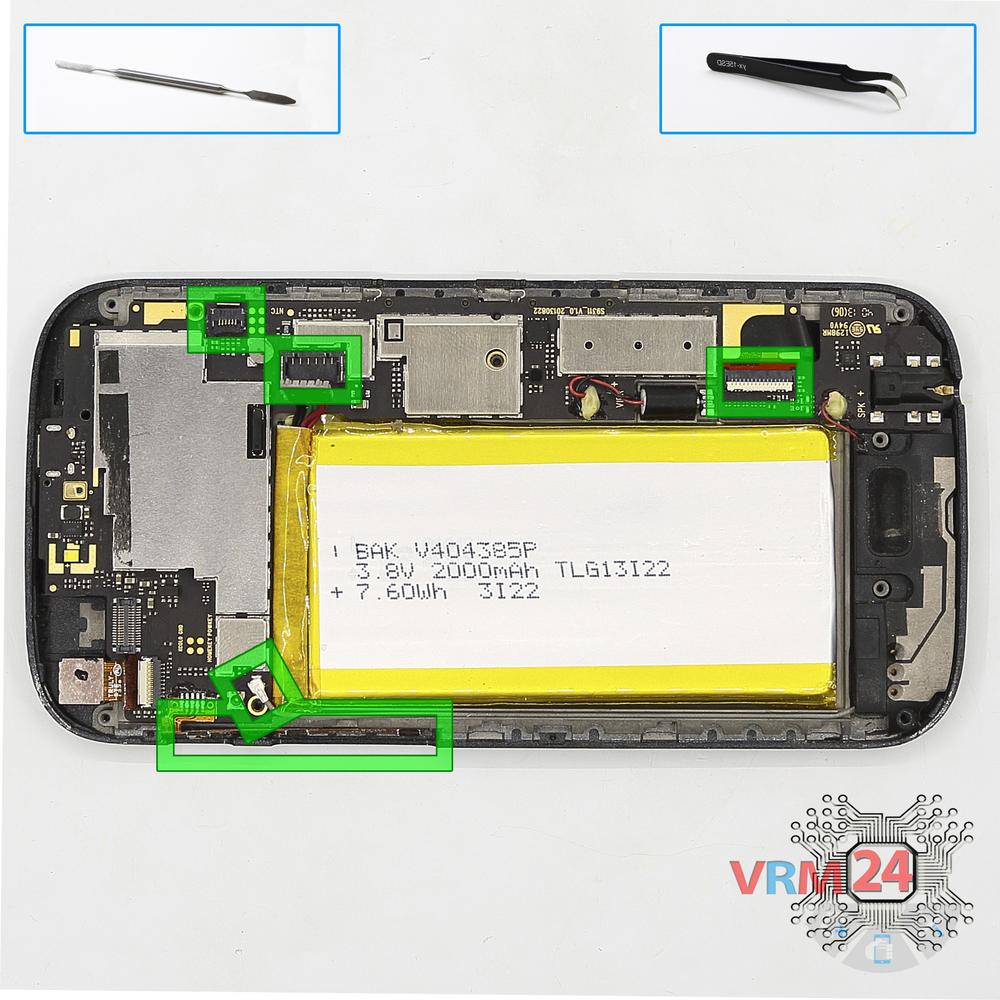
Remove the motherboard
Disconnect connectors on the PCB and remove it.
Step 9.
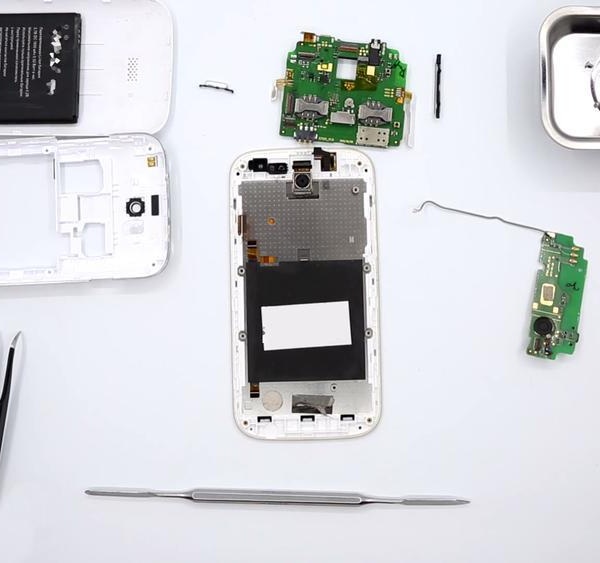
In the display frame remained
Parts in the frame of the display module.

If you have a question, ask us, and we will try to answer in as much detail as possible. If this article was helpful for you, please rate it.

3660
Views
0
Likes
—
Share
4
Questions
Related Instructions
Related Reviews


Related Blog
Popular Questions
H
Acer Liquid Z530
where is the cheapest place to buy the screen and LCD.?
Henk Nel19
Xiaomi Black Shark 3
Hello i have phone black shark 3 When I put the charger in, the phone turns off
abdenour
K
Xiaomi RedMi 4X
is that star screw?
Karlerick Almaden8
R
Tronsmart Element T6 Plus
The USB-C connector broke and I had to replace it... And I had no idea where to start! But then I watched your video and I managed to fix it! Thank y…
Roselane Maria Jesus17
J
Meizu MX4 PRO M462
Can yuu take out the buttons?
Juan Ramos15Top instructions
Check our
Top Explay instructions most liked by readers
New instructions
Check our
New Explay brand instructions on vrm24.com