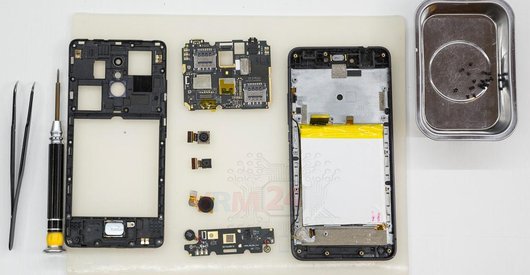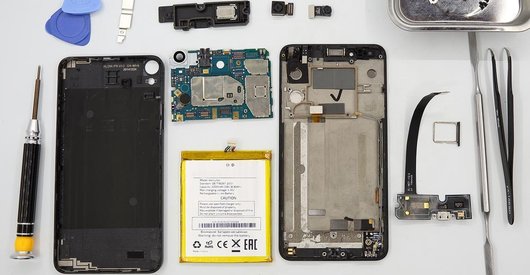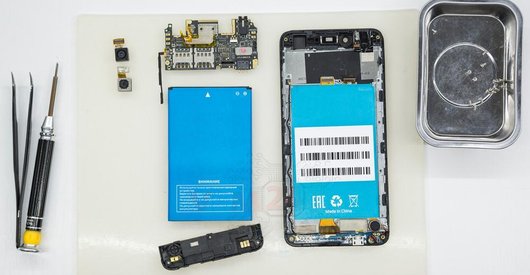


Recommended tools
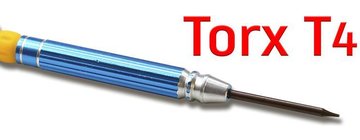
Screwdriver Torx T4
Opening tool / Spudger

Tweezers

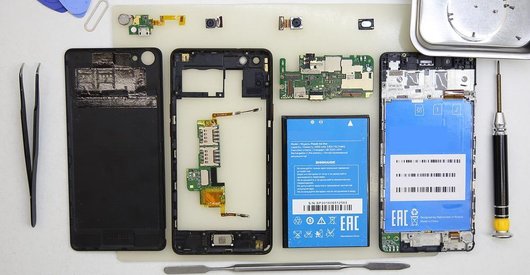
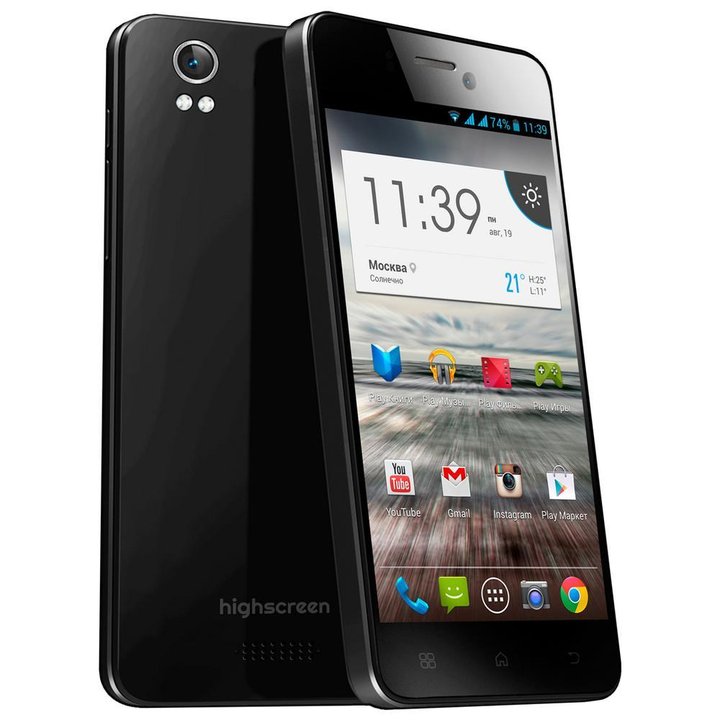
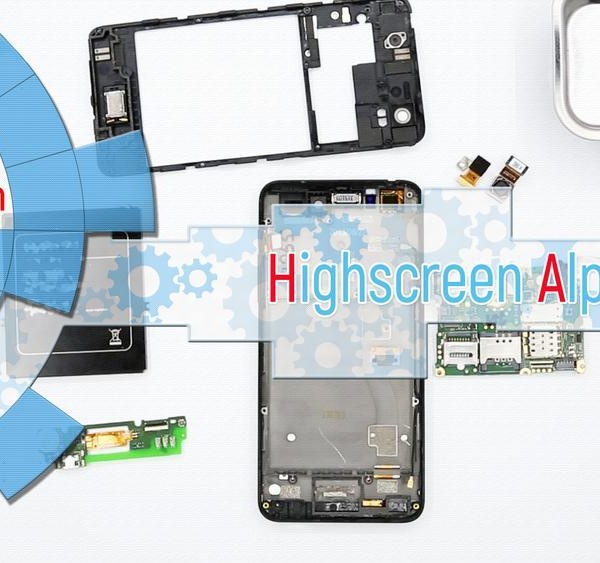
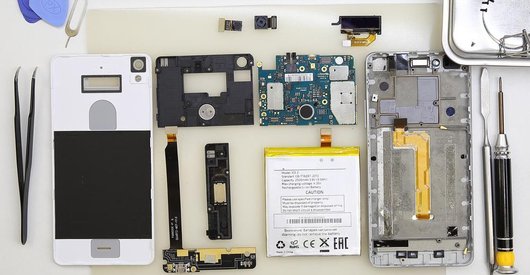
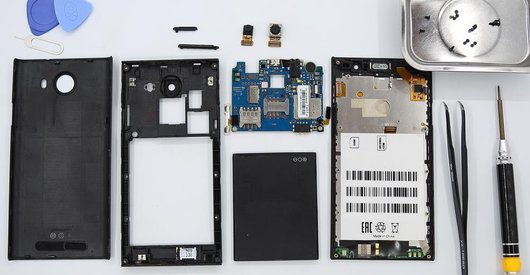
Disassembly/Repair of the mobile device Highscreen Alpha ICE with each step description and the required set of tools.
4243
Views
2
Likes
—
Share
8
Questions

Step 1.
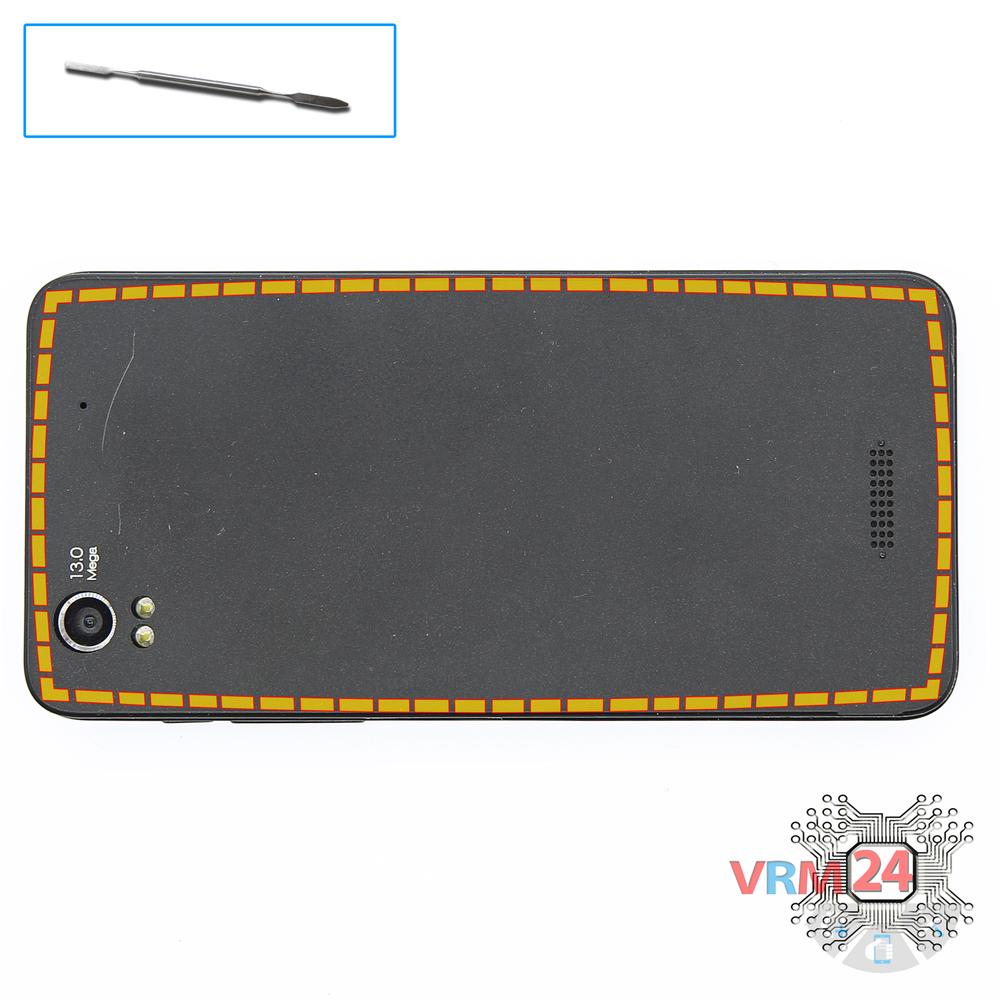
Open the back cover
Open the back cover.
Step 2.
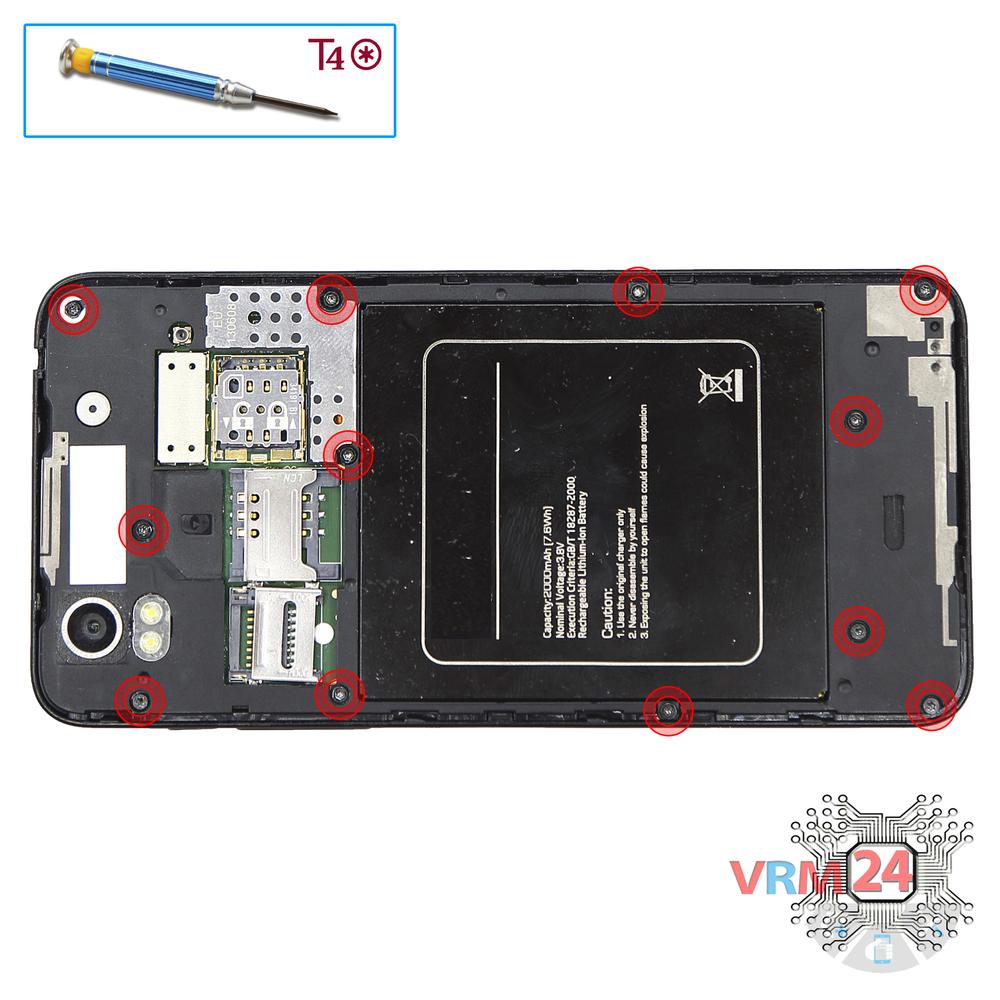
Unscrew the screws
Using a screwdriver (hex T4), unscrew 12 bolts in the frame of the phone.
Step 3.
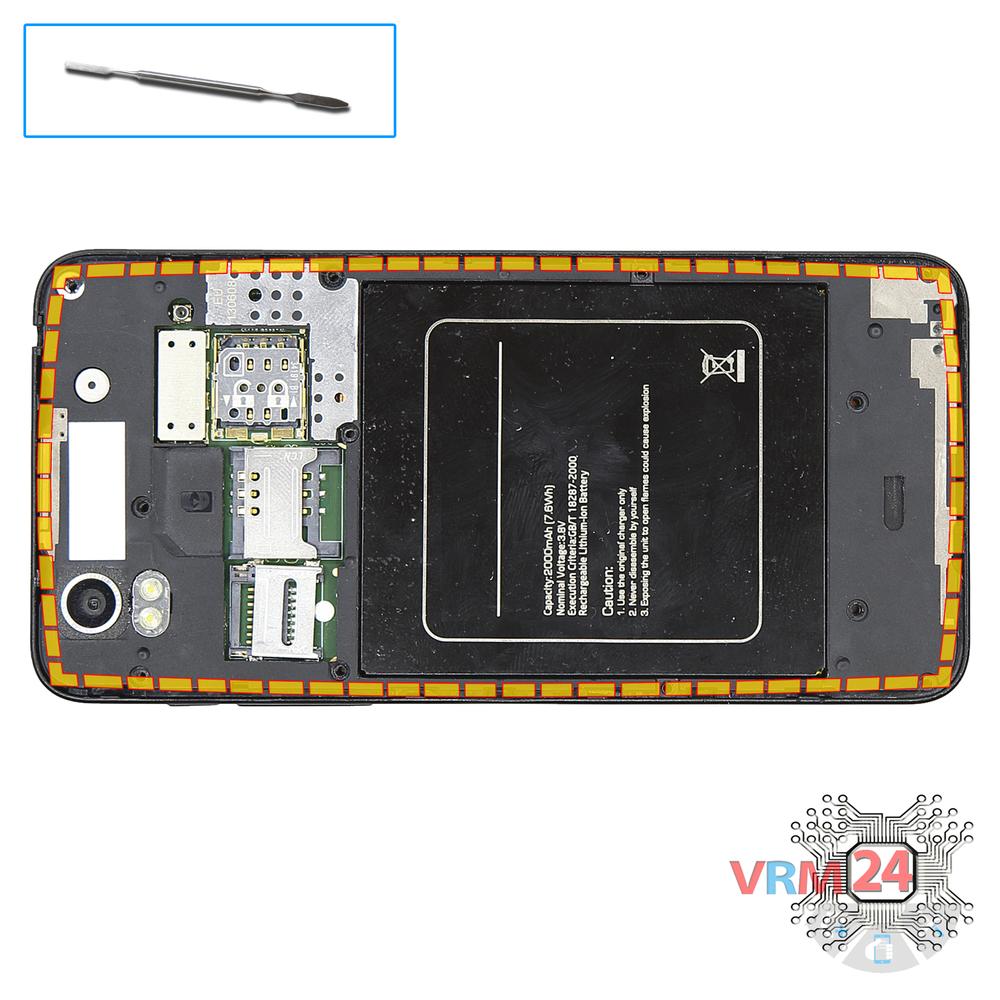
Open the mid-frame
Pry and remove the middle frame.
Step 4.
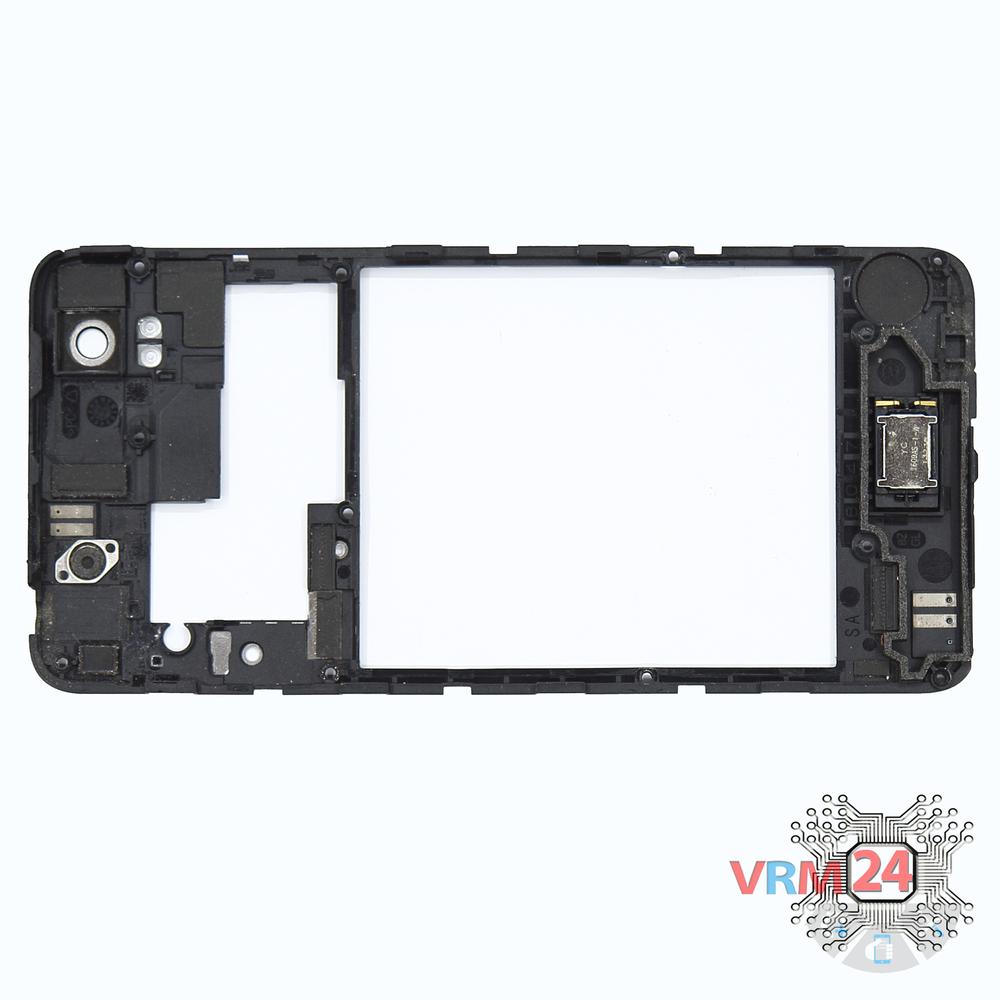
In the middle cover
The middle frame with the buzzer (speaker).
Step 5.
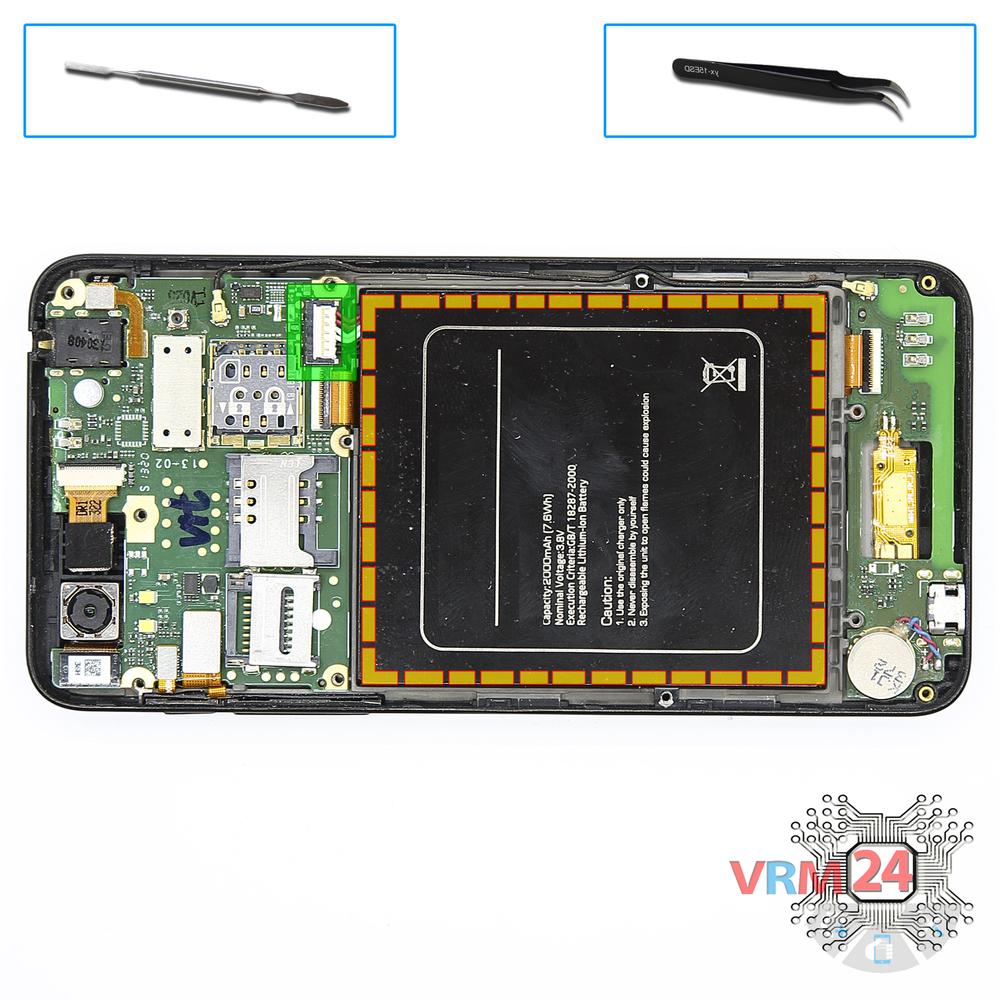
Remove the battery
Disconnect connector on the PCB and remove the battery.
Step 6.
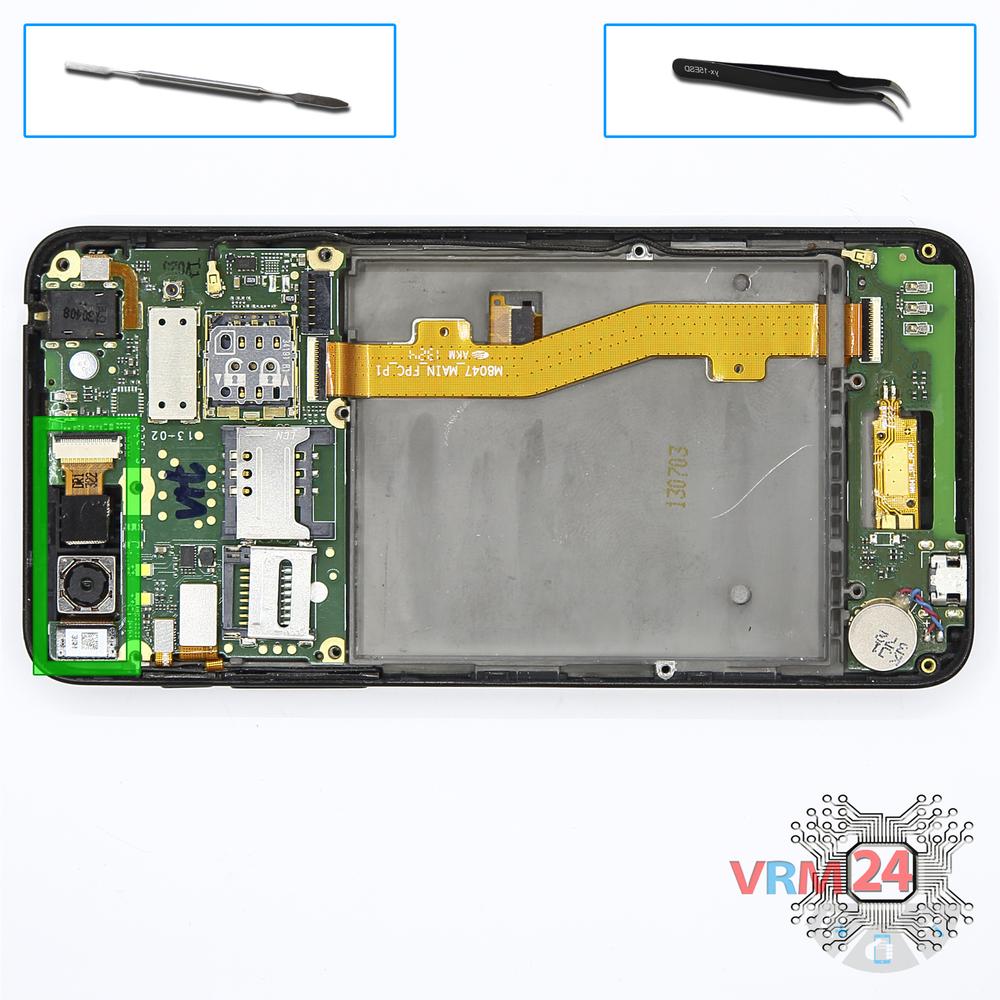
Remove the cameras
Disconnect connectors on the PCB and remove the main and front (selfie) cameras.
Step 7.
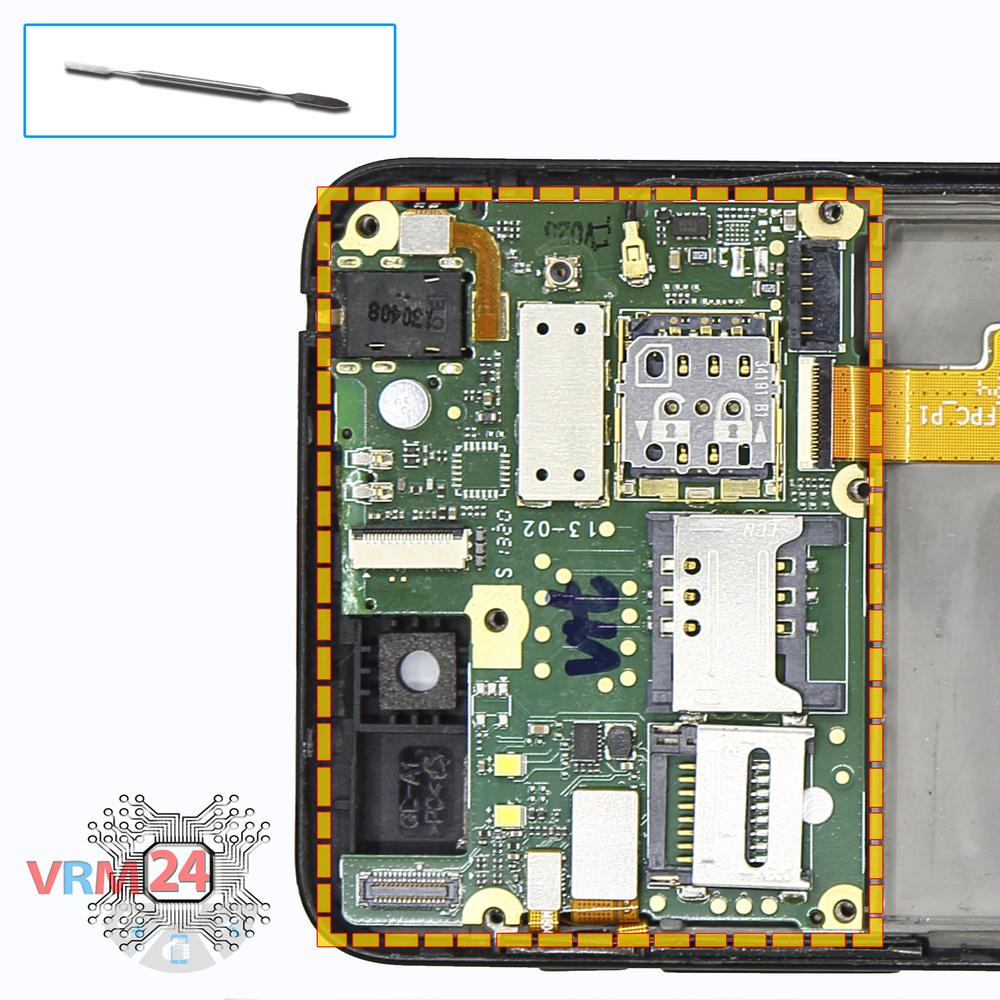
Disconnect the connectors
Disconnect connectors on the PCB.
Step 8.
Remove the motherboard
Remove the PCB.
Step 9.
Remove the coaxial cable
Disconnect the connector of the coaxial cable on the lower PCB and remove it.
Step 10.
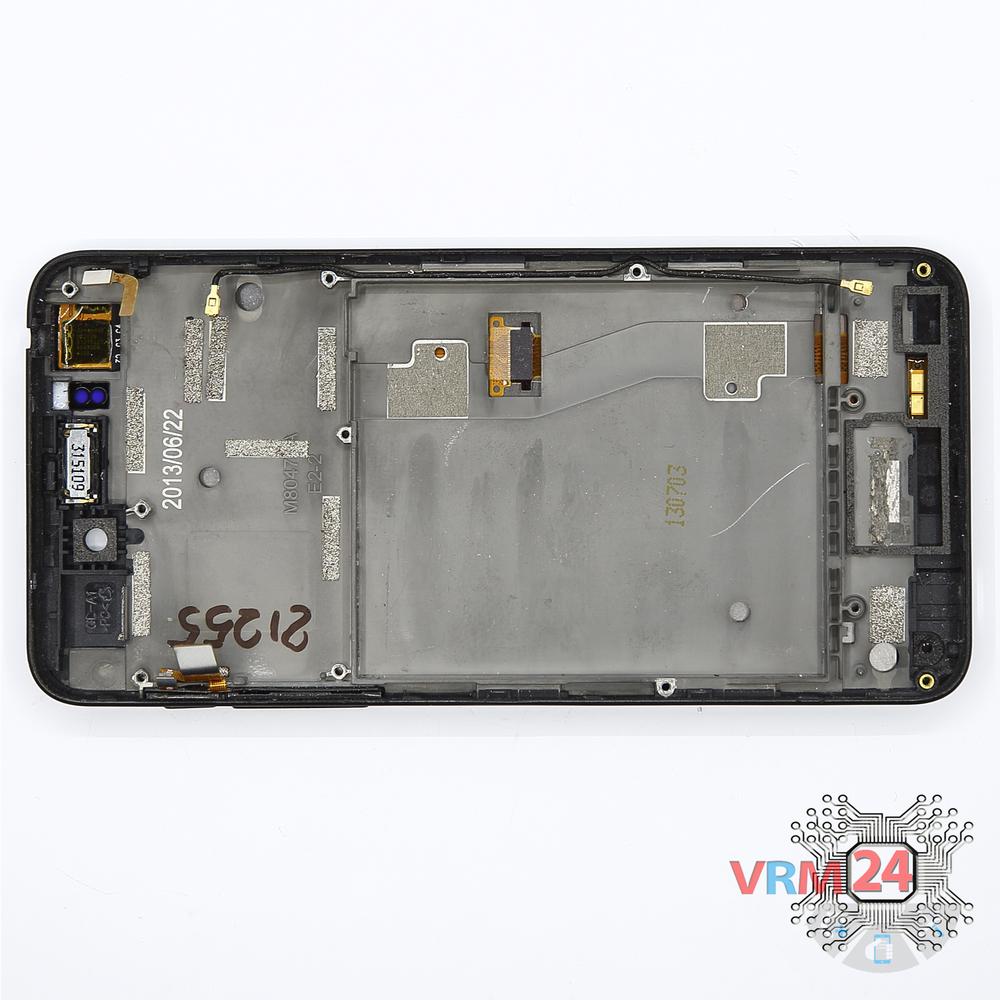
In the display frame remained
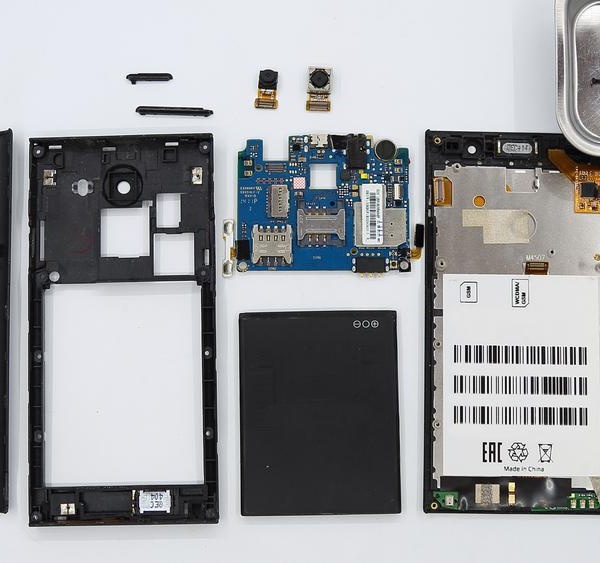
Parts in the frame of the display module.

If you have a question, ask us, and we will try to answer in as much detail as possible. If this article was helpful for you, please rate it.

4243
Views
2
Likes
—
Share
8
Questions
Related Instructions
Related Reviews
Related Blog
Popular Questions
H
Alcatel OT POP 7 P310X
I know this is old,but I was wondering where you'd fix the inverted color problem with this. I have tried so many videos and such and nothings helped…
hopeless1
S
Lenovo Tab 2 A10-70
What would we do without the Russians? 👌
sykoteddy14
S
Asus ZenFone 3 Max ZC520TL
Good morning, I would like to know which is the sensor to know if the device has been wet
Sebastian Rico4
Y
Samsung Galaxy A5 (2016) SM-A510
Has it wireless charger?
Yuri Marchiani4
Apple iPhone SE (2nd generation)
Please I want to unlock my phone
kyeremehTop instructions
Check our
Top Highscreen instructions most liked by readers
New instructions
Check our
New Highscreen brand instructions on vrm24.com