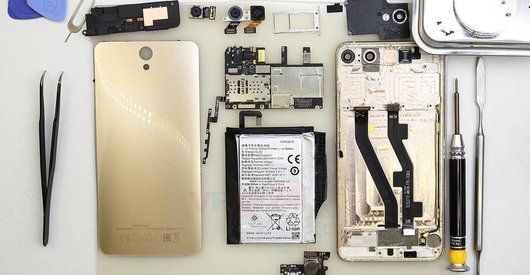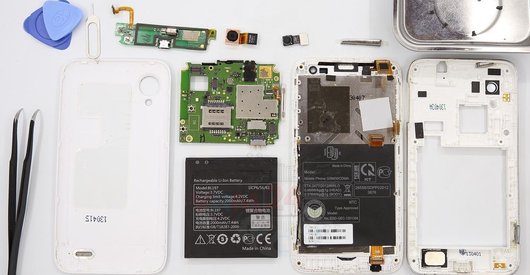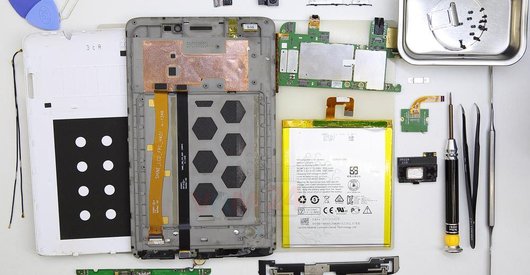







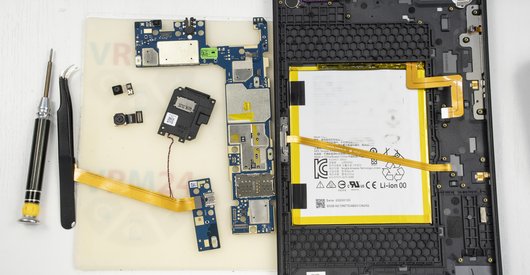
Recommended tools
Screwdriver Phillips #000

Opening tool / Spudger

Tweezers

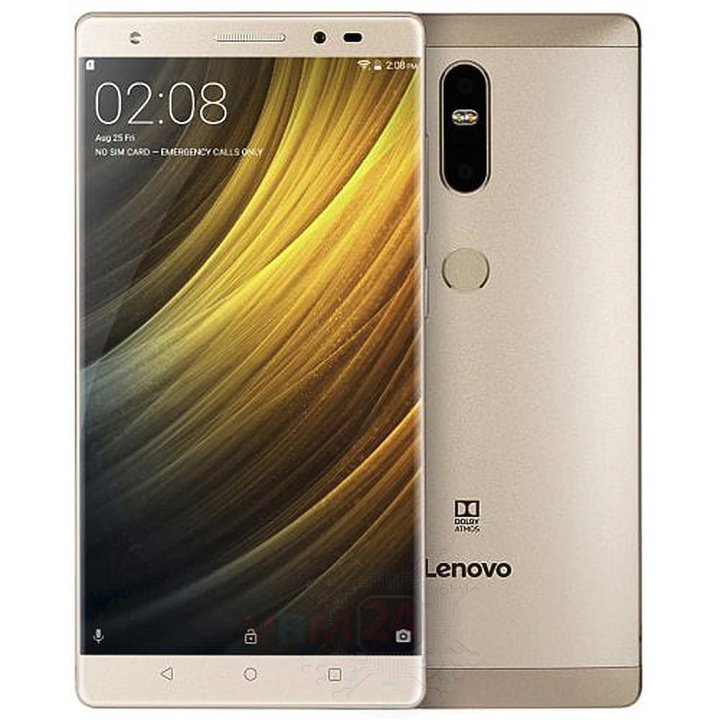
Disassembly/Repair of the mobile device Lenovo Phab2 (Lenovo Phab2 PB2-660M) with each step description and the required set of tools.
5930
Views
1
Likes
—
Share
3
Questions

Step 1.
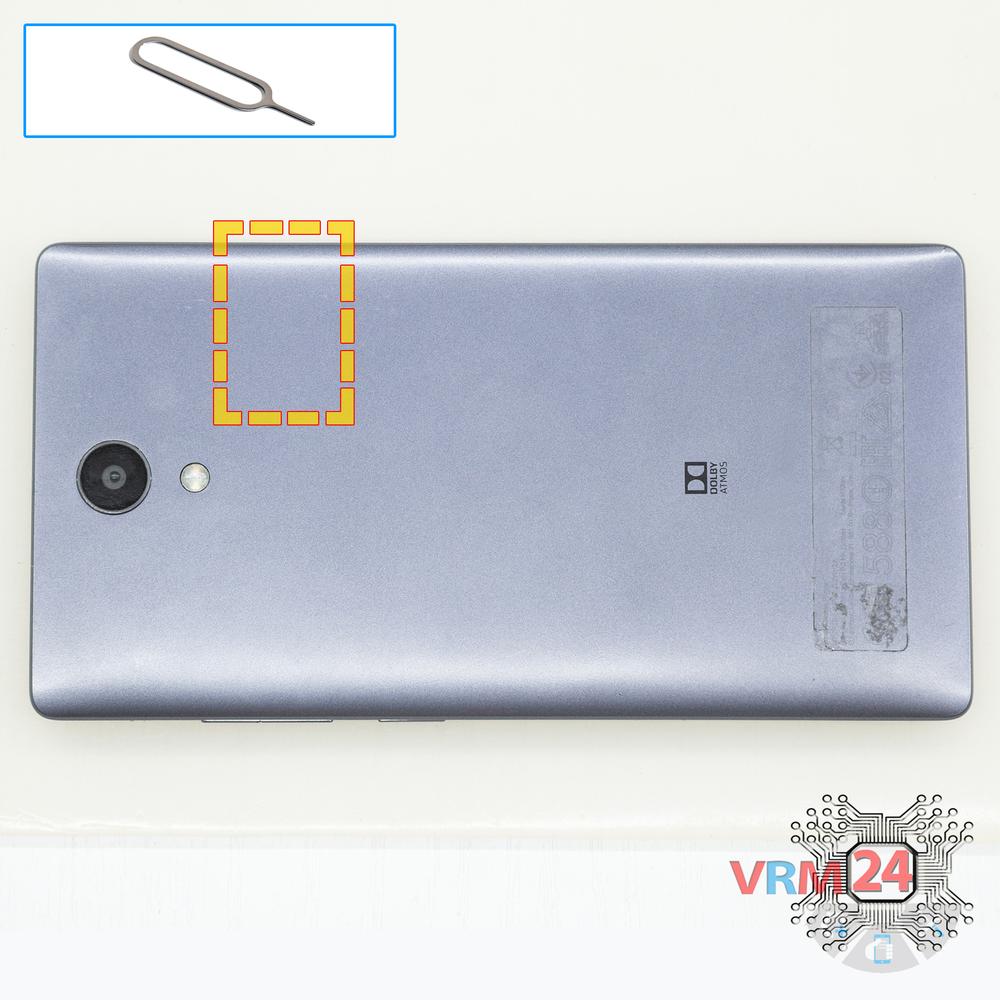
Remove the tray
Using the key tool, open the SIM and MMC cards tray and remove it.
⚠ Warning!
Do not push too hard this may cause damage.
Step 2.
Open the back cover
Open the back cover.
Step 3.
Disconnect the battery connector
Using a screwdriver (Phillips 1.5 mm PH000), unscrew 2 bolts and remove the bracket holds the connectors.
Disconnect the battery connector.
⚠ Warning!
We strongly recommend disconnecting the connector to avoid a possible short circuit during disassembly.
Step 4.
Remove the bracket
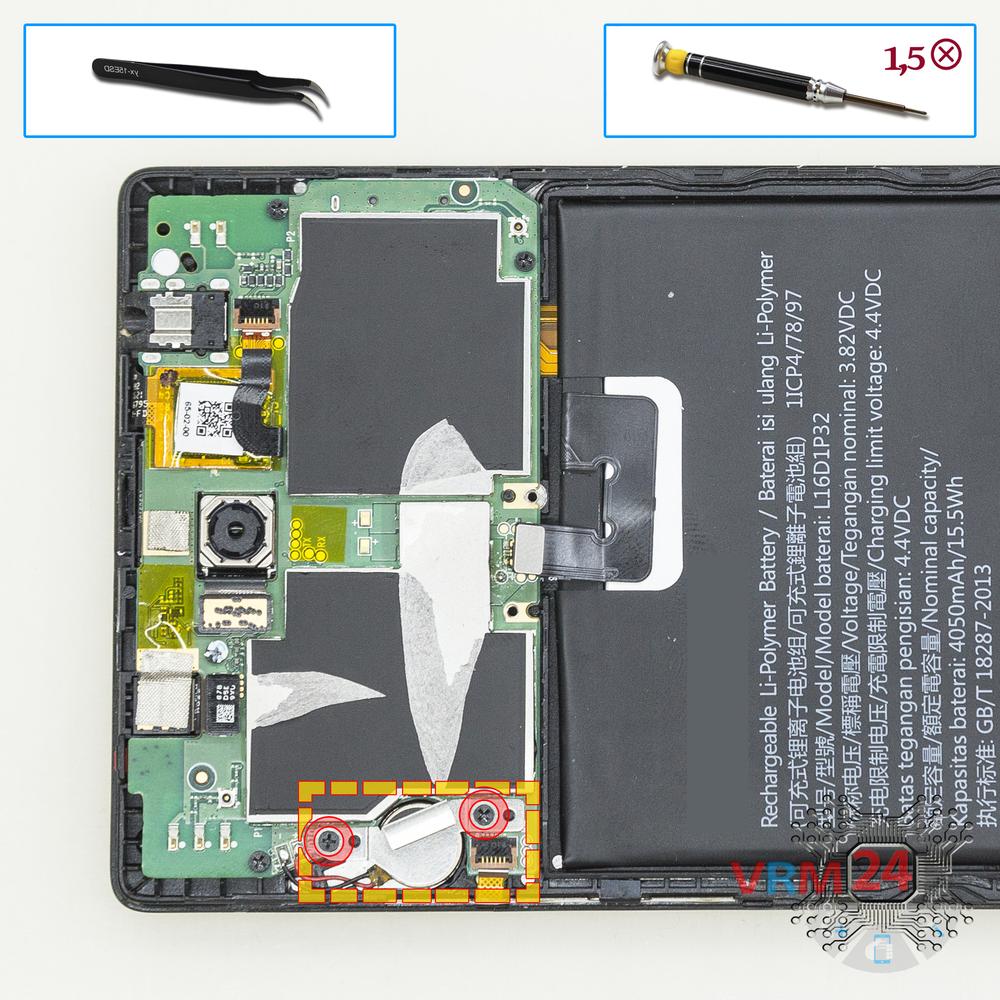
Using a screwdriver (Phillips 1.5 mm PH000), unscrew 2 bolts and remove the bracket holds the vibration motor.
Step 5.
Unscrew the screws
Using a screwdriver (Phillips 1.5 mm PH000), unscrew 3 bolts in the lower part.
Step 6.
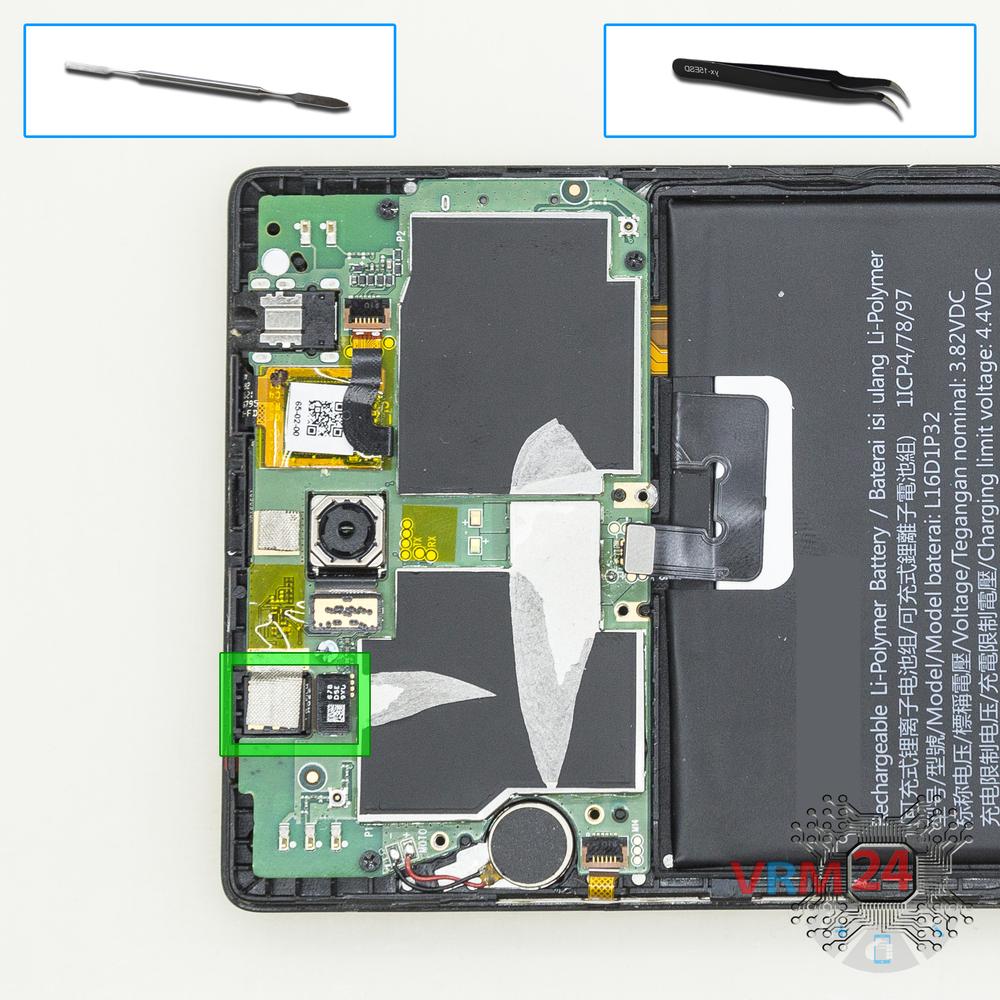
Remove the loudspeaker
Pry and remove the buzzer (speaker) assembly.
Step 7.
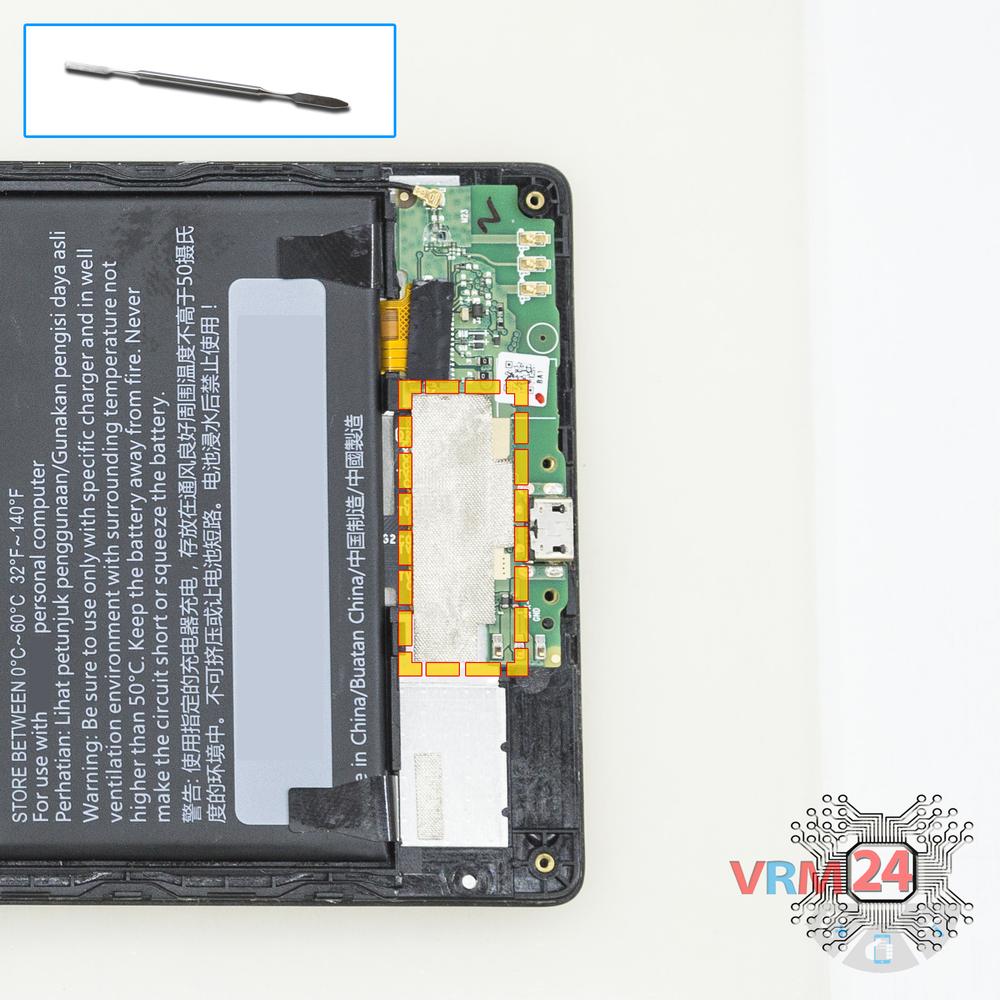
Remove the protective film
Peel back the protective layer.
Step 8.
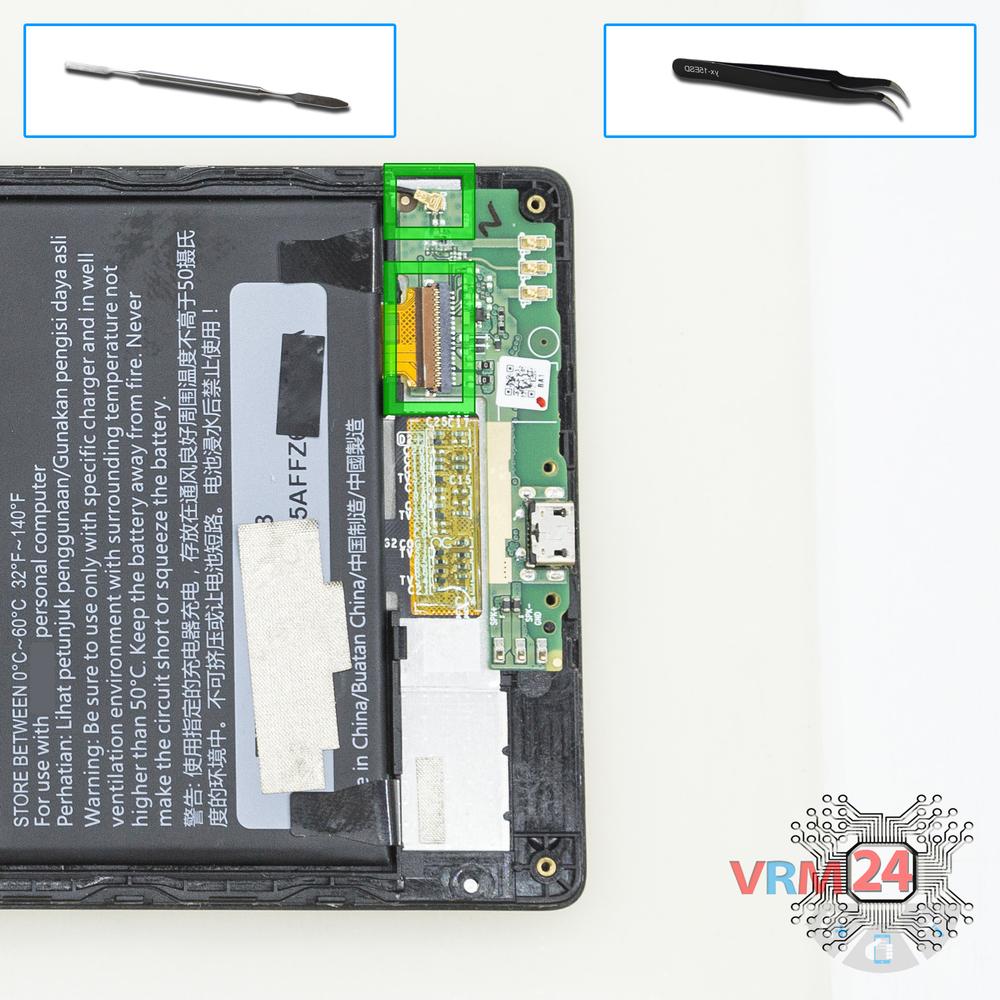
Disconnect the connectors
Disconnect connectors on the PCB.
Step 9.
Remove the motherboard
Remove the PCB.
Step 10.
Remove the front camera
Disconnect connector on the PCB and remove the front (selfie) camera.
Step 11.
Remove the rear camera
Disconnect connector on the PCB and remove the main camera.
Step 12.
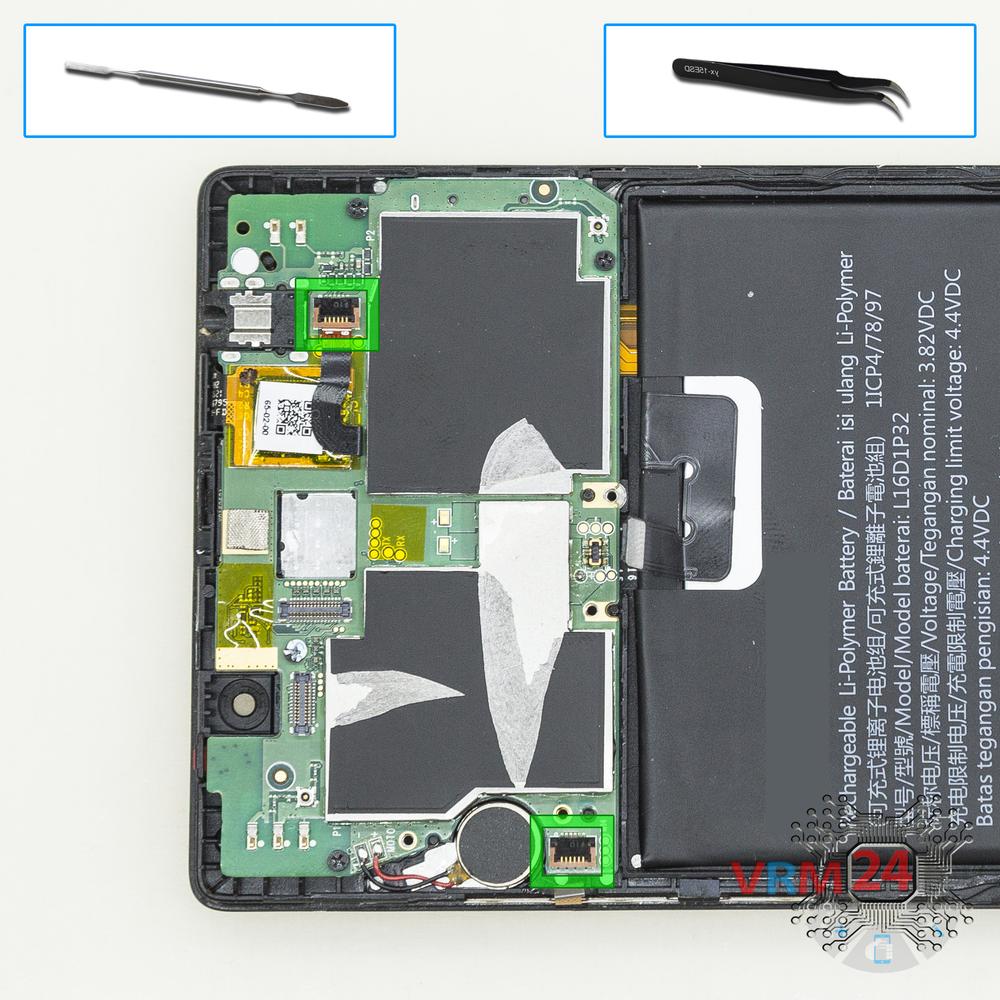
Disconnect the connectors
Disconnect connectors on the PCB.
Step 13.
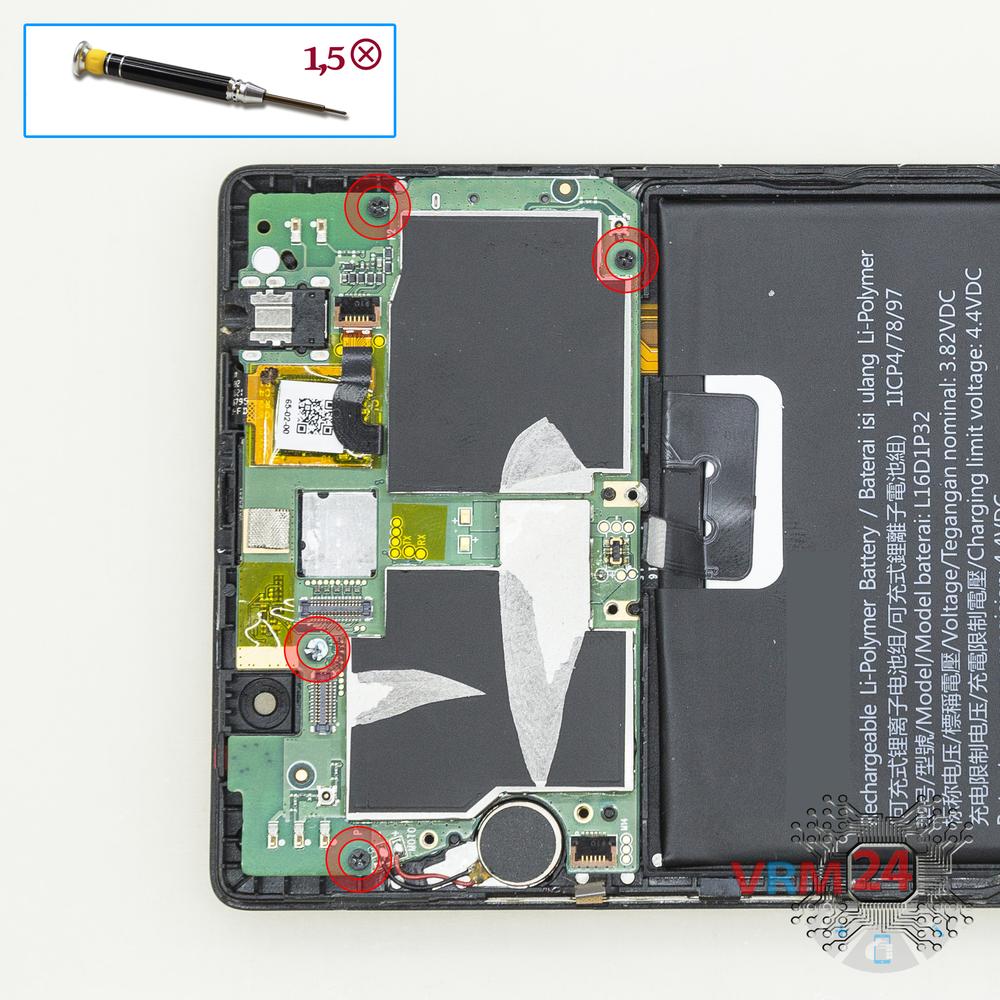
Unscrew the screws
Using a screwdriver (Phillips 1.5 mm PH000), unscrew 4 bolts in the PCB.
Step 14.
Remove the motherboard
Remove the PCB.
Step 15.
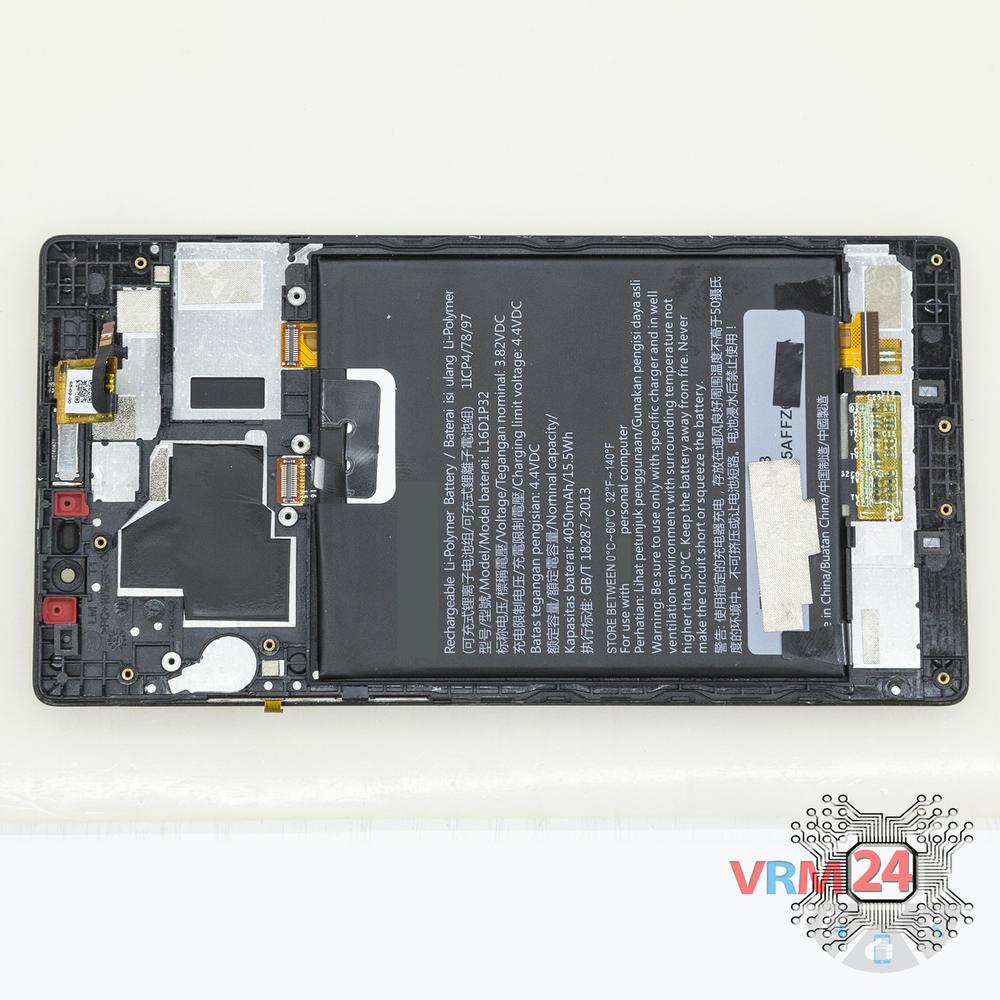
In the display frame remained
Parts are in the frame of the display module.

If you have a question, ask us, and we will try to answer in as much detail as possible. If this article was helpful for you, please rate it.

5930
Views
1
Likes
—
Share
3
Questions
Related Instructions
Related Reviews

Related Blog
Popular Questions
D
Lenovo Vibe P1m
Do you know where can I get the motherboard for vibe P1M?
Demonlogist18
N
Lenovo S60
Hi sorry i dont have Russian keyboard, i need to replace ear speaker on my S60, but i cant find which one to buy. Could you provide me with model num…
Nikola Zivkovic18
E
Lenovo Vibe P1m
Is the usb flexible connector pcb detachable? Because there are sellers selling it, I want to buy but I don't know how to assemble it. If that is abl…
edoasetyawan16
Lenovo Yoga Tablet 3 Pro
Lenovo Yoga tab 3 YT3-X90L I replaced the yellow battery, but the problem remains: it charges up to 70% and no more. Is there also the other batte…
acs
Y
Lenovo Vibe P1m
My 2 speakers are producing very low sound, so how much will it cost me at local repairing shops for 2 speakers?
YeS' g1Top instructions
Check our
Top Lenovo instructions most liked by readers
New instructions
Check our
New Lenovo brand instructions on vrm24.com