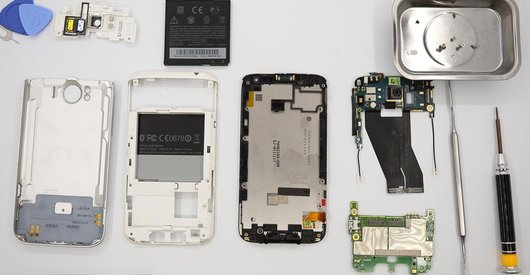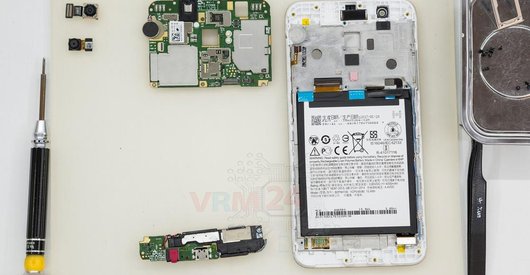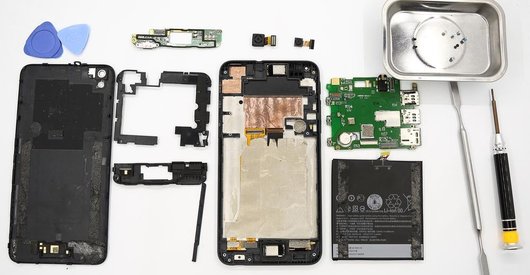

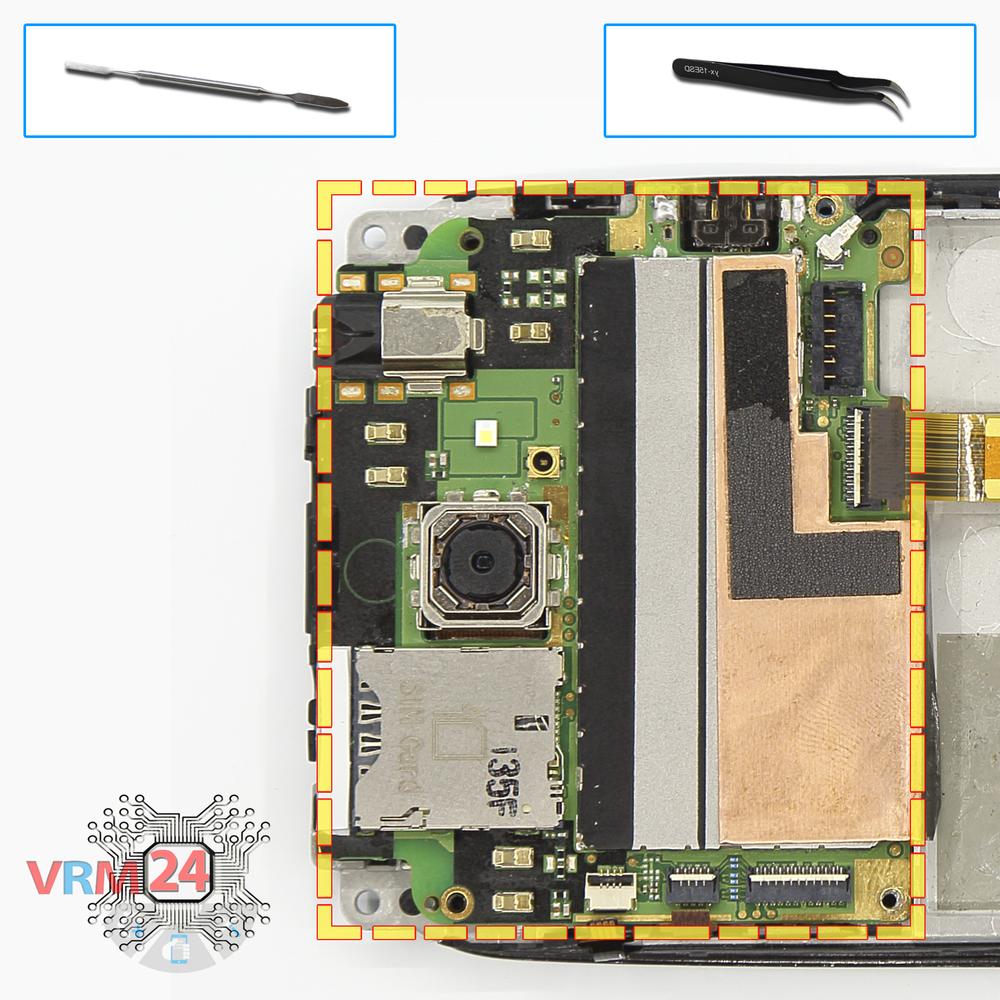

Recommended tools
Screwdriver Torx T5

Screwdriver Phillips #000

Opening tool / Spudger

Tweezers

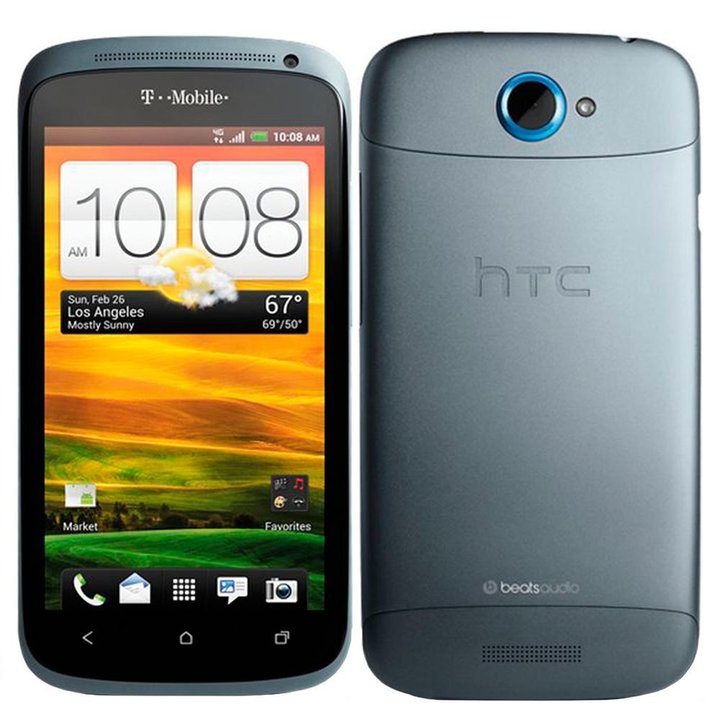
Disassembly/Repair of the mobile device HTC One S (HTC One S PJ40100 z520e; z560e) with each step description and the required set of tools.
7421
Views
0
Likes
—
Share
13
Questions

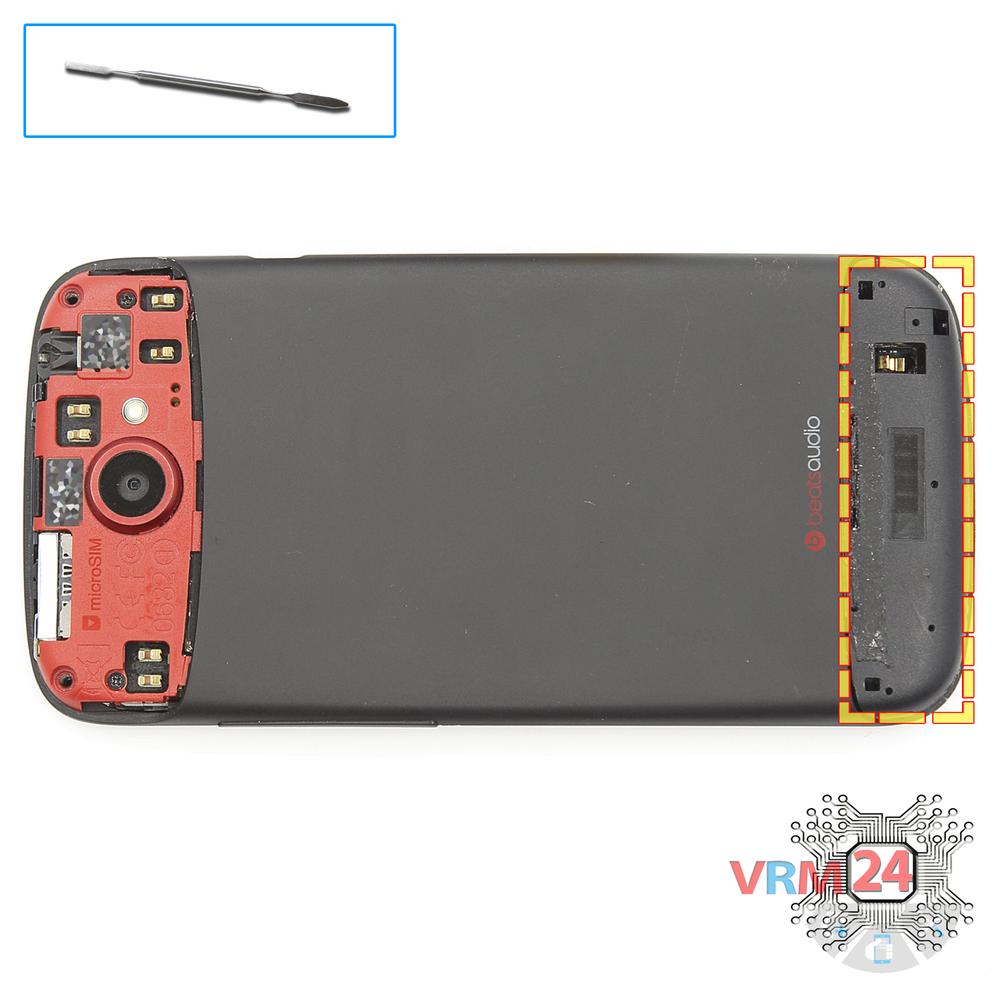
Step 1.
Unscrew the screws
Open the upper back cover and using a screwdriver (hex T5), unscrew the 2 bolts.
Step 2.
Remove the loudspeaker
Pry and remove the buzzer (speaker) assembly.
Step 3.
Remove the frame
Using a screwdriver (Phillips 1.5 mm PH000), unscrew 2 bolts and remove the frame.
Step 4.
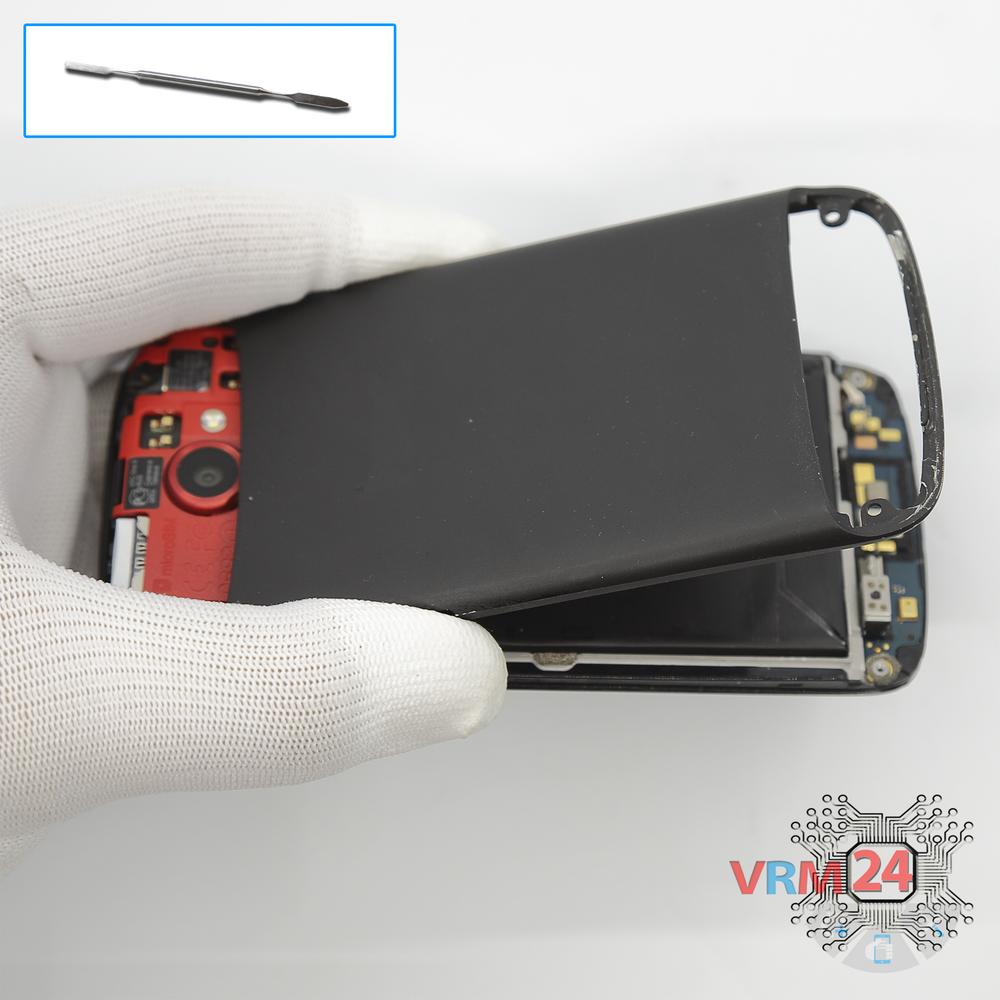
Open the back cover
Open the back cover.
Step 5.
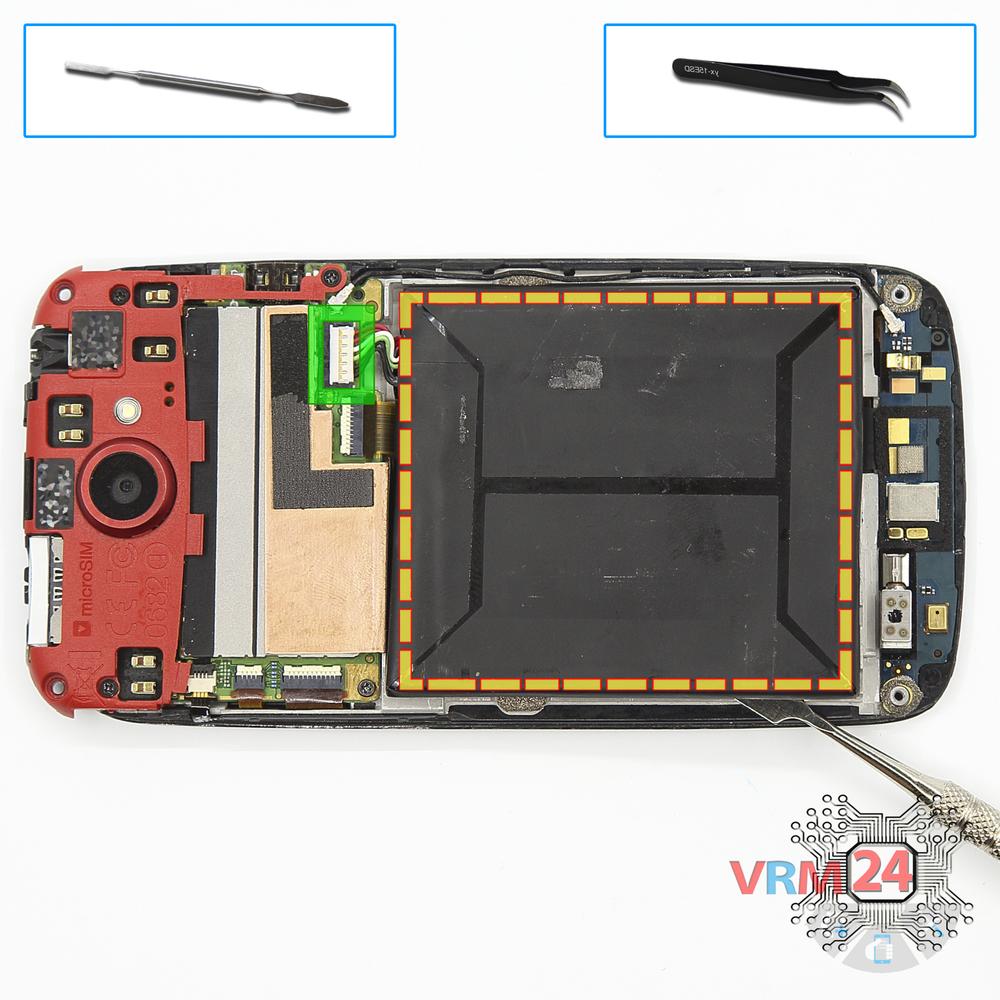
Remove the battery
Disconnect connector on the PCB and remove the battery.
Step 6.
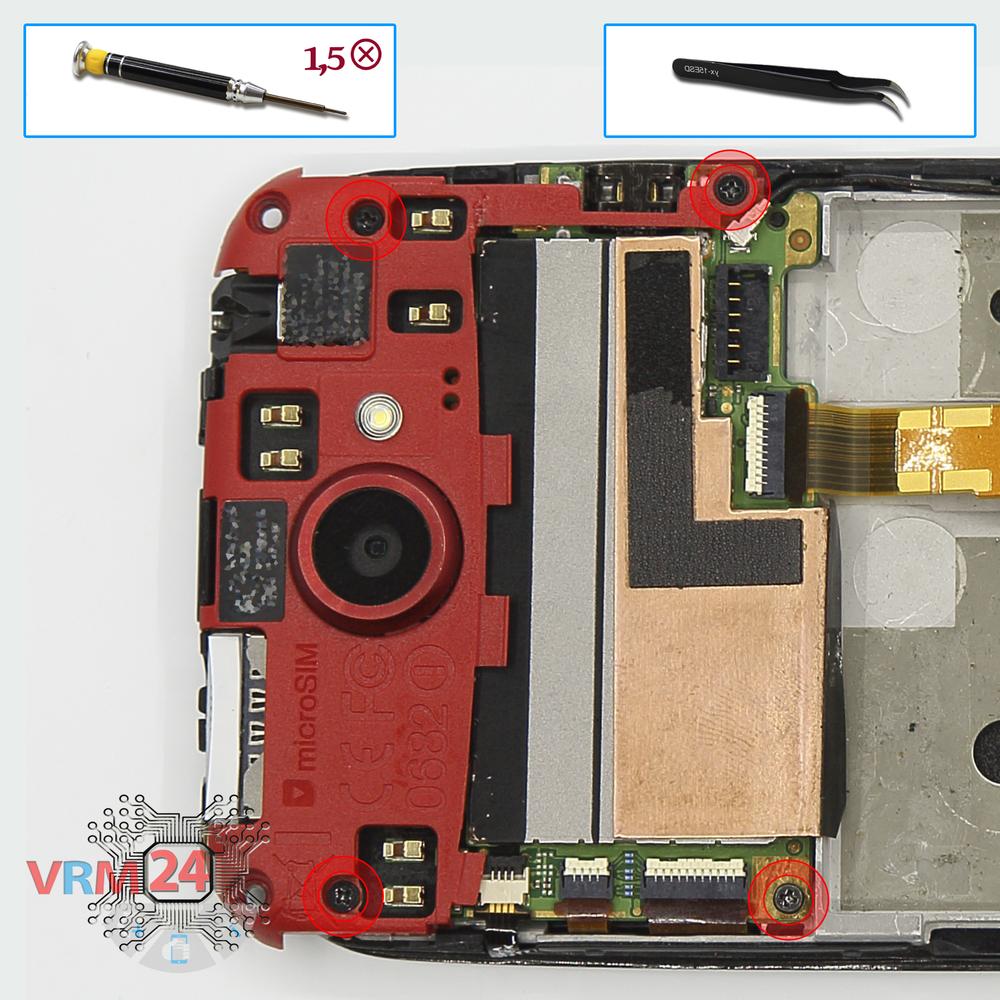
Open the cover
Using a screwdriver (Phillips 1.5 mm PH000), unscrew 4 bolts and remove the cover.
Step 7.
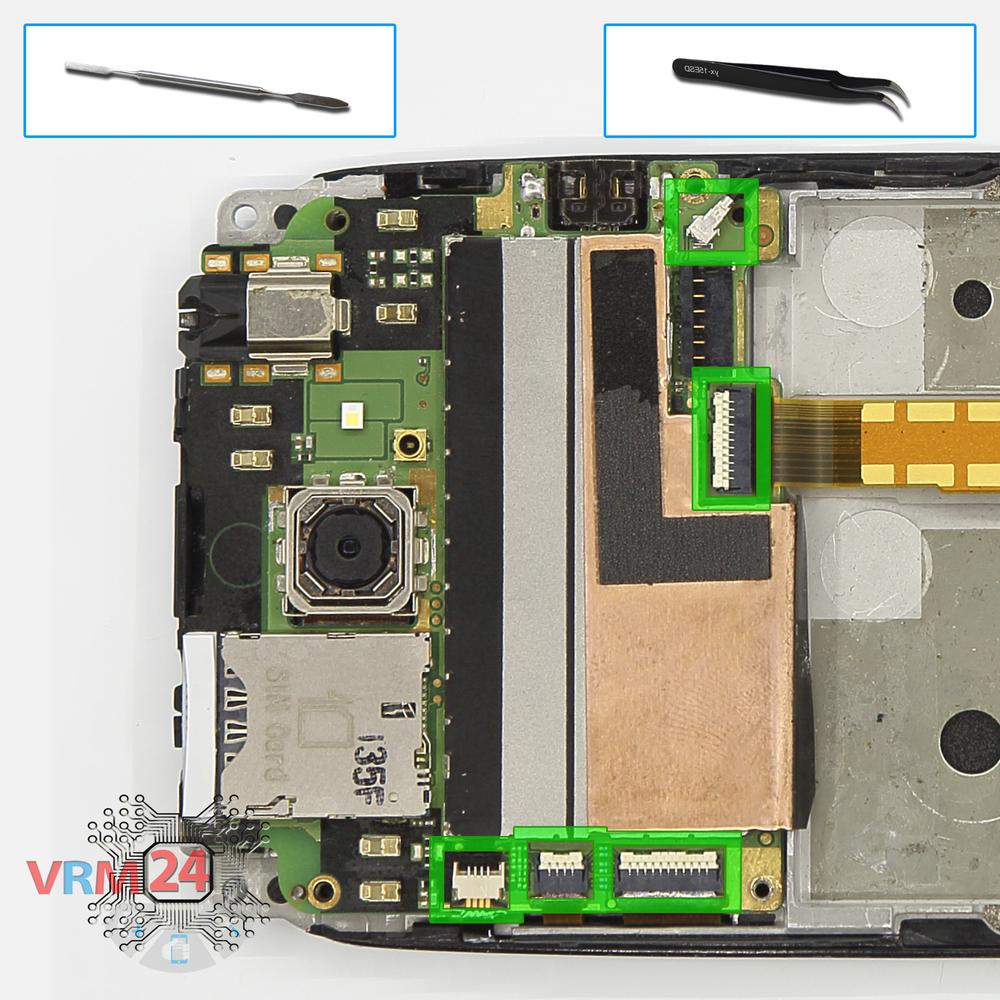
Disconnect the connectors
Disconnect connectors on the PCB.
Step 8.
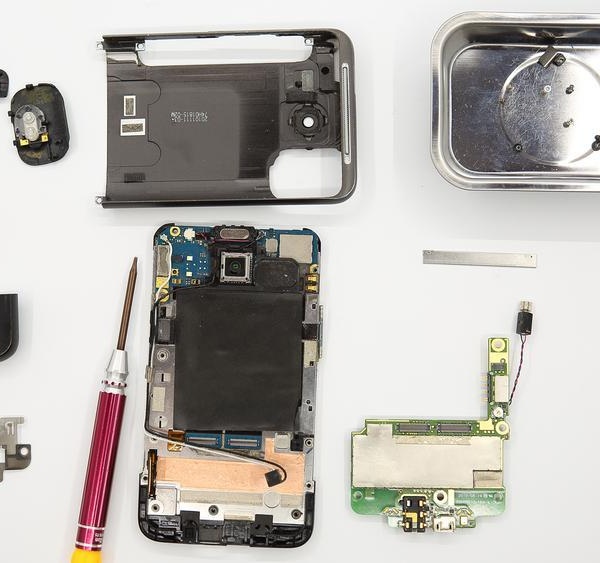
Remove the motherboard
Remove the PCB.
Step 9.
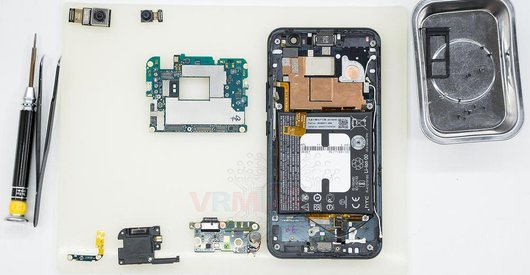
In the display frame remained
Parts in the frame of the display module.

If you have a question, ask us, and we will try to answer in as much detail as possible. If this article was helpful for you, please rate it.

7421
Views
0
Likes
—
Share
13
Questions
Related Instructions
Related Reviews
Related Blog
Popular Questions
S
HTC Desire 626
i have the same model of HTC the black part which is connected to the battery damaged it won't be repair . please tell me any solution
sanaa14
HTC U11 Plus
Hi, got this as a 2nd hand but it is in great condition and was working from a factory reset when I got it. Made some minor display changes, font and…
ant
P
HTC One M9
HELLO You can tell me where to find the wiring diagram of the HTC One M9 (OPJA100)?
Phonas Service Conte4
A
HTC One E8
?whats the name of e8 Vibration Motor and can i also use the M8 vibration motor for a one e8 ?
arman dadkhodaei12
L
HTC Desire 628
Brother, what is the reason the HTC 628 mobile keeps shutting down? Now it has shut down completely and the mobile won't turn on anymore, brother.
l l8Top instructions
Check our
Top HTC instructions most liked by readers
New instructions
Check our
New HTC brand instructions on vrm24.com