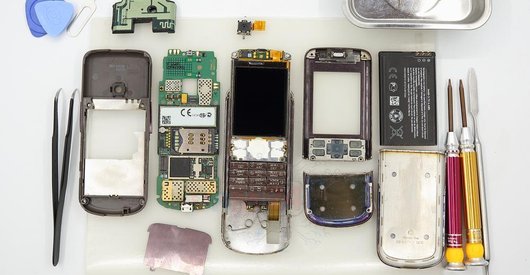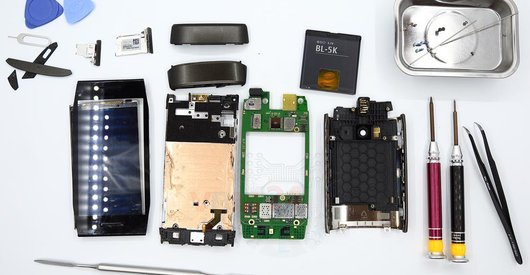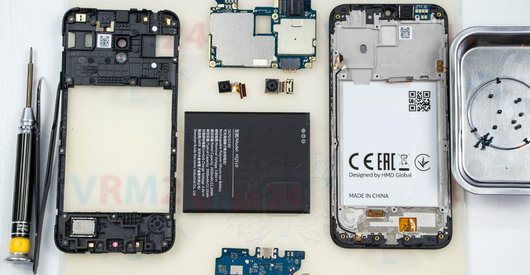



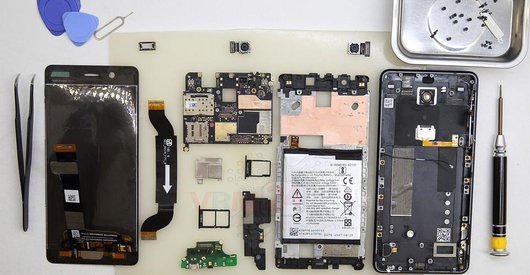
Recommended tools
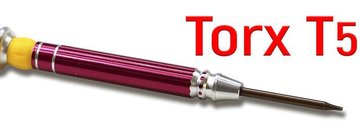
Screwdriver Torx T5
Opening tool / Spudger

Tweezers

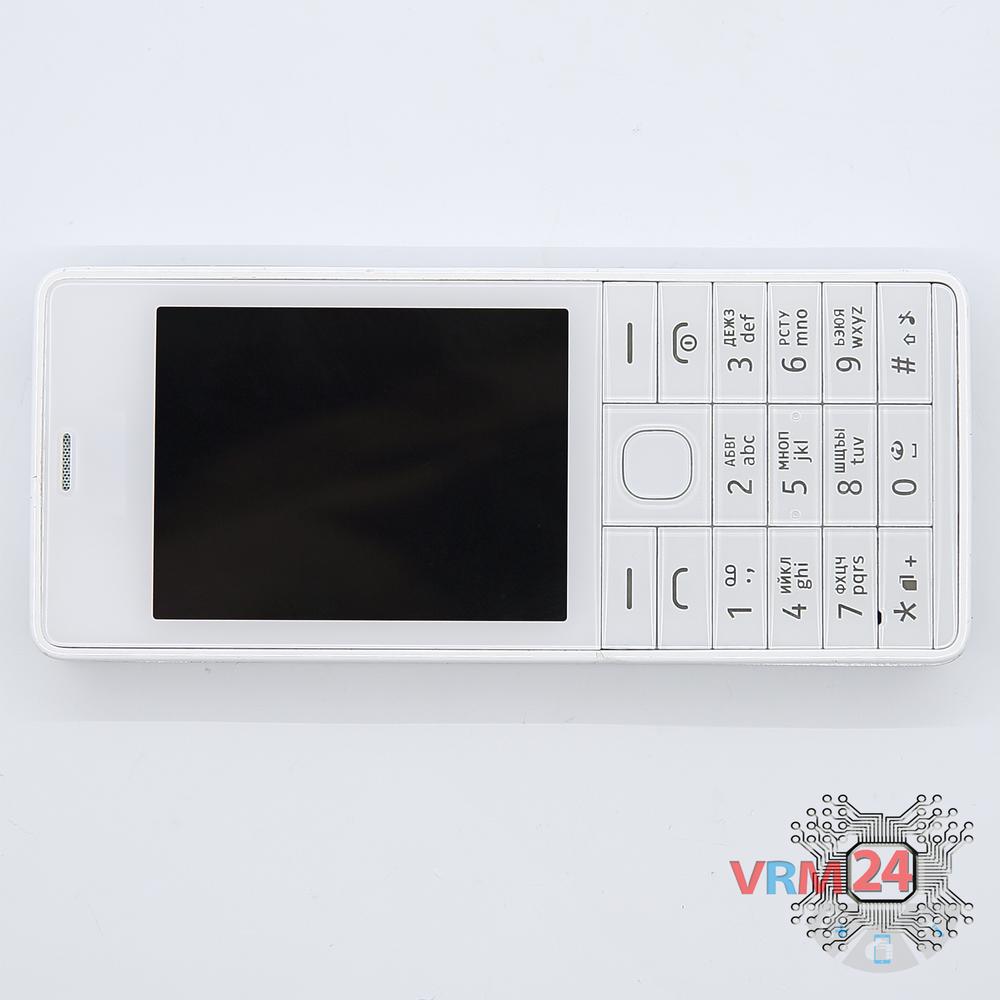
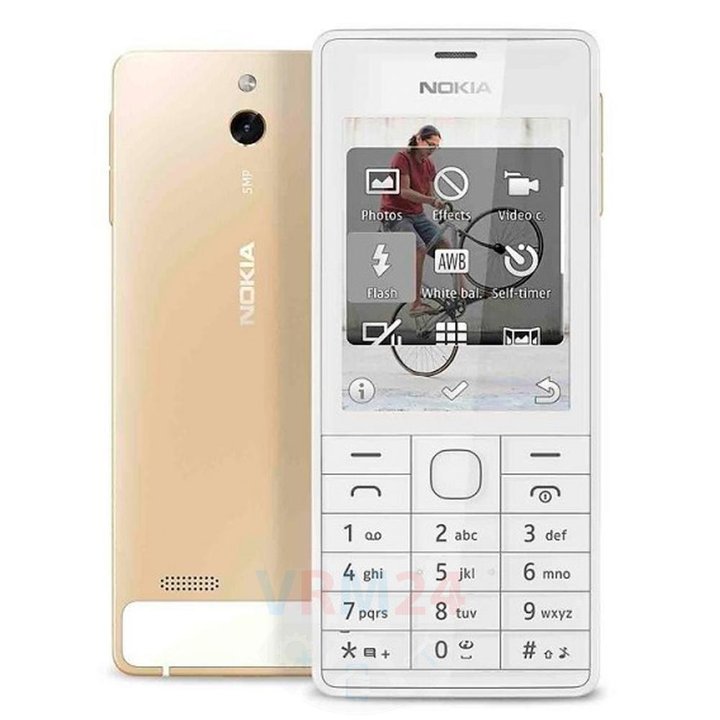
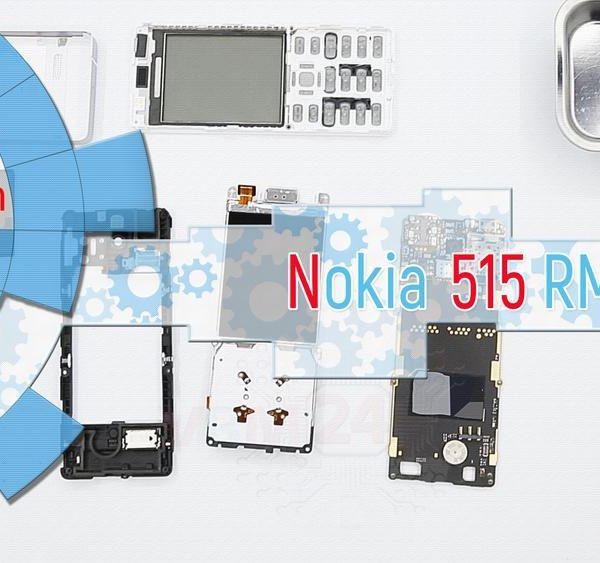
Disassembly/Repair of the mobile device Nokia 515 RM-953 (Nokia 515 RM-952) with each step description and the required set of tools.
8149
Views
2
Likes
—
Share
19
Questions

Step 1.
Remove the battery
Open the back cover and remove the battery.
Step 2.
Unscrew the screws
Using a screwdriver (hex T5), unscrew 2 bolts securing the front frame.
Step 3.
Open the cover
Separate the housing\cover from the front frame.
Step 4.
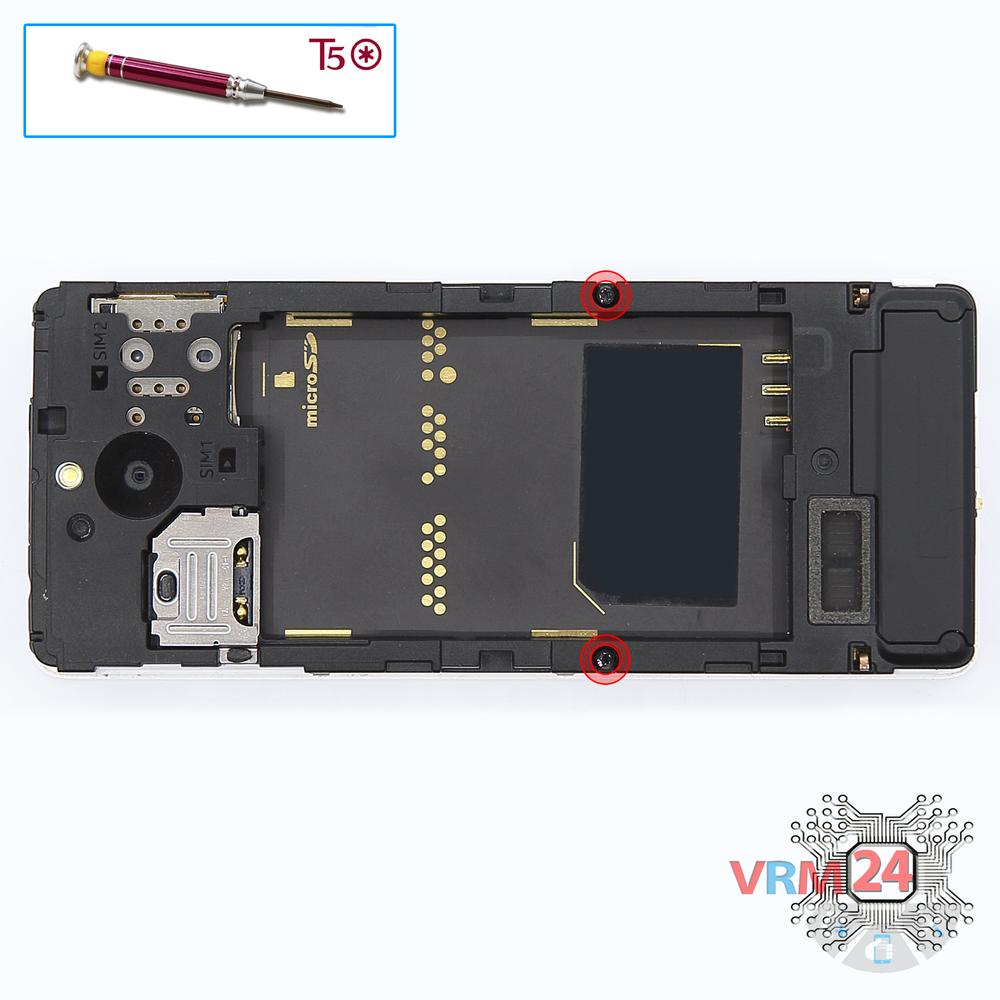
Unscrew the screws
Using a screwdriver (hex T5), unscrew 4 bolts.
Step 5.
Open the mid-frame
Pry and remove the middle frame.
Step 6.
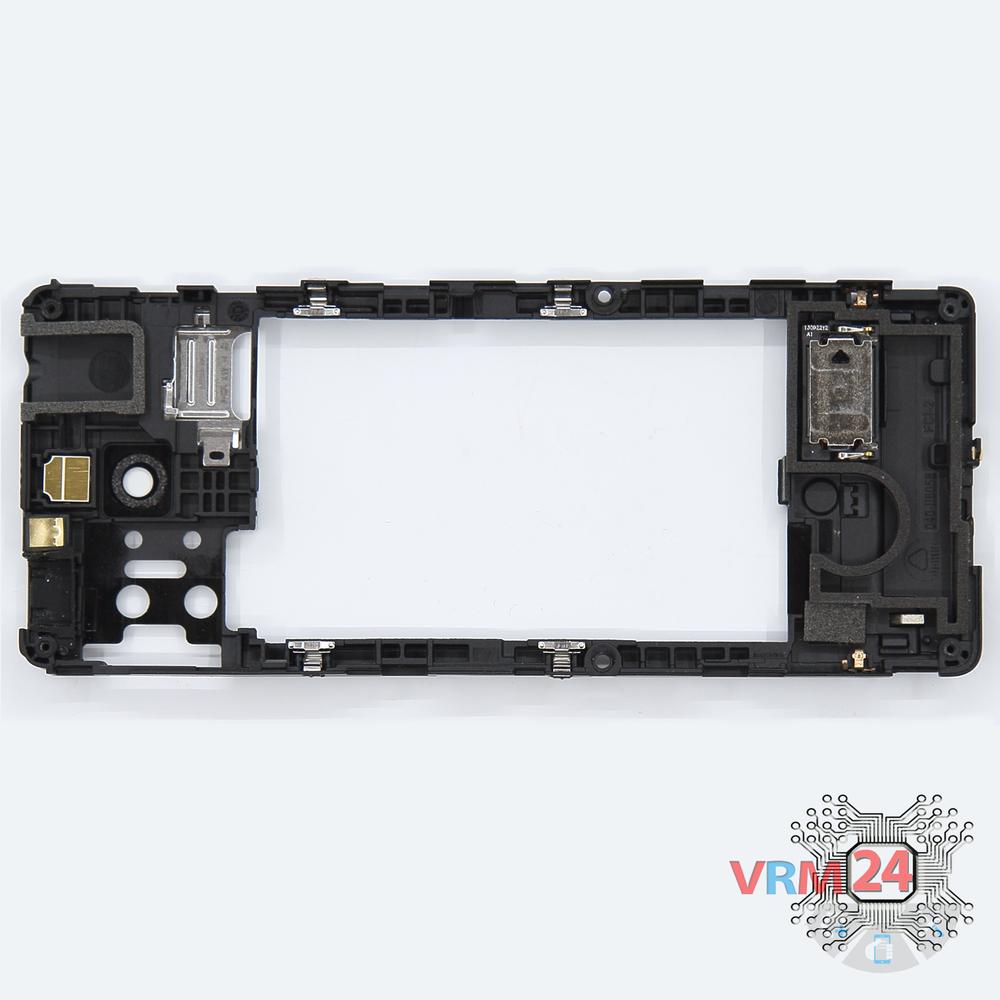
In the middle cover
The middle frame.
Step 7.
Remove the frame
Separate the frame with display from the PCB.
Step 8.
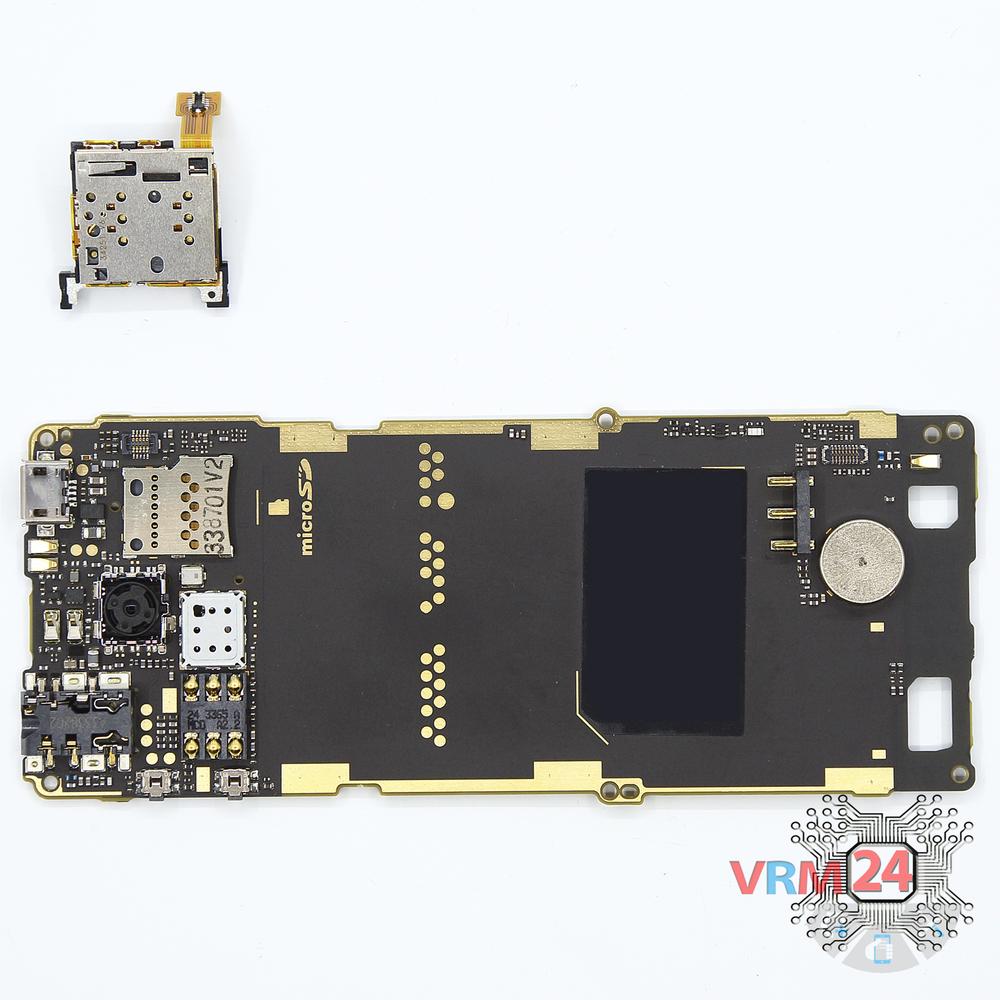
Remove the card holder
Remove tha Sim holder.

If you have a question, ask us, and we will try to answer in as much detail as possible. If this article was helpful for you, please rate it.

8149
Views
2
Likes
—
Share
19
Questions
Related Instructions
Related Reviews

Related Blog

Popular Questions
S
Nokia 5 (2017) TA-1053
PLS SHOW US THE THE TEMPERATURE USED TO DISSASSEMBLE COMBO
Sultan Ali Khan20
E
Nokia 6 (2017) TA-1021
at open the phone there is remove the battery from connector that connect at phone of simply form or is complicated? i wait the answer thanks so much.
ElLeojTests3
V
Nokia Lumia 630 RM-978
If we can open it is it possible to exchange the ram?
Vigneshwar5
Nokia 7.1 TA-1095
Hi sir, Do you happen to know how is the ear speaker on a Nokia 7.1 TA 1095 connected? i see this rectancle component but there are no cables and …
ronnie
S
Nokia 230 RM-1172
Super cool
Suhail Friend12Top instructions
Check our
Top Nokia instructions most liked by readers
New instructions
Check our
New Nokia brand instructions on vrm24.com